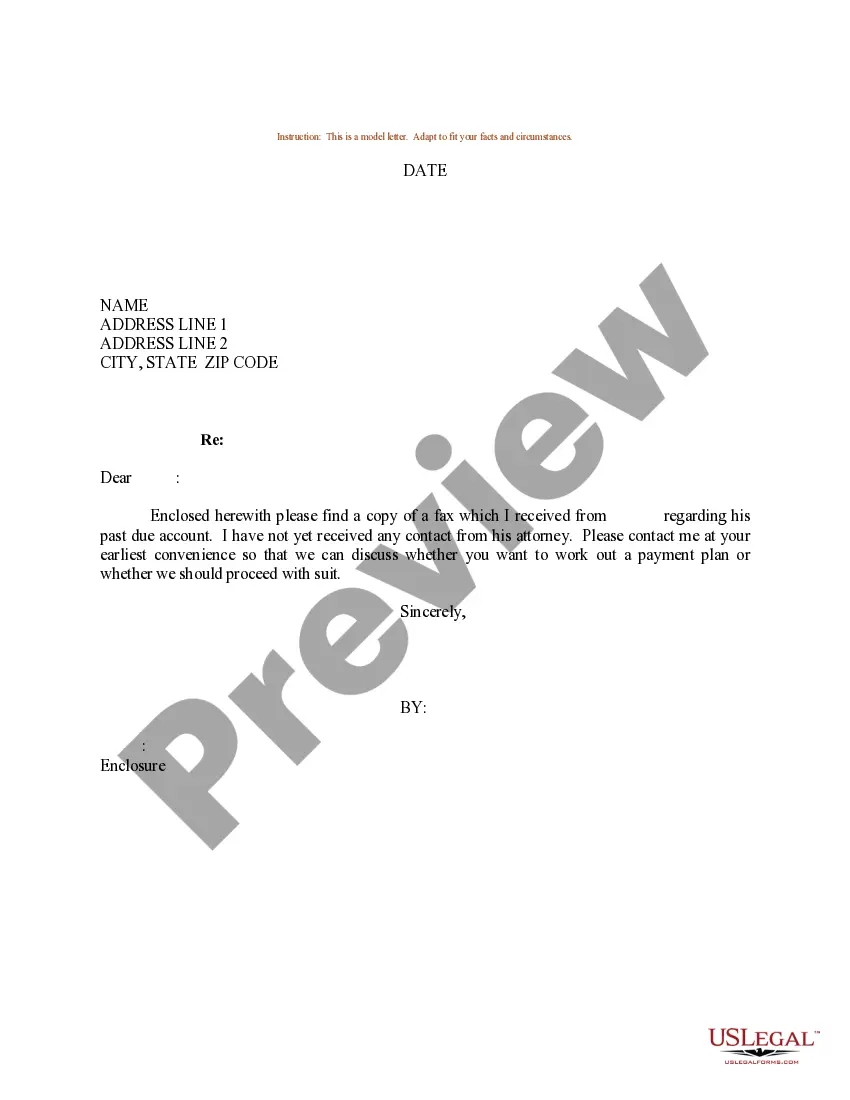
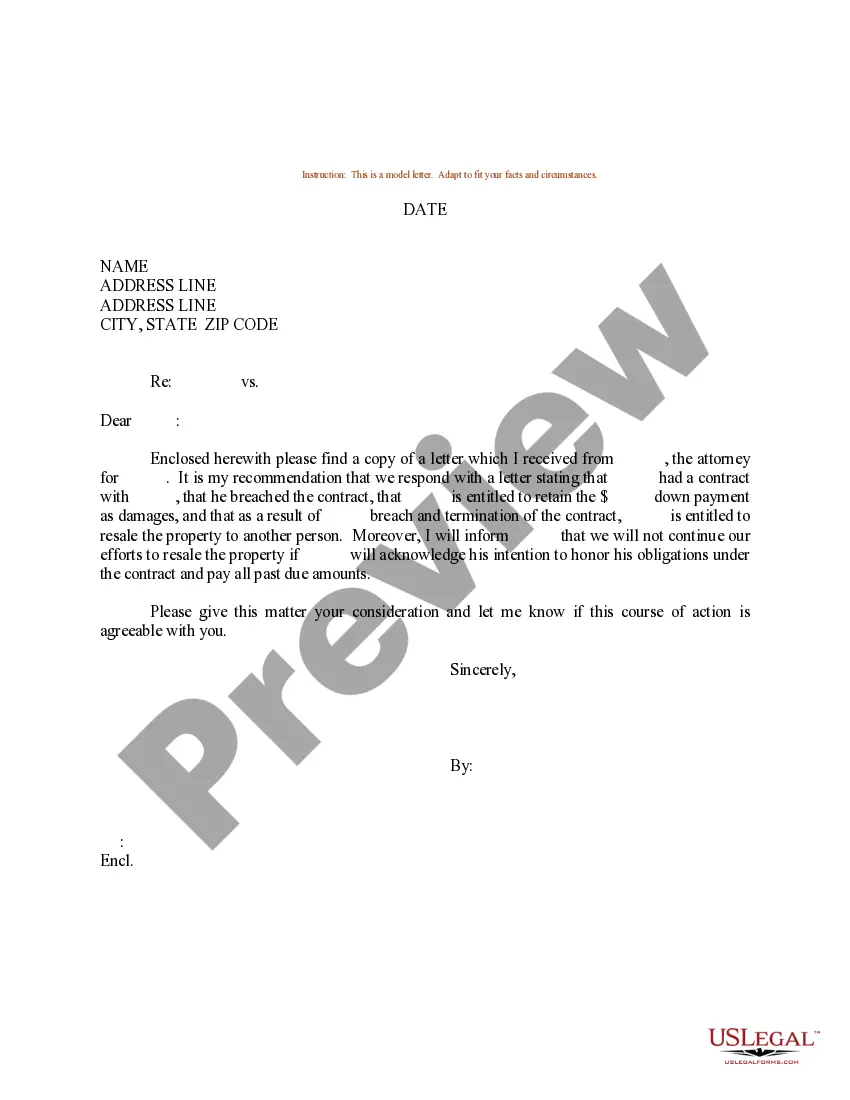
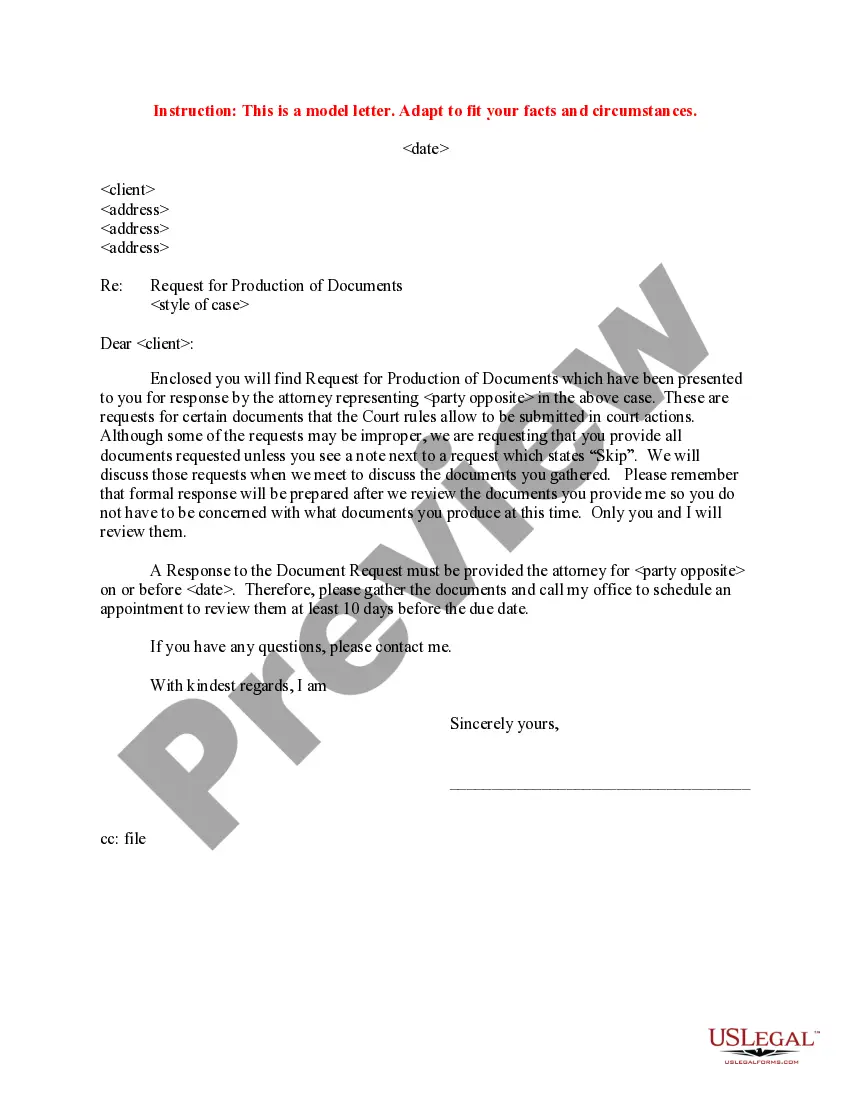
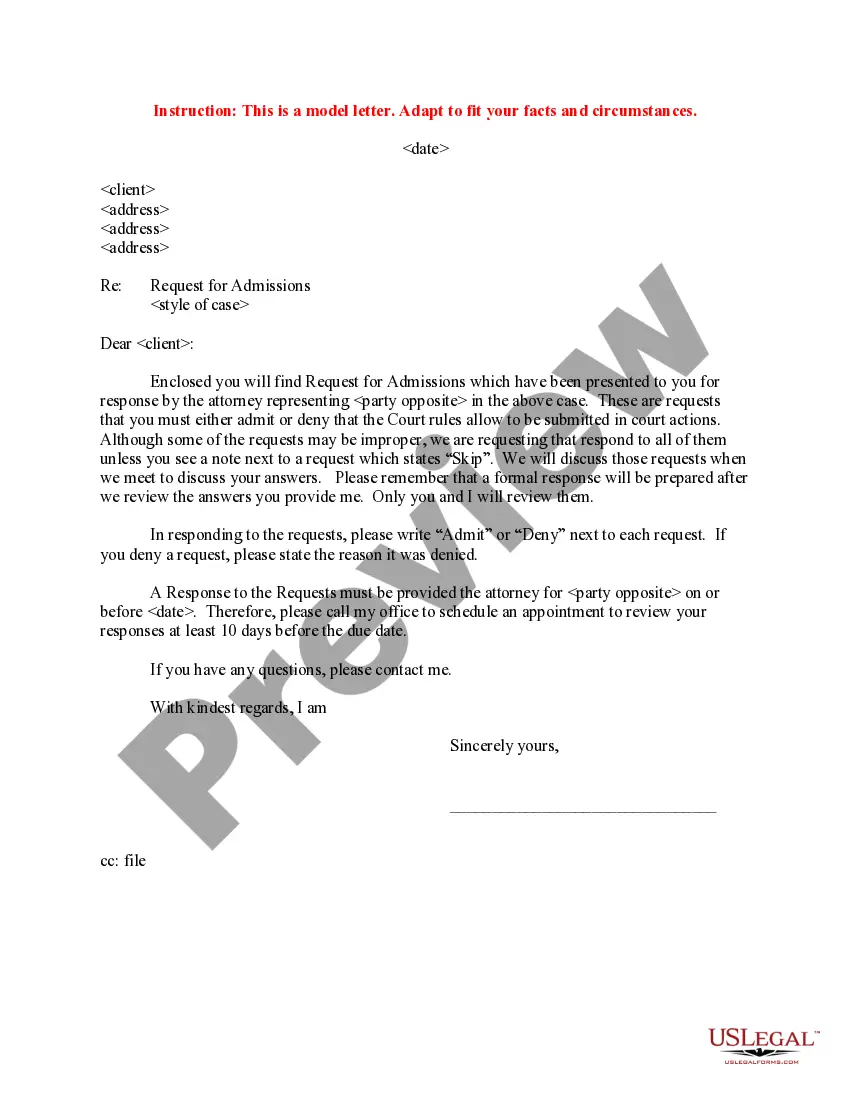
Sample Request Form For 137
Description
Get your form ready online
Our built-in tools help you complete, sign, share, and store your documents in one place.
Make edits, fill in missing information, and update formatting in US Legal Forms—just like you would in MS Word.
Download a copy, print it, send it by email, or mail it via USPS—whatever works best for your next step.
Sign and collect signatures with our SignNow integration. Send to multiple recipients, set reminders, and more. Go Premium to unlock E-Sign.
If this form requires notarization, complete it online through a secure video call—no need to meet a notary in person or wait for an appointment.
We protect your documents and personal data by following strict security and privacy standards.

Make edits, fill in missing information, and update formatting in US Legal Forms—just like you would in MS Word.

Download a copy, print it, send it by email, or mail it via USPS—whatever works best for your next step.

Sign and collect signatures with our SignNow integration. Send to multiple recipients, set reminders, and more. Go Premium to unlock E-Sign.

If this form requires notarization, complete it online through a secure video call—no need to meet a notary in person or wait for an appointment.

We protect your documents and personal data by following strict security and privacy standards.
Looking for another form?
How to fill out Sample Letter For Request For Client Contact?
It’s clear that you cannot transform into a legal authority instantly, nor can you swiftly acquire the skills necessary to prepare a Sample Request Form For 137 without a specific expertise.
Compiling legal documents is a lengthy process demanding particular education and abilities. So why not entrust the drafting of the Sample Request Form For 137 to the professionals.
With US Legal Forms, one of the most extensive legal document repositories, you can find everything from judicial papers to templates for internal communications.
Begin your search again if you require any other template.
Establish a free account and select a subscription plan to acquire the template. Click Buy now. Once the payment is processed, you can download the Sample Request Form For 137, fill it out, print it, and send or mail it to the intended recipients or organizations. You can re-access your documents from the My documents tab anytime. If you’re a returning customer, you can simply Log In, locate and download the template from the same section. No matter the aim of your paperwork—be it financial and legal, or personal—our website has you covered. Try US Legal Forms today!
- We recognize how vital compliance and adherence to federal and state statutes and regulations are.
- That’s why, on our site, all templates are region-specific and current.
- Here’s how to get started on our website and obtain the form you require in just a few minutes.
- Locate the document you need by utilizing the search bar at the top of the page.
- Preview it (if this feature is available) and review the accompanying description to determine if the Sample Request Form For 137 meets your needs.
Form popularity
FAQ
Jotform's Form Builder records changes made on your form. You can review the changes and undo them when necessary in the Revision History viewer. In the Form Builder, at the top, select the save status indicator under the form title.
How to restore a form to its previous version? In Form Builder, select the save status text at the top just below the form name to open Revision History. ... In the Revision History pane on the right, choose a revision to review. Click on the revision's Revert button to restore it.
Open My Forms. Select Trash on the left. Hover on the deleted form and click Restore.
Thanks for reaching out to Jotform Support. You can undo your last action by using the ctrl+z button on your keyboard.
In Form Builder, select the save status text at the top just below the form name to open Revision History. The text would either say ?Last edited? or ?All changes saved.? In the Revision History pane on the right, choose a revision to review. Click on the revision's Revert button to restore it.