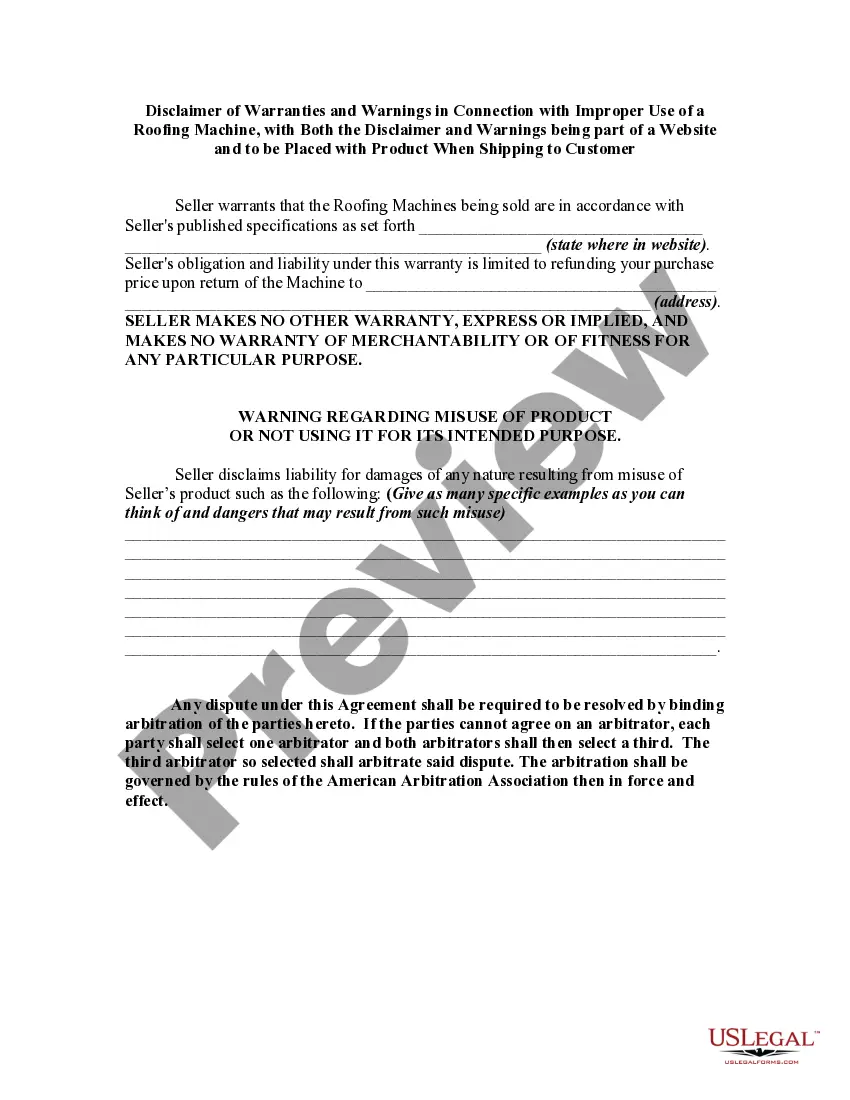
Rights Reserved Disclaimer Without Permission
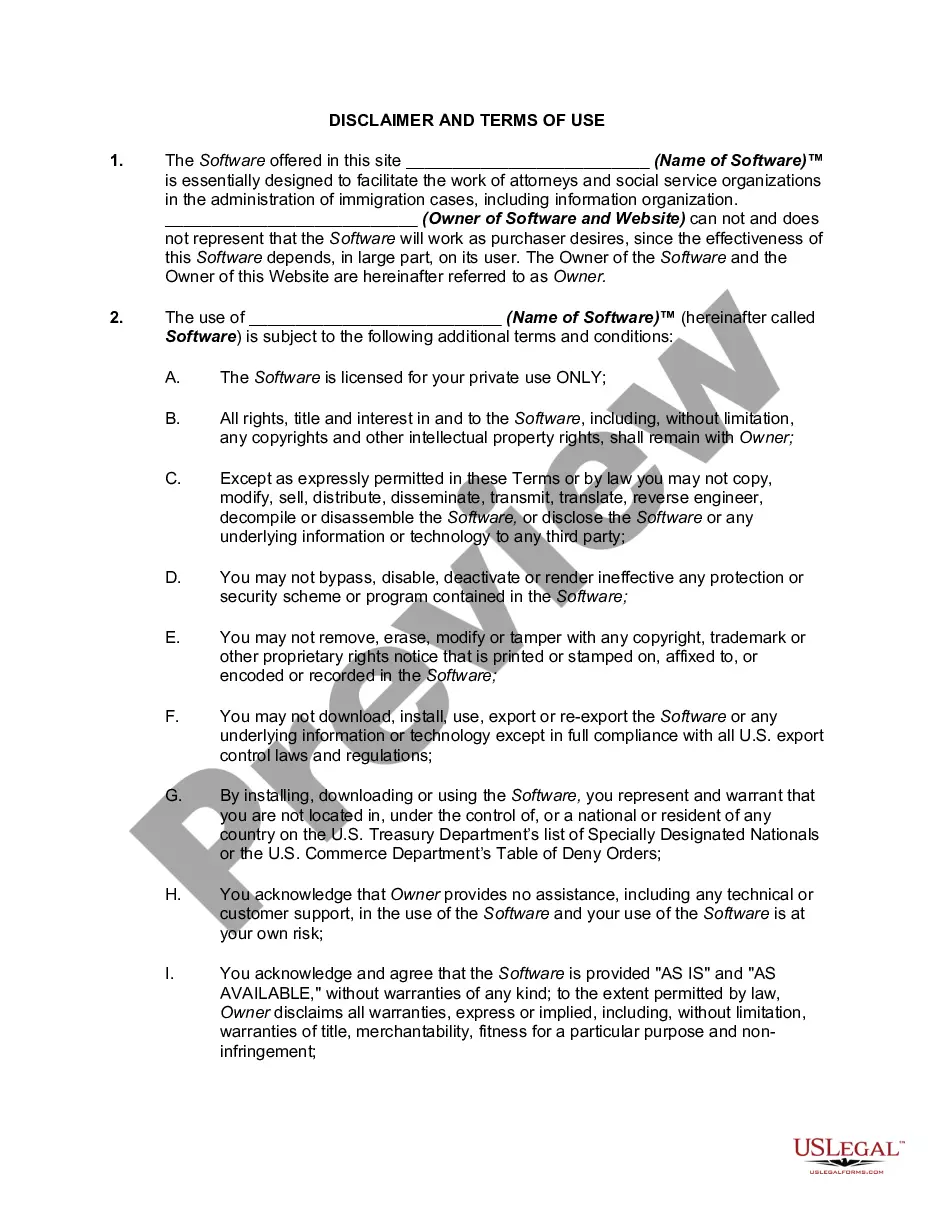
Description
Get your form ready online
Our built-in tools help you complete, sign, share, and store your documents in one place.
Make edits, fill in missing information, and update formatting in US Legal Forms—just like you would in MS Word.
Download a copy, print it, send it by email, or mail it via USPS—whatever works best for your next step.
Sign and collect signatures with our SignNow integration. Send to multiple recipients, set reminders, and more. Go Premium to unlock E-Sign.
If this form requires notarization, complete it online through a secure video call—no need to meet a notary in person or wait for an appointment.
We protect your documents and personal data by following strict security and privacy standards.

Make edits, fill in missing information, and update formatting in US Legal Forms—just like you would in MS Word.

Download a copy, print it, send it by email, or mail it via USPS—whatever works best for your next step.

Sign and collect signatures with our SignNow integration. Send to multiple recipients, set reminders, and more. Go Premium to unlock E-Sign.

If this form requires notarization, complete it online through a secure video call—no need to meet a notary in person or wait for an appointment.

We protect your documents and personal data by following strict security and privacy standards.
Looking for another form?

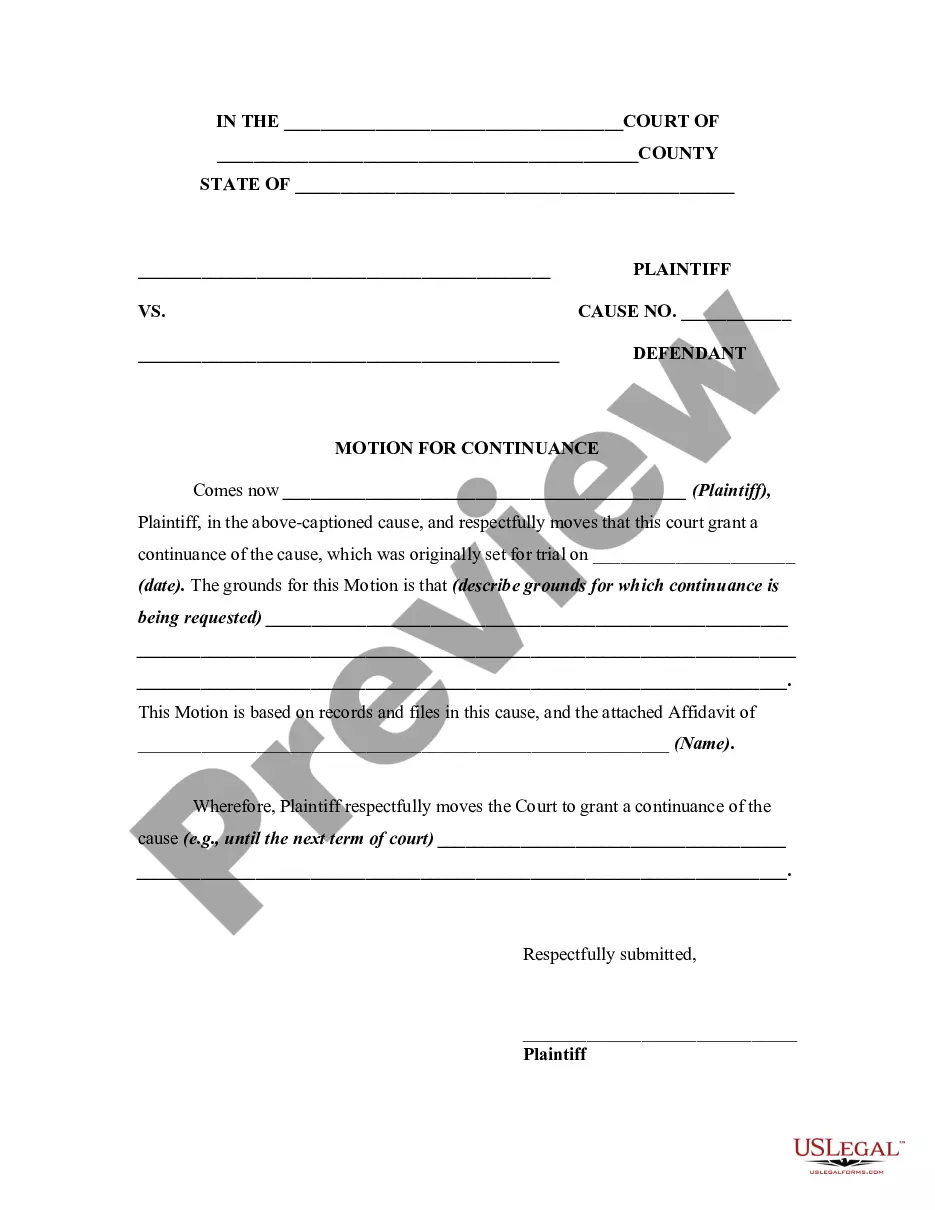
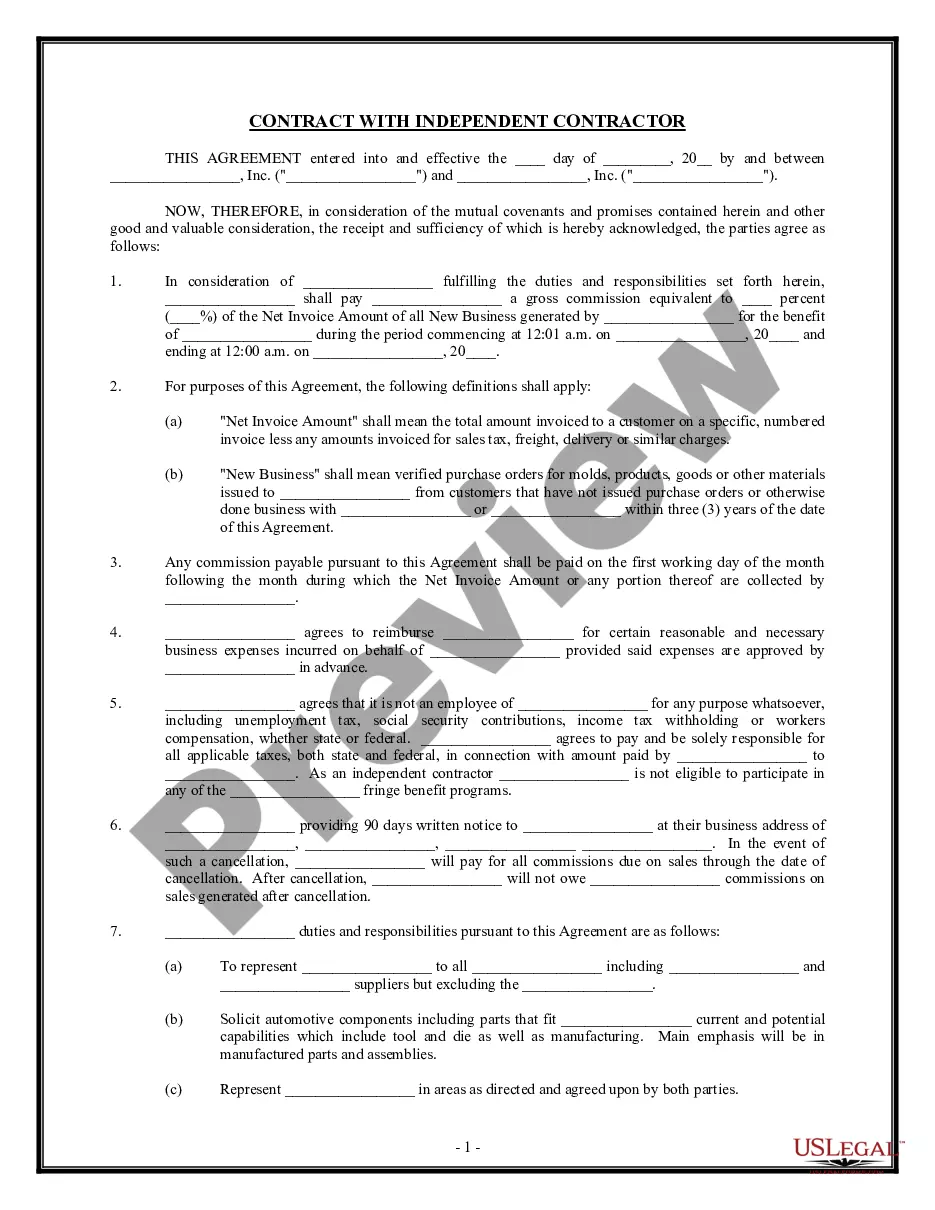

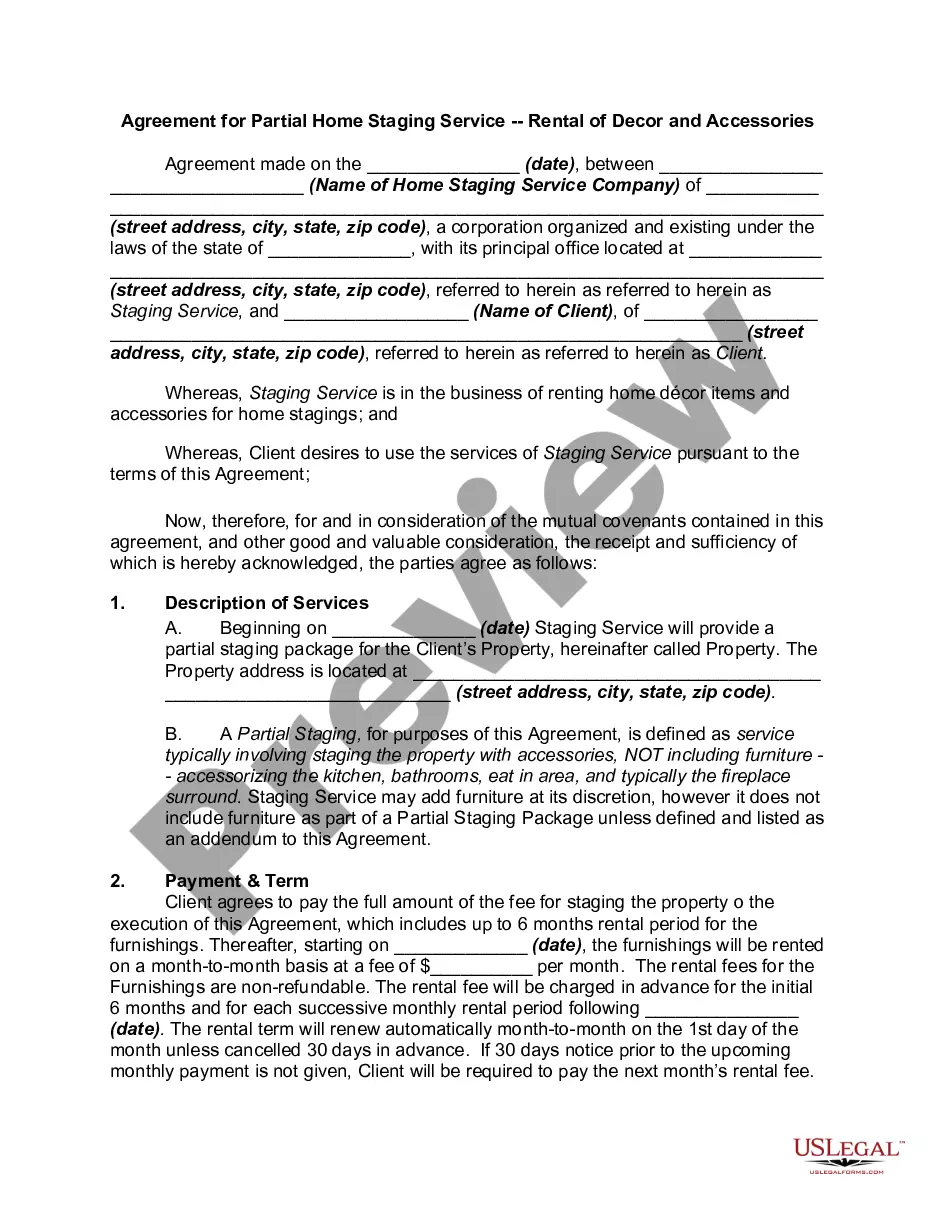
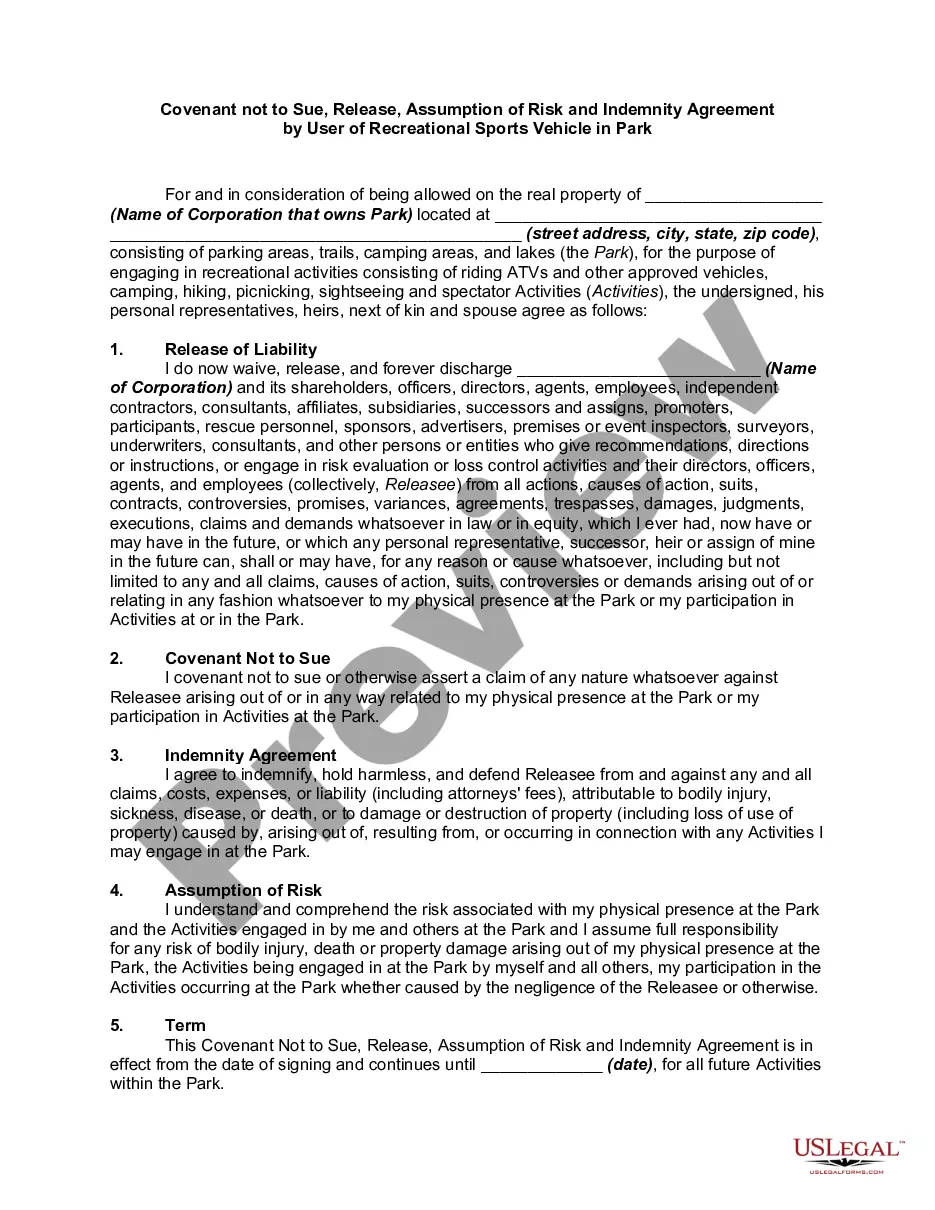
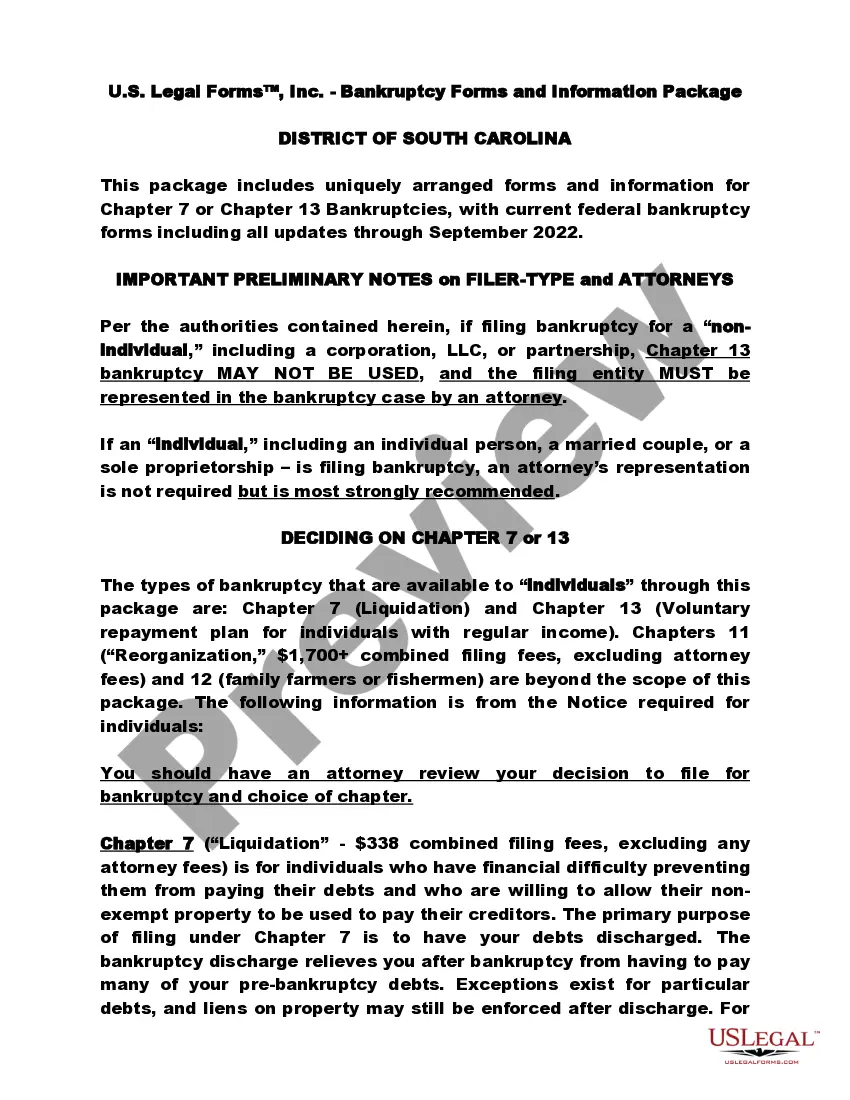
How to fill out Disclaimer Of Warranties And Warnings In Connection With Improper Use Of A Roofing Machine, With Both The Disclaimer And Warnings Being Part Of A Website And To Be Placed With Product When Shipping To Customer?
Managing legal documents can be exasperating, even for the most seasoned professionals.
When you are looking for a Rights Reserved Disclaimer Without Permission and lack the time to search for the suitable and current version, the processes can become taxing.
US Legal Forms addresses all your requirements, from personal to business documentation, all in one location.
Employ cutting-edge tools to create and manage your Rights Reserved Disclaimer Without Permission.
Here are the steps to follow after downloading the desired form: Confirm it is the correct document by previewing it and reviewing its details. Ensure that the template is approved in your state or county. Click Buy Now when you are set. Choose a subscription plan. Locate the format you prefer, and Download, complete, eSign, print, and submit your documents. Take advantage of the US Legal Forms online catalog, backed by 25 years of experience and reliability. Transform your daily document management into a simple and user-friendly process today.
- Tap into a valuable collection of articles, guides, and resources related to your situation and needs.
- Conserve time and effort searching for the necessary documents, utilizing US Legal Forms' enhanced search and Preview feature to find Rights Reserved Disclaimer Without Permission and obtain it.
- If you have a subscription, Log In to your US Legal Forms account, look for the document, and get it.
- Check your My documents section to review the documents you have previously downloaded and manage your files as desired.
- If it’s your first experience with US Legal Forms, create an account and gain unlimited access to all the platform's features.
- A comprehensive online form directory could revolutionize the way anyone handles these matters effectively.
- US Legal Forms is a leader in the field of online legal forms, offering over 85,000 state-specific legal documents available to you at any time.
- With US Legal Forms, you can access a wide range of state- or county-specific legal and business forms.
Form popularity
FAQ
How to write a copyright disclaimer the copyright symbol (©); your name as author and your website's name. It can also be the name of an organization, a business, or a corporate name; a current year or year range; a statement of ownership (?All Rights Reserved?).
There are only four simple components you need to include: The copyright symbol © or the word ?copyright? The name of the copyright owner or author of the work. The year the content was published, which can be different from the year of creation. Your statement of the rights you're reserving over the materials.
"No copyright intended." "I do not own the music in this video/rights to this music." "I do not take credit for this video."
Many types of works are eligible for copyright protection, for example: Audiovisual works, such as TV shows, movies, and online videos. Sound recordings and musical compositions. Written works, such as lectures, articles, books, and musical compositions.
The copyright notice generally consists of three elements: The symbol © (the letter C in a circle), or the word "Copyright" or the abbreviation "Copr."; The year of first publication of the work; and. The name of the owner of copyright in the work.