Dismiss Cause Of Action
Description
Get your form ready online
Our built-in tools help you complete, sign, share, and store your documents in one place.
Make edits, fill in missing information, and update formatting in US Legal Forms—just like you would in MS Word.
Download a copy, print it, send it by email, or mail it via USPS—whatever works best for your next step.
Sign and collect signatures with our SignNow integration. Send to multiple recipients, set reminders, and more. Go Premium to unlock E-Sign.
If this form requires notarization, complete it online through a secure video call—no need to meet a notary in person or wait for an appointment.
We protect your documents and personal data by following strict security and privacy standards.

Make edits, fill in missing information, and update formatting in US Legal Forms—just like you would in MS Word.

Download a copy, print it, send it by email, or mail it via USPS—whatever works best for your next step.

Sign and collect signatures with our SignNow integration. Send to multiple recipients, set reminders, and more. Go Premium to unlock E-Sign.

If this form requires notarization, complete it online through a secure video call—no need to meet a notary in person or wait for an appointment.

We protect your documents and personal data by following strict security and privacy standards.
Looking for another form?


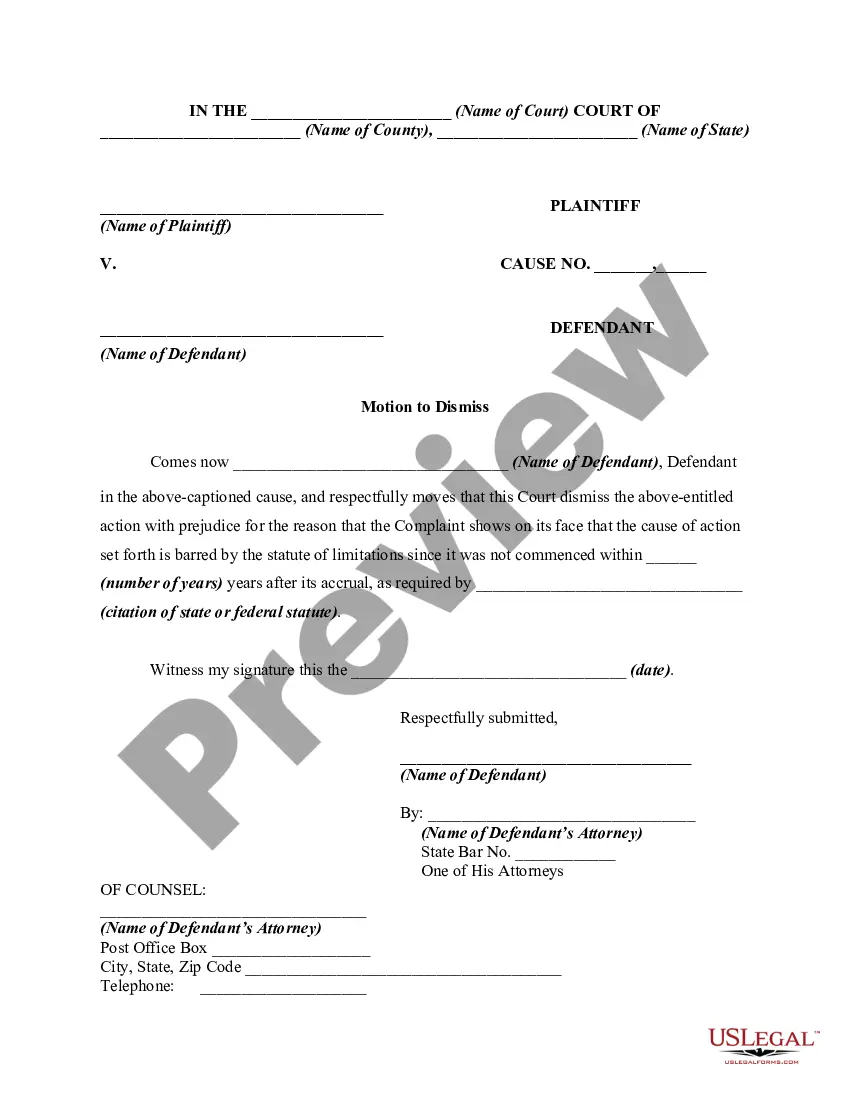
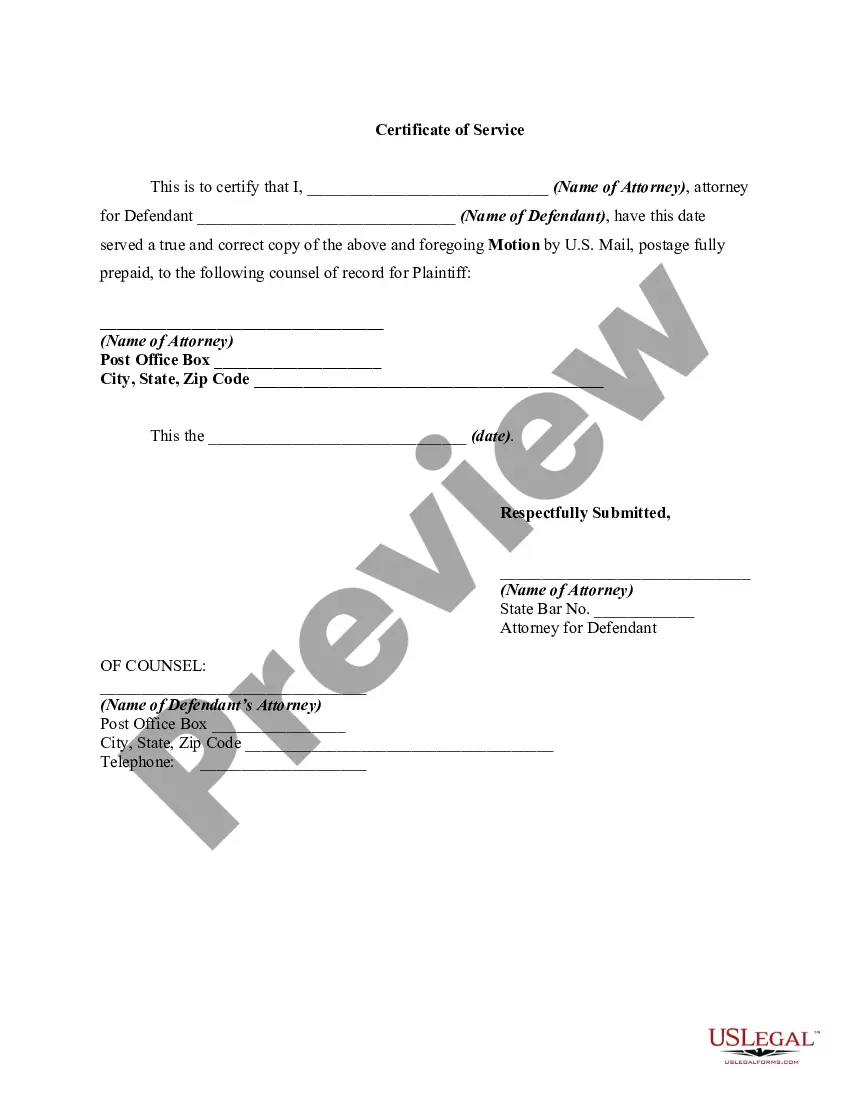
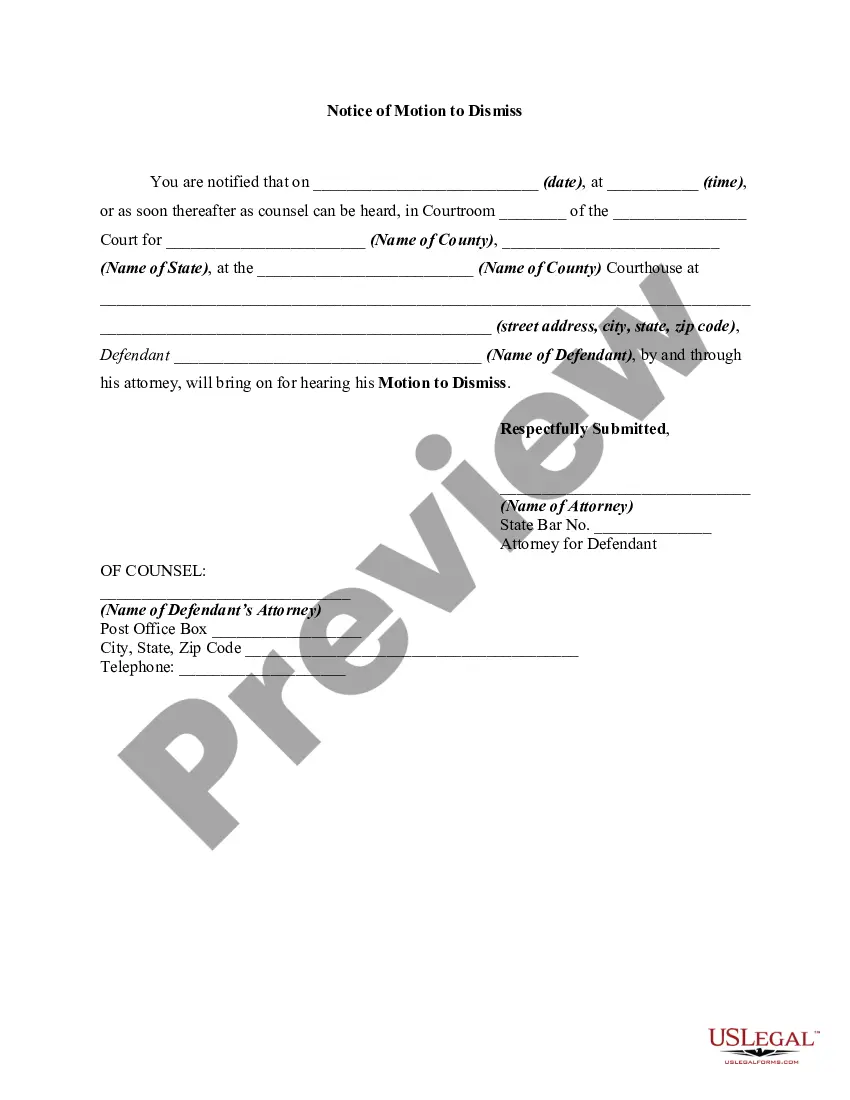
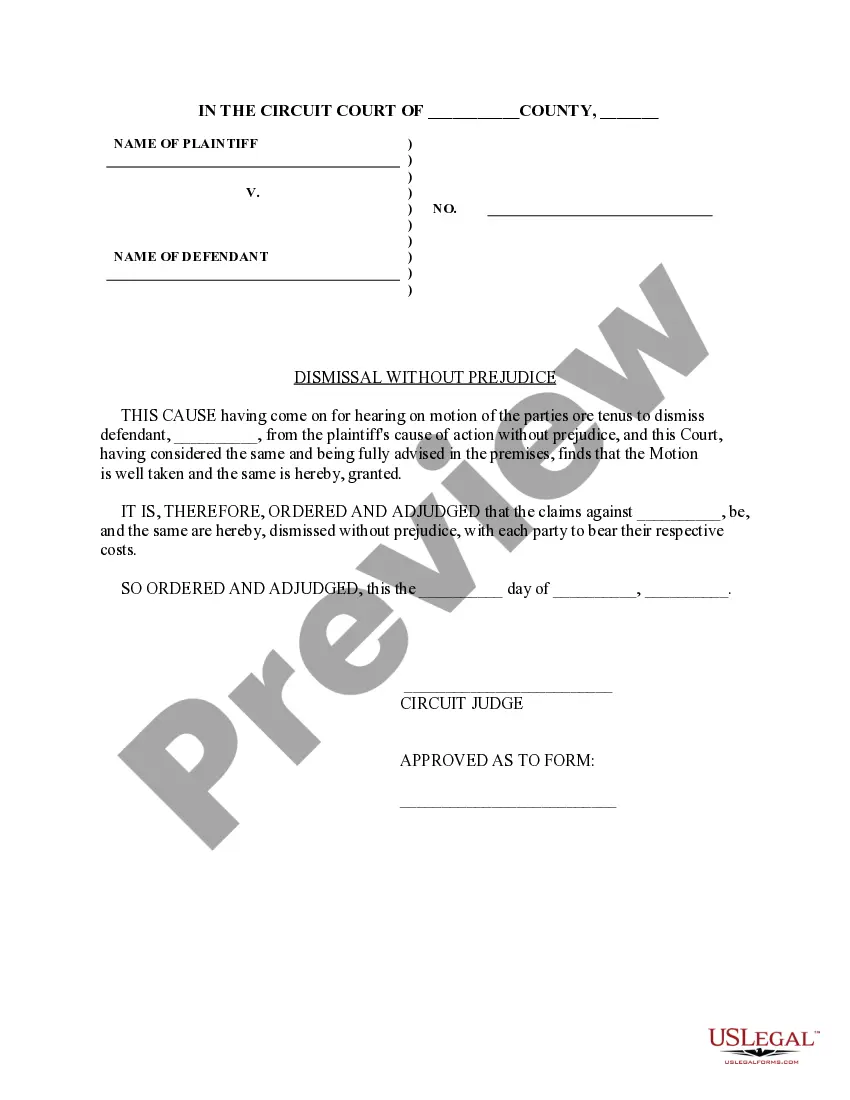
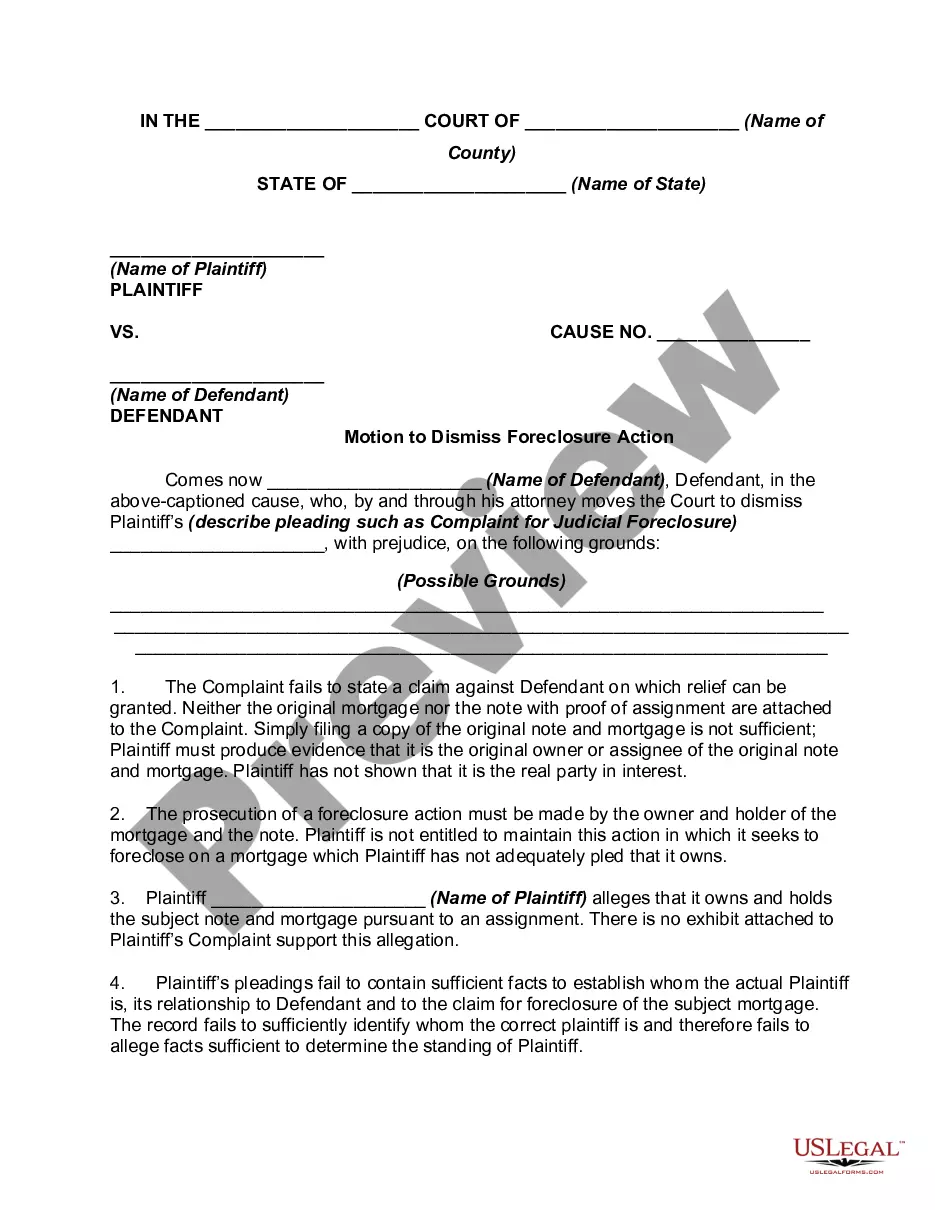
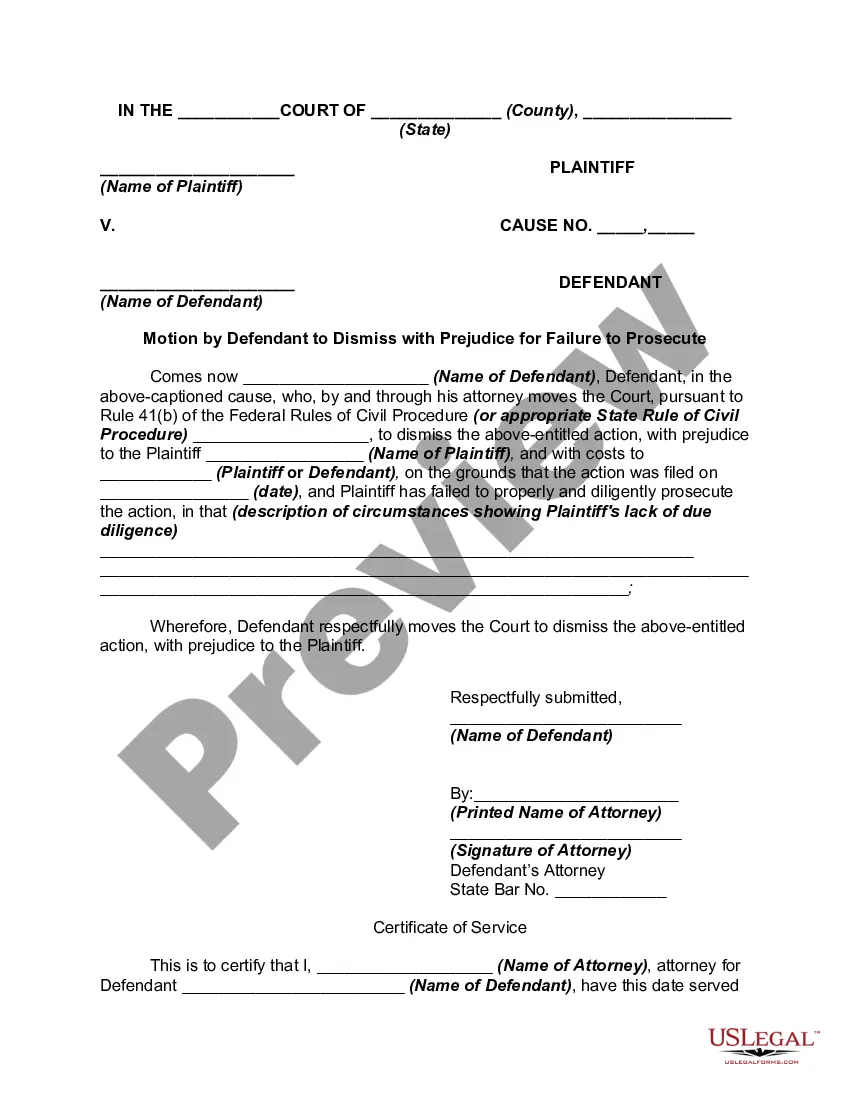
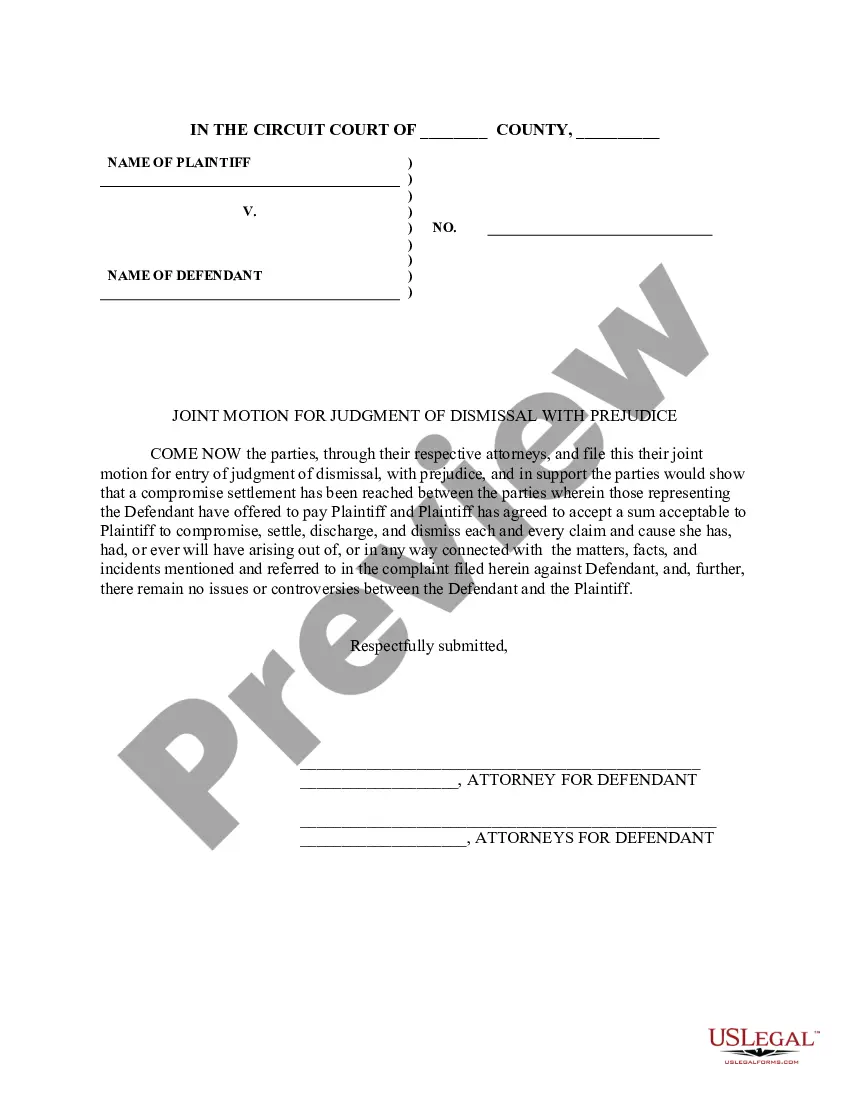
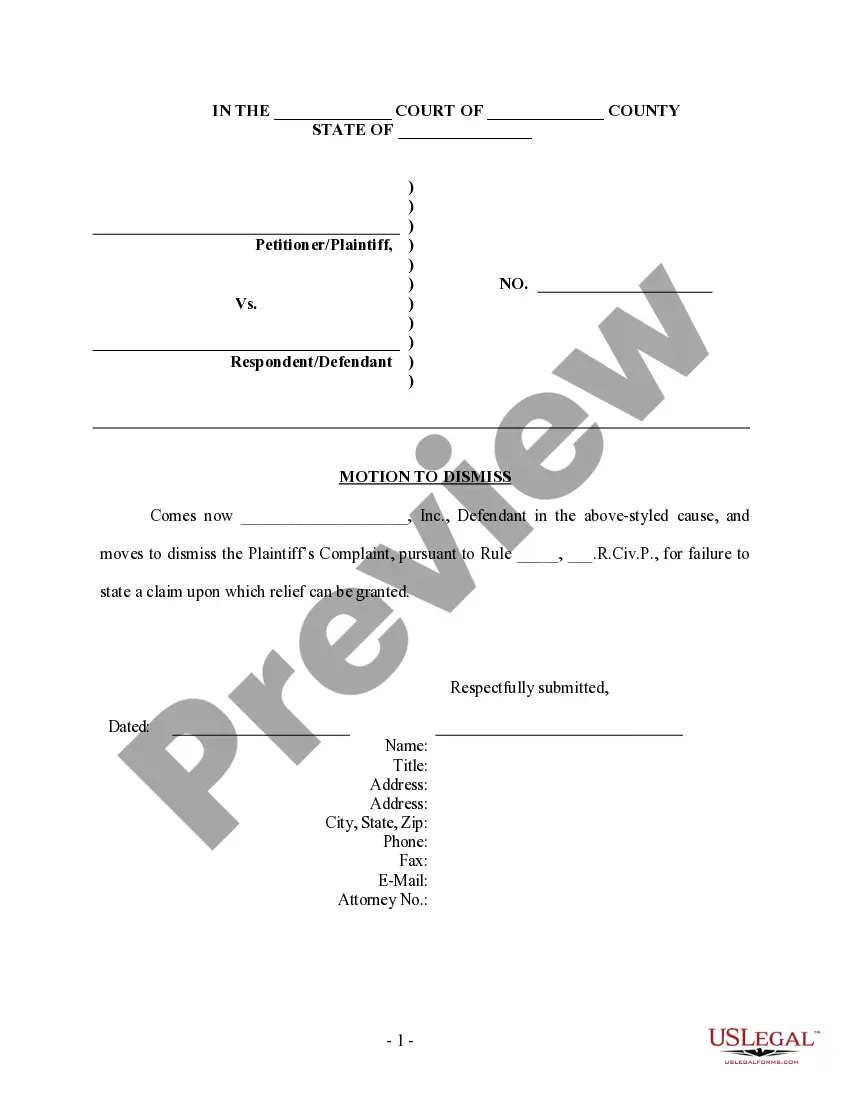
How to fill out Motion To Dismiss Action With Prejudice Of Plaintiff's Cause Of Action Barred By Statute Of Limitations?
The Dismiss Cause Of Action presented on this page is a versatile legal template crafted by experienced attorneys in accordance with federal and state regulations.
For over 25 years, US Legal Forms has supplied individuals, businesses, and legal practitioners with more than 85,000 authenticated, state-specific documents for any professional and personal situation. It’s the quickest, most straightforward, and most dependable method to acquire the paperwork you require, as the service ensures bank-level data protection and anti-malware safeguards.
Select the format you prefer for your Dismiss Cause Of Action (PDF, Word, RTF) and download the document to your device. Complete and sign the paperwork. Print the template to fill it out by hand. Alternatively, use an online multifunctional PDF editor to swiftly and accurately fill out and sign your form with an eSignature. Download your documents again as needed. Reuse the same form whenever necessary. Access the My documents tab in your profile to redownload any previously saved documents. Register for US Legal Forms to have validated legal templates for every aspect of life readily available.
- Search for the document you require and review it.
- Scan through the file you searched and preview it or check the form description to confirm it meets your needs. If it doesn’t, use the search tool to find the correct one. Click Buy Now when you have found the template you need.
- Choose a subscription and Log In.
- Select the pricing plan that works for you and create an account. Utilize PayPal or a credit card to make a quick payment. If you already possess an account, Log In and check your subscription to continue.
- Obtain the editable template.
Form popularity
FAQ
File your forms at the courthouse where you filed your case. The court clerk will process your Request for Dismissal (Form CIV-110) and Form CIV-120. The clerk will keep the original and return the copies of Form CIV-110 to you, stamped "Filed." Keep one for your records.
If the motion to dismiss is convincing, you might have to present your own affidavits and documents to prove that the allegations did occur as you have described, or at least there is a question about the facts of the case as to whether or not what you have alleged actually happened.
Request for Dismissal CIV-110 explained by Attorney Steve YouTube Start of suggested clip End of suggested clip Here's. The form C IV 110. You see it right up there C IV 110. This is a judicial council form youMoreHere's. The form C IV 110. You see it right up there C IV 110. This is a judicial council form you can find this online. For free for free ok.
Dismiss refers to the court's decision to terminate a court case without imposing liability on the defendant. The court may dismiss a case in response to a defendant's motion to dismiss or do so sua sponte (voluntarily).
The plaintiff may voluntarily dismiss a cause of action before or during trial if the case is settled, if it is not provable or trial strategy dictates getting rid of a weak claim. A defendant may be "dismissed" from a lawsuit, meaning the suit is dropped against that party.