Appointment Letter Sample For Teacher
Description

Get your form ready online
Our built-in tools help you complete, sign, share, and store your documents in one place.
Make edits, fill in missing information, and update formatting in US Legal Forms—just like you would in MS Word.
Download a copy, print it, send it by email, or mail it via USPS—whatever works best for your next step.
Sign and collect signatures with our SignNow integration. Send to multiple recipients, set reminders, and more. Go Premium to unlock E-Sign.
If this form requires notarization, complete it online through a secure video call—no need to meet a notary in person or wait for an appointment.
We protect your documents and personal data by following strict security and privacy standards.

Make edits, fill in missing information, and update formatting in US Legal Forms—just like you would in MS Word.

Download a copy, print it, send it by email, or mail it via USPS—whatever works best for your next step.

Sign and collect signatures with our SignNow integration. Send to multiple recipients, set reminders, and more. Go Premium to unlock E-Sign.

If this form requires notarization, complete it online through a secure video call—no need to meet a notary in person or wait for an appointment.

We protect your documents and personal data by following strict security and privacy standards.
Looking for another form?



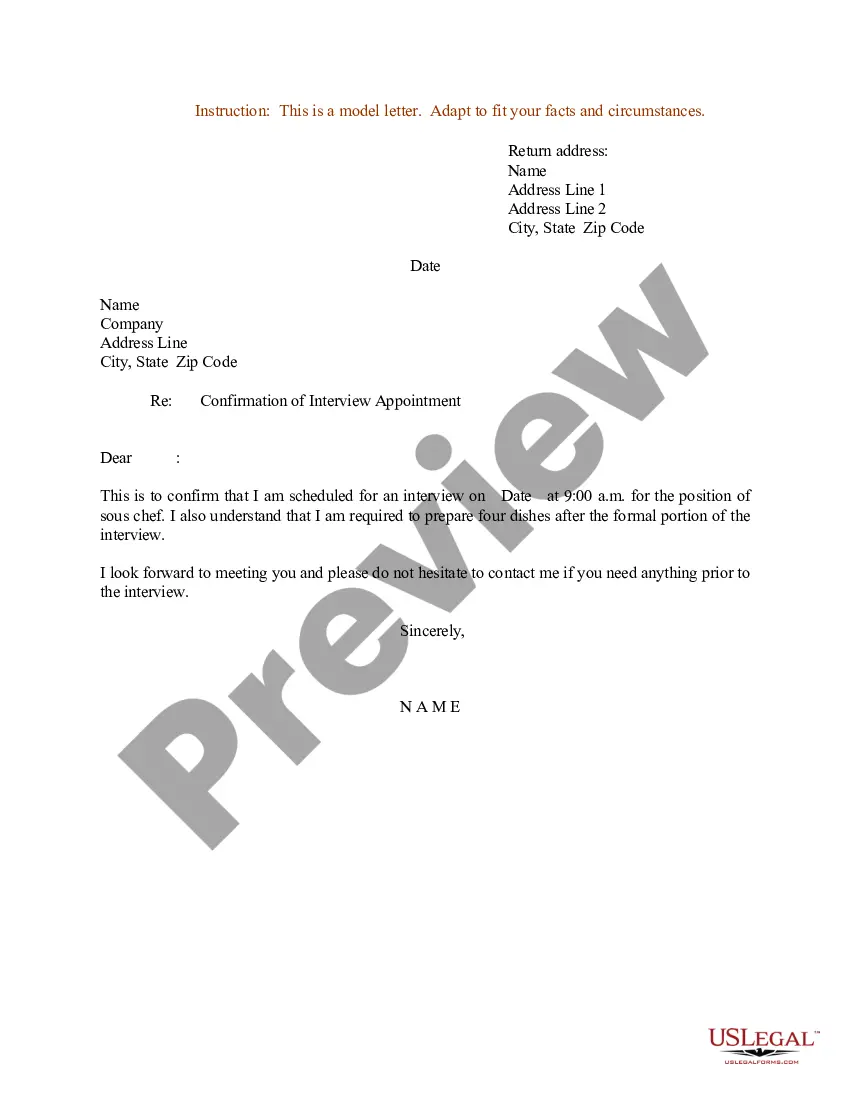
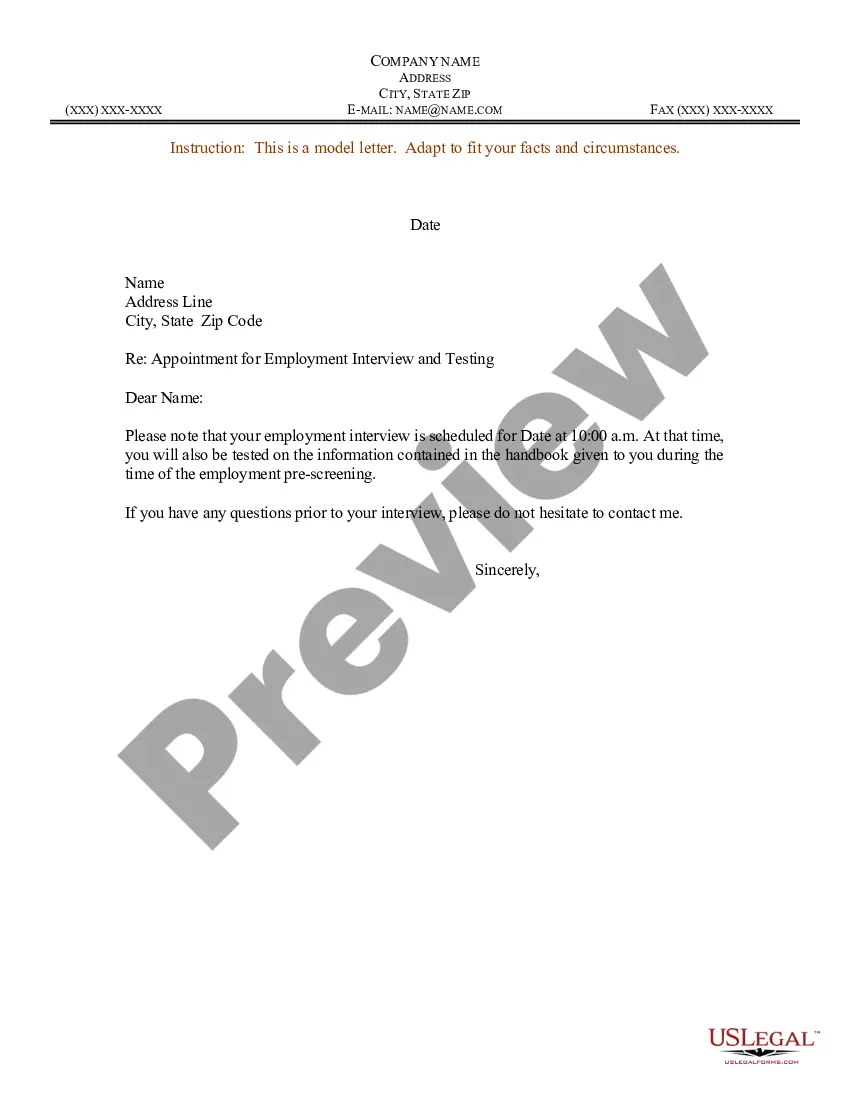
How to fill out Sample Letter For Confirmation Of Interview Appointment?
Legal documents administration may be daunting, even for the most seasoned professionals.
When you are searching for an Appointment Letter Template for Educators and lack the time to spend seeking the right and current version, the process can be anxiety-inducing.
US Legal Forms addresses all requirements you may encounter, from personal to corporate paperwork, all in one location.
Utilize advanced tools to create and manage your Appointment Letter Template for Educators.
Here are the steps to follow after acquiring the form you desire: Verify that this is the correct document by previewing it and reviewing its details, ensure that the template is accepted in your state or county, select Buy Now when you are prepared, choose a subscription plan, find the desired file format, and Download, complete, eSign, print, and send your document. Take advantage of the US Legal Forms online directory, supported by 25 years of experience and credibility. Transform your everyday document management into a seamless and user-friendly experience today.
- Access a valuable repository of articles, guides, and manuals pertinent to your circumstances and requirements.
- Save time and effort searching for the papers you require, and leverage US Legal Forms' enhanced search and Preview feature to find Appointment Letter Template for Educators and obtain it.
- If you hold a monthly subscription, Log In to your US Legal Forms account, locate the form, and download it.
- Check your My documents tab to review the documents you have previously saved and manage your folders as you see fit.
- If it’s your first experience with US Legal Forms, create a complimentary account and gain unlimited access to all platform benefits.
- A comprehensive online form directory could be transformative for anyone who wishes to navigate these circumstances efficiently.
- US Legal Forms is a frontrunner in online legal forms, offering over 85,000 state-specific legal documents available to you at any time.
- With US Legal Forms, you can access localized legal and business forms tailored to your state or county.
Form popularity
FAQ
In an appointment letter, it is important to mention the name, address, contact details and email address of the employee at the beginning of the letter. You have to clearly state the date of joining, job location, designation, emoluments, period of probation/employment, etc.
Dear [name] Thank you for attending for interview on [date of interview]. The Board of Management of [name of school] (?BoM?) is pleased to offer you the position of Principal in [name of school] (the ?School?) commencing on [date on which employment commences ].
You can include your name, your grade level, and the class you are in. Be specific and concise | Be clear and concise in your letter. Identify the specific reason for your letter and include all the necessary details. Avoid using slang, jargon or abbreviations that the teacher may not be familiar with.
The letter must state details like salary, date of joining, the role of the employee, benefits of the position, daily working hours etc. As it is an appointment letter, it should be written in an exciting and polite tone. End the letter with a positive tone toward the candidate.
An appointment letter should include the following: The date on which the appointment letter is issued. The name, address and contact details of the selected candidate. The salutation. The body of the letter stating the job title, emoluments, job location, probation period and other details.