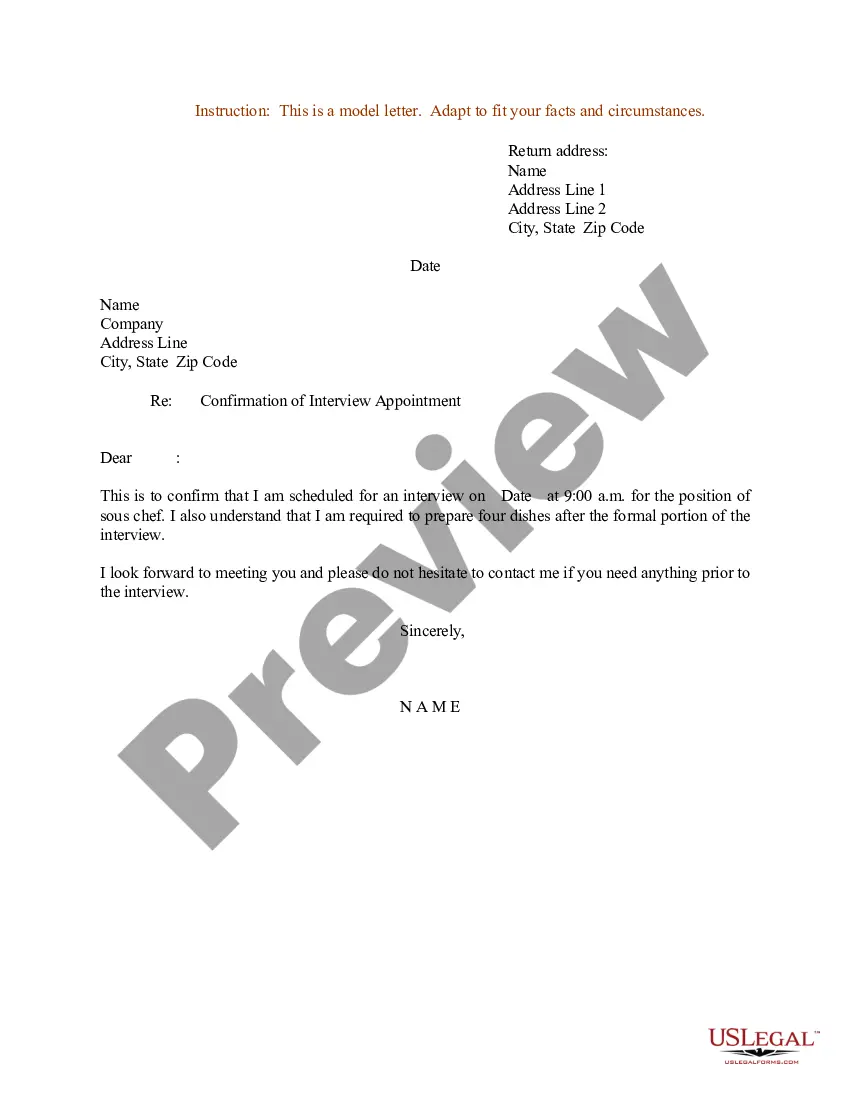
Appointment Letter Sample For Employee
Description

Get your form ready online
Our built-in tools help you complete, sign, share, and store your documents in one place.
Make edits, fill in missing information, and update formatting in US Legal Forms—just like you would in MS Word.
Download a copy, print it, send it by email, or mail it via USPS—whatever works best for your next step.
Sign and collect signatures with our SignNow integration. Send to multiple recipients, set reminders, and more. Go Premium to unlock E-Sign.
If this form requires notarization, complete it online through a secure video call—no need to meet a notary in person or wait for an appointment.
We protect your documents and personal data by following strict security and privacy standards.

Make edits, fill in missing information, and update formatting in US Legal Forms—just like you would in MS Word.

Download a copy, print it, send it by email, or mail it via USPS—whatever works best for your next step.

Sign and collect signatures with our SignNow integration. Send to multiple recipients, set reminders, and more. Go Premium to unlock E-Sign.

If this form requires notarization, complete it online through a secure video call—no need to meet a notary in person or wait for an appointment.

We protect your documents and personal data by following strict security and privacy standards.
Looking for another form?


How to fill out Sample Letter For Confirmation Of Interview Appointment?
Dealing with legal documents and procedures can be a lengthy addition to your daily routine.
Appointment Letter Example For Employee and similar forms often require you to search for them and comprehend the best method to fill them out correctly.
Thus, whether you are managing financial, legal, or personal issues, having a comprehensive and accessible online repository of forms at your disposal will significantly help.
US Legal Forms is the leading online resource for legal templates, featuring over 85,000 state-specific documents and various tools to assist you in completing your paperwork swiftly.
Is it your first experience using US Legal Forms? Sign up and create your account in just a few minutes and you’ll gain access to the form repository and Appointment Letter Example For Employee. Then, follow the steps outlined below to finalize your form: Make sure you have located the correct form using the Preview feature and reviewing the form description. Select Buy Now when ready, and choose the monthly subscription plan that meets your requirements. Click Download then complete, eSign, and print the form. US Legal Forms has twenty-five years of experience assisting clients in managing their legal documents. Find the form you require today and simplify any procedure without breaking a sweat.
- Browse the collection of relevant documents available to you with just a single click.
- US Legal Forms provides you with state- and county-specific documents available anytime for downloading.
- Protect your document management processes with a premium service that allows you to prepare any form within minutes without any extra or concealed charges.
- Simply Log In to your profile, locate Appointment Letter Example For Employee and download it instantly from the My documents section.
- You can also access previously downloaded documents.
Form popularity
FAQ
How to write an employment appointment letter Add a header. ... Include a greeting. ... Choose a format. ... Offer the position. ... Describe the role. ... Include the starting date. ... State the position's hours. ... Include the official salary and benefits.
We are pleased to extend an offer for the position of [Job Title] on a contract basis at [Company Name]. Your skills and expertise align well with our project's requirements. Please confirm your acceptance of this contract appointment by signing and returning a copy of this letter by [Acceptance Deadline].
Thank you for offering me the position of [Name of Position] at [Name of Company]. I am delighted to accept your offer and very excited to begin this journey. [As we have previous discussed / As stated in the offer letter], I accept my starting salary of [Salary] for this position.
In an appointment letter, it is important to mention the name, address, contact details and email address of the employee at the beginning of the letter. You have to clearly state the date of joining, job location, designation, emoluments, period of probation/employment, etc.
How To Write a Letter of Employment Employer Details. ... Details of the Organisation Requesting the Information. ... Necessary Information of the Employee. ... Stick to a Business Letter Format. ... Express the Purpose of Your Letter. ... Incorporate Details Requested by the Employee. ... Give Contact Details and Sign Off.