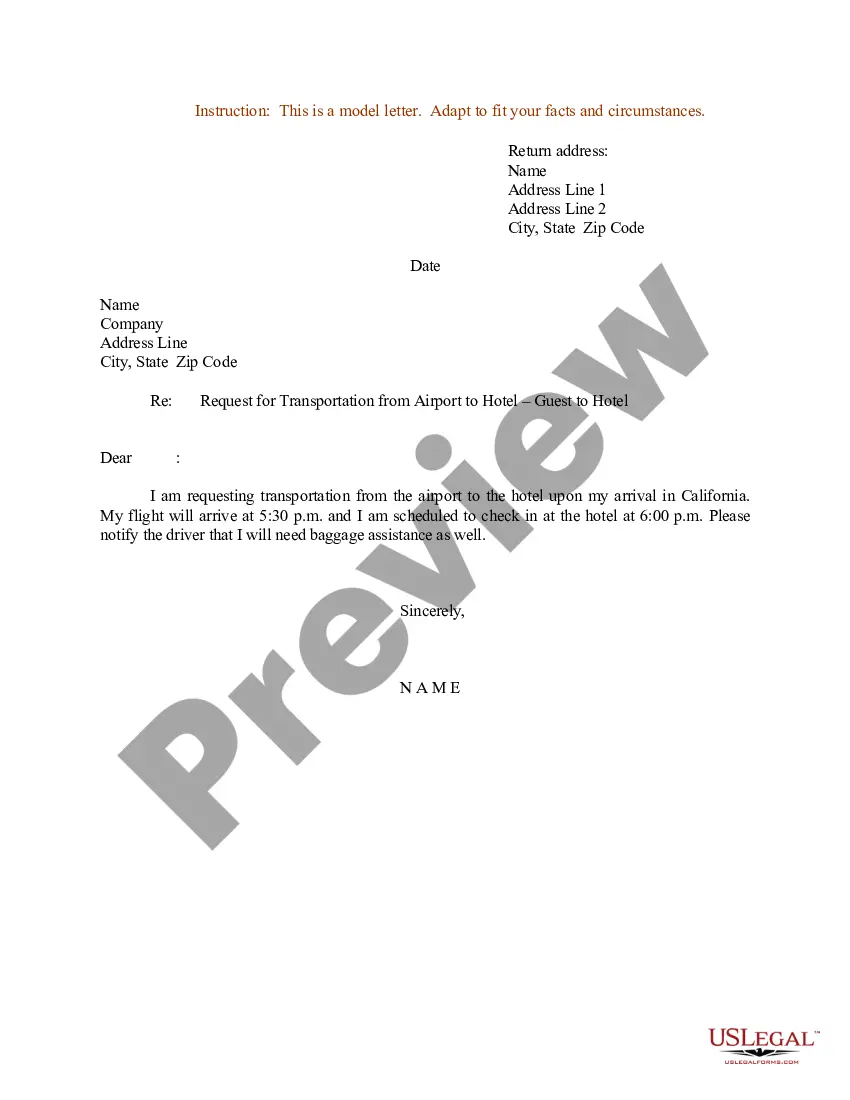
Arrange Transportation Email Without Phone Number
Description
Get your form ready online
Our built-in tools help you complete, sign, share, and store your documents in one place.
Make edits, fill in missing information, and update formatting in US Legal Forms—just like you would in MS Word.
Download a copy, print it, send it by email, or mail it via USPS—whatever works best for your next step.
Sign and collect signatures with our SignNow integration. Send to multiple recipients, set reminders, and more. Go Premium to unlock E-Sign.
If this form requires notarization, complete it online through a secure video call—no need to meet a notary in person or wait for an appointment.
We protect your documents and personal data by following strict security and privacy standards.

Make edits, fill in missing information, and update formatting in US Legal Forms—just like you would in MS Word.

Download a copy, print it, send it by email, or mail it via USPS—whatever works best for your next step.

Sign and collect signatures with our SignNow integration. Send to multiple recipients, set reminders, and more. Go Premium to unlock E-Sign.

If this form requires notarization, complete it online through a secure video call—no need to meet a notary in person or wait for an appointment.

We protect your documents and personal data by following strict security and privacy standards.
Looking for another form?

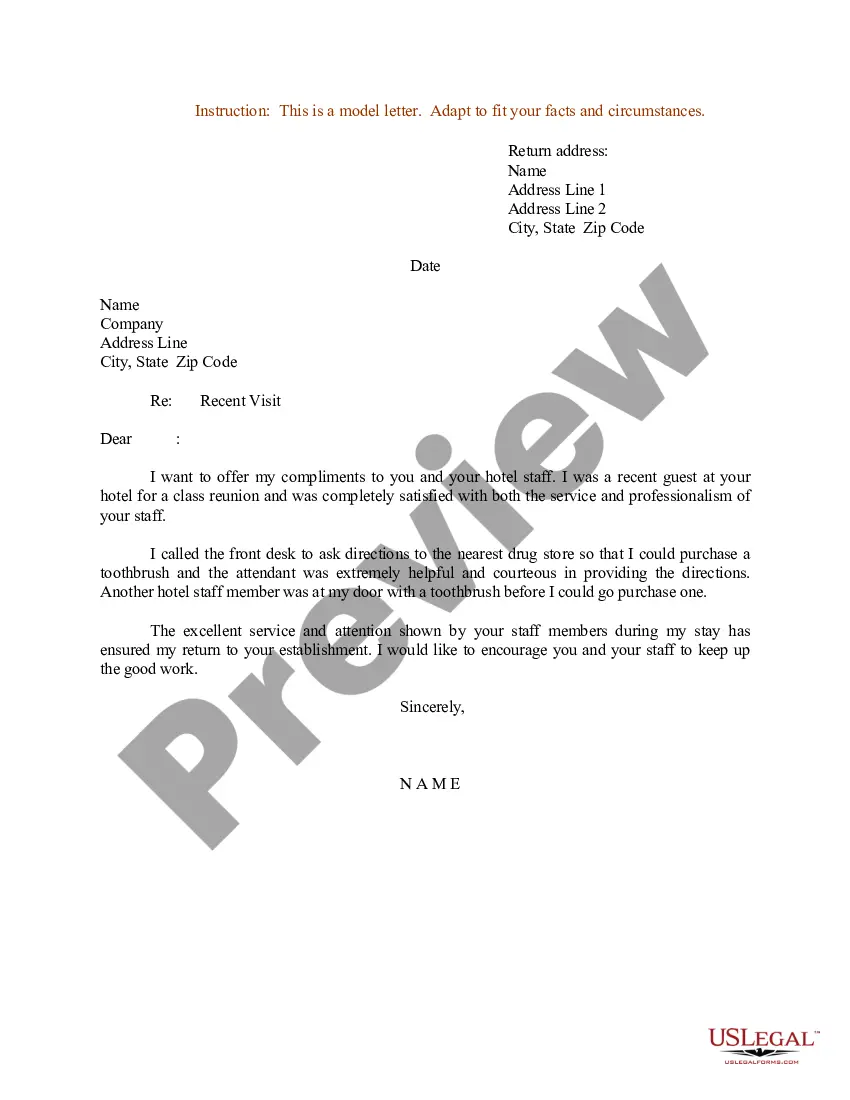
How to fill out Sample Letter For Request For Transportation From Airport To Hotel - Guest To Hotel?
Whether for professional intentions or personal affairs, everyone inevitably encounters legal matters at some point in their lives.
Completing legal forms requires meticulous attention, starting with choosing the appropriate form template.
With an extensive US Legal Forms catalog available, you never have to waste time searching for the right template online. Utilize the library’s straightforward navigation to locate the proper form for any situation.
- Locate the template you require using the search function or catalog navigation.
- Review the form’s description to ensure it suits your situation, state, and area.
- Click on the form’s preview to inspect it.
- If it is the incorrect document, return to the search feature to find the Arrange Transportation Email Without Phone Number sample you need.
- Obtain the template when it aligns with your specifications.
- If you have a US Legal Forms account already, simply click Log in to access your previously saved documents in My documents.
- If you do not possess an account yet, you can acquire the form by clicking Buy now.
- Select the appropriate payment option.
- Complete the profile registration form.
- Choose your payment method: you may use a credit card or PayPal account.
- Select the file format you prefer and download the Arrange Transportation Email Without Phone Number.
- Once it is saved, you can complete the form using editing software or print it out and finish it manually.
Form popularity
FAQ
Highlight the benefits: Explain how collaborating with you would benefit the recipient and their company. Be specific and highlight the advantages of working together. Suggest a meeting: Suggest a meeting or call to discuss the collaboration further.
What to include in a work order letter Company name. Start with your company name, typically in one of the upper corners. ... Company address. Below the company name, include your address. ... Work order number. Assign a number to the work order. ... Work order title. ... Work order description. ... Priority level. ... Work location. ... Worker's name.
_ _ _ who is a bonafied student of your school vide Admn. No ____________ would like to request you to kindly provide school transport to my ward as I am unable to arrange the transport for my ward at my own. Kindly arrange the transport for my ward from ???????????.. (Date) to??????????.
Dear [Seller or seller's name]: As per our discussion on [date], I'm writing to order [order description, including the name of the product you're ordering, quantity and relevant characteristics]. I intend to pay by [explain payment method or include any payment details needed to complete the transaction].
I hope this email finds you well. My name is [Your Name], and I am a member of the XYZ project team. I am writing to request more information about [specific aspect of the project/task/idea]. I would greatly appreciate it if you could provide me with [specific information needed] by [deadline, if applicable].