Facsimile Signature In A Sentence
Description

Get your form ready online
Our built-in tools help you complete, sign, share, and store your documents in one place.
Make edits, fill in missing information, and update formatting in US Legal Forms—just like you would in MS Word.
Download a copy, print it, send it by email, or mail it via USPS—whatever works best for your next step.
Sign and collect signatures with our SignNow integration. Send to multiple recipients, set reminders, and more. Go Premium to unlock E-Sign.
If this form requires notarization, complete it online through a secure video call—no need to meet a notary in person or wait for an appointment.
We protect your documents and personal data by following strict security and privacy standards.

Make edits, fill in missing information, and update formatting in US Legal Forms—just like you would in MS Word.

Download a copy, print it, send it by email, or mail it via USPS—whatever works best for your next step.

Sign and collect signatures with our SignNow integration. Send to multiple recipients, set reminders, and more. Go Premium to unlock E-Sign.

If this form requires notarization, complete it online through a secure video call—no need to meet a notary in person or wait for an appointment.

We protect your documents and personal data by following strict security and privacy standards.
Looking for another form?
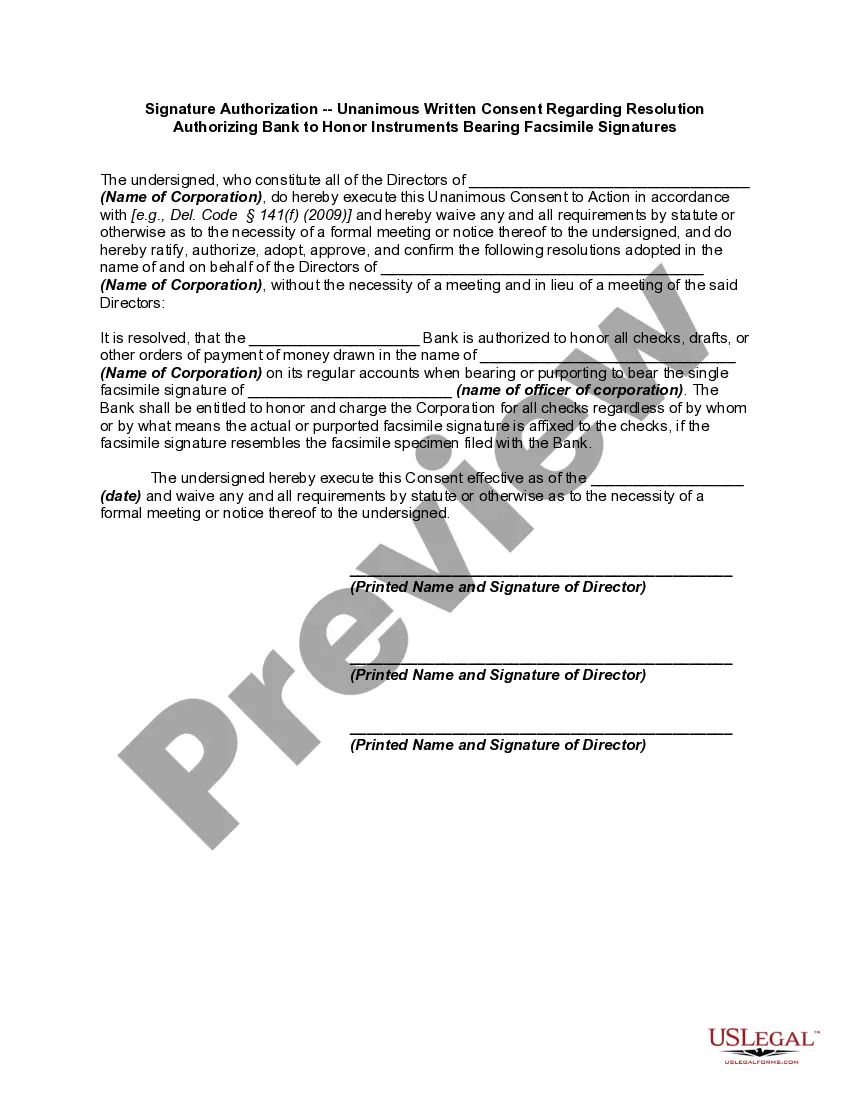
How to fill out Signature Authorization - Unanimous Written Consent Regarding Resolution Authorizing Bank To Honor Instruments Bearing Facsimile Signatures?
Handling legal documents and activities can be a lengthy enhancement to your daily routine.
Facsimile Signature In A Sentence and similar documents typically necessitate that you search for them and comprehend how to fill them out accurately.
Thus, whether you are managing financial, legal, or personal affairs, utilizing a comprehensive and user-friendly online directory of forms readily available will be incredibly beneficial.
US Legal Forms is the leading online service for legal templates, featuring over 85,000 state-specific forms and various resources to assist you in completing your paperwork with ease.
Is this your first experience with US Legal Forms? Register and create your account in a few minutes, granting you access to the form directory and Facsimile Signature In A Sentence. Then, follow the steps below to complete your form.
- Explore the collection of relevant documents available to you with just one click.
- US Legal Forms offers you state- and county-specific forms that can be downloaded at any time.
- Safeguard your document management procedures by using a reliable service that allows you to create any form within moments without additional or concealed charges.
- Simply Log In to your account, search for Facsimile Signature In A Sentence, and download it directly from the My documents section.
- You can also retrieve previously saved forms.
Form popularity
FAQ
Write your name on a piece of paper to start, and then gradually start to build your distinctive writing style. To create a signature you like, try out various font types, letter sizes, and shapes. Practice signing your name until you feel at ease and it flows naturally. Cursive signature writing is the third step.
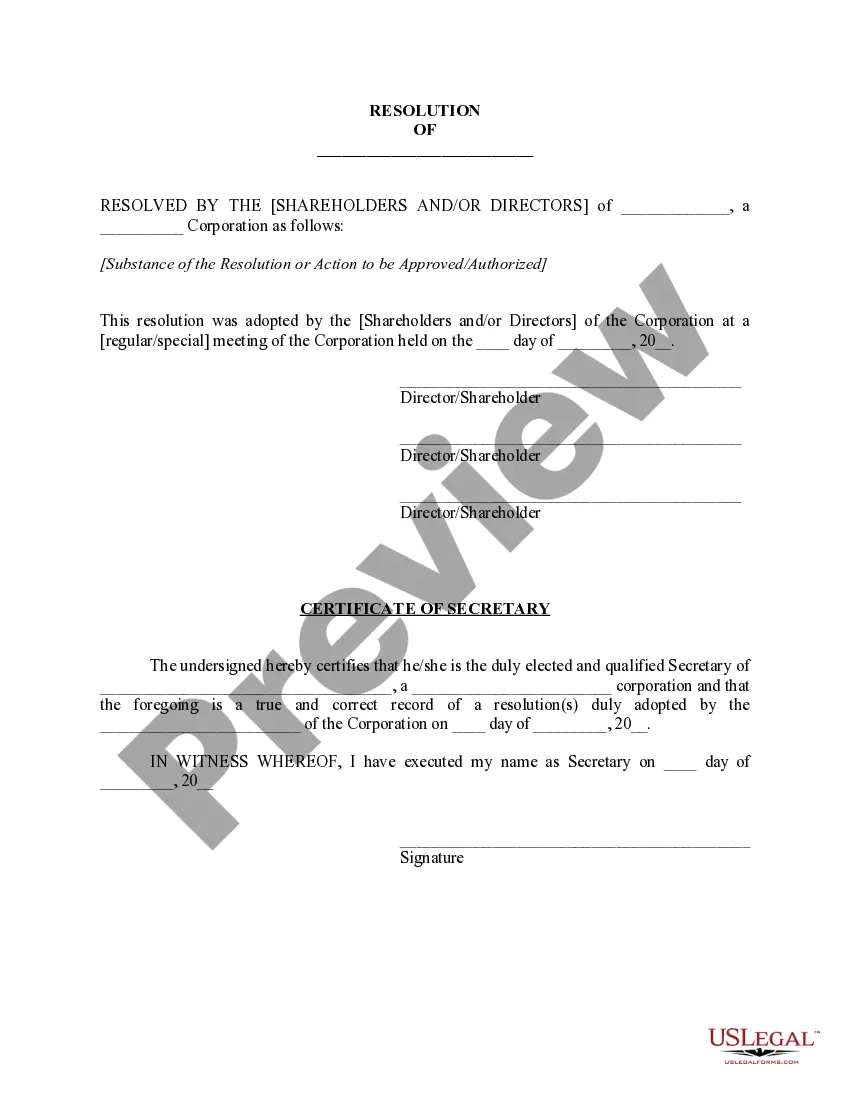
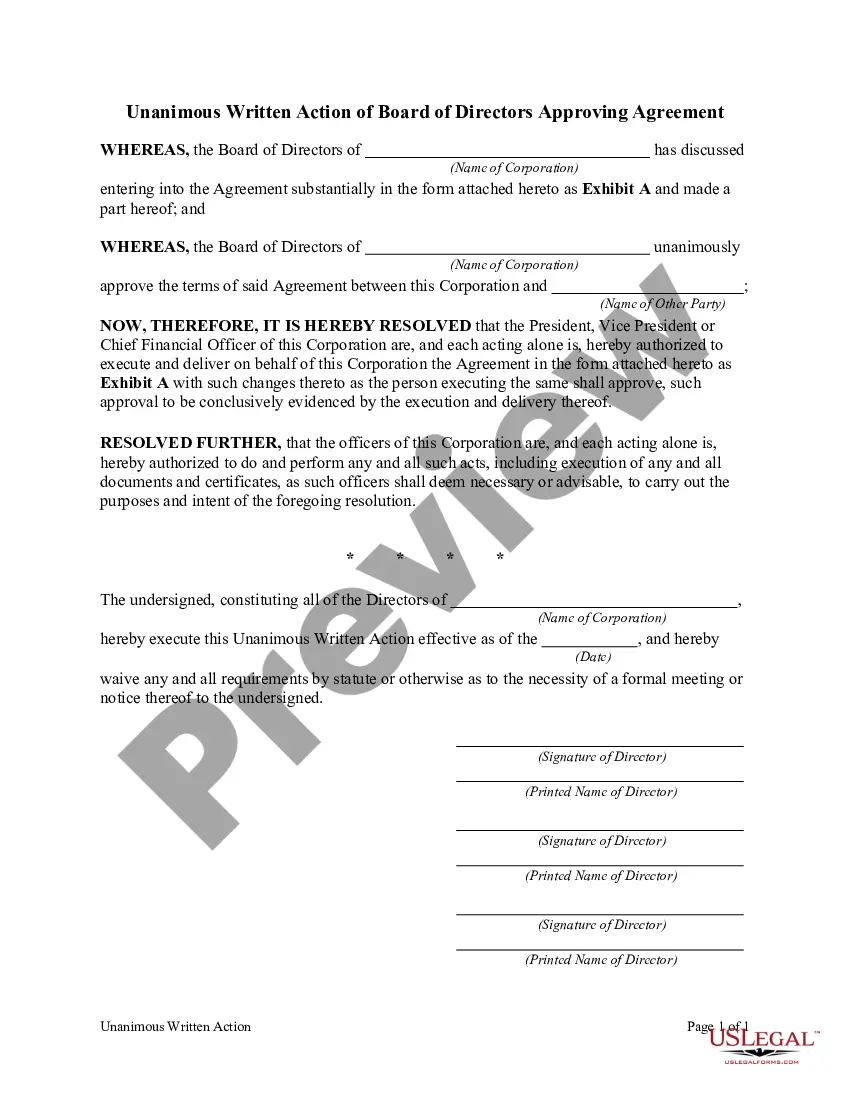
In the blank space following ?Dated This Day Of,? enter the actual date on which the contract is being signed or executed. For example, if the contract is being executed on March 24, 2023, you would enter ?March 24, 2023? in the blank space.
Definition: A facsimile signature is a signature that has been prepared and reproduced by mechanical or photographic means. It can also refer to a signature on a document that has been transmitted by a fax machine. Example: When you sign a document and then make a copy of it, the copy will have a facsimile signature.
A facsimile signature is a reproduction of a person's handwritten signature that is created using electronic means. This can be done through scanning or photographing the original signature and saving it as an image file, or by using a digital signature pad to create an electronic version of the signature.
A fully executed facsimile or electronic copy and/or photocopy of this Agreement is legally enforceable and binding the same as the original Agreement.