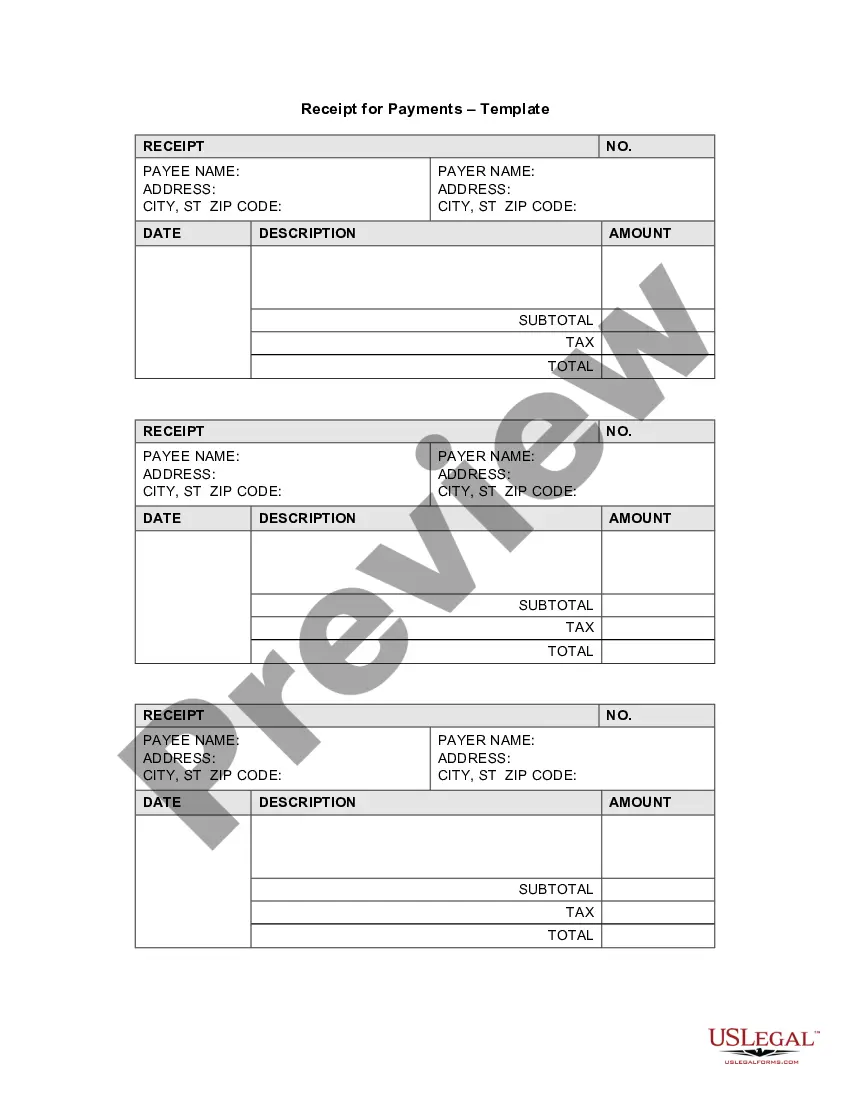
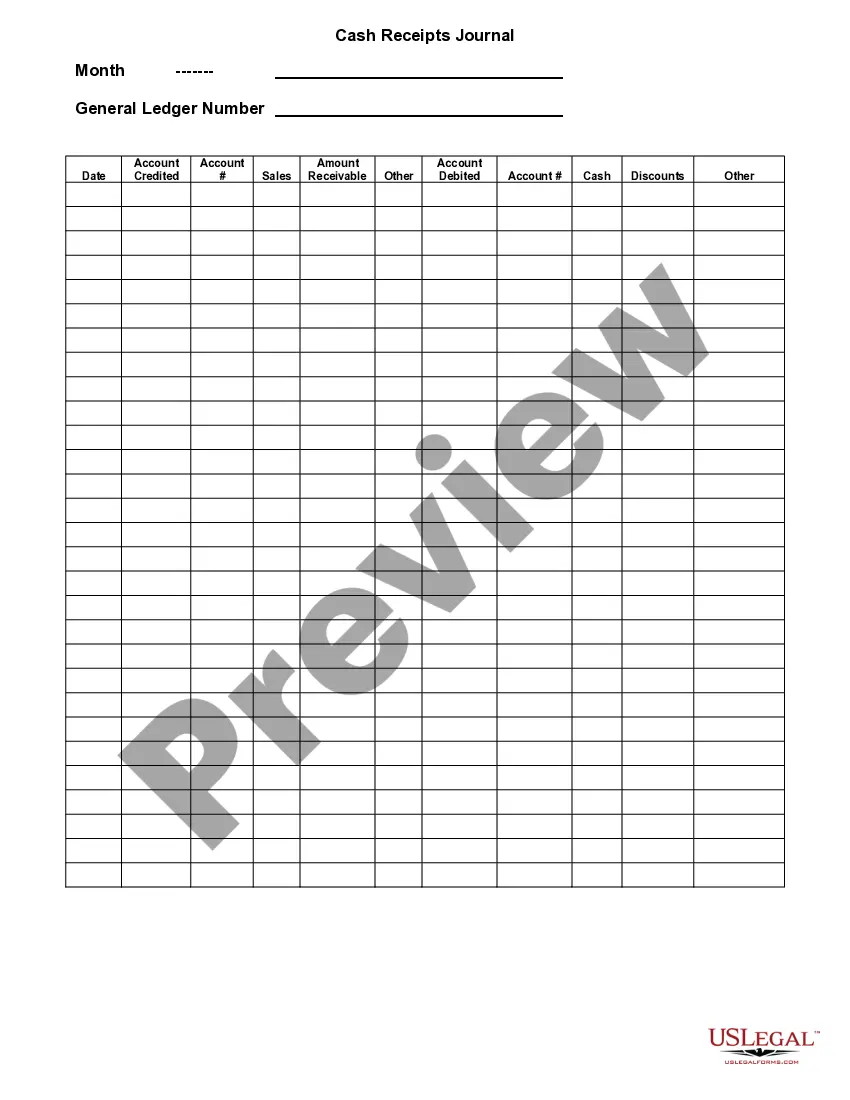
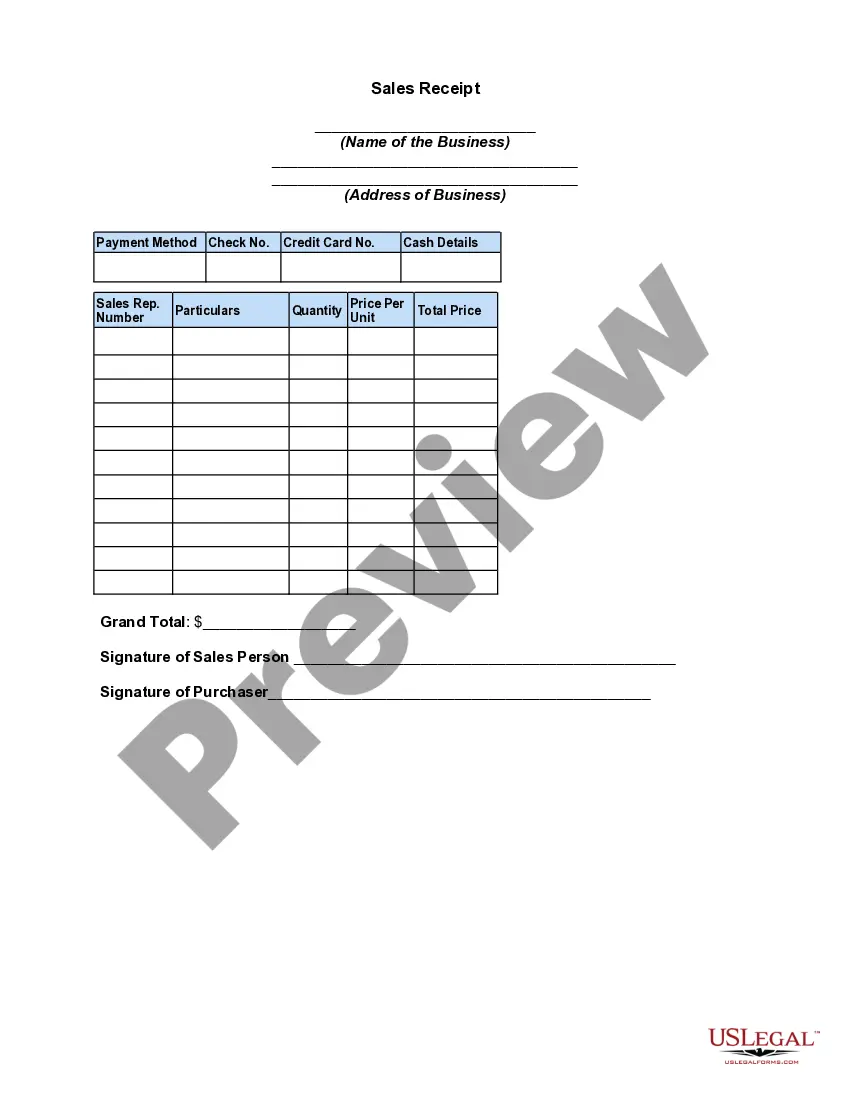
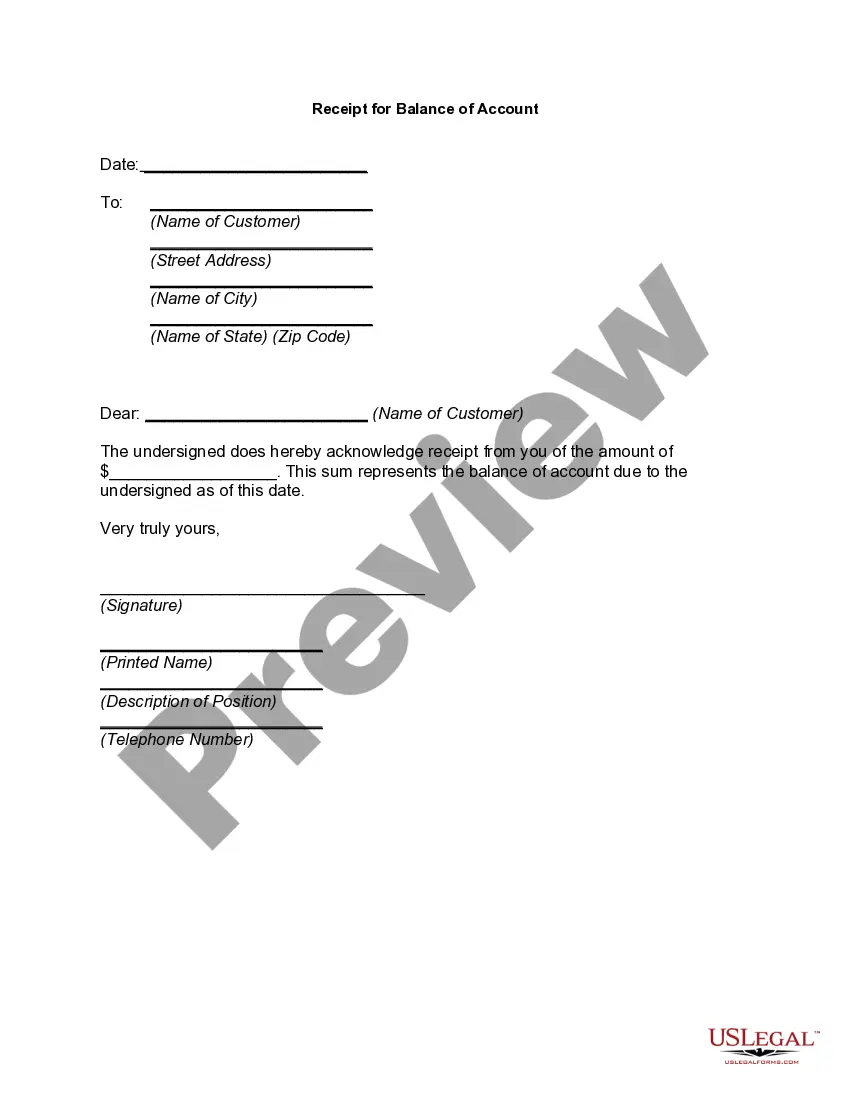
Payments Template Document With Table Of Contents
Description
Get your form ready online
Our built-in tools help you complete, sign, share, and store your documents in one place.
Make edits, fill in missing information, and update formatting in US Legal Forms—just like you would in MS Word.
Download a copy, print it, send it by email, or mail it via USPS—whatever works best for your next step.
Sign and collect signatures with our SignNow integration. Send to multiple recipients, set reminders, and more. Go Premium to unlock E-Sign.
If this form requires notarization, complete it online through a secure video call—no need to meet a notary in person or wait for an appointment.
We protect your documents and personal data by following strict security and privacy standards.

Make edits, fill in missing information, and update formatting in US Legal Forms—just like you would in MS Word.

Download a copy, print it, send it by email, or mail it via USPS—whatever works best for your next step.

Sign and collect signatures with our SignNow integration. Send to multiple recipients, set reminders, and more. Go Premium to unlock E-Sign.

If this form requires notarization, complete it online through a secure video call—no need to meet a notary in person or wait for an appointment.

We protect your documents and personal data by following strict security and privacy standards.
Looking for another form?
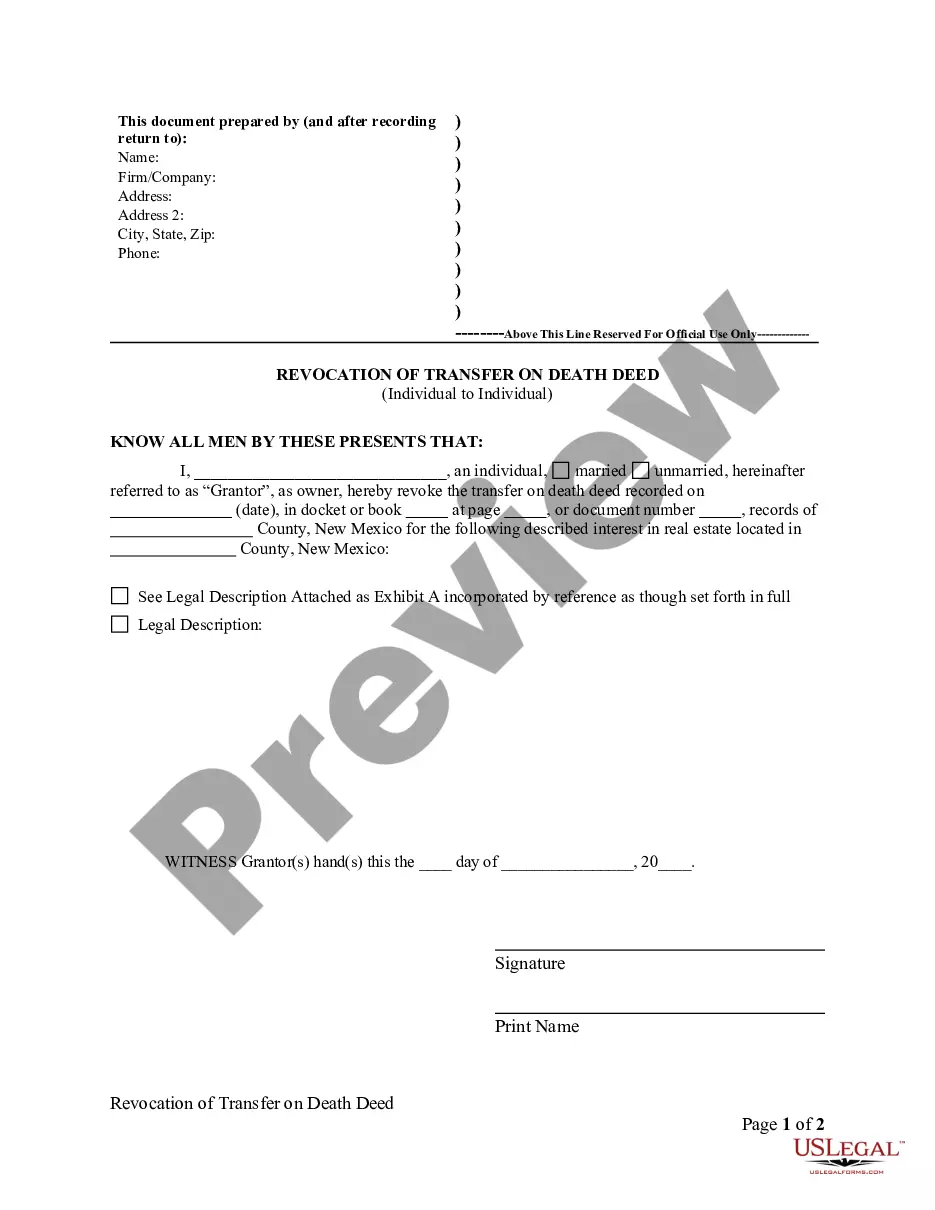
How to fill out Receipt For Payments - Template?
Creating legal documents from the ground up can frequently be somewhat daunting. Certain scenarios may require numerous hours of investigation and substantial funds. If you’re looking for an easier and more affordable method of preparing Payments Template Document With Table Of Contents or any other paperwork without the hassle, US Legal Forms is always available to assist.
Our online repository of over 85,000 current legal forms covers nearly every aspect of your financial, legal, and personal affairs. With just a few clicks, you can swiftly obtain state- and county-specific templates meticulously crafted for you by our legal experts.
Utilize our platform whenever you need dependable and trustworthy services through which you can effortlessly find and download the Payments Template Document With Table Of Contents. If you’re familiar with our services and have previously created an account with us, simply Log In to your account, select the form and download it or re-download it anytime later in the My documents section.
Not registered yet? No worries. It requires minimal time to sign up and browse the catalog. However, before diving straight into downloading Payments Template Document With Table Of Contents, consider these suggestions.
US Legal Forms has a solid reputation and over 25 years of expertise. Join us today and make form execution a simple and efficient process!
- Review the document preview and descriptions to confirm that you are on the document you need.
- Ensure the form you select complies with the laws and regulations of your state and county.
- Select the appropriate subscription option to acquire the Payments Template Document With Table Of Contents.
- Download the file. Then complete, sign, and print it out.
Form popularity
FAQ
The following things should never be included in a table of contents: Your acknowledgements page. Your abstract. The table of contents itself.
Creating a Table of Contents in Microsoft Word - YouTube YouTube Start of suggested clip End of suggested clip Great I've set up now five sections or headings really in my word document now that my document hasMoreGreat I've set up now five sections or headings really in my word document now that my document has headings. I can just go to the references tab and if you don't see that tab for some reason you just
It's time to let Microsoft Word do its magic! Place the cursor where you want the table of contents to appear in the document. Navigate to the REFERENCES tab in the Ribbon. Click the Table of Contents button in the Table of Contents group. Choose one of the "Automatic" table of content styles listed.
Click where you want to insert the table of contents ? usually near the beginning of a document. Click References > Table of Contents and then choose an Automatic Table of Contents style from the list.
Creating a Table of Contents in Microsoft Word - YouTube YouTube Start of suggested clip End of suggested clip I can just go to the references tab and if you don't see that tab for some reason you just need toMoreI can just go to the references tab and if you don't see that tab for some reason you just need to write click on the toolbar. And choose customize. The ribbon and make sure that references is