Services With Cost
Description
Get your form ready online
Our built-in tools help you complete, sign, share, and store your documents in one place.
Make edits, fill in missing information, and update formatting in US Legal Forms—just like you would in MS Word.
Download a copy, print it, send it by email, or mail it via USPS—whatever works best for your next step.
Sign and collect signatures with our SignNow integration. Send to multiple recipients, set reminders, and more. Go Premium to unlock E-Sign.
If this form requires notarization, complete it online through a secure video call—no need to meet a notary in person or wait for an appointment.
We protect your documents and personal data by following strict security and privacy standards.

Make edits, fill in missing information, and update formatting in US Legal Forms—just like you would in MS Word.

Download a copy, print it, send it by email, or mail it via USPS—whatever works best for your next step.

Sign and collect signatures with our SignNow integration. Send to multiple recipients, set reminders, and more. Go Premium to unlock E-Sign.

If this form requires notarization, complete it online through a secure video call—no need to meet a notary in person or wait for an appointment.

We protect your documents and personal data by following strict security and privacy standards.
Looking for another form?
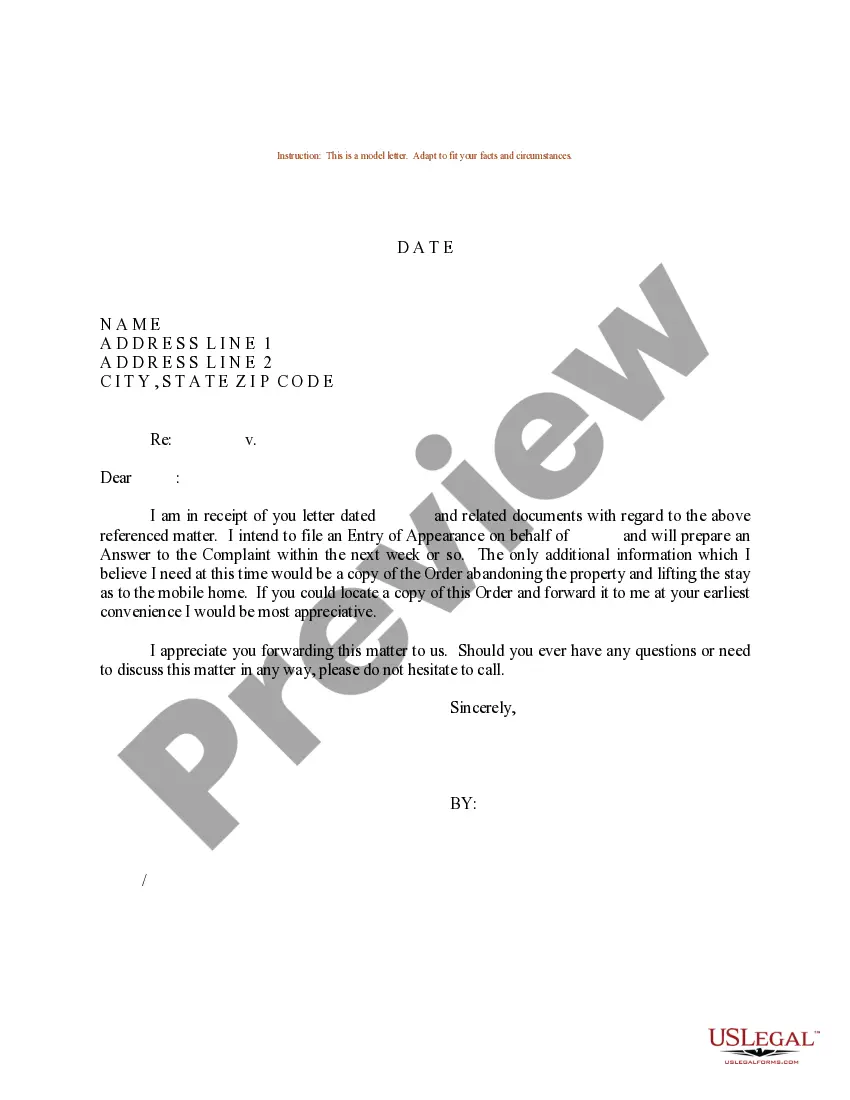

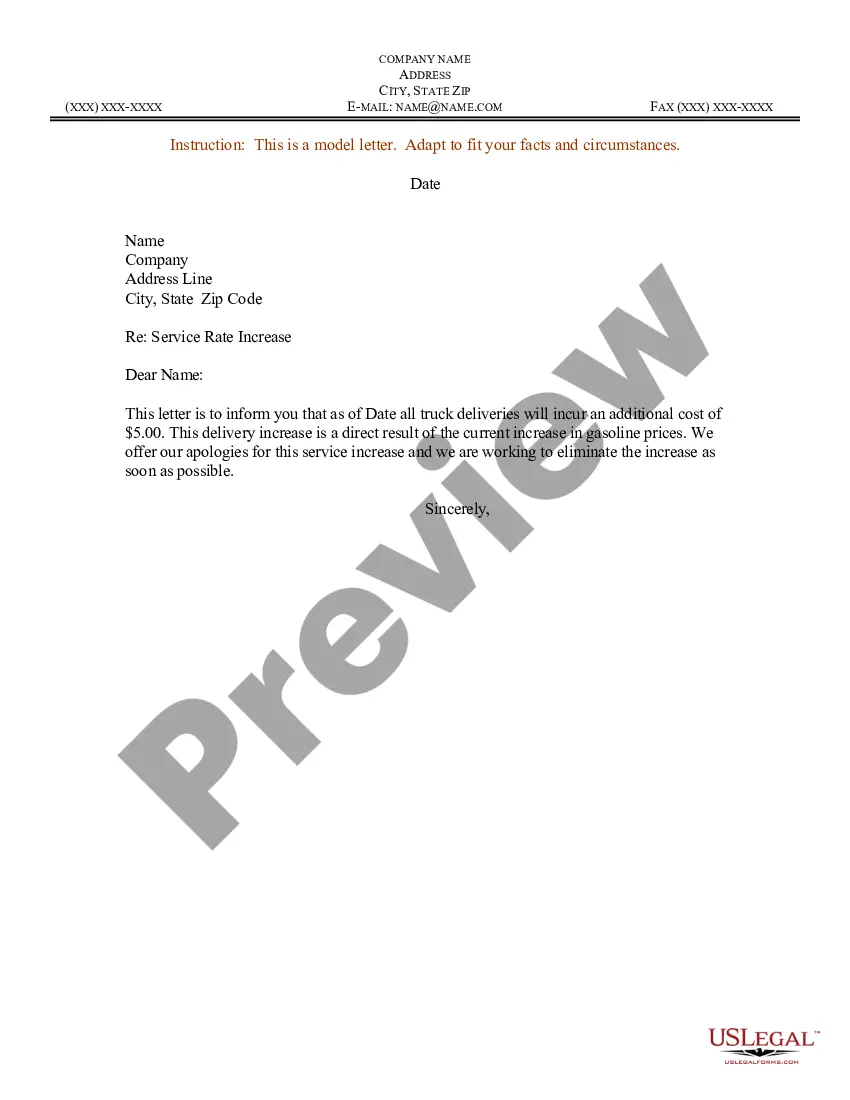
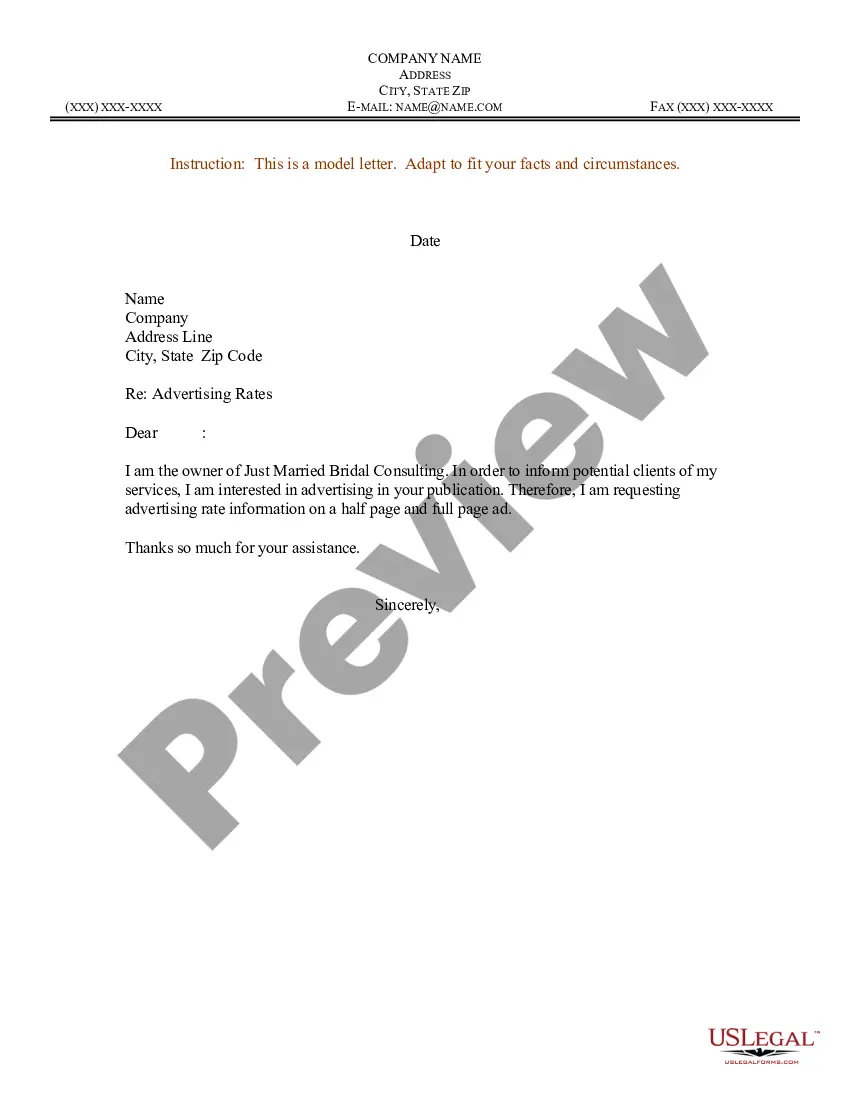
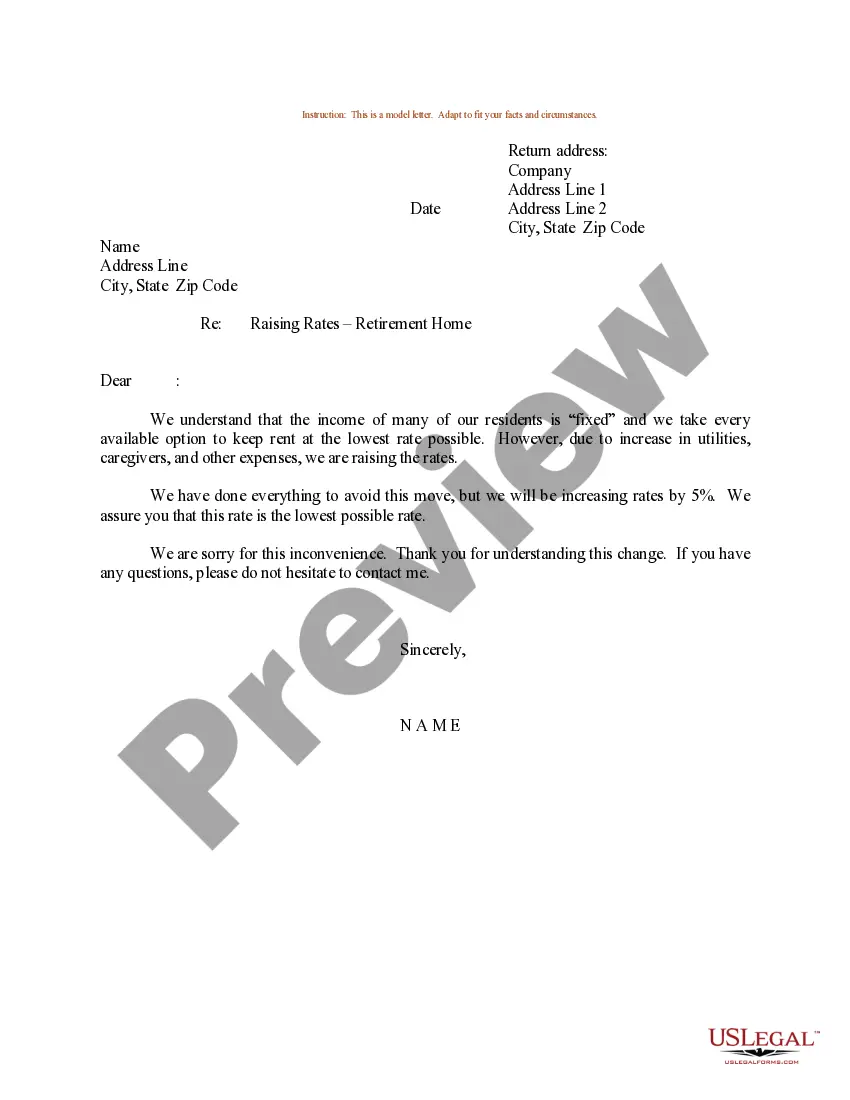
How to fill out Sample Letter For Service Rate Increase?
Identifying a reliable source for obtaining the most up-to-date and suitable legal templates constitutes a significant part of navigating bureaucracy. Locating the appropriate legal documents necessitates precision and meticulousness, which is why it is crucial to obtain samples of Services With Cost exclusively from trustworthy sources, such as US Legal Forms. An incorrect template can squander your time and delay the situation you are facing. With US Legal Forms, you have little to worry about. You can access and examine all the details regarding the document’s application and relevance for your situation and in your state or locality.
Follow these steps to finalize your Services With Cost.
Eliminate the stress associated with your legal documentation. Explore the extensive US Legal Forms database to locate legal templates, verify their relevance to your situation, and download them instantly.
- Use the catalog navigation or search bar to find your template.
- Examine the form’s description to determine if it aligns with the requirements of your state and region.
- Preview the form, if available, to confirm that the template is the one you need.
- Return to the search if the Services With Cost does not meet your requirements.
- If you are confident in the form’s applicability, download it.
- If you are a registered customer, click Log in to verify and access your selected forms in My documents.
- If you do not have an account yet, click Buy now to acquire the template.
- Select the pricing option that suits your needs.
- Proceed to registration to complete your purchase.
- Finalize your purchase by choosing a payment method (credit card or PayPal).
- Choose the document format for downloading Services With Cost.
- Once you have the form on your device, you can modify it using the editor or print it and complete it manually.
Form popularity
FAQ
To calculate the cost of sales, add your beginning inventory to the purchases made during the period and subtract that from your ending inventory. To calculate the total values of sales, multiply the average price per product or service sold by the number of products or services sold.
To account for service expenses, you need to create expense accounts in your income statement for each type of cost. You also need to create accounts payable and accrued expenses accounts in your balance sheet.
What is service costing? Service costing is the process of identifying all costs associated with building, supporting, and delivering your service. Examples of service cost components include equipment, staff labor, professional fees, software, license fees, and data center charges, to name just a few.
Service costing is the process of identifying all costs associated with building, supporting, and delivering your service. Examples of service cost components include equipment, staff labor, professional fees, software, license fees, and data center charges, to name just a few.
The formula to calculate total cost is the following: TC (total cost) = TFC (total fixed cost) + TVC (total variable cost).