Period For Contract
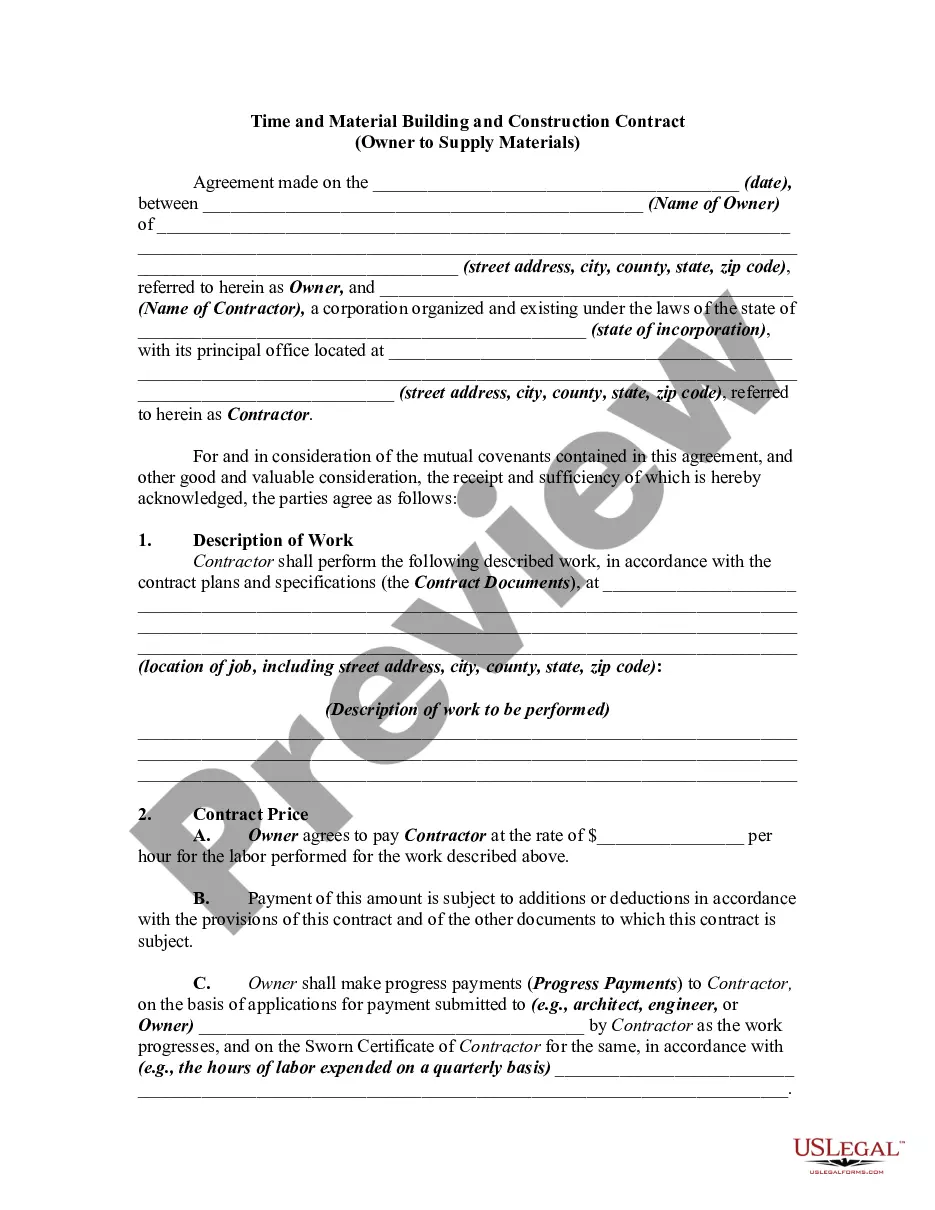
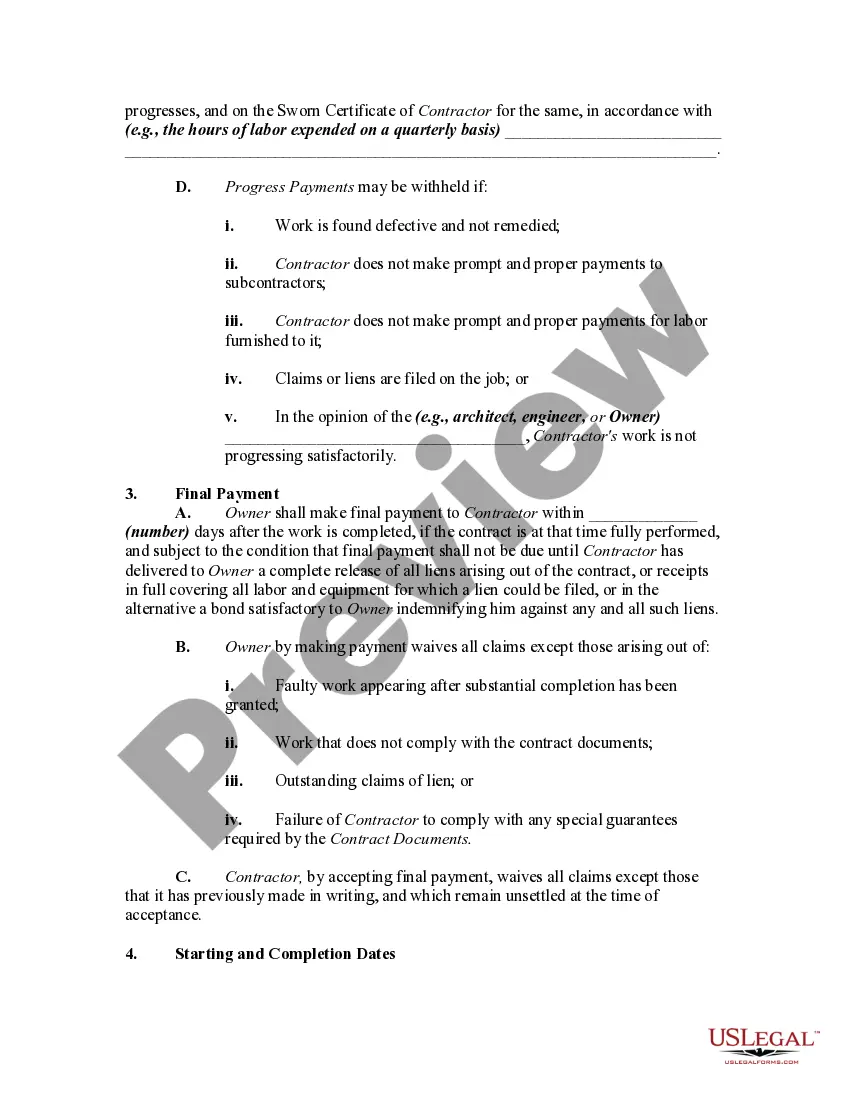
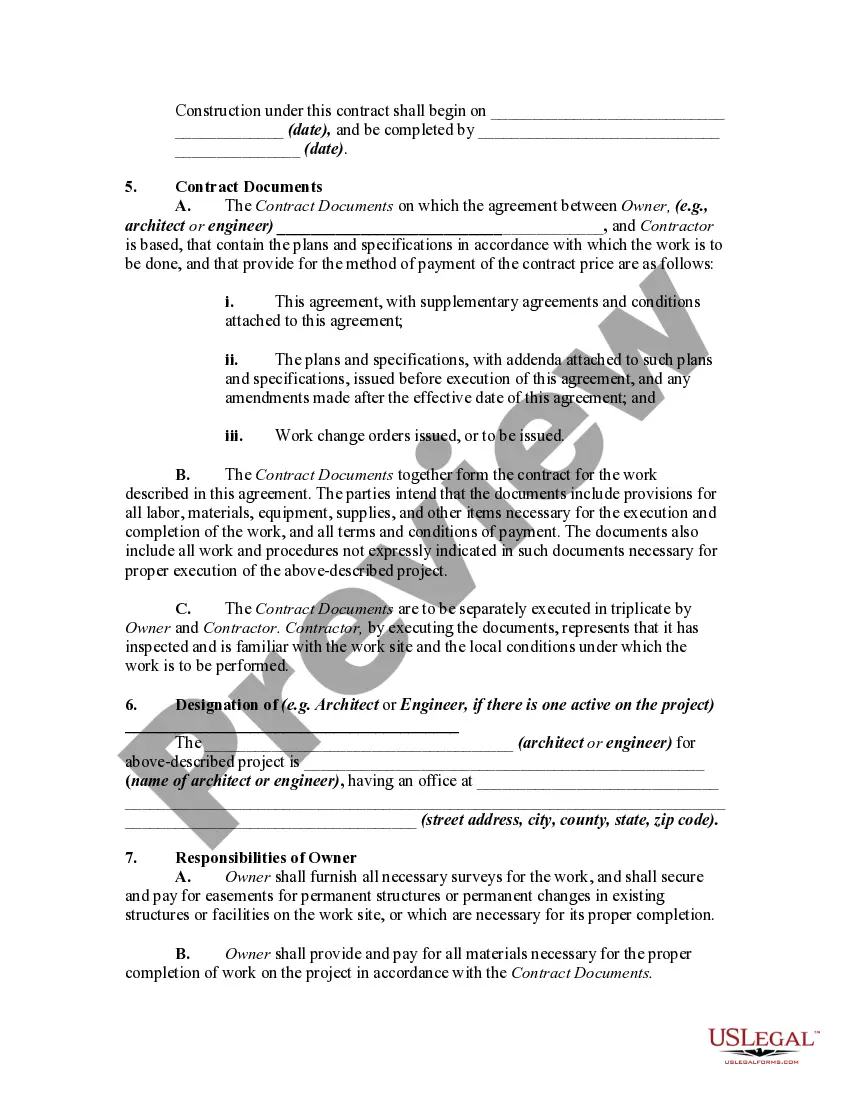
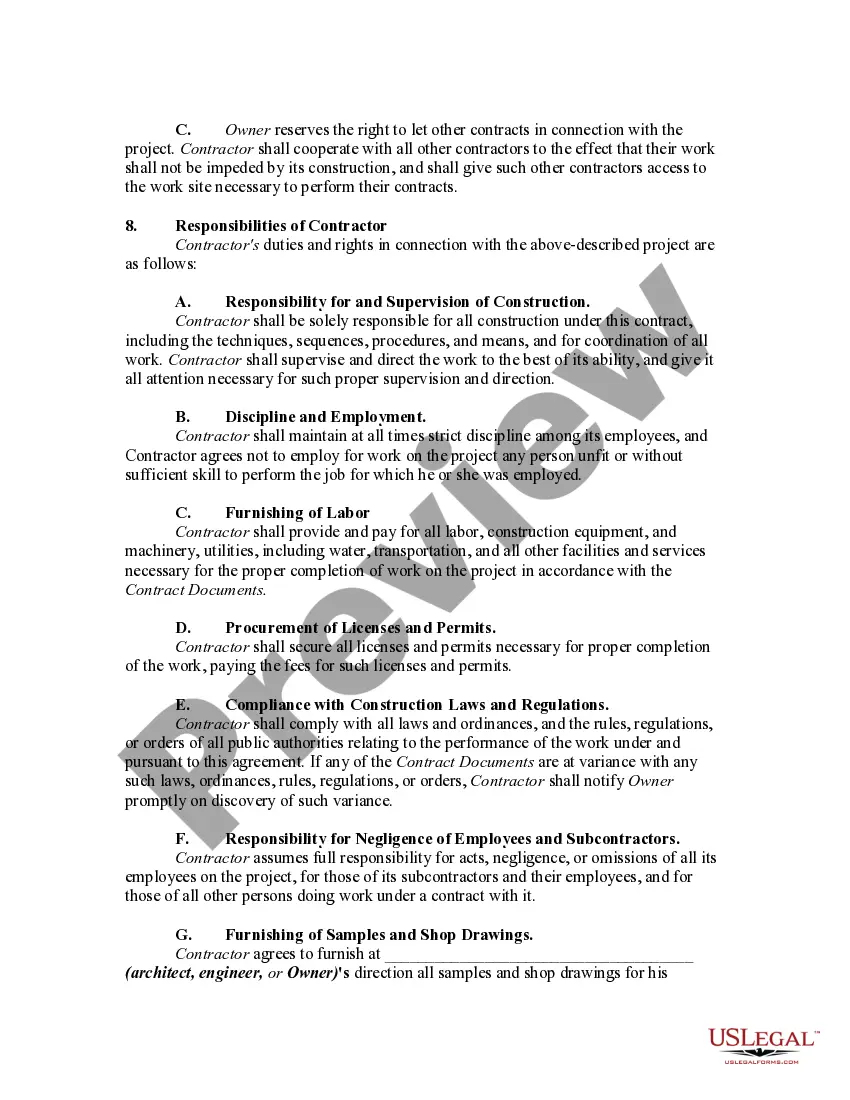
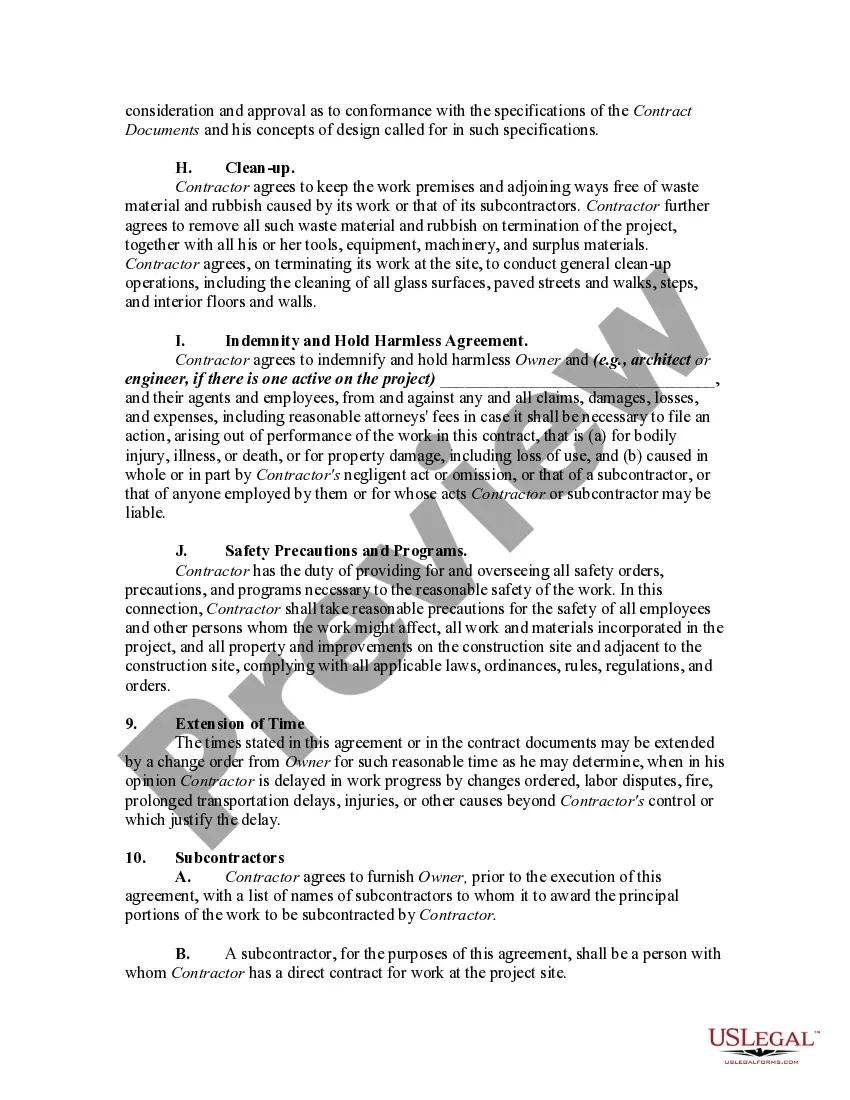
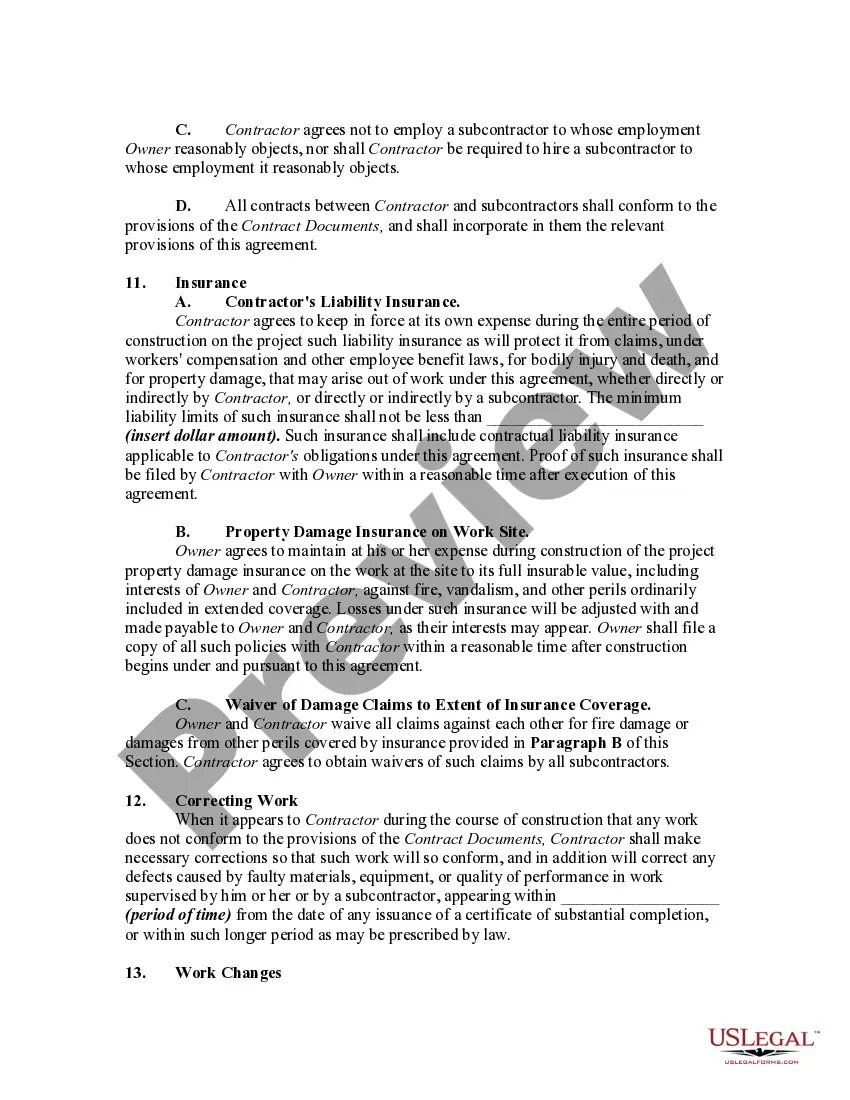
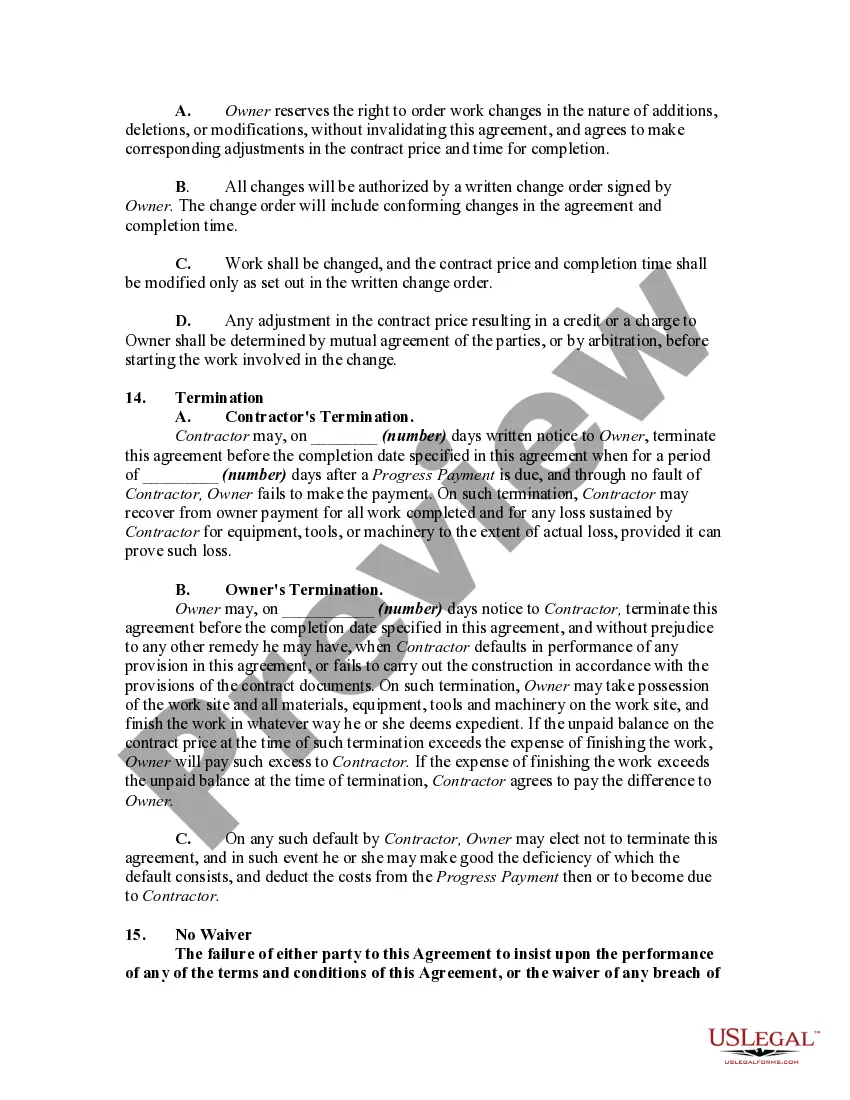
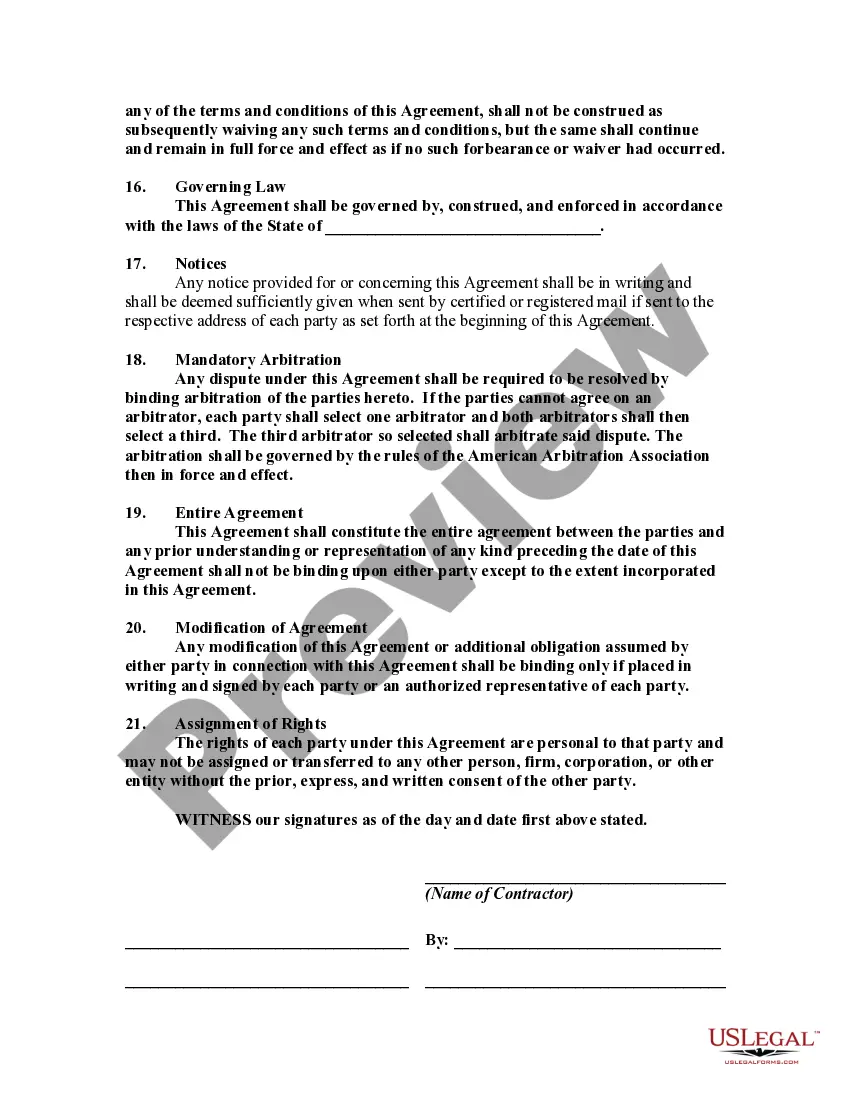
Description

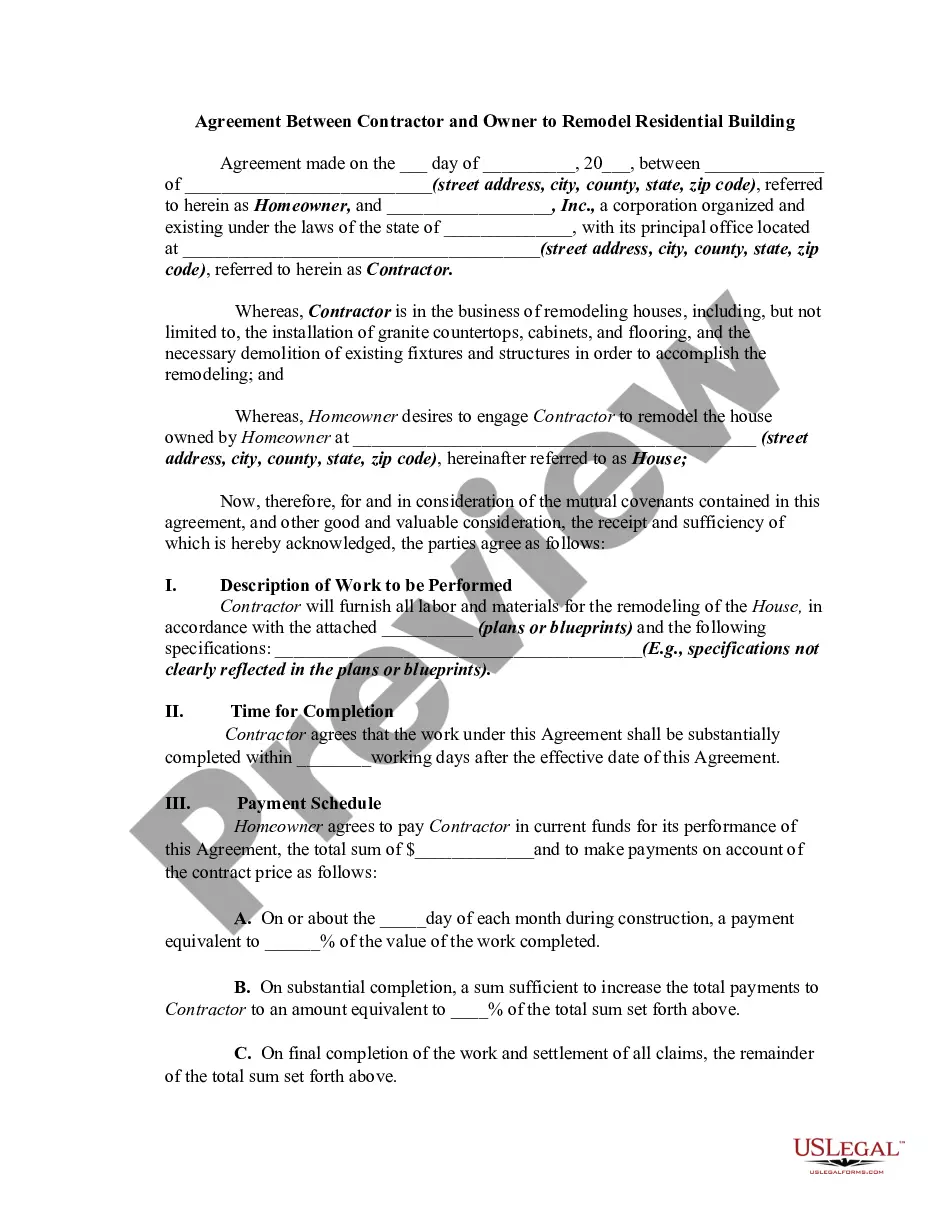
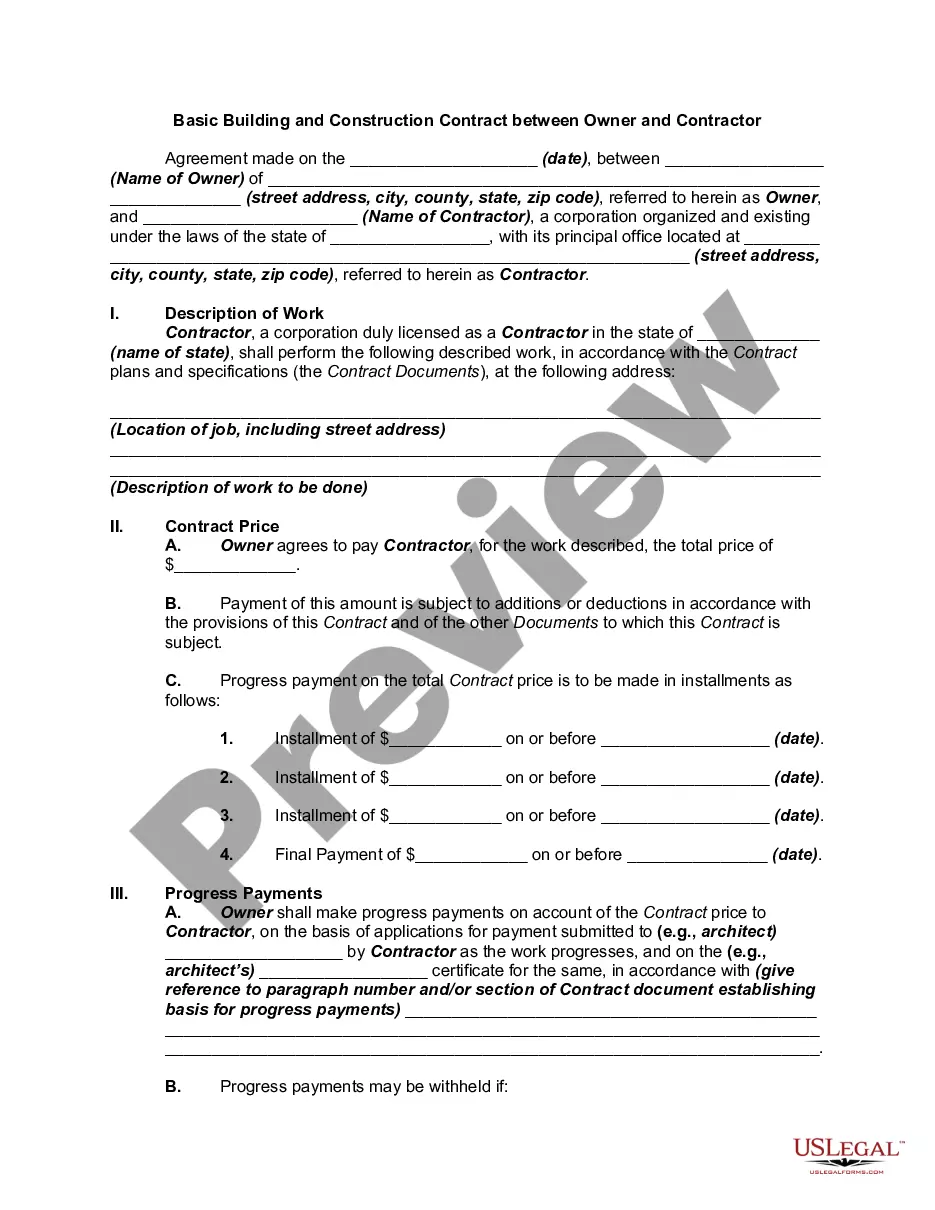
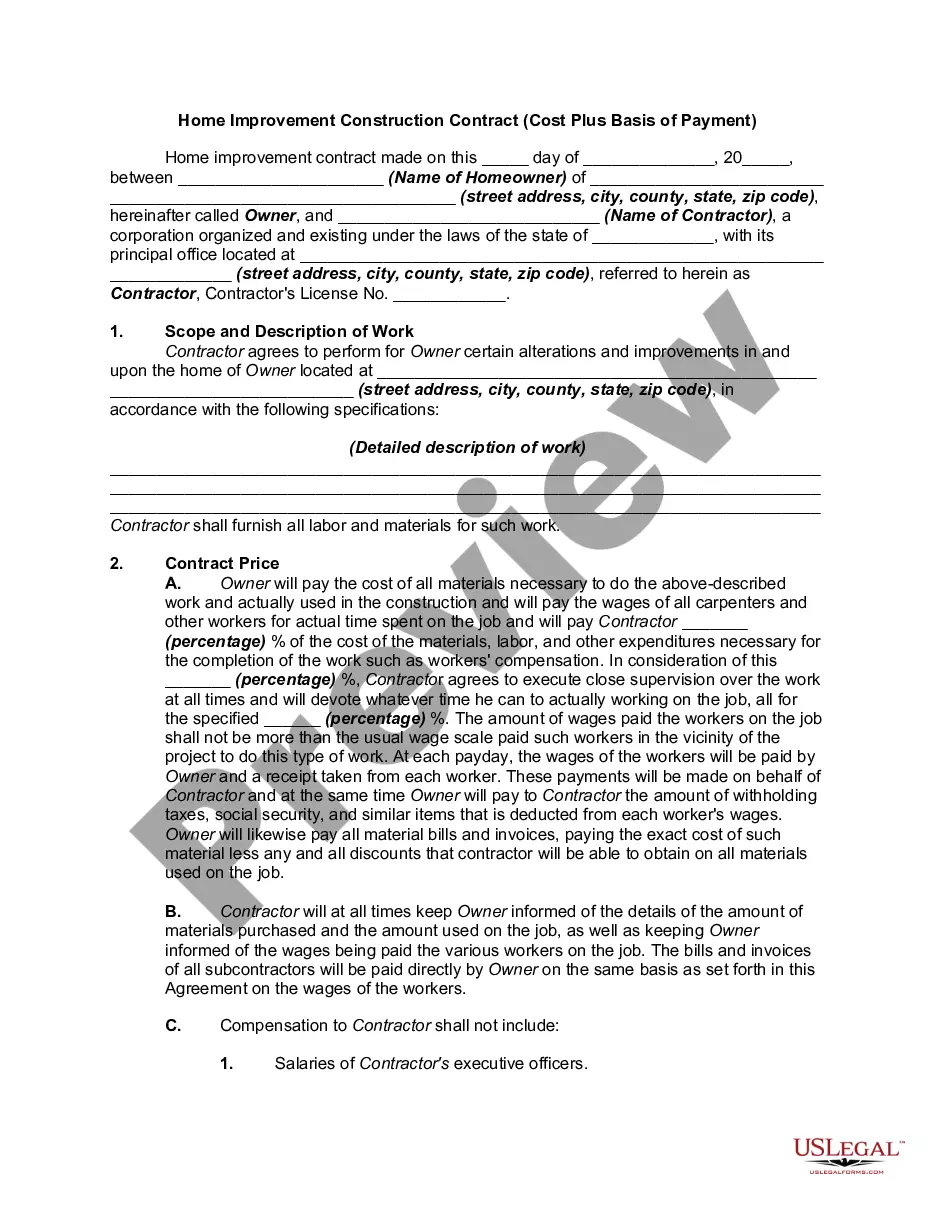
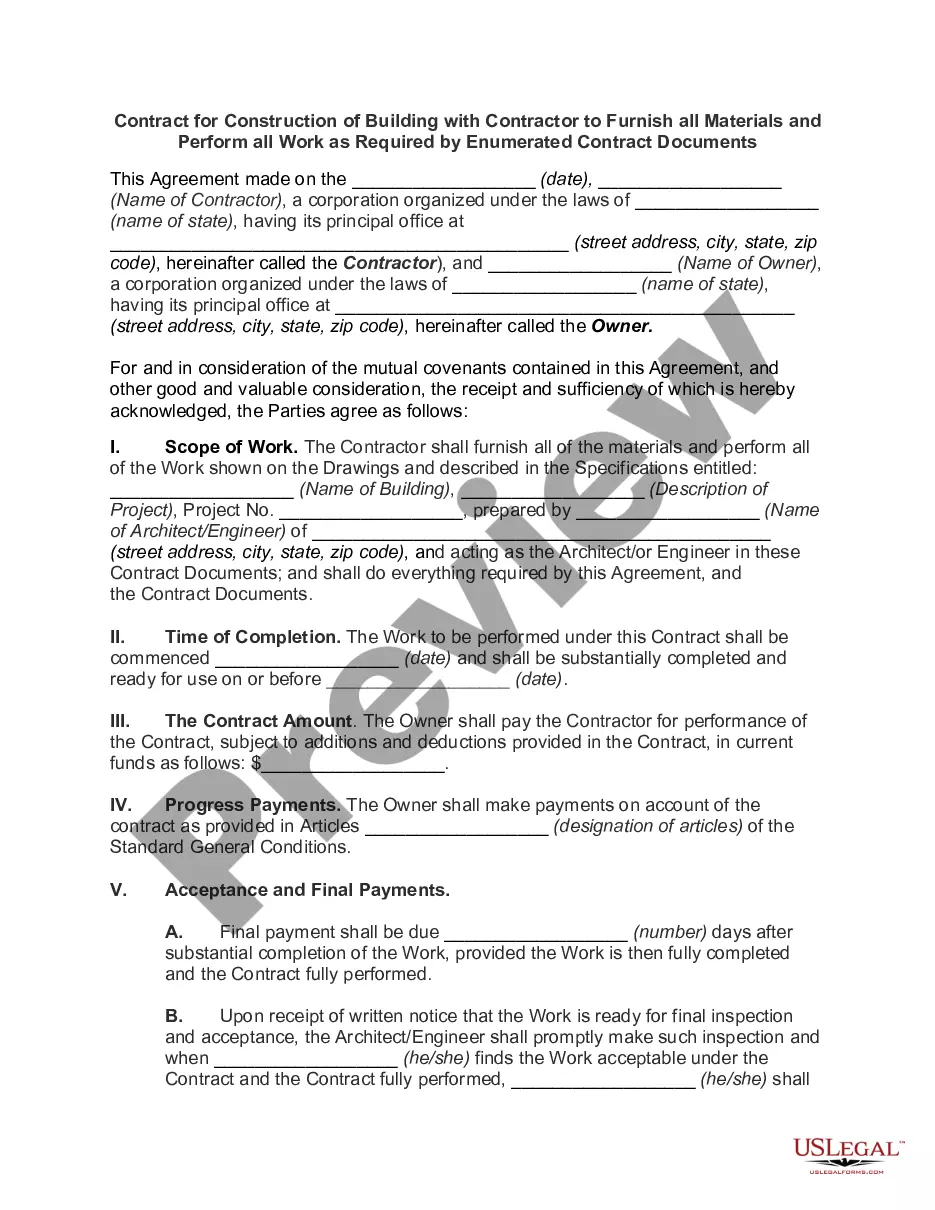
Get your form ready online
Our built-in tools help you complete, sign, share, and store your documents in one place.
Make edits, fill in missing information, and update formatting in US Legal Forms—just like you would in MS Word.
Download a copy, print it, send it by email, or mail it via USPS—whatever works best for your next step.
Sign and collect signatures with our SignNow integration. Send to multiple recipients, set reminders, and more. Go Premium to unlock E-Sign.
If this form requires notarization, complete it online through a secure video call—no need to meet a notary in person or wait for an appointment.
We protect your documents and personal data by following strict security and privacy standards.

Make edits, fill in missing information, and update formatting in US Legal Forms—just like you would in MS Word.

Download a copy, print it, send it by email, or mail it via USPS—whatever works best for your next step.

Sign and collect signatures with our SignNow integration. Send to multiple recipients, set reminders, and more. Go Premium to unlock E-Sign.

If this form requires notarization, complete it online through a secure video call—no need to meet a notary in person or wait for an appointment.

We protect your documents and personal data by following strict security and privacy standards.
Looking for another form?
How to fill out Time And Material Building And Construction Contract - Owner To Supply Materials?
Acquiring a reliable source to obtain the latest and suitable legal templates is half the battle when dealing with bureaucracy.
Locating the correct legal documents requires accuracy and meticulousness, which is why it's crucial to source Period For Contract samples exclusively from trustworthy providers, such as US Legal Forms. An incorrect template will squander your time and delay your circumstances. With US Legal Forms, you have minimal concerns. You can access and review all the information pertaining to the document's application and relevance for your situation and in your state or area.
Eliminate the hassle that comes with your legal documentation. Explore the comprehensive US Legal Forms collection where you can find legal templates, verify their relevance to your situation, and download them instantly.
- Utilize the library navigation or search bar to find your template.
- Examine the form's description to ensure it meets the prerequisites of your state and area.
- View the form preview, if available, to confirm the template is indeed the one you seek.
- Return to the search and look for the appropriate template if the Period For Contract does not align with your needs.
- Once you are certain about the form's relevance, download it.
- If you are an authorized user, click Log in to verify and access your selected forms in My documents.
- If you do not possess an account yet, click Buy now to acquire the template.
- Select the pricing option that fits your requirements.
- Proceed to the registration to finalize your purchase.
- Complete your transaction by choosing a payment method (credit card or PayPal).
- Select the file format for downloading the Period For Contract.
- Once you have the form on your device, you can modify it using the editor or print it and complete it manually.
Form popularity
FAQ
On the slip, you enter the contractor's business registration number. However, if the contractor is a self-employed individual and does not have a business number, you still have to issue a T5018 slip. Instead of the business number, you enter their Social Insurance Number.
A contract should contain everything agreed upon by you and your licensed contractor. It should detail the work, price, when payments will be made, who gets the necessary building permits, and when the job will be finished. The contract also must identify the contractor, and give their address and license number.
How to fill out. Enter the last day of the payer's reporting period in which the payment was made to the recipient. Report the total amount of payments you made to the subcontractor during the period. Include GST/HST and PST (where applicable) in the amount reported in box 22.
The T5018, also known as the Statement of Contract Payments, is the CRA taxpayer slip designed for individuals, partnerships, trusts, and corporations in the construction business. If construction activities and payments account for more than 50% of your business income, the CRA expects you to file a T5018 slip.
Before you sign any contract: 10 things you need to know Shop around. ... Know who you're dealing with. ... Negotiate. ... Read the contract and pay attention to the details. ... Understand everything in the contract. ... Know who to call for help or to lodge a complaint. ... Remember: you are responsible. ... Know how to get out of it.