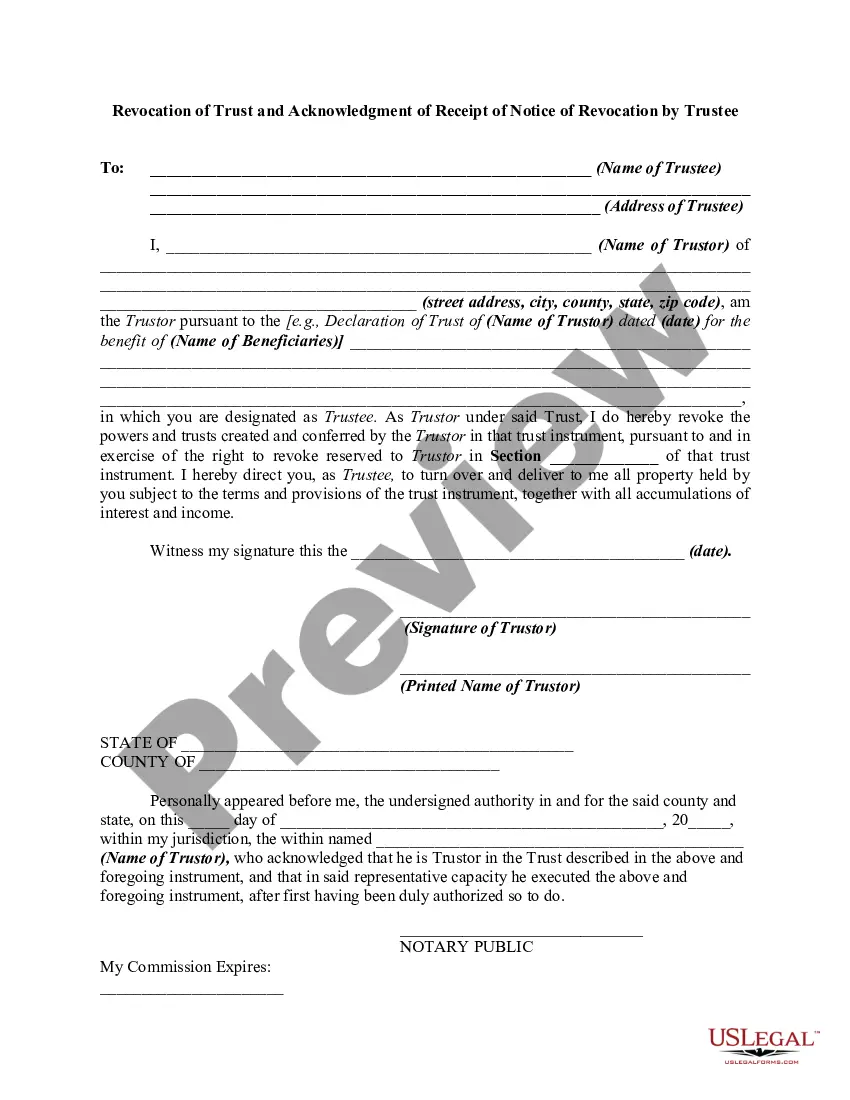
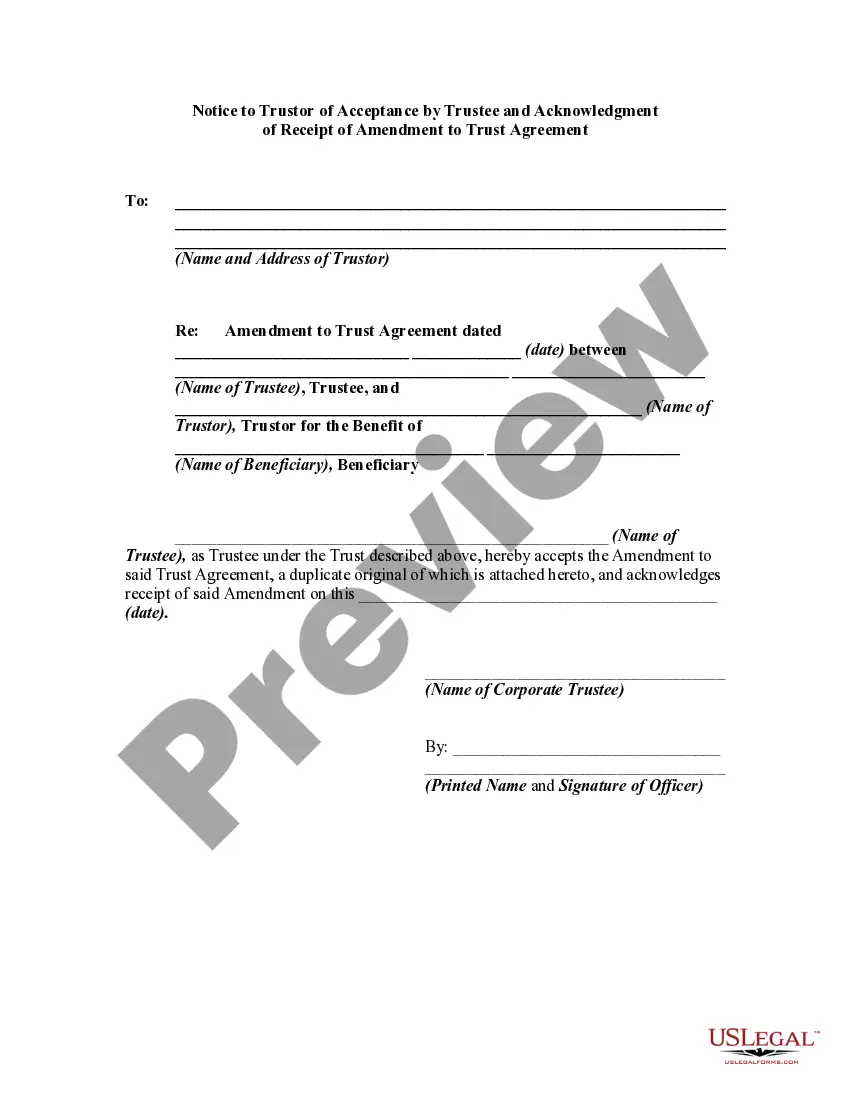
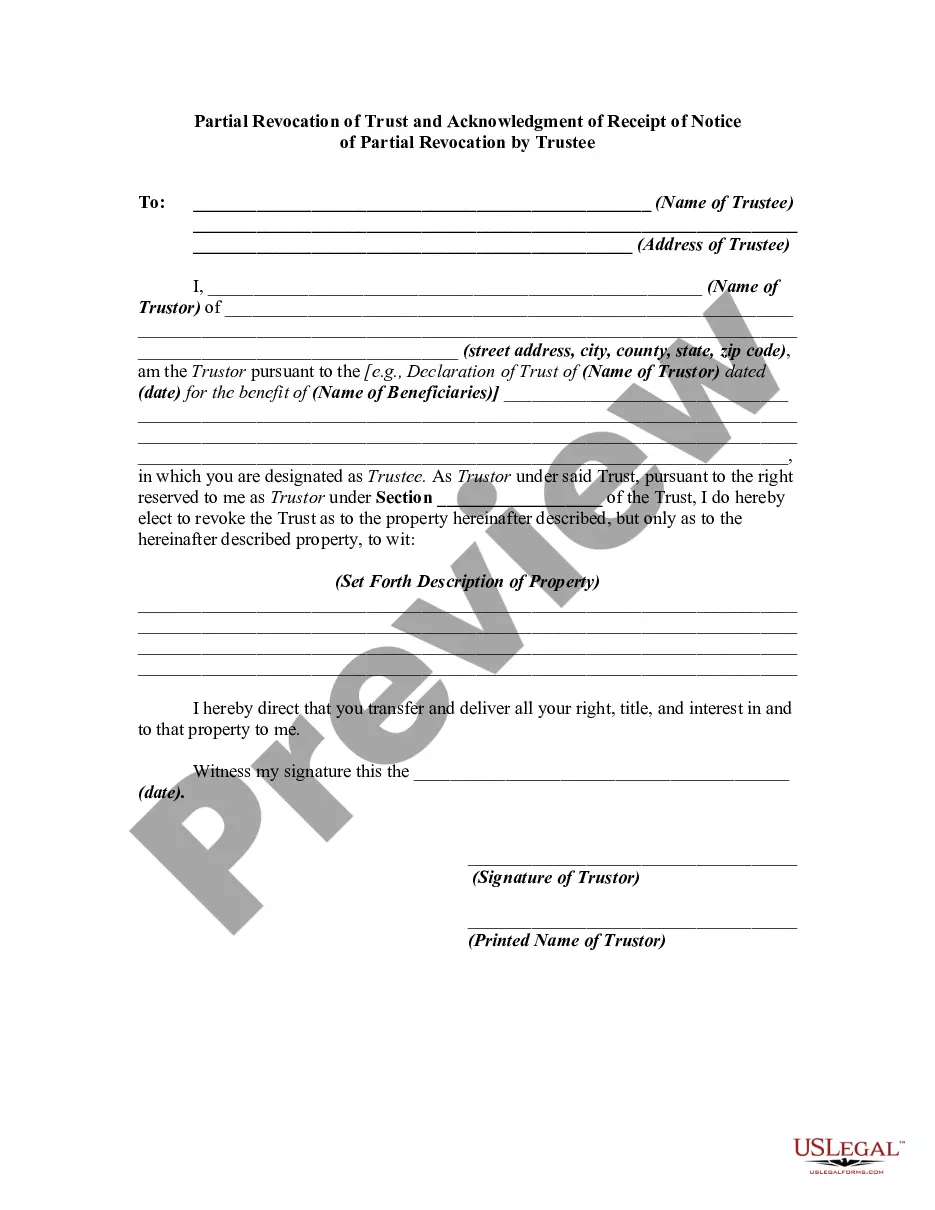
Revocation Of A Trust With A Mortgage
Description
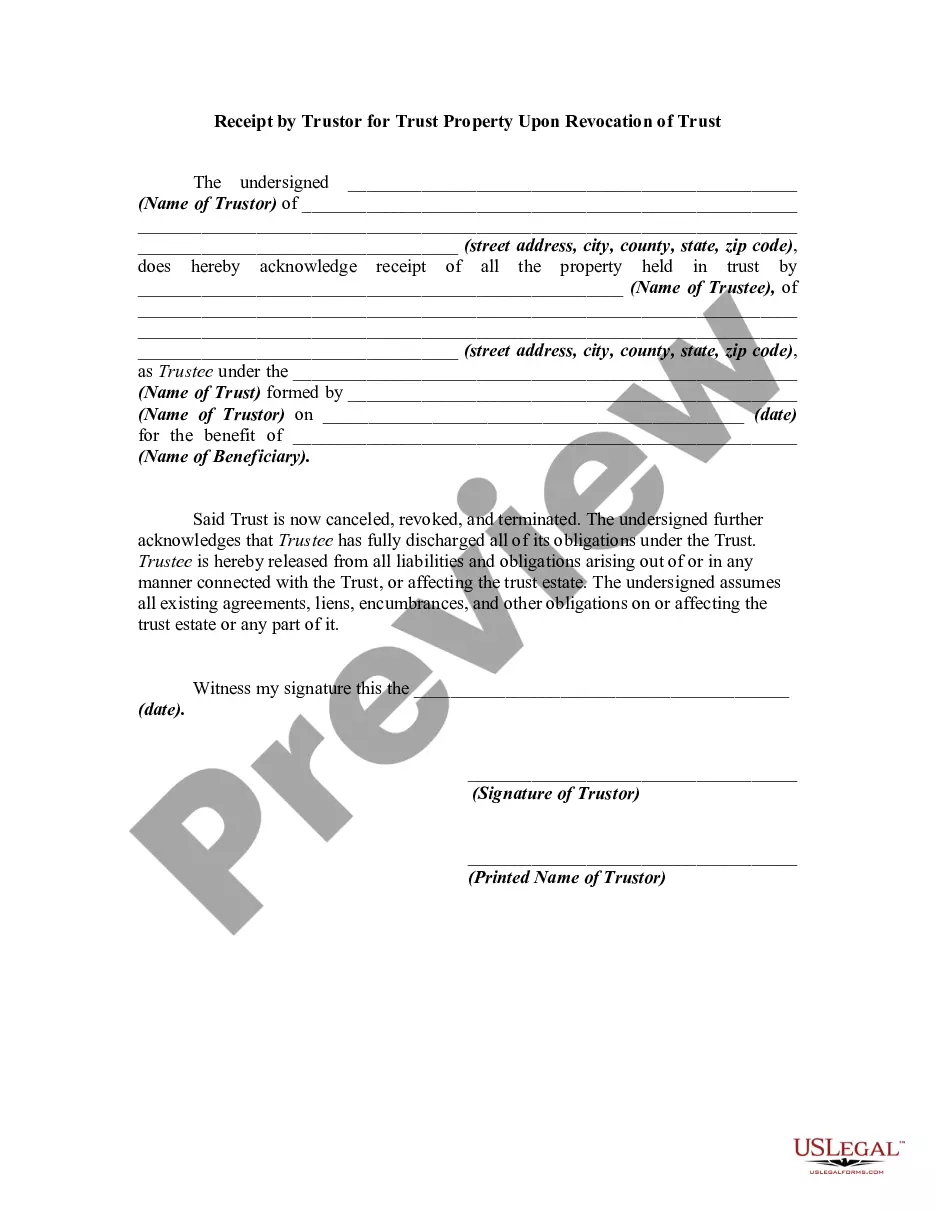
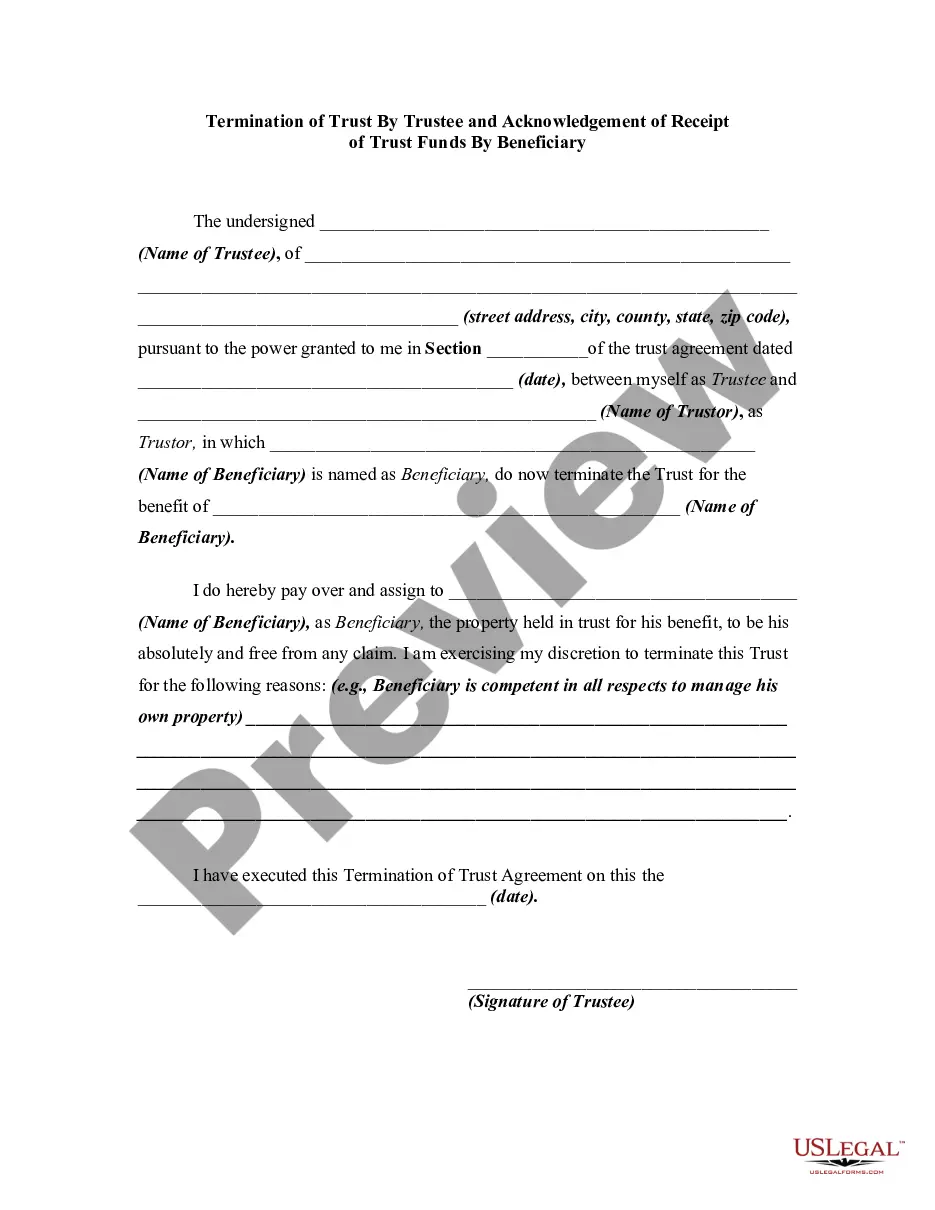
Get your form ready online
Our built-in tools help you complete, sign, share, and store your documents in one place.
Make edits, fill in missing information, and update formatting in US Legal Forms—just like you would in MS Word.
Download a copy, print it, send it by email, or mail it via USPS—whatever works best for your next step.
Sign and collect signatures with our SignNow integration. Send to multiple recipients, set reminders, and more. Go Premium to unlock E-Sign.
If this form requires notarization, complete it online through a secure video call—no need to meet a notary in person or wait for an appointment.
We protect your documents and personal data by following strict security and privacy standards.

Make edits, fill in missing information, and update formatting in US Legal Forms—just like you would in MS Word.

Download a copy, print it, send it by email, or mail it via USPS—whatever works best for your next step.

Sign and collect signatures with our SignNow integration. Send to multiple recipients, set reminders, and more. Go Premium to unlock E-Sign.

If this form requires notarization, complete it online through a secure video call—no need to meet a notary in person or wait for an appointment.

We protect your documents and personal data by following strict security and privacy standards.
Looking for another form?

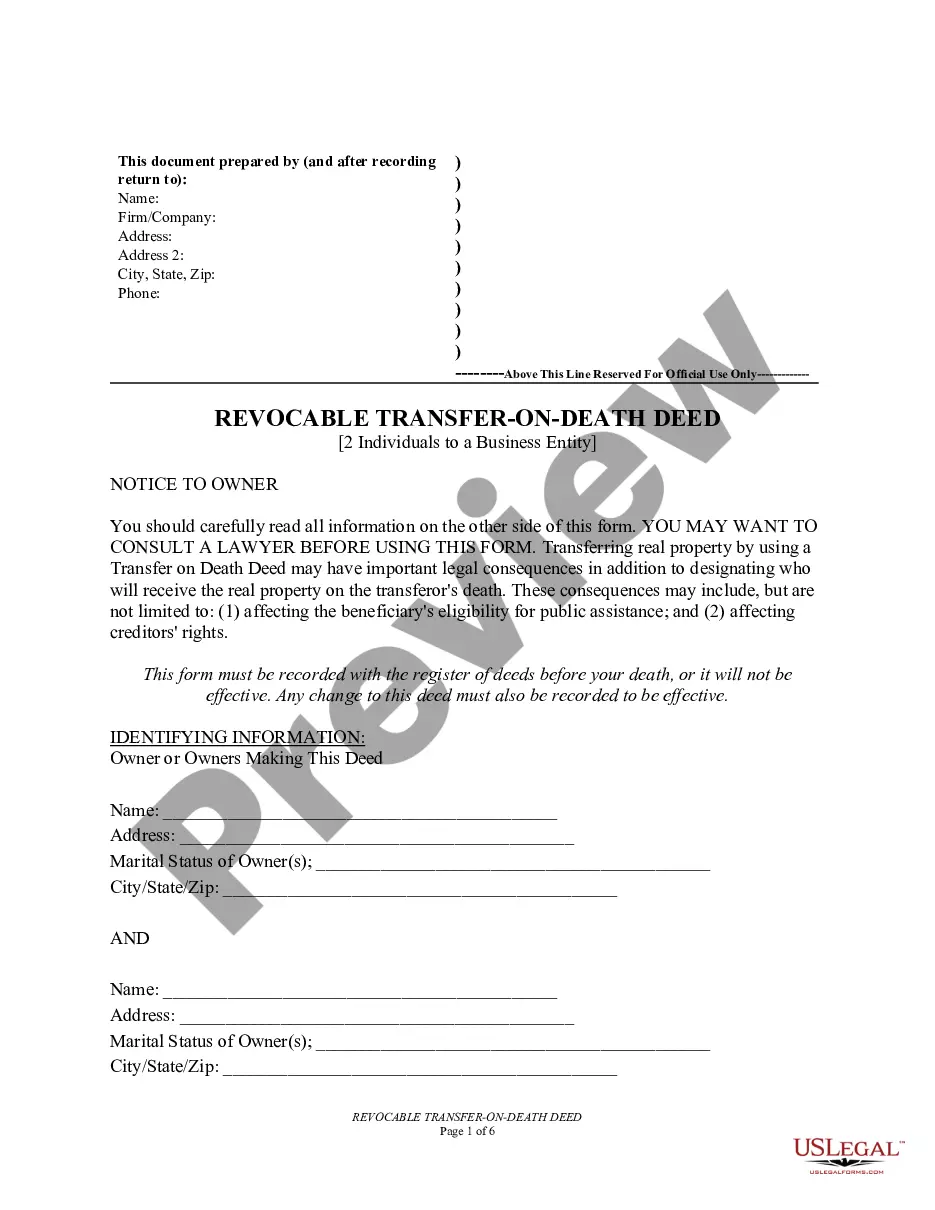


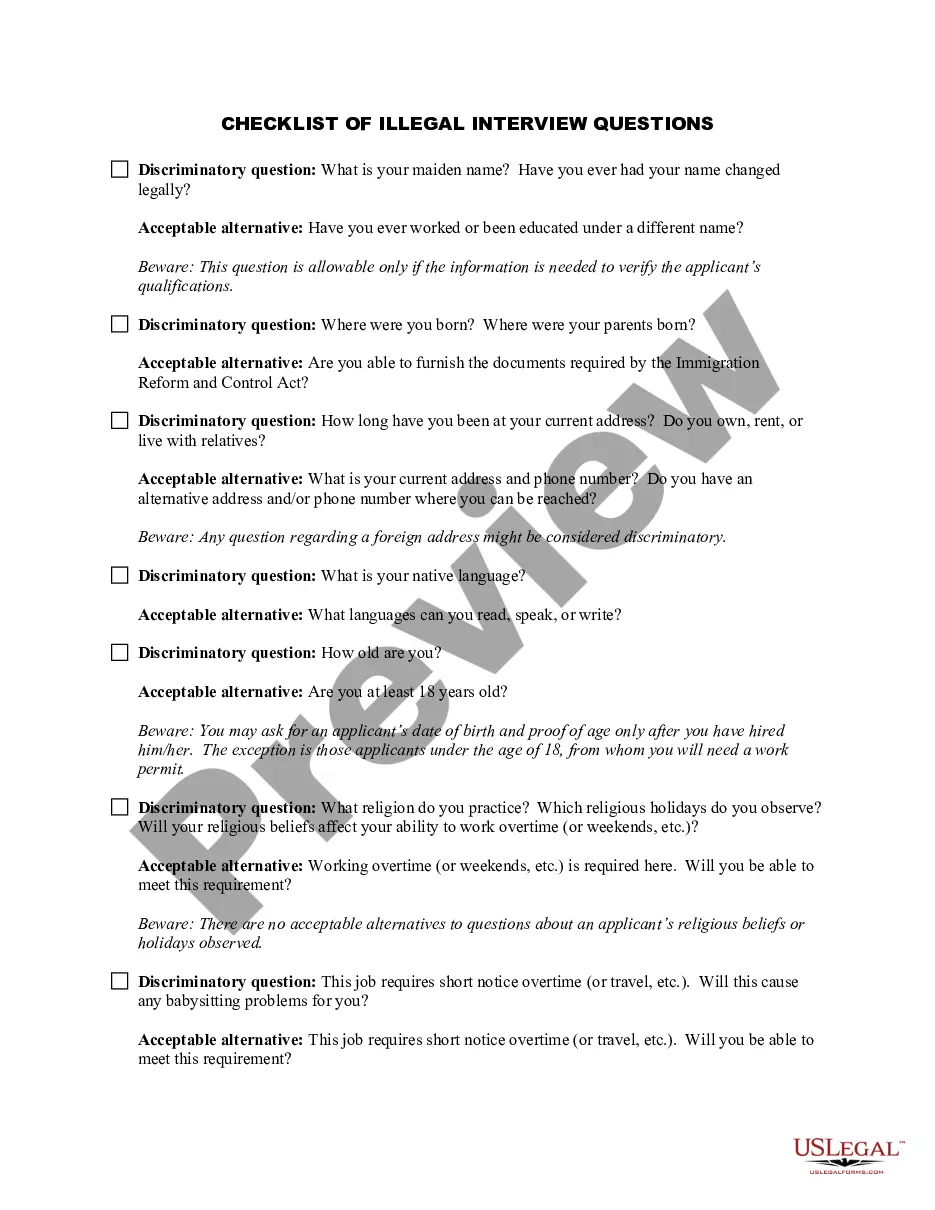


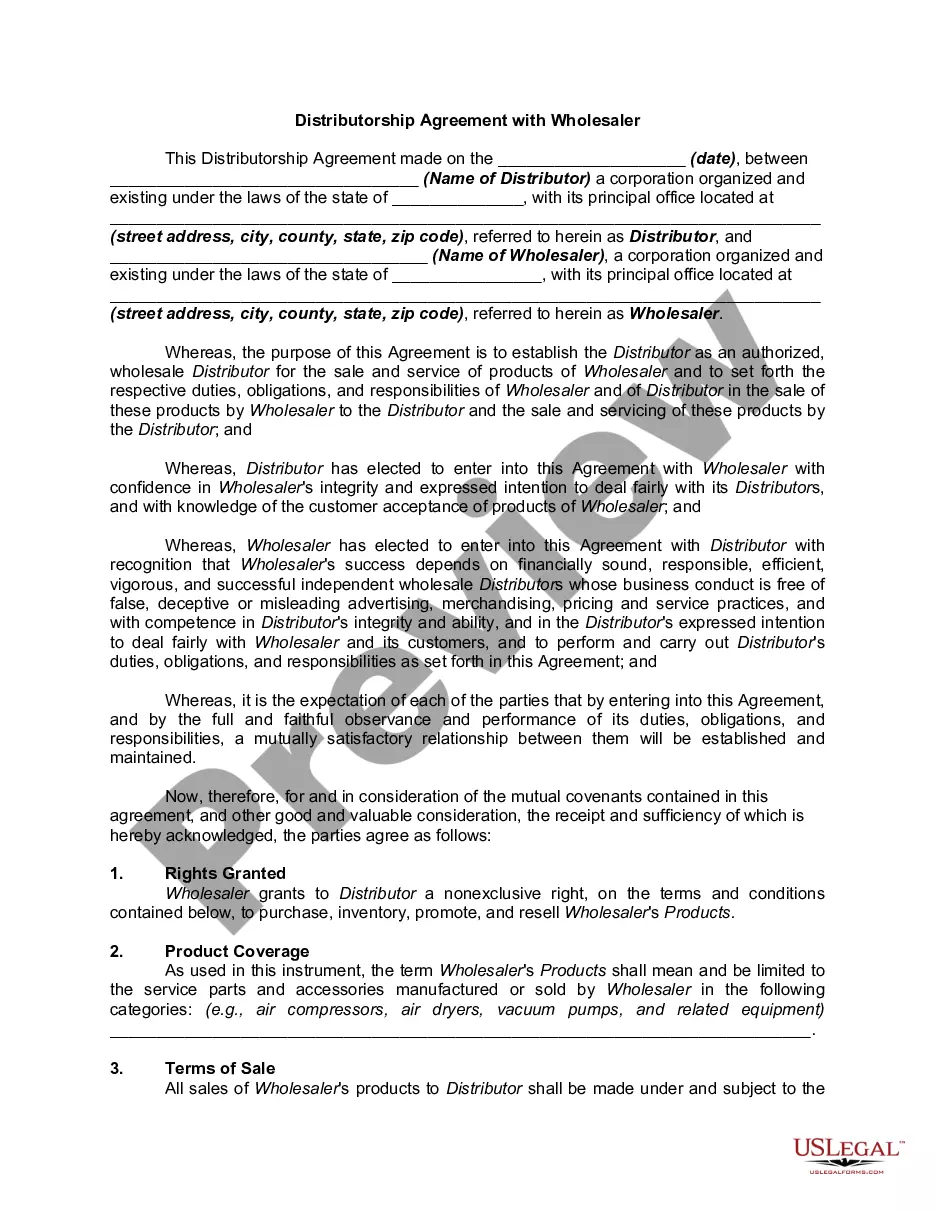
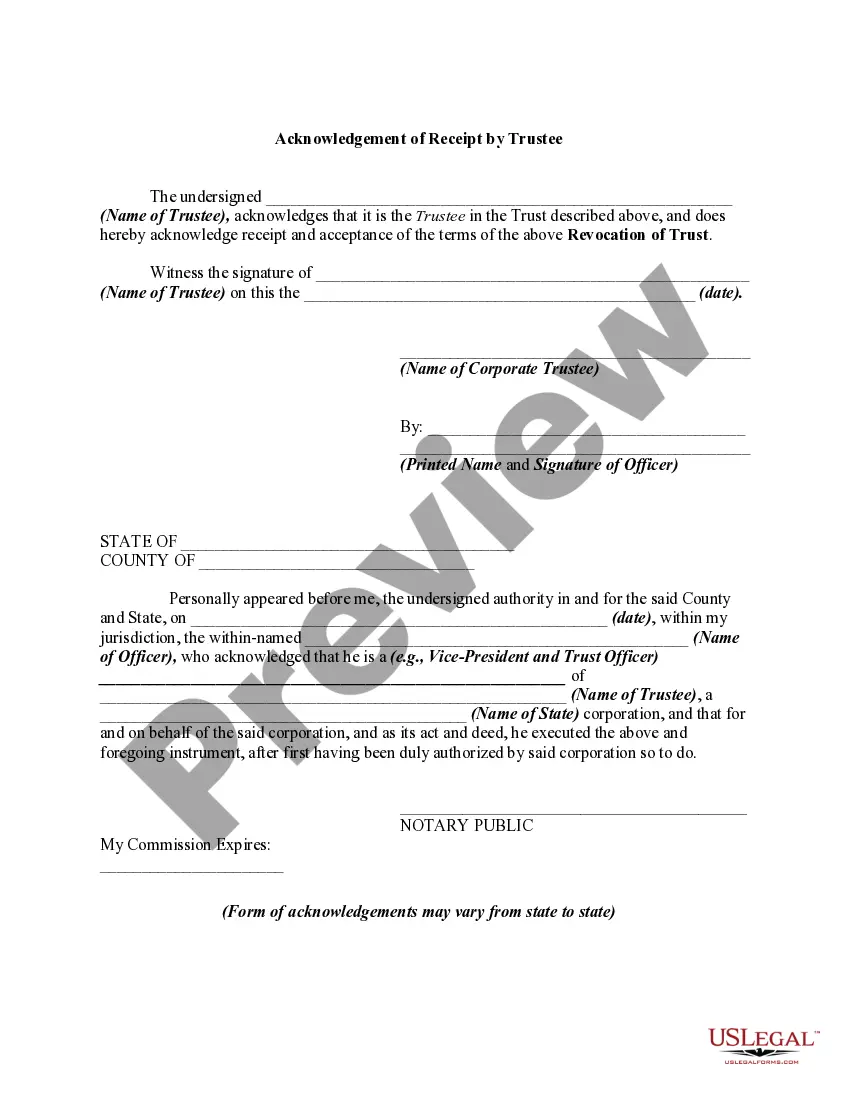
How to fill out Revocation Of Trust And Acknowledgment Of Receipt Of Notice Of Revocation By Trustee?
Locating a reliable source for the latest and pertinent legal documents is a significant part of managing administrative processes.
Selecting the appropriate legal forms requires accuracy and careful attention, which is why it's essential to obtain samples of Revocation Of A Trust With A Mortgage solely from reputable providers, such as US Legal Forms. An incorrect document can squander your time and prolong your current situation.
Eliminate the difficulties that come with your legal documentation. Explore the extensive US Legal Forms catalog where you can discover legal templates, assess their applicability to your circumstances, and download them immediately.
- Utilize the catalog navigation or search bar to find your document.
- Access the details of the form to determine if it meets the standards of your state and locality.
- View the form's preview, if available, to verify that the template is indeed what you seek.
- Return to your search and find the suitable template if the Revocation Of A Trust With A Mortgage does not align with your needs.
- If you are confident in the document's relevance, proceed to download it.
- If you are a registered user, click Log in to verify your identity and access your chosen documents in My documents.
- If you don't have an account yet, click Buy now to obtain the document.
- Select the payment plan that suits your requirements.
- Proceed with the registration to finish your acquisition.
- Complete your transaction by choosing a payment method (credit card or PayPal).
- Choose the format for downloading the Revocation Of A Trust With A Mortgage.
- Once you have the document on your device, you can edit it using the editor or print it out and complete it by hand.
Form popularity
FAQ
Forms History lets you see if changes have been made to a Google Form, create back-up versions, and access previous copies. Use Forms History if: 1) You would like to see if someone has modified a Google Form. 2) You want to create and access back-up copies of Google Forms.
There is also no version history which makes it very difficult to reset the questions that have been overwritten.
Right-click the file or folder, and then select Restore previous versions. You'll see a list of available previous versions of the file or folder. The list will include files saved on a backup (if you're using Windows Backup to back up your files) as well as restore points, if both types are available.
To restore a previous version of a file in Team Folders: In the navigation pane, select Team Folders. On the Manage Team Folders page, navigate to the file you want to revert to a previous version. Click the version icon. A list of the previous versions opens.
Version history isn't available in Forms. There's no way to restore an old copy of your form as you would in Docs or Sheets. You can click undo one or more times to undo changes if you catch the error while editing.
How to undo changes in Google Forms? - YouTube YouTube Start of suggested clip End of suggested clip You may have noticed that there was no undo button in the browser. You have to click on the threeMoreYou may have noticed that there was no undo button in the browser. You have to click on the three dots first in the top right corner. And go to undo from here here we go that's all have a good day.
Google Forms does not have version history like Google Docs or Sheets. When you delete responses in Google Forms, it will be deleted permanently. The deleted form responses cannot be restored later.
If you make a change you later regret, there's no way to find the version before this change. The only way to revert these changes is by doing so manually or simply clicking the Undo button a few times. Now that you know why you might need to undo in Google Forms, let's take a look at how to do it.