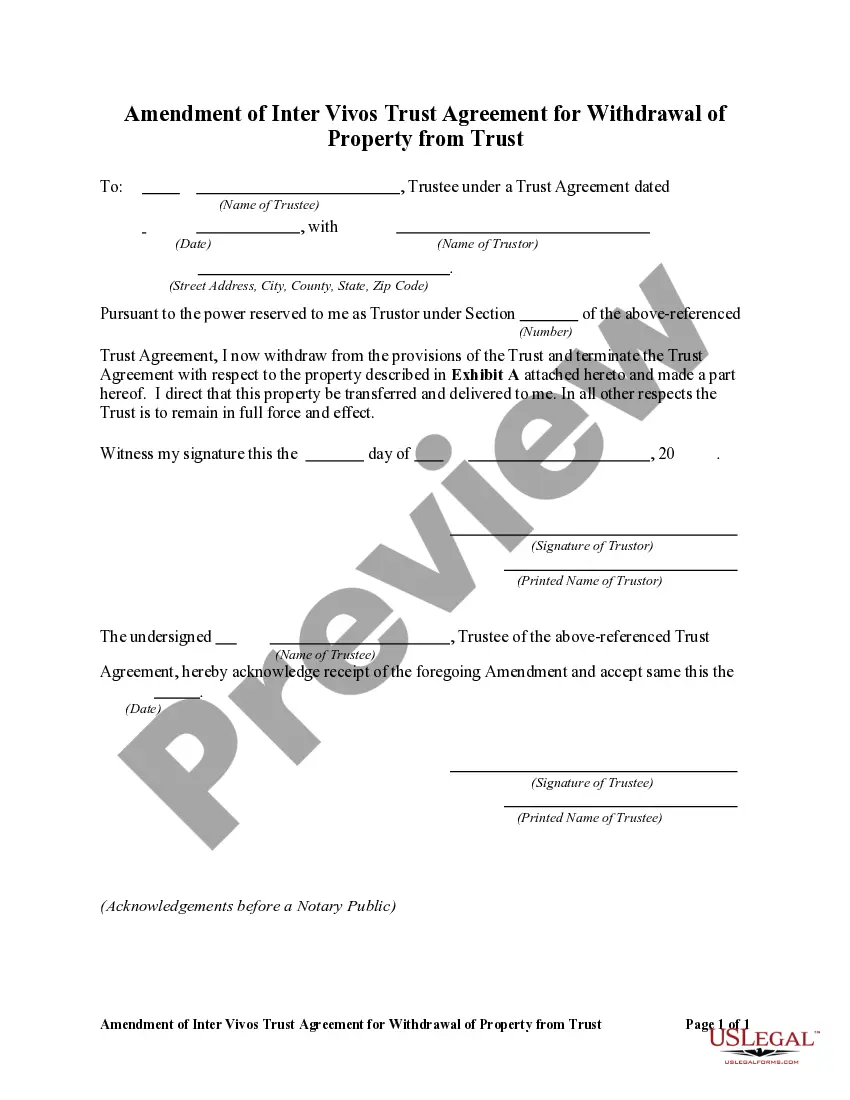
Revocation Of Trust Form California
Description
Get your form ready online
Our built-in tools help you complete, sign, share, and store your documents in one place.
Make edits, fill in missing information, and update formatting in US Legal Forms—just like you would in MS Word.
Download a copy, print it, send it by email, or mail it via USPS—whatever works best for your next step.
Sign and collect signatures with our SignNow integration. Send to multiple recipients, set reminders, and more. Go Premium to unlock E-Sign.
If this form requires notarization, complete it online through a secure video call—no need to meet a notary in person or wait for an appointment.
We protect your documents and personal data by following strict security and privacy standards.

Make edits, fill in missing information, and update formatting in US Legal Forms—just like you would in MS Word.

Download a copy, print it, send it by email, or mail it via USPS—whatever works best for your next step.

Sign and collect signatures with our SignNow integration. Send to multiple recipients, set reminders, and more. Go Premium to unlock E-Sign.

If this form requires notarization, complete it online through a secure video call—no need to meet a notary in person or wait for an appointment.

We protect your documents and personal data by following strict security and privacy standards.
Looking for another form?






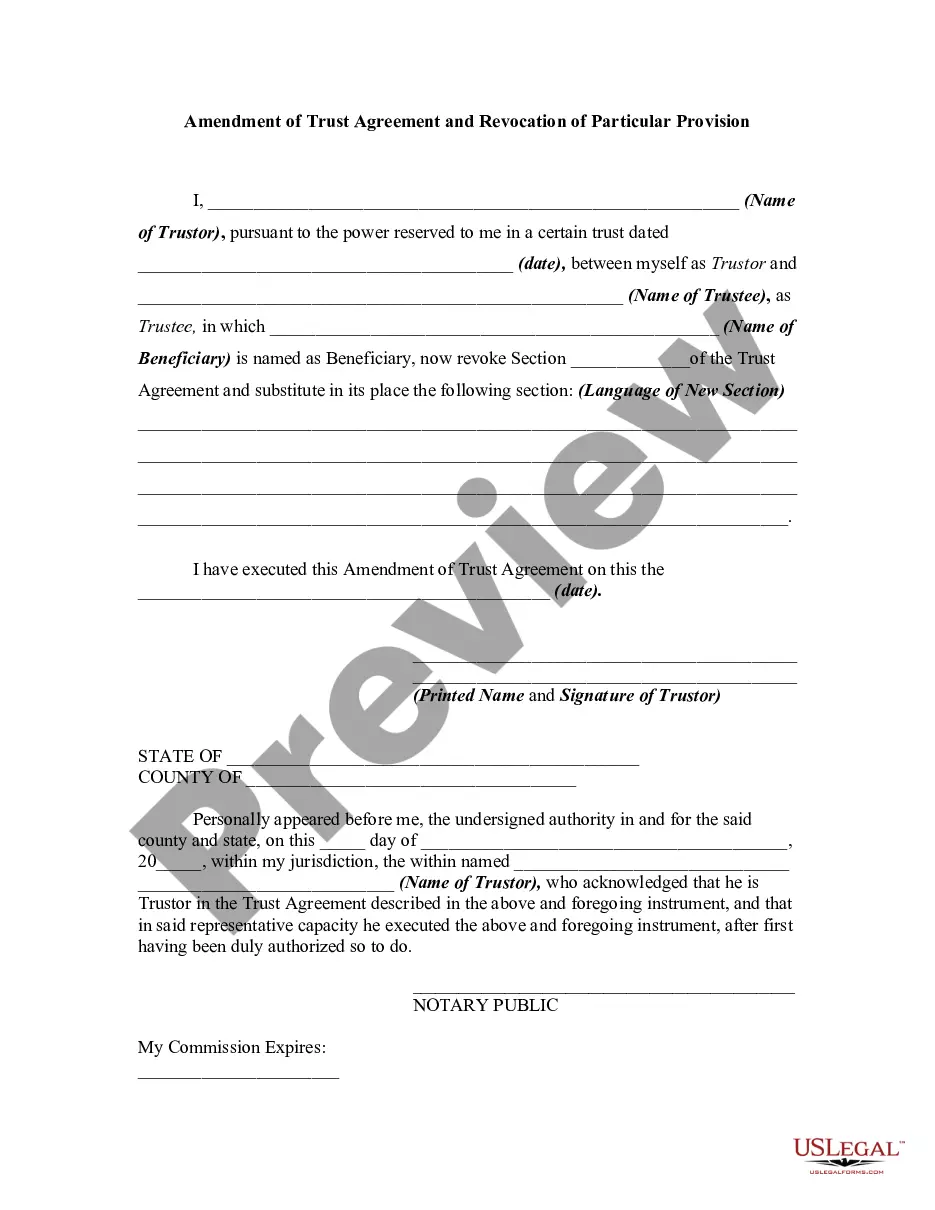
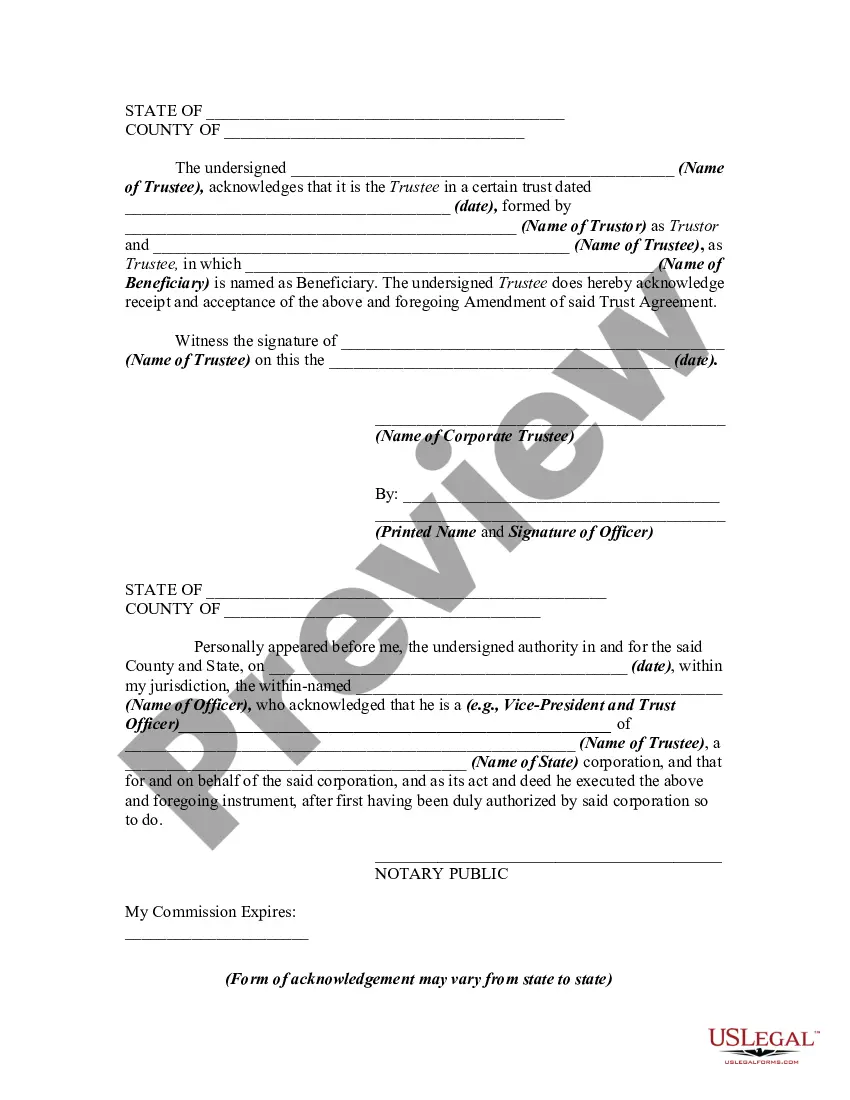
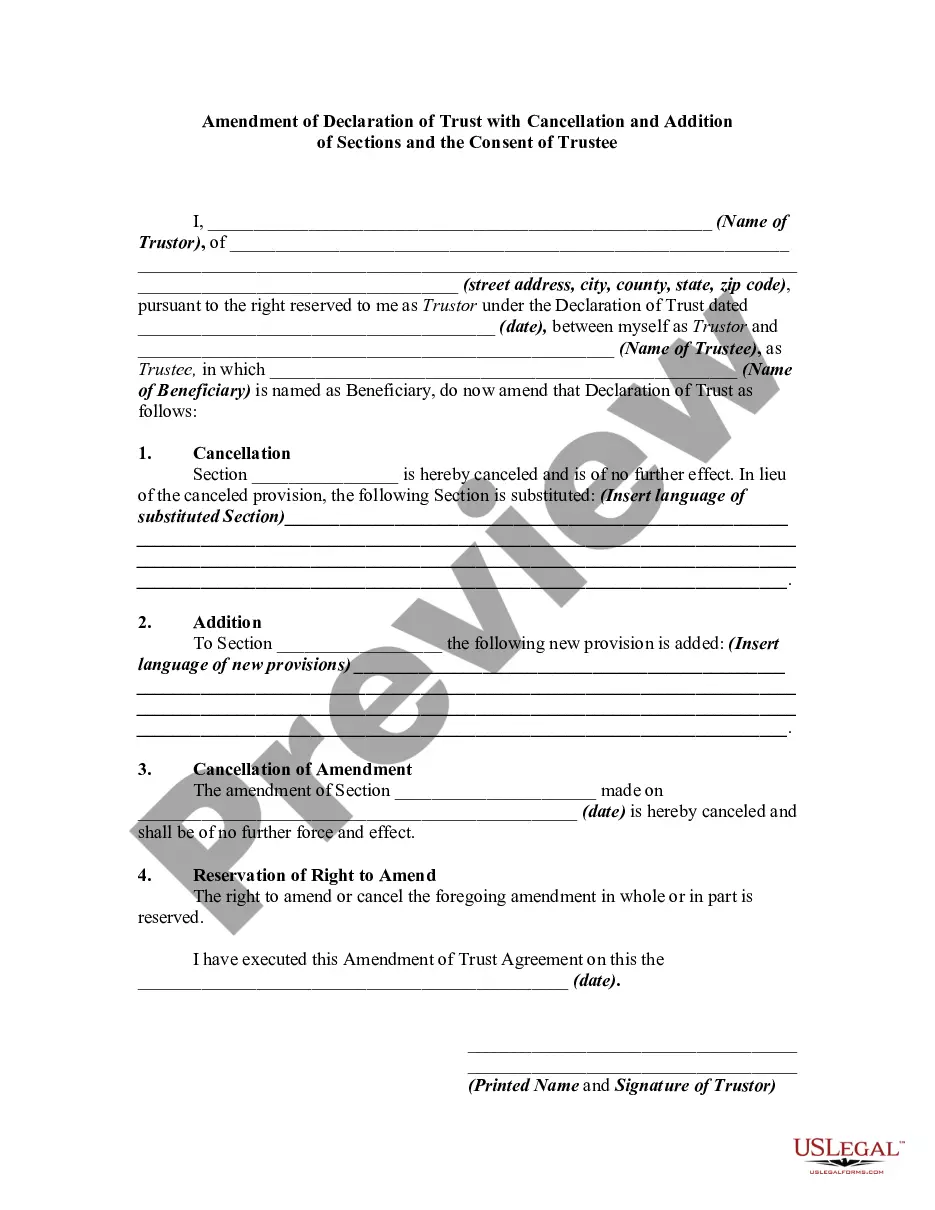
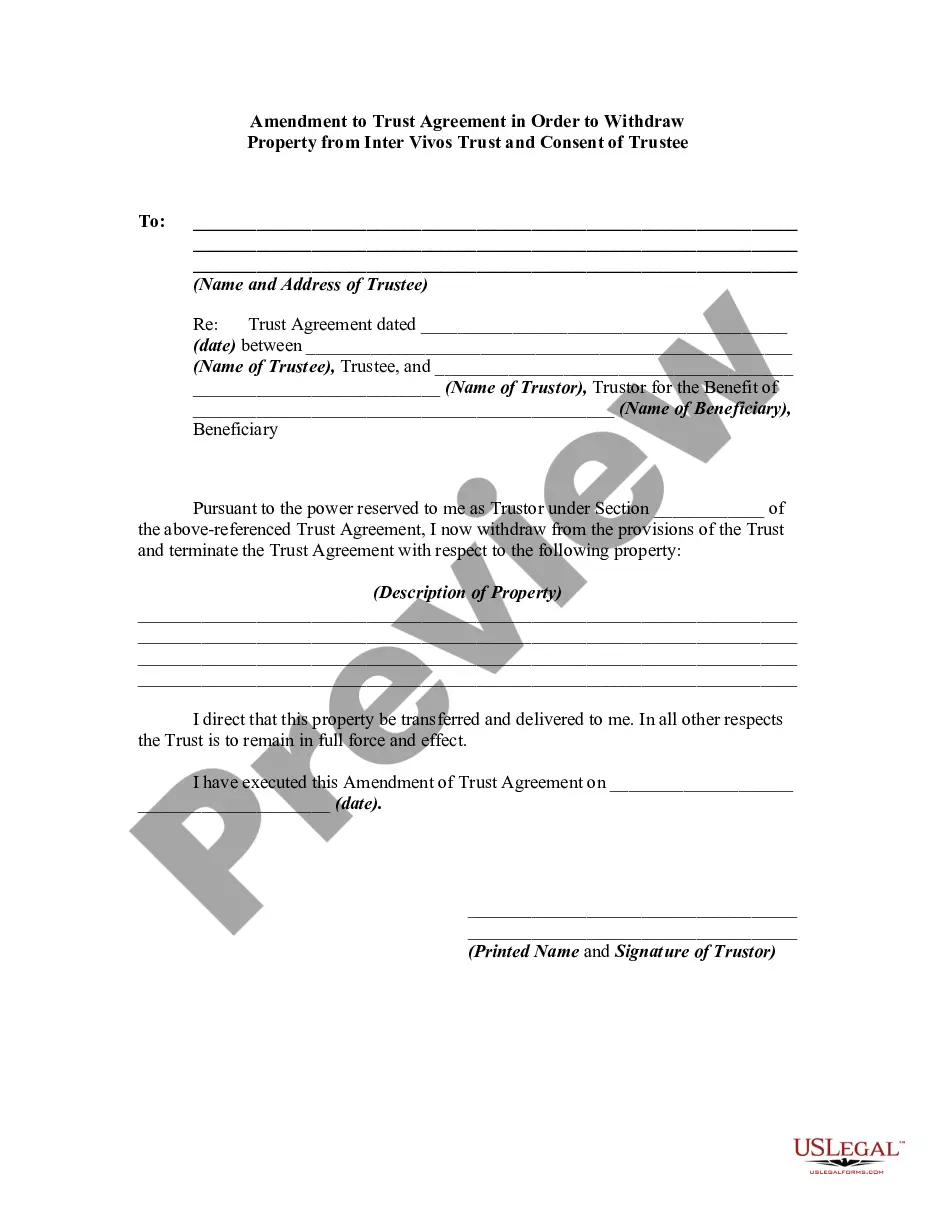
How to fill out Amendment Of Trust Agreement And Revocation Of Particular Provision?
Creating legal documents from the ground up can occasionally feel a bit daunting.
Certain instances may require extensive research and significant financial investment.
If you’re looking for a more efficient and cost-effective method of preparing the Revocation Of Trust Form California or any other documents without excessive hassle, US Legal Forms is readily available to assist you.
Our online archive of over 85,000 current legal forms covers nearly every aspect of your financial, legal, and personal affairs. With just a few clicks, you can swiftly access templates that comply with state and county regulations, carefully crafted for you by our legal professionals.
US Legal Forms has an excellent reputation and over 25 years of experience. Join us today and make form completion a simple and efficient process!
- Utilize our platform whenever you need trustworthy and dependable services to quickly locate and download the Revocation Of Trust Form California.
- If you’re familiar with our services and have previously registered an account, simply Log In, choose the template, and download it or re-download it anytime from the My documents section.
- Not have an account? No problem. It takes only a few minutes to sign up and explore the library.
- Before rushing to download the Revocation Of Trust Form California, consider these suggestions.
- Examine the form preview and descriptions to confirm that you’ve located the form you need.
Form popularity
FAQ
The two most common ways to terminate and/or modify an irrevocable trust is to 1) argue that there has been a change of circumstances not anticipated by the settlors at the time they created the trust (for example changes in tax law, and 2) argue that all beneficiaries consent to the proposed termination and or ...
(a) A trust terminates when any of the following occurs: (1) The term of the trust expires. (2) The trust purpose is fulfilled. (3) The trust purpose becomes unlawful. (4) The trust purpose becomes impossible to fulfill.
A beneficiary can renounce their interest from the trust and, upon the consent of other beneficiaries, be allowed to exit. A trustee cannot remove a beneficiary from an irrevocable trust. A grantor can remove a beneficiary from a revocable trust by going back to the trust deed codes that allow for the same.
(a) A trust that is revocable by the settlor may be revoked in whole or in part by any of the following methods: (1) By compliance with any method of revocation provided in the trust instrument. (2) By a writing (other than a will) signed by the settlor and delivered to the trustee during the lifetime of the settlor.
If the trust is revocable, the person who set up the trust or grantor, has the right to remove the house from their trust by executing a deed conveying the property from the trust back to the grantor.