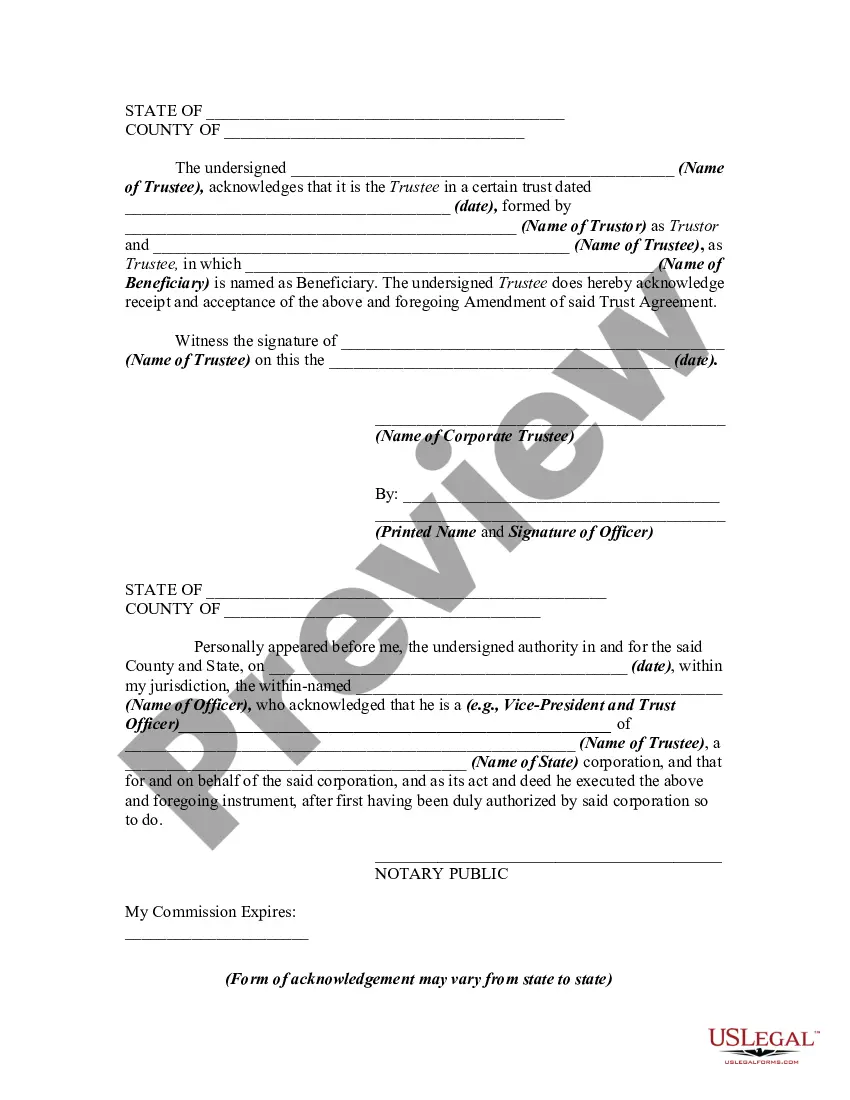
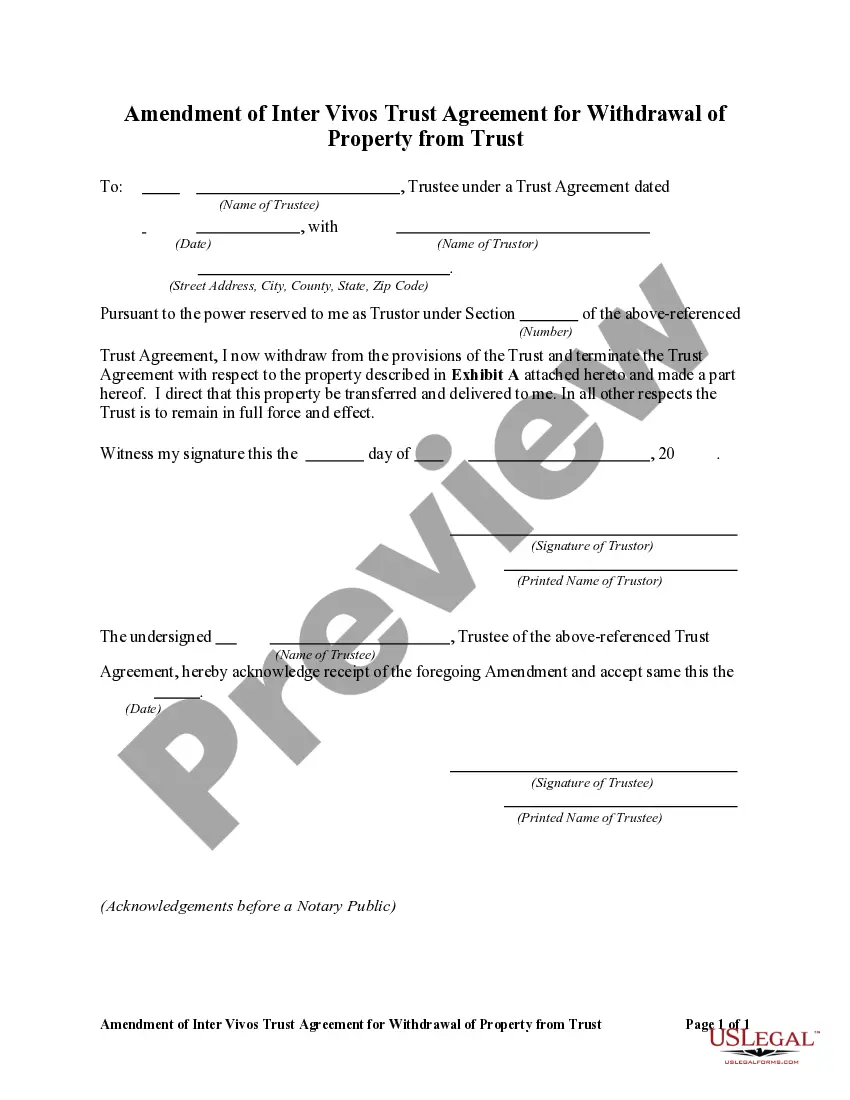
Amendment In Trust
Description



Get your form ready online
Our built-in tools help you complete, sign, share, and store your documents in one place.
Make edits, fill in missing information, and update formatting in US Legal Forms—just like you would in MS Word.
Download a copy, print it, send it by email, or mail it via USPS—whatever works best for your next step.
Sign and collect signatures with our SignNow integration. Send to multiple recipients, set reminders, and more. Go Premium to unlock E-Sign.
If this form requires notarization, complete it online through a secure video call—no need to meet a notary in person or wait for an appointment.
We protect your documents and personal data by following strict security and privacy standards.

Make edits, fill in missing information, and update formatting in US Legal Forms—just like you would in MS Word.

Download a copy, print it, send it by email, or mail it via USPS—whatever works best for your next step.

Sign and collect signatures with our SignNow integration. Send to multiple recipients, set reminders, and more. Go Premium to unlock E-Sign.

If this form requires notarization, complete it online through a secure video call—no need to meet a notary in person or wait for an appointment.

We protect your documents and personal data by following strict security and privacy standards.
Looking for another form?

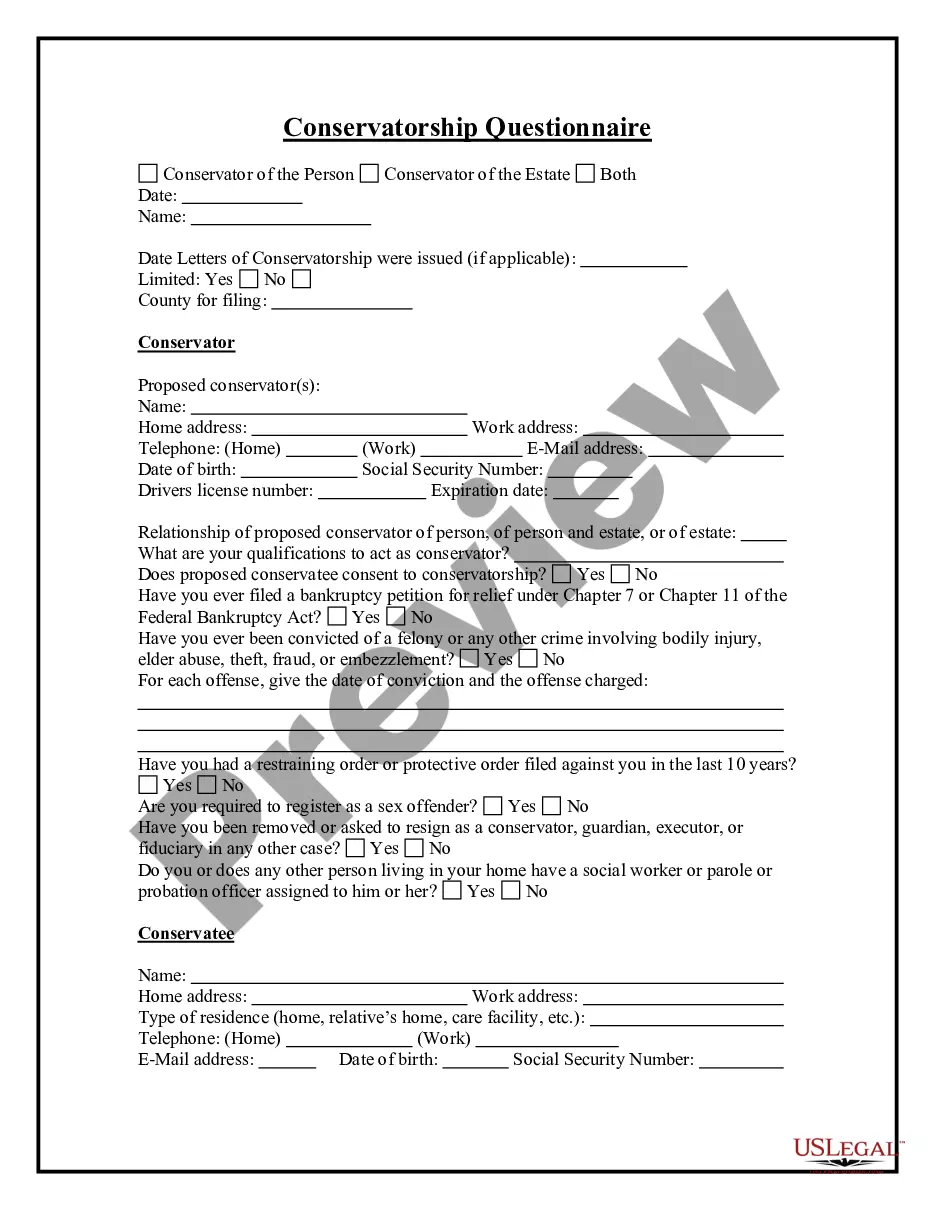


How to fill out Amendment Of Trust Agreement And Revocation Of Particular Provision?
The Amendment In Trust visible on this page is a reusable formal template created by expert attorneys in accordance with federal and regional statutes and regulations.
For over 25 years, US Legal Forms has delivered individuals, businesses, and lawyers more than 85,000 verified, state-specific forms suitable for various business and personal circumstances. It’s the quickest, simplest, and most dependable way to secure the documents you require, as the service guarantees the utmost level of data protection and antivirus safeguards.
Register for US Legal Forms to have verified legal templates for all of life’s scenarios readily available.
- Search for the document you require and examine it.
- Choose the pricing plan that fits your needs and set up an account. Use PayPal or a credit card to process a quick payment. If you already have an account, Log In and verify your subscription to proceed.
- Obtain the fillable template.
- Fill out and sign the document.
- Access your paperwork again as needed.
Form popularity
FAQ
Requirements for Trust Registration A trust must be formed by at least two or more individuals. The trust must be established in ance with the provisions outlined in the Indian Trusts Act of 1882. None of the parties involved should be disqualified under any prevailing law in India.
In most cases, a trust deed generally offers two processes for the removal of a beneficiary. Most commonly, the beneficiary can sign a document to renunciate all interests as a beneficiary. Otherwise, the trustee may have discretionary power to revoke the beneficiary.
Once a California Trust becomes irrevocable, the Trust beneficiaries generally cannot be changed. That's the good news.
The trust deed lists the trustees. Therefore, to change an individual trustee, you need to amend the trust deed. Most trust deeds permit a change of trustee by way of a trustee resolution and entry into a deed of variation. A trustee resolution is a signed statement of the actions taken by the trustee.
If there is no amendment clause in the Trust Deed, any amendment has to be done with the permission of a Civil Court. Once the Civil Court has allowed permission for amendment, it is not open on the part of the Income Tax Officer or any other person to challenge such amendment.