Notice Of Motion Form For Default Judgment
Description
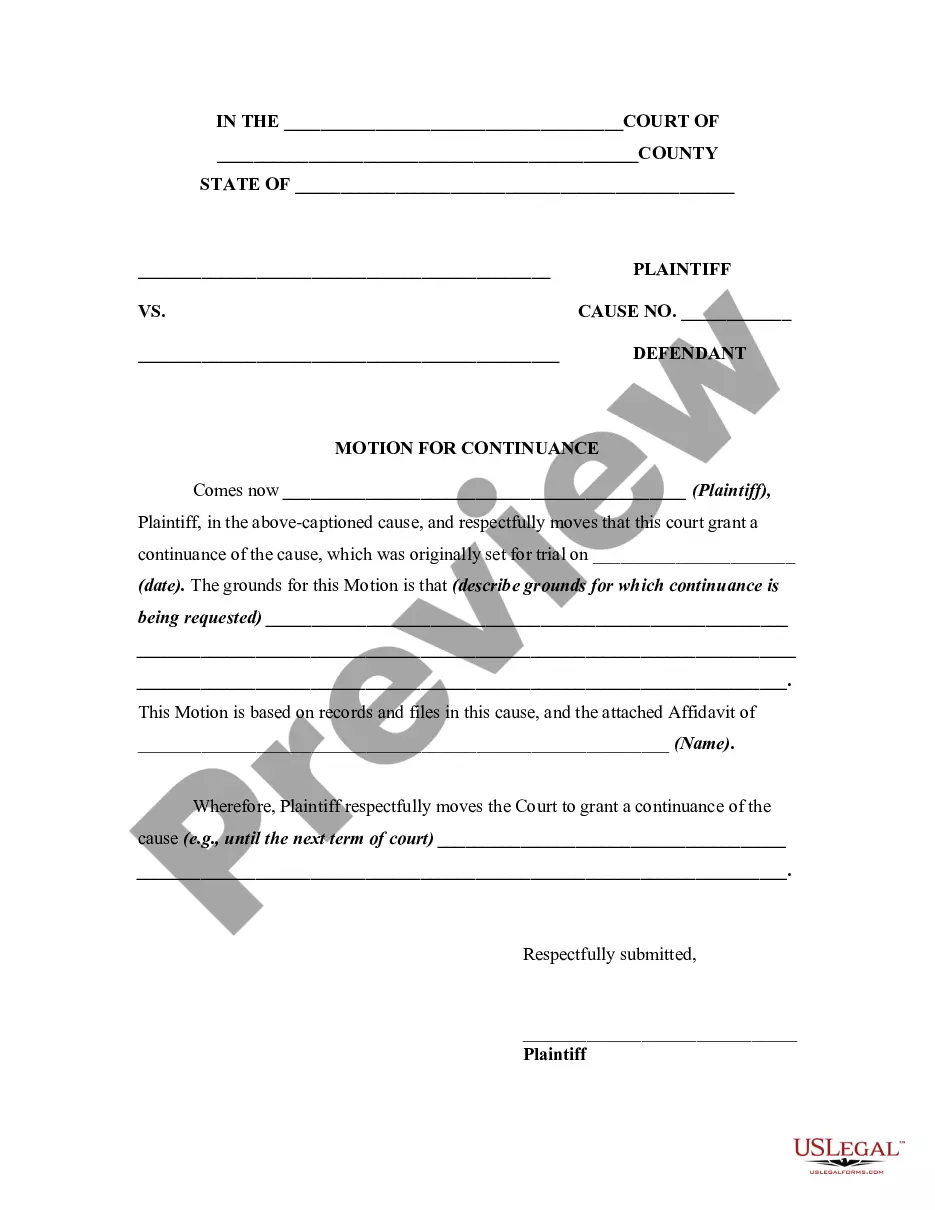
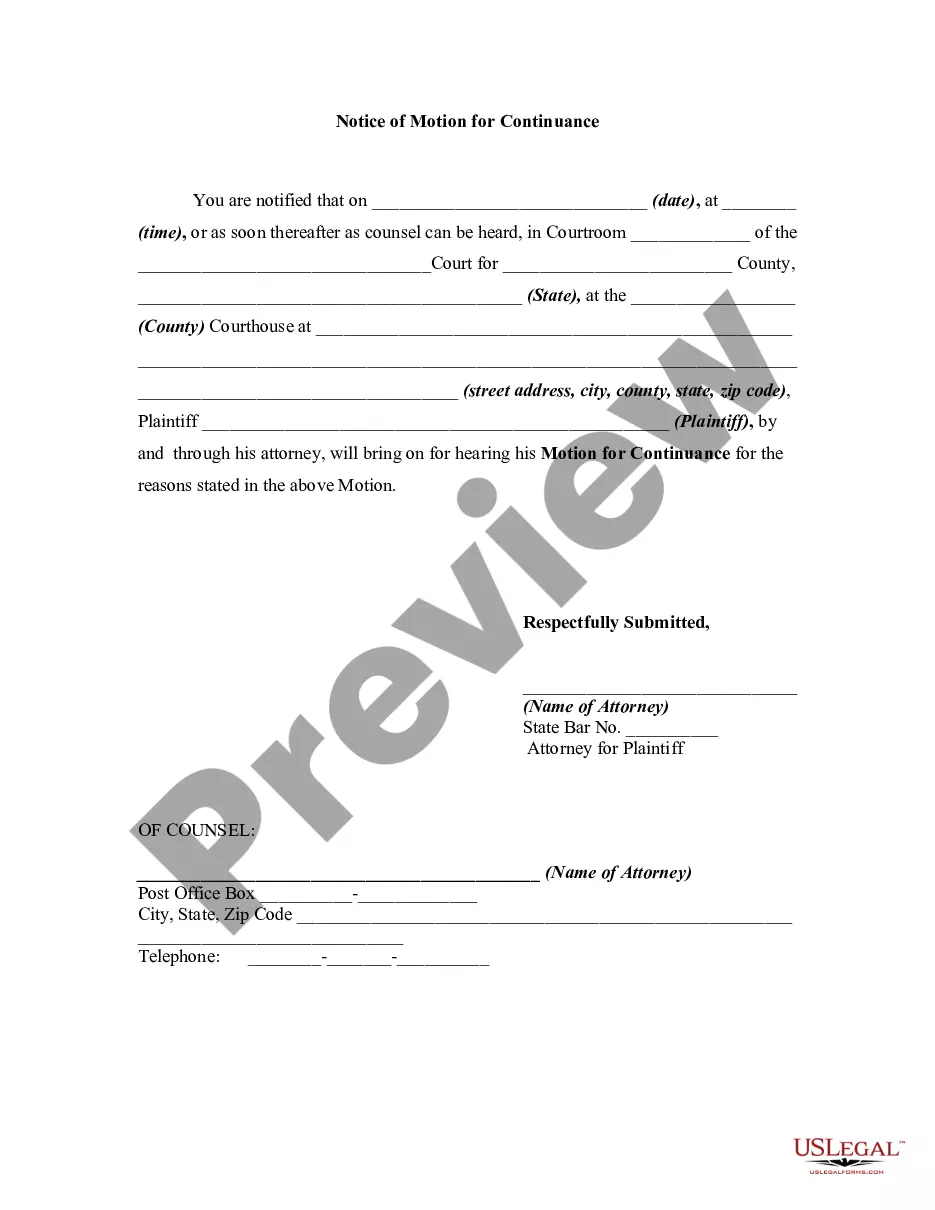
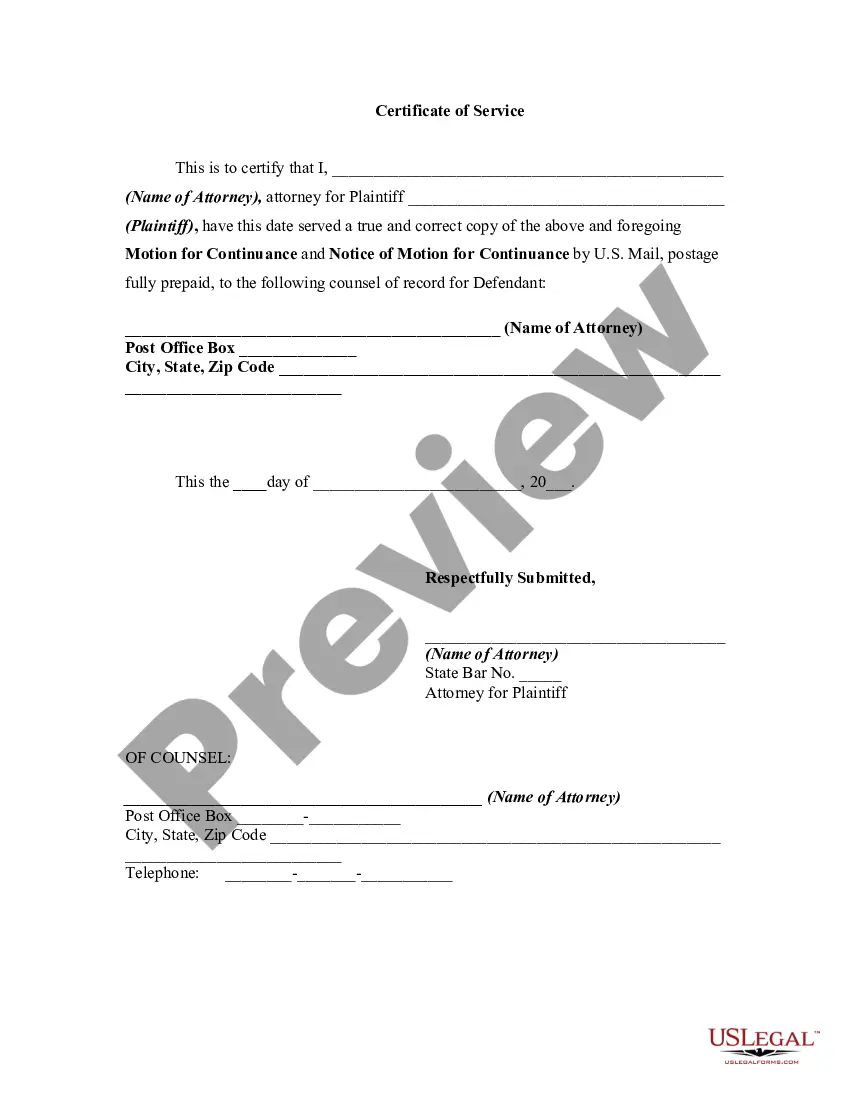
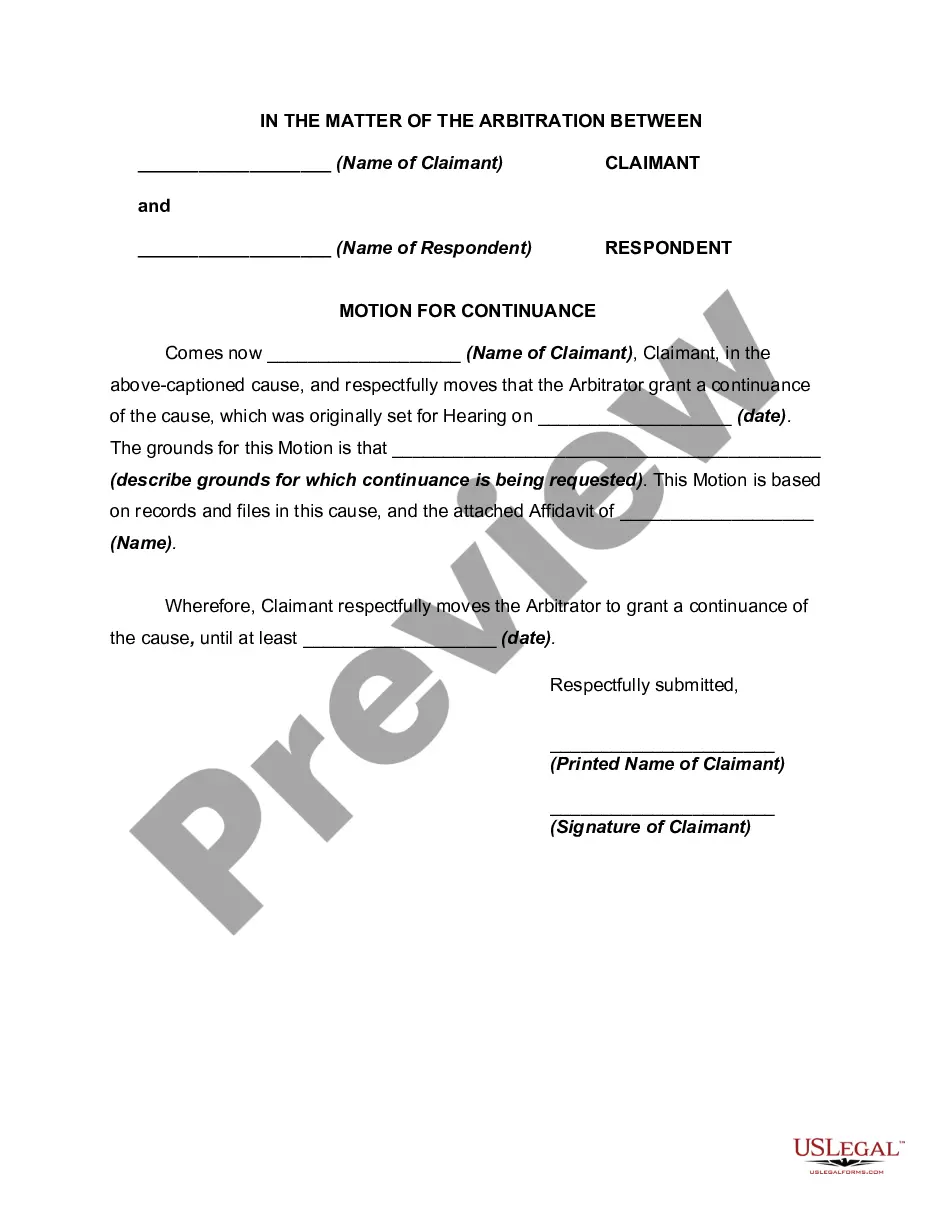
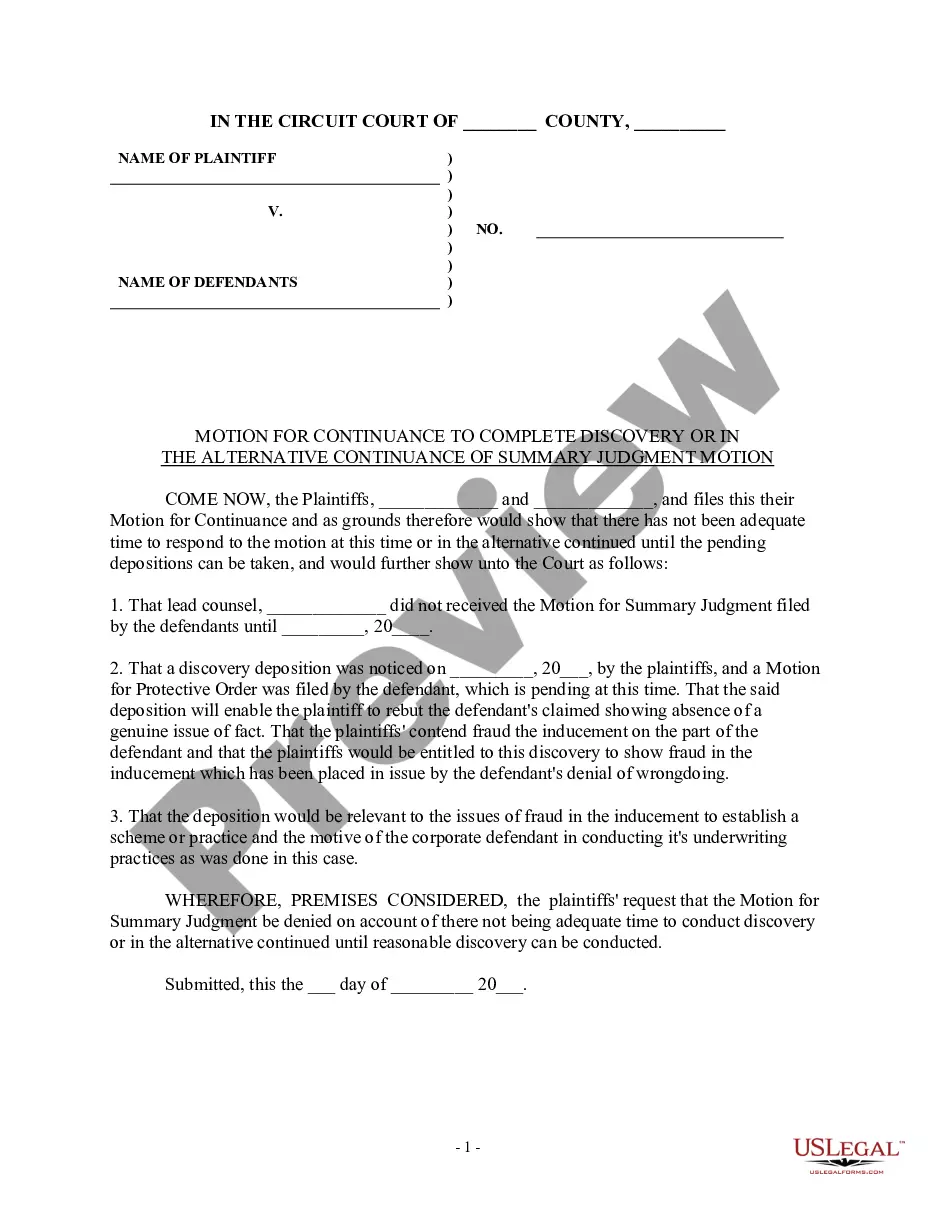
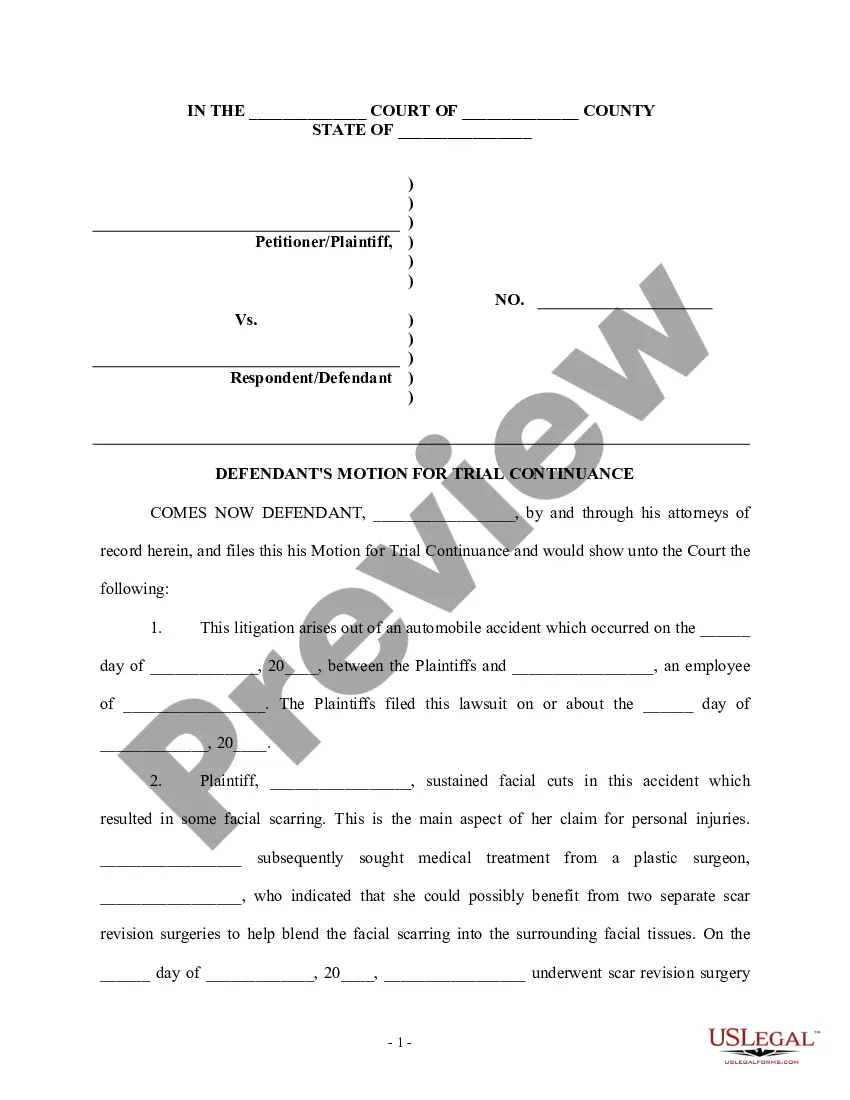
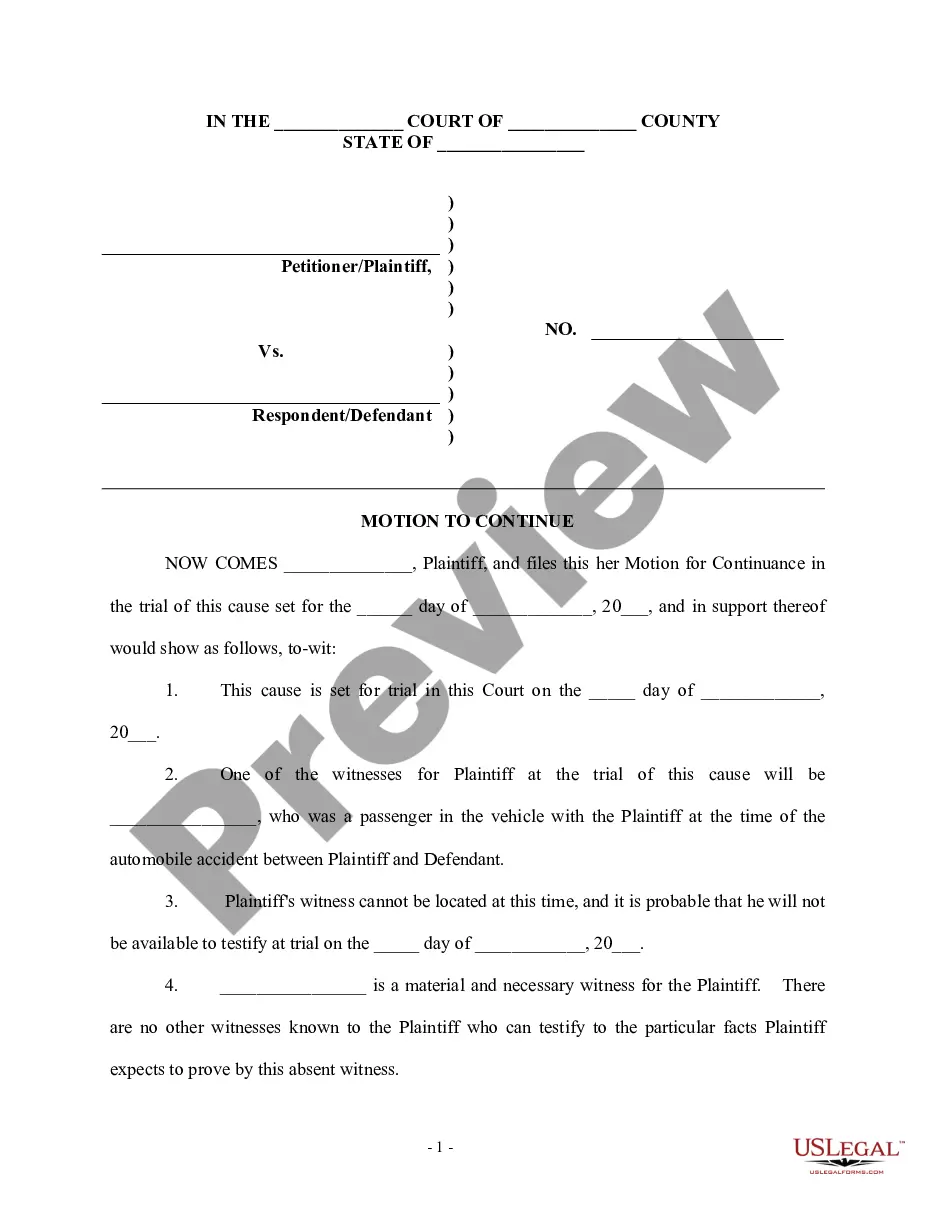
Get your form ready online
Our built-in tools help you complete, sign, share, and store your documents in one place.
Make edits, fill in missing information, and update formatting in US Legal Forms—just like you would in MS Word.
Download a copy, print it, send it by email, or mail it via USPS—whatever works best for your next step.
Sign and collect signatures with our SignNow integration. Send to multiple recipients, set reminders, and more. Go Premium to unlock E-Sign.
If this form requires notarization, complete it online through a secure video call—no need to meet a notary in person or wait for an appointment.
We protect your documents and personal data by following strict security and privacy standards.

Make edits, fill in missing information, and update formatting in US Legal Forms—just like you would in MS Word.

Download a copy, print it, send it by email, or mail it via USPS—whatever works best for your next step.

Sign and collect signatures with our SignNow integration. Send to multiple recipients, set reminders, and more. Go Premium to unlock E-Sign.

If this form requires notarization, complete it online through a secure video call—no need to meet a notary in person or wait for an appointment.

We protect your documents and personal data by following strict security and privacy standards.
Looking for another form?






How to fill out Generic Motion For Continuance And Notice Of Motion?
Dealing with legal paperwork and processes can be a lengthy addition to your day.
Notice Of Motion Form For Default Judgment and similar documents frequently necessitate you to search for them and comprehend how to complete them accurately.
Consequently, whether you are managing financial, legal, or personal affairs, possessing a comprehensive and user-friendly online directory of forms at your disposal will be highly beneficial.
US Legal Forms is the leading online platform for legal templates, providing over 85,000 state-specific forms and various tools to help you effortlessly fill out your documents.
Simply Log In to your account, locate Notice Of Motion Form For Default Judgment, and download it immediately from the My documents tab. You can also access previously saved forms.
- Browse the collection of relevant documents available with just one click.
- US Legal Forms offers state- and county-specific forms that can be downloaded anytime.
- Protect your document management tasks by utilizing a quality service that allows you to prepare any form in a matter of minutes without any extra or hidden fees.
Form popularity
FAQ
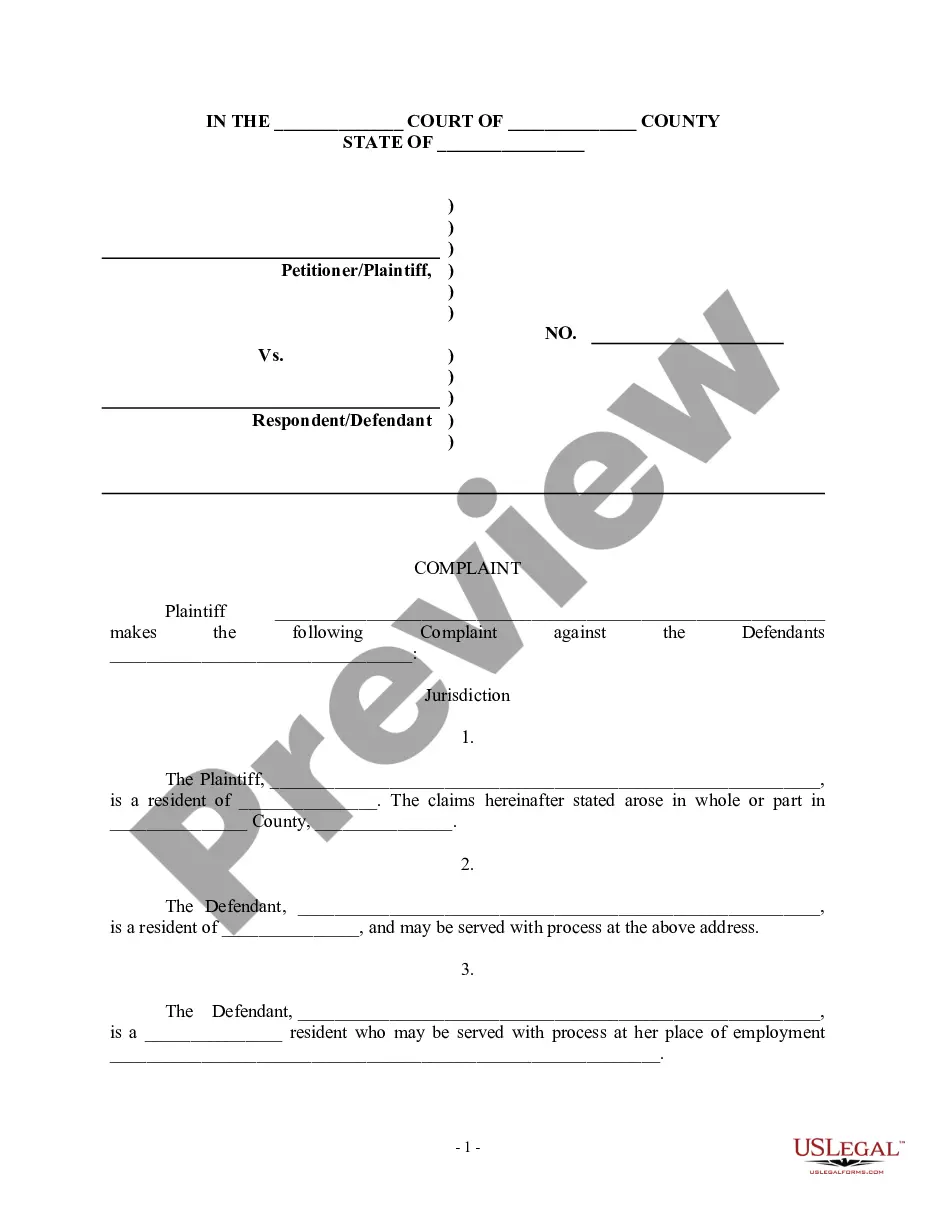
A motion for default judgment refers to a request made to the court to rule in favor of the plaintiff due to the defendant's failure to respond or appear. Essentially, it allows the plaintiff to receive a judgment without a trial, based on the defendant's inaction. Understanding this process is essential for those involved, as the Notice of motion form for default judgment is a key component in official proceedings. To navigate these complexities, consider using US Legal Forms for easy access to important legal documents.
Generally, a default allows you to obtain an earlier final hearing to finish your case. Once the default is signed by the clerk, you can request a trial or final hearing in your case. To obtain a default, you will need to complete Motion for Default, Florida Supreme Court Approved Family Law Form 12.922(a).
How to File a Motion and Affidavit to Set Aside a Default or Default Judgment Step 1: Prepare your forms and find out how you will file. ... Step 2: Sign your Motion and have it notarized. ... Step 3: Make copies. ... Step 4: File your Motion and pay the filing fee. ... Step 5: Serve your Motion. ... Step 6: Prepare for your hearing.
Request for Entry of Default (Application to Enter Default) (CIV-100) Asks the court to enter a "default" against the defendant or cross-defendant because they failed to file an Answer or other responsive document in the case.
If you file a motion to vacate a default or a default judgment, you must file an answer to the original complaint along with any cross claims or counterclaims you may wish to assert, and the motion must be accompanied by the appropriate fee.
To set aside a default judgment, the defendant must demonstrate that its failure to answer or otherwise appear and defend was due to excusable neglect under the circumstances and that it has a meritorious defense either to the cause of action itself or the quantum of damages assessed.