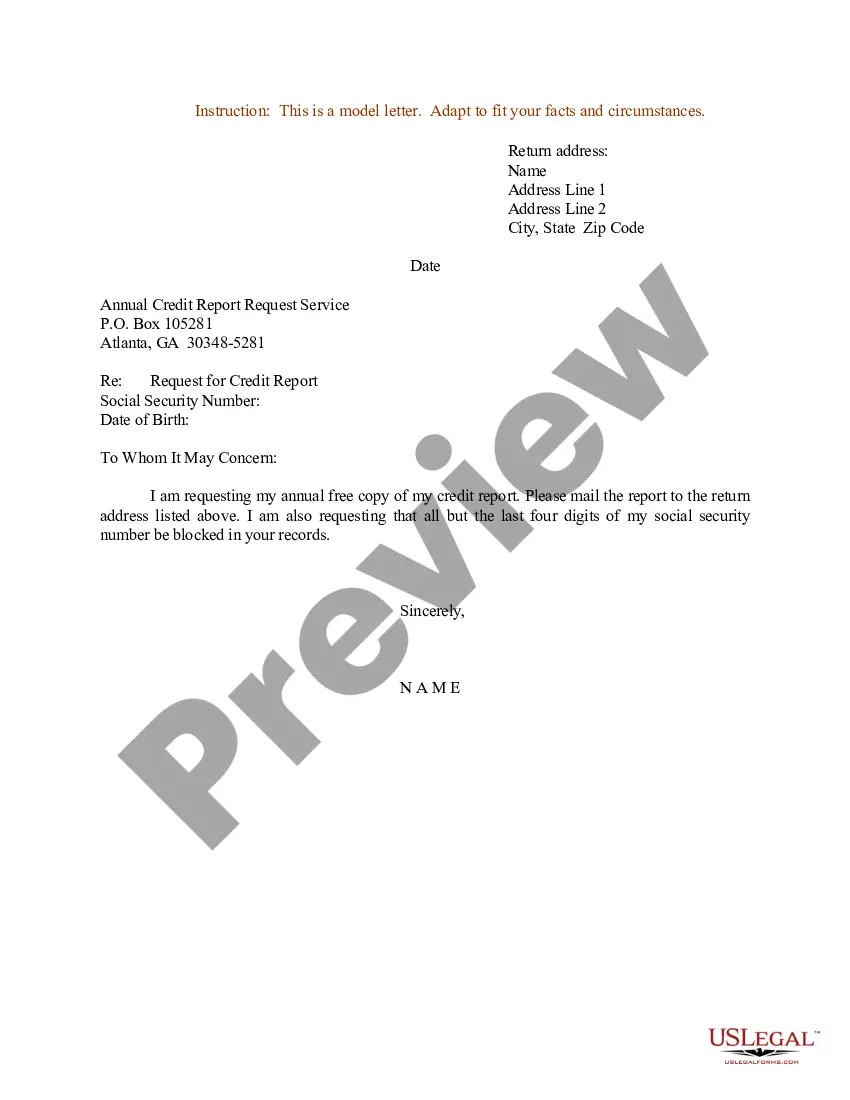
Sample Report Form For Registration
Description
Get your form ready online
Our built-in tools help you complete, sign, share, and store your documents in one place.
Make edits, fill in missing information, and update formatting in US Legal Forms—just like you would in MS Word.
Download a copy, print it, send it by email, or mail it via USPS—whatever works best for your next step.
Sign and collect signatures with our SignNow integration. Send to multiple recipients, set reminders, and more. Go Premium to unlock E-Sign.
If this form requires notarization, complete it online through a secure video call—no need to meet a notary in person or wait for an appointment.
We protect your documents and personal data by following strict security and privacy standards.

Make edits, fill in missing information, and update formatting in US Legal Forms—just like you would in MS Word.

Download a copy, print it, send it by email, or mail it via USPS—whatever works best for your next step.

Sign and collect signatures with our SignNow integration. Send to multiple recipients, set reminders, and more. Go Premium to unlock E-Sign.

If this form requires notarization, complete it online through a secure video call—no need to meet a notary in person or wait for an appointment.

We protect your documents and personal data by following strict security and privacy standards.
Looking for another form?
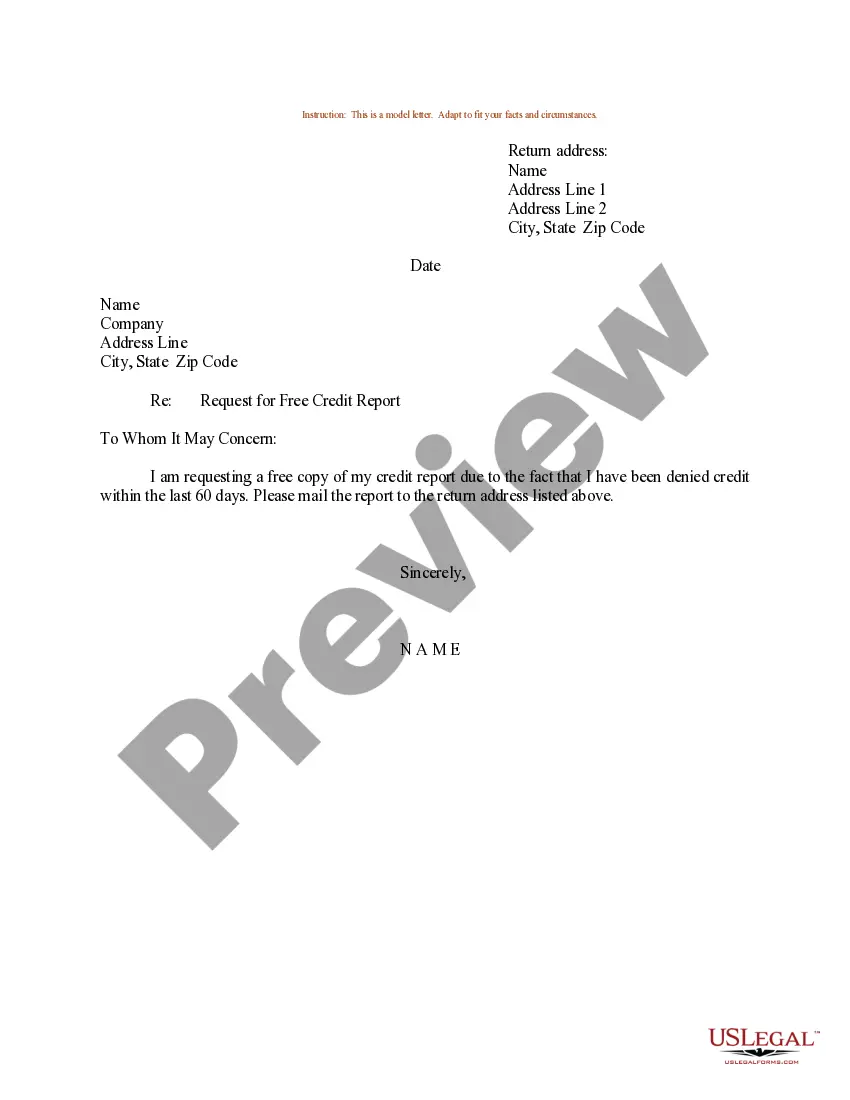
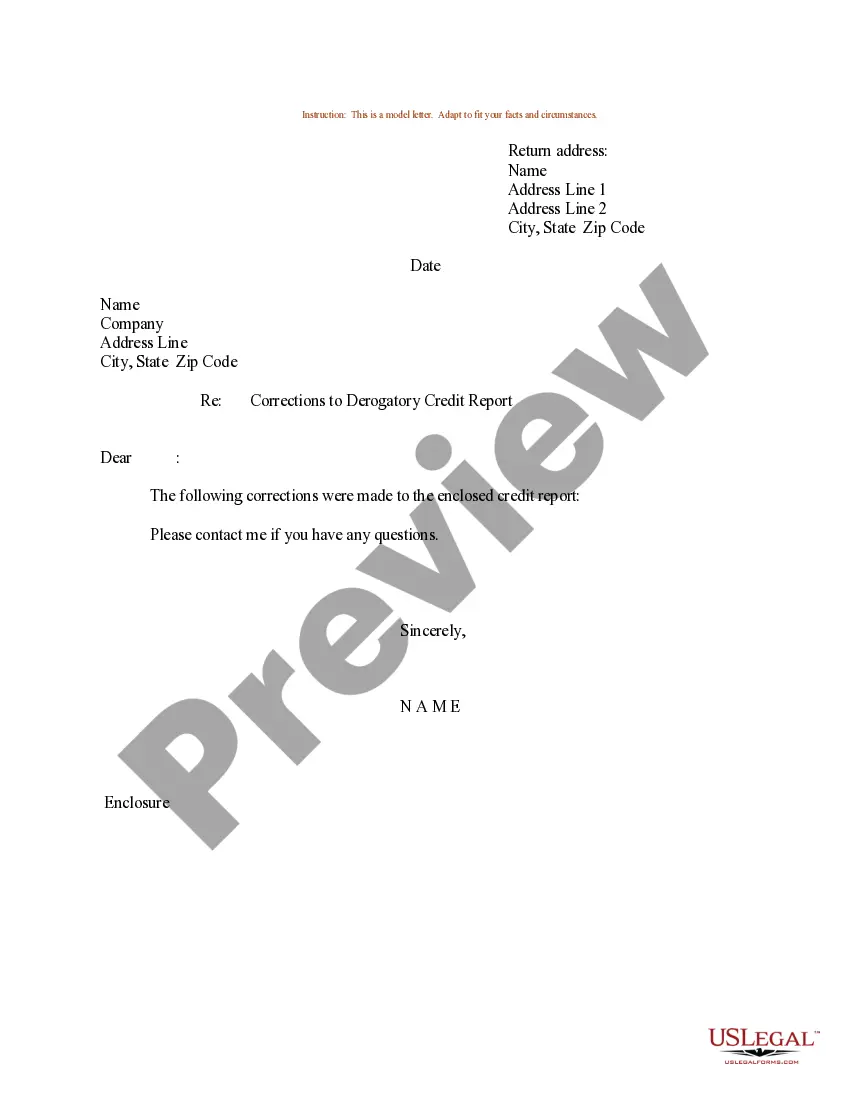
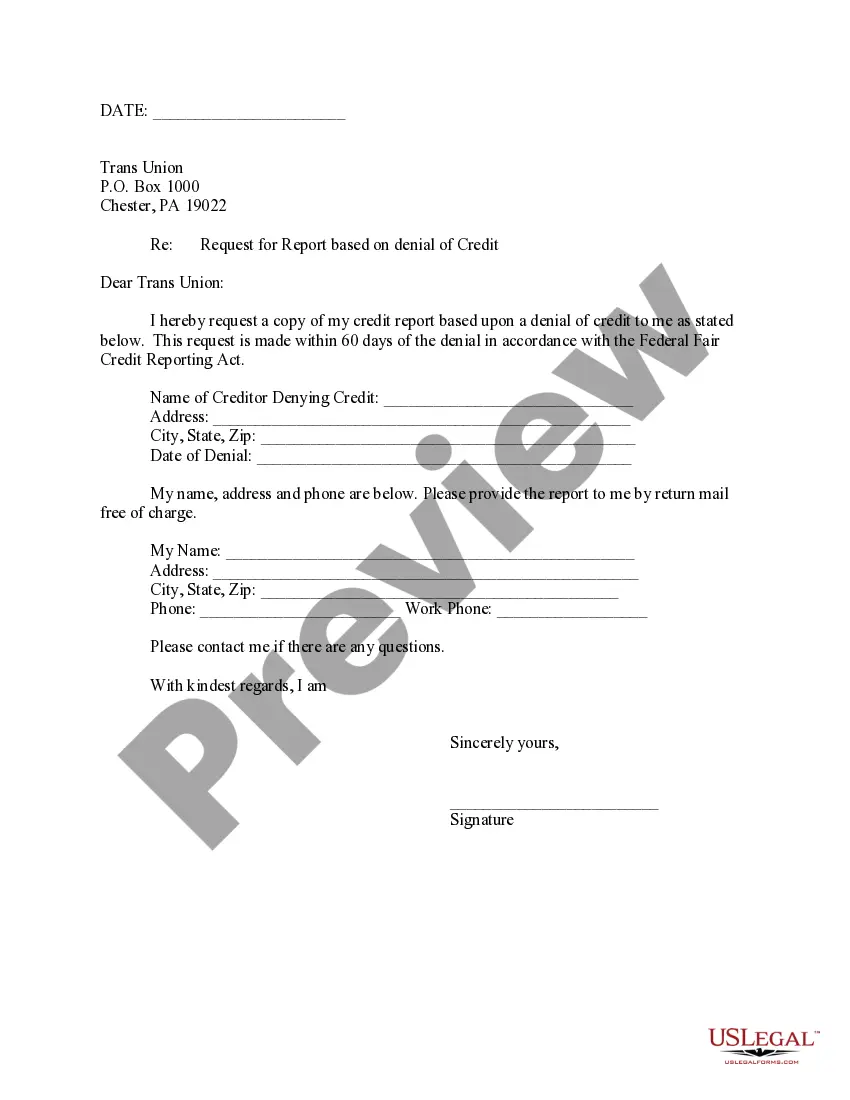
How to fill out Sample Letter For Request For Free Credit Report Allowed By Federal Law?
The Example Report Document For Registration you observe on this page is a reusable legal framework created by specialized attorneys following federal and state guidelines.
For over 25 years, US Legal Forms has supplied individuals, companies, and legal practitioners with over 85,000 validated, state-specific documents for any business and personal event. It’s the fastest, easiest, and most trustworthy method to acquire the paperwork you require, as the service ensures the utmost level of data protection and anti-malware security.
Select the format you prefer for your Example Report Document For Registration (PDF, Word, RTF) and download the sample to your device.
- Search for the document you require and examine it.
- Review the file you searched and preview it or check the document description to confirm it meets your needs. If it doesn't, utilize the search feature to find the correct one. Click Buy Now once you have found the template you need.
- Subscribe and Log In.
- Choose the pricing plan that best fits you and create an account. Use PayPal or a credit card for a quick transaction. If you already possess an account, Log In and verify your subscription to continue.
- Obtain the editable template.
Form popularity
FAQ
Templates are the primary data-gathering document framework created by a member of your organization. Forms are unique instances of these documents created and completed by Form Users. If you want to facilitate data collection, then you create a Template.
A registration form is a document with a set of fields that a person fills out and sends to a business or individual to register for an event, program, membership, list, and so on. Using the online registration form, you may gather contact information and encourage people to interact with you.
The applicant will fill the Registration Form by entering the personal details (candidate name, father name, mother name, date of birth, gender), type of identification (Student Id, Voter Id, Passport Number, Ration Card, Bank Account, Other Valid government Identity), identification number, contact details (premises ...
An online registration form is a way to collect registration information and create a list of events, programs, and more. For example, you can use these types of forms for accepting users to your website, software, or seminar. Now with an online form builder, this process is more automated and easy for both parties.
A signup page (also known as a registration page) enables users and organizations to independently register and gain access to your system. It is common to have multiple signup pages depending on the types of people and organizations you want to register.