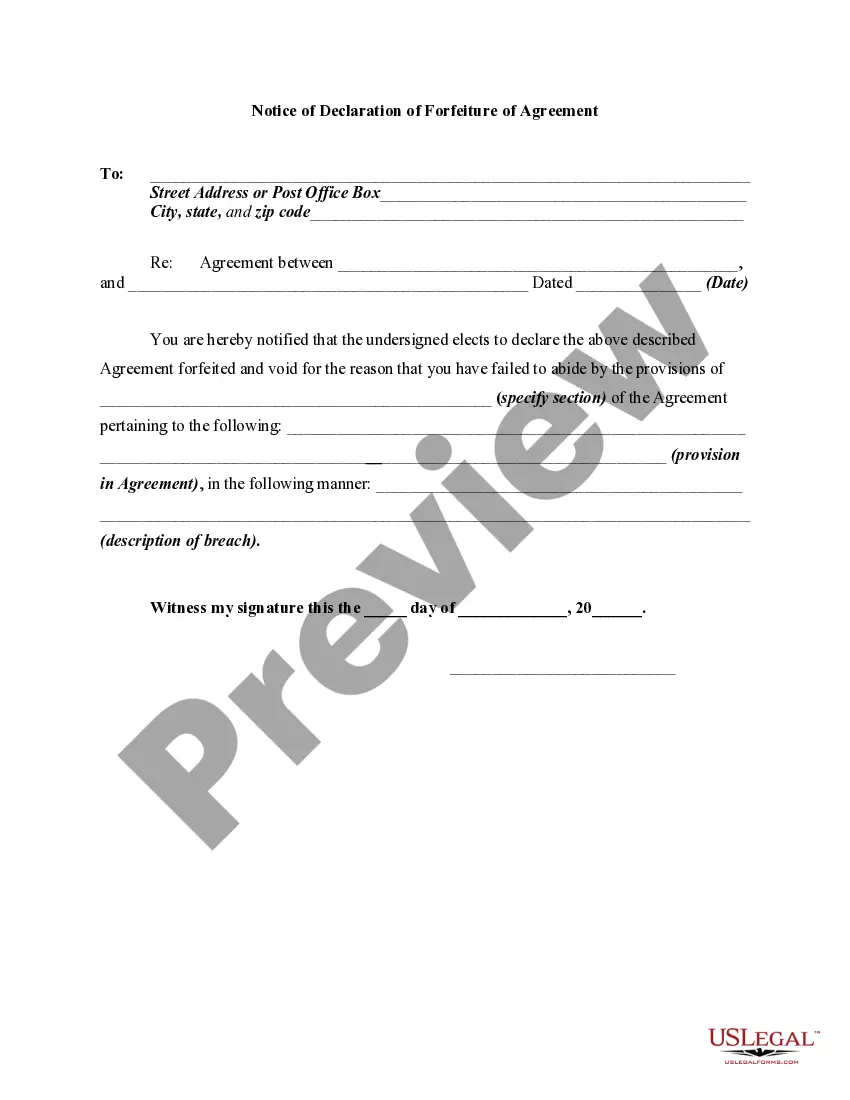
Statement For Agreement
Description
Get your form ready online
Our built-in tools help you complete, sign, share, and store your documents in one place.
Make edits, fill in missing information, and update formatting in US Legal Forms—just like you would in MS Word.
Download a copy, print it, send it by email, or mail it via USPS—whatever works best for your next step.
Sign and collect signatures with our SignNow integration. Send to multiple recipients, set reminders, and more. Go Premium to unlock E-Sign.
If this form requires notarization, complete it online through a secure video call—no need to meet a notary in person or wait for an appointment.
We protect your documents and personal data by following strict security and privacy standards.

Make edits, fill in missing information, and update formatting in US Legal Forms—just like you would in MS Word.

Download a copy, print it, send it by email, or mail it via USPS—whatever works best for your next step.

Sign and collect signatures with our SignNow integration. Send to multiple recipients, set reminders, and more. Go Premium to unlock E-Sign.

If this form requires notarization, complete it online through a secure video call—no need to meet a notary in person or wait for an appointment.

We protect your documents and personal data by following strict security and privacy standards.
Looking for another form?

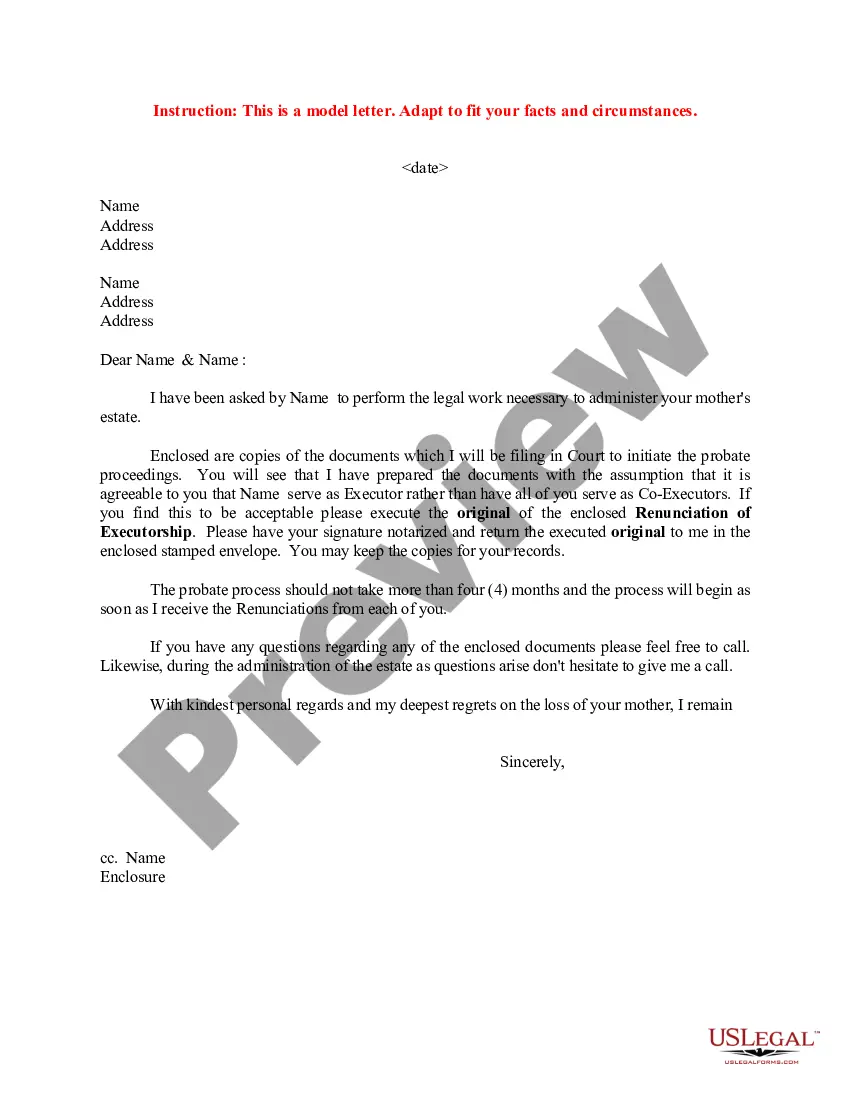
How to fill out Notice Of Declaration Of Forfeiture Of Agreement?
Engaging with legal documentation and procedures can be a lengthy addition to your routine.
Documents such as Statement For Agreement typically require you to locate them and find the optimal way to fill them out accurately.
Thus, regardless of whether you are managing financial, legal, or personal issues, having a comprehensive and user-friendly online repository of forms readily available will be of great help.
US Legal Forms is the leading online service for legal templates, providing over 85,000 state-specific forms and various tools to help you complete your documents effortlessly.
Is this your first experience using US Legal Forms? Create an account in just a few minutes and gain access to the form library and Statement For Agreement. After that, follow the steps outlined below to complete your document.
- Explore the library of pertinent documents accessible to you with just one click.
- US Legal Forms offers you state- and county-specific forms available for download anytime.
- Protect your document processing operations with a premium service that enables you to prepare any form in minutes without additional or hidden charges.
- Simply Log In to your account, locate Statement For Agreement, and obtain it instantly in the My documents section.
- You can also retrieve previously downloaded forms.
Form popularity
FAQ
How To Write a Business Contract Get It in Writing. ... Use Language You Can Understand. ... Be Detailed. ... Include Payment Details. ... Consider Confidentiality. ... Include Language on How to End the Contract. ... Consider State Laws Governing the Contract. ... Include Indemnification, Remedies, and Attorneys' Fees.
Here are the steps to write a letter of agreement: Title the document. Add the title at the top of the document. ... List your personal information. ... Include the date. ... Add the recipient's personal information. ... Address the recipient. ... Write an introduction paragraph. ... Write your body. ... Conclude the letter.
How to draft a contract between two parties: A step-by-step checklist Check out the parties. ... Come to an agreement on the terms. ... Specify the length of the contract. ... Spell out the consequences. ... Determine how you would resolve any disputes. ... Think about confidentiality. ... Check the contract's legality. ... Open it up to negotiation.
Those seven elements are: Identification (Defining all the parties involved) Offer (The agreement) Acceptance (Agreement mirrored by other parties) Mutual consent (Signatory consent of all parties) Consideration (The value exchanged for the offer) Capacity (Legal/mental competence of all parties)
Those seven elements are: Identification (Defining all the parties involved) Offer (The agreement) Acceptance (Agreement mirrored by other parties) Mutual consent (Signatory consent of all parties) Consideration (The value exchanged for the offer) Capacity (Legal/mental competence of all parties)