Notice Of Motion Default Judgment For Liquidated Claim
Description
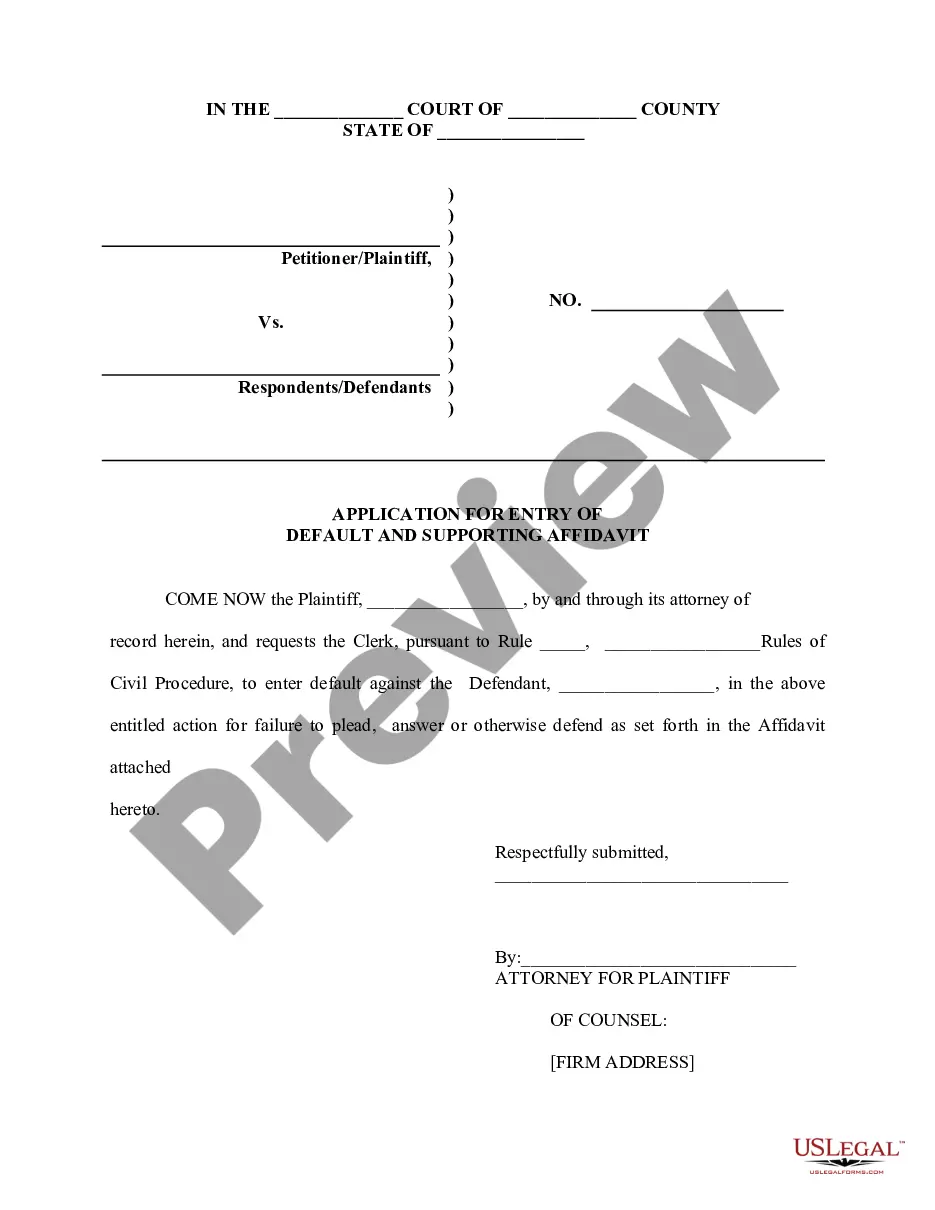
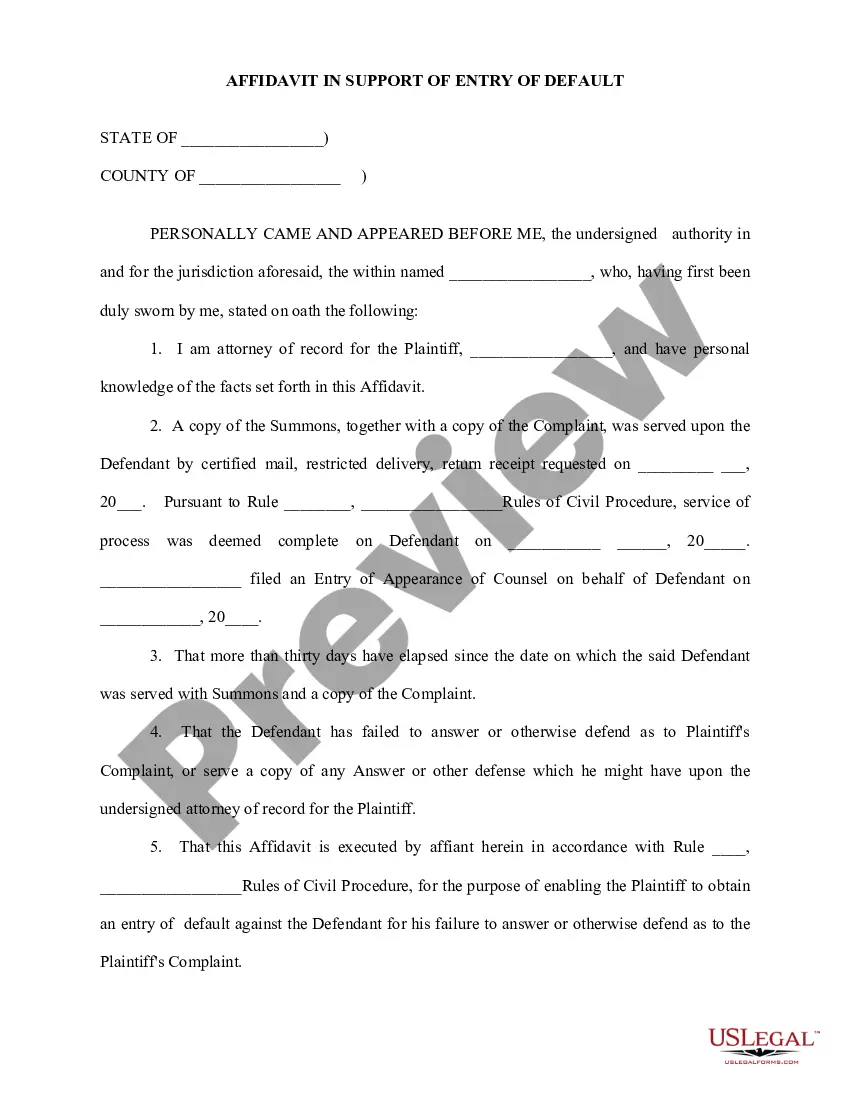
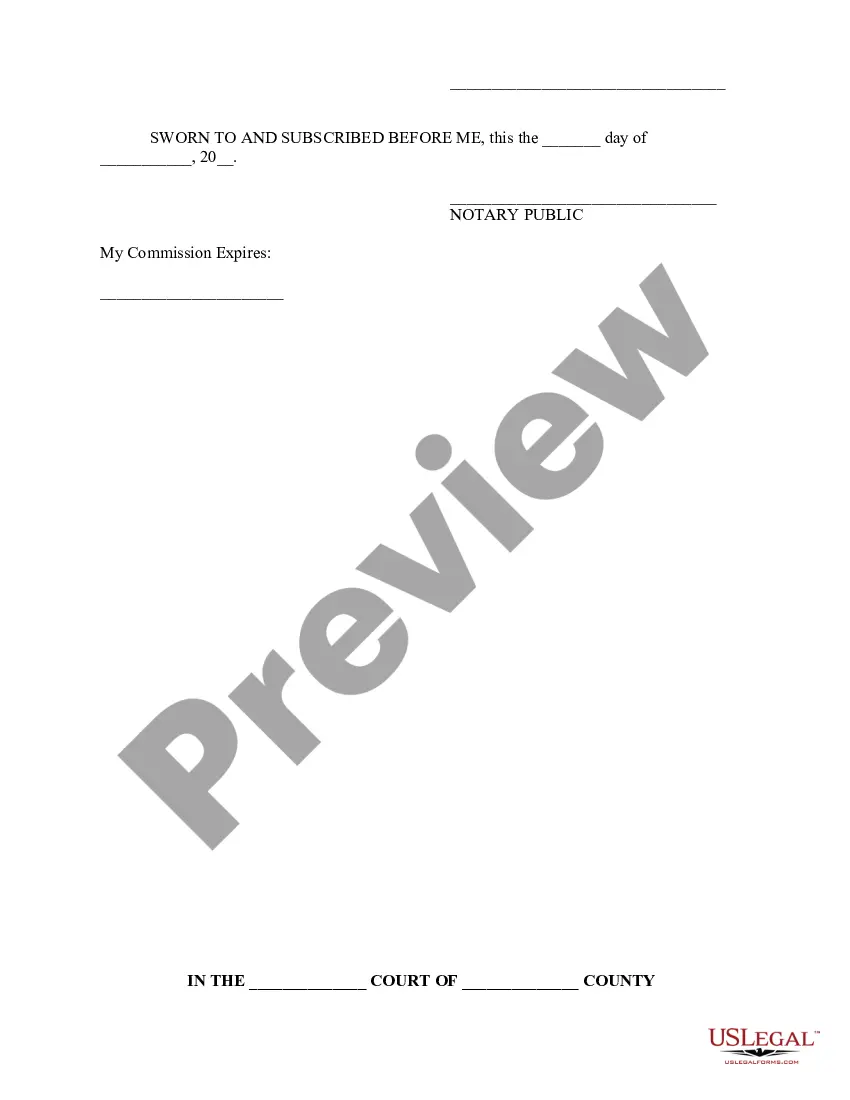
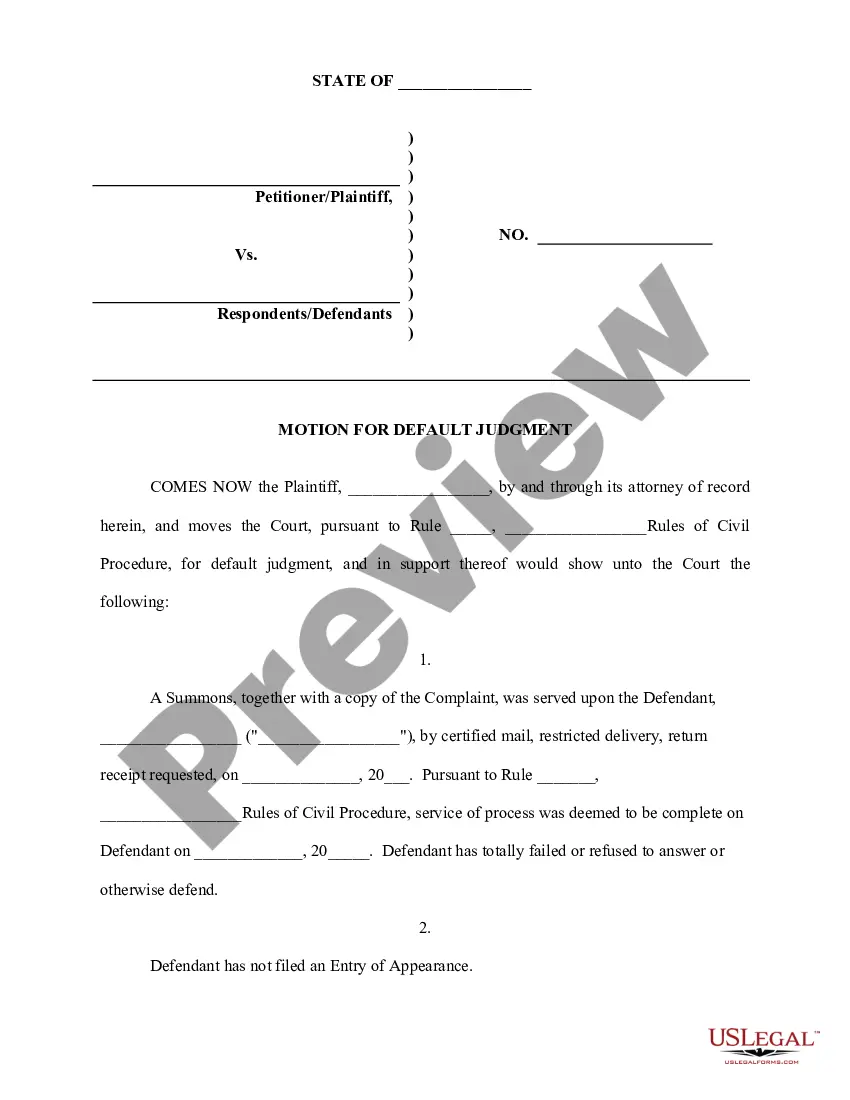
Get your form ready online
Our built-in tools help you complete, sign, share, and store your documents in one place.
Make edits, fill in missing information, and update formatting in US Legal Forms—just like you would in MS Word.
Download a copy, print it, send it by email, or mail it via USPS—whatever works best for your next step.
Sign and collect signatures with our SignNow integration. Send to multiple recipients, set reminders, and more. Go Premium to unlock E-Sign.
If this form requires notarization, complete it online through a secure video call—no need to meet a notary in person or wait for an appointment.
We protect your documents and personal data by following strict security and privacy standards.

Make edits, fill in missing information, and update formatting in US Legal Forms—just like you would in MS Word.

Download a copy, print it, send it by email, or mail it via USPS—whatever works best for your next step.

Sign and collect signatures with our SignNow integration. Send to multiple recipients, set reminders, and more. Go Premium to unlock E-Sign.

If this form requires notarization, complete it online through a secure video call—no need to meet a notary in person or wait for an appointment.

We protect your documents and personal data by following strict security and privacy standards.
Looking for another form?


How to fill out Application For Entry Of Default - Affidavit - Motion - Entry Of Default - Default Judgment?
Regardless of whether it is for corporate endeavors or personal issues, everyone must handle legal matters at some stage in their lives.
Filling out legal documents demands meticulous care, starting with selecting the appropriate form example. For example, if you select an incorrect version of a Notice Of Motion Default Judgment For Liquidated Claim, it will be rejected when you submit it. Consequently, it is vital to obtain a reputable source of legal forms such as US Legal Forms.
With an extensive collection of US Legal Forms available, you don’t need to waste time searching for the correct sample online. Take advantage of the library’s user-friendly navigation to find the right template for any occasion.
- Locate the sample you require by using the search bar or browsing the catalog.
- Review the form’s details to verify that it is appropriate for your situation, state, and county.
- Click on the form’s preview to take a closer look.
- If it is the wrong document, return to the search function to find the Notice Of Motion Default Judgment For Liquidated Claim sample you need.
- Obtain the template if it corresponds with your requirements.
- If you have an existing US Legal Forms account, simply click Log in to reach previously saved documents in My documents.
- If you do not yet have an account, you can download the form by clicking Buy now.
- Select the appropriate pricing option.
- Complete the profile registration form.
- Choose your payment method: use a credit card or a PayPal account.
- Select the document format you prefer and download the Notice Of Motion Default Judgment For Liquidated Claim.
- Once it is downloaded, you can complete the form using editing software or print it and finish it by hand.
Form popularity
FAQ
Yes, a default judgment can be reversed, but specific criteria must be met. You will need to submit a Notice of Motion for Default Judgment for Liquidated Claim that illustrates why reversing the judgment is justified. Common reasons include not receiving the original summons or having a legitimate defense to present. Consulting the resources available at UsLegalForms can provide you with the necessary guidance and templates to support your motion.
Withdrawing a default judgment involves filing a motion that explains your reasons for seeking withdrawal, typically due to lack of notification or a legitimate error. You will need to include a Notice of Motion for Default Judgment for Liquidated Claim along with any relevant evidence that supports your request. The court will then review your motion and decide whether to grant the withdrawal. Tools and templates from UsLegalForms can streamline this process and ensure your submission is complete.
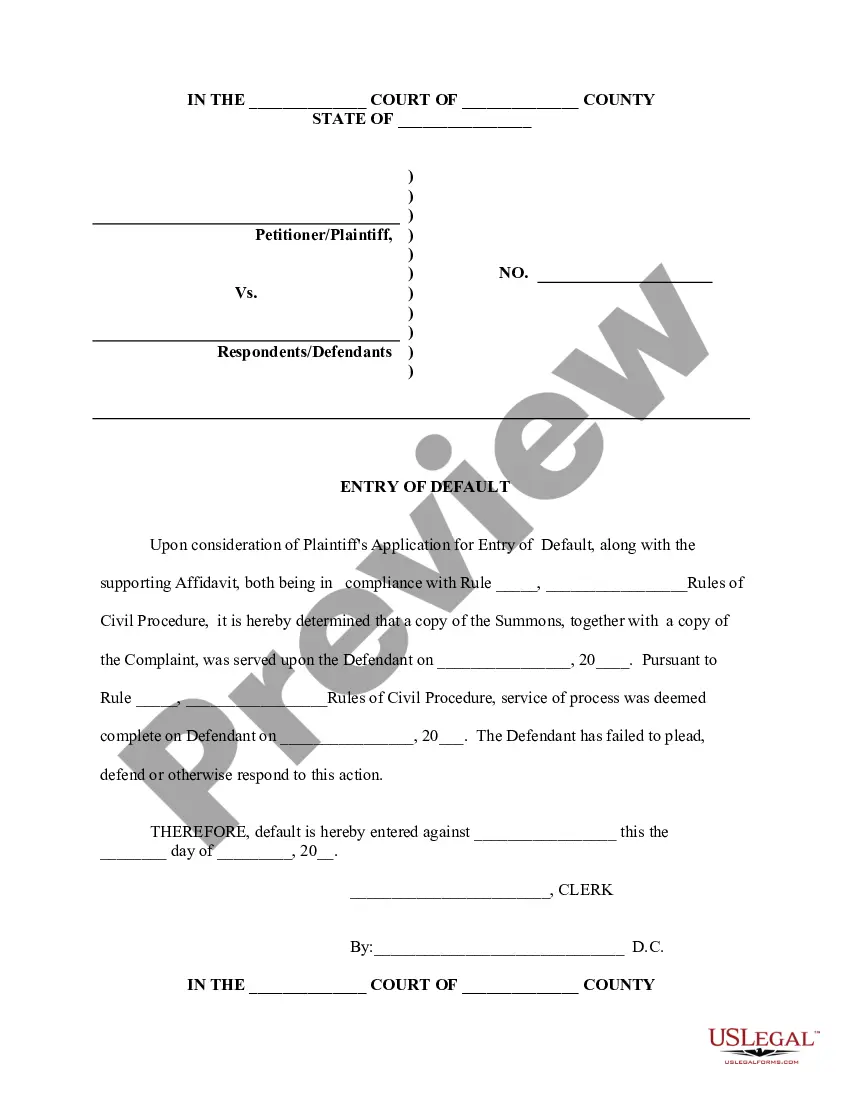
Rule 12 relates to the rules governing default judgments under civil procedure in many jurisdictions. It typically allows the court to enter a default judgment if the defendant fails to respond in a specified timeframe. The key aspect of a Notice of Motion for Default Judgment for Liquidated Claim is that it serves the proper legal process, ensuring that all procedural requirements are met for the court to award judgment without a hearing. Understanding this rule helps in effectively navigating the legal landscape.
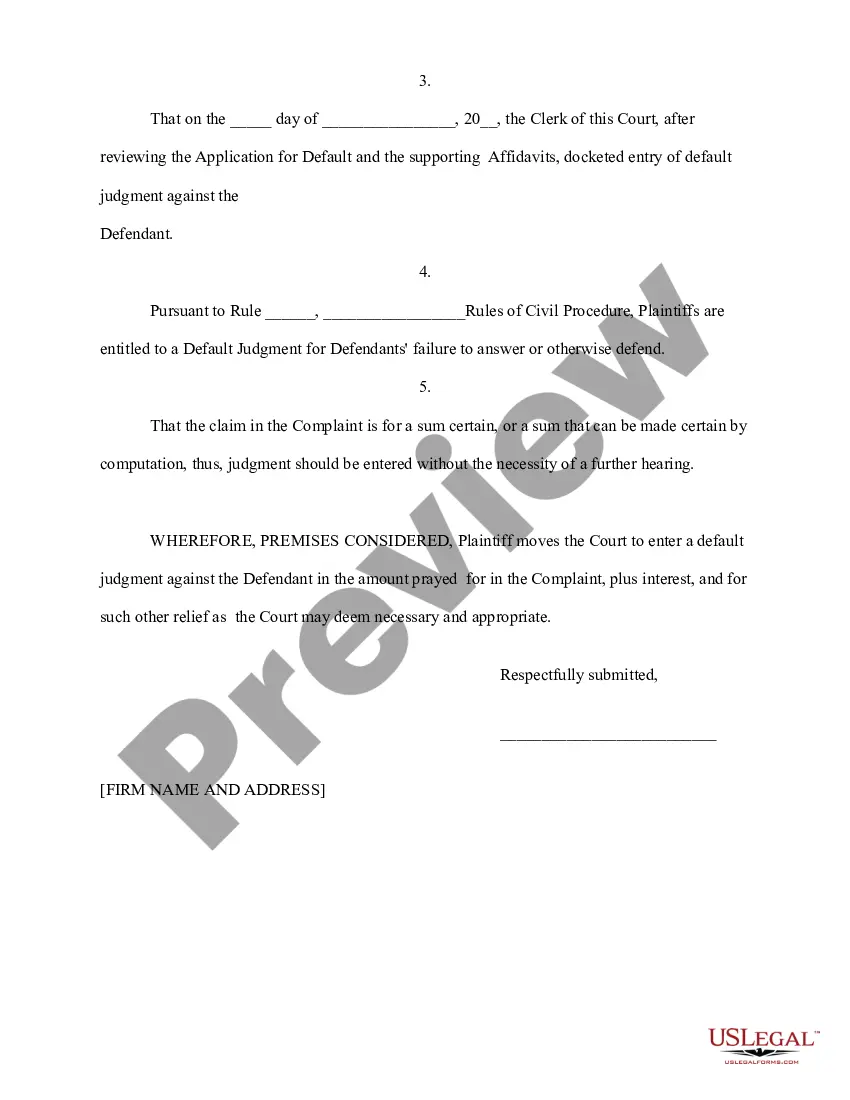
A motion for default judgment is a request made to the court when a party has not responded to a lawsuit. This motion seeks a judgment in favor of the requesting party because the opposing party failed to take any action. In the context of a Notice of Motion for Default Judgment for Liquidated Claim, it requests the court to formalize a judgment when no defense is presented. This can lead to expedient legal resolution, allowing you to move forward with collection actions.
Yes, a default judgment can indeed be rescinded. To do this, you must file a Notice of Motion for Default Judgment for Liquidated Claim that specifically requests the court to set aside the judgment. Typically, you will need to show a valid reason, such as an absence of notice or a reasonable excuse for not participating in the original action. Using the UsLegalForms platform can help you find the right forms and guidance to initiate this process effectively.
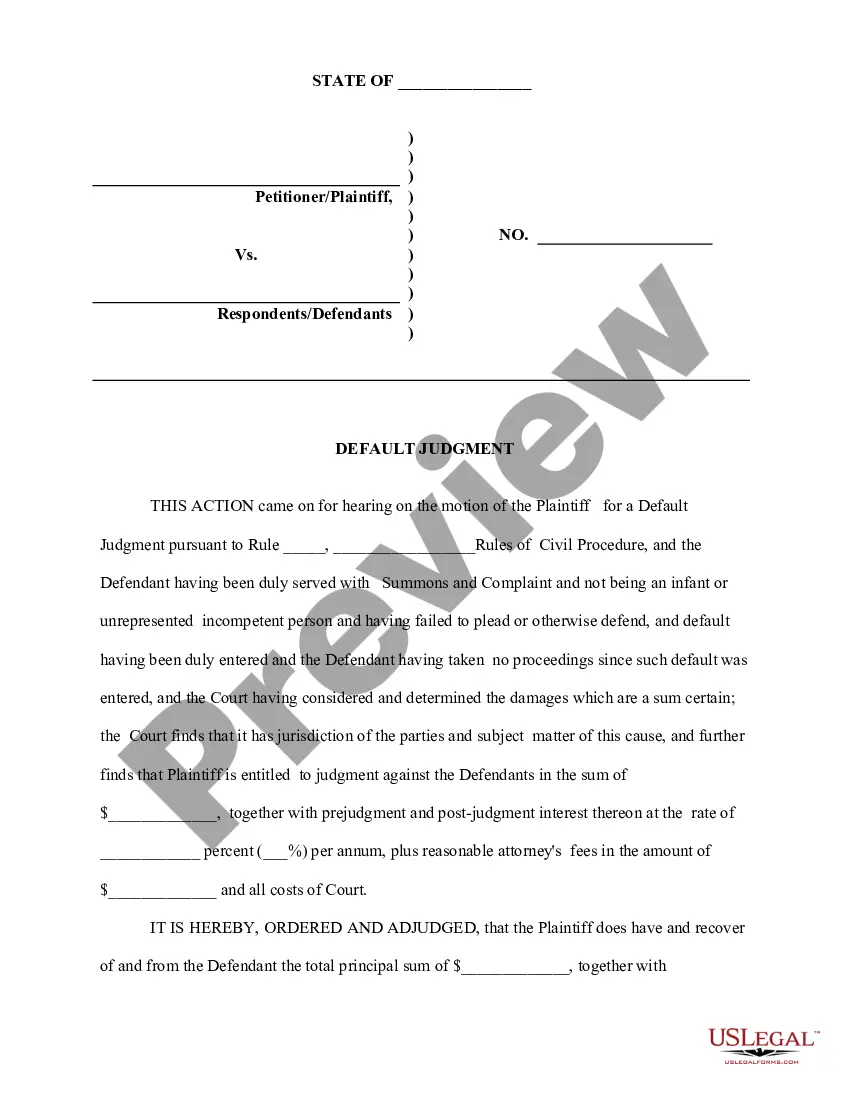
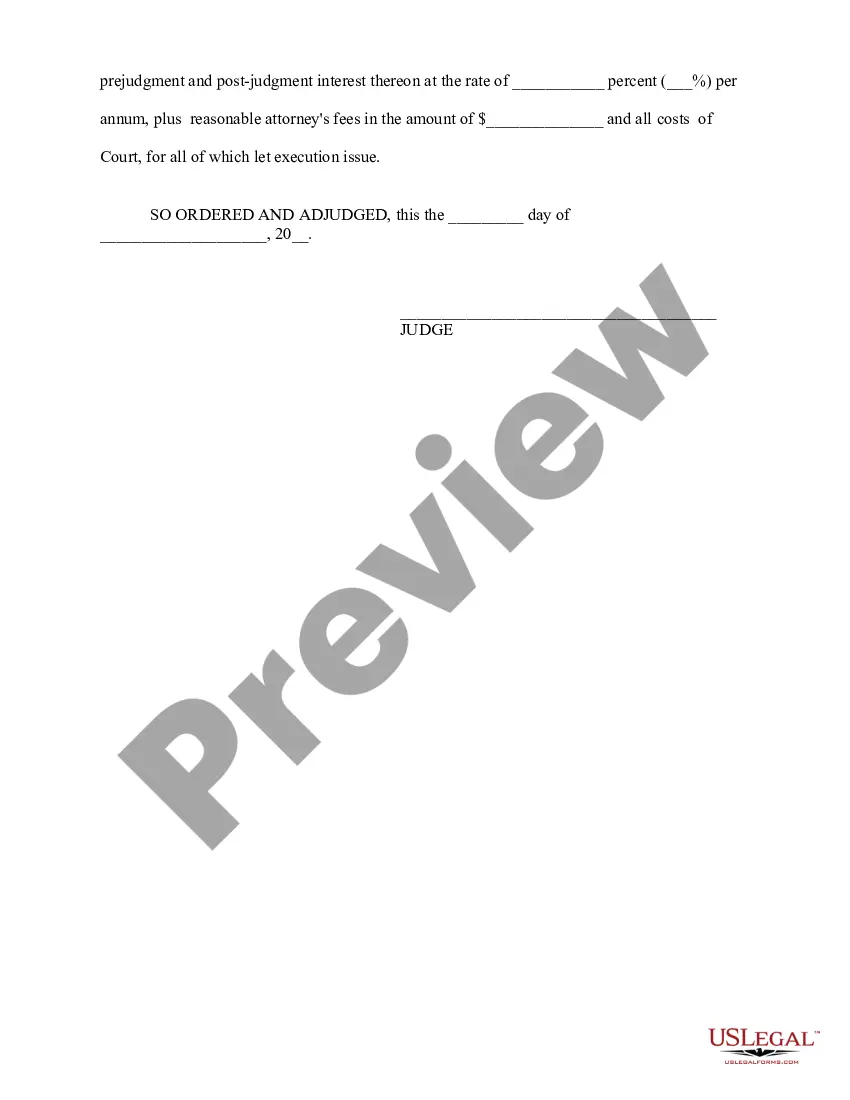
A default judgment indicates that a court has ruled in favor of one party due to the other party's failure to participate in the legal process. In the context of a liquidated claim, this judgment confirms the amount owed to the plaintiff. Understanding this process is crucial, and with the right tools, such as the Notice of motion default judgment for liquidated claim, you can effectively navigate these challenging circumstances.
The purpose of a default judgment is to provide a legal resolution when a defendant fails to respond to a lawsuit. In cases involving a liquidated claim, this judgment allows a plaintiff to collect the amount owed without further court proceedings. You can utilize a Notice of motion default judgment for liquidated claim to expedite this process and ensure you receive the compensation you're entitled to.
A default judgment can be entered when the opposing party fails to respond or appear in court after being properly notified of a legal action. For a notice of motion default judgment for liquidated claim, you must first show that you served the defendant with the required documents. If the defendant does not file a response within the specified time frame, you can then request the court to issue a judgment. This process ensures that you can seek recovery for your claim while adhering to legal standards.