Florida Motion For Default Form With 2 Points
Description
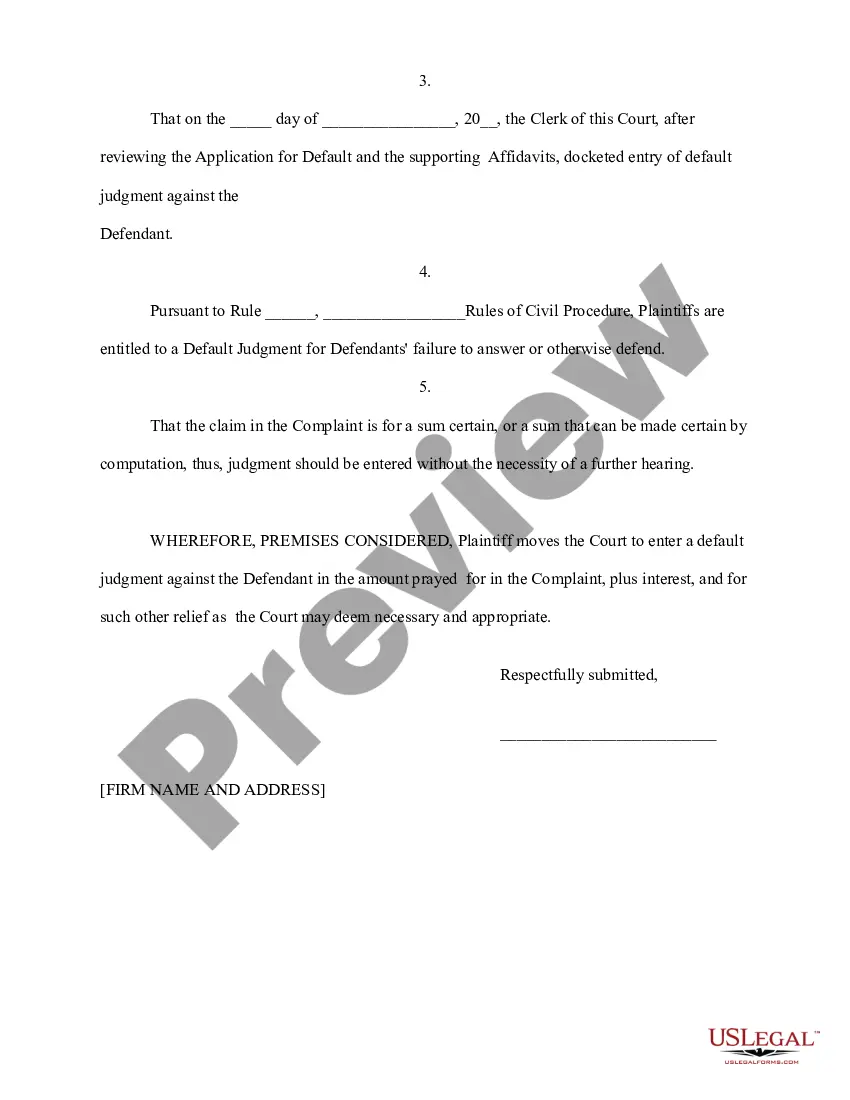
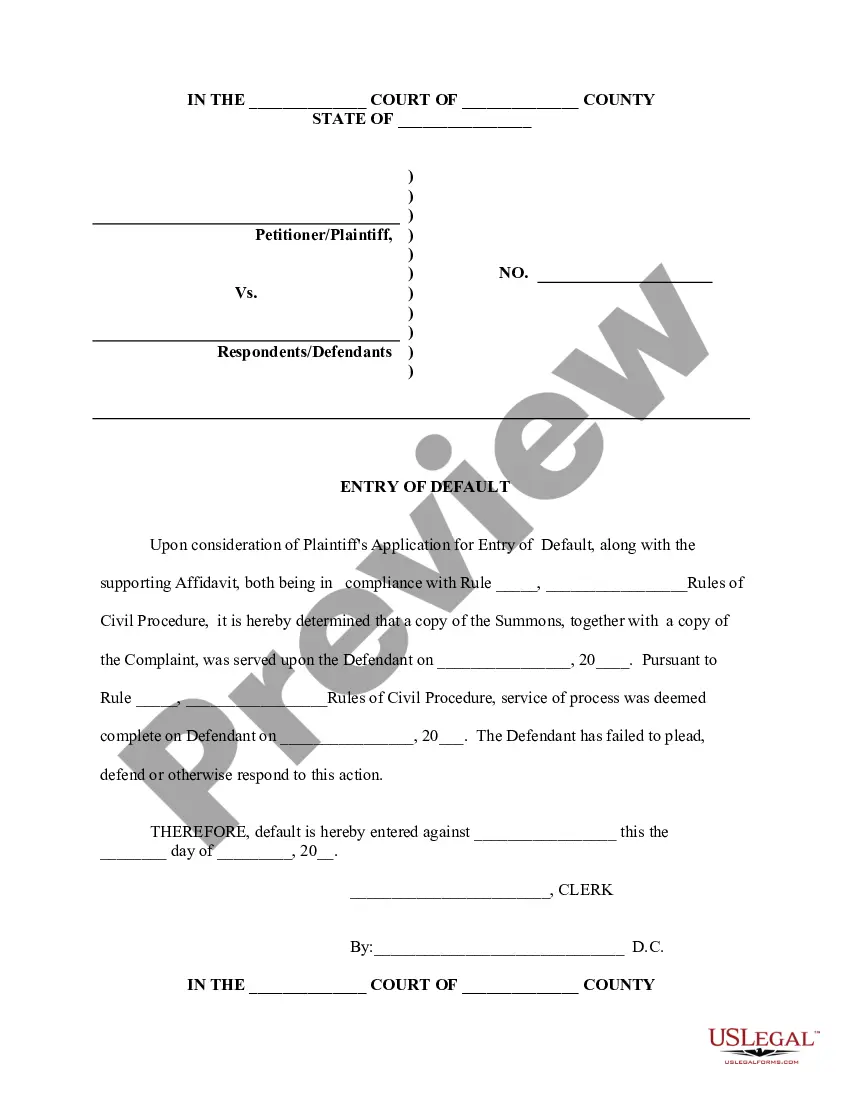
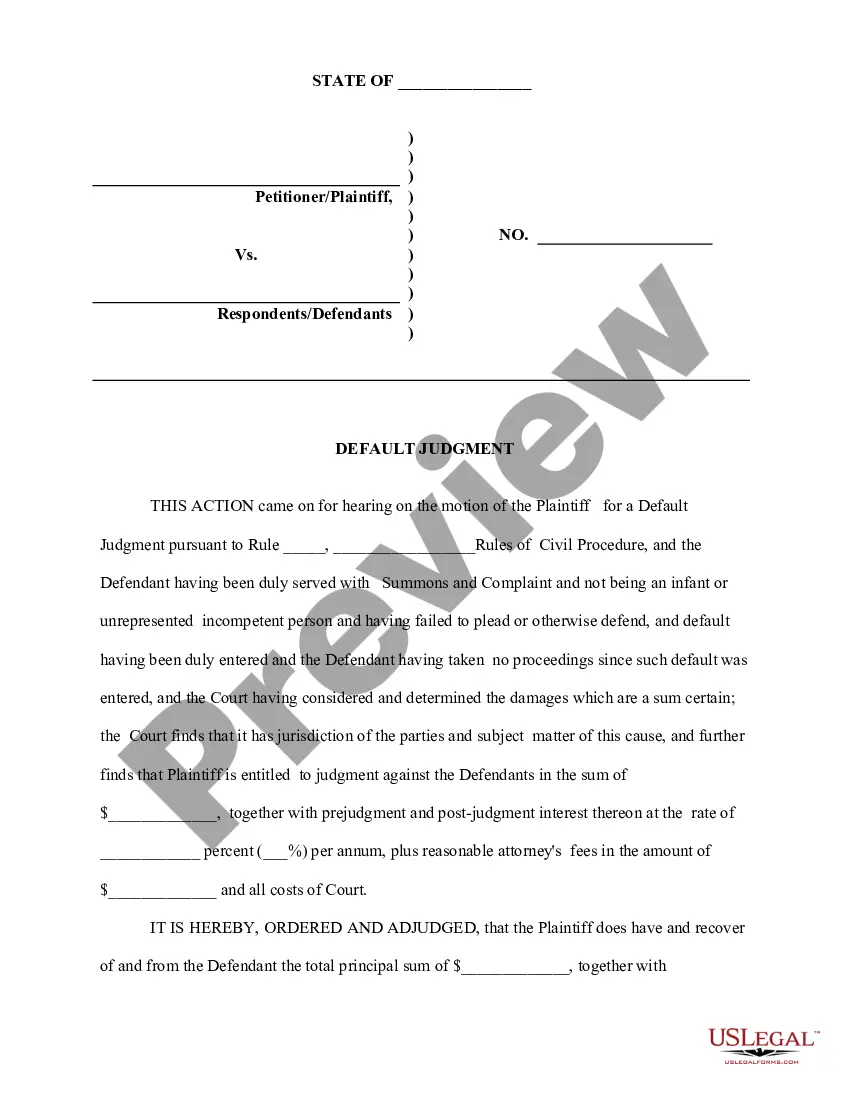
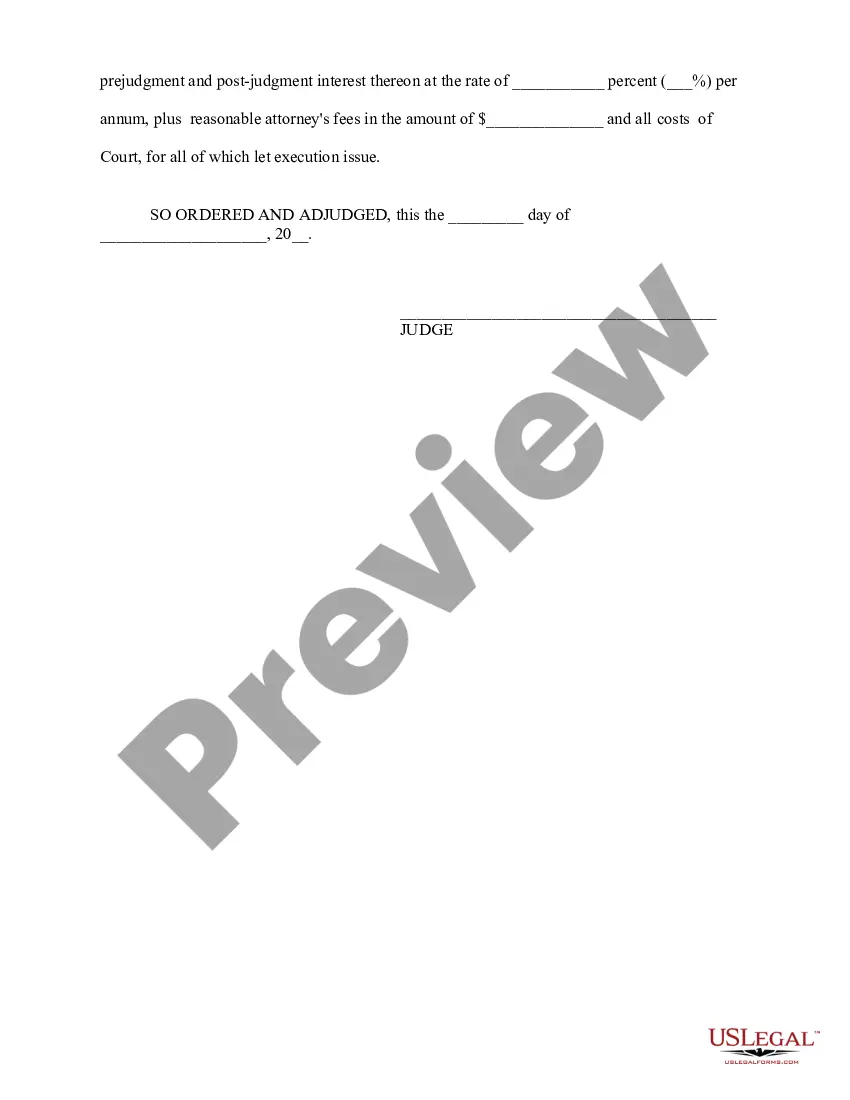
Get your form ready online
Our built-in tools help you complete, sign, share, and store your documents in one place.
Make edits, fill in missing information, and update formatting in US Legal Forms—just like you would in MS Word.
Download a copy, print it, send it by email, or mail it via USPS—whatever works best for your next step.
Sign and collect signatures with our SignNow integration. Send to multiple recipients, set reminders, and more. Go Premium to unlock E-Sign.
If this form requires notarization, complete it online through a secure video call—no need to meet a notary in person or wait for an appointment.
We protect your documents and personal data by following strict security and privacy standards.

Make edits, fill in missing information, and update formatting in US Legal Forms—just like you would in MS Word.

Download a copy, print it, send it by email, or mail it via USPS—whatever works best for your next step.

Sign and collect signatures with our SignNow integration. Send to multiple recipients, set reminders, and more. Go Premium to unlock E-Sign.

If this form requires notarization, complete it online through a secure video call—no need to meet a notary in person or wait for an appointment.

We protect your documents and personal data by following strict security and privacy standards.
Looking for another form?
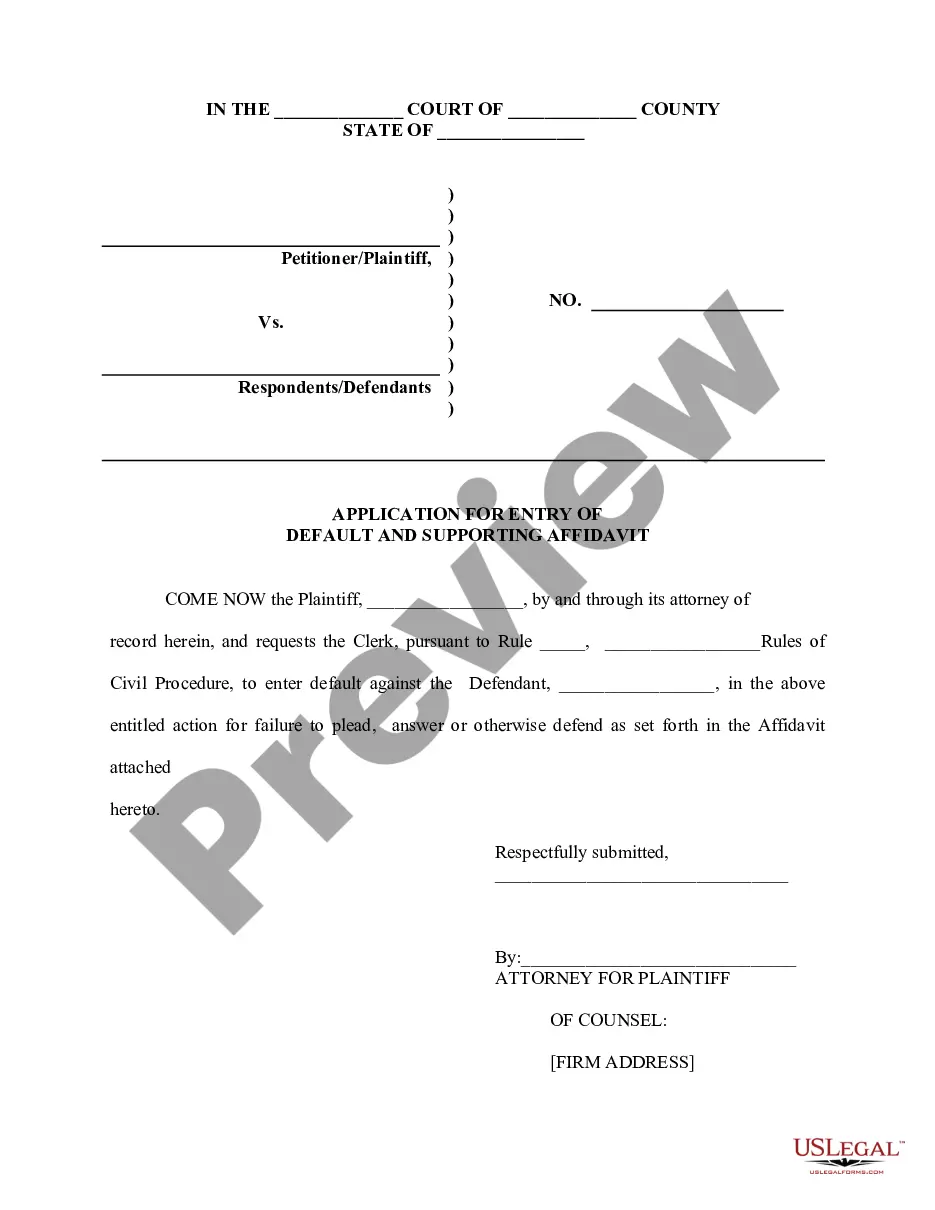
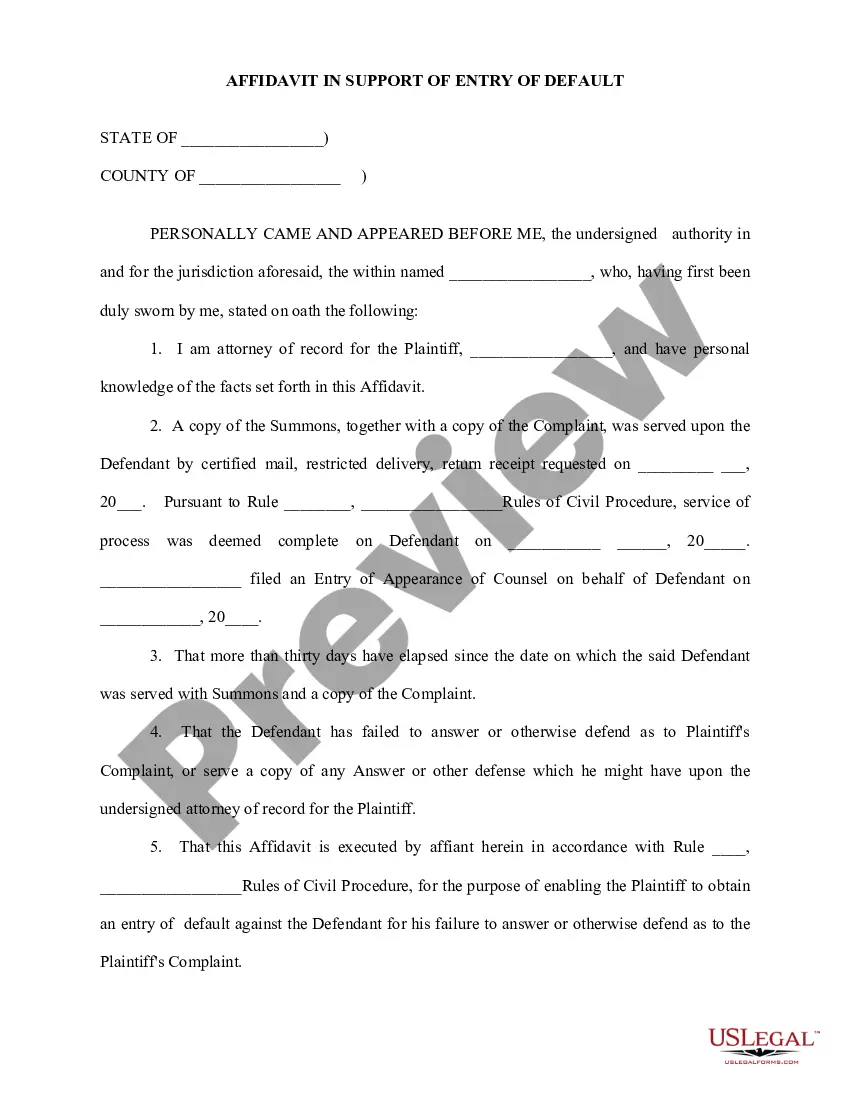
How to fill out Application For Entry Of Default - Affidavit - Motion - Entry Of Default - Default Judgment?
Drafting legal paperwork from scratch can often be intimidating. Some cases might involve hours of research and hundreds of dollars invested. If you’re looking for a a simpler and more cost-effective way of preparing Florida Motion For Default Form With 2 Points or any other documents without the need of jumping through hoops, US Legal Forms is always at your disposal.
Our virtual library of over 85,000 up-to-date legal documents covers virtually every element of your financial, legal, and personal matters. With just a few clicks, you can instantly access state- and county-compliant templates carefully prepared for you by our legal professionals.
Use our platform whenever you need a trustworthy and reliable services through which you can easily locate and download the Florida Motion For Default Form With 2 Points. If you’re not new to our website and have previously created an account with us, simply log in to your account, select the form and download it away or re-download it at any time in the My Forms tab.
Not registered yet? No worries. It takes little to no time to set it up and explore the catalog. But before jumping directly to downloading Florida Motion For Default Form With 2 Points, follow these recommendations:
- Check the document preview and descriptions to ensure that you have found the document you are looking for.
- Check if template you select conforms with the requirements of your state and county.
- Pick the best-suited subscription option to buy the Florida Motion For Default Form With 2 Points.
- Download the file. Then fill out, certify, and print it out.
US Legal Forms has a good reputation and over 25 years of expertise. Join us today and transform form execution into something simple and streamlined!
Form popularity
FAQ
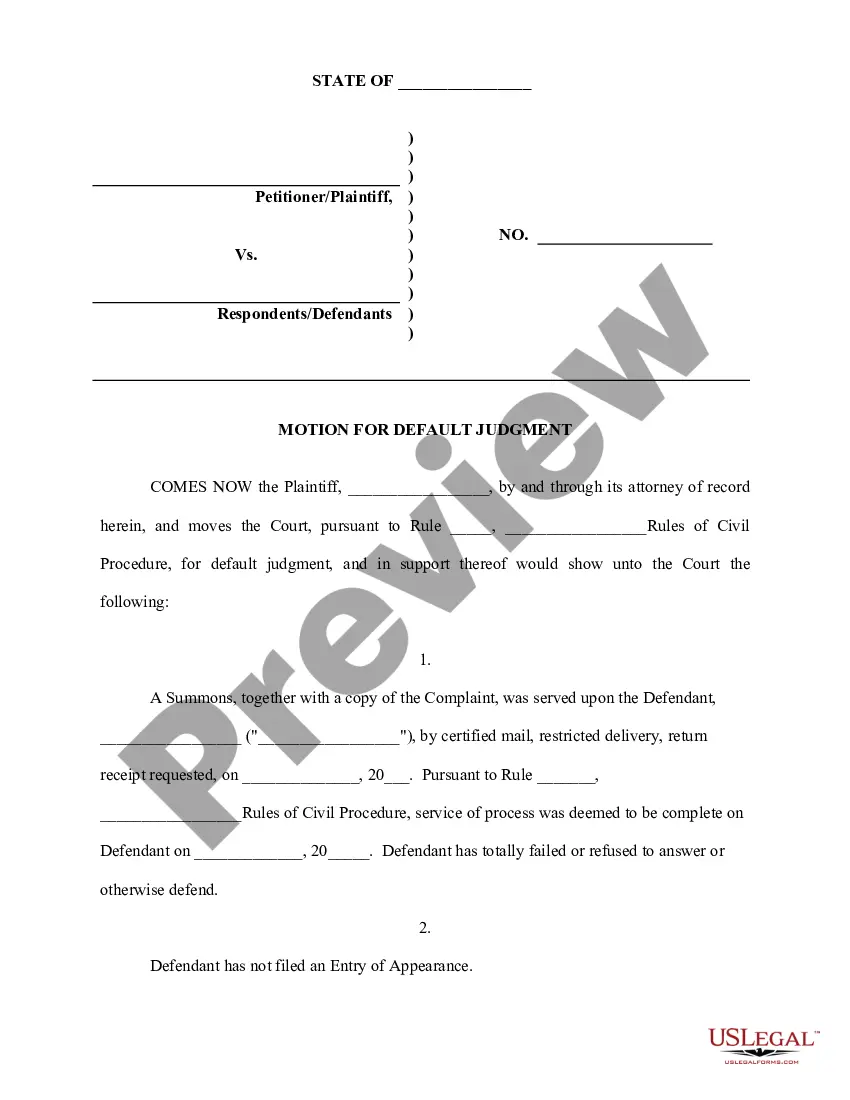
This motion for default final judgment may be filed by a landlord/plaintiff in a Florida eviction action to request that final judgment be entered against the defendant/tenant following its failure to respond to the plaintiff's eviction complaint within the requisite time-frame.
Hear this out loud PauseA party may plead or otherwise defend at any time before default is entered. If a party in default files any document after the default is entered, the clerk must notify the party of the entry of the default. The clerk must make an entry on the progress docket showing the notification. (d) Setting aside Default.
To have a default vacated, the movant must demonstrate excusable neglect in failing to file a responsive pleading, due diligence upon learning of the entry of the default, and existence of a meritorious defense.
The Florida Rules of Civil Procedure allow a plaintiff to move for a default judgment when a defendant fails to file or serve any paper by the deadline. Filing a paper means submitting it to the court's clerk.
Generally, a default allows you to obtain an earlier final hearing to finish your case. Once the default is signed by the clerk, you can request a trial or final hearing in your case. To obtain a default, you will need to complete Motion for Default, Florida Supreme Court Approved Family Law Form 12.922(a).