Entry Default Judgment With Motion To Dismiss
Description
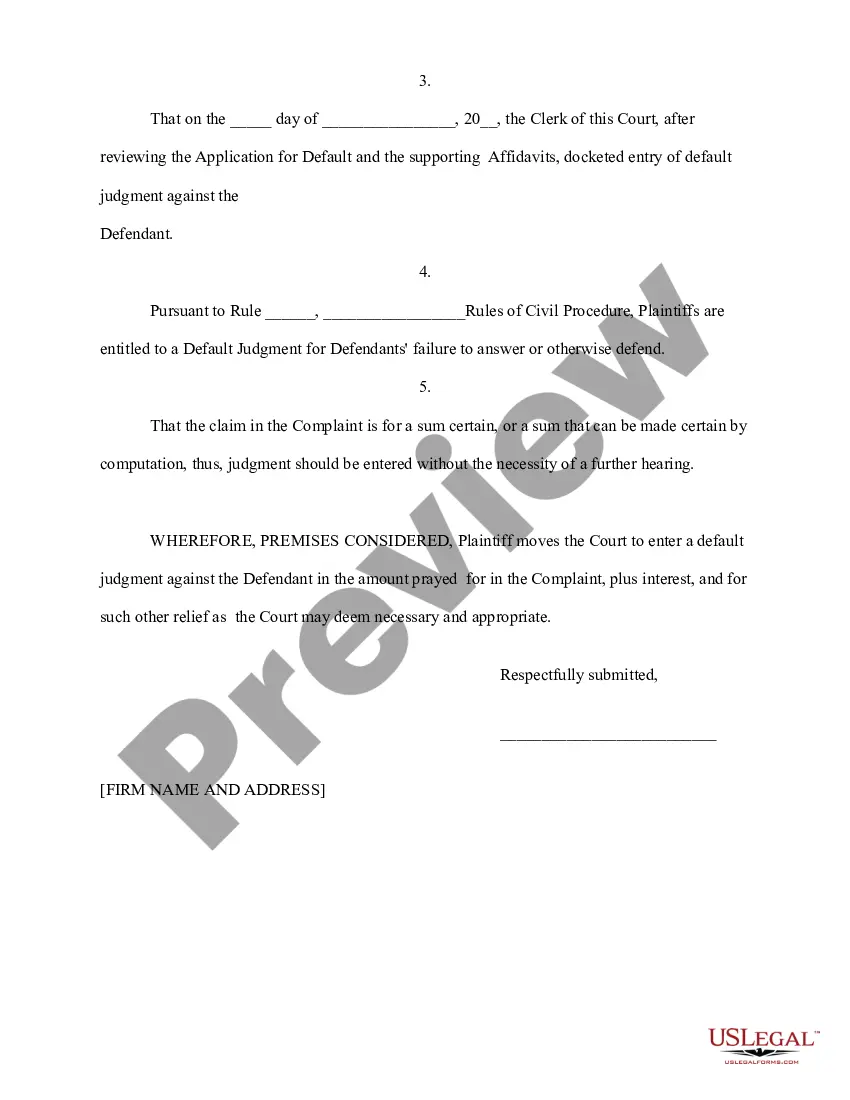
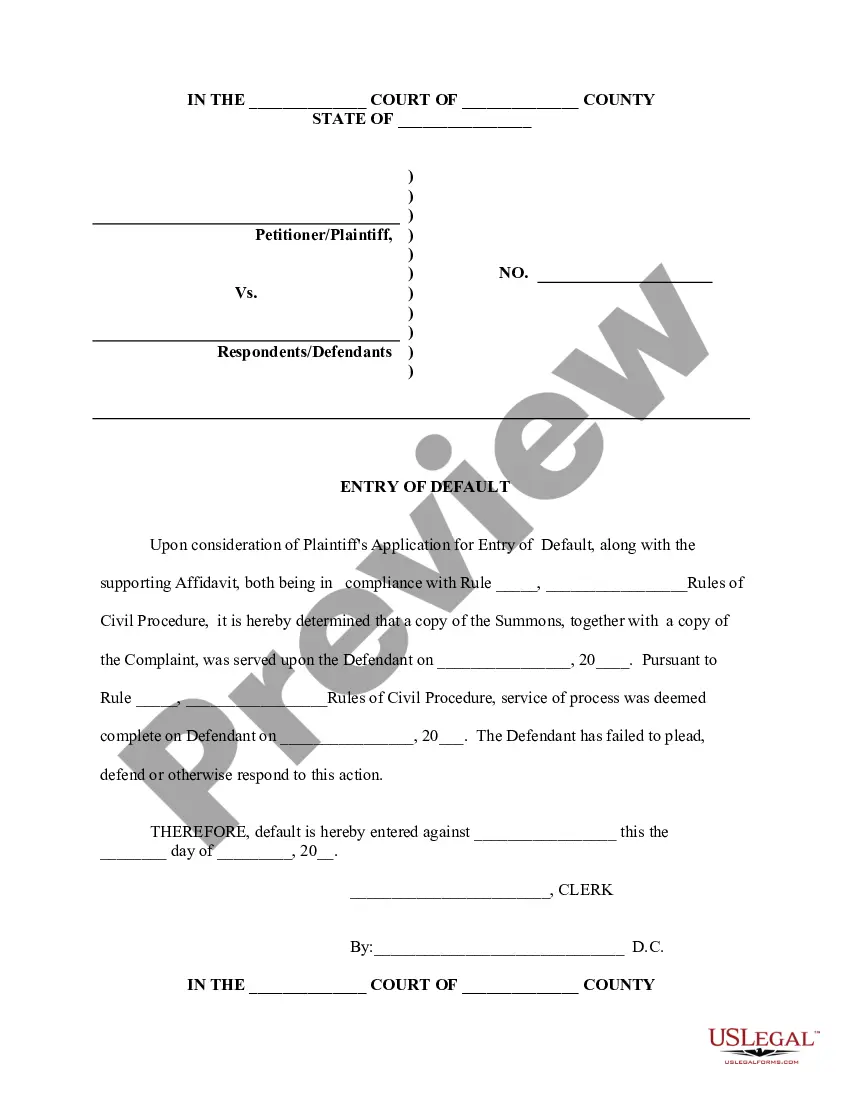
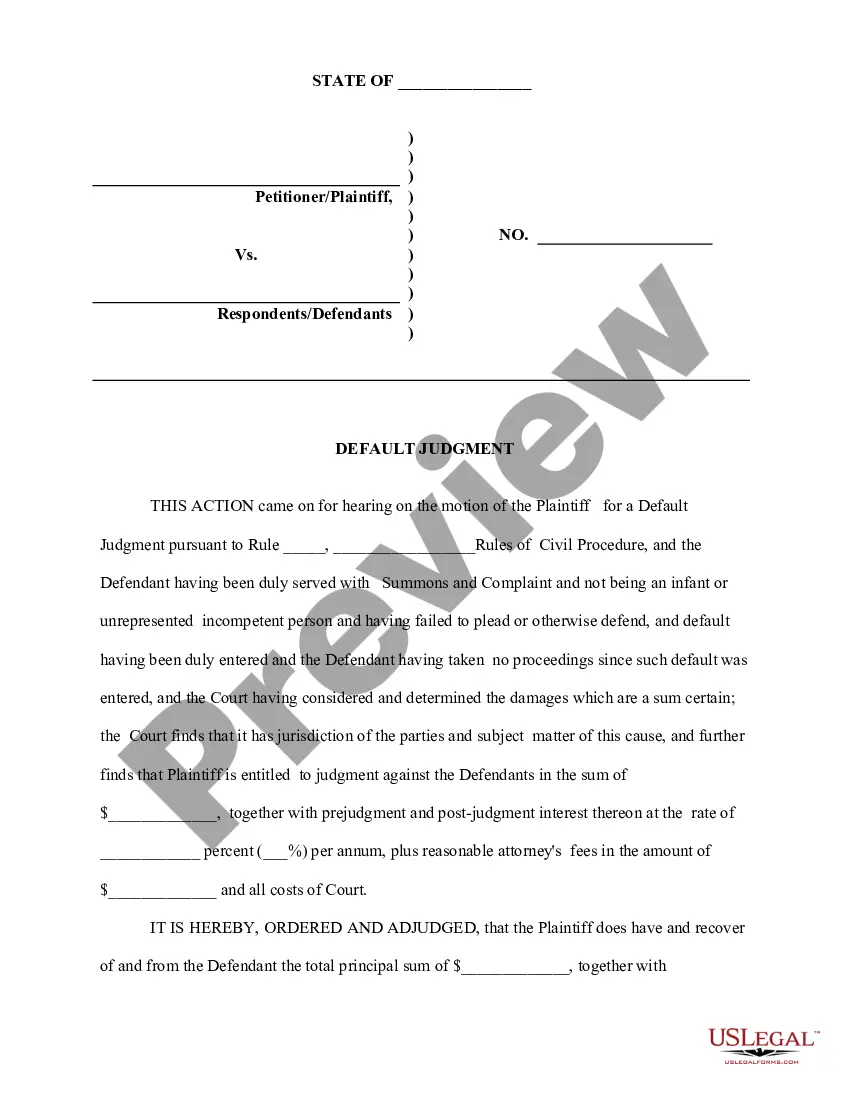
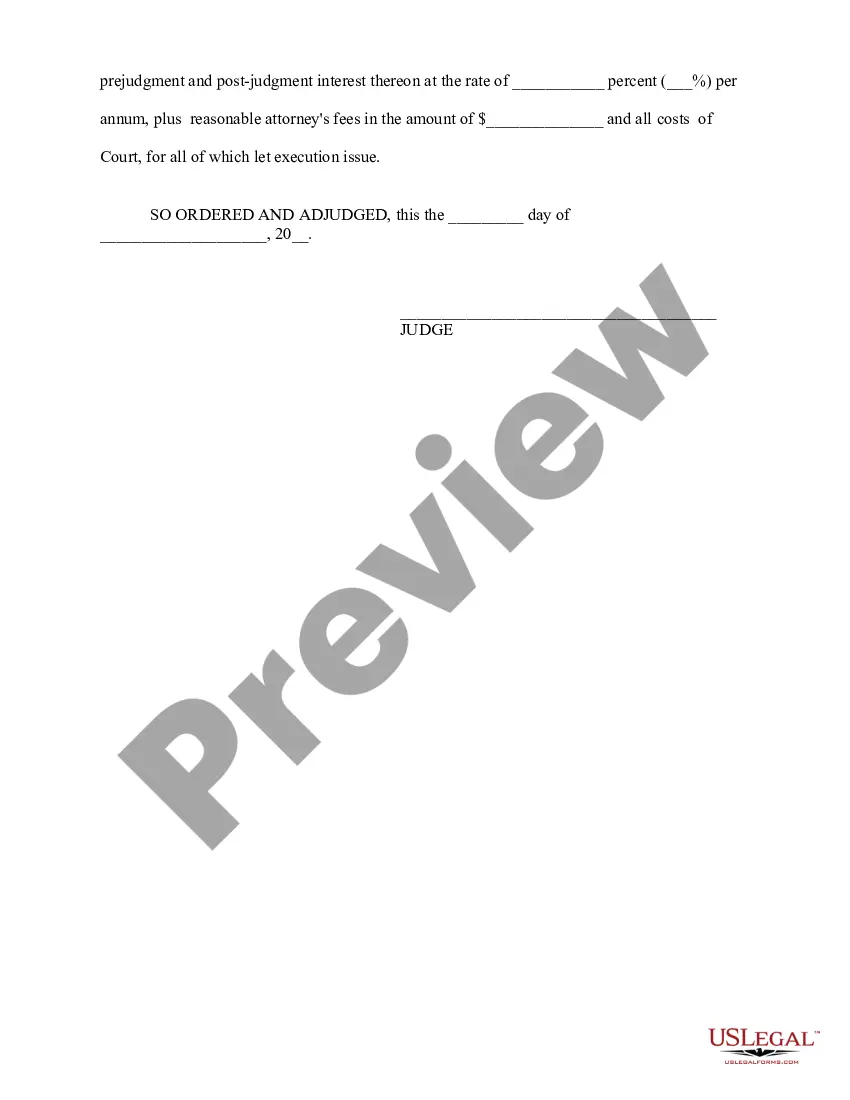
Get your form ready online
Our built-in tools help you complete, sign, share, and store your documents in one place.
Make edits, fill in missing information, and update formatting in US Legal Forms—just like you would in MS Word.
Download a copy, print it, send it by email, or mail it via USPS—whatever works best for your next step.
Sign and collect signatures with our SignNow integration. Send to multiple recipients, set reminders, and more. Go Premium to unlock E-Sign.
If this form requires notarization, complete it online through a secure video call—no need to meet a notary in person or wait for an appointment.
We protect your documents and personal data by following strict security and privacy standards.

Make edits, fill in missing information, and update formatting in US Legal Forms—just like you would in MS Word.

Download a copy, print it, send it by email, or mail it via USPS—whatever works best for your next step.

Sign and collect signatures with our SignNow integration. Send to multiple recipients, set reminders, and more. Go Premium to unlock E-Sign.

If this form requires notarization, complete it online through a secure video call—no need to meet a notary in person or wait for an appointment.

We protect your documents and personal data by following strict security and privacy standards.
Looking for another form?
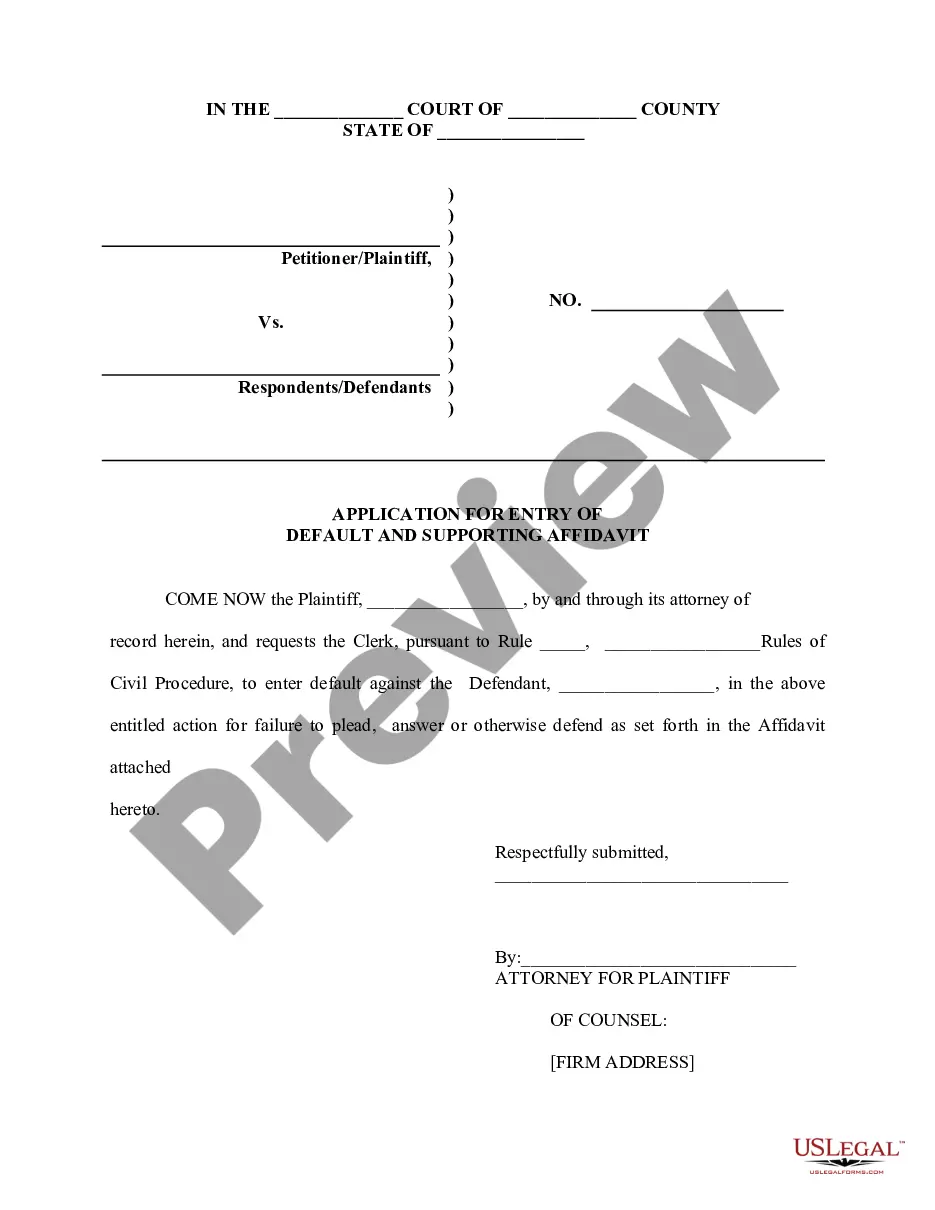
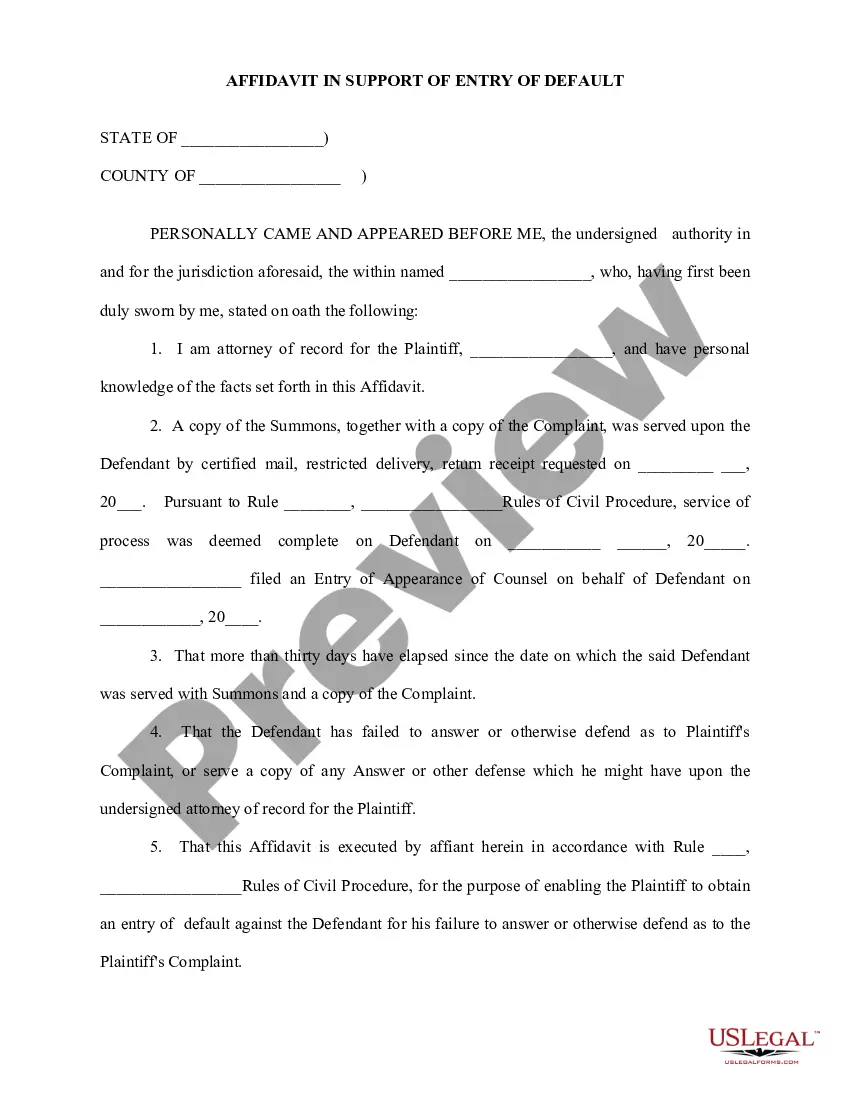
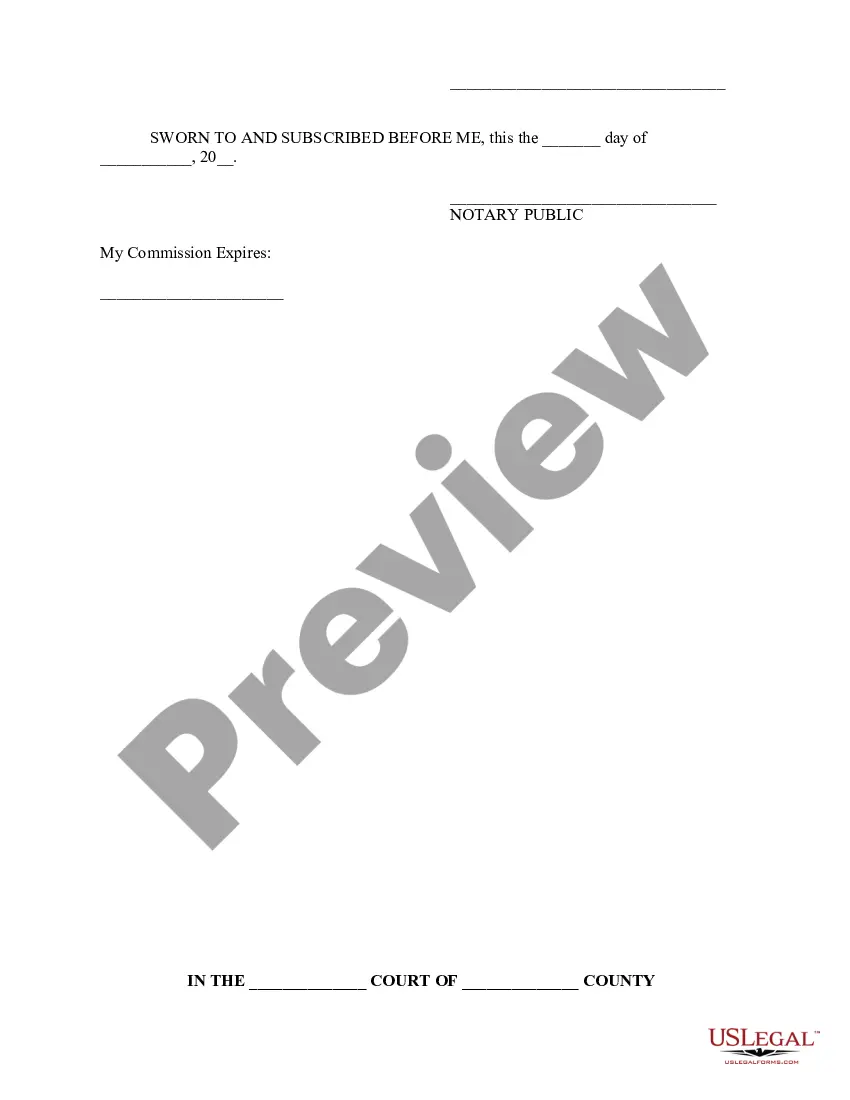
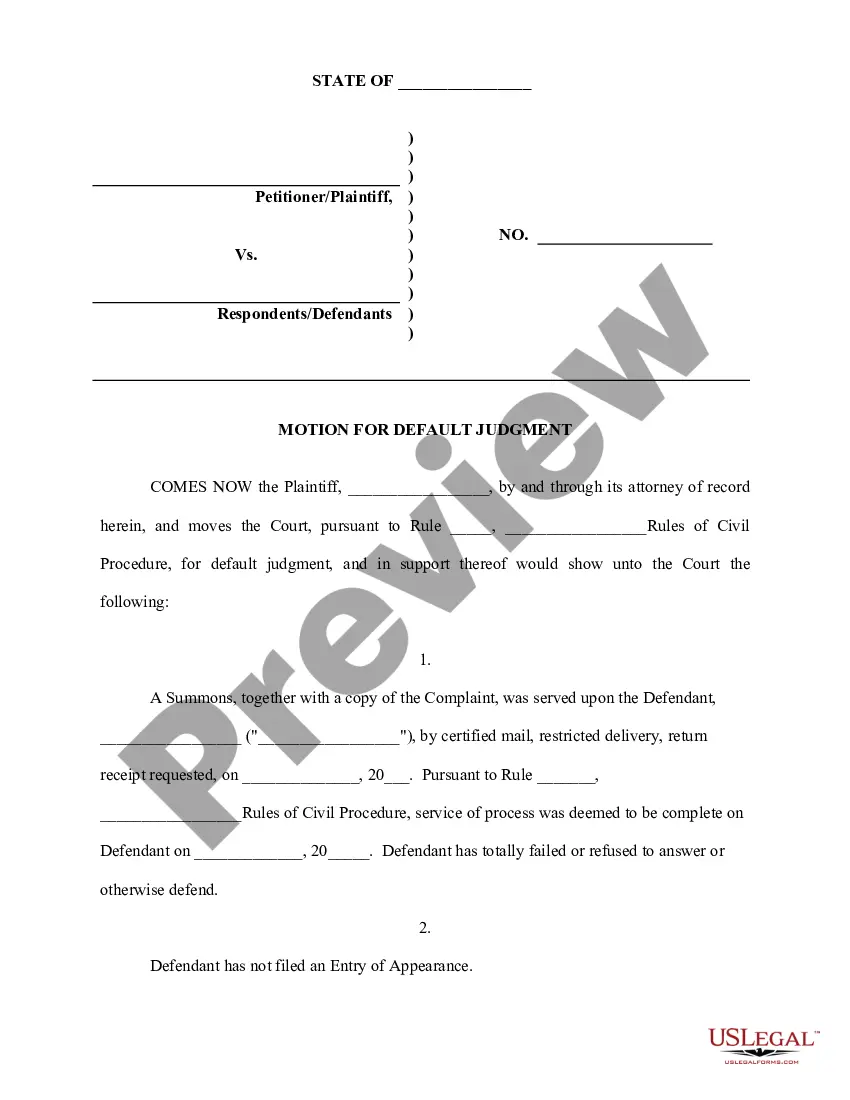
How to fill out Application For Entry Of Default - Affidavit - Motion - Entry Of Default - Default Judgment?
Regardless of whether for corporate purposes or personal matters, every individual must confront legal circumstances at some point in their lives.
Completing legal forms requires meticulous care, beginning with selecting the appropriate template.
Once downloaded, you can fill out the form using editing software or print it and complete it manually. With an extensive US Legal Forms catalog available, you don’t have to waste time searching for the correct template online. Utilize the library’s straightforward navigation to find the proper form for any scenario.
- Locate the template you require using the search bar or directory navigation.
- Review the form's description to confirm it aligns with your circumstances, state, and county.
- Click on the form's preview to examine it.
- If it is not the correct document, return to the search feature to find the Entry Default Judgment With Motion To Dismiss template you require.
- Obtain the file if it satisfies your requirements.
- If you possess a US Legal Forms account, click Log in to access previously saved documents in My documents.
- If you don’t have an account yet, you can acquire the form by clicking Buy now.
- Select the appropriate pricing choice.
- Complete the account registration form.
- Choose your payment method: use a credit card or PayPal account.
- Select the file format you desire and download the Entry Default Judgment With Motion To Dismiss.
Form popularity
FAQ
To withdraw a default judgment, you must file a motion with the court that issued the judgment. This process may include presenting a valid reason for the withdrawal and often involves demonstrating that you did not receive proper notice or had a valid defense. If successful, the court may grant your request, allowing you to move forward without the burden of the entry default judgment with motion to dismiss. Additionally, using resources like USLegalForms can help you navigate this process effectively.
Responding to a default judgment involves filing a motion to contest the judgment. This requires strong arguments and evidence demonstrating why the default should not apply to you. Ensure your documentation is thorough and compelling to challenge the ruling effectively. The US Legal Forms platform can offer templates and guidance for preparing your motion.
Typically, you have a limited timeframe to respond to a motion for default judgment, often around 14 to 30 days, depending on your jurisdiction. It is crucial to check the specific rules relevant to your case to avoid missing deadlines. A timely and well-prepared response can significantly affect the outcome of your situation. US Legal Forms provides resources to ensure you meet your legal obligations promptly.
To set aside a default judgment, the defendant must demonstrate that its failure to answer or otherwise appear and defend was due to excusable neglect under the circumstances and that it has a meritorious defense either to the cause of action itself or the quantum of damages assessed.
The deadline to file a reply is 14 days before the motion hearing date. You may not file a response to a reply without permission from the Court. Federal Pro Se Clinic ? Roybal Courthouse ? 255 East Temple Street, Suite 170 ? Los Angeles, CA 90012 ? (213) 385-2977 ext. 270 Open on most Mondays, Wednesdays, and Fridays.
If you file a motion to vacate a default or a default judgment, you must file an answer to the original complaint along with any cross claims or counterclaims you may wish to assert, and the motion must be accompanied by the appropriate fee.
You can ask to cancel, or ?set aside? a default judgment. You have to have a good reason for not responding in 30 days. If the judgment is canceled, you'll get a chance to answer.
*Examples of mistake, inadvertence, surprise, or excusable neglect may include: Illness of Defendant. Attorney's abandonment of client. Fraud by the Plaintiff.