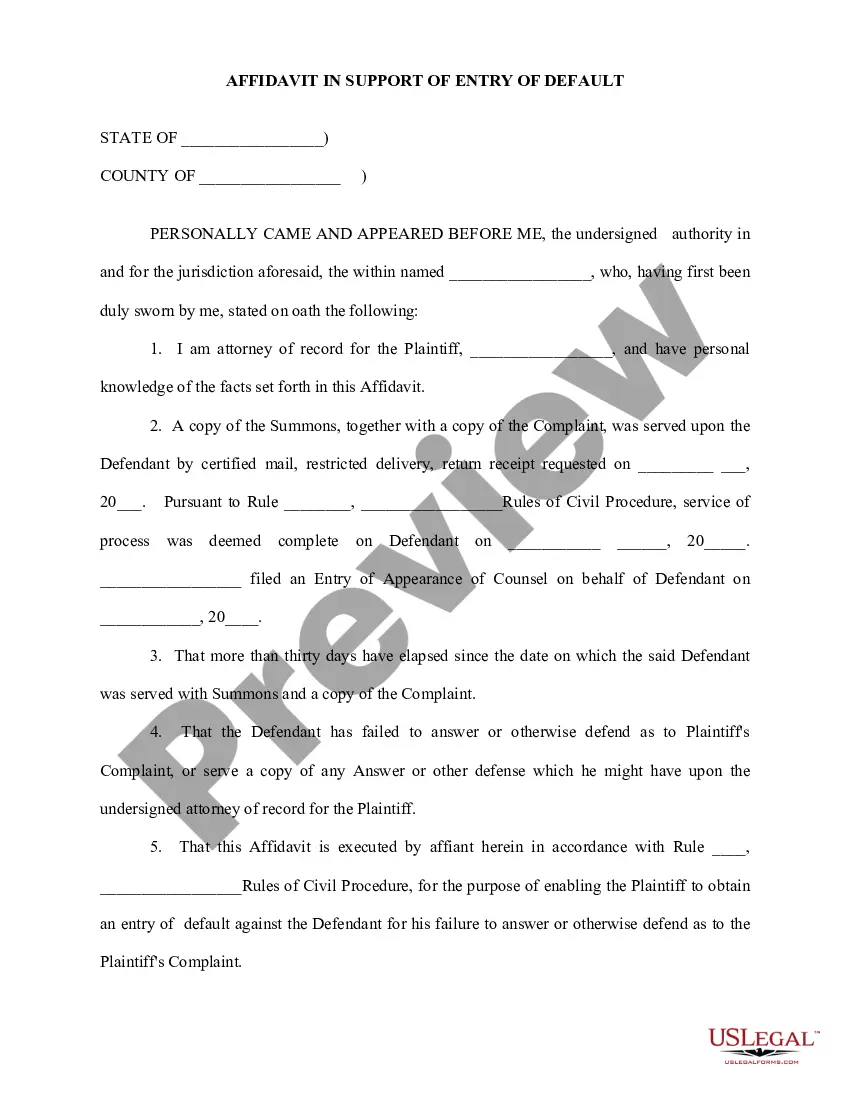
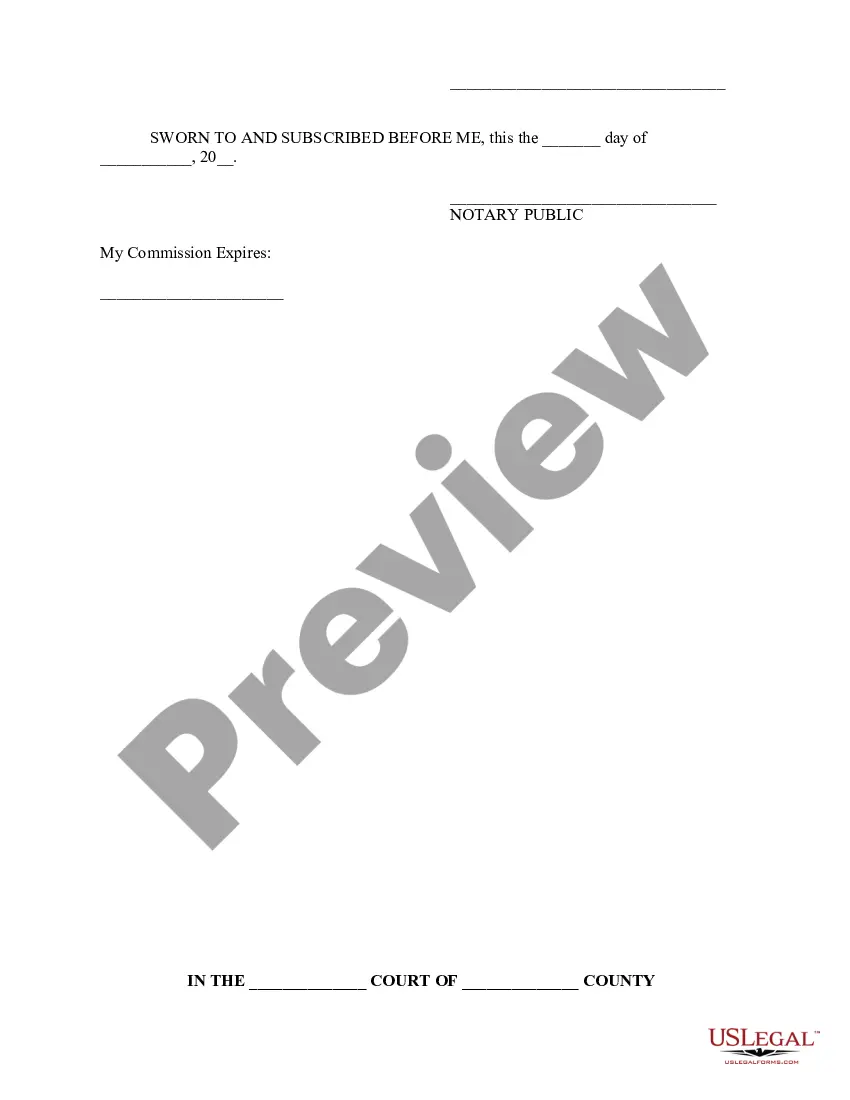
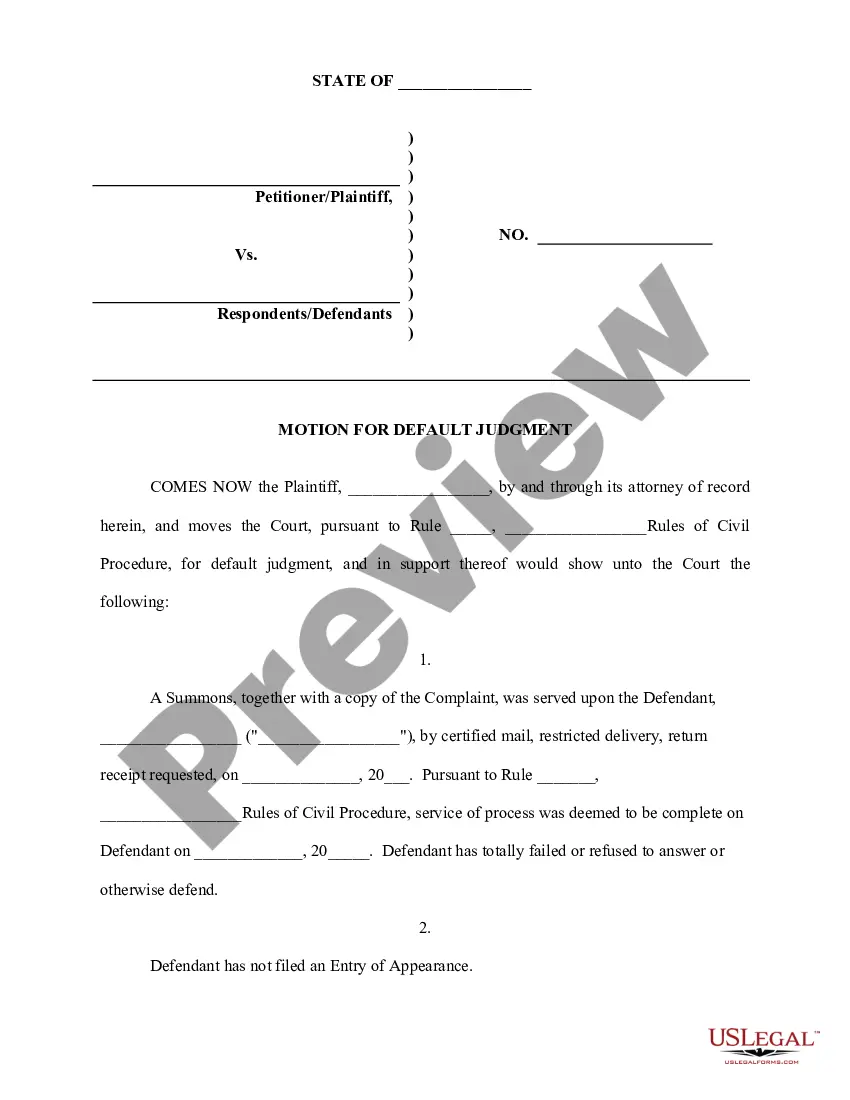
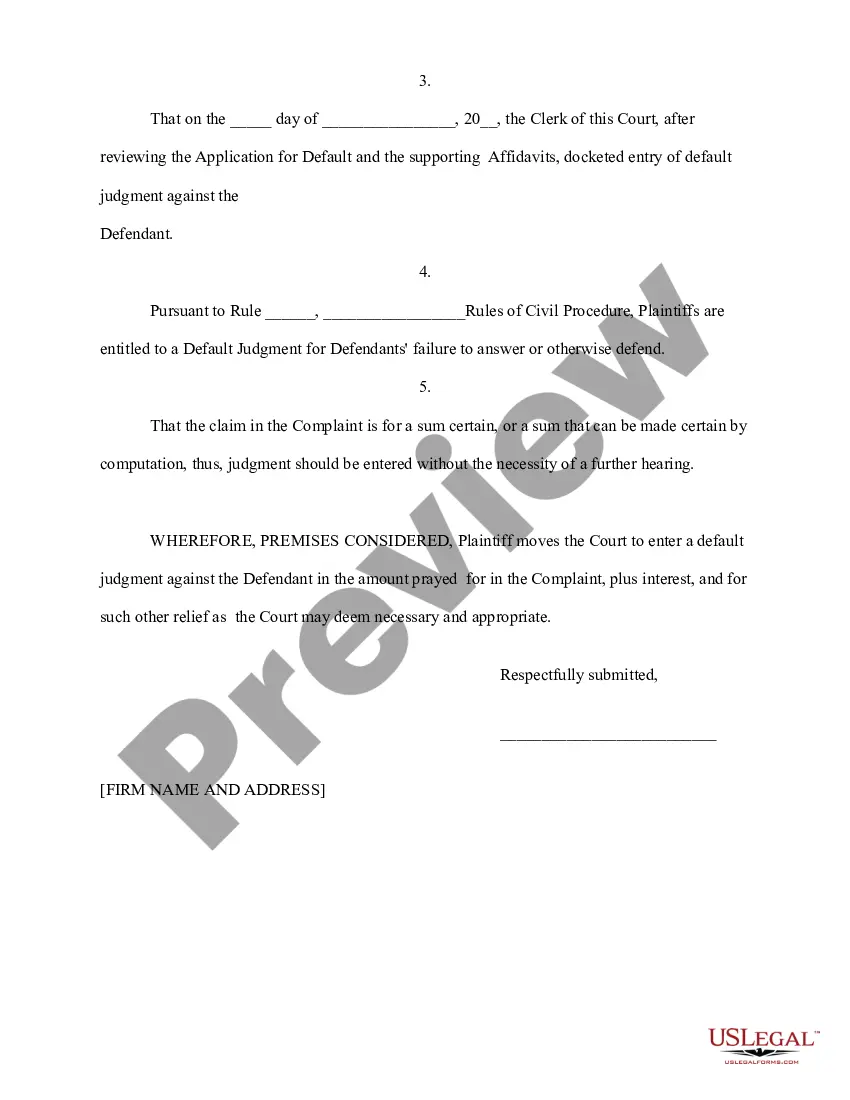
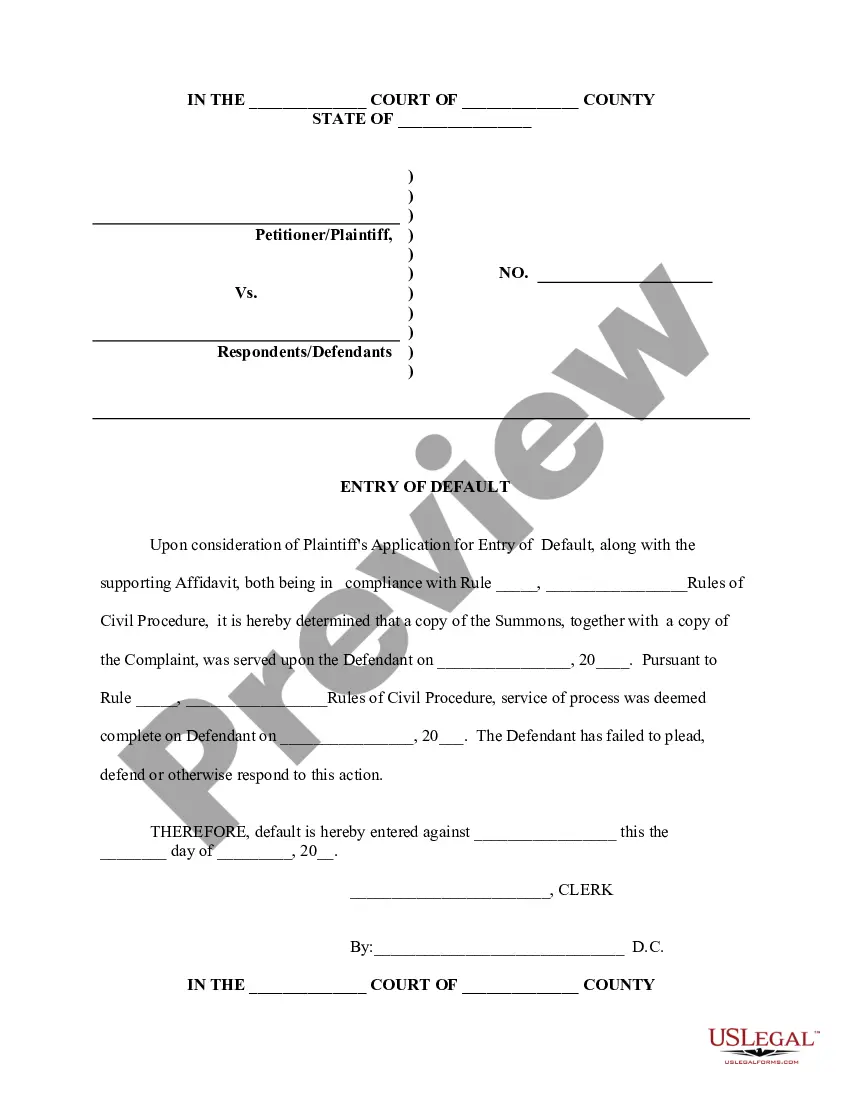
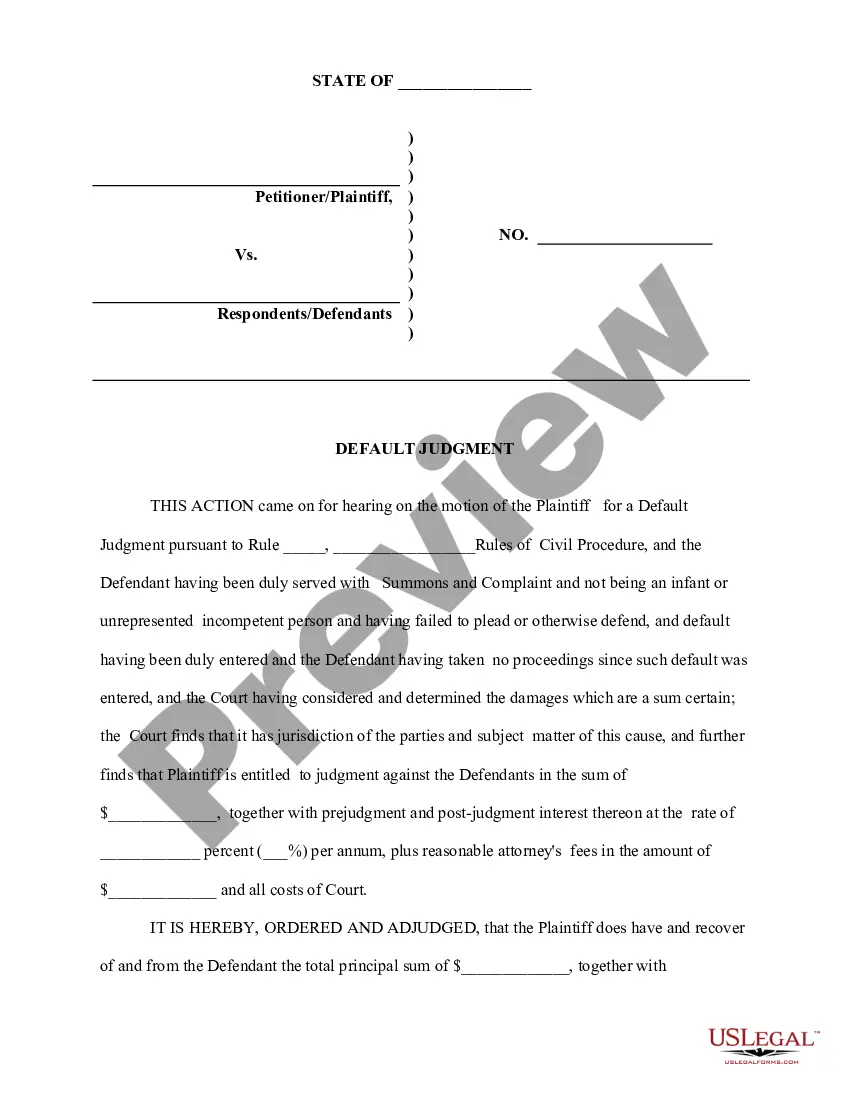
Default Motion Judgment Without Hearing
Description

Get your form ready online
Our built-in tools help you complete, sign, share, and store your documents in one place.
Make edits, fill in missing information, and update formatting in US Legal Forms—just like you would in MS Word.
Download a copy, print it, send it by email, or mail it via USPS—whatever works best for your next step.
Sign and collect signatures with our SignNow integration. Send to multiple recipients, set reminders, and more. Go Premium to unlock E-Sign.
If this form requires notarization, complete it online through a secure video call—no need to meet a notary in person or wait for an appointment.
We protect your documents and personal data by following strict security and privacy standards.

Make edits, fill in missing information, and update formatting in US Legal Forms—just like you would in MS Word.

Download a copy, print it, send it by email, or mail it via USPS—whatever works best for your next step.

Sign and collect signatures with our SignNow integration. Send to multiple recipients, set reminders, and more. Go Premium to unlock E-Sign.

If this form requires notarization, complete it online through a secure video call—no need to meet a notary in person or wait for an appointment.

We protect your documents and personal data by following strict security and privacy standards.
Looking for another form?

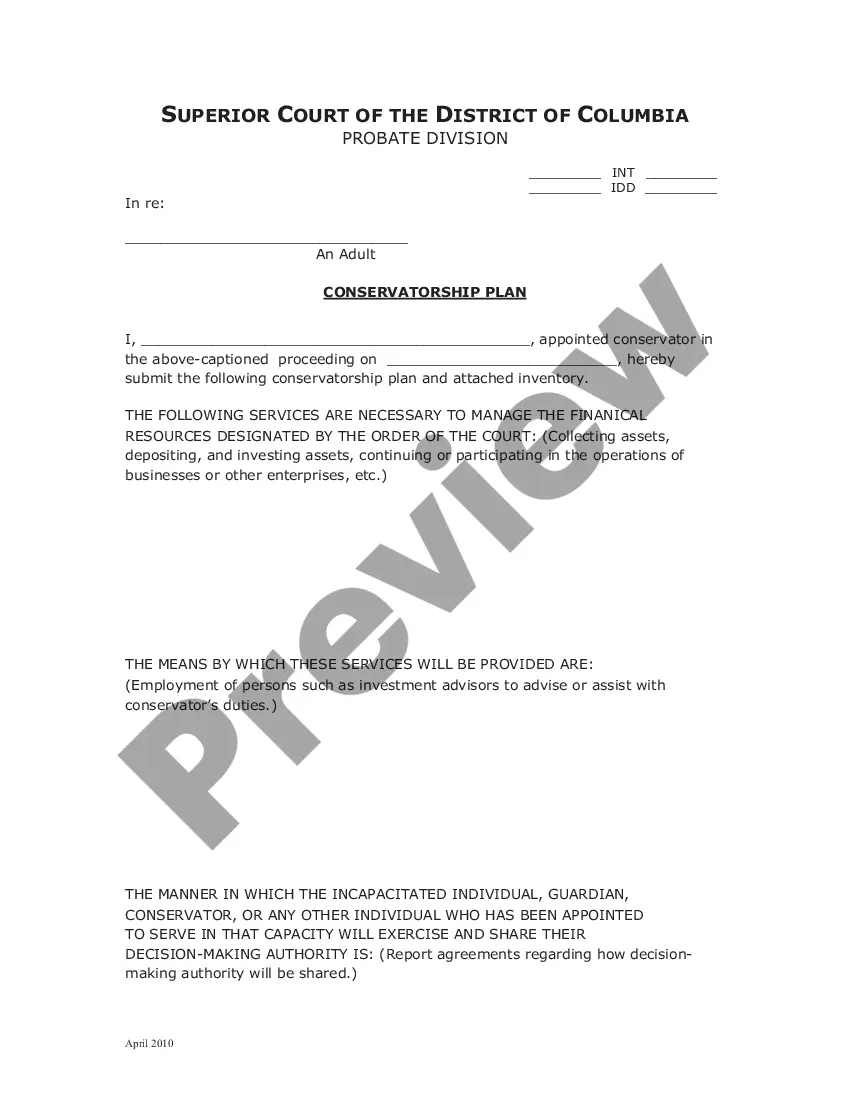


How to fill out Application For Entry Of Default - Affidavit - Motion - Entry Of Default - Default Judgment?
Legal administration can be perplexing, even for the most adept professionals.
When you are looking for a Default Motion Judgment Without Hearing and lack the time to dedicate to finding the correct and current version, the procedures can be overwhelming.
Tap into a repository of articles, guides, and resources pertinent to your situation and needs.
Save time and effort searching for the forms you need, and utilize US Legal Forms’ sophisticated search and Review feature to locate Default Motion Judgment Without Hearing and retrieve it.
Select Buy Now when you are ready. Choose a monthly subscription plan. Select the format you prefer, and Download, complete, sign, print, and dispatch your document. Enjoy the US Legal Forms online library, supported by 25 years of expertise and reliability. Change your everyday document management into a straightforward and user-friendly process today.
- If you have a monthly subscription, Log In to your US Legal Forms account, search for the form, and obtain it.
- Check your My documents tab to discover the documents you've previously saved and manage your folders as you see fit.
- If it's your first time with US Legal Forms, create an account and gain unrestricted access to all platform benefits.
- Here are the steps to follow after downloading the form you require.
- Verify that this is the correct form by previewing it and reviewing its details.
- Make sure the sample is accepted in your state or county.
- Access state- or county-specific legal and business documents.
- US Legal Forms accommodates any requirements you might have, from personal to business paperwork, all in one location.
- Leverage cutting-edge tools to create and manage your Default Motion Judgment Without Hearing.
Form popularity
FAQ
You can ask to cancel, or ?set aside? a default judgment. You have to have a good reason for not responding in 30 days. If the judgment is canceled, you'll get a chance to answer.
To ask the judge to set aside your default judgment, you must file a ?motion? (a formal written request) with the court.
The plaintiff should make a written request for the clerk to enter a default judgment, and provide the clerk with an affidavit of the amount owed by the defendant and a proposed clerk's default judgment. Internal Procedures: All documents are forwarded to the docket clerk for processing within 24 hours.
When a party against whom a judgment for affirmative relief is sought has failed to plead or otherwise defend, and that failure is shown by affidavit or otherwise, the clerk must enter the party's default.
A default judgment is a judgment entered in the trial court when a defendant hasn't filed a response in a timely manner. For a response to be timely, it must be made by 10 a.m. on the Monday following the expiration of 20 days after the date the defendant was served with the citation and petition.