Default Motion Judgment Form With Judgement
Description

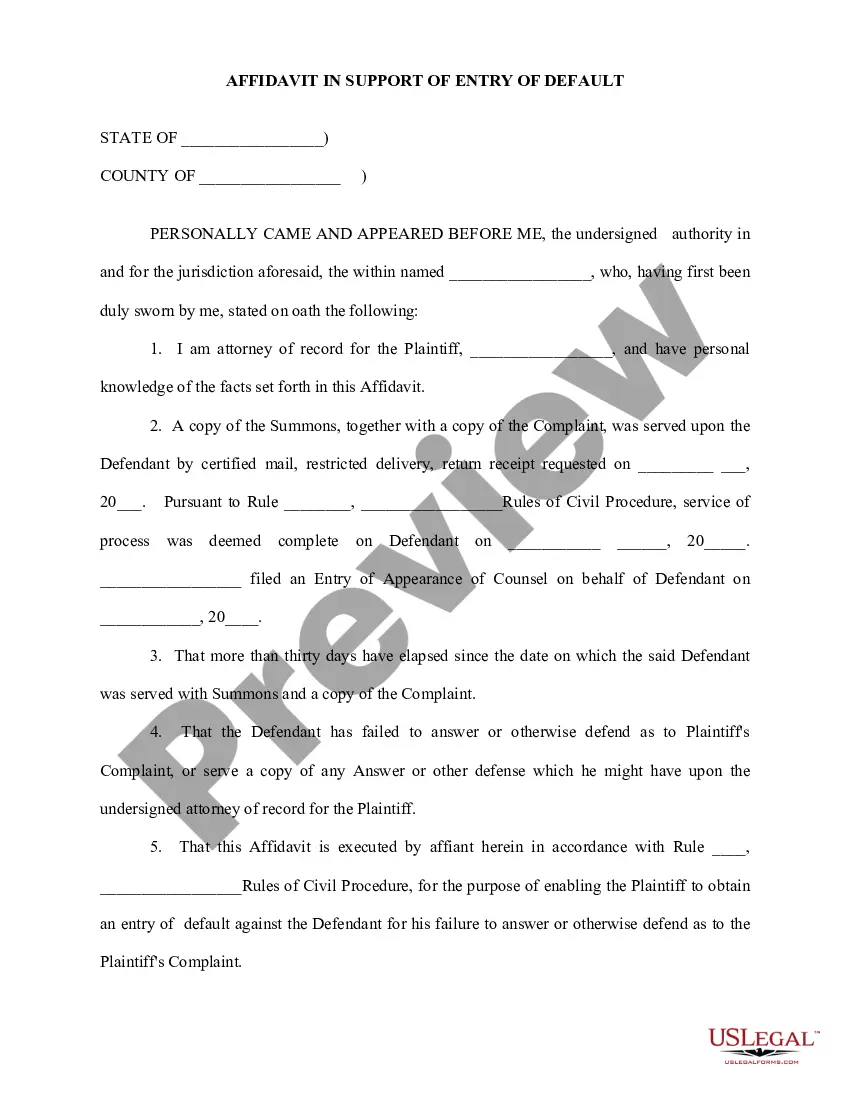
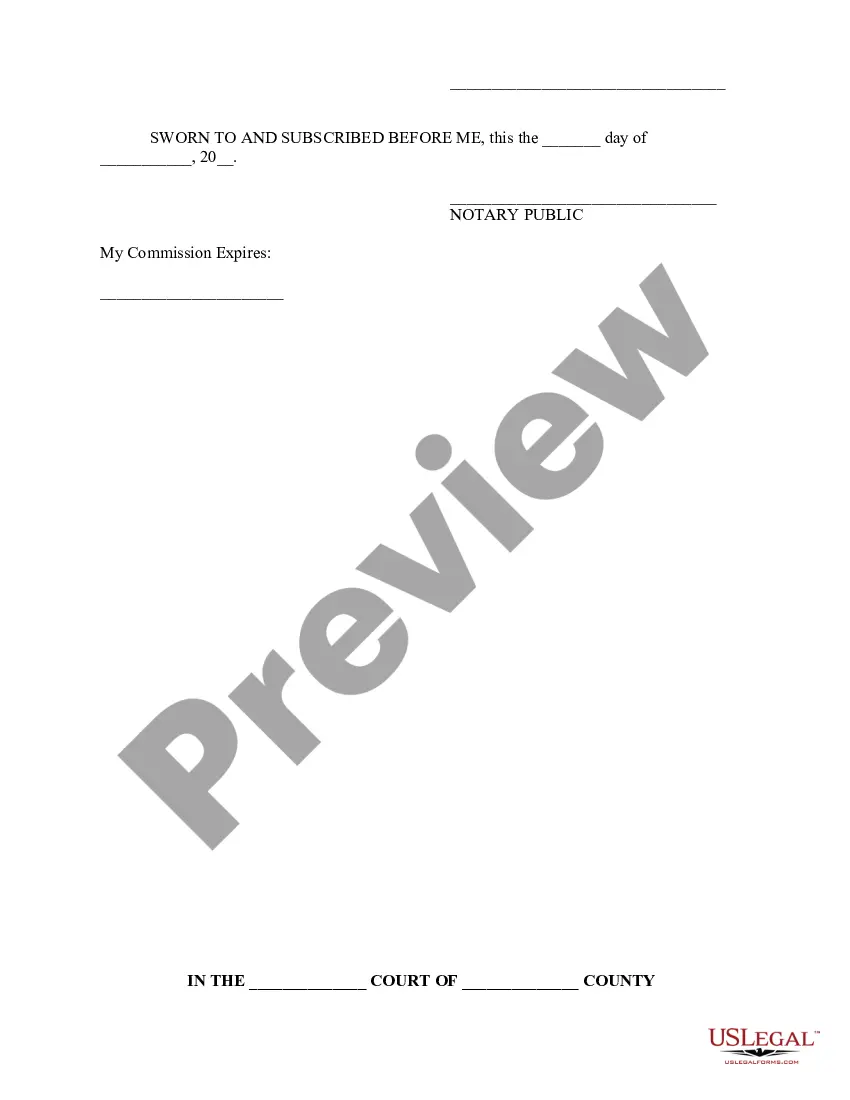
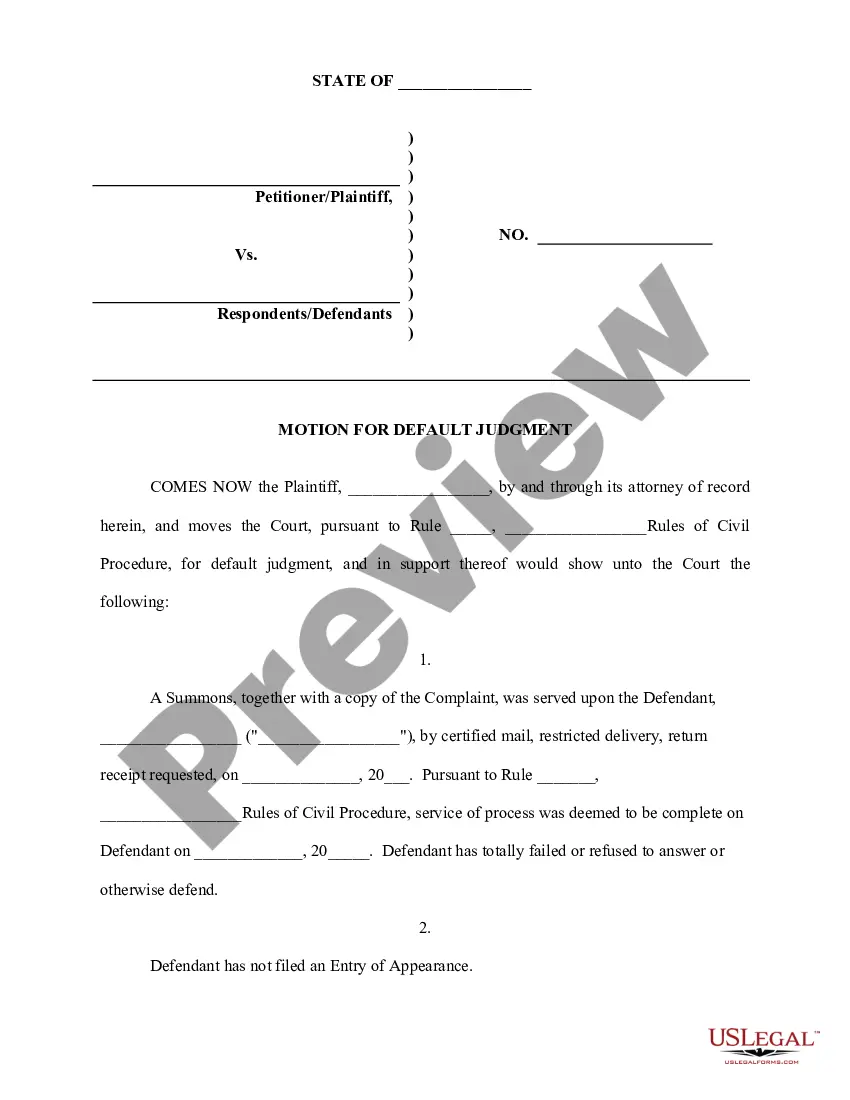
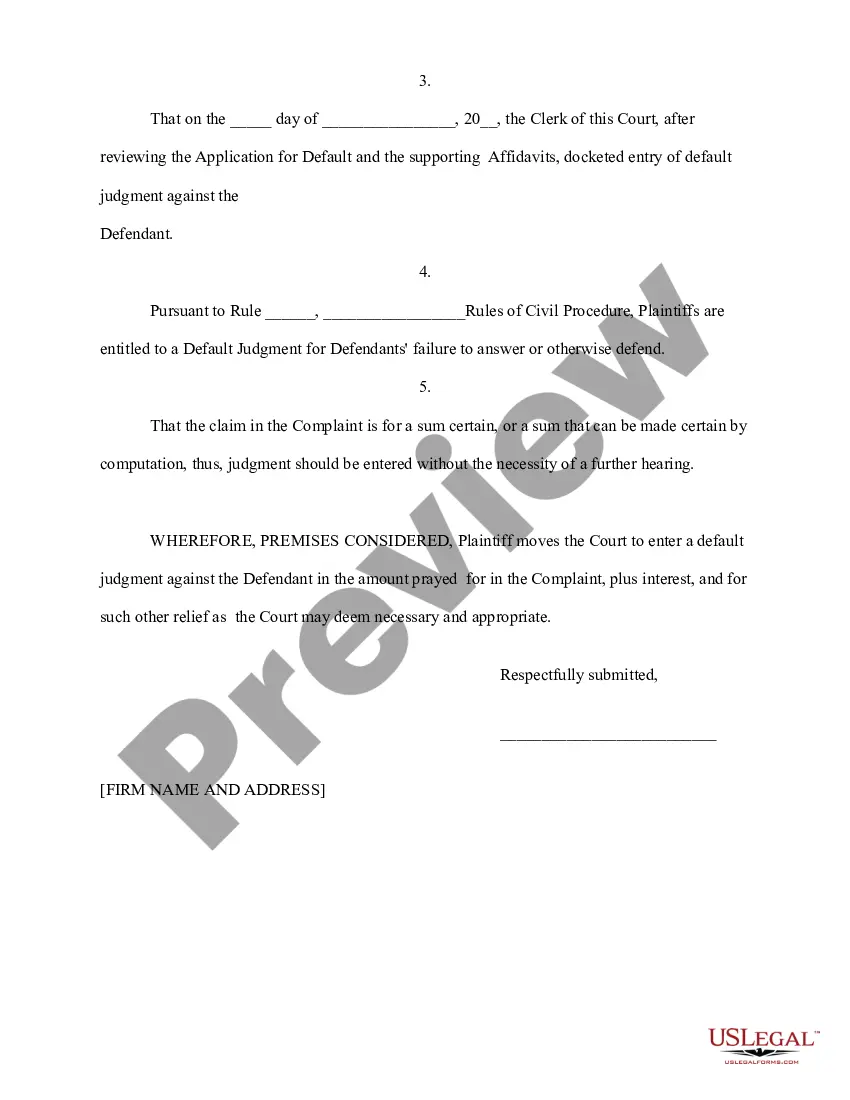
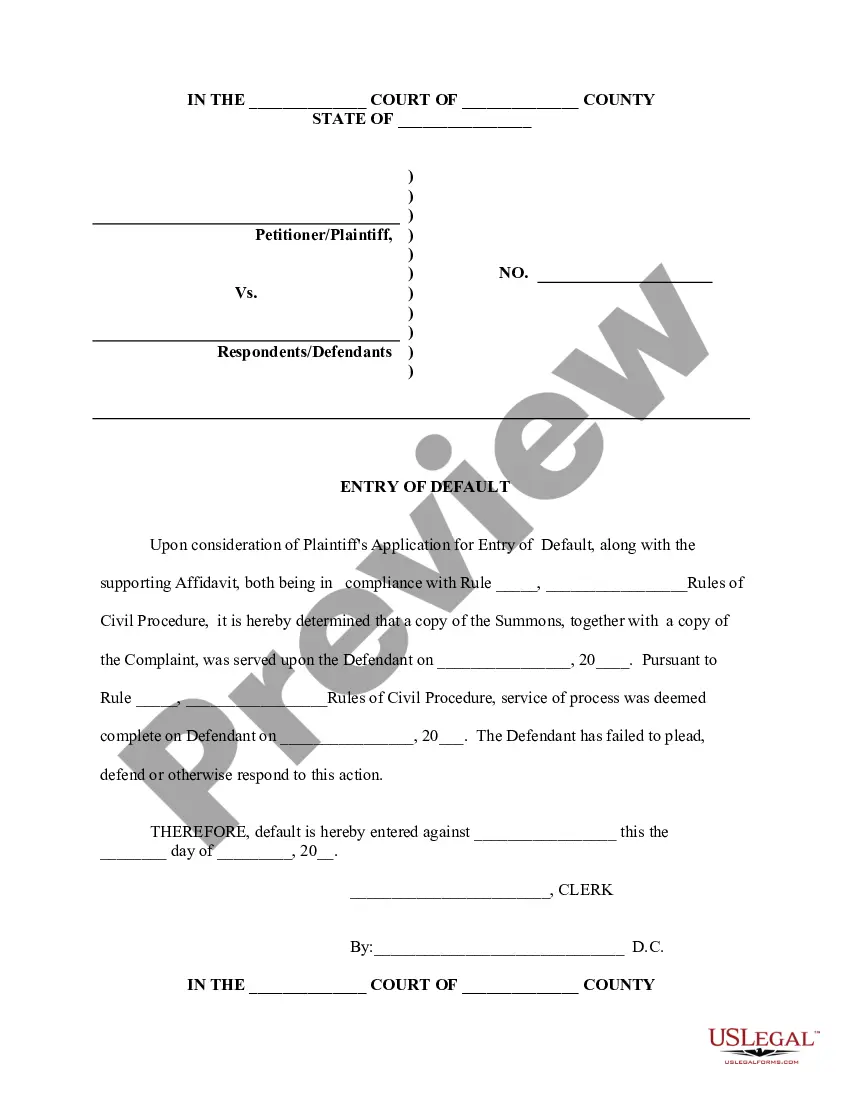
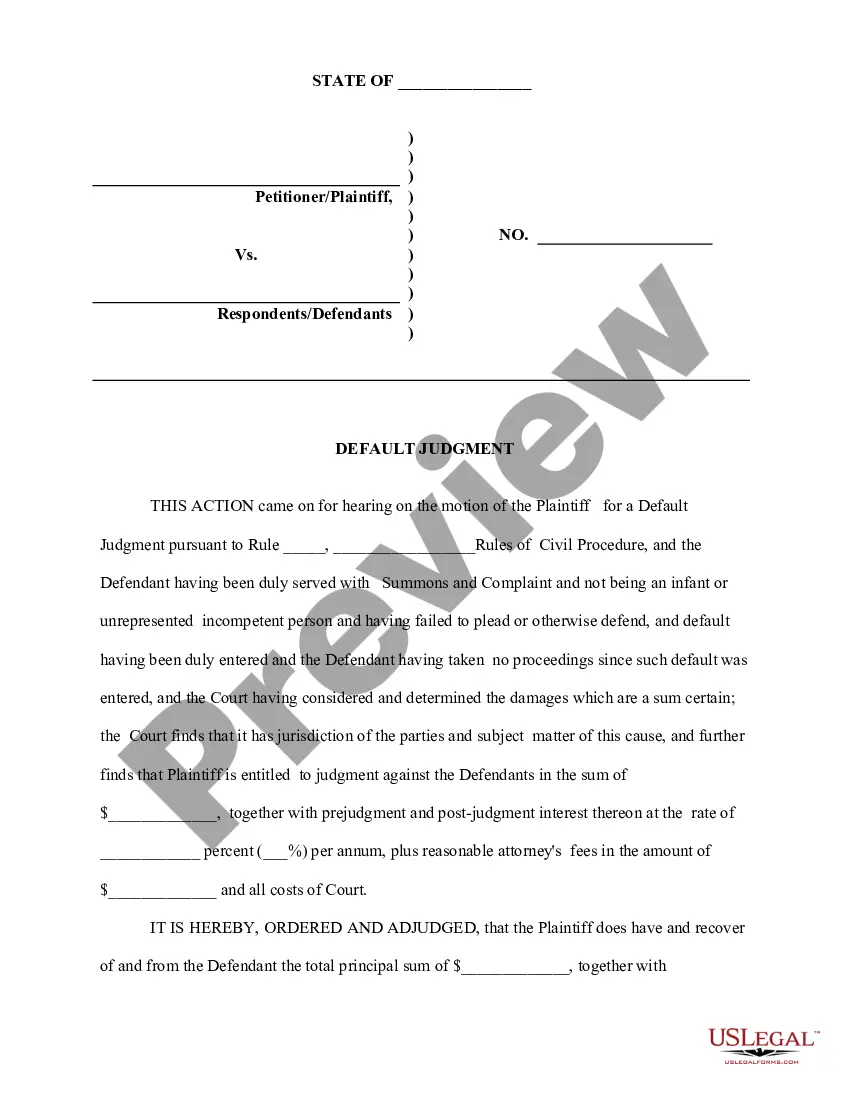
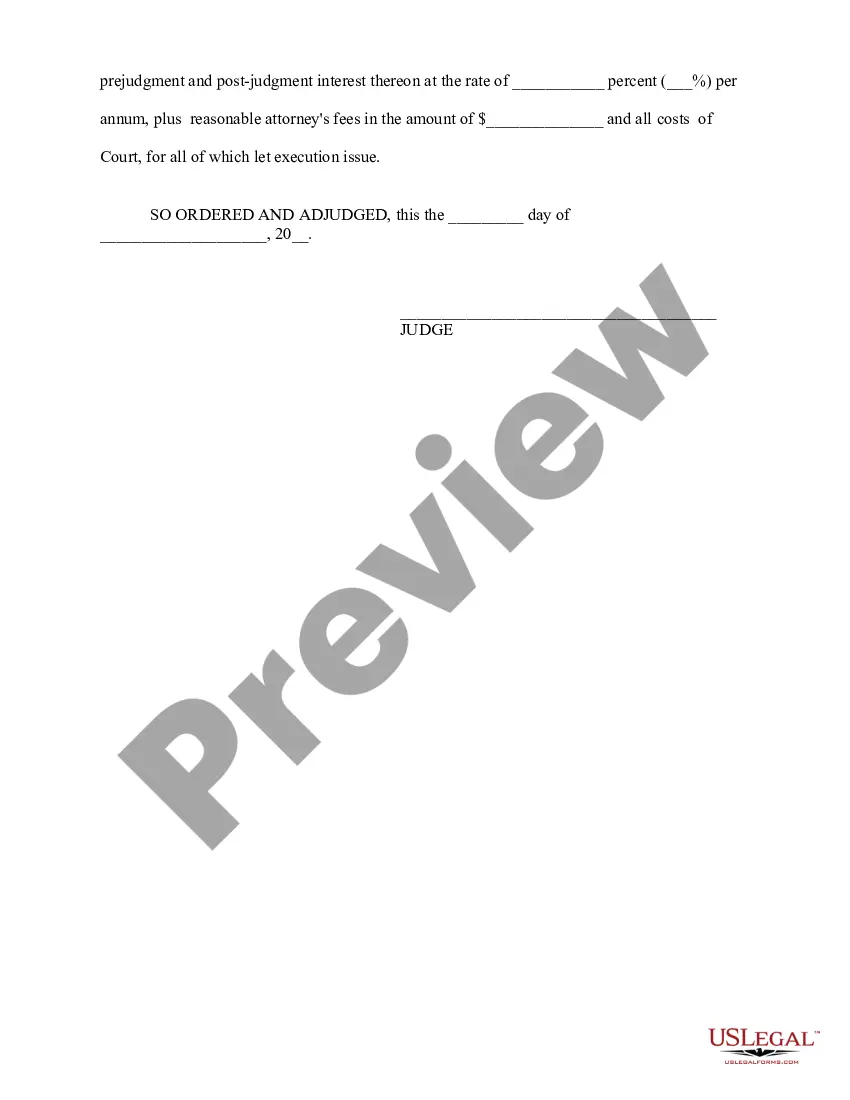
Get your form ready online
Our built-in tools help you complete, sign, share, and store your documents in one place.
Make edits, fill in missing information, and update formatting in US Legal Forms—just like you would in MS Word.
Download a copy, print it, send it by email, or mail it via USPS—whatever works best for your next step.
Sign and collect signatures with our SignNow integration. Send to multiple recipients, set reminders, and more. Go Premium to unlock E-Sign.
If this form requires notarization, complete it online through a secure video call—no need to meet a notary in person or wait for an appointment.
We protect your documents and personal data by following strict security and privacy standards.

Make edits, fill in missing information, and update formatting in US Legal Forms—just like you would in MS Word.

Download a copy, print it, send it by email, or mail it via USPS—whatever works best for your next step.

Sign and collect signatures with our SignNow integration. Send to multiple recipients, set reminders, and more. Go Premium to unlock E-Sign.

If this form requires notarization, complete it online through a secure video call—no need to meet a notary in person or wait for an appointment.

We protect your documents and personal data by following strict security and privacy standards.
Looking for another form?



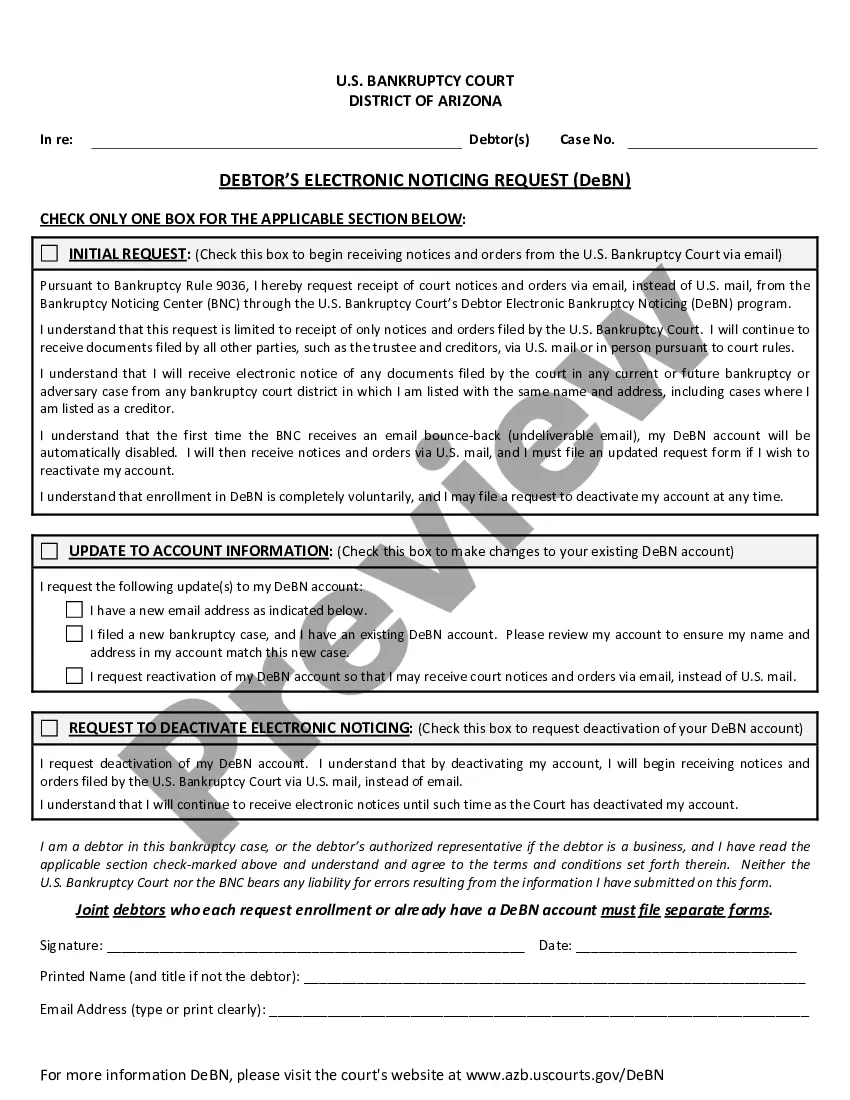





How to fill out Application For Entry Of Default - Affidavit - Motion - Entry Of Default - Default Judgment?
Legal oversight can be overwhelming, even for seasoned professionals.
When searching for a Default Motion Judgment Form With Judgement and lacking the time to thoroughly look for the suitable and current version, the tasks can be challenging.
Access a resource collection of articles, guides, and materials pertinent to your situation and requirements.
Save time and energy sourcing the documents you require, and utilize US Legal Forms' sophisticated search and Review tool to locate Default Motion Judgment Form With Judgement and acquire it.
Enjoy the US Legal Forms online catalog, backed by 25 years of expertise and trustworthiness. Transform your daily document management into a straightforward and user-friendly process today.
- If you hold a monthly subscription, Log In to your US Legal Forms account, look for the form, and download it.
- Check the My documents tab to see the documents you have previously saved and to manage your folders as you see fit.
- If it is your first experience with US Legal Forms, create an account to gain unlimited access to all platform benefits.
- After downloading the form you need, verify that it is the right one by previewing it and reviewing its details.
- Ensure that the template is recognized in your jurisdiction.
- Select Buy Now when you are ready.
- Choose a monthly subscription plan.
- Select the format you need, and Download, complete, sign, print, and send your documents.
- Access jurisdiction-specific legal and business documents.
- US Legal Forms meets any demands you may have, from personal to corporate documentation, all in one location.
- Use cutting-edge tools to create and manage your Default Motion Judgment Form With Judgement.
Form popularity
FAQ
If the defendant does not deliver a defence within the allotted period, the plaintiff may issue a motion for judgment in default of defence. However, if the court considers it in the interests of justice, time for delivery of the statement of claim may be extended for a period deemed necessary.
You file a motion by completing the form and filing it with the same court that signed the default entry or default judgment. There is a $20 motion fee for filing a motion to set aside default.
A motion for judgment as a matter of law asks the court to enter a judgment based on the conclusion that no reasonable jury could reach a different conclusion. The motion is made before the case is submitted to the jury but after a party has been fully heard on the issue.
Entry of judgment is a final recording of the decision and opinion, if the court made one.
For example, let's say Annie files a lawsuit against Bridget. Bridget appears in court to argue her side of the case, but Annie forgets to go to court. The judge enters a default judgment against Annie and dismisses the lawsuit because Annie did not show up in court.