Purchase Money Mortgage In Mn
Description
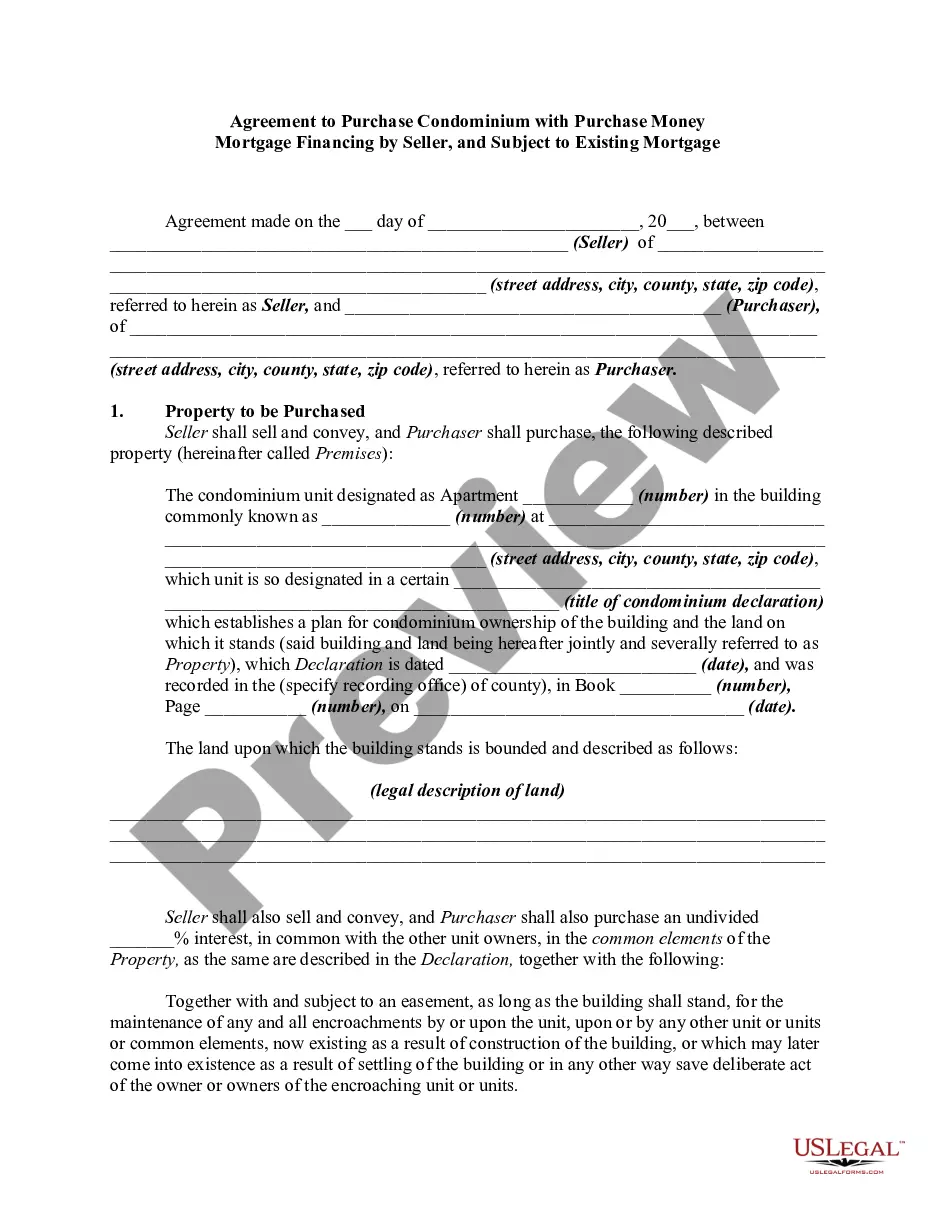
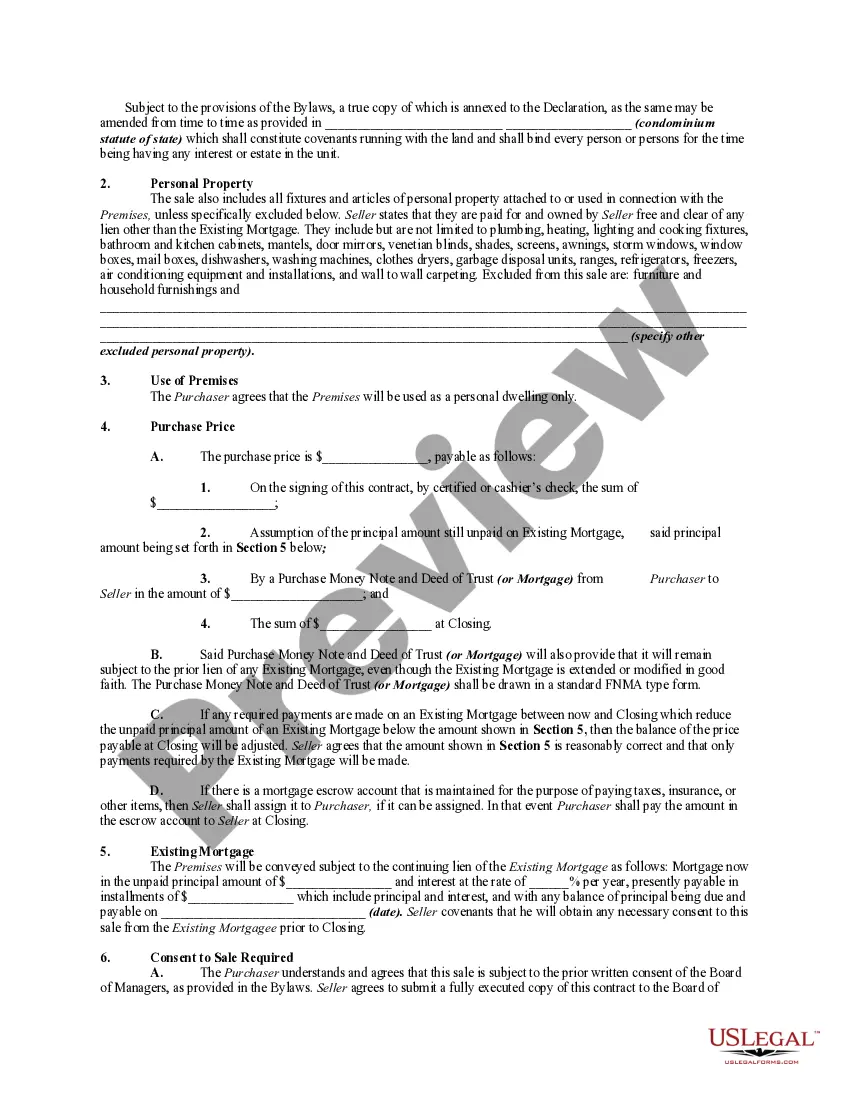
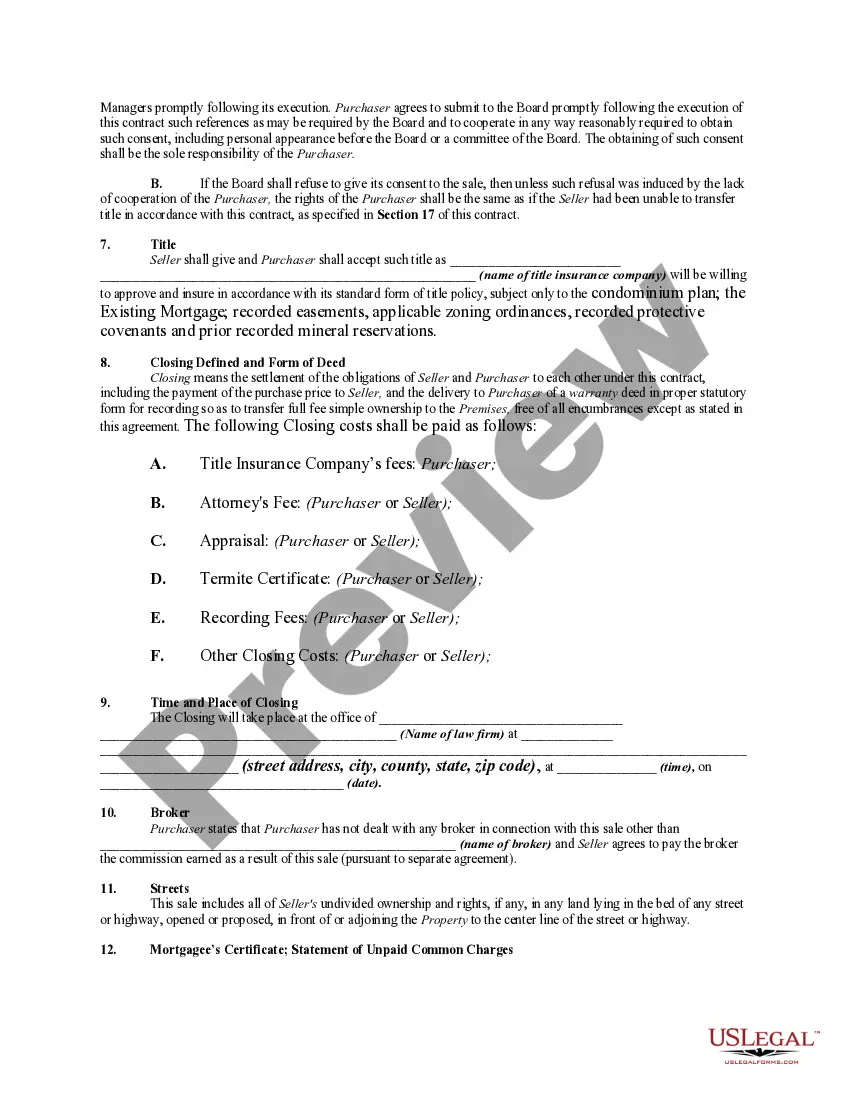
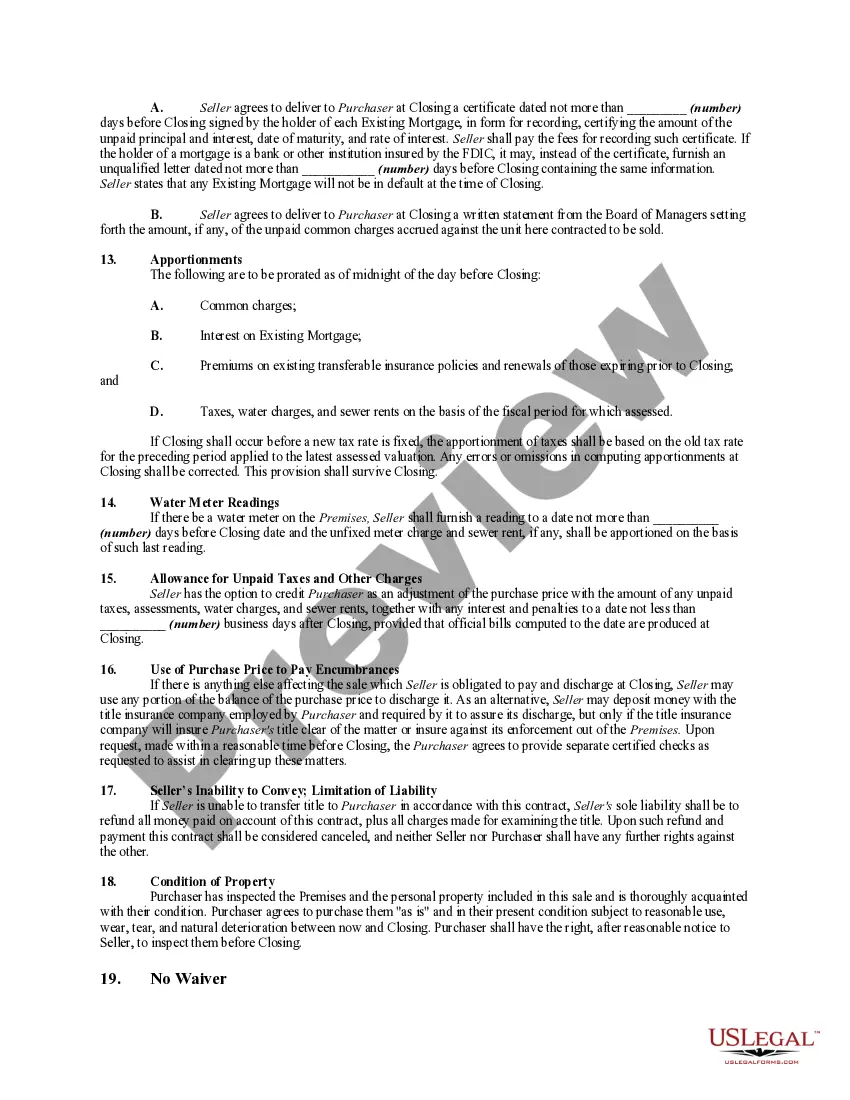
Get your form ready online
Our built-in tools help you complete, sign, share, and store your documents in one place.
Make edits, fill in missing information, and update formatting in US Legal Forms—just like you would in MS Word.
Download a copy, print it, send it by email, or mail it via USPS—whatever works best for your next step.
Sign and collect signatures with our SignNow integration. Send to multiple recipients, set reminders, and more. Go Premium to unlock E-Sign.
If this form requires notarization, complete it online through a secure video call—no need to meet a notary in person or wait for an appointment.
We protect your documents and personal data by following strict security and privacy standards.

Make edits, fill in missing information, and update formatting in US Legal Forms—just like you would in MS Word.

Download a copy, print it, send it by email, or mail it via USPS—whatever works best for your next step.

Sign and collect signatures with our SignNow integration. Send to multiple recipients, set reminders, and more. Go Premium to unlock E-Sign.

If this form requires notarization, complete it online through a secure video call—no need to meet a notary in person or wait for an appointment.

We protect your documents and personal data by following strict security and privacy standards.
Looking for another form?
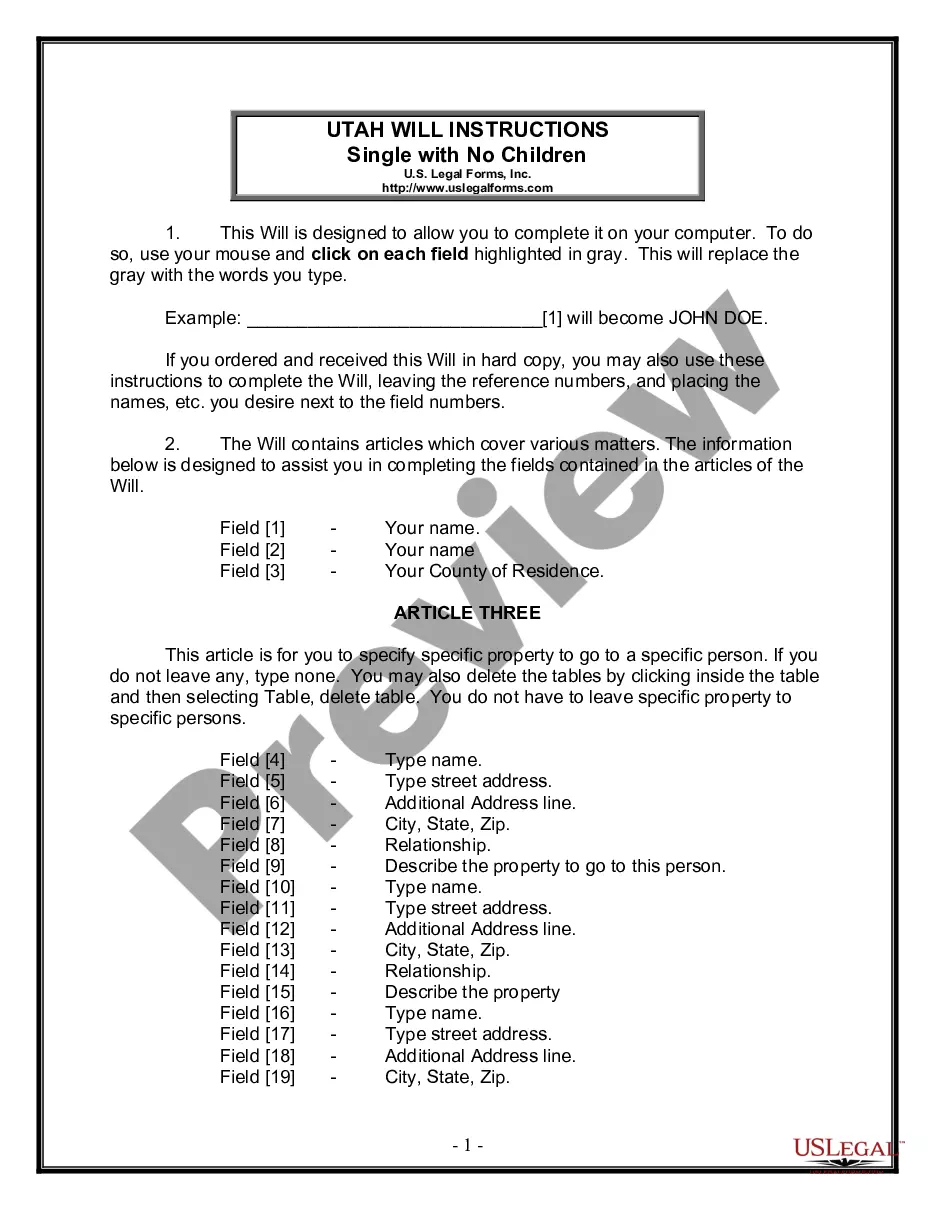



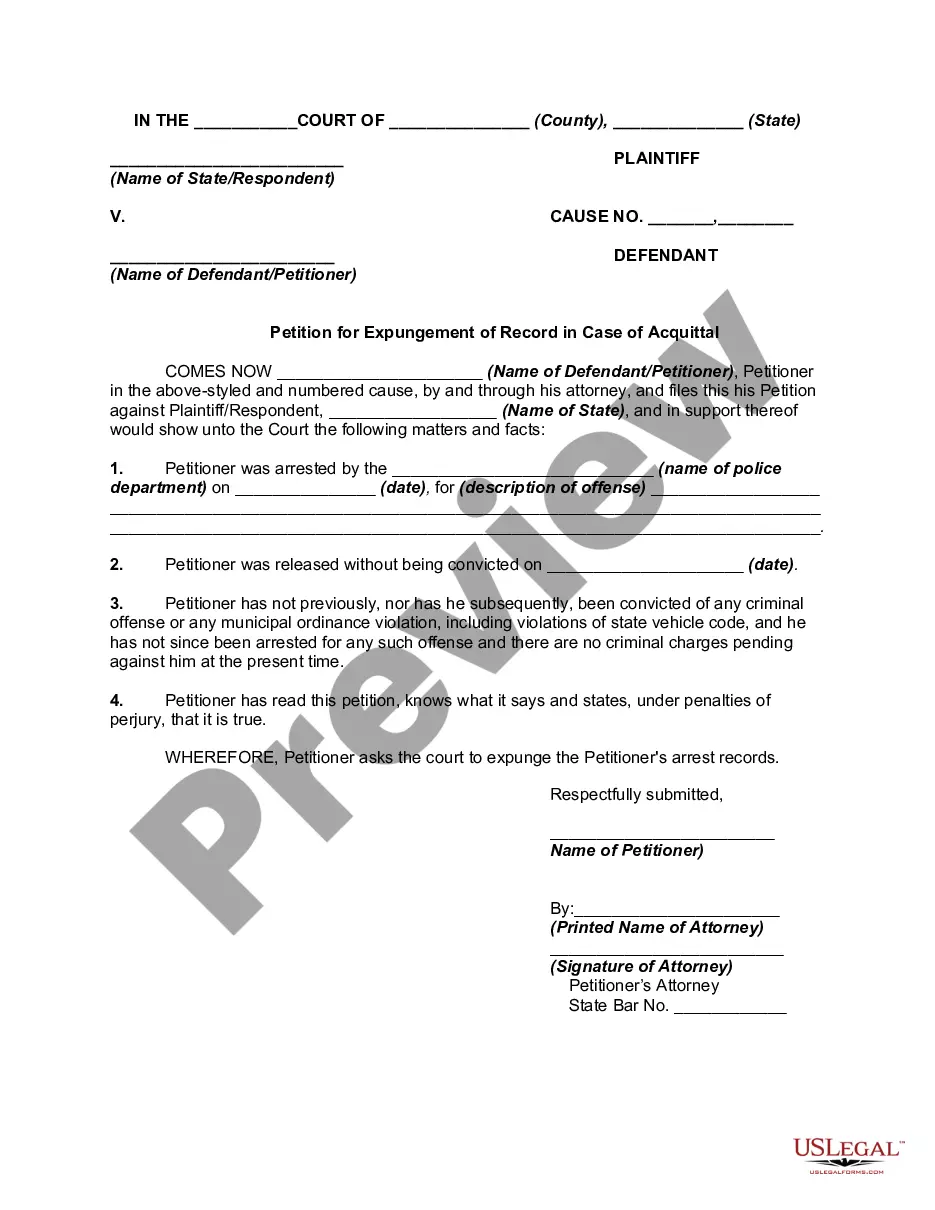
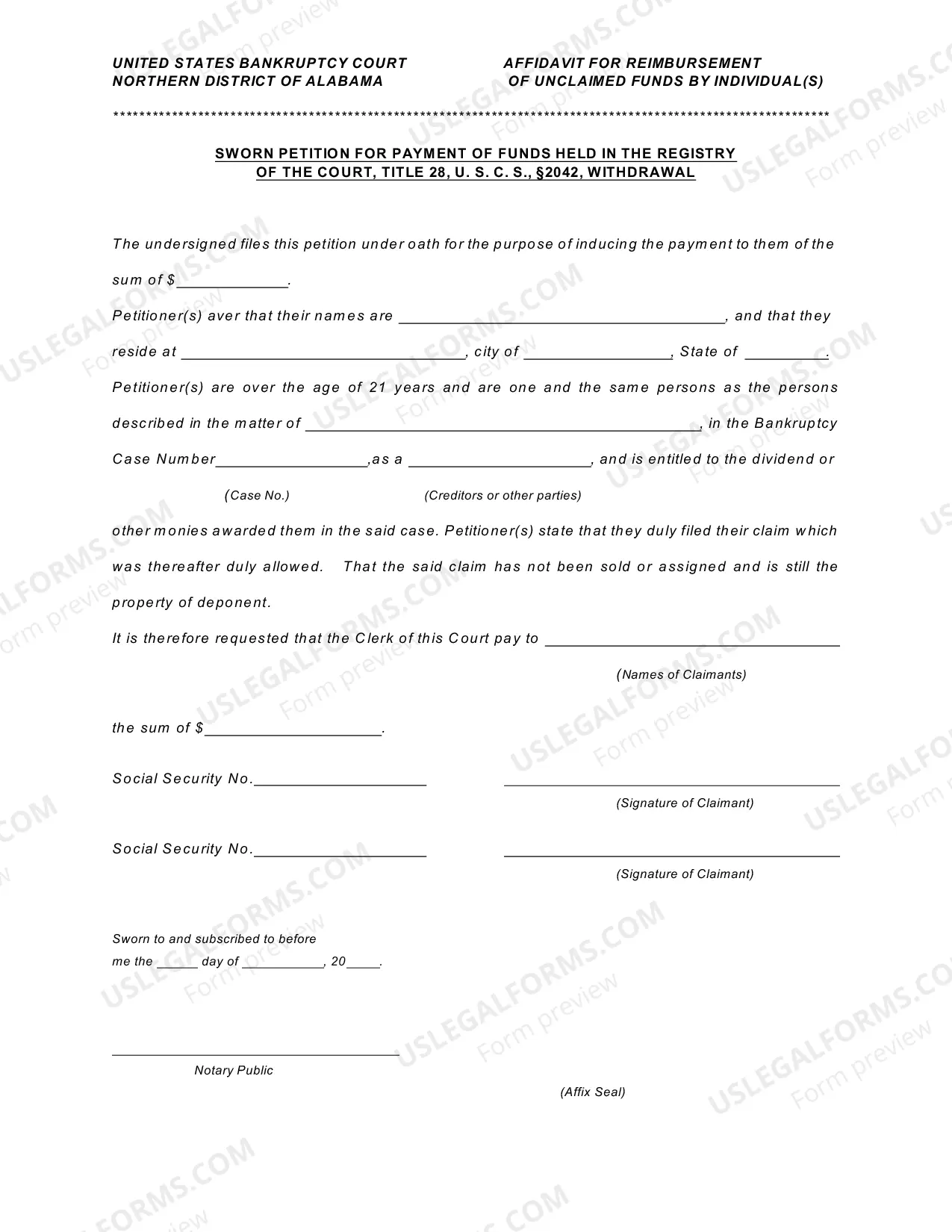
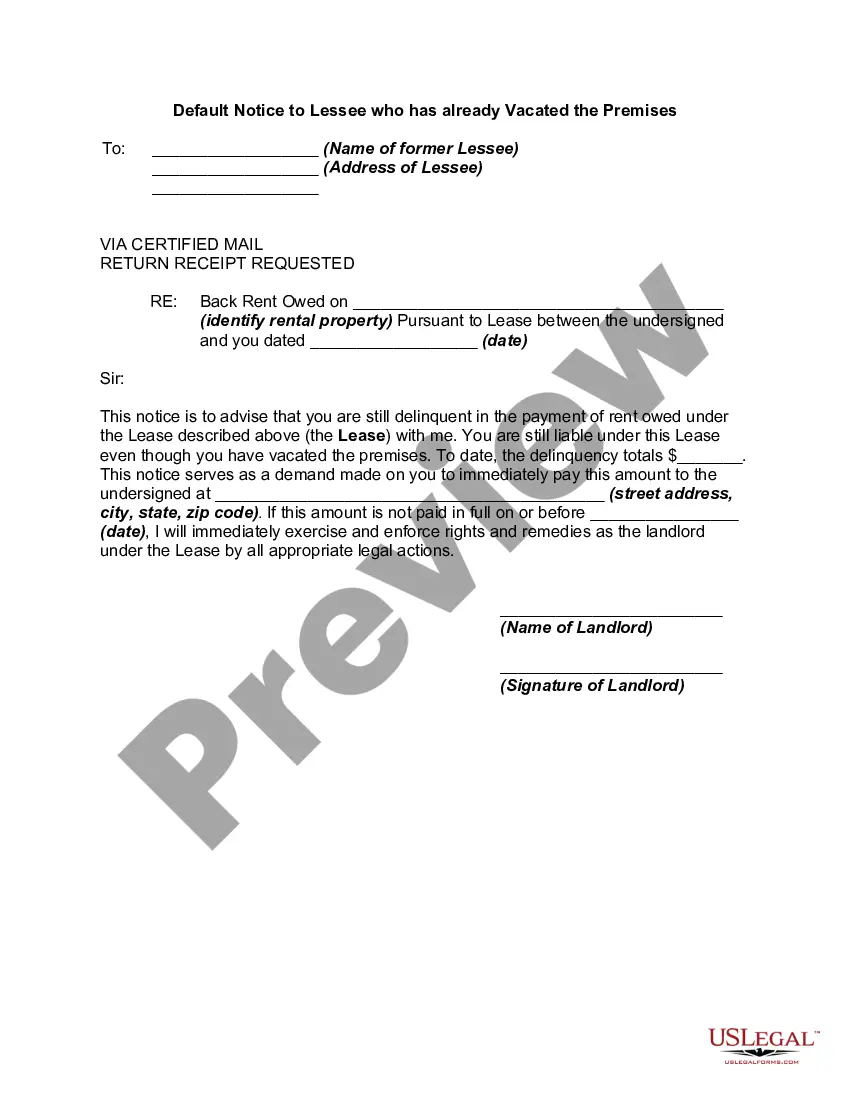
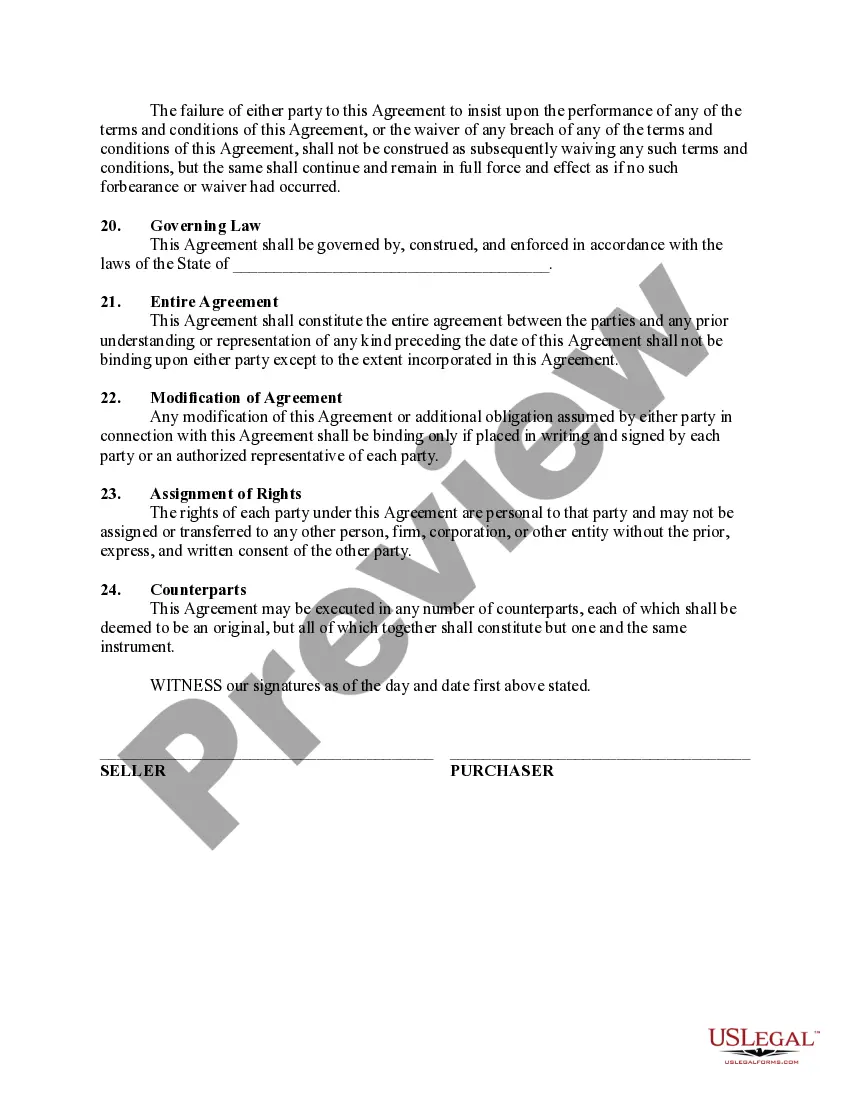
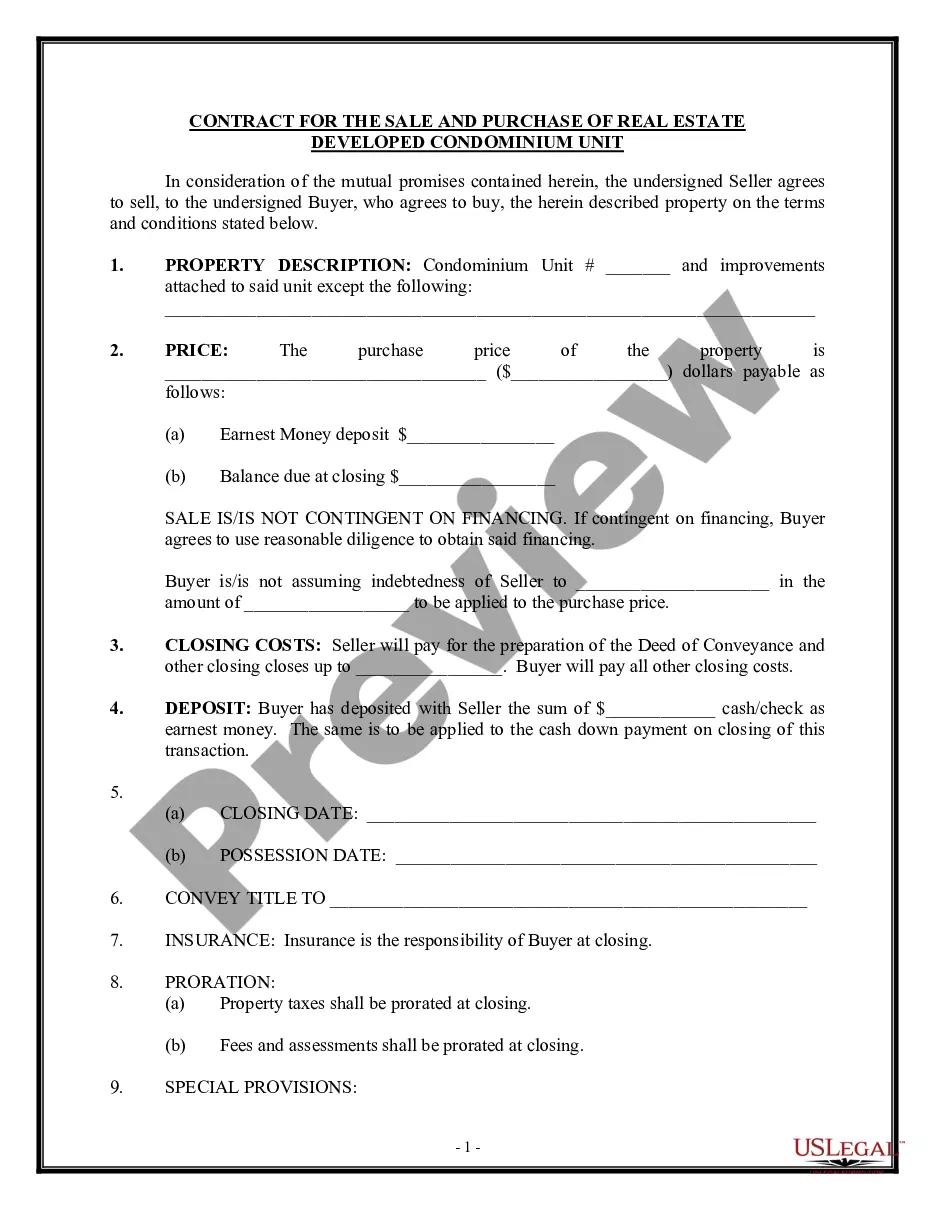
How to fill out Agreement To Purchase Condominium With Purchase Money Mortgage Financing By Seller, And Subject To Existing Mortgage?
The Mortgage for Purchase Funds in Minnesota displayed on this page is a versatile official template crafted by experienced attorneys in accordance with federal and state laws and guidelines.
For over 25 years, US Legal Forms has been delivering individuals, entities, and legal practitioners with more than 85,000 authenticated, state-specific documents for any business and personal situation. It’s the fastest, simplest, and most reliable method to acquire the documentation you require, as the service ensures bank-grade data security and malware protection.
Re-download your documents when needed. Access the My documents section in your account to retrieve any previously purchased documents. Subscribe to US Legal Forms to ensure you have authenticated legal templates for all of life's situations at your fingertips.
- Examine the document you require and review it.
- Browse through the sample you sought and preview it or verify the form details to ensure it meets your requirements. If it does not, utilize the search feature to locate the suitable one. Click Buy Now after you have located the template you desire.
- Register and Log In.
- Select the pricing option that fits your needs and create an account. Use PayPal or a credit card for a swift payment. If you possess an existing account, Log In and verify your membership to continue.
- Obtain the editable template.
- Choose the format you wish for your Purchase Money Mortgage in MN (PDF, DOCX, RTF) and store the sample on your device.
- Fill out and sign the documents.
- Print the template to complete it by hand. Alternatively, use an online multifunctional PDF editor to quickly and accurately fill in and sign your form electronically with a valid signature.
Form popularity
FAQ
Fixing Errors Made on USCIS Forms Then you should call the national USCIS Contact Center, explain the mistake, and request that they fix it. Sometimes, USCIS customer service officials can fix a problem right away.
All forms and supporting documents submitted must be single-sided, standard 8½ x 11 letter-size pages. Please do not submit evidence using digital media, photo albums, scrapbooks, or binders, which cannot be processed and will be returned to you.
USCIS forms and USCIS online accounts are always free.
Denial vs Rejection A rejection means there was an error in your application. No decision has been made on the merits. They will send the entire packet back to you with your filing fee. While this is disappointing, it's also good news because you can fix whatever the problem is, and send it back in.
If you have made a mistake on your immigration form you should contact USCIS as soon as you receive a notice that the government has received your form. You can call USCIS, tell them about the error, and ask them to correct it.
Once the payment is dishonored, USCIS will reject the filing and impose a $30 charge. A rejected benefit request will lose its filing date and any receipts issued will be voided. If an application or petition is approved prior to the discovery of a dishonored payment, USCIS may revoke the approval.
If USCIS rejects your case, you'll have a chance to resubmit your materials. Note that a rejection does not mean that USCIS has determined that you're ineligible for citizenship. The agency was unable to review your application because it was incomplete or filed incorrectly.
You may be able to reapply, but keep in mind that for your application to get a better result, something about your eligibility must have changed. Starting over means submitting a new application and paying another filing fee. To ensure success, you may want to hire an attorney for help if you choose to file again.