Security Guard Form Format
Description
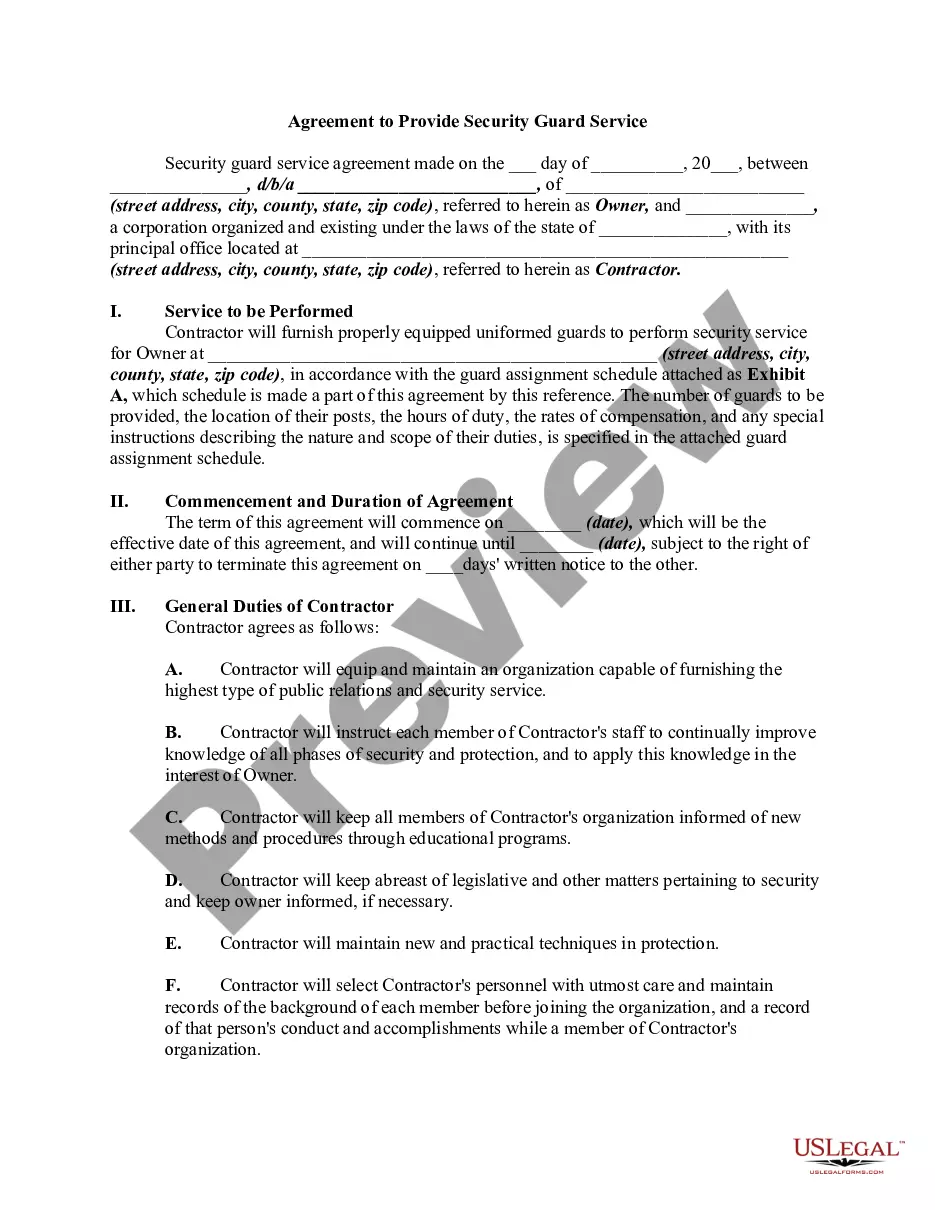
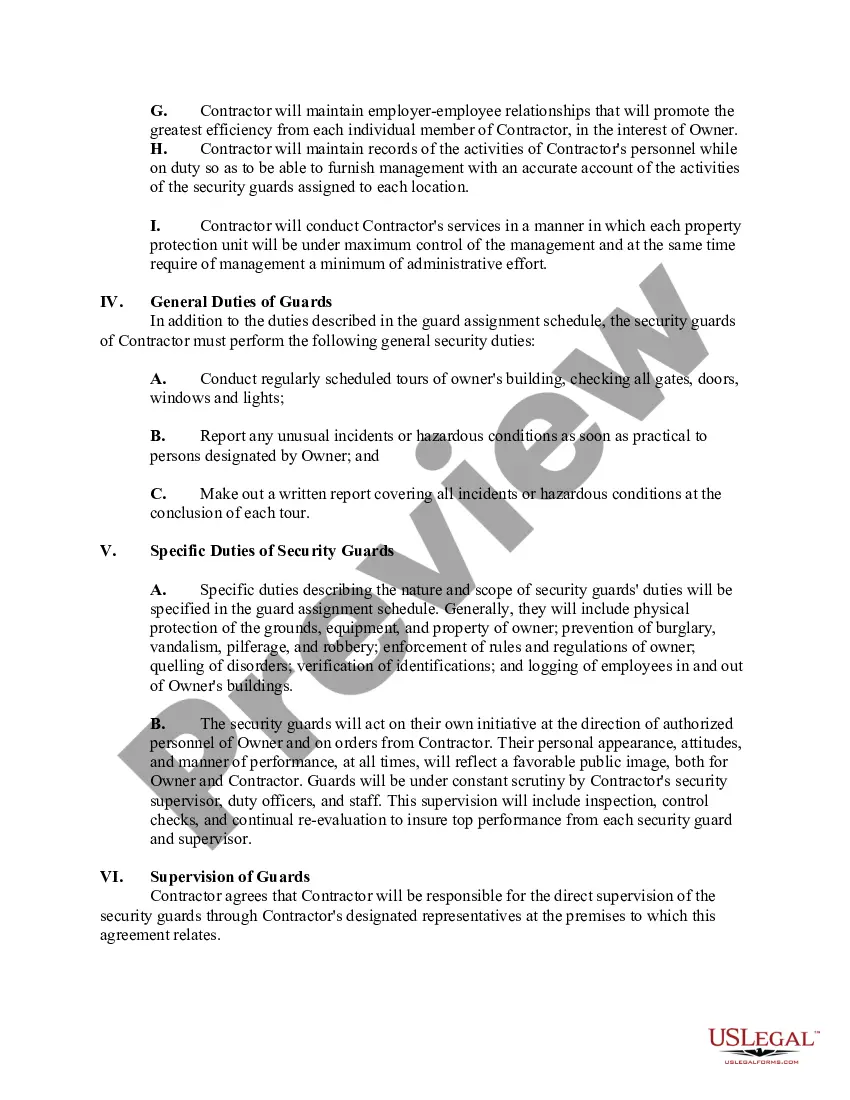
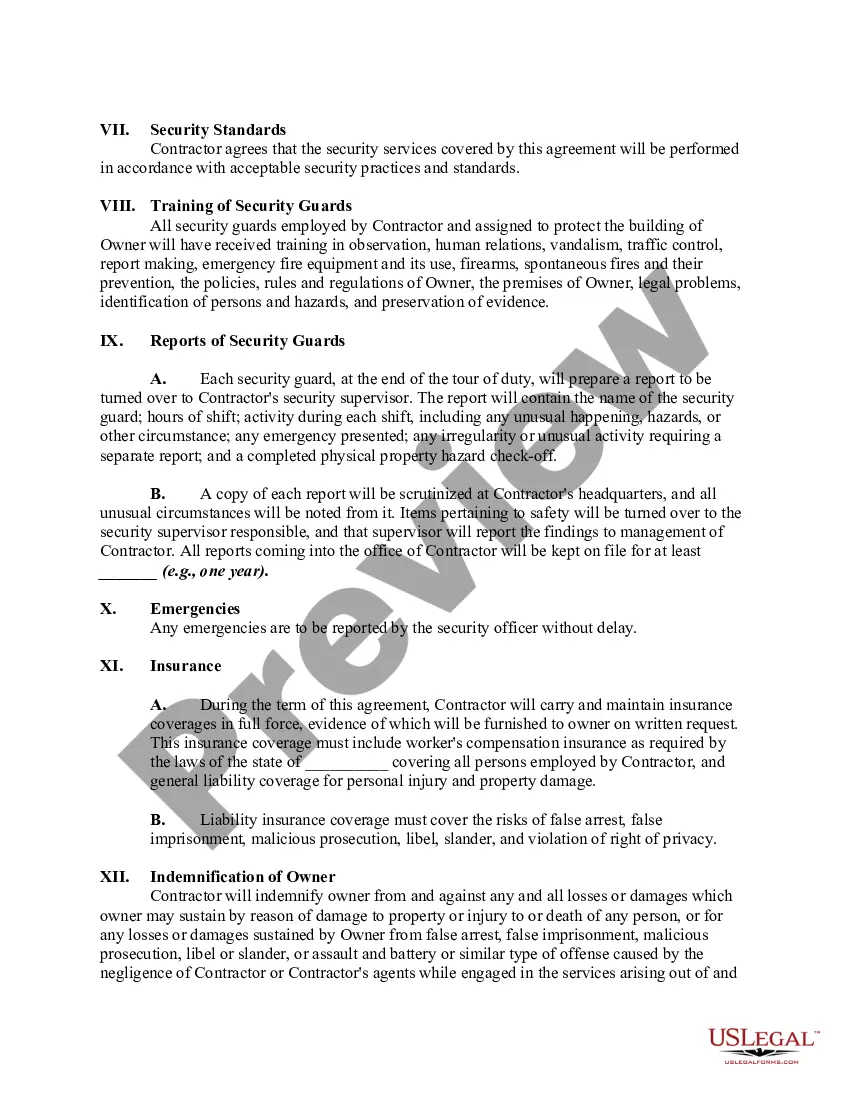
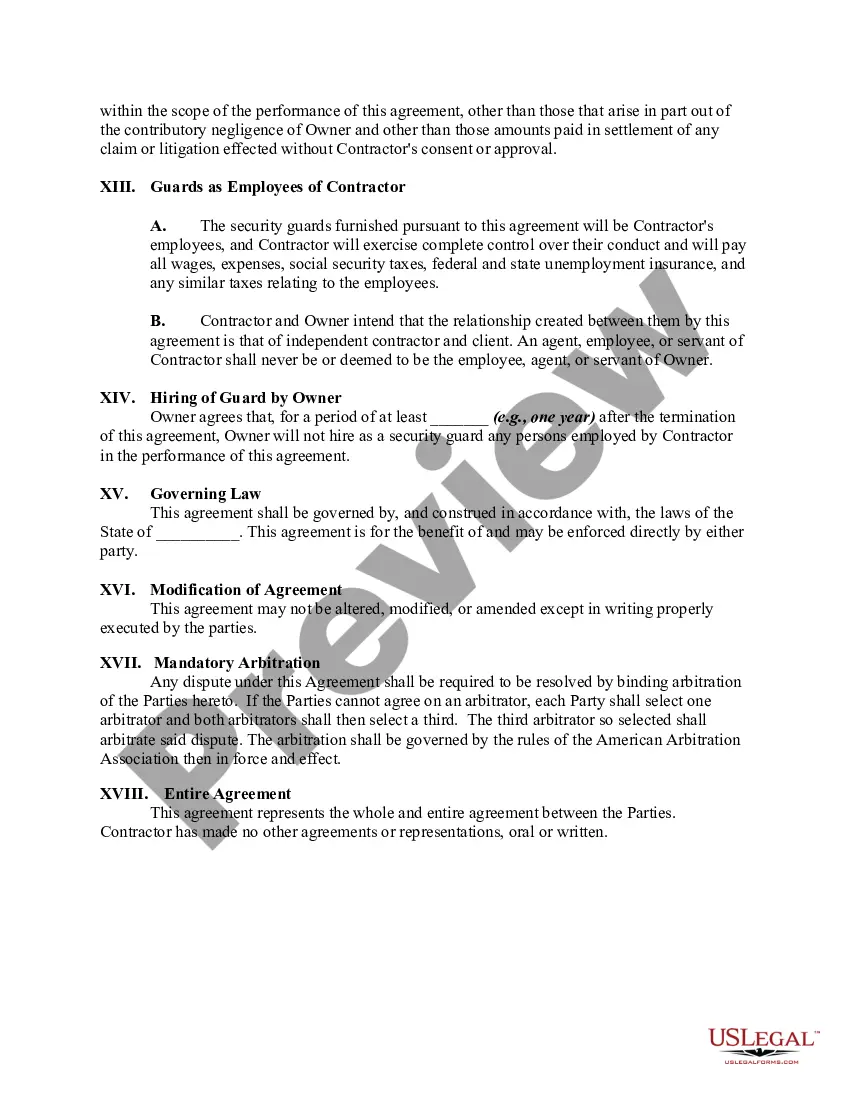
Get your form ready online
Our built-in tools help you complete, sign, share, and store your documents in one place.
Make edits, fill in missing information, and update formatting in US Legal Forms—just like you would in MS Word.
Download a copy, print it, send it by email, or mail it via USPS—whatever works best for your next step.
Sign and collect signatures with our SignNow integration. Send to multiple recipients, set reminders, and more. Go Premium to unlock E-Sign.
If this form requires notarization, complete it online through a secure video call—no need to meet a notary in person or wait for an appointment.
We protect your documents and personal data by following strict security and privacy standards.

Make edits, fill in missing information, and update formatting in US Legal Forms—just like you would in MS Word.

Download a copy, print it, send it by email, or mail it via USPS—whatever works best for your next step.

Sign and collect signatures with our SignNow integration. Send to multiple recipients, set reminders, and more. Go Premium to unlock E-Sign.

If this form requires notarization, complete it online through a secure video call—no need to meet a notary in person or wait for an appointment.

We protect your documents and personal data by following strict security and privacy standards.
Looking for another form?
How to fill out Agreement To Provide Security Guard Service?
Regardless of whether for commercial reasons or personal matters, everyone must handle legal issues at some stage in their lives.
Filling out legal documents requires meticulous care, starting with selecting the correct form template.
With a vast US Legal Forms catalog available, you don’t have to waste time scouring the internet for the correct template. Utilize the library’s user-friendly navigation to discover the appropriate template for any situation.
- Acquire the template you require by utilizing the search bar or catalog browsing.
- Review the form’s description to confirm it suits your circumstances, state, and region.
- Click on the form’s preview to inspect it.
- If it’s the wrong document, return to the search feature to find the Security Guard Form Format template you need.
- Obtain the template when it satisfies your needs.
- If you already possess a US Legal Forms account, click Log in to access files previously saved in My documents.
- If you don’t yet have an account, you can purchase the form by clicking Buy now.
- Select the appropriate pricing option.
- Fill out the account registration form.
- Choose your payment method: you can utilize a credit card or PayPal account.
- Pick the document format you desire, and download the Security Guard Form Format.
- Once saved, you can complete the form using editing software or print it out to finish it manually.
Form popularity
FAQ
How to write a security report Take notes. Details and observations make up the bulk of your security reports. ... Start with a summary. ... Detail the narrative. ... Follow the form. ... Proofread. ... Avoid emotional language. ... Avoid abbreviations and conjunctions. ... Be prompt.
Dear Sir, or Madam, I want to apply for the position of security job in your (company name). I am a retired officer from (forces name), having a valid arms license, and looking for a suitable security job position. I hope you will consider my request, and offer me a suitable security position.
Security Guard job description should contain the following security guard duties and responsibilities: Inspect and patrol premises regularly. Monitor property entrance. Authorize entrance of people and vehicles. Report any suspicious behaviors and happenings. Secure all exits, doors and windows. Monitor surveillance cameras.
Overall, security officers are tasked with securing the premises and personnel by staying on patrol, monitoring surveillance equipment, performing building inspections, guarding entry points, and verifying visitors.
Security guard is a person who protects a building or place during night and day time. There is no full form for SECURITY GUARD but there is full for the word SECURITY alone, which is given below, S = Sensible. E = Efficient.