Unmarried Survivorship Withdrawal
Description
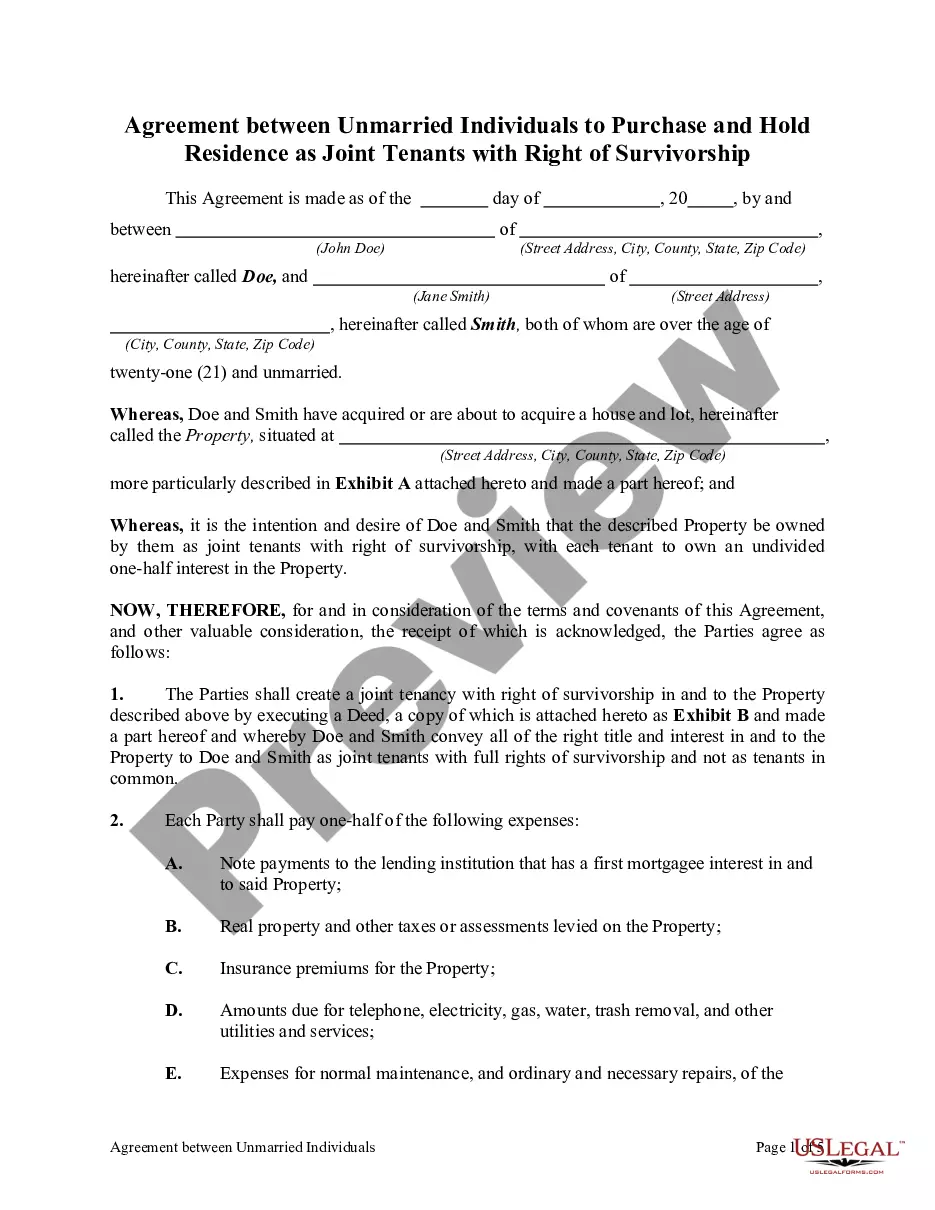
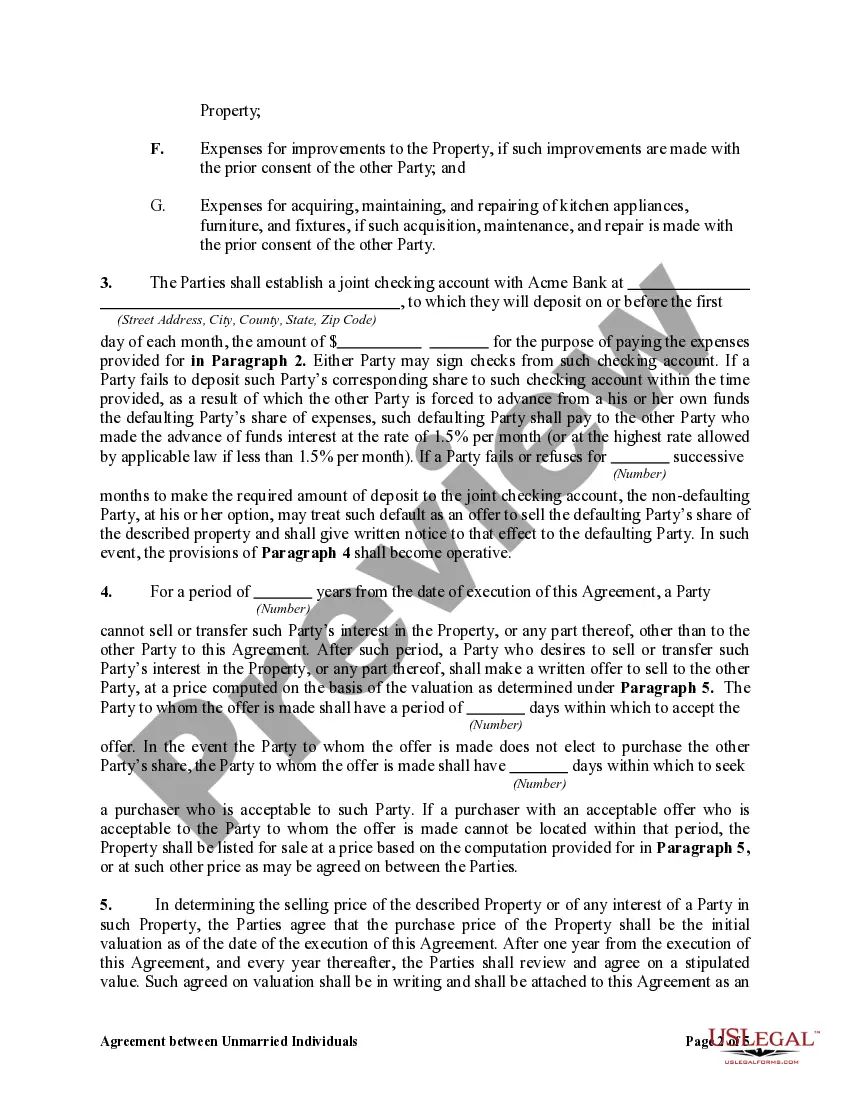
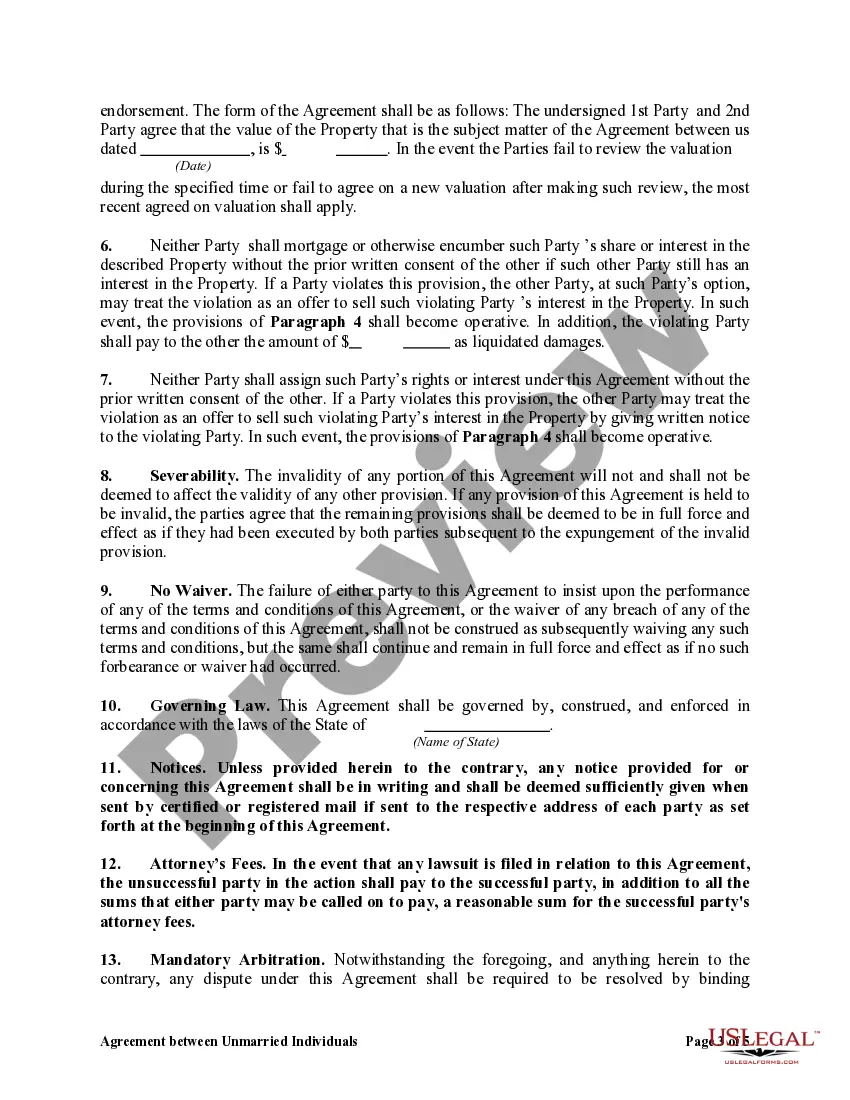
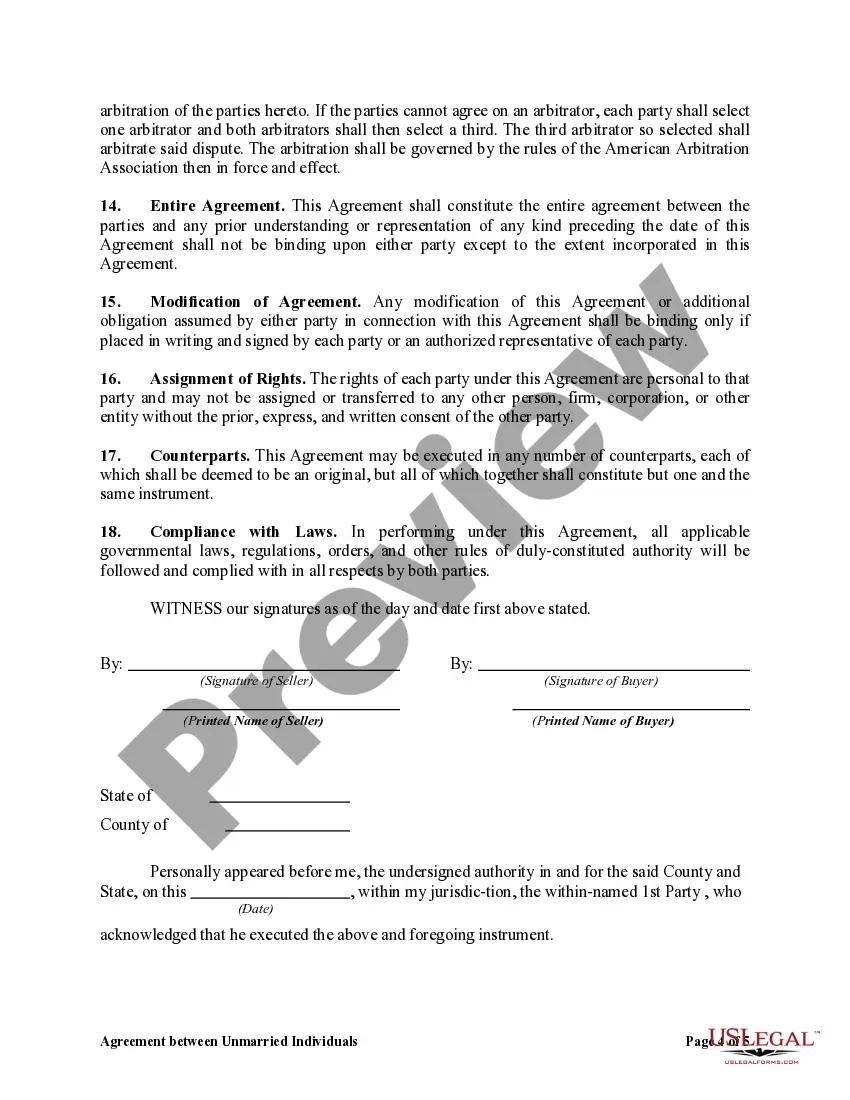

Get your form ready online
Our built-in tools help you complete, sign, share, and store your documents in one place.
Make edits, fill in missing information, and update formatting in US Legal Forms—just like you would in MS Word.
Download a copy, print it, send it by email, or mail it via USPS—whatever works best for your next step.
Sign and collect signatures with our SignNow integration. Send to multiple recipients, set reminders, and more. Go Premium to unlock E-Sign.
If this form requires notarization, complete it online through a secure video call—no need to meet a notary in person or wait for an appointment.
We protect your documents and personal data by following strict security and privacy standards.

Make edits, fill in missing information, and update formatting in US Legal Forms—just like you would in MS Word.

Download a copy, print it, send it by email, or mail it via USPS—whatever works best for your next step.

Sign and collect signatures with our SignNow integration. Send to multiple recipients, set reminders, and more. Go Premium to unlock E-Sign.

If this form requires notarization, complete it online through a secure video call—no need to meet a notary in person or wait for an appointment.

We protect your documents and personal data by following strict security and privacy standards.
Looking for another form?




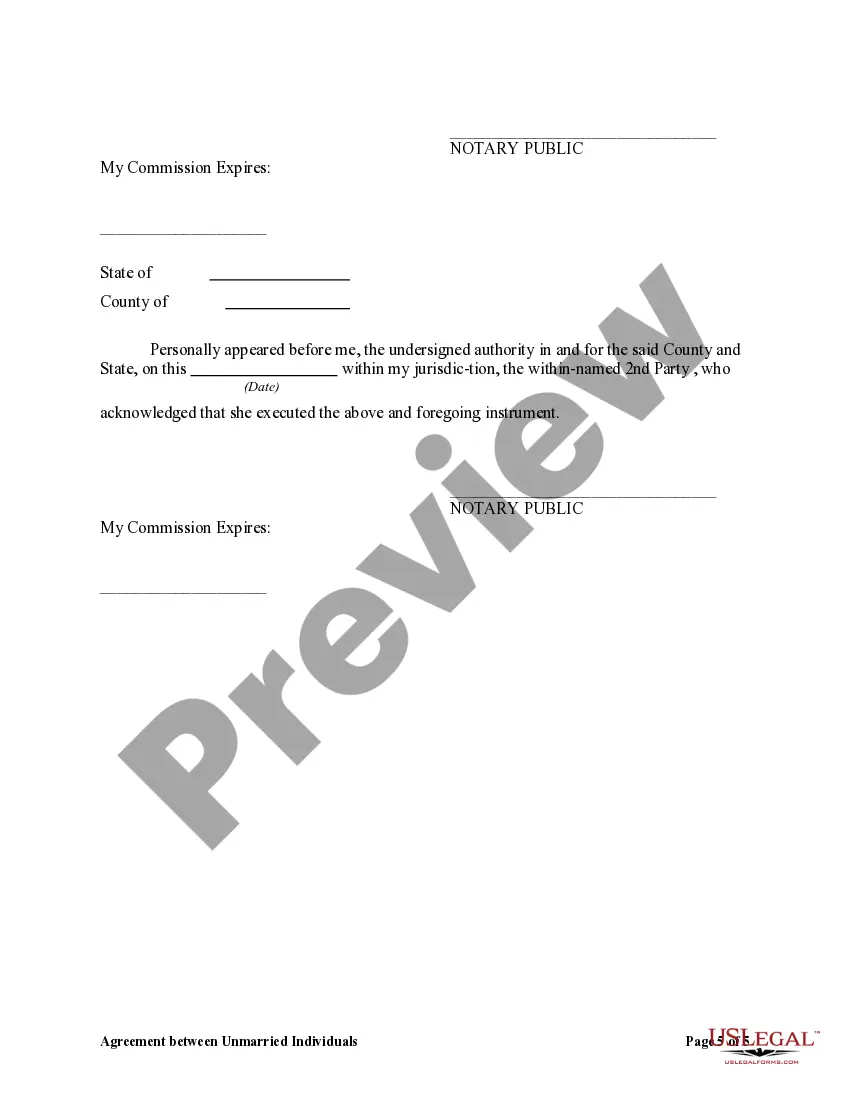
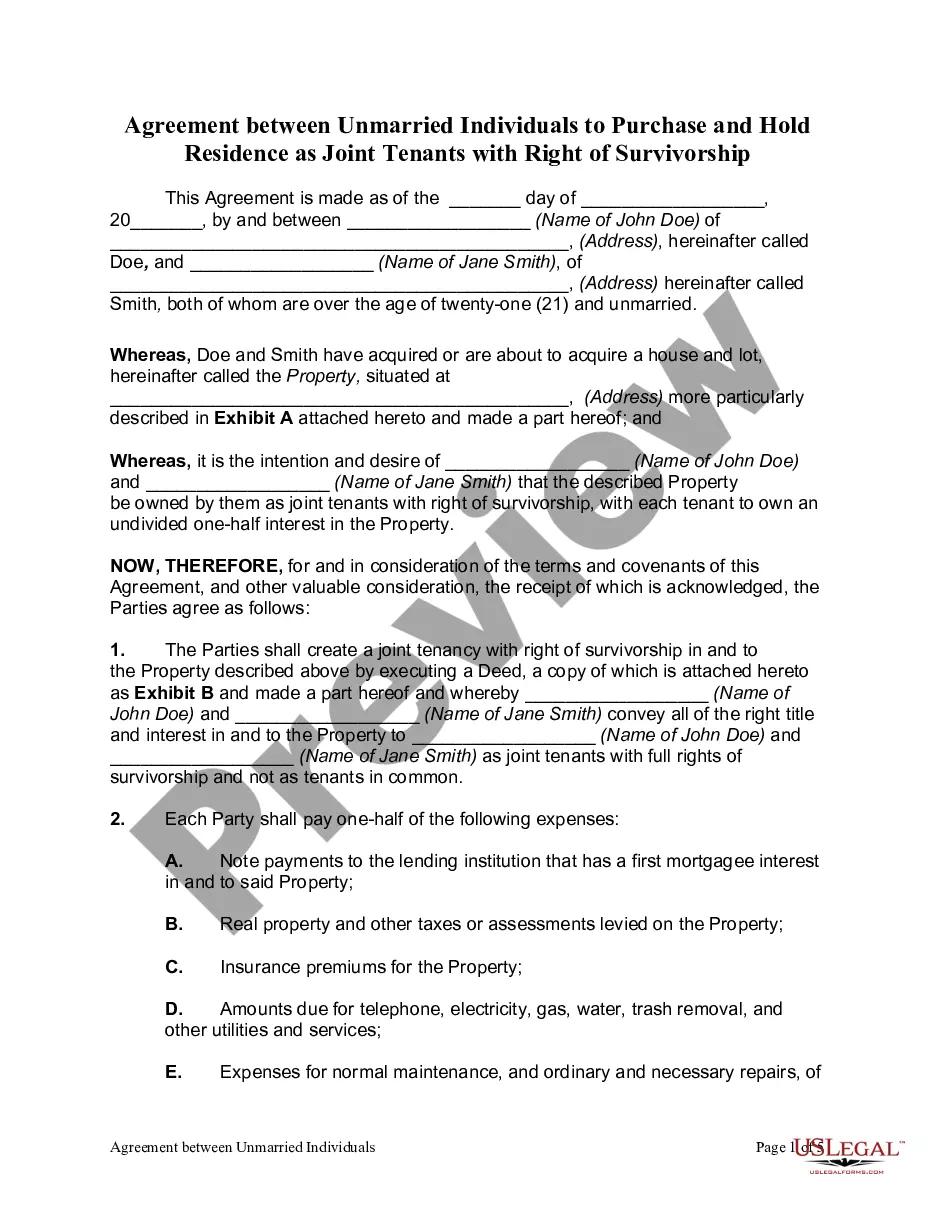
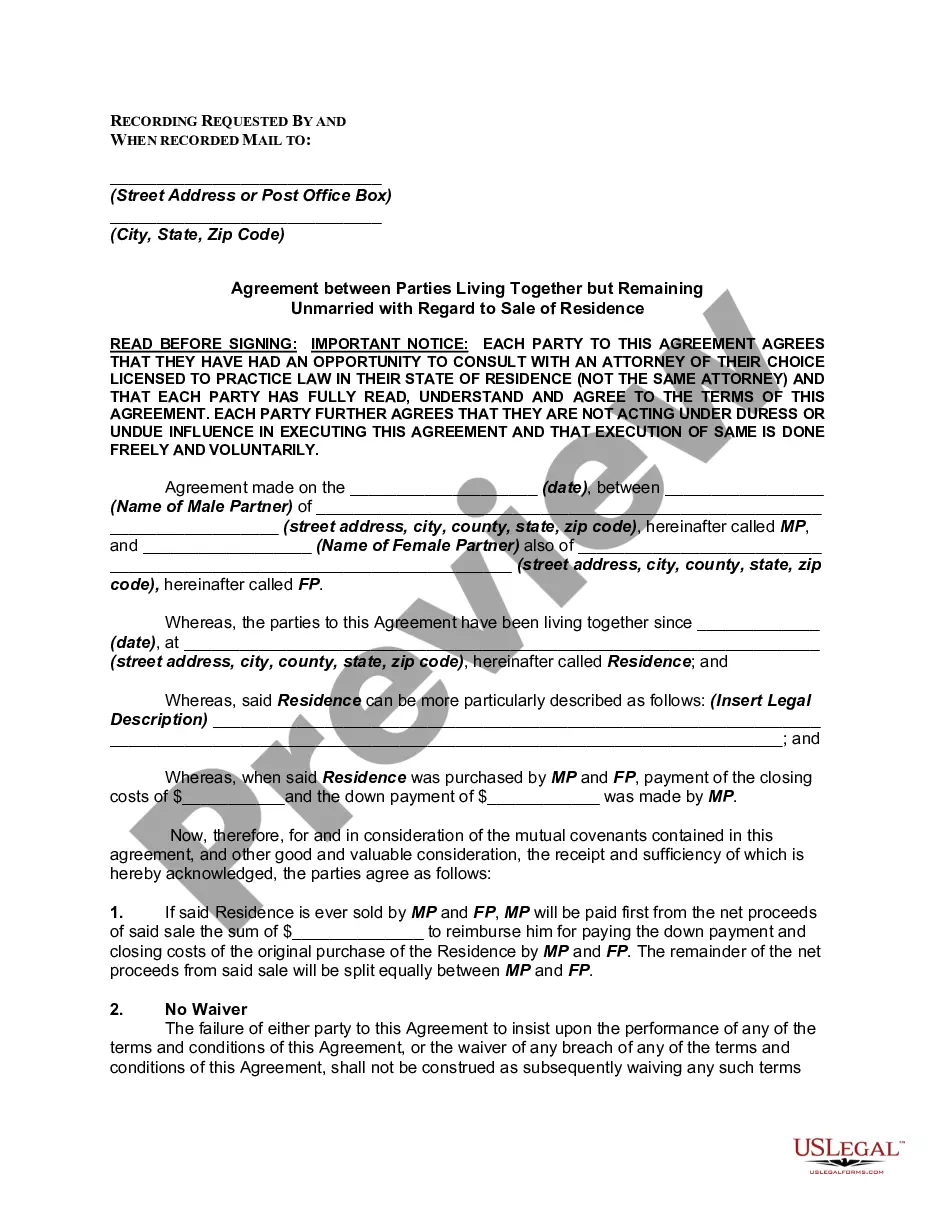
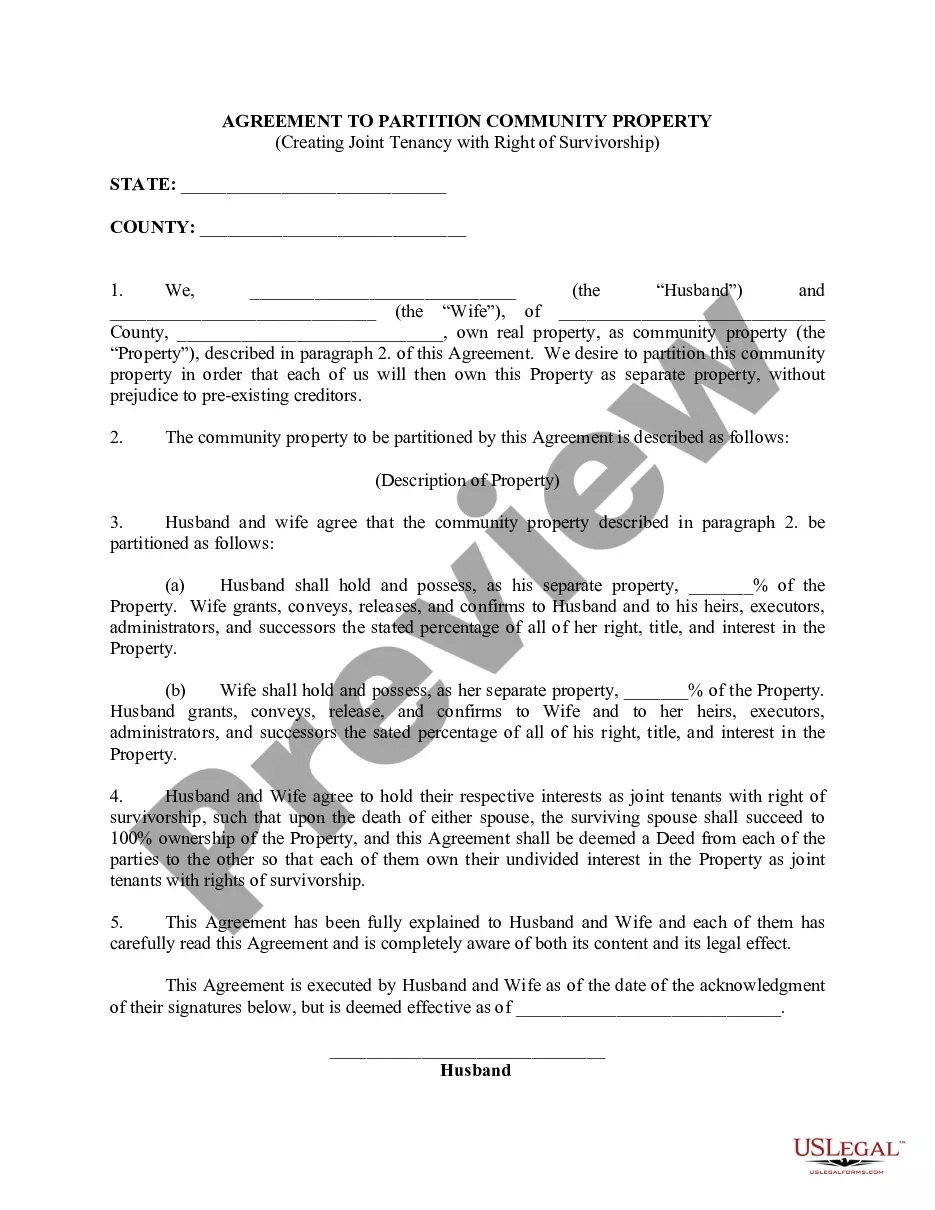
How to fill out Agreement Between Unmarried Individuals To Purchase And Hold Residence As Joint Tenants With Right Of Survivorship?
It’s clear that you cannot transform into a legal specialist instantly, nor can you acquire how to swiftly draft an Unmarried Survivorship Withdrawal without the necessity of a specialized education.
Formulating legal documents is a labor-intensive endeavor that demands specific training and expertise.
So why not delegate the creation of the Unmarried Survivorship Withdrawal to the experts.
You can recover your documents from the My documents tab at any time.
If you’re an existing client, you can simply Log In, and locate and download the template from the same tab.
- Locate the form you require by utilizing the search box at the top of the webpage.
- View it (if this feature is available) and peruse the accompanying description to determine if the Unmarried Survivorship Withdrawal is what you seek.
- Initiate your search again if you require another template.
- Sign up for a complimentary account and select a subscription plan to purchase the template.
- Click Buy now. Once the payment is finalized, you can acquire the Unmarried Survivorship Withdrawal, complete it, print it, and send or mail it to the relevant individuals or organizations.
Form popularity
FAQ
Give us a call at 1-844-898-8542 or email forms@dor.sc.gov so we can direct you to the proper form, or discuss the online filing option that best fits your needs. Filing online using MyDORWAY makes finding the right form easy!
CL-1 The Initial Annual Report of Corporations. This form is filed with the South Carolina Department of Revenue. $25.00.
In addition to the corporate income tax, a licensing fee is applied to all corporations. The annual License Fee is 0.1% of capital and paid-in-surplus plus $15. A minimum license fee of $25 is required to be paid.
How much does it cost to start a South Carolina corporation? At least $135. This includes the $110 fee to submit your Articles and the $25 fee to submit your Initial Report.
S Corporations are subject to an annual License Fee of . 1% of capital and paid-in-surplus, plus $15. The License Fee cannot be less than $25.
LLCs can have an unlimited number of members; S corps can have no more than 100 shareholders (owners). Non-U.S. citizens/residents can be members of LLCs; S corps may not have non-U.S. citizens/residents as shareholders.
How to Form an S Corporation in South Carolina Step 1: Choose a name. ... Step 2: Appoint a registered agent. ... Step 3: Elect directors or managers. ... Step 4: File Articles of Incorporation/Organization with the South Carolina Secretary of State. ... Step 5: File Form 2553 to turn business into an S Corporation.
Steps to Convert a C Corporation to an S Corporation Currently, filing Form 2553 is the only requirement to convert from a C corp to an S corp. File the form with the Internal Revenue Service (IRS) to change the tax election. All shareholders must sign the form.