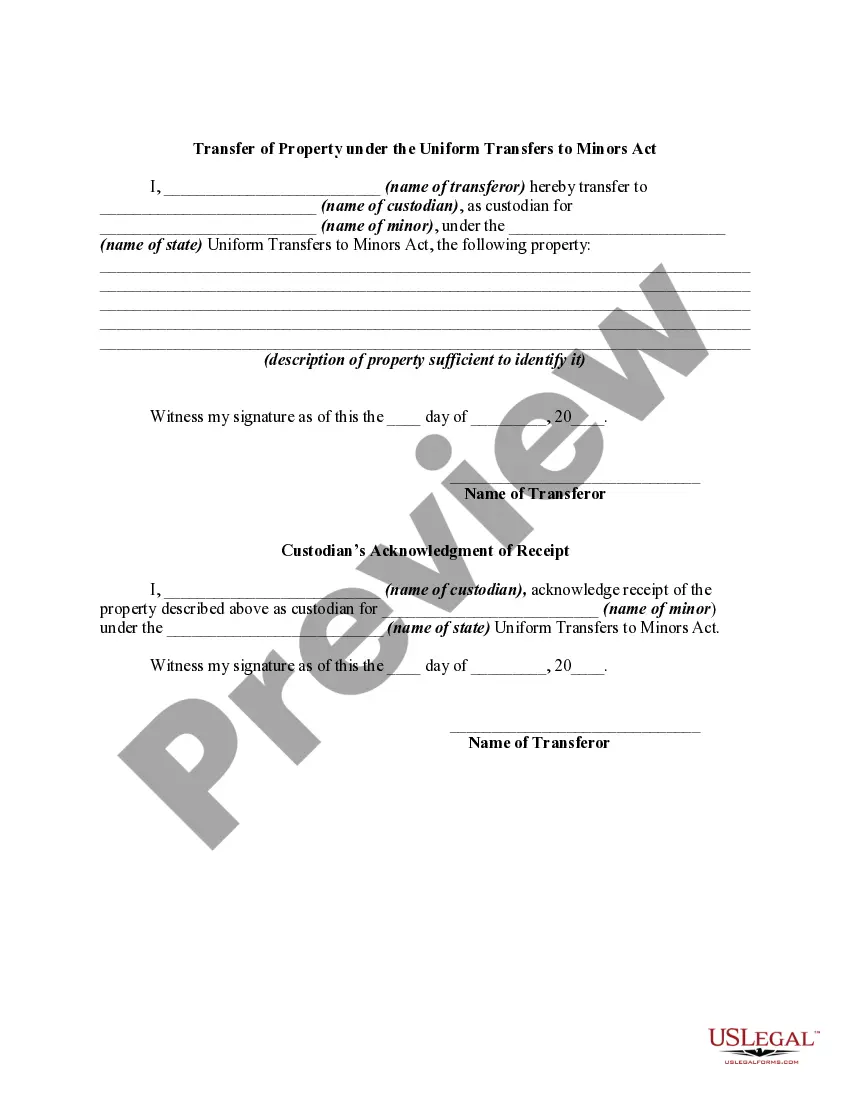
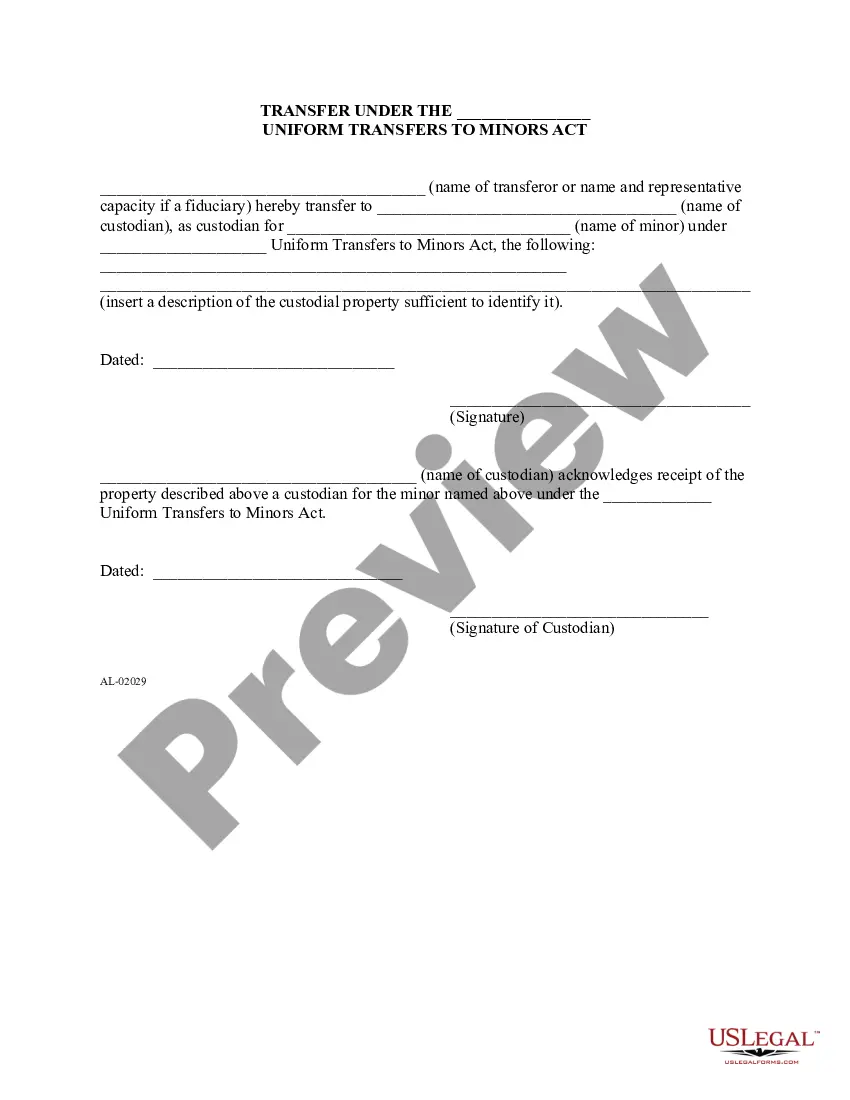
Uniform Transfers To Minors Fidelity
Description
Get your form ready online
Our built-in tools help you complete, sign, share, and store your documents in one place.
Make edits, fill in missing information, and update formatting in US Legal Forms—just like you would in MS Word.
Download a copy, print it, send it by email, or mail it via USPS—whatever works best for your next step.
Sign and collect signatures with our SignNow integration. Send to multiple recipients, set reminders, and more. Go Premium to unlock E-Sign.
If this form requires notarization, complete it online through a secure video call—no need to meet a notary in person or wait for an appointment.
We protect your documents and personal data by following strict security and privacy standards.

Make edits, fill in missing information, and update formatting in US Legal Forms—just like you would in MS Word.

Download a copy, print it, send it by email, or mail it via USPS—whatever works best for your next step.

Sign and collect signatures with our SignNow integration. Send to multiple recipients, set reminders, and more. Go Premium to unlock E-Sign.

If this form requires notarization, complete it online through a secure video call—no need to meet a notary in person or wait for an appointment.

We protect your documents and personal data by following strict security and privacy standards.
Looking for another form?



How to fill out Transfer Of Property Under The Uniform Transfers To Minors Act?
Legal administration can be daunting, even for proficient professionals.
When you seek a Uniform Transfers To Minors Fidelity but lack the opportunity to invest time in searching for the correct and updated version, the processes can be stressful.
US Legal Forms caters to all your requirements, ranging from personal to corporate paperwork, all in one place.
Utilize cutting-edge tools to complete and manage your Uniform Transfers To Minors Fidelity.
Here are the steps to follow after finding the form you need: Verify that this is the correct document by previewing it and reviewing its details. Confirm that the template is valid in your state or county. Select Buy Now when you are ready. Choose a subscription option. Determine the file format you need, and Download, complete, sign, print, and send your document. Enjoy the US Legal Forms digital library, backed by 25 years of expertise and reliability. Transform your daily document management into a seamless and user-friendly experience today.
- Access a repository of articles, guides, and handbooks pertinent to your situation and needs.
- Save time and effort in locating the documents you require, and use US Legal Forms’ advanced search and Review feature to find and obtain Uniform Transfers To Minors Fidelity.
- If you have a monthly subscription, Log In to your US Legal Forms account, search for the form, and download it.
- Check your My documents tab to see the documents you have previously downloaded and to manage your files as desired.
- If this is your first experience with US Legal Forms, create an account to gain unlimited access to all the platform's features.
- A robust online form repository could revolutionize how individuals handle these matters effectively.
- US Legal Forms is a leading provider of digital legal documents, offering over 85,000 state-specific legal forms accessible anytime.
- With US Legal Forms, you can access legal and business documents tailored to specific states or counties.
Form popularity
FAQ
In some jurisdictions, at age 18 a UTMA account can only be handed over with the custodian's permission, and at 21 is transferred automatically.
A Uniform Gifts to Minors Act (UGMA) or Uniform Transfers to Minors Act (UTMA) account is an account into which property is set aside for a minor's benefit. Whether a UGMA or UTMA account is used depends on the law of the state in which the account is established.
A teen can add money to their own Fidelity Youth Account by transferring money from the teen's outside bank account via electronic funds transfer (EFT) or by depositing a check into the Fidelity Youth Account. Teens can also add money to their Fidelity Youth Account by trading in gift cards for cash.
The custodian must transfer the account to the child within an allotted period of time once the child reaches a certain age (between 18 and 25, depending on the state). The custodian will be notified by Fidelity when the transfer needs to be initiated.
Transferring a UTMA account to a child is simple. You can do so with most financial or investment institutions. You can also consult a tax or business lawyer to help you set up the legal structure, although most financial institutions can do this for you.