Employment Form Employee Document With Social Security Number
Description

Get your form ready online
Our built-in tools help you complete, sign, share, and store your documents in one place.
Make edits, fill in missing information, and update formatting in US Legal Forms—just like you would in MS Word.
Download a copy, print it, send it by email, or mail it via USPS—whatever works best for your next step.
Sign and collect signatures with our SignNow integration. Send to multiple recipients, set reminders, and more. Go Premium to unlock E-Sign.
If this form requires notarization, complete it online through a secure video call—no need to meet a notary in person or wait for an appointment.
We protect your documents and personal data by following strict security and privacy standards.

Make edits, fill in missing information, and update formatting in US Legal Forms—just like you would in MS Word.

Download a copy, print it, send it by email, or mail it via USPS—whatever works best for your next step.

Sign and collect signatures with our SignNow integration. Send to multiple recipients, set reminders, and more. Go Premium to unlock E-Sign.

If this form requires notarization, complete it online through a secure video call—no need to meet a notary in person or wait for an appointment.

We protect your documents and personal data by following strict security and privacy standards.
Looking for another form?
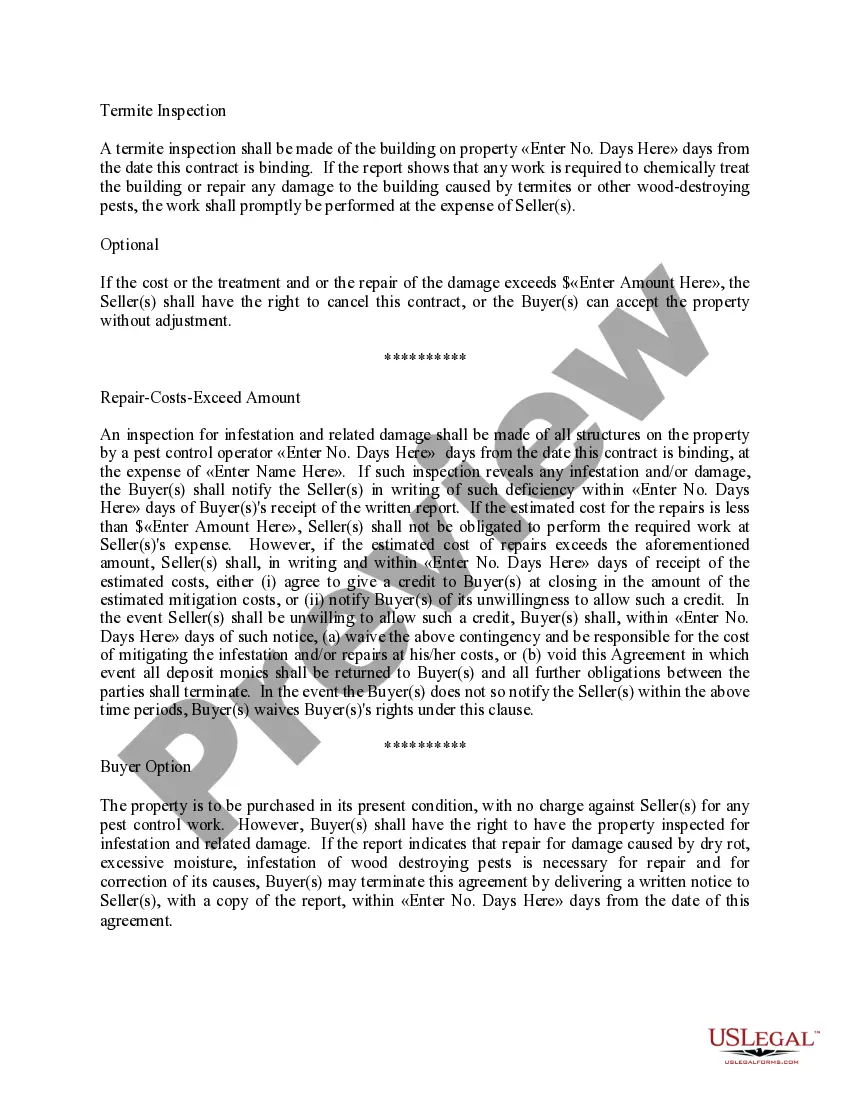
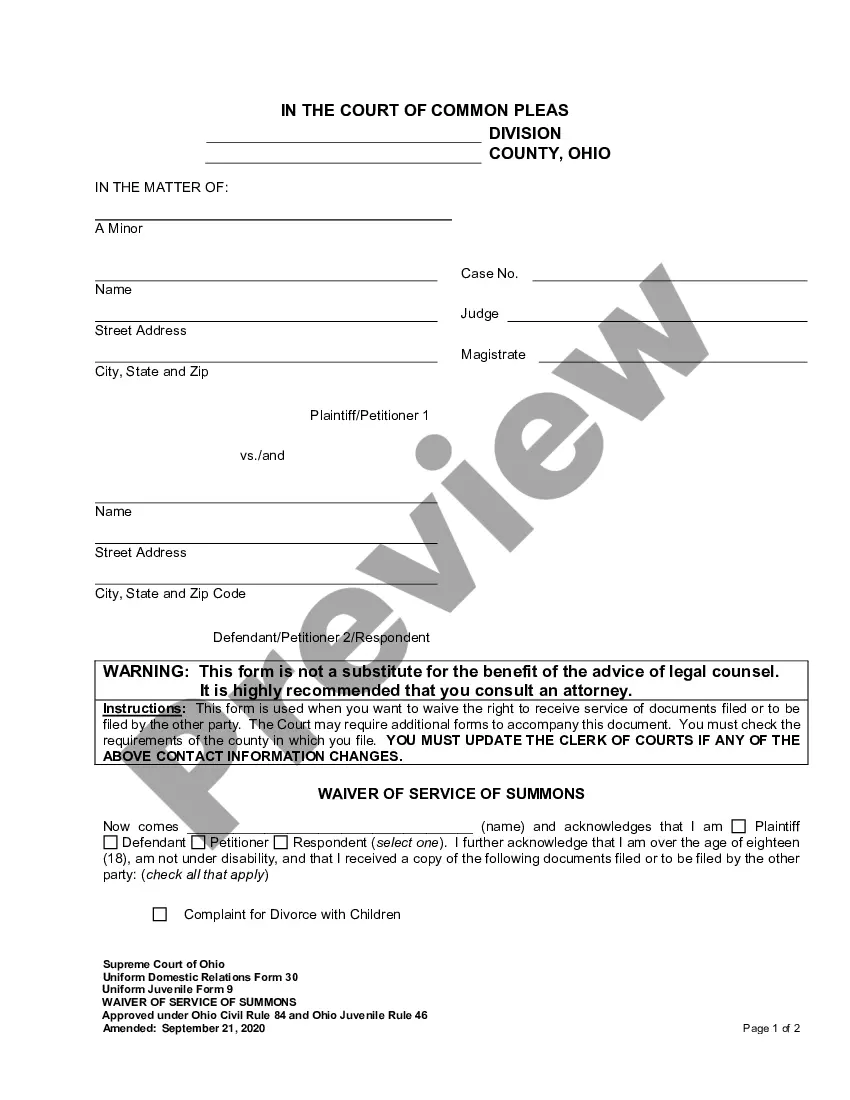
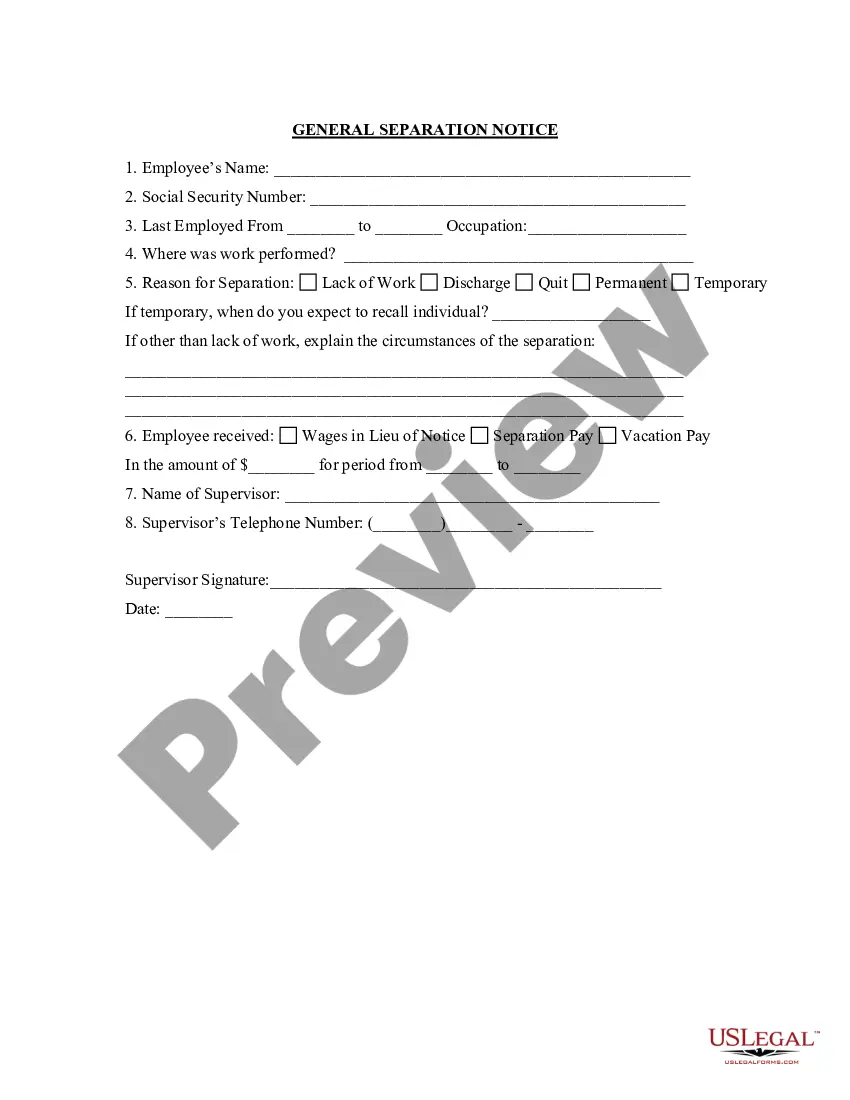

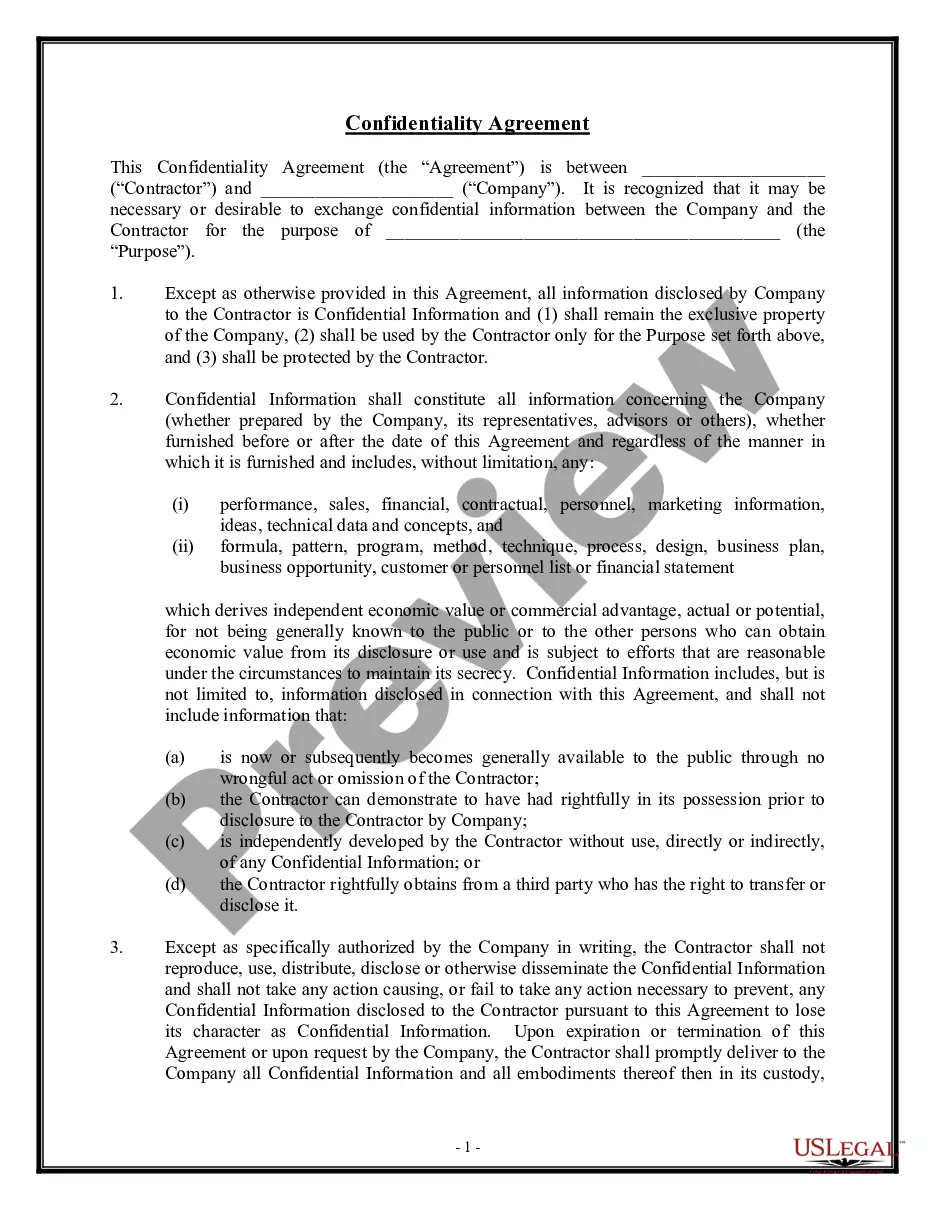
How to fill out Confidentiality Agreements - Noncompetition In Employment?
Legal paperwork management can be daunting, even for the most proficient professionals.
If you are looking for an Employment Form Employee Document With Social Security Number and lack the time to search for the suitable and current version, the process can be taxing.
US Legal Forms accommodates all your requirements, from personal to organizational documentation, in one convenient location.
Utilize advanced tools to complete and manage your Employment Form Employee Document With Social Security Number.
Upon accessing the form you desire, follow these steps: Verify that this is the correct form by reviewing it and examining its details. Ensure that the template is recognized in your state or county. Click Buy Now when you are prepared. Choose a monthly subscription plan. Select the format you wish, and Download, complete, eSign, print, and send your documents. Enjoy the US Legal Forms online catalog, backed by 25 years of experience and trustworthiness. Simplify your daily document management into a seamless and user-friendly process today.
- Access a library of articles, guides, handbooks, and materials related to your situation and needs.
- Save time and effort searching for the documents you require, employing US Legal Forms’ enhanced search and Review feature to locate and obtain the Employment Form Employee Document With Social Security Number.
- If you have a membership, Log In to your US Legal Forms account, search for the form, and download it.
- Visit the My documents tab to view the documents you have previously saved as well as to organize your files as you see fit.
- If this is your initial experience with US Legal Forms, create an account and gain unlimited access to all the benefits of the library.
- A comprehensive online form directory can significantly benefit anyone eager to handle these matters effectively.
- US Legal Forms is a frontrunner in digital legal documents, with more than 85,000 state-specific legal templates available to you at any time.
- With US Legal Forms, you can access state- or county-specific legal and business documents.
Form popularity
FAQ
Your employment authorization document (EAD) is an official card that proves you are allowed to work in the United States. It is crucial to have this document when applying for jobs, as employers need to verify your eligibility. This document is different from your employment form employee document with social security number, which is necessary for tax reporting. If you need more information or templates related to employment documents, US Legal Forms provides valuable resources to guide you through the process.
An employment authorization card does not automatically come with a Social Security Number (SSN). While the card allows you to work in the United States, you will need to apply separately for an SSN as it is not issued alongside the employment authorization document. It is essential to have both the employment form employee document with social security number for proper employment verification and tax purposes. If you require assistance, consider using US Legal Forms, which offers resources to help you navigate these applications.
If you suspect someone is using your SSN for employment, you can initiate a request for your Social Security earnings statement. This document outlines your earnings history and can reveal if someone else is working under your SSN. You may also consider consulting with an employment attorney for further assistance. It’s crucial to protect your information at all times, especially when dealing with the Employment form employee document with social security number.
To verify employment using a Social Security number, you can request an employment verification letter from your employer. Additionally, accessing online services that specialize in employment verification can streamline the process. Utilizing resources like the Employment form employee document with social security number can ensure you provide the necessary documentation for verification. Always keep your information confidential to enhance your security.
Filling out an employee information form requires careful attention to detail. Start by providing personal details such as your name, address, and contact information. Then, include your Social Security number as mandated in the Employment form employee document with social security number. Ensure that all information is accurate, as it will help your employer maintain accurate records.
The quickest way to obtain proof of employment is to reach out to your HR department by phone or email. You can request an employment form employee document with social security number directly, which usually expedites the response process. For immediate needs, you may also check if your company has an online portal where you can download necessary documents. Following up with a polite reminder can further speed things along.
Obtaining proof of employment documents is straightforward. Start by contacting your HR department to request an employment form employee document with social security number. If your employer maintains electronic records, you might be able to retrieve necessary documents through an employee portal. Always communicate clearly about what you need and ensure you follow up if there are delays.
To get a proof of employment letter, you should reach out to your employer directly. Request this letter, specifying that it should include verified details about your job, such as your employment duration and job title. It’s helpful to reference an employment form employee document with social security number as a standard for the information included. Employers usually have a format ready, which speeds up the process.
Various documents can serve as proof of employment, including an employment form employee document with social security number, paycheck stubs, and a W-2 form. Additionally, an employment contract or offer letter can also provide evidence of your employment status. Each document has its specific purpose, so choose the one that best fits your needs when presenting it to banks, landlords, or other parties.
To obtain your proof of employment, you typically need to request it from your employer's HR department. They can provide you with an official employment form employee document with social security number, which verifies your employment status. Make sure to specify if you need additional information included, such as your position or length of employment. This document may then be used for purposes like applying for loans or verifying your income.