Child Support Online Forms With Electronic Signature
Description
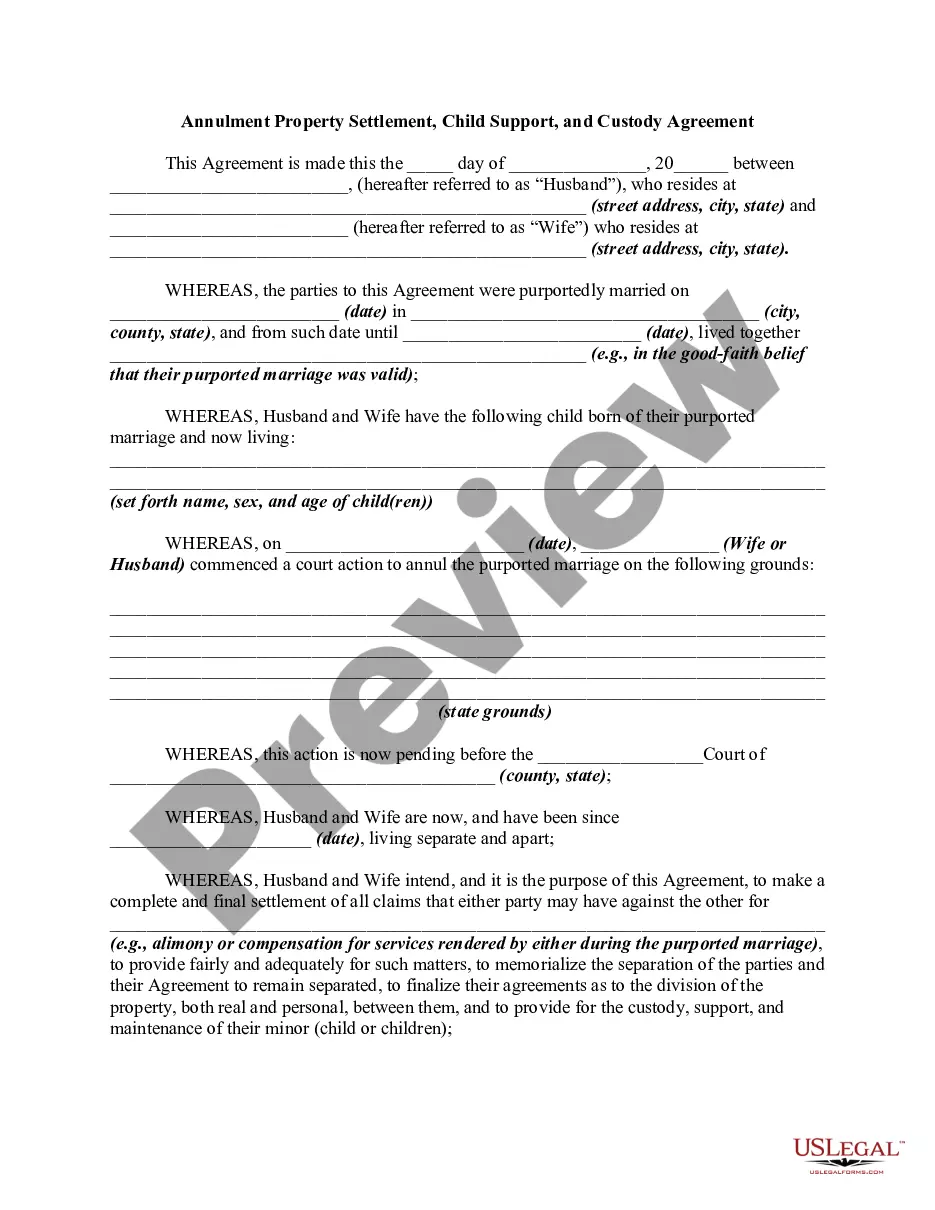
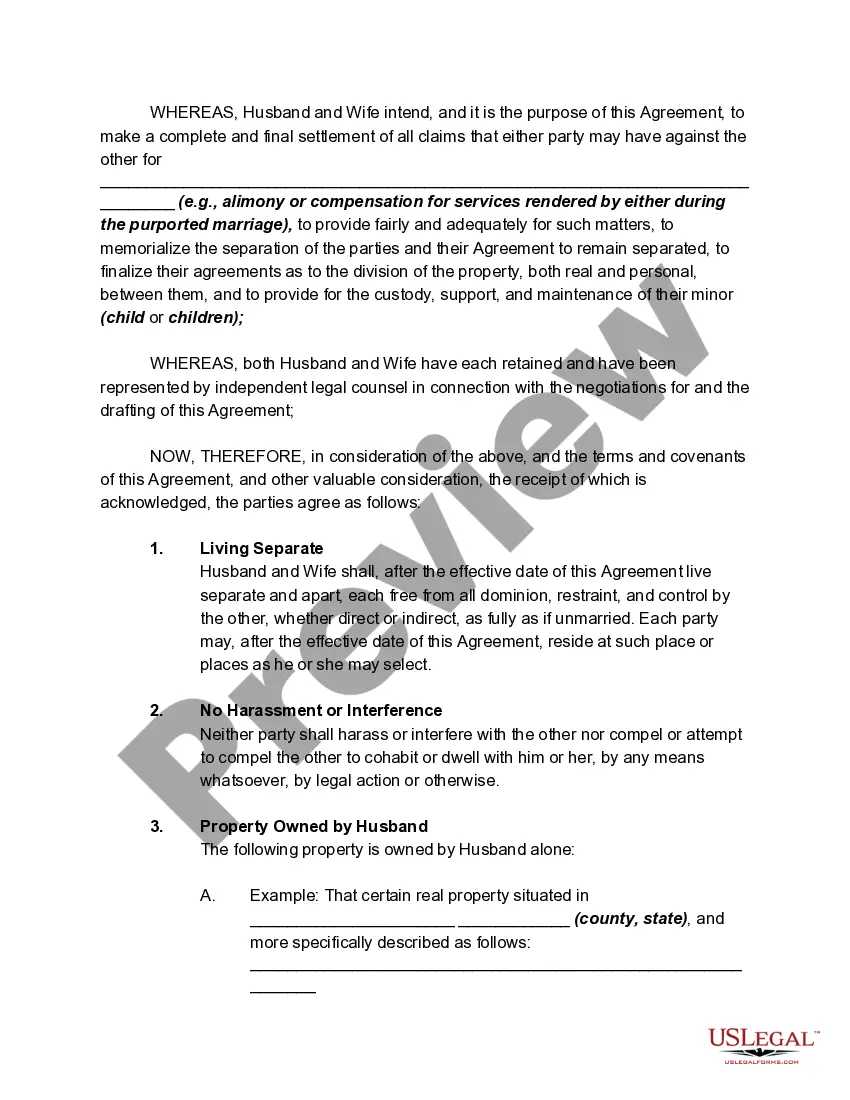
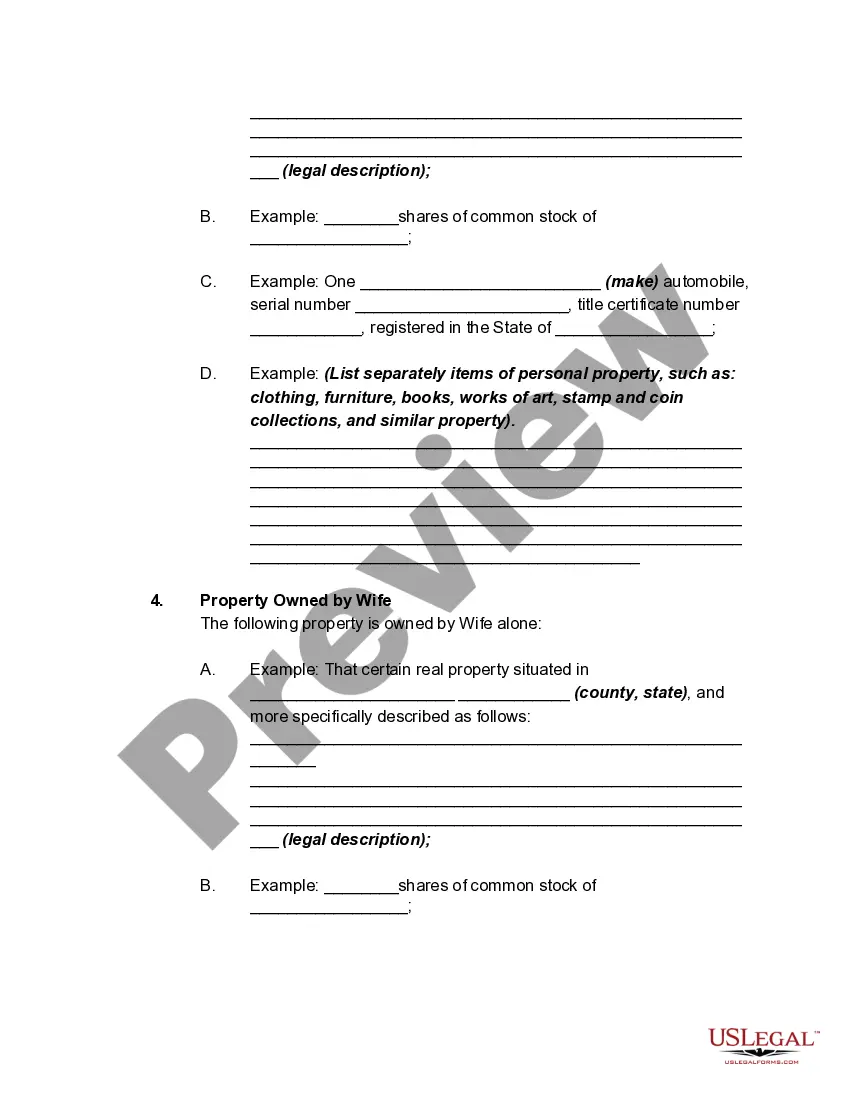
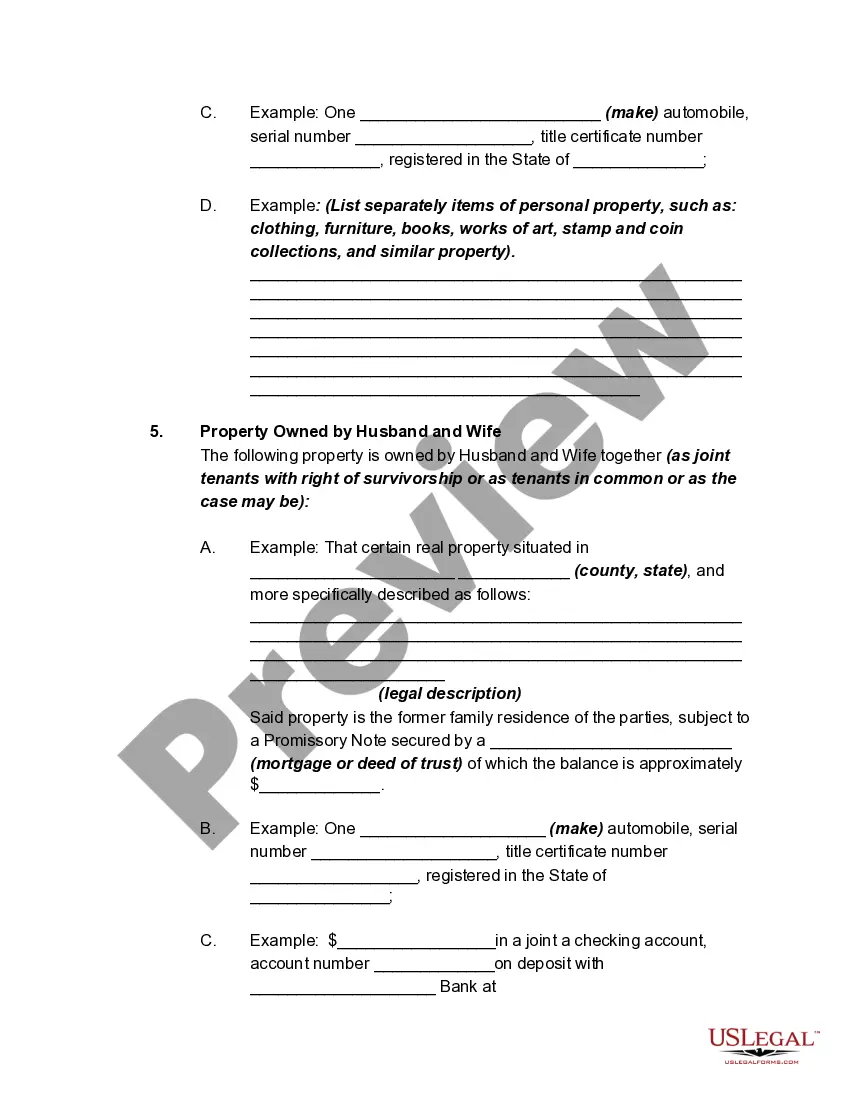
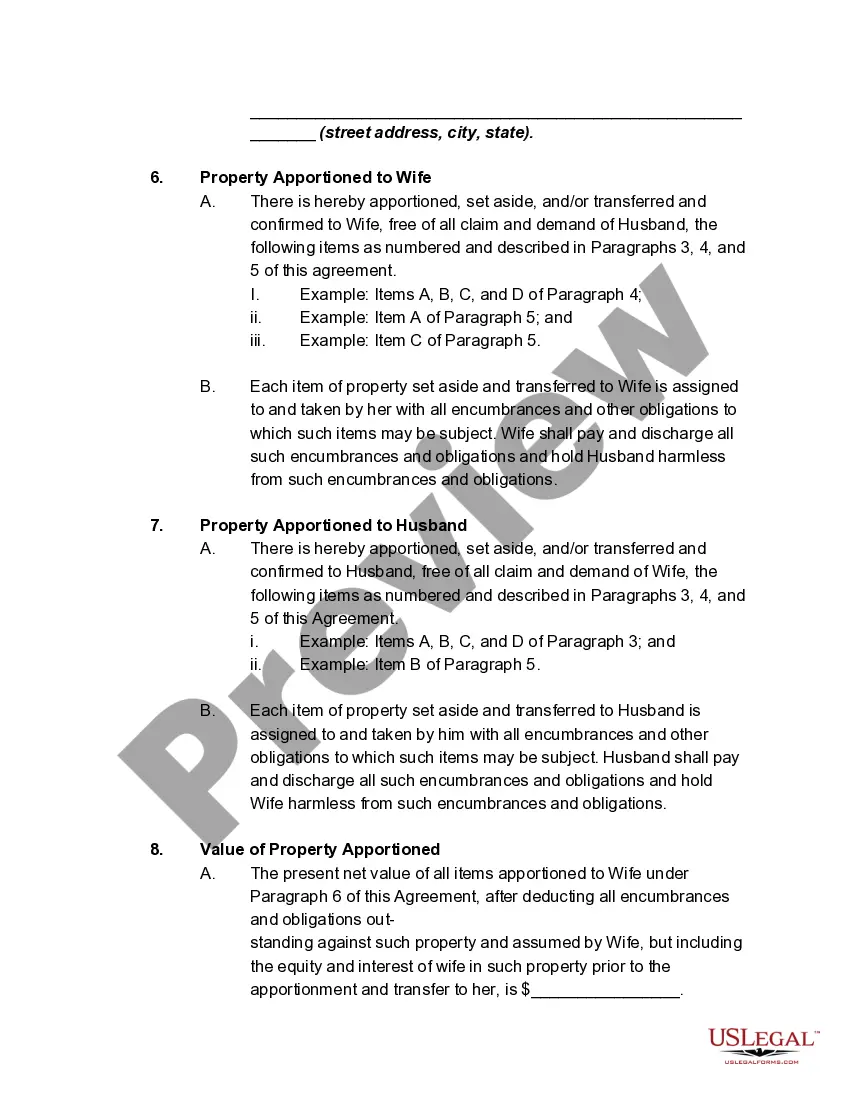
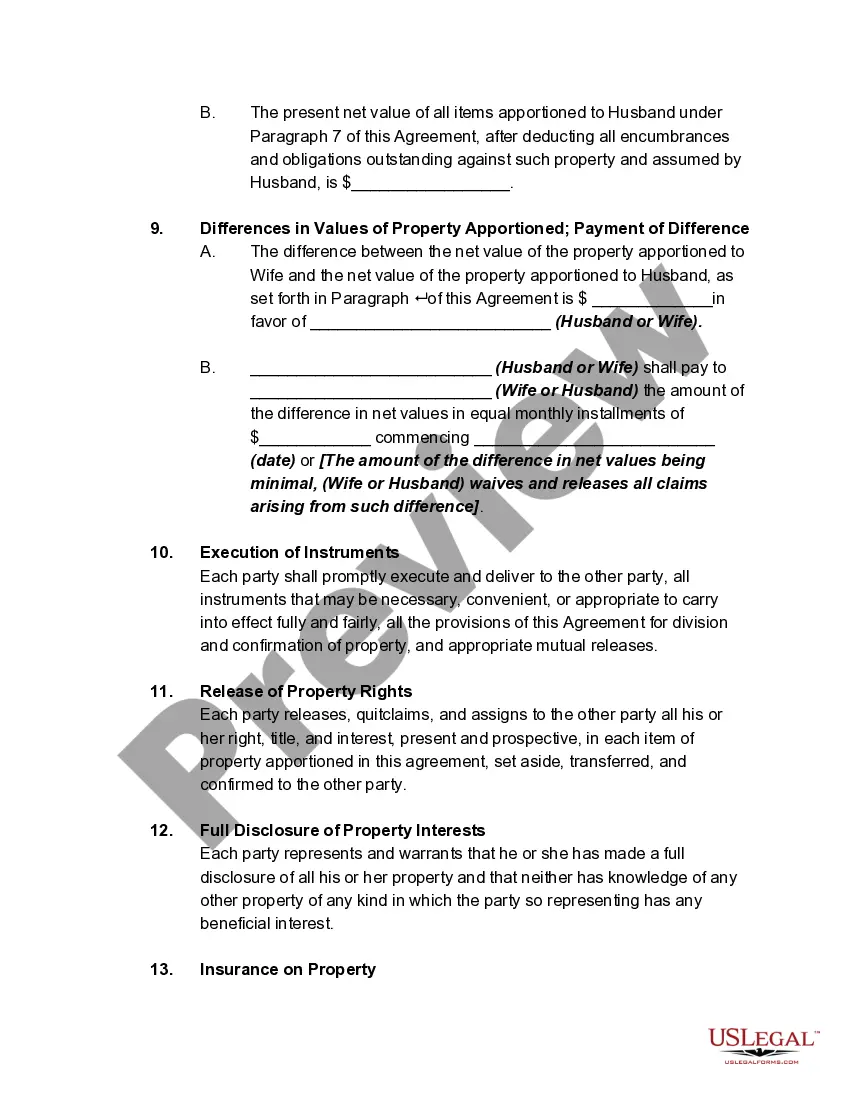
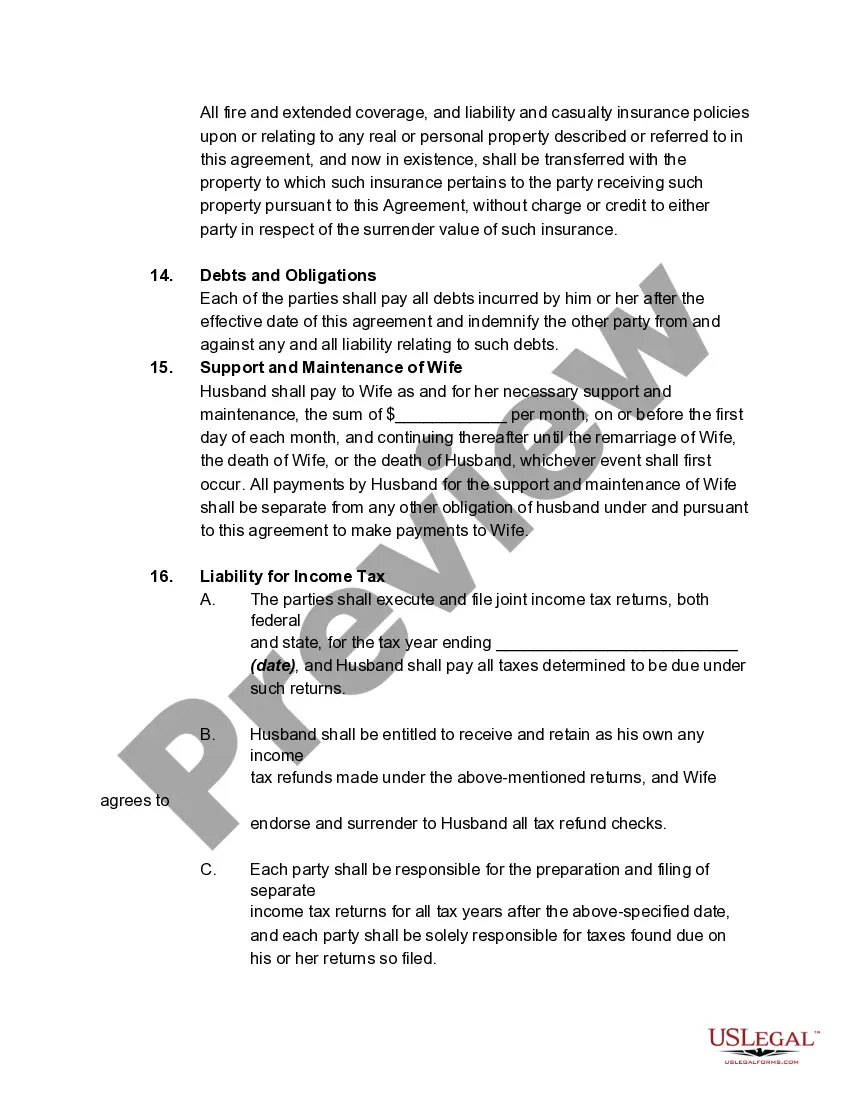
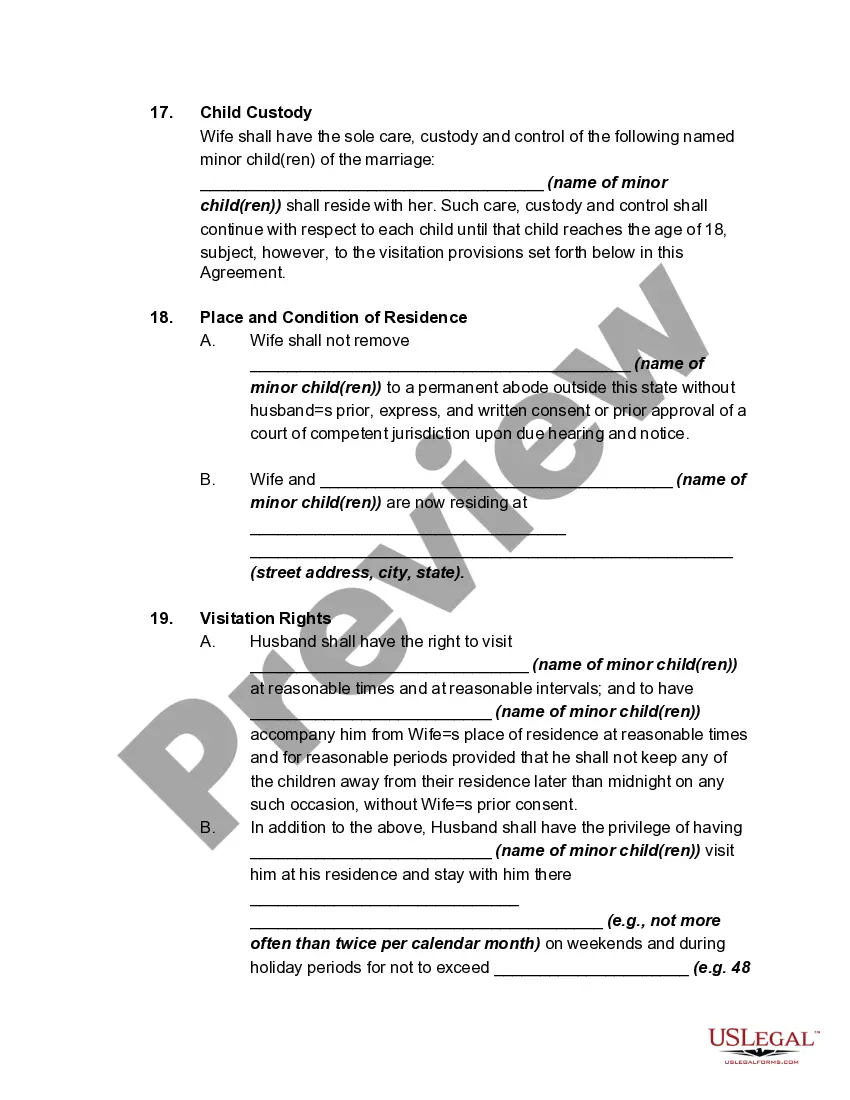

Get your form ready online
Our built-in tools help you complete, sign, share, and store your documents in one place.
Make edits, fill in missing information, and update formatting in US Legal Forms—just like you would in MS Word.
Download a copy, print it, send it by email, or mail it via USPS—whatever works best for your next step.
Sign and collect signatures with our SignNow integration. Send to multiple recipients, set reminders, and more. Go Premium to unlock E-Sign.
If this form requires notarization, complete it online through a secure video call—no need to meet a notary in person or wait for an appointment.
We protect your documents and personal data by following strict security and privacy standards.

Make edits, fill in missing information, and update formatting in US Legal Forms—just like you would in MS Word.

Download a copy, print it, send it by email, or mail it via USPS—whatever works best for your next step.

Sign and collect signatures with our SignNow integration. Send to multiple recipients, set reminders, and more. Go Premium to unlock E-Sign.

If this form requires notarization, complete it online through a secure video call—no need to meet a notary in person or wait for an appointment.

We protect your documents and personal data by following strict security and privacy standards.
Looking for another form?



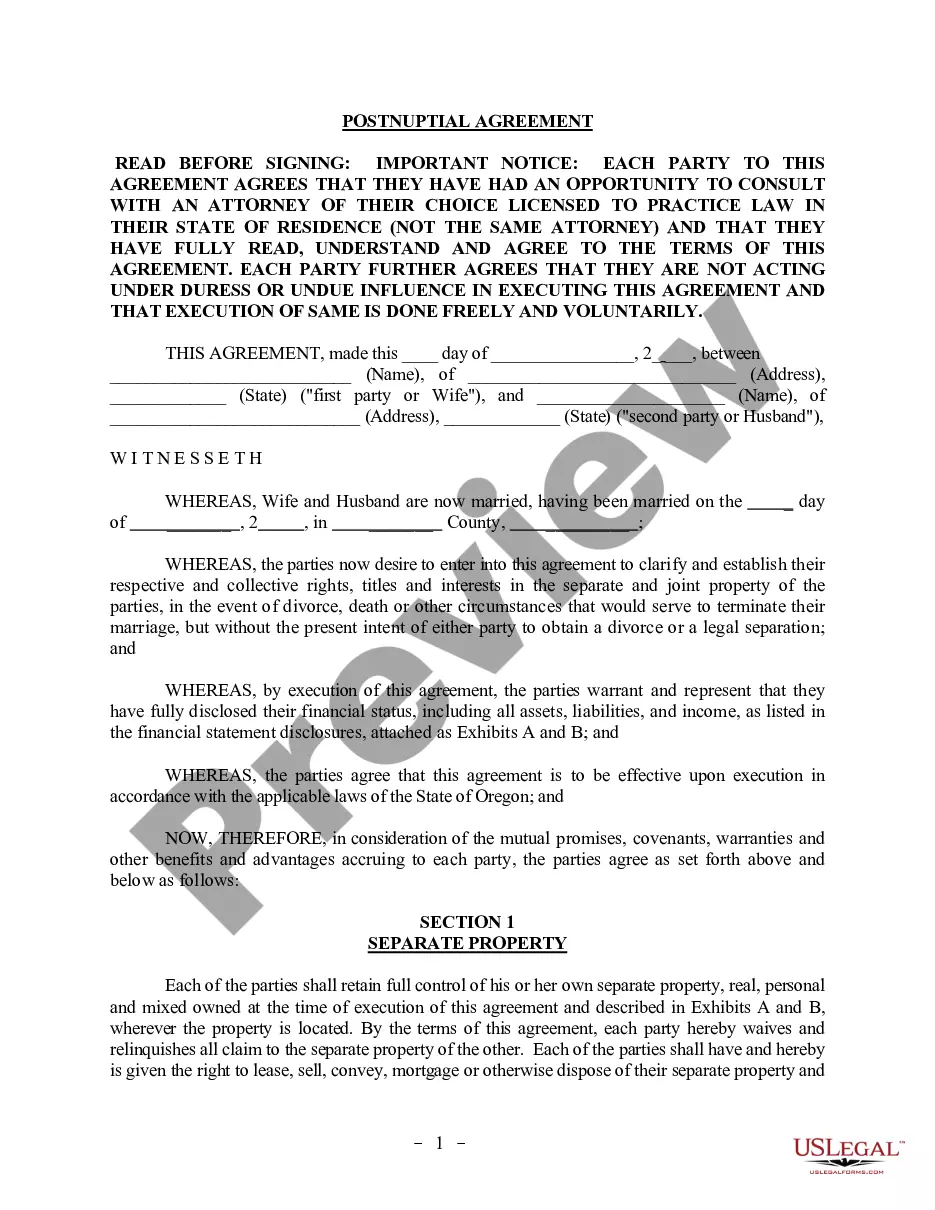
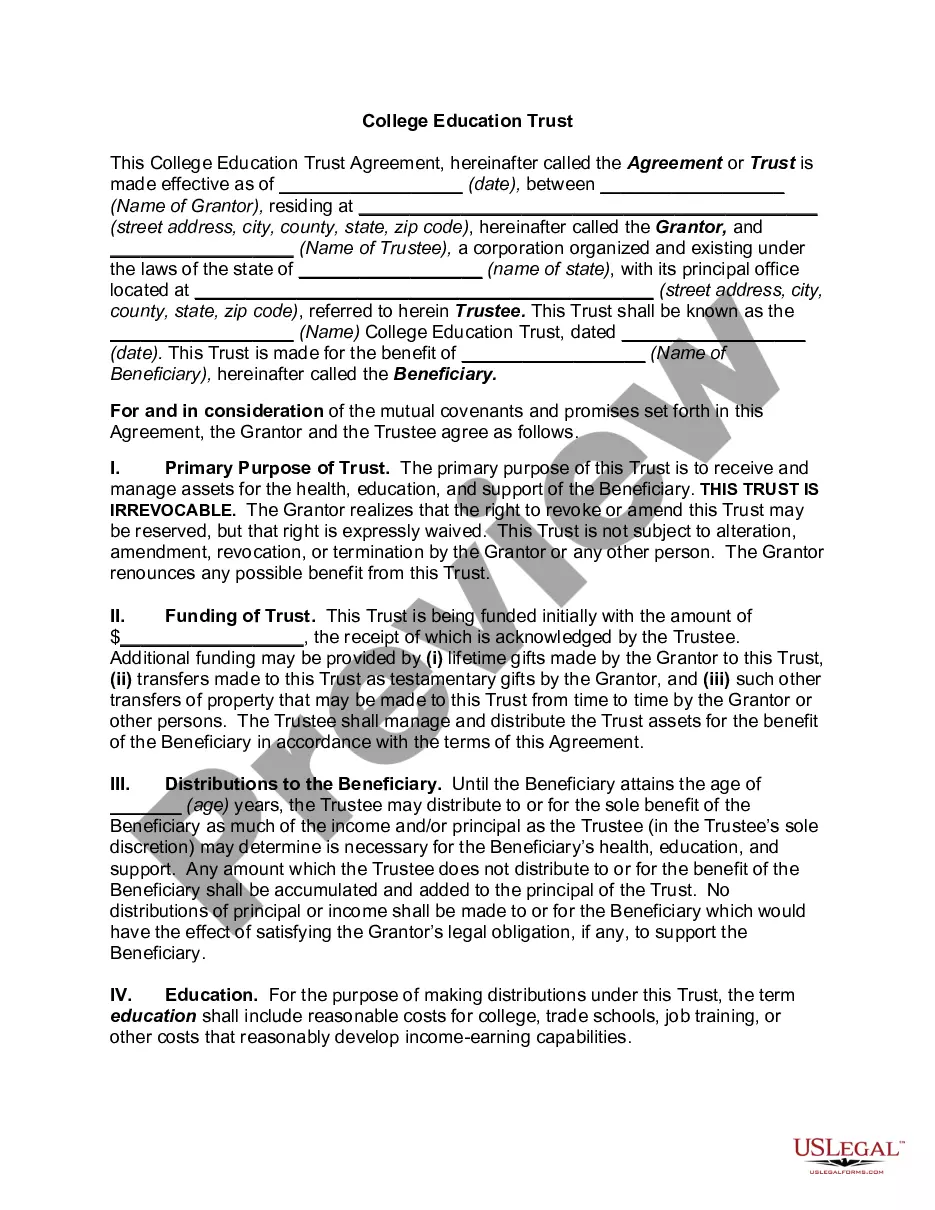

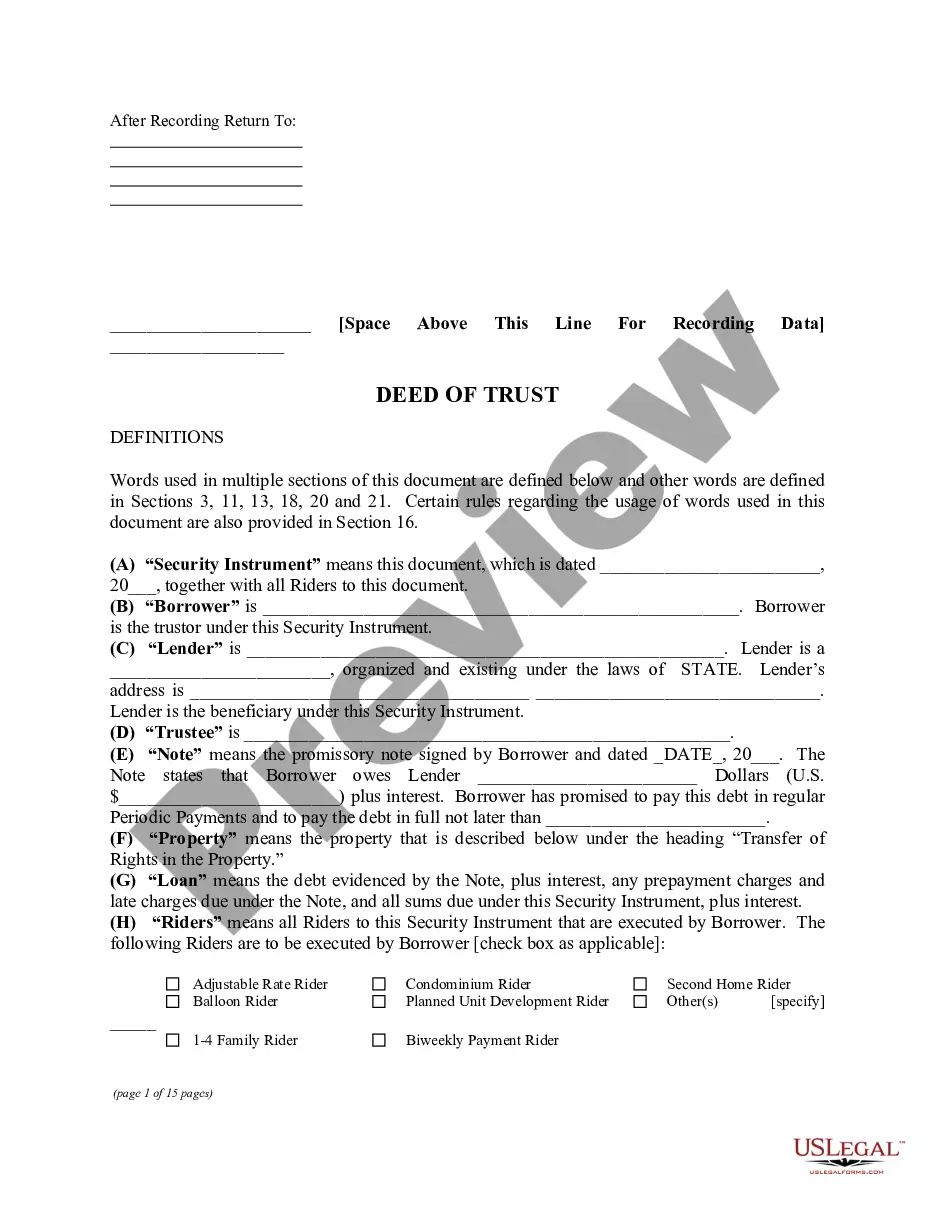



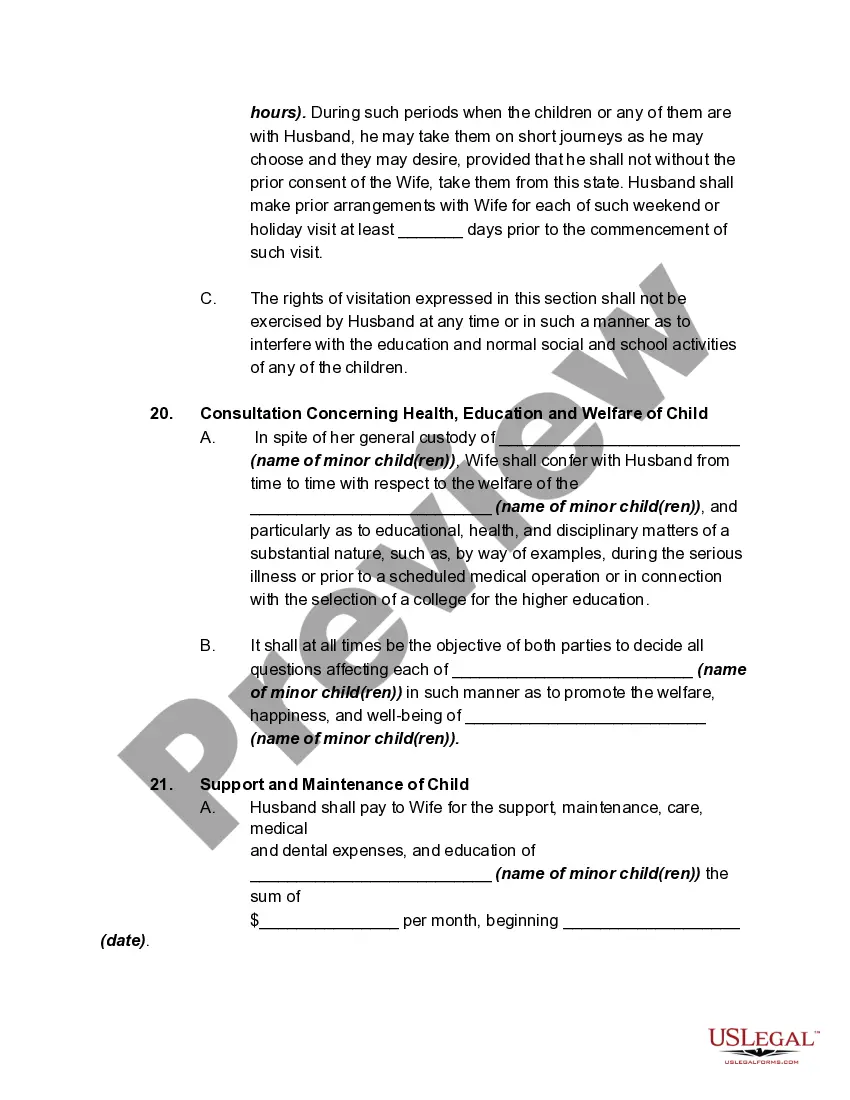
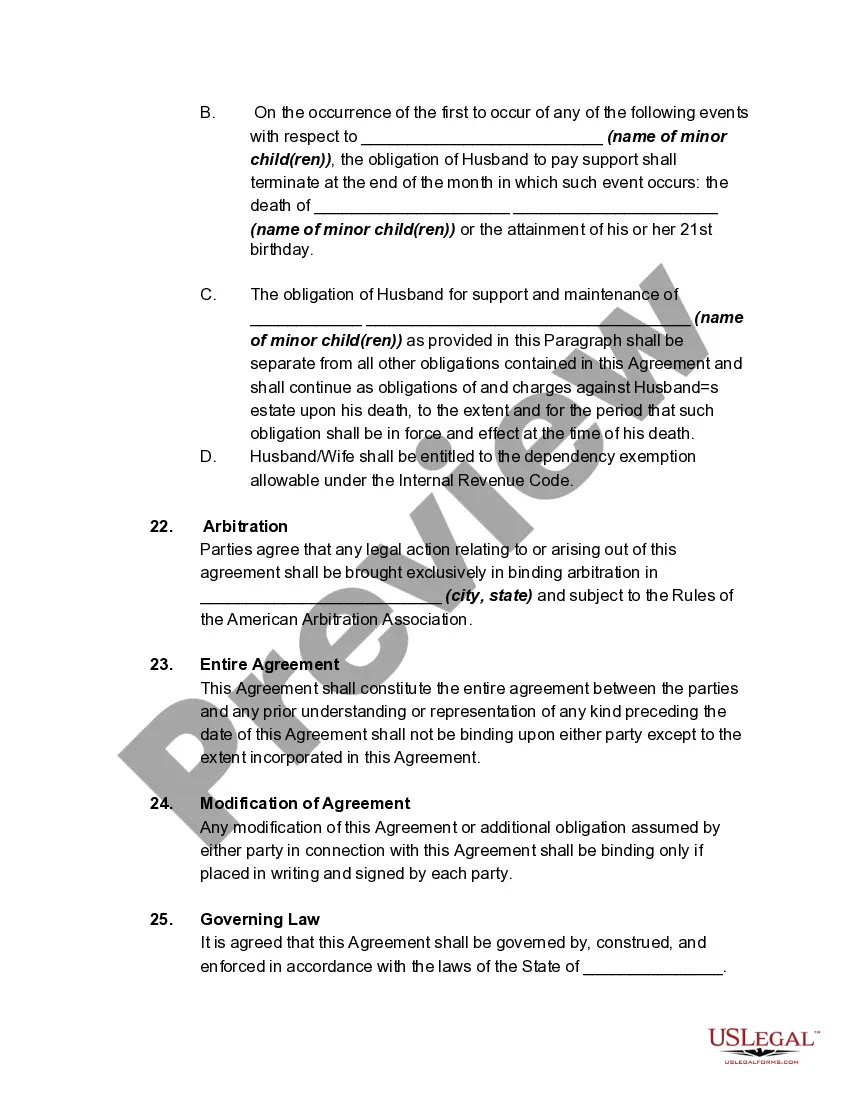
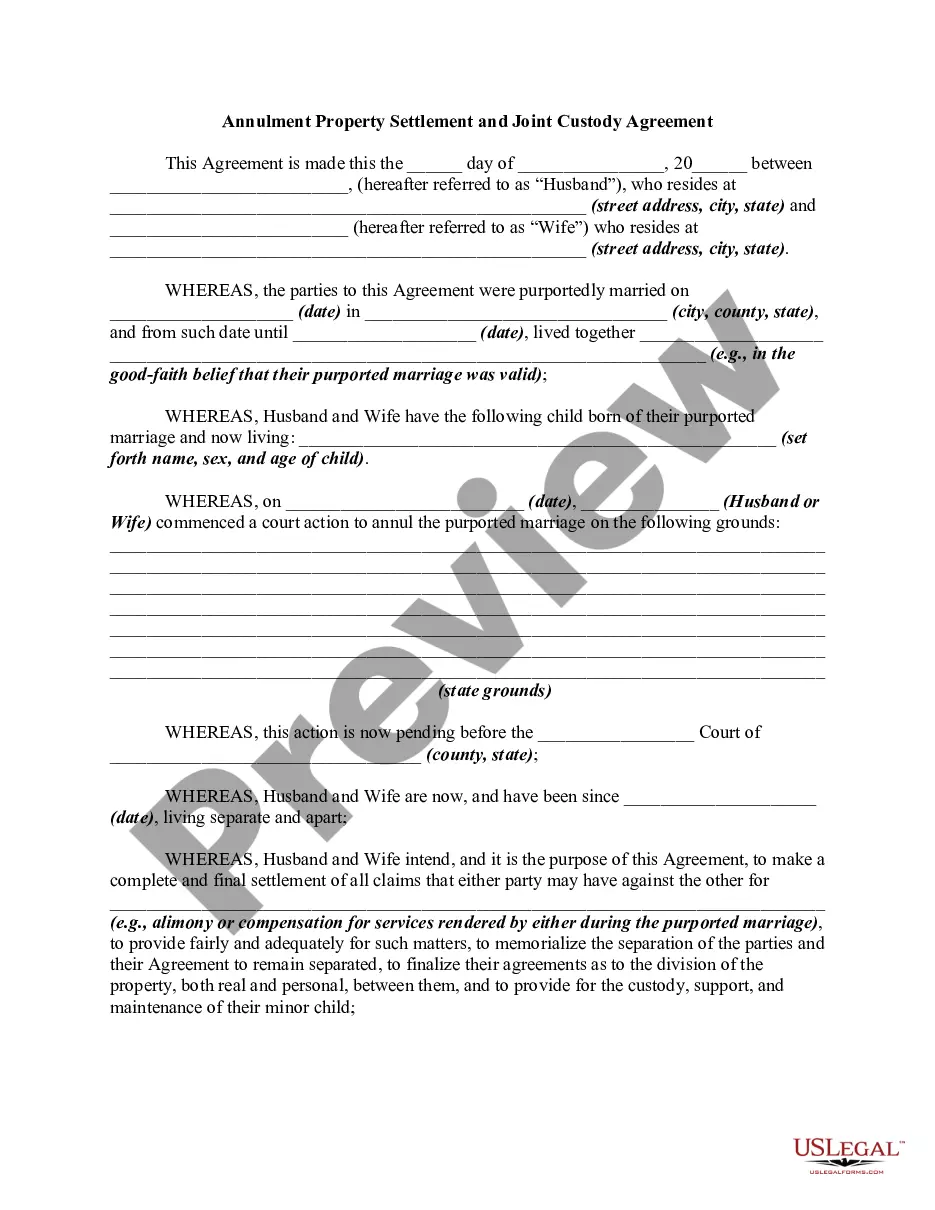
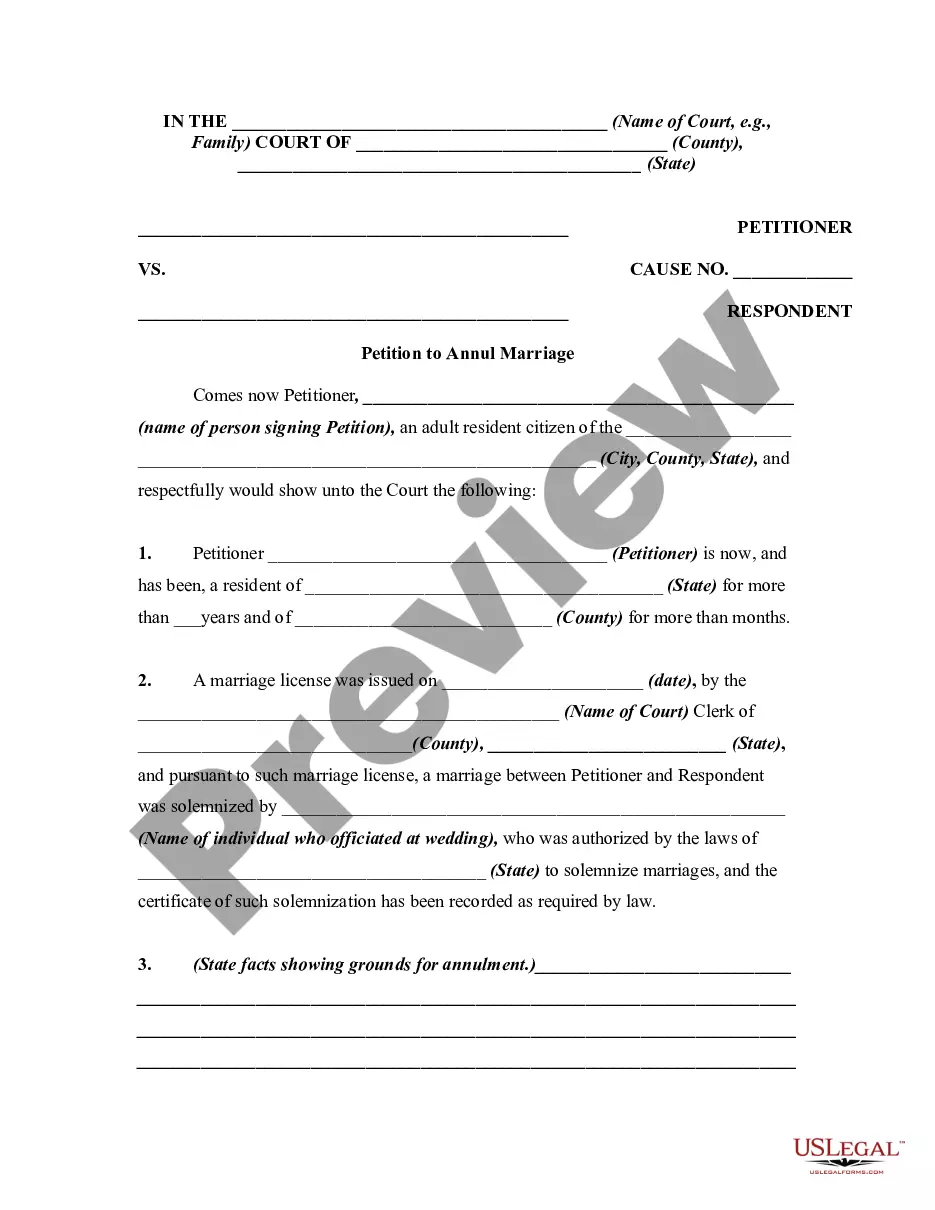
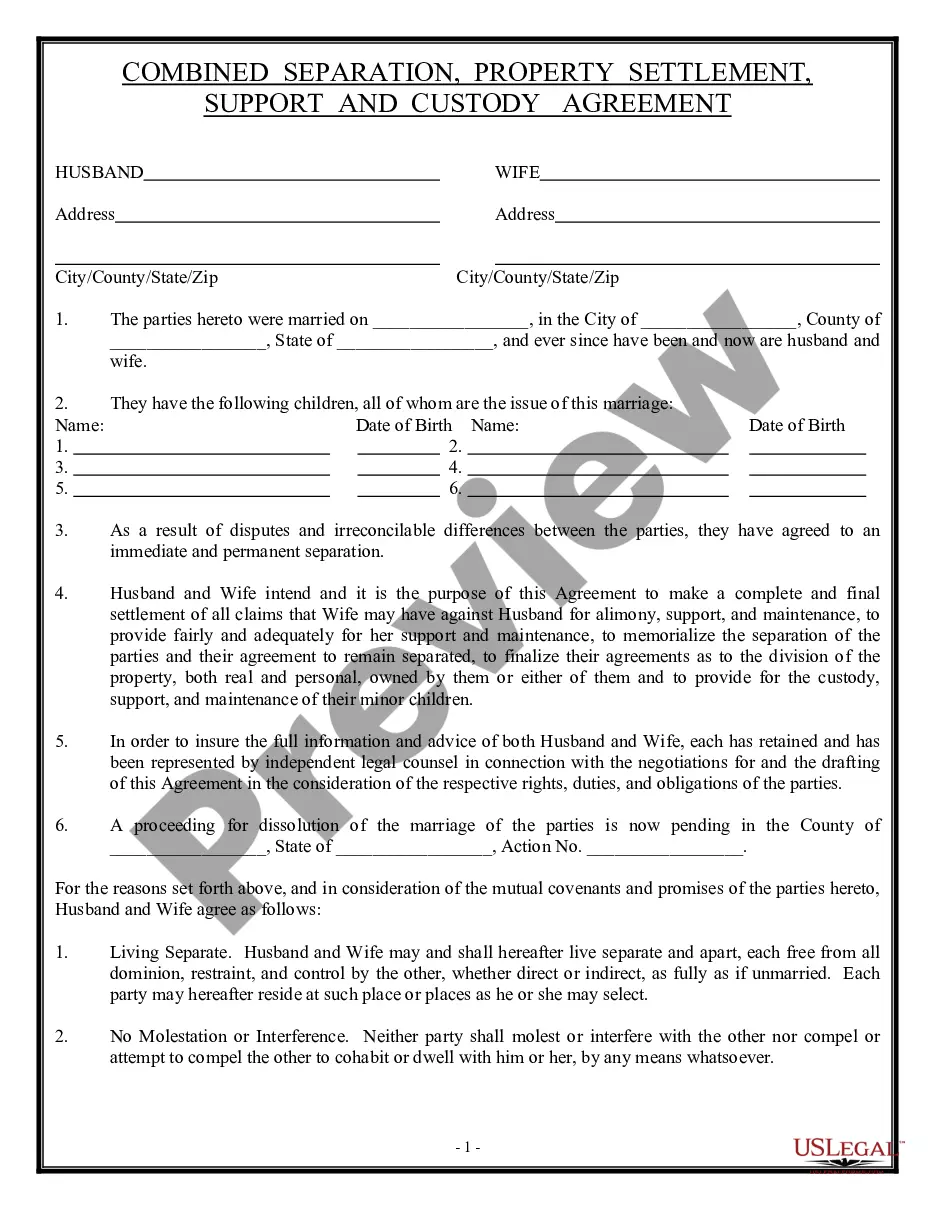
How to fill out Annulment Property Settlement, Child Support, And Custody Agreement?
The Child Support Online Documents With Digital Signature displayed on this page is a versatile formal template created by expert attorneys in compliance with federal and local regulations.
For over 25 years, US Legal Forms has supplied individuals, entities, and legal practitioners with more than 85,000 verified, region-specific forms for any professional and personal situation.
Print out the template to fill it manually. Alternatively, utilize an online multifunctional PDF editor to swiftly and accurately fill out and sign your document with an eSignature.
- Search for the document you require and examine it.
- Browse the file you've searched and preview it or review the form details to confirm it meets your requirements. If it doesn't, use the search bar to find the right one. Click Buy Now when you have found the template you need.
- Select and Log In.
- Choose the subscription plan that fits you and create an account. Use PayPal or a credit card for a quick payment. If you already possess an account, Log In and verify your subscription to proceed.
- Obtain the editable template.
- Select the format you desire for your Child Support Online Documents With Digital Signature (PDF, Word, RTF) and save the document on your device.
Form popularity
FAQ
How to add a digital signature to a PDF document with Adobe Acrobat Open your document in Adobe Acrobat. Click the Tools tab and scroll down to the Forms and Certificates section. ... Click on Digitally Sign from the new options bar. Select the digital signature you want to use and click Continue.
Digitally sign a single message In the message, click Options. In the More Options group, click the dialog box launcher in the lower-right corner. Click Security Settings, and then select the Add digital signature to this message check box. Click OK, and then click Close.
How to add an electronic signature in Google Forms Find a signature app on Google Workspace Marketplace. the add-on to your workspace. Open the form in which you'd like to add a signature. Click the Add-ons section at top right. Select your e-signature add-on. Enable any necessary access permissions.
How to add a signature to a PDF Open the PDF file in Adobe Acrobat Reader. Click on Fill & Sign in the Tools panel on the right. Click Sign, and then select Add Signature. A popup will open ? Type, Draw, and Image. Select one and click Apply. Drag, resize and position the signature inside your PDF file.
There are a number of ways you can add a signature field to your Google Form. The most popular method is to use a plugin. You can easily find plugins and apps in the Marketplace and follow the steps to them directly onto your form. Once you have installed the plugin or app, you can create your signature field.