S Corporation Form In Franklin
Description

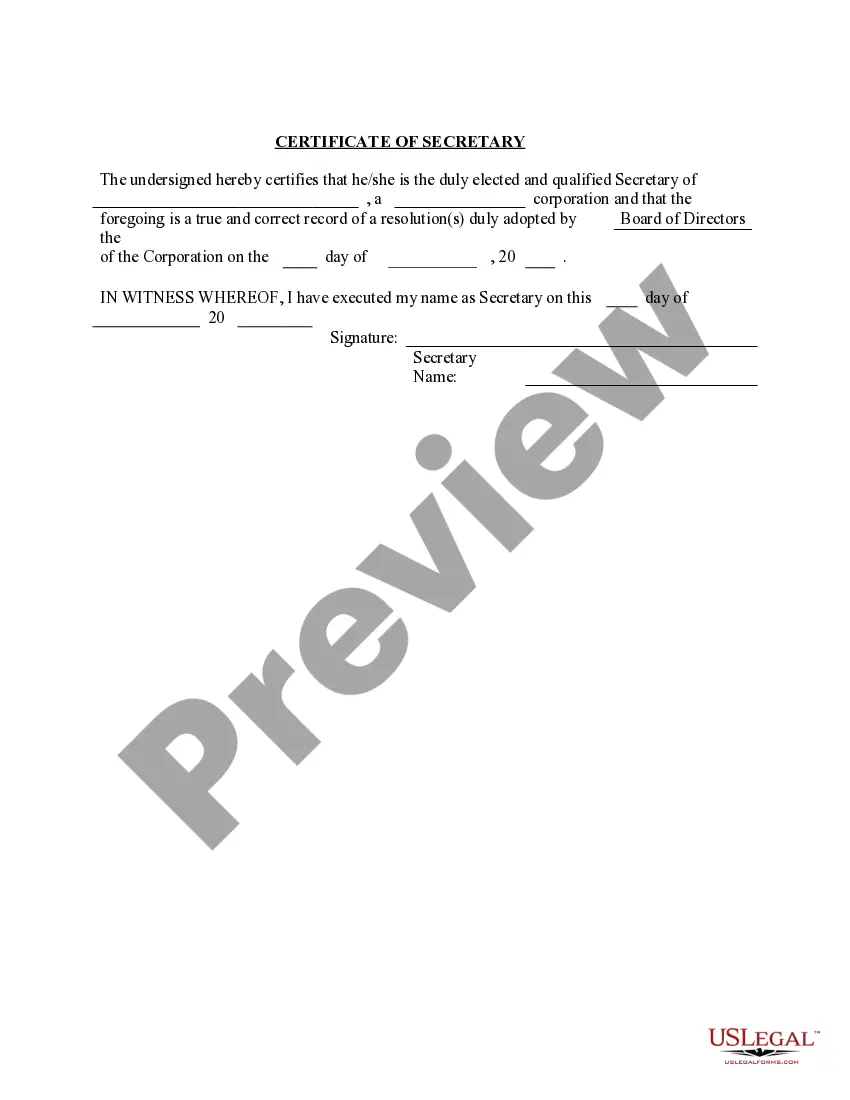


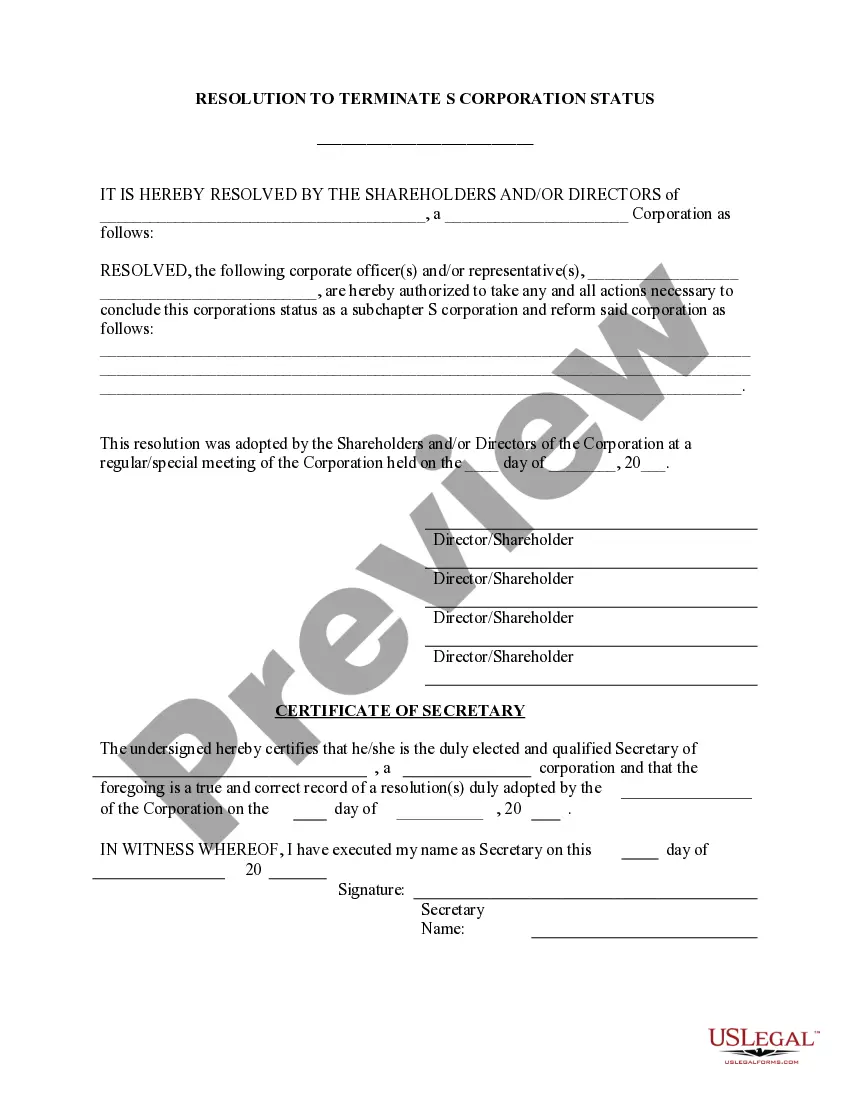

Get your form ready online
Our built-in tools help you complete, sign, share, and store your documents in one place.
Make edits, fill in missing information, and update formatting in US Legal Forms—just like you would in MS Word.
Download a copy, print it, send it by email, or mail it via USPS—whatever works best for your next step.
Sign and collect signatures with our SignNow integration. Send to multiple recipients, set reminders, and more. Go Premium to unlock E-Sign.
If this form requires notarization, complete it online through a secure video call—no need to meet a notary in person or wait for an appointment.
We protect your documents and personal data by following strict security and privacy standards.

Make edits, fill in missing information, and update formatting in US Legal Forms—just like you would in MS Word.

Download a copy, print it, send it by email, or mail it via USPS—whatever works best for your next step.

Sign and collect signatures with our SignNow integration. Send to multiple recipients, set reminders, and more. Go Premium to unlock E-Sign.

If this form requires notarization, complete it online through a secure video call—no need to meet a notary in person or wait for an appointment.

We protect your documents and personal data by following strict security and privacy standards.
Looking for another form?
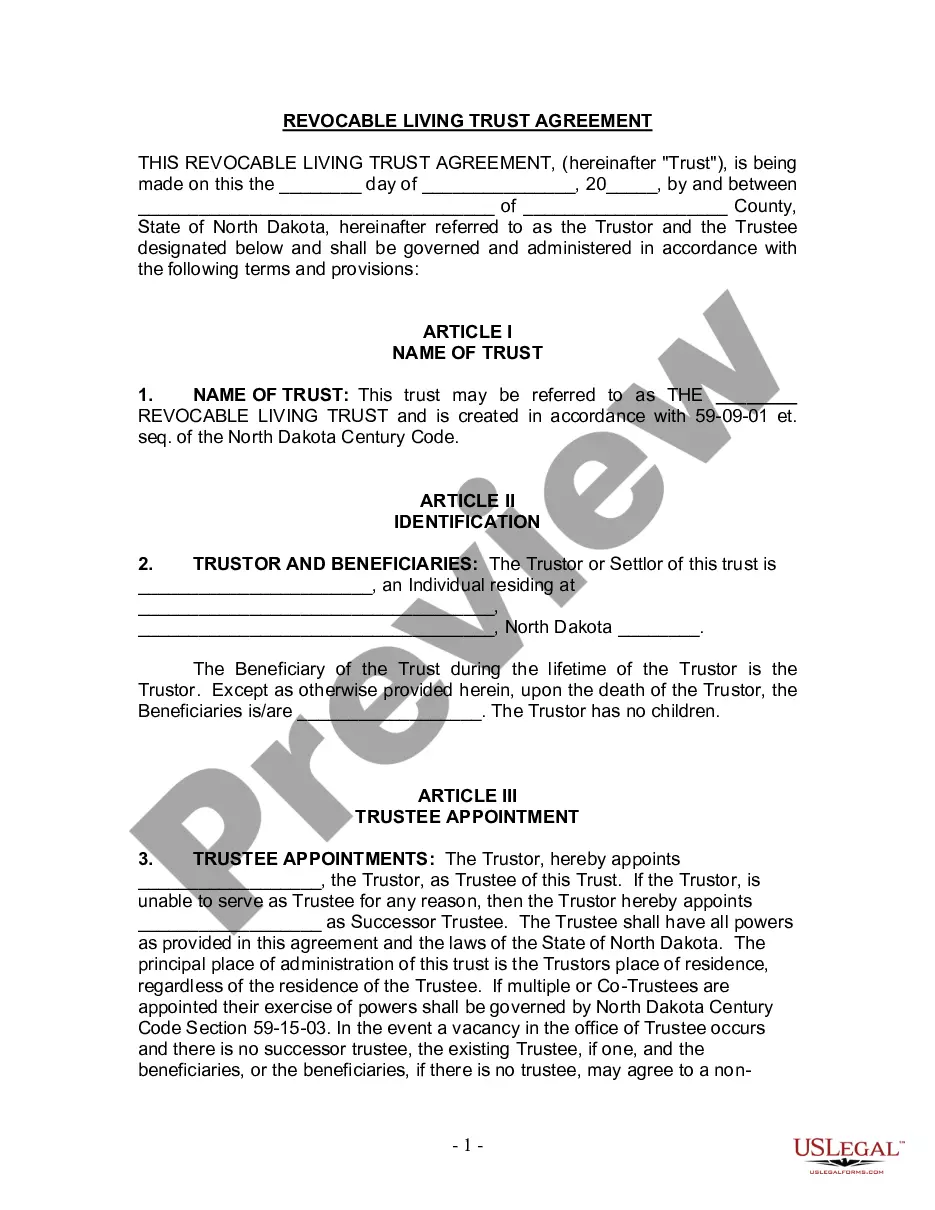
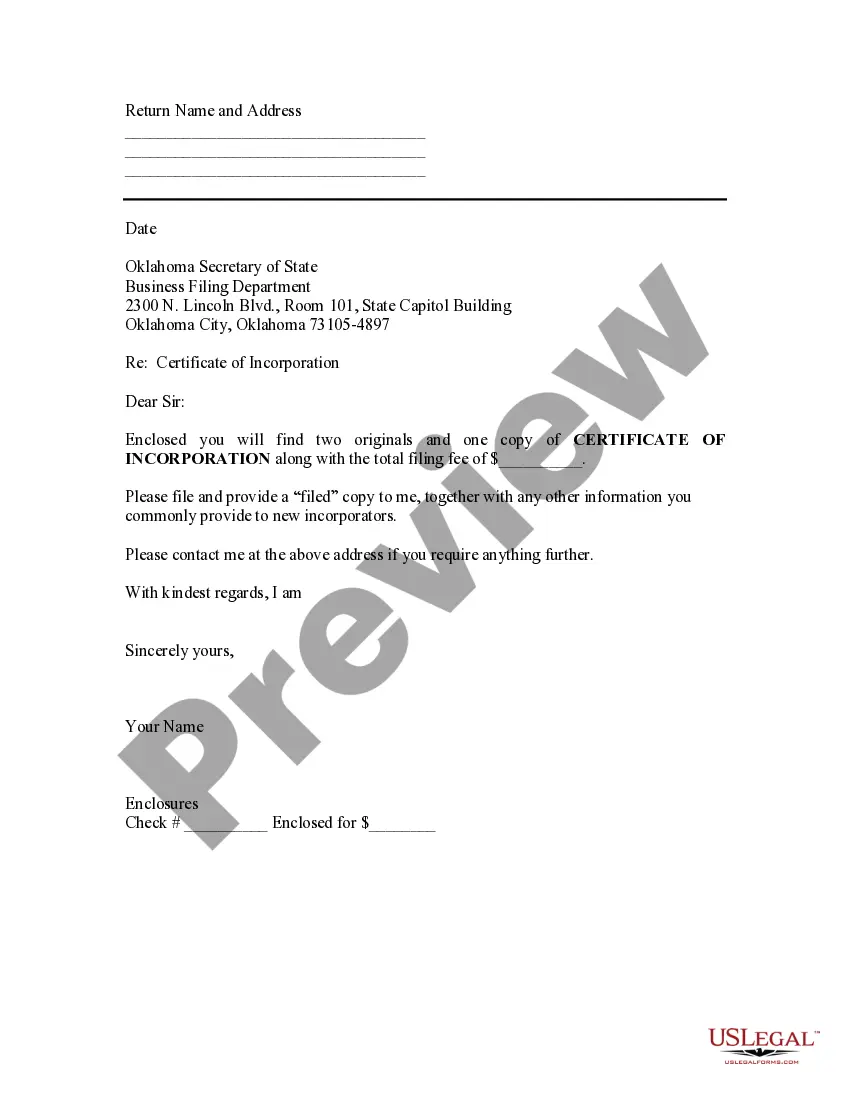



Form popularity
FAQ
Provide a written request mentioning folio number and name(s) of nominee, signed by all unit holders (irrespective of the mode of holding) along with nominee name, address and signature of one witness.
Fill-in the nomination form; click here to download the form. Provide a written request mentioning folio number and name(s) of nominee, signed by all unit holders (irrespective of the mode of holding) along with nominee name, address and signature of one witness.
To add a nominee to your mutual fund online, log in to your demat account, go to the 'Profile' or 'Manage My Account' section, and select the 'Nominee' or 'Add Nominee' option. Then, fill in the required details of the nominee. Review the information and submit it.
Quarterly Asset Summary Statements are available online by logging into your account and clicking the “Statements & Tax Documents” link under the “Transactions” drop-down menu.
The total minimum investment amount is $1,000 per fund unless the account(s) will be funded by Automatic Investment Plan.
All CAN holders irrespective of mode of holding should sign the request for nomination / change / updation /Opting out Nomination. III. Every new nomination for a CAN will overwrite the existing nomination. Nomination will be subject to the provisions of the respective Scheme Information Document.
Follow these steps: Log into your online Demat Account portal. Go to your Accounts or relevant option. Select the option to add a nominee. Enter the nominee details, viz., name, relationship with the nominee, the nominee's address and contact information. Accept the terms and conditions and continue.
How do I generate my Consolidated Account Statement (CAS) from CAMS? Visit the official CAMS website. Click on 'MF Investor. ' Select 'Statement' and then choose 'CAS - CAMS+KFintech. ' Enter the following details. Submit the details. You'll receive your CAS via email from donotreply@camsonline in PDF format.
Investor Services The Trustee of Franklin Templeton decided to wind up six of our debt schemes in April 2020. The difficult decision was taken because the markets had become illiquid due to the severe impact of COVID-19. The sole objective of this decision was to safeguard value for our investors.
