Anthem Claim Dispute Form With 2 Points
Description

Get your form ready online
Our built-in tools help you complete, sign, share, and store your documents in one place.
Make edits, fill in missing information, and update formatting in US Legal Forms—just like you would in MS Word.
Download a copy, print it, send it by email, or mail it via USPS—whatever works best for your next step.
Sign and collect signatures with our SignNow integration. Send to multiple recipients, set reminders, and more. Go Premium to unlock E-Sign.
If this form requires notarization, complete it online through a secure video call—no need to meet a notary in person or wait for an appointment.
We protect your documents and personal data by following strict security and privacy standards.

Make edits, fill in missing information, and update formatting in US Legal Forms—just like you would in MS Word.

Download a copy, print it, send it by email, or mail it via USPS—whatever works best for your next step.

Sign and collect signatures with our SignNow integration. Send to multiple recipients, set reminders, and more. Go Premium to unlock E-Sign.

If this form requires notarization, complete it online through a secure video call—no need to meet a notary in person or wait for an appointment.

We protect your documents and personal data by following strict security and privacy standards.
Looking for another form?
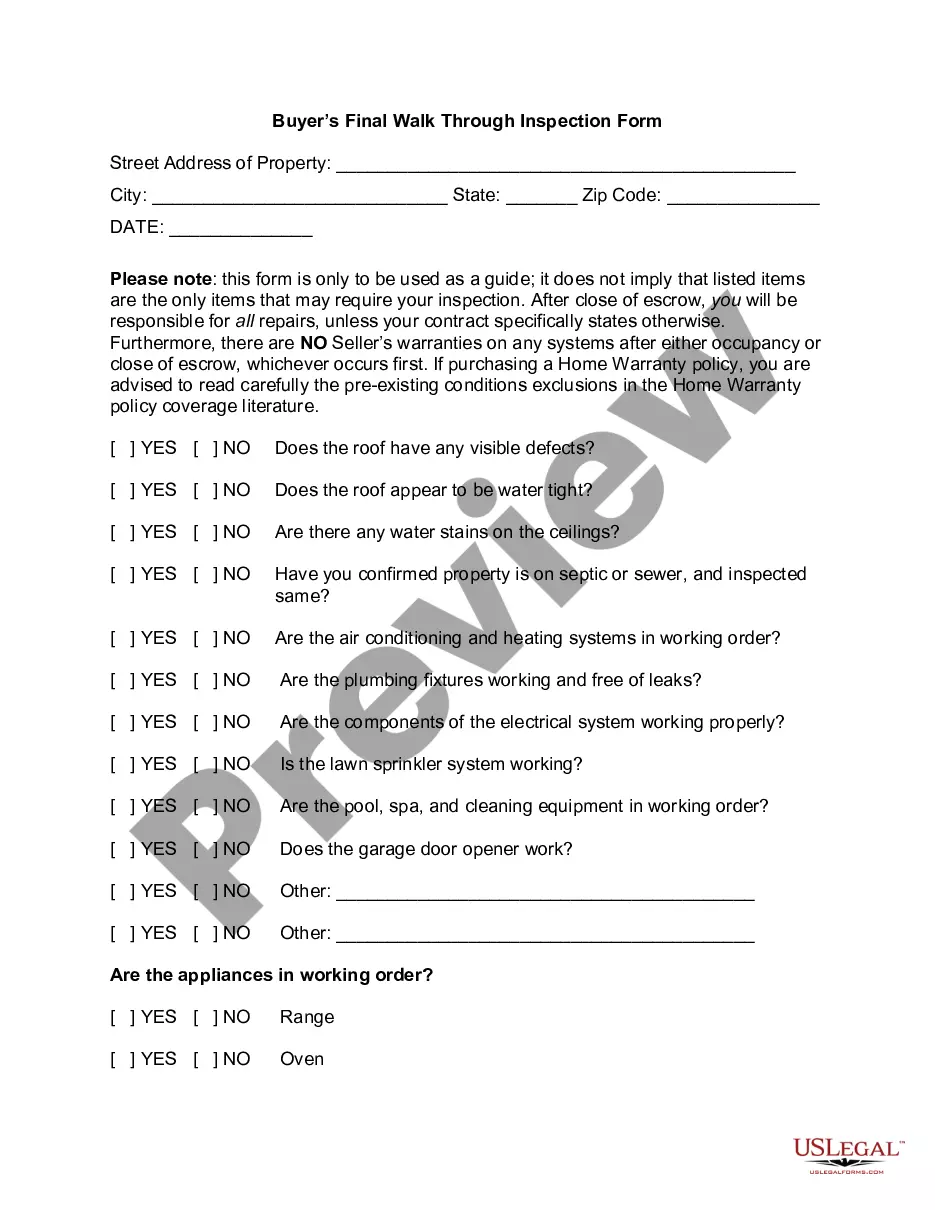
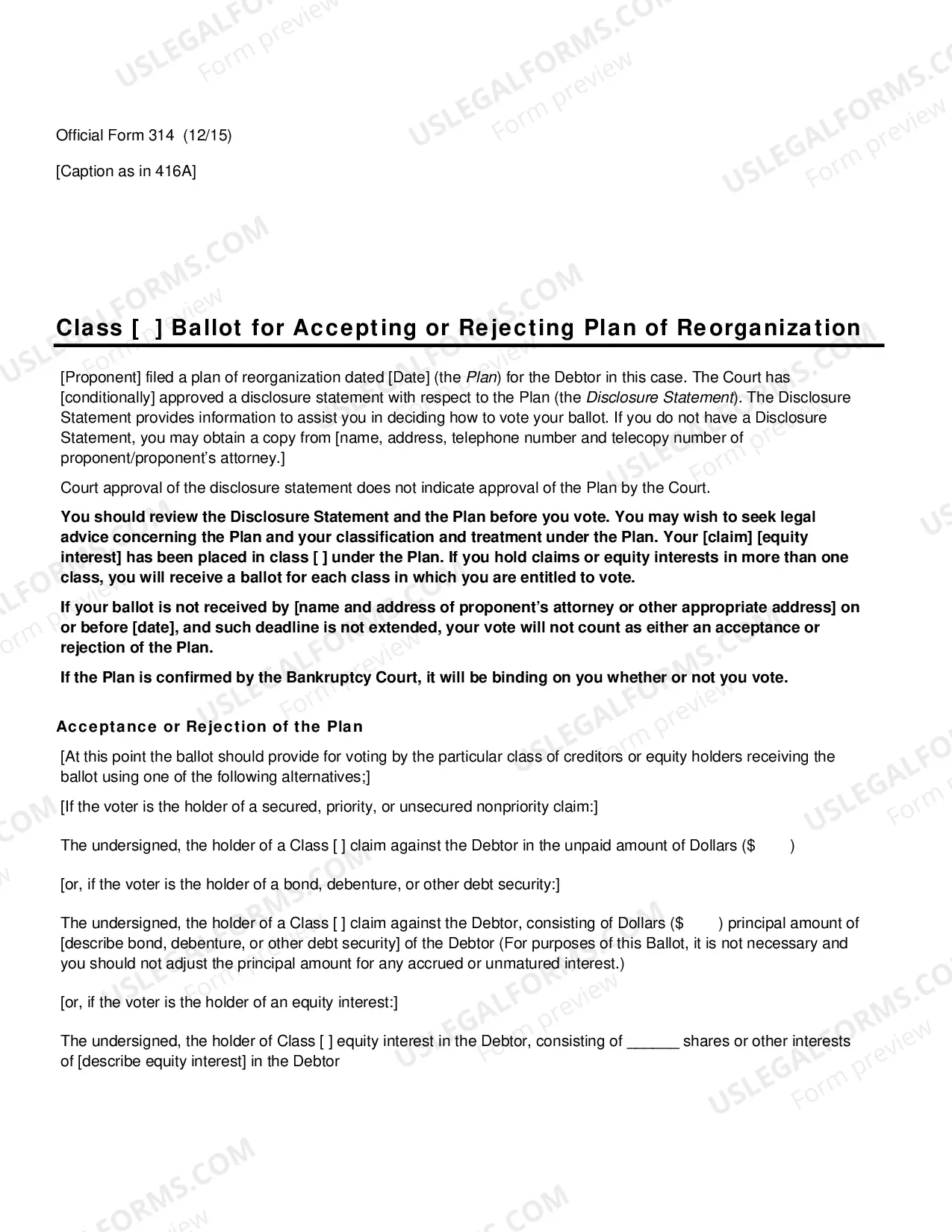
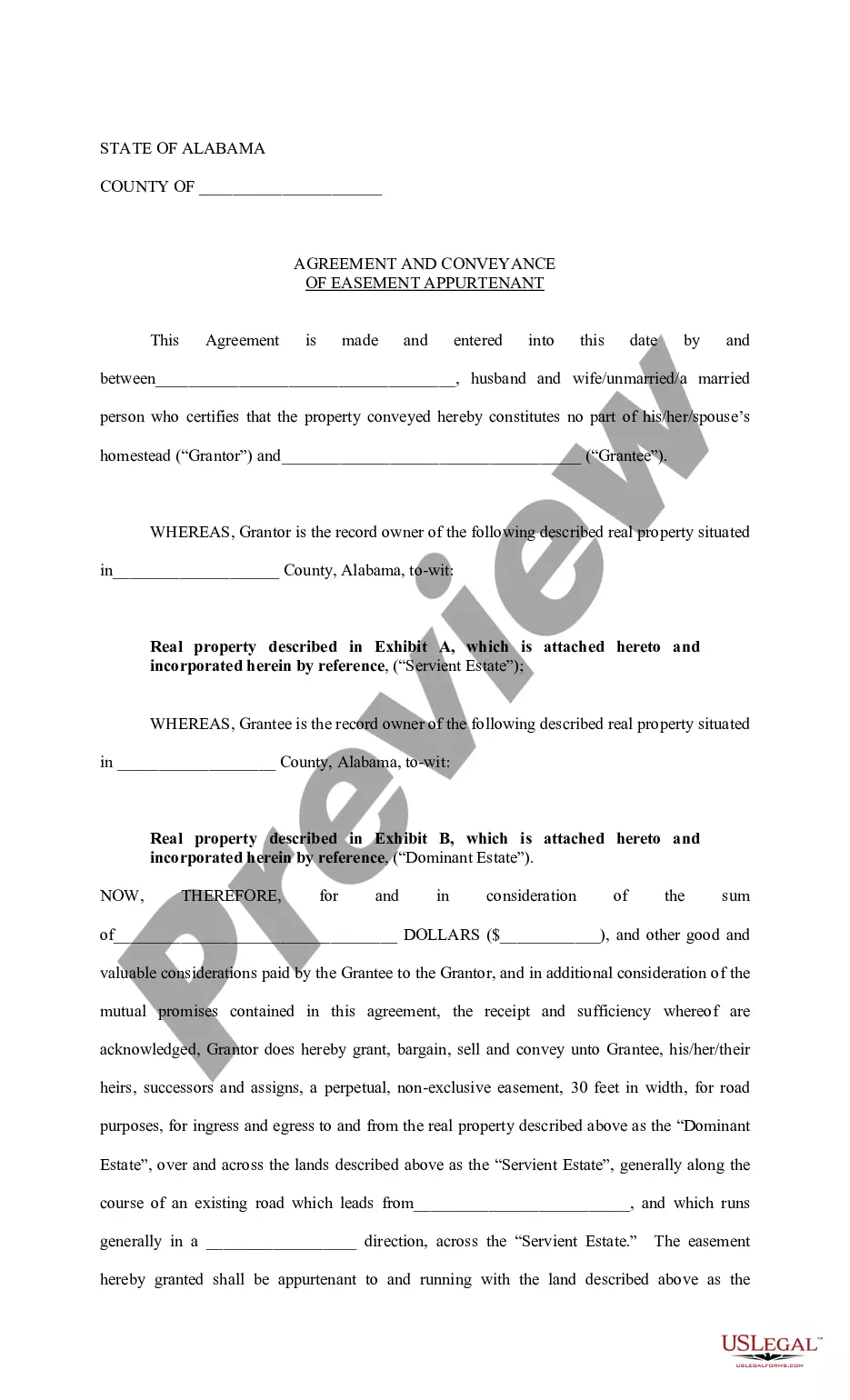
How to fill out Agreement For Accord And Satisfaction Of A Disputed Claim?
Handling legal documentation and processes could be a lengthy addition to your entire day.
Anthem Claim Dispute Form With 2 Points and similar forms frequently require you to search for them and navigate the way to fill them out efficiently.
Thus, whether you are managing financial, legal, or personal affairs, possessing a thorough and practical online directory of forms readily available will significantly help.
US Legal Forms is the leading online platform for legal templates, offering over 85,000 state-specific documents and a range of tools that will assist you in completing your paperwork effortlessly.
Is this your first time using US Legal Forms? Register and create an account in a few minutes, and you’ll gain access to the form directory and Anthem Claim Dispute Form With 2 Points. Then, follow the steps outlined below to complete your form: Ensure you have located the correct form by utilizing the Review feature and examining the form details. Select Buy Now when ready, and choose the monthly subscription plan that suits your requirements. Click Download then complete, sign, and print the form. US Legal Forms has twenty-five years of expertise assisting clients with their legal documentation. Acquire the form you need now and simplify any process without difficulty.
- Browse the directory of relevant documents at your disposal with just one click.
- US Legal Forms provides you with state- and county-specific documents available for download at any time.
- Protect your document management processes with a premium service that enables you to prepare any form in minutes with no additional or hidden charges.
- Simply Log In to your account, locate Anthem Claim Dispute Form With 2 Points, and download it instantly in the My documents section.
- You can also access previously saved documents.
Form popularity
FAQ
Where can an appeal be filed? Mail your written appeal to: Anthem Blue Cross Cal MediConnect Plan. MMP Complaints, Appeals and Grievances. 4361 Irwin Simpson Road. ... Call Member Services at 1-855-817-5785 (TTY: 711) Monday through Friday from 8 a.m. to 8 p.m. This call is free. Fax your written appeal to 1-888-458-1406.
To check claims status or dispute a claim: From the Availity home page, select Claims & Payments from the top navigation. Select Claim Status Inquiry from the drop-down menu. Submit an inquiry and review the Claims Status Detail page. If the claim is denied or final, there will be an option to dispute the claim.
You must file for a medical appeal within 60 calendar days from the date on the Notice of Adverse Benefit Determination letter.
Common Reasons Anthem Gives for Insurance Denials Reasons for Anthem insurance claims denials include: The filing deadline has expired. The insured mad a late payment to COBRA. The medical device or treatment sought is not medically necessary.
