Receivable From Sale
Description

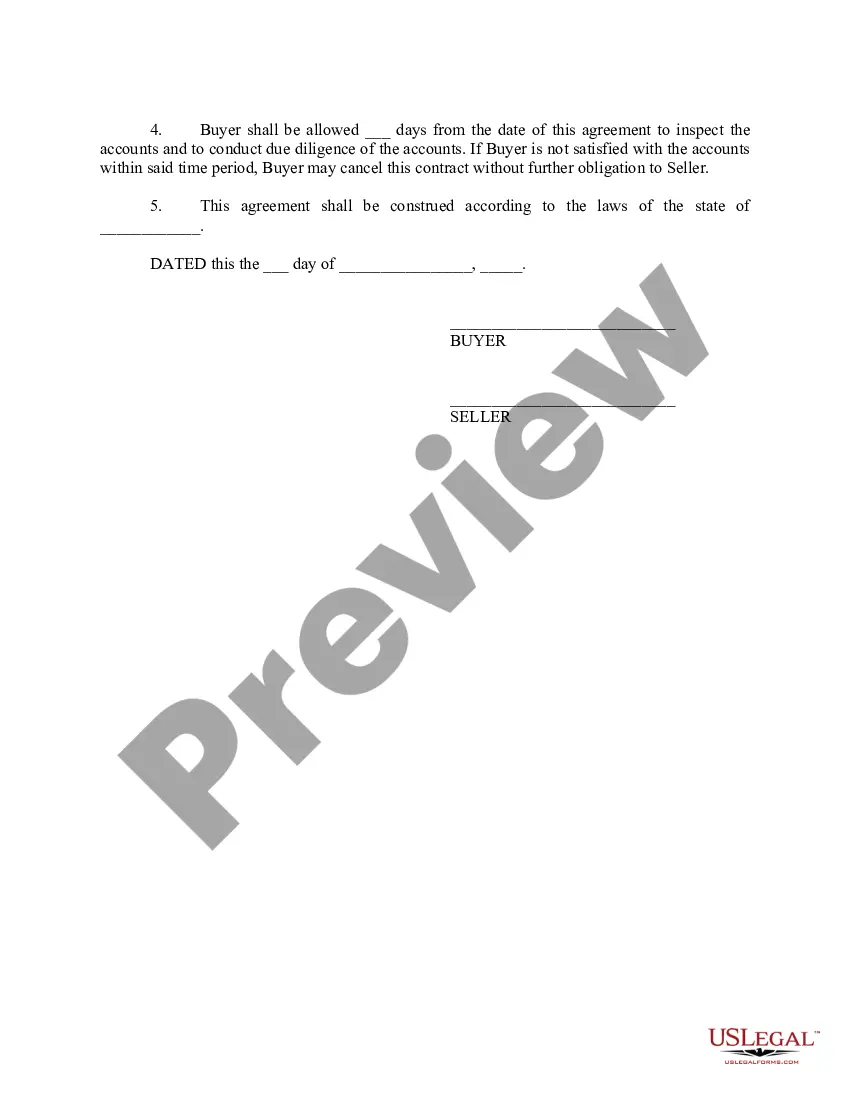

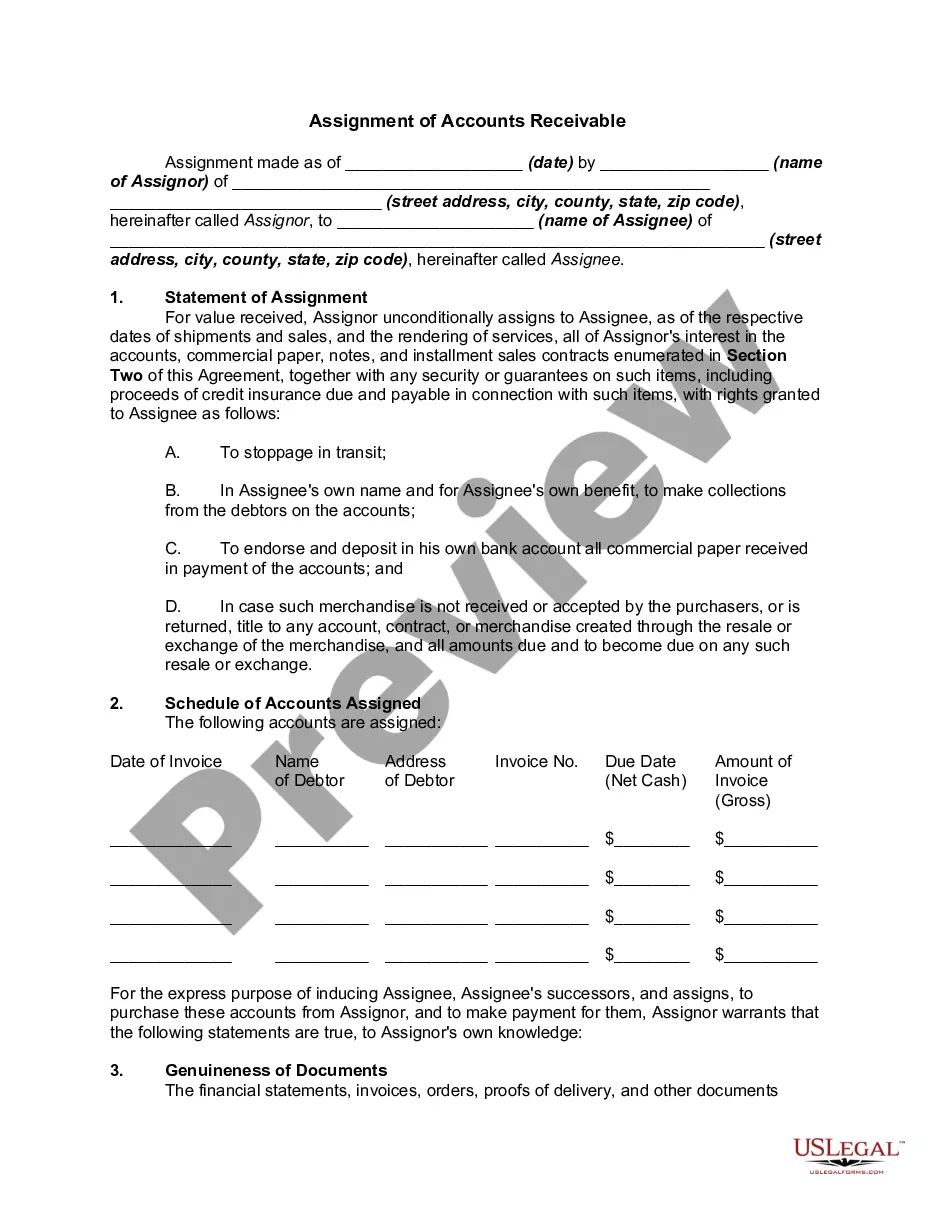
Get your form ready online
Our built-in tools help you complete, sign, share, and store your documents in one place.
Make edits, fill in missing information, and update formatting in US Legal Forms—just like you would in MS Word.
Download a copy, print it, send it by email, or mail it via USPS—whatever works best for your next step.
Sign and collect signatures with our SignNow integration. Send to multiple recipients, set reminders, and more. Go Premium to unlock E-Sign.
If this form requires notarization, complete it online through a secure video call—no need to meet a notary in person or wait for an appointment.
We protect your documents and personal data by following strict security and privacy standards.

Make edits, fill in missing information, and update formatting in US Legal Forms—just like you would in MS Word.

Download a copy, print it, send it by email, or mail it via USPS—whatever works best for your next step.

Sign and collect signatures with our SignNow integration. Send to multiple recipients, set reminders, and more. Go Premium to unlock E-Sign.

If this form requires notarization, complete it online through a secure video call—no need to meet a notary in person or wait for an appointment.

We protect your documents and personal data by following strict security and privacy standards.
Looking for another form?


How to fill out Accounts Receivable - Contract To Sale?
Handling legal paperwork can be exasperating, even for the most skilled professionals.
When you're interested in a Receivable From Sale but lack the time to search for the correct and current version, the process can be stressful.
US Legal Forms accommodates any needs you may have, ranging from personal to corporate documents, all in one place.
Utilize advanced tools to fill out and manage your Receivable From Sale.
Here are the steps to follow after downloading the desired form: Confirm that it is the correct form by previewing and reviewing its description. Ensure that the template is recognized in your state or county. Select Buy Now when you are ready. Choose a subscription plan. Select the format you prefer, and Download, fill out, sign, print, and send your document. Enjoy the US Legal Forms online library, backed by 25 years of expertise and dependability. Transform your daily document management into a seamless and user-friendly experience today.
- Access a valuable resource library of articles, guides, and materials pertinent to your situation and requirements.
- Save time and effort scouring for the documents you need, and leverage US Legal Forms' sophisticated search and Review feature to find Receivable From Sale and download it.
- If you hold a subscription, Log In to your US Legal Forms account, search for the document, and download it.
- Check the My documents tab to view documents you have previously saved and organize your folders as necessary.
- If it’s your first experience with US Legal Forms, create a free account for unlimited access to all platform benefits.
- A comprehensive online form library could revolutionize how anyone manages these situations effectively.
- US Legal Forms is a frontrunner in online legal documentation, offering over 85,000 state-specific legal forms available to you at any moment.
- With US Legal Forms, you can access state- or county-specific legal and business documents.
Form popularity
FAQ
To calculate your A/R Sales ratio, divide your net accounts receivable by your net sales. A lower ratio means a lower percentage of your sales are done on credit and you have low liquidity risk.
The journal entry for account receivables is made by debiting the accounts receivable account and crediting the sales account.
On a trial balance, accounts receivable is a debit until the customer pays. Once the customer has paid, you'll credit accounts receivable and debit your cash account, since the money is now in your bank and no longer owed to you. The ending balance of accounts receivable on your trial balance is usually a debit.
Accounts receivable entries are recorded as debits under assets and always go on the left side of the entry with all the other debits. Credits are recorded on the right. Your debits and your credits should always be equal and balance each other out. You can see below an example of an accounts receivable journal entry.
To create the sales journal entry, debit your Accounts Receivable account for $240 and credit your Revenue account for $240. After the customer pays, you can reverse the original entry by crediting your Accounts Receivable account and debiting your Cash account for the amount of the payment.