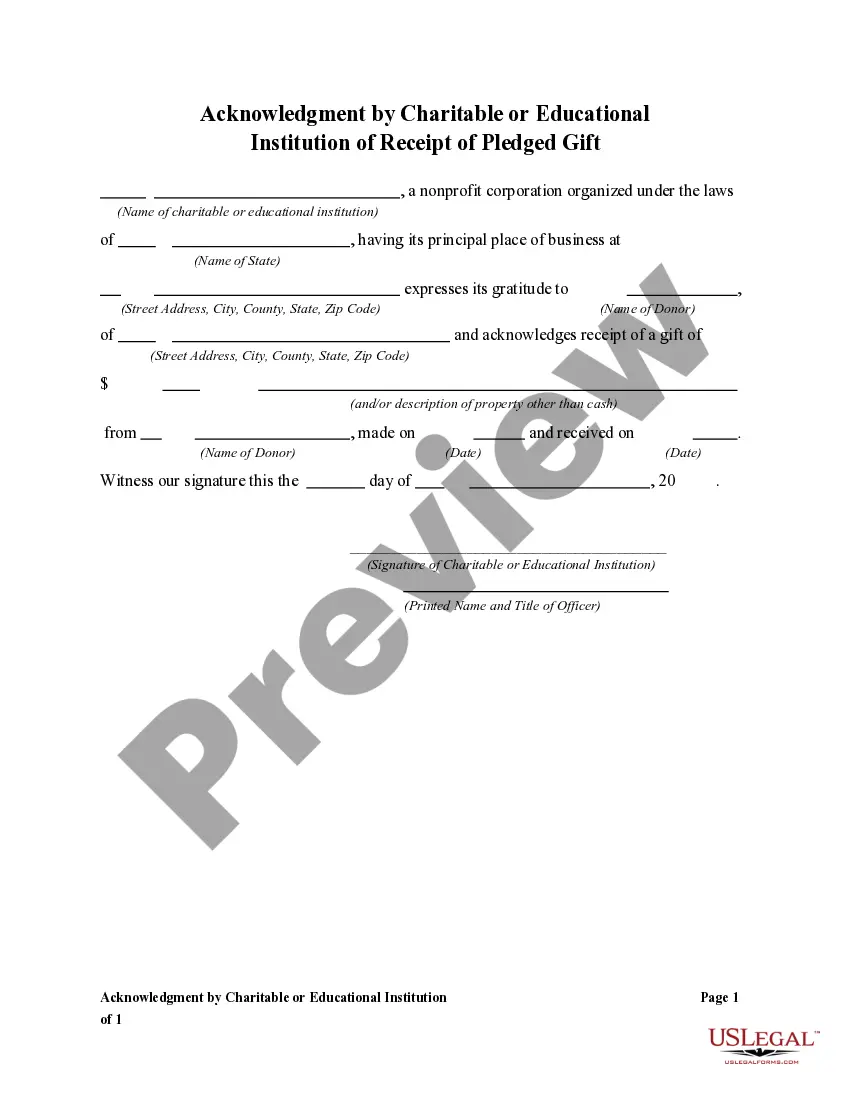
Donation Receipt Template For Nonprofits In San Diego
Description
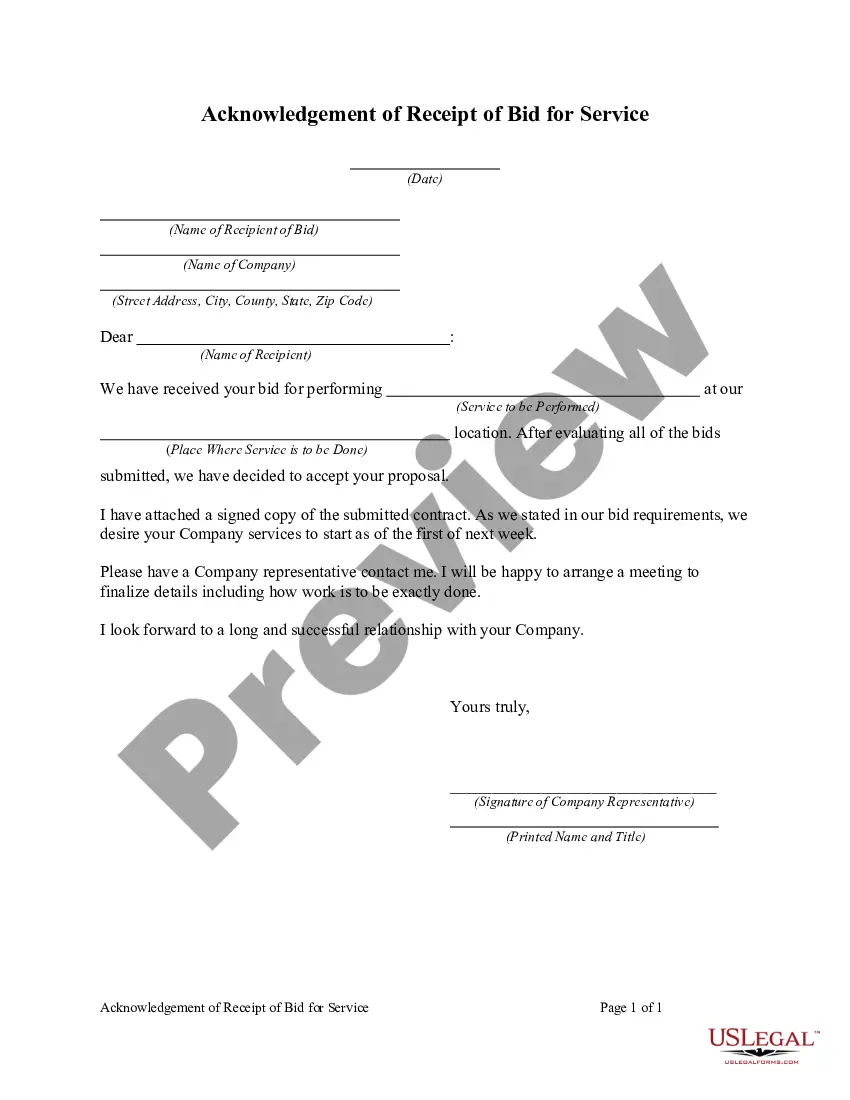
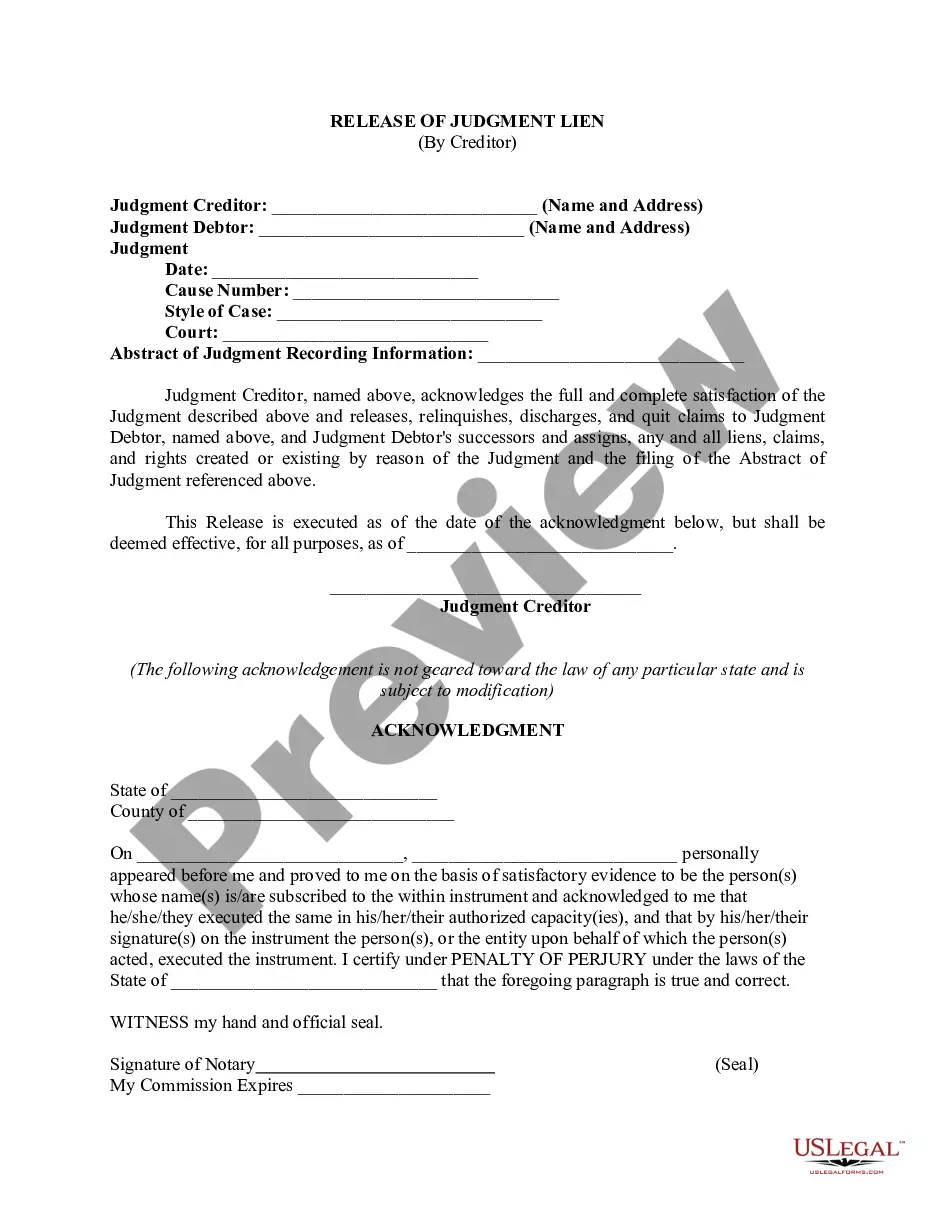
Get your form ready online
Our built-in tools help you complete, sign, share, and store your documents in one place.
Make edits, fill in missing information, and update formatting in US Legal Forms—just like you would in MS Word.
Download a copy, print it, send it by email, or mail it via USPS—whatever works best for your next step.
Sign and collect signatures with our SignNow integration. Send to multiple recipients, set reminders, and more. Go Premium to unlock E-Sign.
If this form requires notarization, complete it online through a secure video call—no need to meet a notary in person or wait for an appointment.
We protect your documents and personal data by following strict security and privacy standards.

Make edits, fill in missing information, and update formatting in US Legal Forms—just like you would in MS Word.

Download a copy, print it, send it by email, or mail it via USPS—whatever works best for your next step.

Sign and collect signatures with our SignNow integration. Send to multiple recipients, set reminders, and more. Go Premium to unlock E-Sign.

If this form requires notarization, complete it online through a secure video call—no need to meet a notary in person or wait for an appointment.

We protect your documents and personal data by following strict security and privacy standards.
Looking for another form?



Form popularity
FAQ
How to Reissue a Donation Receipt Open the Donation Record: Navigate to the donation record for which you need to reissue the receipt. Edit Personal Information. Modify the First Name. Restore the First Name. Download the Reissued Receipt:
In that case, all you need to provide in the donation receipt is the name and EIN of the organization, date of donation, and a description of the donated item. You should also add a note stating that the valuation of the item is the donor's income tax responsibility.
However, you should be able to provide a bank record (bank statement, credit card statement, canceled check or a payroll deduction record) to claim the tax deduction. Written records, like check registers or personal notations, from the donor aren't enough proof. The records should show the: Organization's name.
I'm writing to ask you to support me and my cause/project/etc.. Just a small donation of amount can help me accomplish task/reach a goal/etc.. Your donation will go toward describe exactly what the contribution will be used for. When possible, add a personal connection to tie the donor to the cause.
A nonprofit CRM that allows you to record in-kind contributions helps to simplify the tracking process. With a CRM you're able to record the gift, its value, date received, and attribute it to a specific donor. You are also able to upload documentation that supports the value of the donation.
A donor can deduct a charitable contribution of $250 or more only if the donor has a written acknowledgment from the charitable organization. The donor must get the acknowledgement by the earlier of: The date the donor files the original return for the year the contribution is made, or.
Donate to a qualifying organization Your charitable giving will qualify for a tax deduction only if it goes to a tax-exempt organization, as defined by section 501(c)(3) of the Internal Revenue Code. Before you donate, ask the charity how much of your contribution will be tax-deductible.
In order to remain a public charity (and not a private foundation), a 501(c)(3) must obtain at least 1/3 of its donated revenue from a fairly broad base of public support. Public support can be from individuals, companies, and/or other public charities.
How do I fill this out? Enter the donation date and your contact details. List each item you donated along with a brief description. Assign an estimated dollar value to each item. Complete the section for the Goodwill employee's name. Keep this receipt for your records when filing taxes.
In order to take a tax deduction for a charitable contribution to an IRS-qualified 501(c)(3) public charity, you'll need to forgo the standard deduction in favor of itemized deductions. That means you'll list out all of your deductions, expecting that they'll add up to more than the standard deduction.