Notice Of Discovery Without Notice In Phoenix
Description

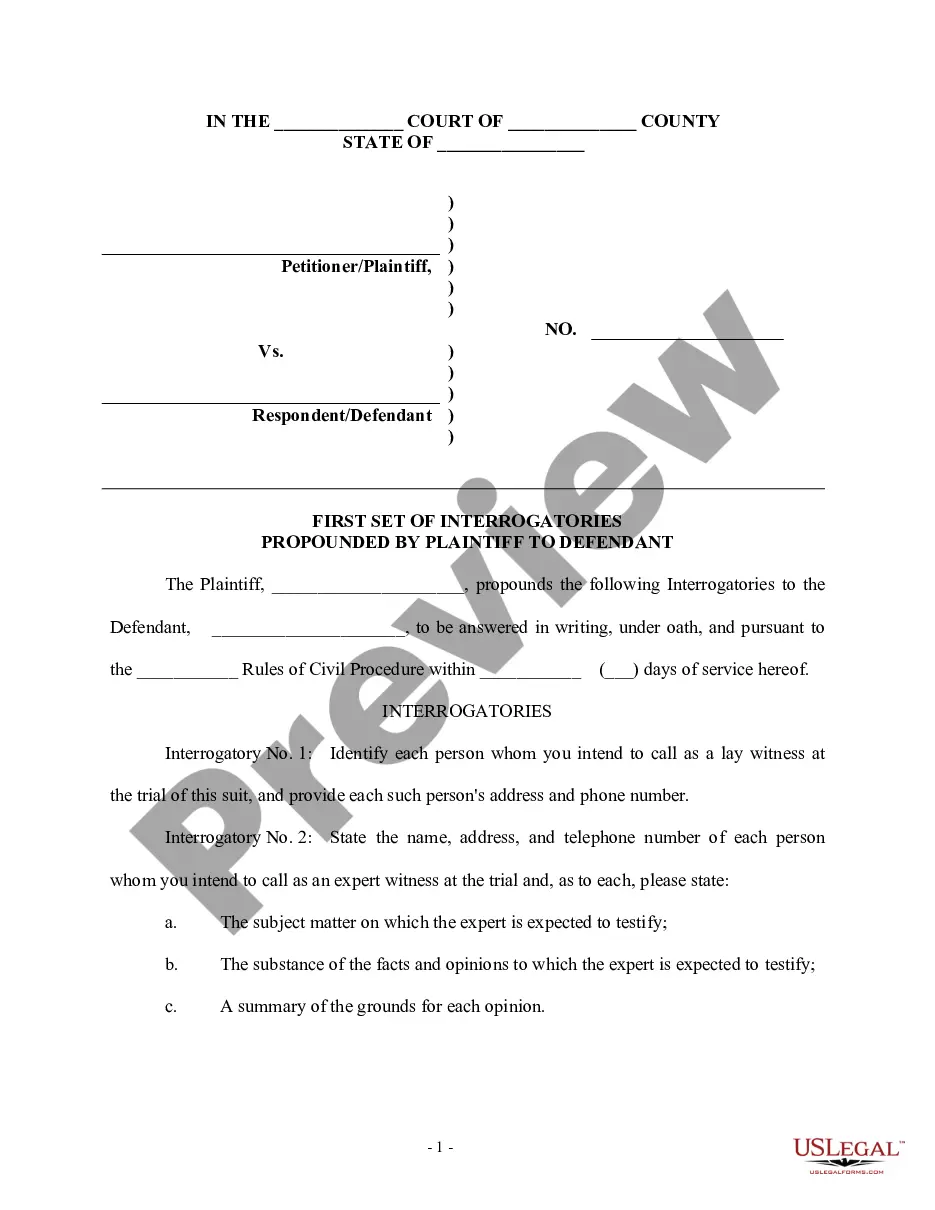
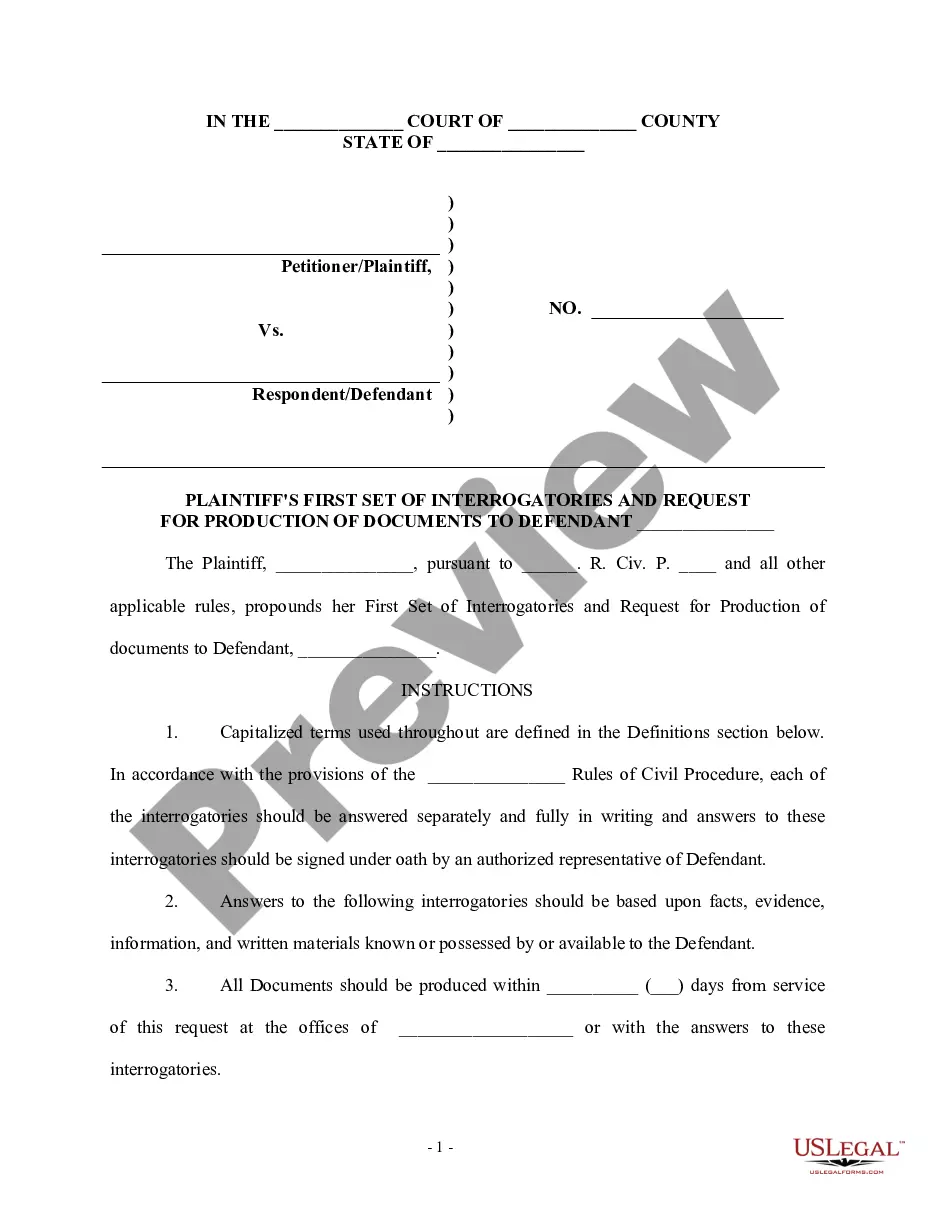
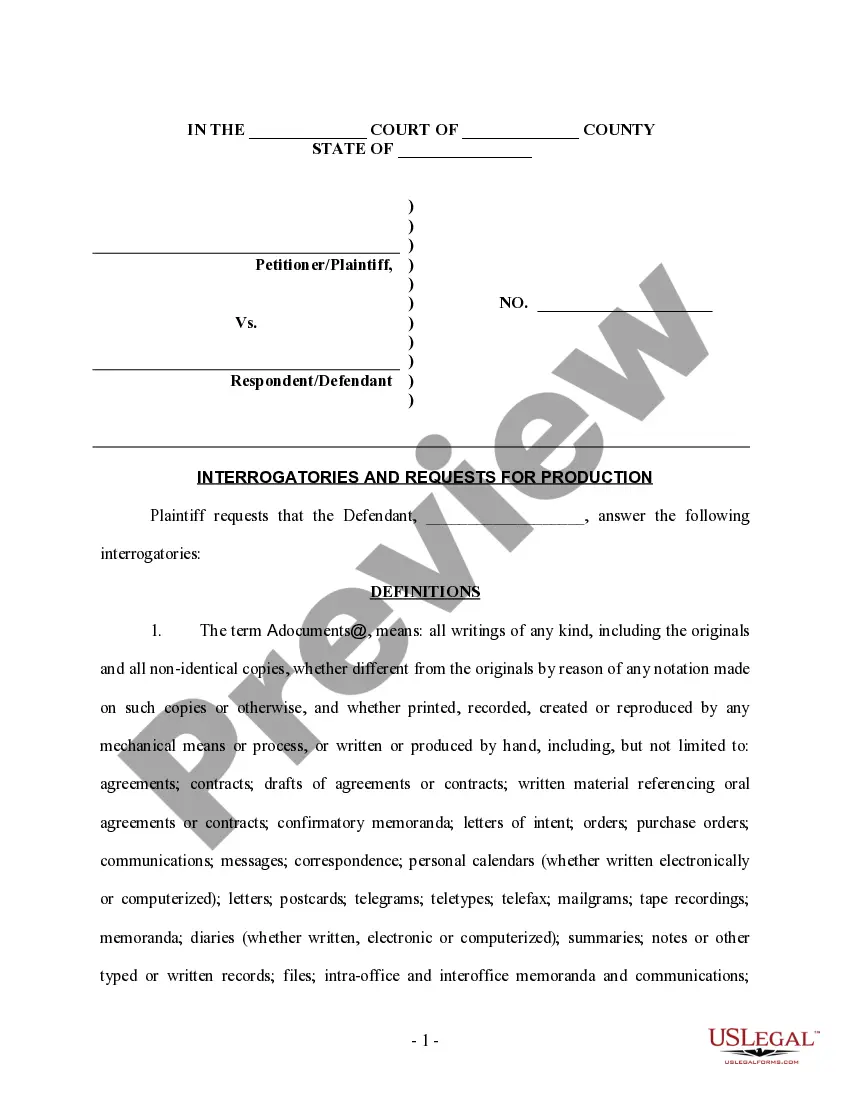
Get your form ready online
Our built-in tools help you complete, sign, share, and store your documents in one place.
Make edits, fill in missing information, and update formatting in US Legal Forms—just like you would in MS Word.
Download a copy, print it, send it by email, or mail it via USPS—whatever works best for your next step.
Sign and collect signatures with our SignNow integration. Send to multiple recipients, set reminders, and more. Go Premium to unlock E-Sign.
If this form requires notarization, complete it online through a secure video call—no need to meet a notary in person or wait for an appointment.
We protect your documents and personal data by following strict security and privacy standards.

Make edits, fill in missing information, and update formatting in US Legal Forms—just like you would in MS Word.

Download a copy, print it, send it by email, or mail it via USPS—whatever works best for your next step.

Sign and collect signatures with our SignNow integration. Send to multiple recipients, set reminders, and more. Go Premium to unlock E-Sign.

If this form requires notarization, complete it online through a secure video call—no need to meet a notary in person or wait for an appointment.

We protect your documents and personal data by following strict security and privacy standards.
Looking for another form?
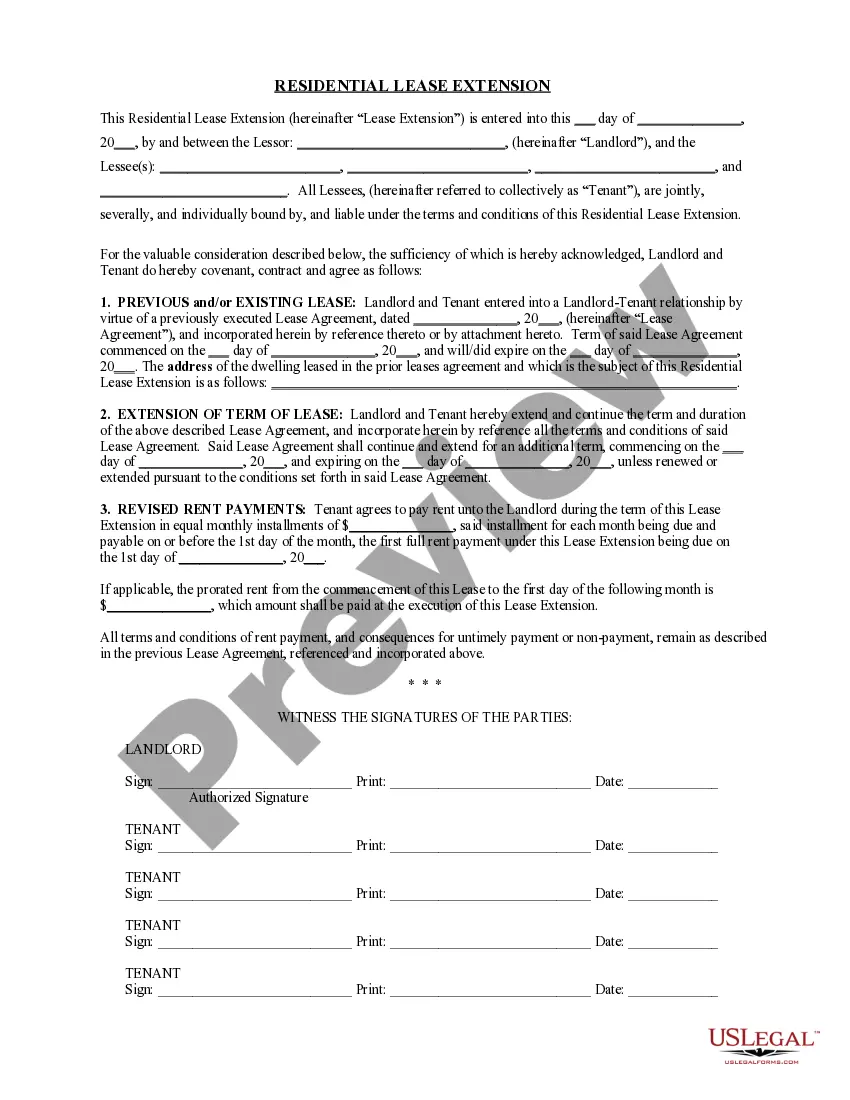
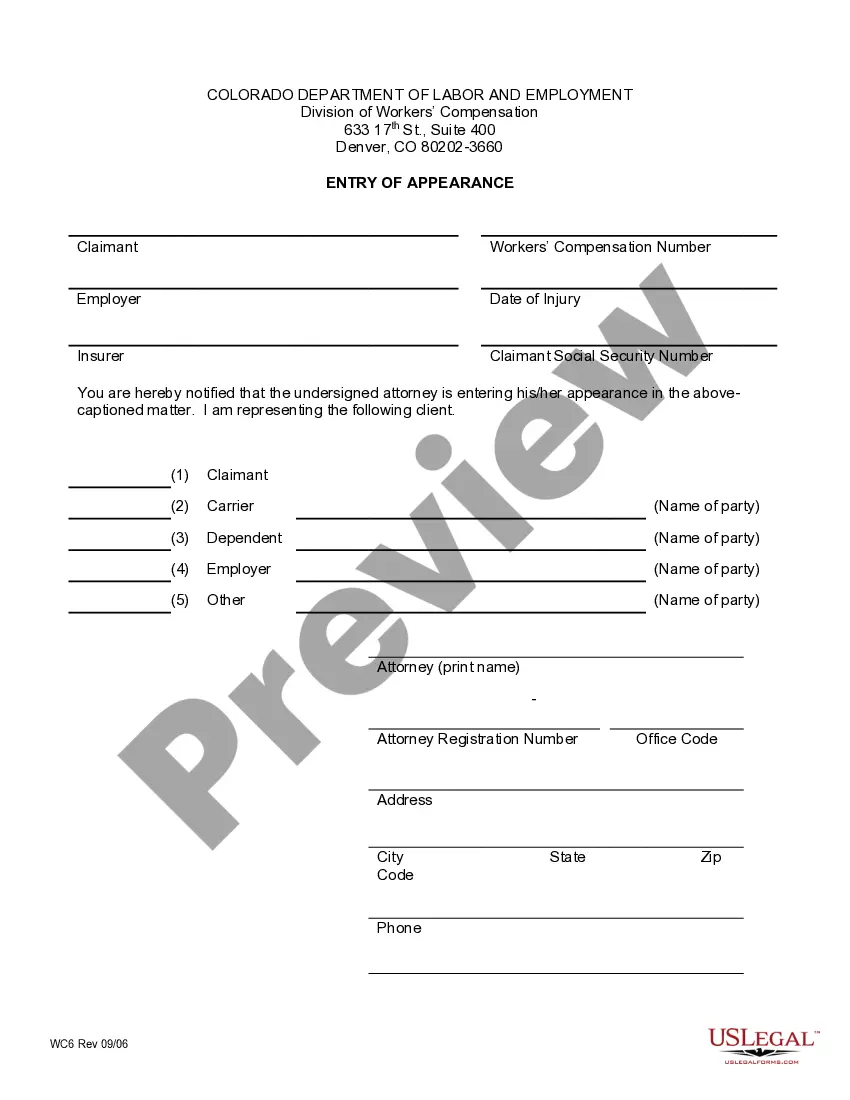

Form popularity
FAQ
Your request can be submitted at our front counter, mailed to the Maricopa Municipal Court, 39600 W Civic Center Plaza, Maricopa, AZ 85138 or emailed. The form must be filled out completely otherwise it will not be processed. Your request must specify your name/agency and information requested.
Marriage Licenses and Divorce Decrees are available from the Maricopa County Clerk of the Superior Court. Family Court and Probate records are available at various Justice Court and Maricopa County Court locations. Adoption records are available at the Arizona State Library, Archives and Public Records.
All case records are open to the public except as may be closed by law or as set forth in Rule 123, Arizona Rules of Supreme Court. Records deemed closed, sealed or confidential may not be subject to review or reproduction. Please see the Rule 123, which governs public access to court records.
You can make a marriage records search request in person at the clerk's office. Requests can also be made online. Visit the court's clerk's website, navigate the public record request page, complete an online form, and submit it.
To request public records of the Superior Court or Judicial Branch in Maricopa County as defined by Arizona Supreme Court Rule 123 (Public Access to the Judicial Records of the State of Arizona), please email PublicRecords@jbazmc.maricopa.
Criminal History information must be requested from the Arizona Department of Public Safety. Recorded documents such as oaths of office, judgements, liens and deeds are available at the Maricopa County Recorder's Office.
Court Proceedings and Case Records For questions about case document copies and marriage license copies, contact Clerk of the Superior Court or call (602)37-CLERK.
The California discovery rule stops the clock on the statute of limitations until the plaintiff either finds out about the cause of action or has a good reason to do so. This rule comes into play when the plaintiff didn't realize, and a reasonable person wouldn't have realized, that they were harmed.
What Is the Discovery Rule in Arizona? Arizona applies the discovery rule in certain personal injury cases. Under this rule, the statute of limitations may begin from the date when the injury was discovered or when it reasonably should have been discovered.
A party may use a uniform interrogatory when it is appropriate to the legal or factual issues of the particular action, regardless of how the action or claims are designated. A party propounding a uniform interrogatory may do so by serving a notice that identifies the uniform interrogatory by form and number.