Board Resolution With Secretary Certificate
Description


Get your form ready online
Our built-in tools help you complete, sign, share, and store your documents in one place.
Make edits, fill in missing information, and update formatting in US Legal Forms—just like you would in MS Word.
Download a copy, print it, send it by email, or mail it via USPS—whatever works best for your next step.
Sign and collect signatures with our SignNow integration. Send to multiple recipients, set reminders, and more. Go Premium to unlock E-Sign.
If this form requires notarization, complete it online through a secure video call—no need to meet a notary in person or wait for an appointment.
We protect your documents and personal data by following strict security and privacy standards.

Make edits, fill in missing information, and update formatting in US Legal Forms—just like you would in MS Word.

Download a copy, print it, send it by email, or mail it via USPS—whatever works best for your next step.

Sign and collect signatures with our SignNow integration. Send to multiple recipients, set reminders, and more. Go Premium to unlock E-Sign.

If this form requires notarization, complete it online through a secure video call—no need to meet a notary in person or wait for an appointment.

We protect your documents and personal data by following strict security and privacy standards.
Looking for another form?


How to fill out General - Resolution Form - Corporate Resolutions?
Acquiring legal documents that adhere to federal and state laws is essential, and the web provides countless alternatives to select from.
However, what’s the purpose in squandering time looking for the properly composed Board Resolution With Secretary Certificate model online when the US Legal Forms digital library already has such documents gathered in one location.
US Legal Forms is the largest virtual legal repository with over 85,000 editable templates drafted by attorneys for any professional and personal circumstance.
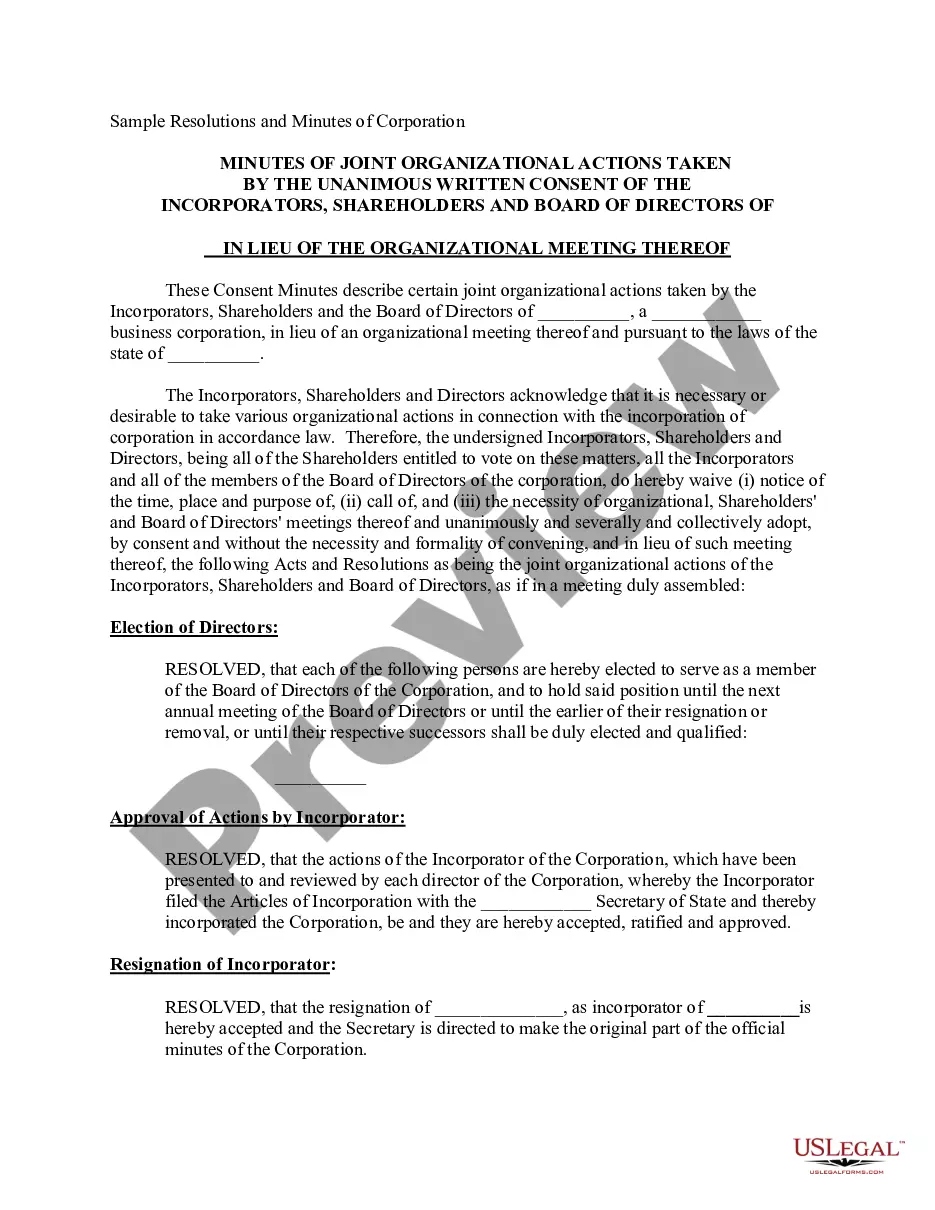
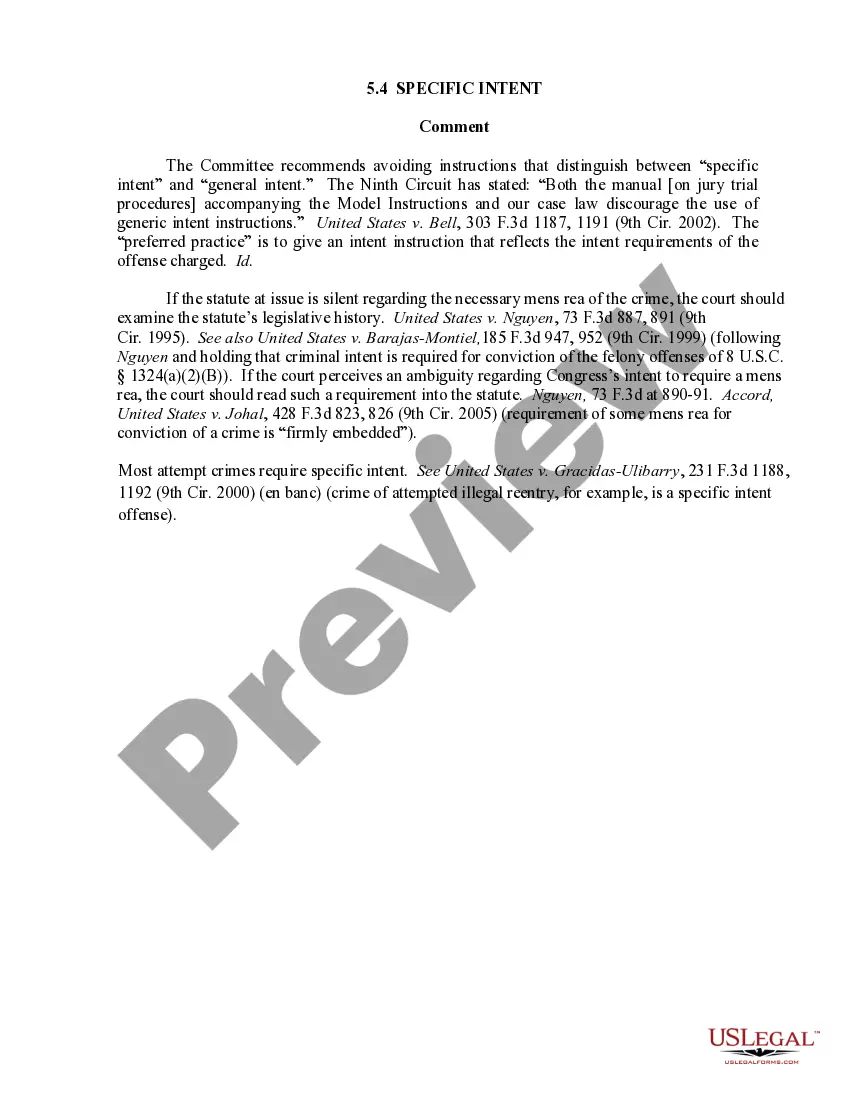
Review the template using the Preview feature or through the text outline to confirm it fulfills your requirements.
- They are straightforward to navigate with all documents categorized by state and intended use.
- Our experts stay updated with legislative changes, so you can always trust that your form is current and compliant when obtaining a Board Resolution With Secretary Certificate from our platform.
- Acquiring a Board Resolution With Secretary Certificate is quick and easy for both existing and new users.
- If you already possess an account with an active subscription, Log In and save the document sample you require in the desired format.
- If you are new to our platform, follow the steps below.
Form popularity
FAQ
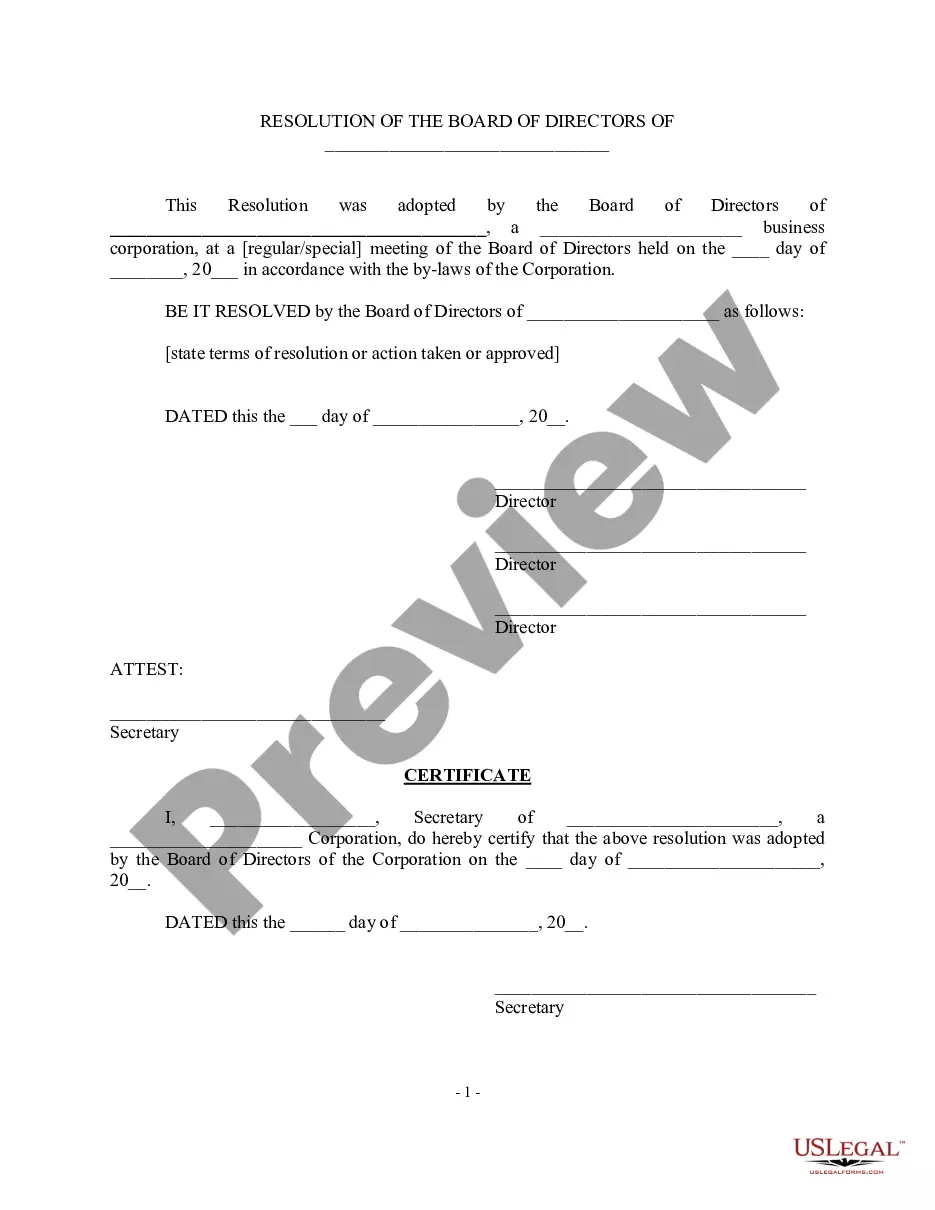
Filling out a board of directors resolution involves a few important steps. Start by stating the resolution's purpose clearly and concisely. Include relevant details, such as the names of the directors and the specific actions being authorized. To finalize the process, ensure you obtain the necessary signatures and include a secretary certificate, which adds legitimacy to the board resolution.
A board resolution typically follows a structured format to ensure clarity and legal compliance. It generally includes the title, date, purpose, and details of the decision being made. Each resolution must clearly state the names of the directors involved and be signed by the secretary. This format supports creating a board resolution with a secretary certificate, validating the decision-making process.
A secretary's certificate should include several key elements, such as the name of the corporation, the date of the board meeting, and specific details about the resolutions adopted. It should also state that the signer is the corporate secretary and has the authority to validate the board's decisions. For a comprehensive approach, ensure your board resolution with secretary certificate reflects all necessary information clearly and accurately. Our US Legal Forms provides templates to assist you in this process.
An officer's certificate is a document prepared by an officer of a corporation, affirming certain facts or the authority to execute specific actions. This certificate generally confirms the validity of board actions, including the adoption of resolutions. It often accompanies transactions to provide assurance that all required steps were followed. When preparing a board resolution with secretary certificate, consider including an officer's certificate for additional credibility.
A secretary's certificate is an official document issued by the corporate secretary of a company. This certificate verifies that a board resolution has been adopted and is accurate. It provides essential details about the resolution, including the date of adoption and the specifics of the decision made. You can create a board resolution with secretary certificate easily using our US Legal Forms platform.
An officer's certificate is a document confirming specific facts or decisions made by an officer of the company, while a secretary's certificate provides confirmation from the secretary regarding the validity of corporate actions, such as resolutions. The secretary's certificate generally serves to authenticate board resolutions and is often required for legal and banking purposes. Utilizing both certificates strengthens the credibility of your board resolution with secretary certificate.
To write a board resolution for an authorized signatory, start by indicating the need for the signing authority. Clearly state the name of the individual designated as the authorized signatory along with their role in the organization. Include confirming language that supports this appointment, and finalize the document with a board resolution and secretary certificate to enhance its legal standing.
The authorized signers resolution is a formal document that specifies which individuals are permitted to sign on behalf of the organization. This document is critical for establishing who can enter into binding agreements, thereby facilitating smoother business operations. As with any important decision, it should be supported by a board resolution and a secretary certificate.
Writing a board resolution involves outlining the purpose of the resolution, providing the context, and stating the decision clearly. Begin with an introduction, followed by the 'Resolved' clause where the specific action is stated. Always conclude with a space for signatures, and remember to include a secretary certificate to enhance its authority.
To document a board resolution, record the date, name of the organization, and details of the resolution in clear terms. Include the names of board members who vote and the outcome of the vote. Be sure to prepare and attach a secretary certificate, as this validates the resolution and provides an official record for the organization.
