Meeting Minutes Format With Action Items In Washington
Description




Get your form ready online
Our built-in tools help you complete, sign, share, and store your documents in one place.
Make edits, fill in missing information, and update formatting in US Legal Forms—just like you would in MS Word.
Download a copy, print it, send it by email, or mail it via USPS—whatever works best for your next step.
Sign and collect signatures with our SignNow integration. Send to multiple recipients, set reminders, and more. Go Premium to unlock E-Sign.
If this form requires notarization, complete it online through a secure video call—no need to meet a notary in person or wait for an appointment.
We protect your documents and personal data by following strict security and privacy standards.

Make edits, fill in missing information, and update formatting in US Legal Forms—just like you would in MS Word.

Download a copy, print it, send it by email, or mail it via USPS—whatever works best for your next step.

Sign and collect signatures with our SignNow integration. Send to multiple recipients, set reminders, and more. Go Premium to unlock E-Sign.

If this form requires notarization, complete it online through a secure video call—no need to meet a notary in person or wait for an appointment.

We protect your documents and personal data by following strict security and privacy standards.
Looking for another form?

Form popularity
FAQ
Action items: List any tasks that have been assigned or agreed upon, along with the details of the assignees and deadlines. Next steps: Don't forget to record any remaining tasks to be accomplished, follow-up meetings, or plans for implementation.
Robert's Rules of Order offers a simple guideline for what should be included in meeting minutes: minutes should record what is done, not what is said. Action minutes record key information about the meeting and describe any action that was taken.
5 steps to write impactful meeting action items 1 Write the action item (what) ... 2 Discuss the purpose (why) ... 3 Set a due date (when) ... 4 Assign a person to every action item (who) ... 5 Think about what happens next.
Below are some tips to help you document action minutes effectively. Be Specific About the Task. Assign Responsibility. Set Clear Deadlines. Provide Context When Necessary. Use a Standard Format for Consistency.
Note takers should avoid interrupting the meeting, unless there is something important that needs urgent clarification. If this does happen, the note taker should address the person who is chairing the meeting with their question.
Question: What's the difference between the Action Item Description and the Action Item Note? An Action Item Description tells the user reviewing the action item what the situation is, while the Action Item Note is additional information being shared in regards to the Action Item Description.
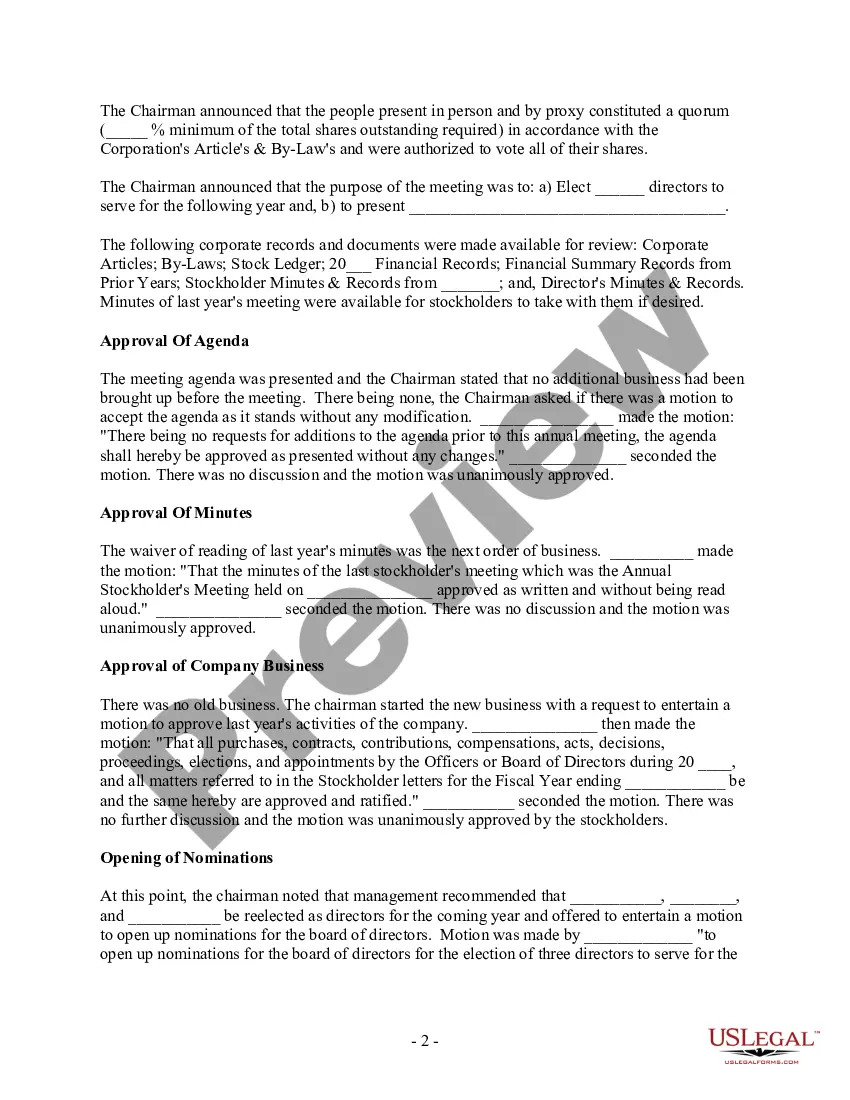
The format for a meeting depends on the meeting type and style. While there is no set format for meeting minutes, templates provide guidelines for essential information that should be included in your documentation.
Action items are follow up tasks that you create from a meeting. They should be clearly defined with a description and a deadline, and help bring the conversations you have in meetings to life.
5 steps to write impactful meeting action items 1 Write the action item (what) ... 2 Discuss the purpose (why) ... 3 Set a due date (when) ... 4 Assign a person to every action item (who) ... 5 Think about what happens next. 1 Visualize all your meeting tasks in one place. 2 Organize your action items.
How to Document Action Items in Minutes Be Specific About the Task. Assign Responsibility. Set Clear Deadlines. Provide Context When Necessary. Use a Standard Format for Consistency.
