Difficulties Whomsoever Record With Sound
Description

Get your form ready online
Our built-in tools help you complete, sign, share, and store your documents in one place.
Make edits, fill in missing information, and update formatting in US Legal Forms—just like you would in MS Word.
Download a copy, print it, send it by email, or mail it via USPS—whatever works best for your next step.
Sign and collect signatures with our SignNow integration. Send to multiple recipients, set reminders, and more. Go Premium to unlock E-Sign.
If this form requires notarization, complete it online through a secure video call—no need to meet a notary in person or wait for an appointment.
We protect your documents and personal data by following strict security and privacy standards.

Make edits, fill in missing information, and update formatting in US Legal Forms—just like you would in MS Word.

Download a copy, print it, send it by email, or mail it via USPS—whatever works best for your next step.

Sign and collect signatures with our SignNow integration. Send to multiple recipients, set reminders, and more. Go Premium to unlock E-Sign.

If this form requires notarization, complete it online through a secure video call—no need to meet a notary in person or wait for an appointment.

We protect your documents and personal data by following strict security and privacy standards.
Looking for another form?
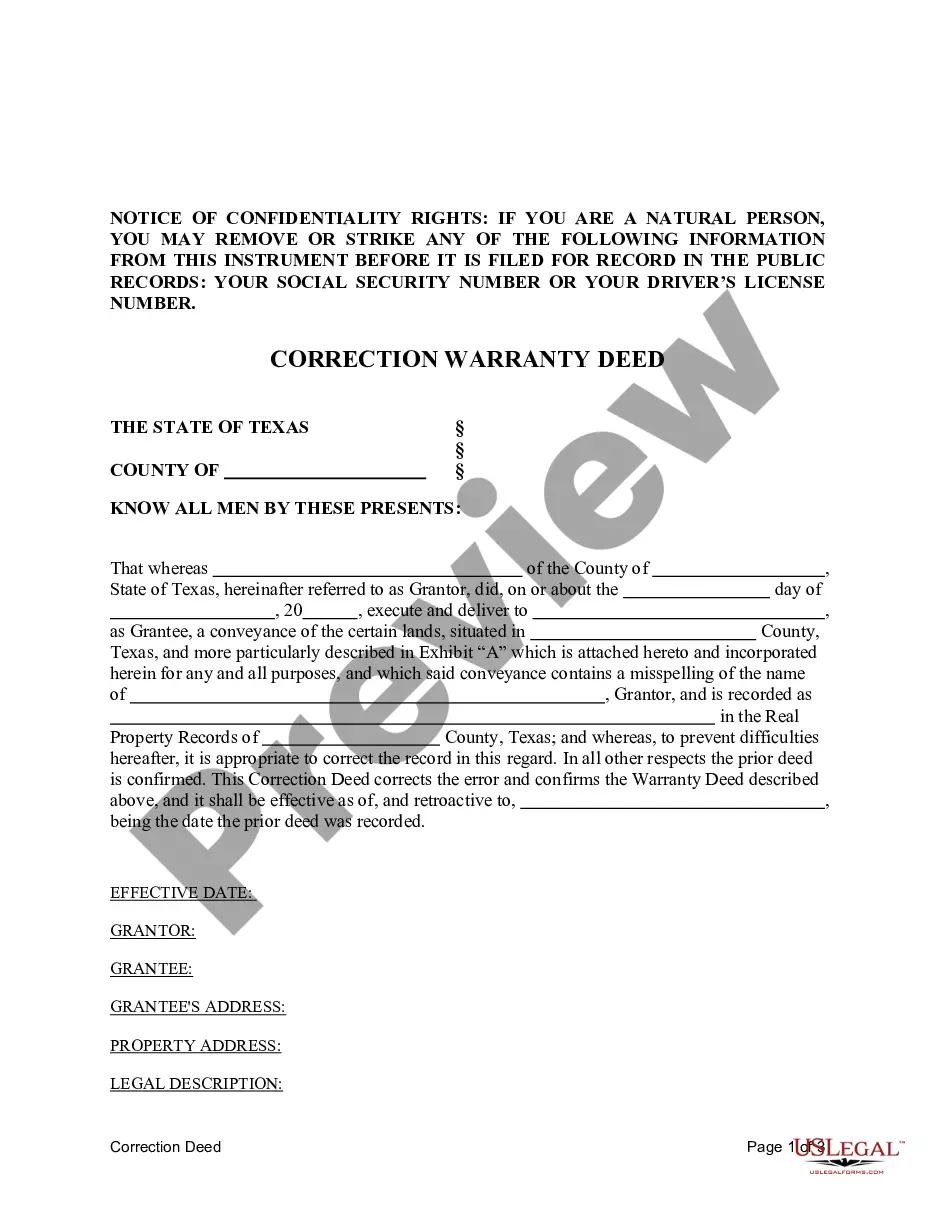
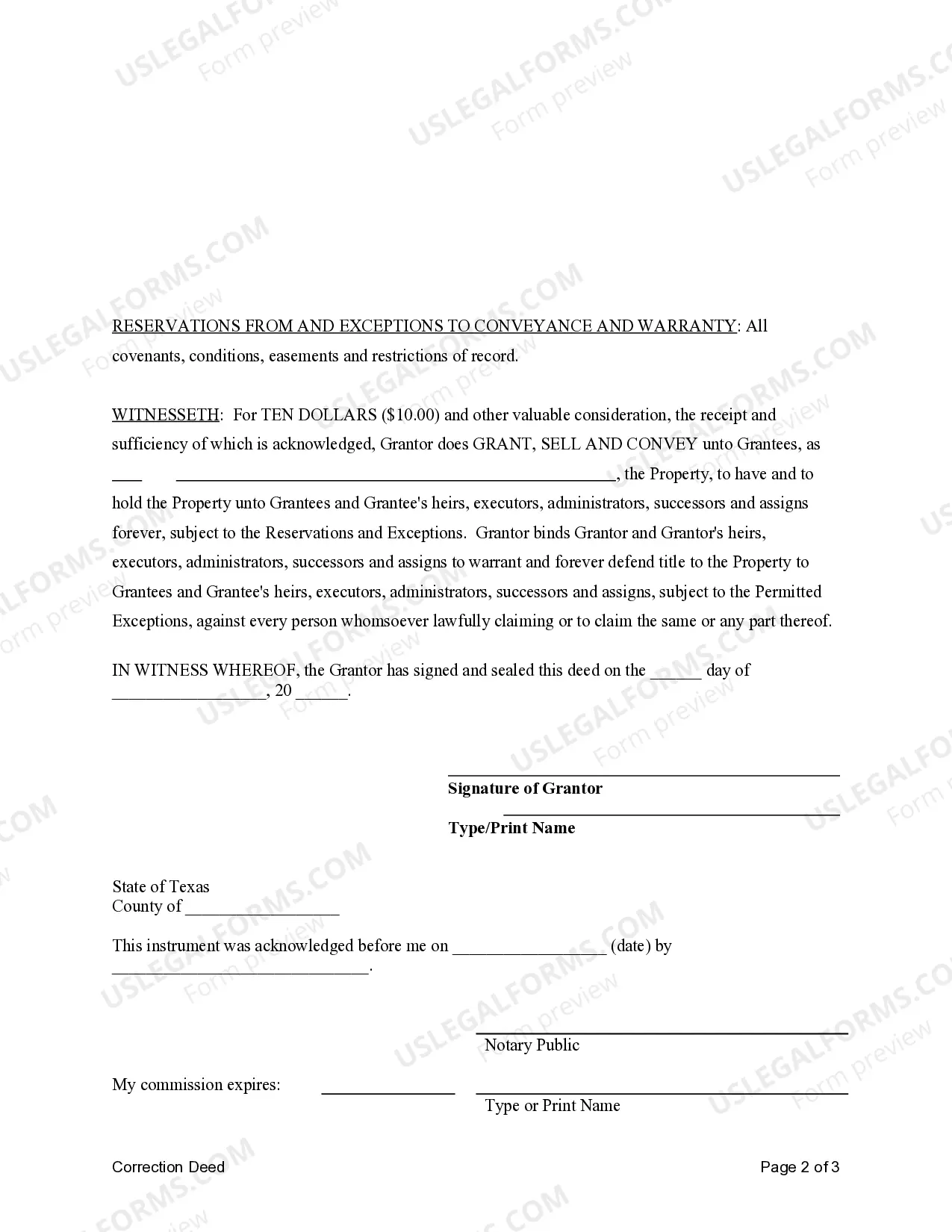
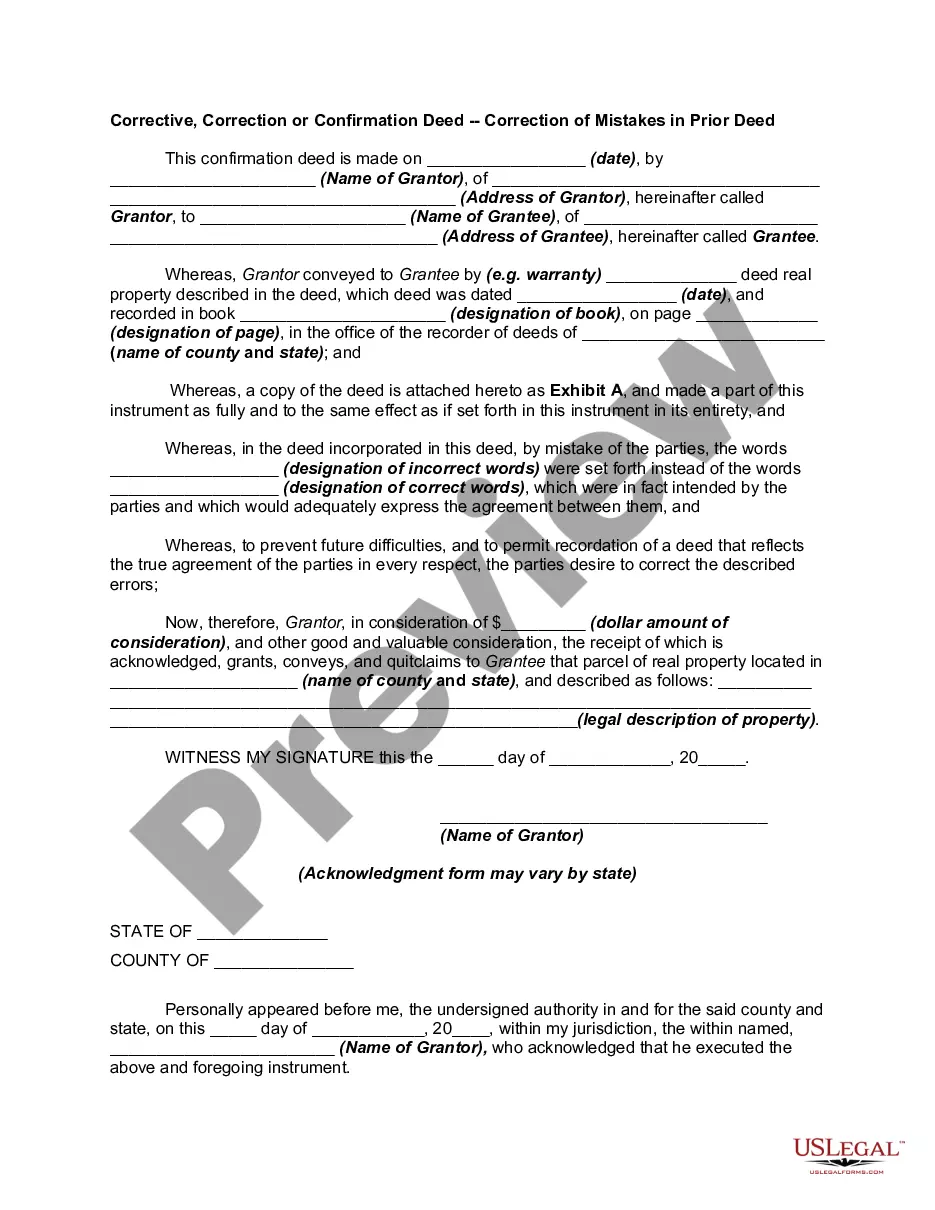
How to fill out Texas Correction Warranty Deed?
Legal managing may be overpowering, even for the most knowledgeable experts. When you are searching for a Difficulties Whomsoever Record With Sound and don’t have the time to commit looking for the right and up-to-date version, the procedures could be demanding. A robust online form library can be a gamechanger for anyone who wants to deal with these situations effectively. US Legal Forms is a industry leader in online legal forms, with more than 85,000 state-specific legal forms accessible to you whenever you want.
With US Legal Forms, you are able to:
- Access state- or county-specific legal and business forms. US Legal Forms covers any demands you could have, from personal to business documents, all in one location.
- Utilize advanced resources to accomplish and control your Difficulties Whomsoever Record With Sound
- Access a useful resource base of articles, instructions and handbooks and resources highly relevant to your situation and requirements
Help save effort and time looking for the documents you will need, and make use of US Legal Forms’ advanced search and Review tool to find Difficulties Whomsoever Record With Sound and download it. For those who have a subscription, log in to your US Legal Forms account, look for the form, and download it. Review your My Forms tab to view the documents you previously saved as well as control your folders as you see fit.
If it is the first time with US Legal Forms, register an account and acquire unrestricted usage of all benefits of the library. Listed below are the steps for taking after accessing the form you want:
- Confirm this is the right form by previewing it and looking at its information.
- Ensure that the sample is approved in your state or county.
- Choose Buy Now once you are all set.
- Choose a monthly subscription plan.
- Find the formatting you want, and Download, complete, sign, print out and send out your papers.
Enjoy the US Legal Forms online library, supported with 25 years of experience and stability. Enhance your daily papers managing in a easy and user-friendly process right now.
Form popularity
FAQ
If an app doesn't have permission to access the microphone, it won't be able to record any sound. To check if an app has permission to access the microphone, open Settings and click on Privacy. Click on Microphone from the left sidebar and ensure that the toggle next to the app is turned on.
Disadvantages of audio files include the fact that they are not interactive, and they do not provide the visual elements that many students desire. When using audio files for instruction, be sure to record them using the best equipment possible.
How to screen record on Android Open the app: Swipe down twice from the top of your screen and tap Screen record. Select microphone: A floating bubble will appear with a record and a microphone button. ... Start recording: Choose what you want to record and tap Start.
How to record the screen with audio on Android Use the link below to download the AZ Screen Recorder app from Google Play. ... Once the app is installed, open the recorder and select the option that best fits your goals. ... When you're ready to start recording, tap the Record button.
Step 1: From your home screen, swipe down twice to access your Quick Settings and click on the Screen Recorder button. Step 2: Select your video and audio settings, and then choose Start Recording. Step 3: A count down will appear and then your screen will start recording.