Certificate Of Service For Divorce
Description
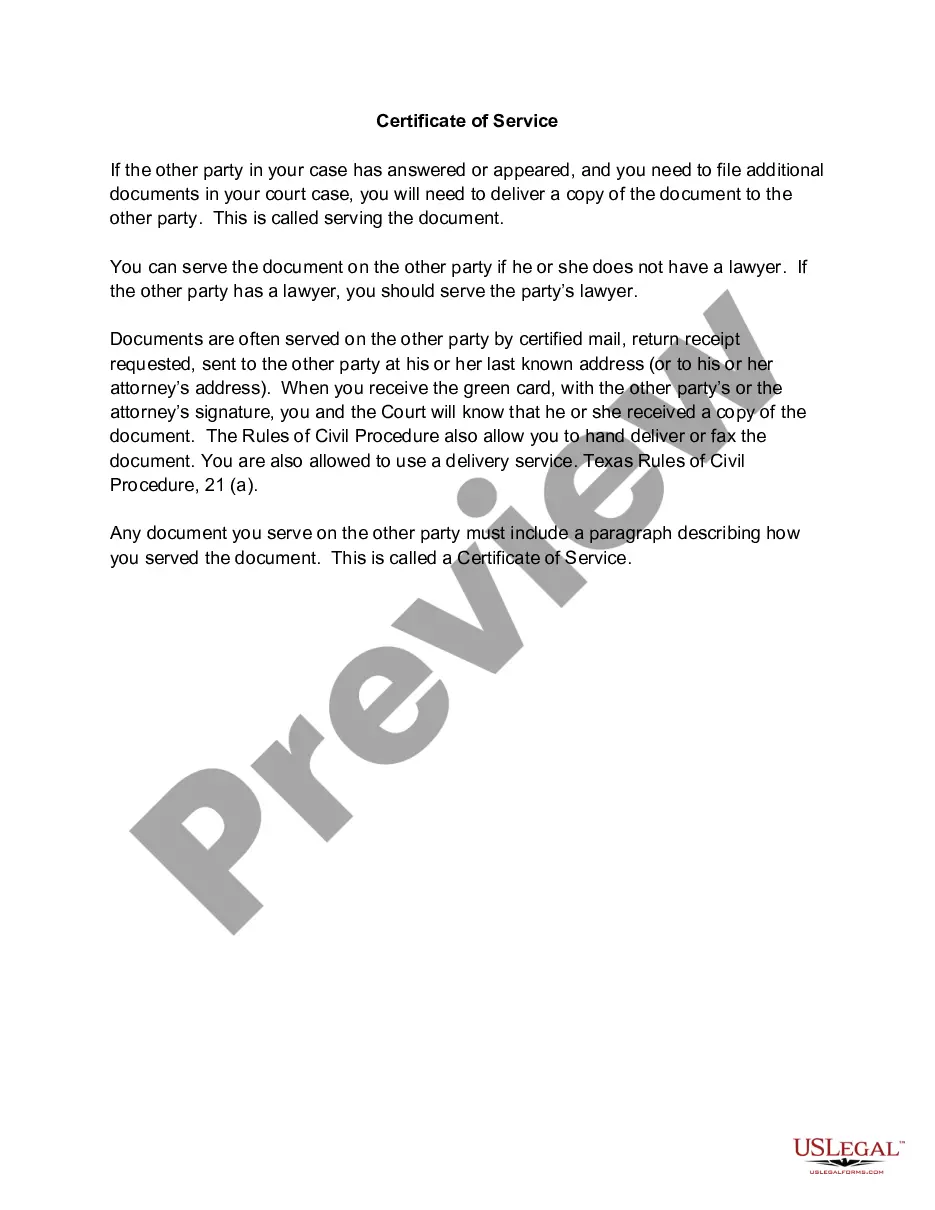
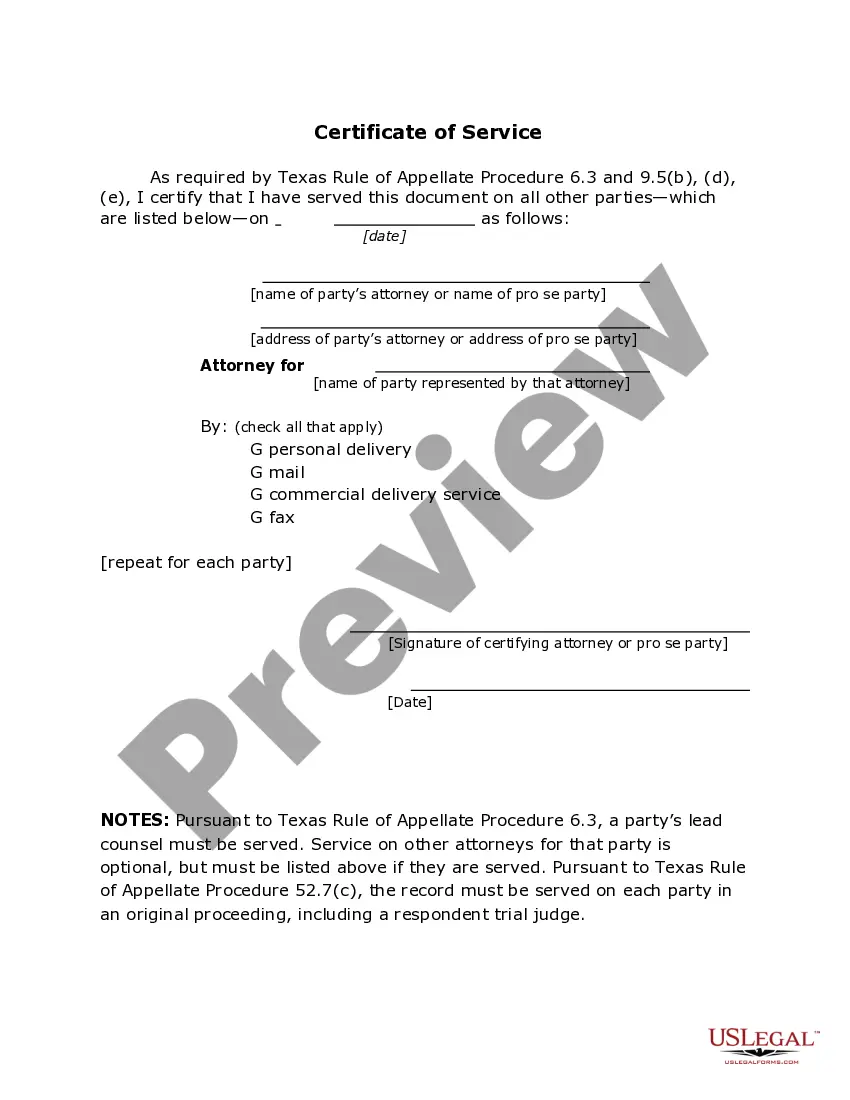
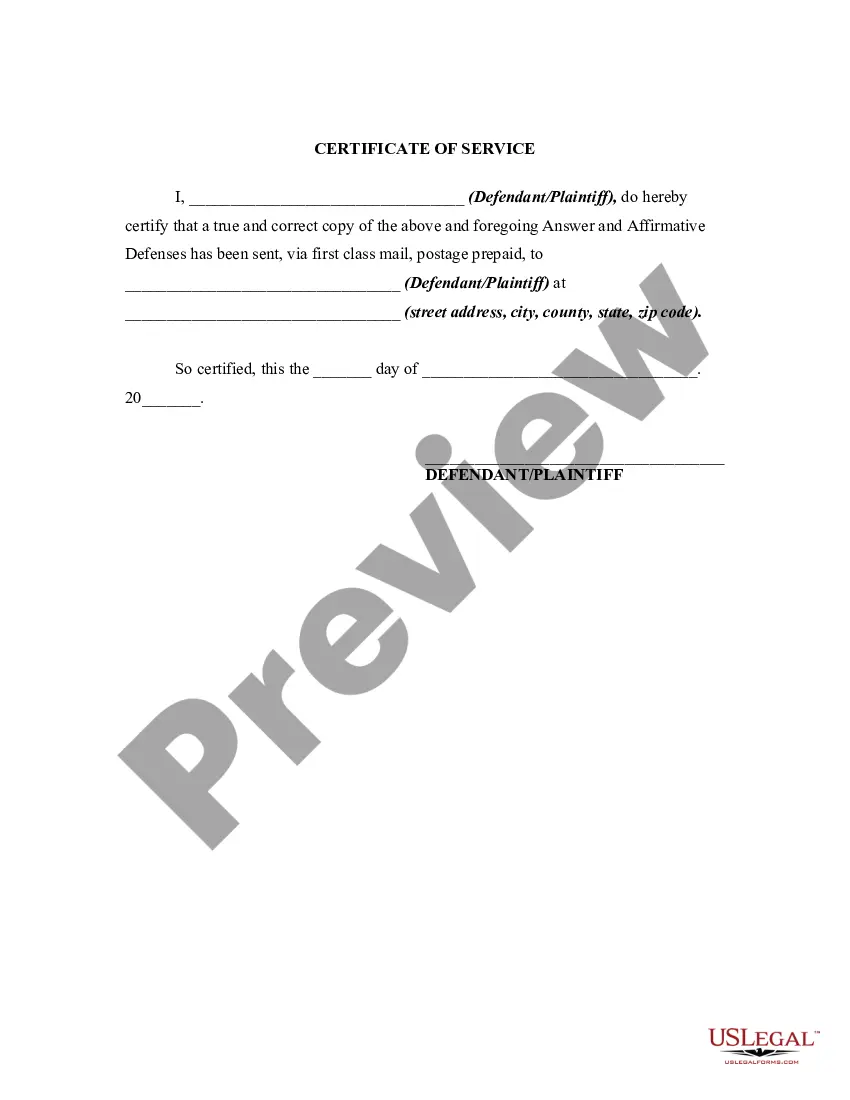
Get your form ready online
Our built-in tools help you complete, sign, share, and store your documents in one place.
Make edits, fill in missing information, and update formatting in US Legal Forms—just like you would in MS Word.
Download a copy, print it, send it by email, or mail it via USPS—whatever works best for your next step.
Sign and collect signatures with our SignNow integration. Send to multiple recipients, set reminders, and more. Go Premium to unlock E-Sign.
If this form requires notarization, complete it online through a secure video call—no need to meet a notary in person or wait for an appointment.
We protect your documents and personal data by following strict security and privacy standards.

Make edits, fill in missing information, and update formatting in US Legal Forms—just like you would in MS Word.

Download a copy, print it, send it by email, or mail it via USPS—whatever works best for your next step.

Sign and collect signatures with our SignNow integration. Send to multiple recipients, set reminders, and more. Go Premium to unlock E-Sign.

If this form requires notarization, complete it online through a secure video call—no need to meet a notary in person or wait for an appointment.

We protect your documents and personal data by following strict security and privacy standards.
Looking for another form?

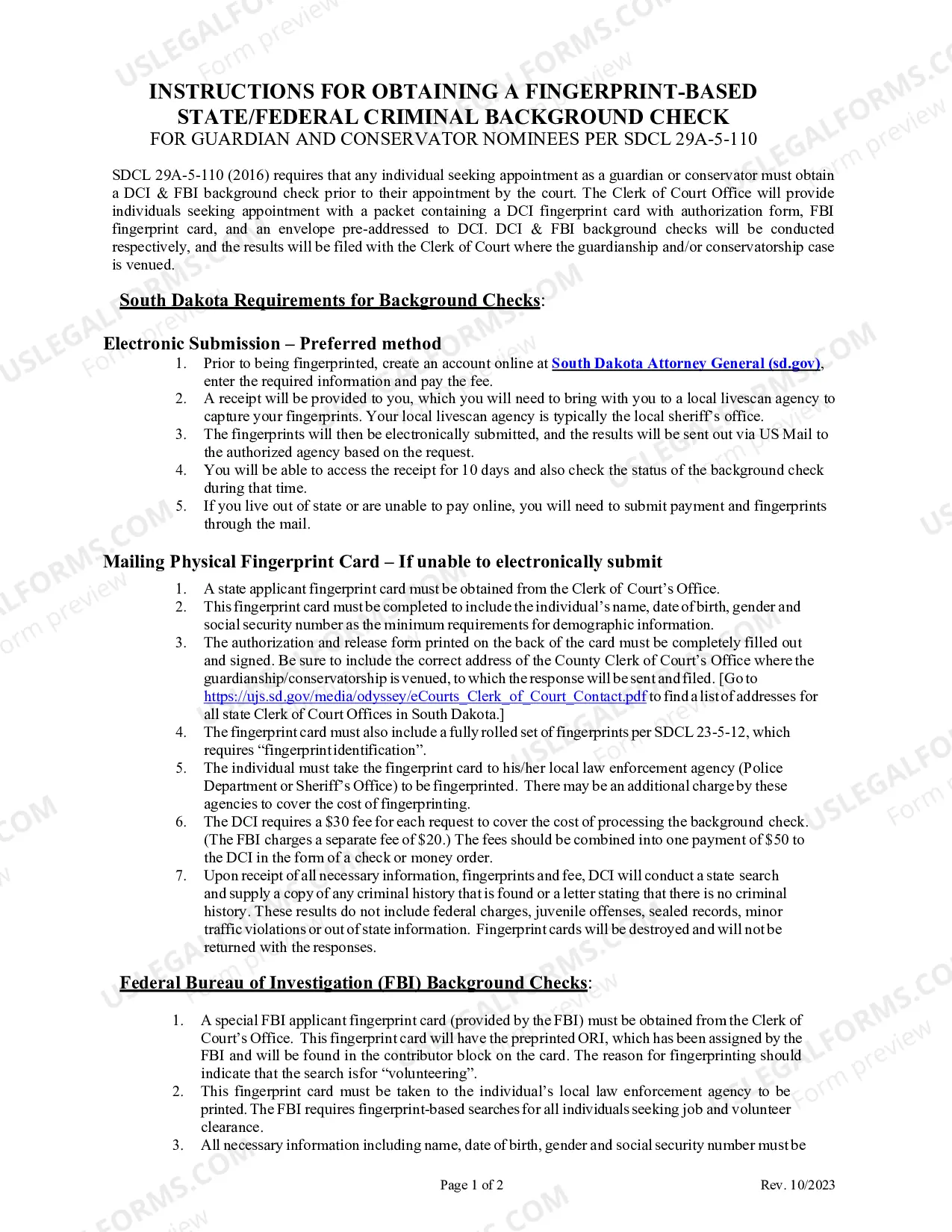
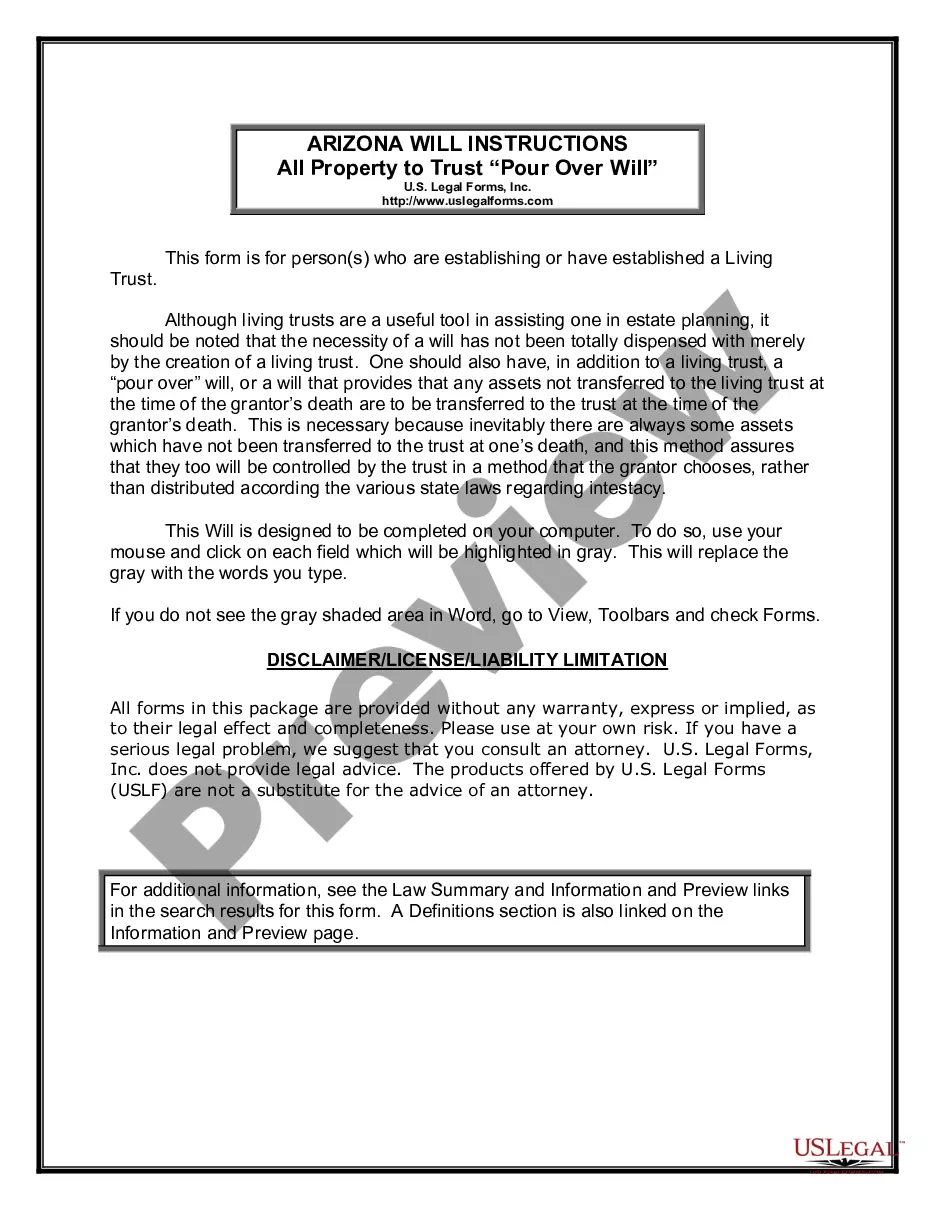
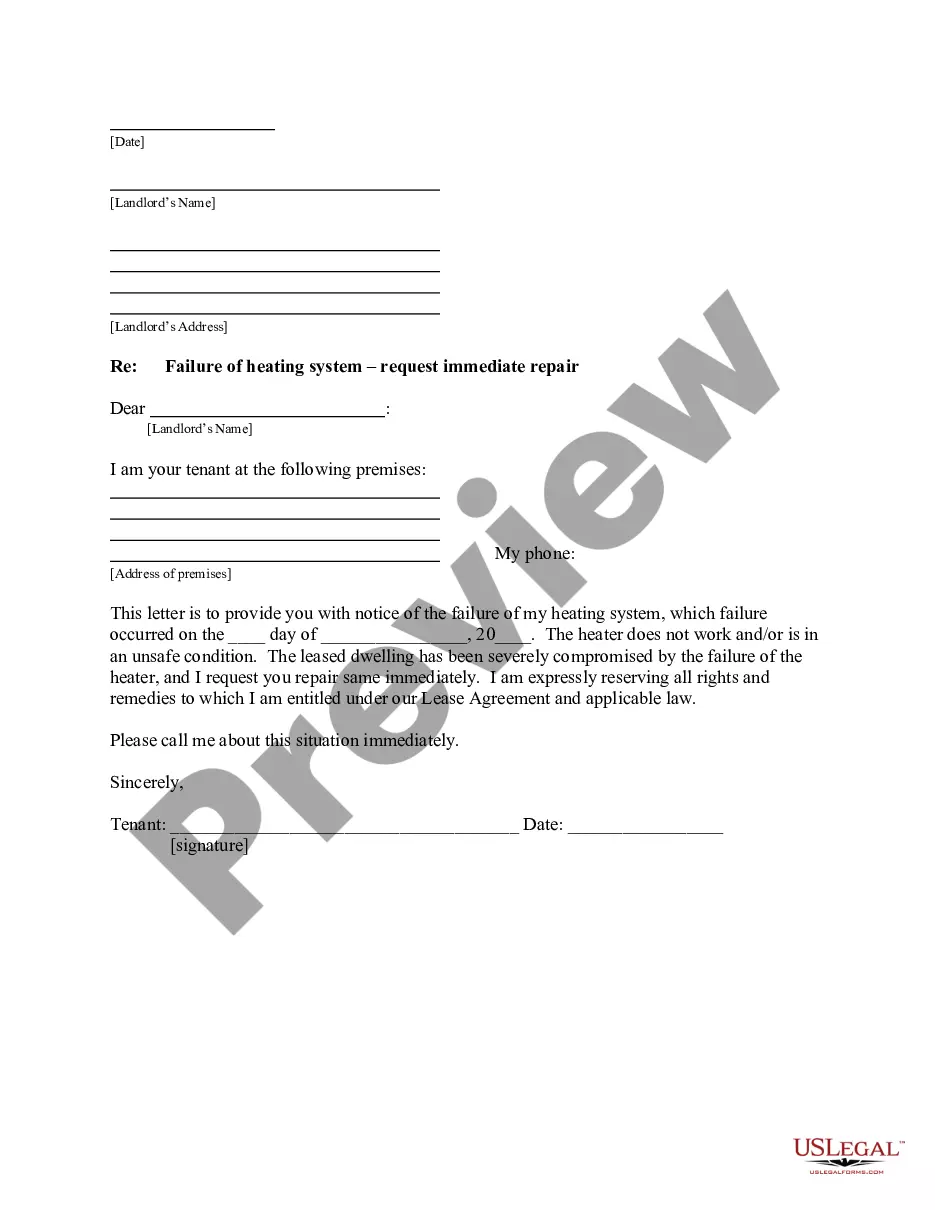
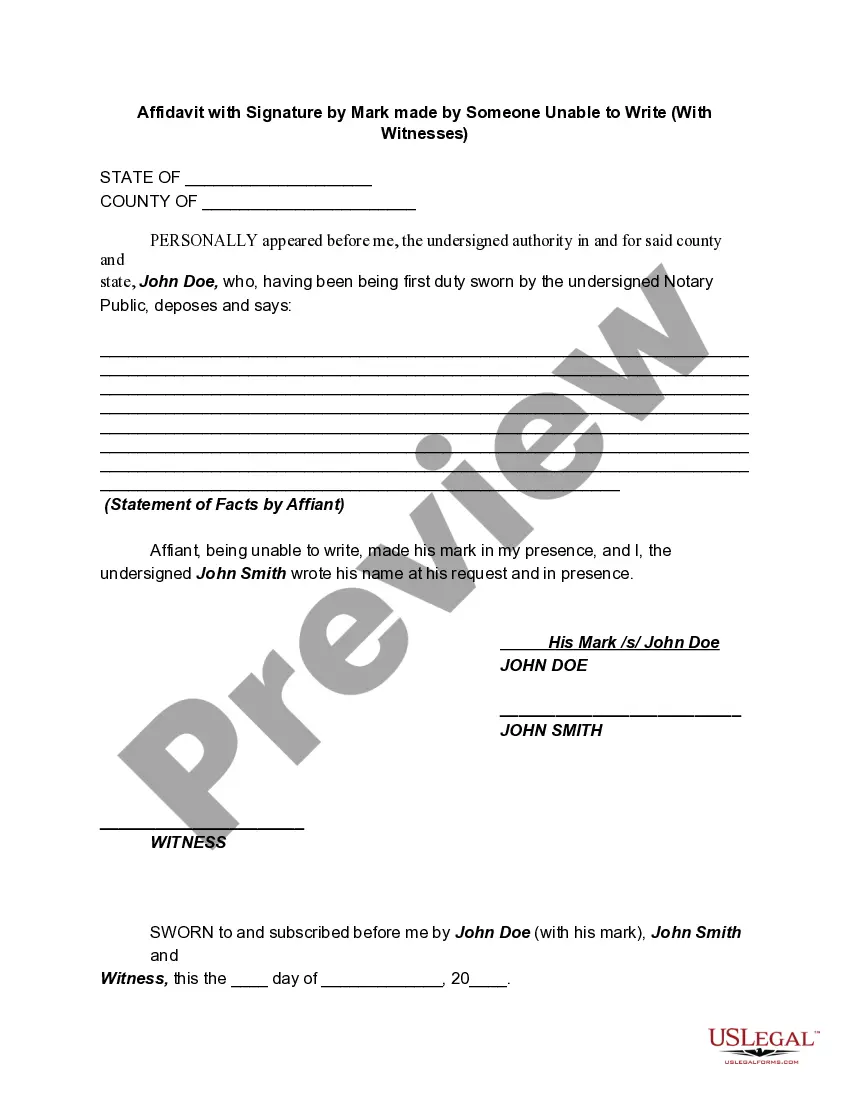
How to fill out Texas Certificate Of Service - TX R.App.Proc. 6.3?
Regardless of whether it's for professional needs or personal matters, everyone eventually has to deal with legal issues in their lifetime.
Filling out legal documents requires meticulous care, starting with selecting the correct form template. For example, if you choose an incorrect variant of a Certificate Of Service For Divorce, it will be rejected when you submit it.
With an extensive US Legal Forms inventory available, you don't have to waste time searching for the correct template on the internet. Utilize the library's simple navigation to find the right form for any circumstance.
- Obtain the template you require using the search bar or catalog navigation.
- Review the form’s details to confirm it suits your circumstances, jurisdiction, and locality.
- Click on the form’s preview to inspect it.
- If it is not the correct document, return to the search tool to find the Certificate Of Service For Divorce example you need.
- Acquire the template when it meets your needs.
- If you possess a US Legal Forms account, simply click Log in to access previously stored documents in My documents.
- If you don’t yet have an account, you can purchase the form by clicking Buy now.
- Select the appropriate pricing option.
- Complete the account registration form.
- Choose your method of payment: either a credit card or PayPal account.
- Select the document format you desire and download the Certificate Of Service For Divorce.
- After saving it, you can fill in the form using editing software or print it and complete it manually.
Form popularity
FAQ
Also find out if you are on the deed and the mortgage (often called a ?Deed of Trust? in Tennessee). There are other things you may have to do, and you may have certain rights.
What is a Mortgage Agreement? A Mortgage Agreement is a contract between a borrower (called the mortgagor) and the lender (called the mortgagee) where a lien is created on the property in order to secure repayment of the loan.
Deeds of trust are the most common instrument used in the financing of real estate purchases in Alaska, Arizona, California, Colorado, the District of Columbia, Idaho, Maryland, Mississippi, Missouri, Montana, Nebraska, Nevada, North Carolina, Oregon, Tennessee, Texas, Utah, Virginia, Washington, and West Virginia, ...
States Using Deed of Trust In Alabama, Arizona, Arkansas, Illinois, Kentucky, Maryland, Michigan, Montana and South Dakota, the lender has the choice of either a mortgage or deed of trust. In any other state, you must have a mortgage.
How to Write a Mortgage Deed Step 1 ? Fill In the Effective Date. ... Step 2 ? Enter Borrower and Lender Details. ... Step 3 ? Write Loan Information. ... Step 4 ? Fill In Property Details. ... Step 5 ? Identify Assigned Rents. ... Step 6 ? Enter Acceleration Upon Default. ... Step 7 ? Choose the Power of Sale Option.
The State of Tennessee is a deed of trust state. Other states might require you to sign a mortgage, but you can expect when you buy a house in Tennessee to sign a deed of trust. The document in question is an agreement between the borrower and lender that allows the lender to foreclose on the property.
When you take out a loan to buy a house, you will sign at least two documents: a promissory note, in which you promise to make regular payments on the loan, and a deed to secure debt (commonly referred to as a ?mortgage?) which gives the bank the legal right to take away your house if you default on the note.
To put simply, the deed is the legal document that proves who holds title to a property, while a mortgage is an agreement between a financial lender and borrower to repay the amount borrowed to purchase a home.