South Carolina Living Trust Without An Attorney
Description
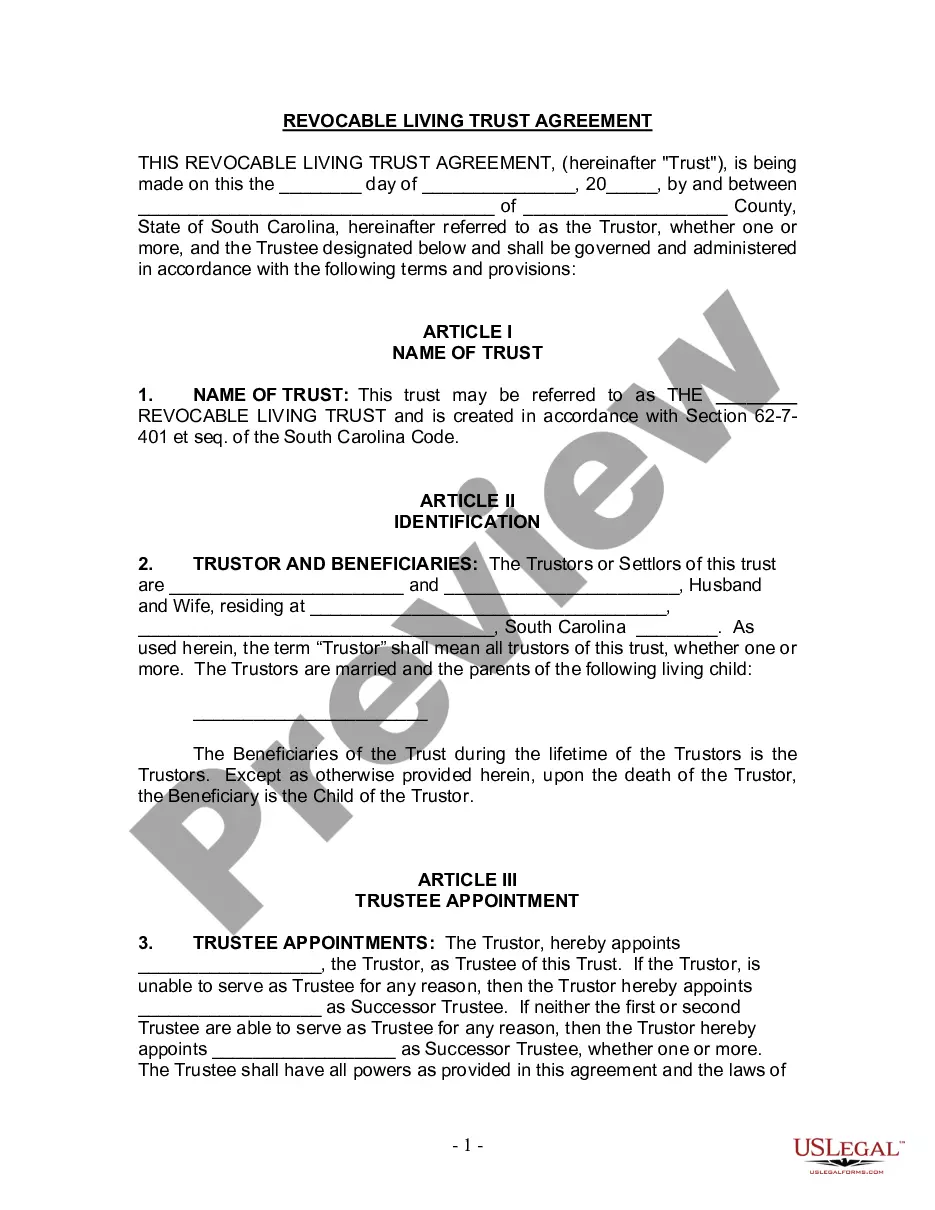
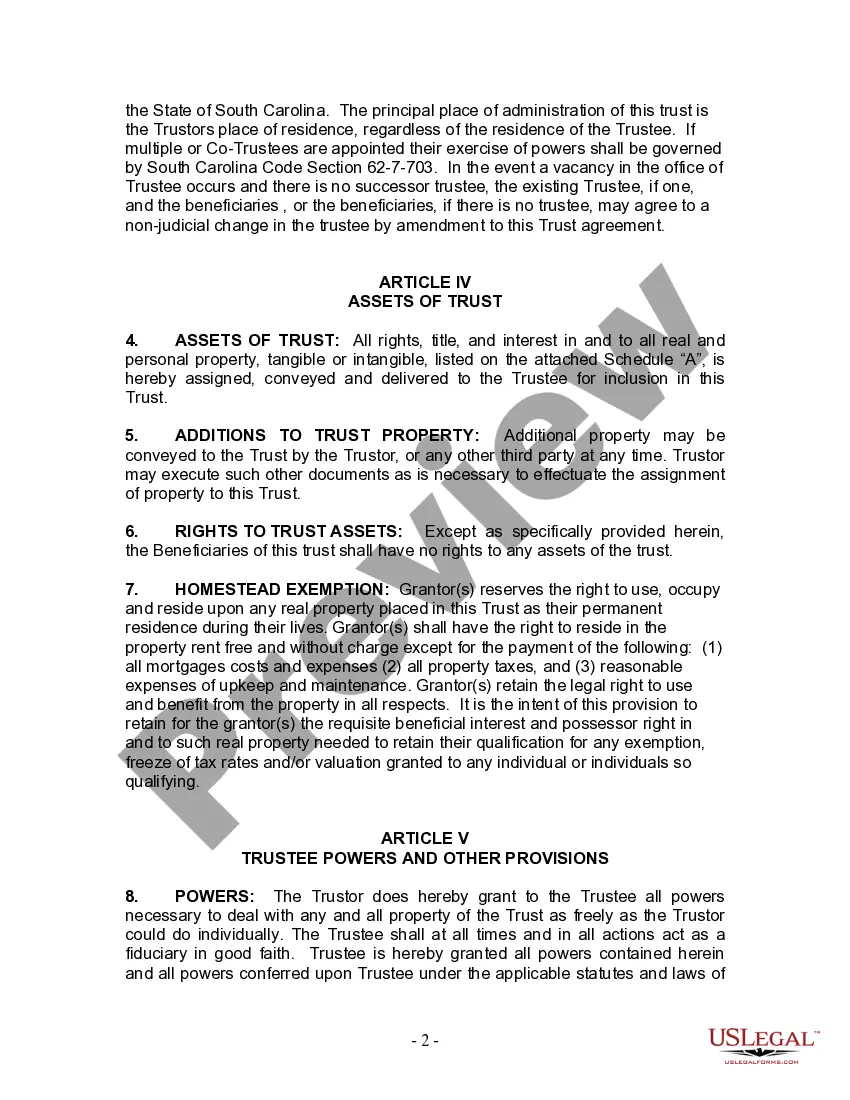
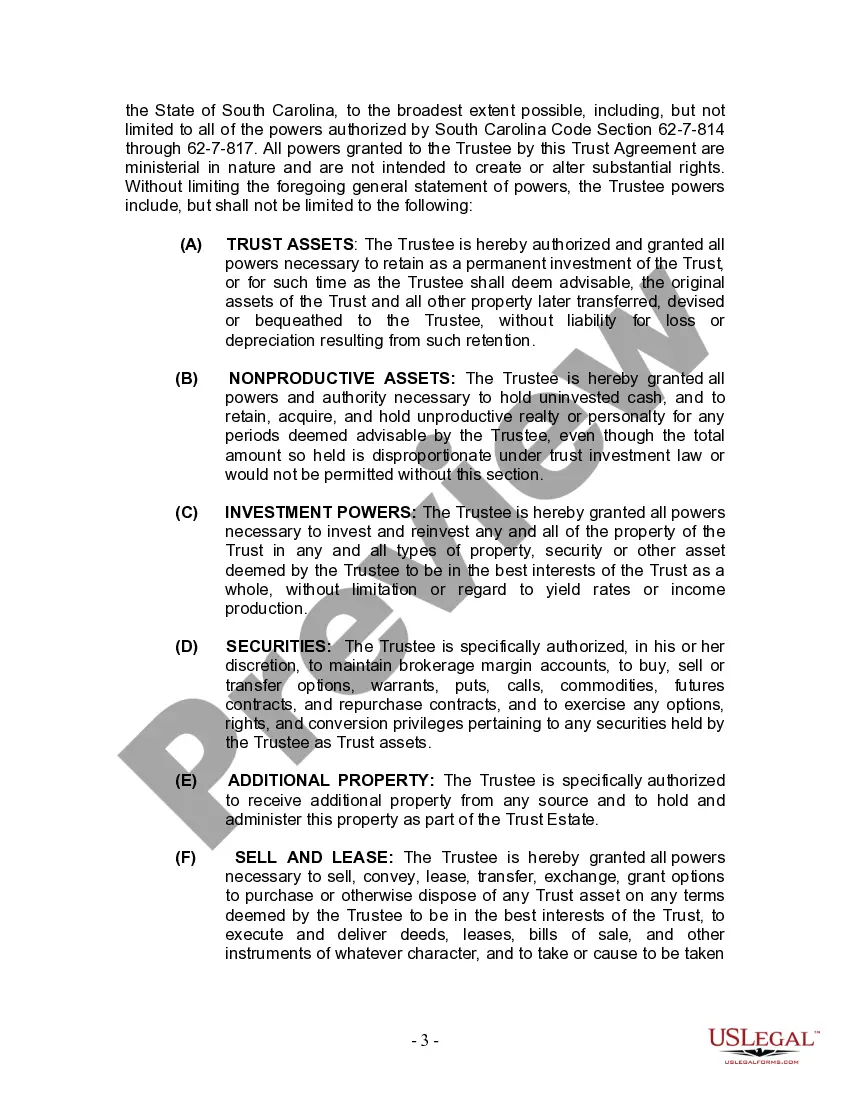
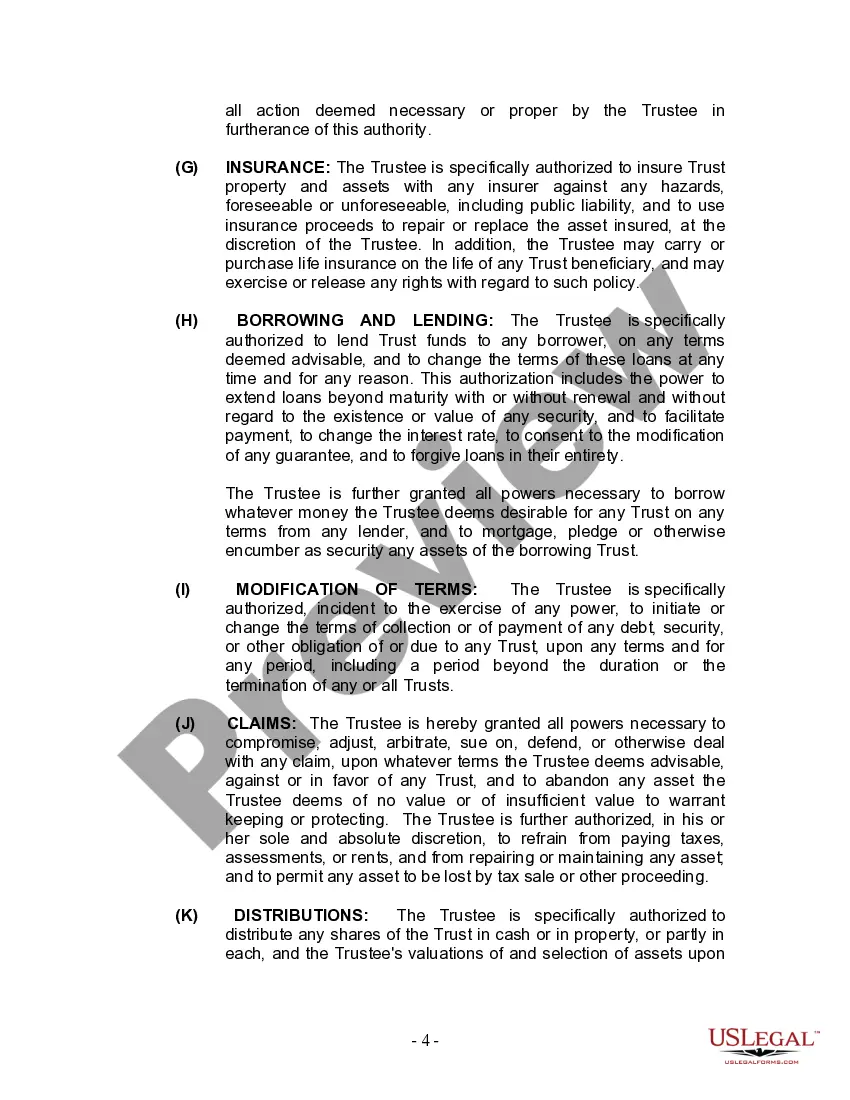

Get your form ready online
Our built-in tools help you complete, sign, share, and store your documents in one place.
Make edits, fill in missing information, and update formatting in US Legal Forms—just like you would in MS Word.
Download a copy, print it, send it by email, or mail it via USPS—whatever works best for your next step.
Sign and collect signatures with our SignNow integration. Send to multiple recipients, set reminders, and more. Go Premium to unlock E-Sign.
If this form requires notarization, complete it online through a secure video call—no need to meet a notary in person or wait for an appointment.
We protect your documents and personal data by following strict security and privacy standards.

Make edits, fill in missing information, and update formatting in US Legal Forms—just like you would in MS Word.

Download a copy, print it, send it by email, or mail it via USPS—whatever works best for your next step.

Sign and collect signatures with our SignNow integration. Send to multiple recipients, set reminders, and more. Go Premium to unlock E-Sign.

If this form requires notarization, complete it online through a secure video call—no need to meet a notary in person or wait for an appointment.

We protect your documents and personal data by following strict security and privacy standards.
Looking for another form?

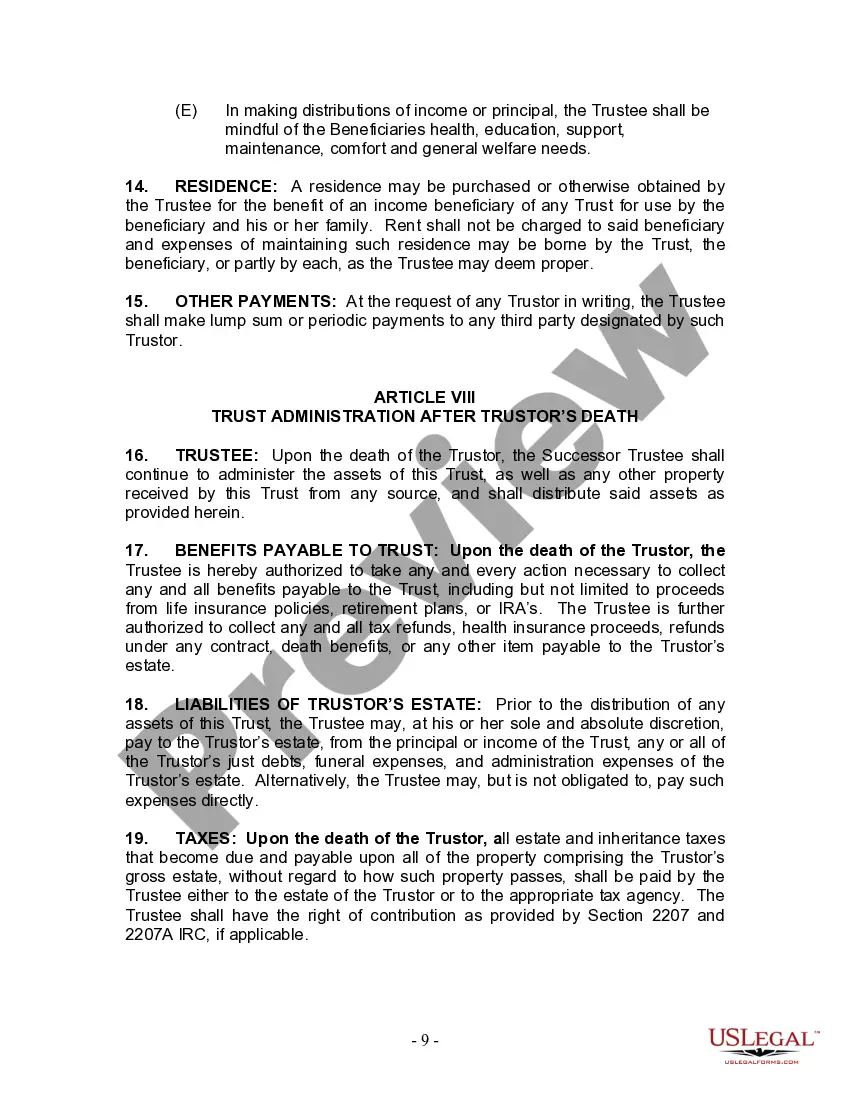
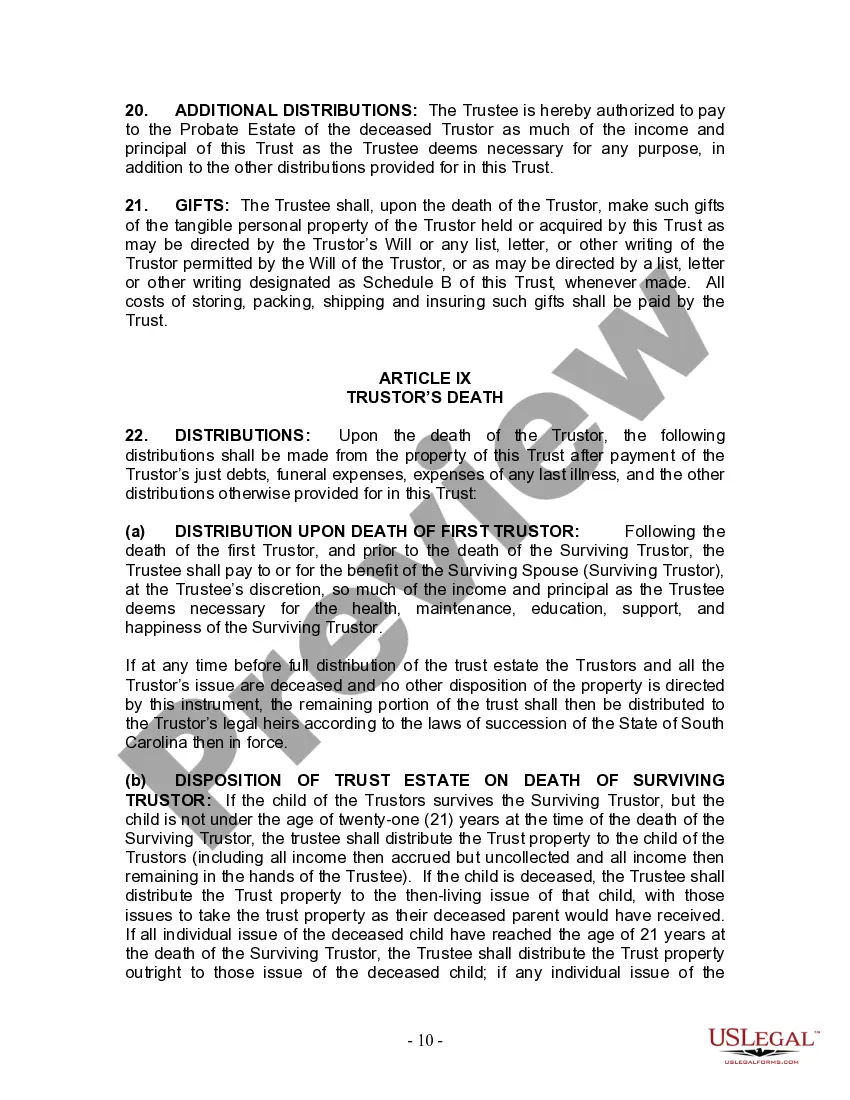
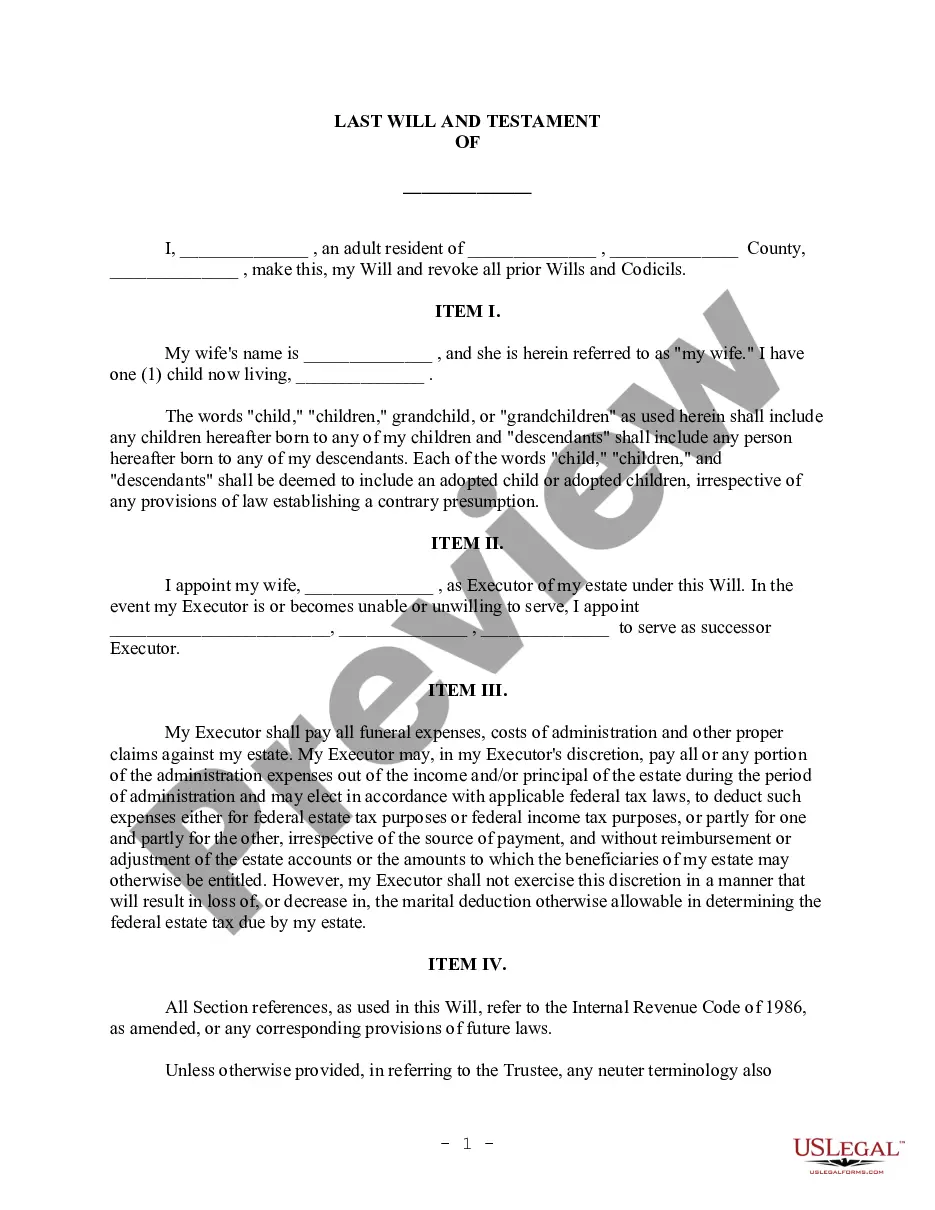
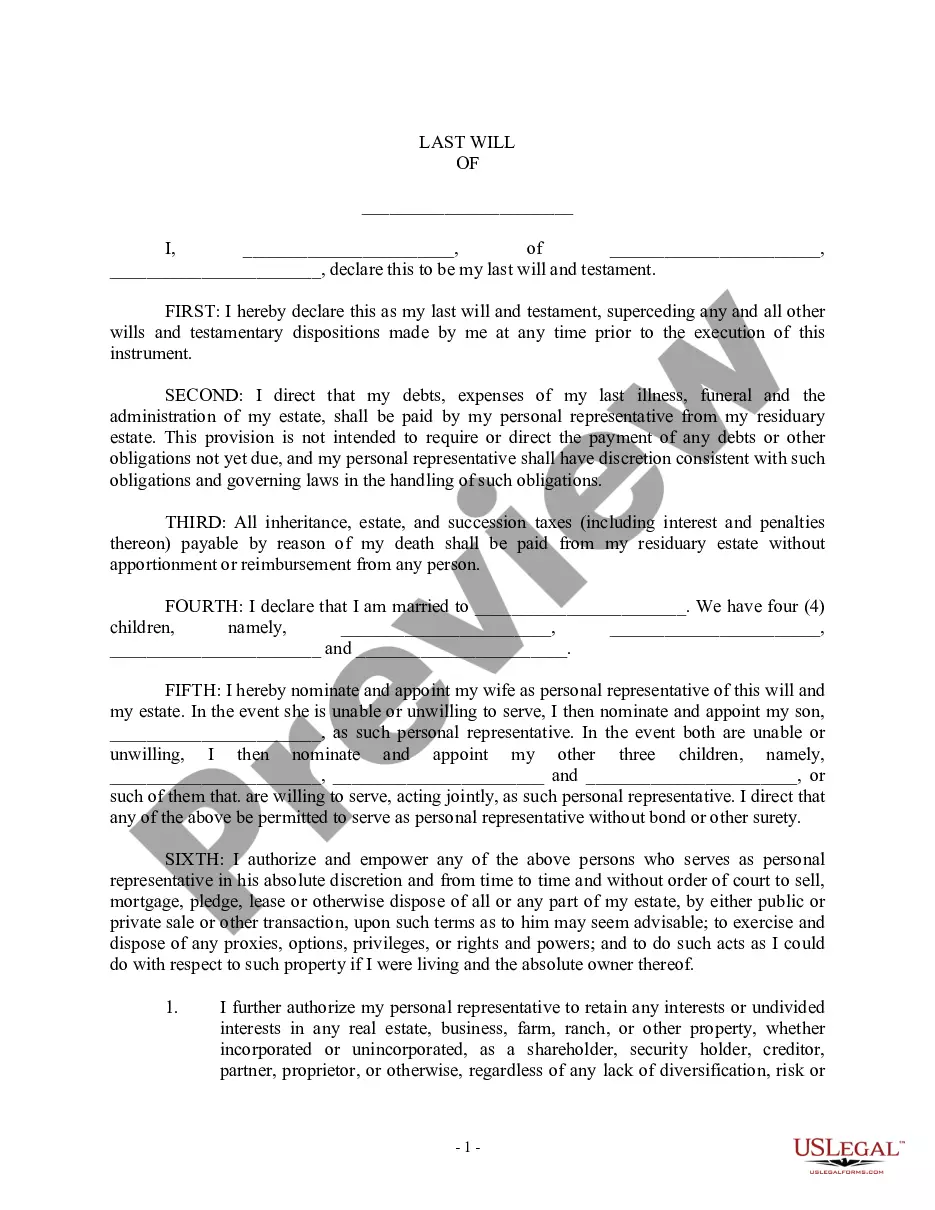
How to fill out South Carolina Living Trust For Husband And Wife With One Child?
Acquiring legal document samples that adhere to federal and state regulations is crucial, and the internet provides a multitude of choices to select from.
However, what’s the use of spending time looking for the appropriate South Carolina Living Trust Without An Attorney template online when the US Legal Forms digital library already has such samples compiled in one location.
US Legal Forms is the largest online legal repository with over 85,000 fillable templates created by attorneys for any business and personal scenario.
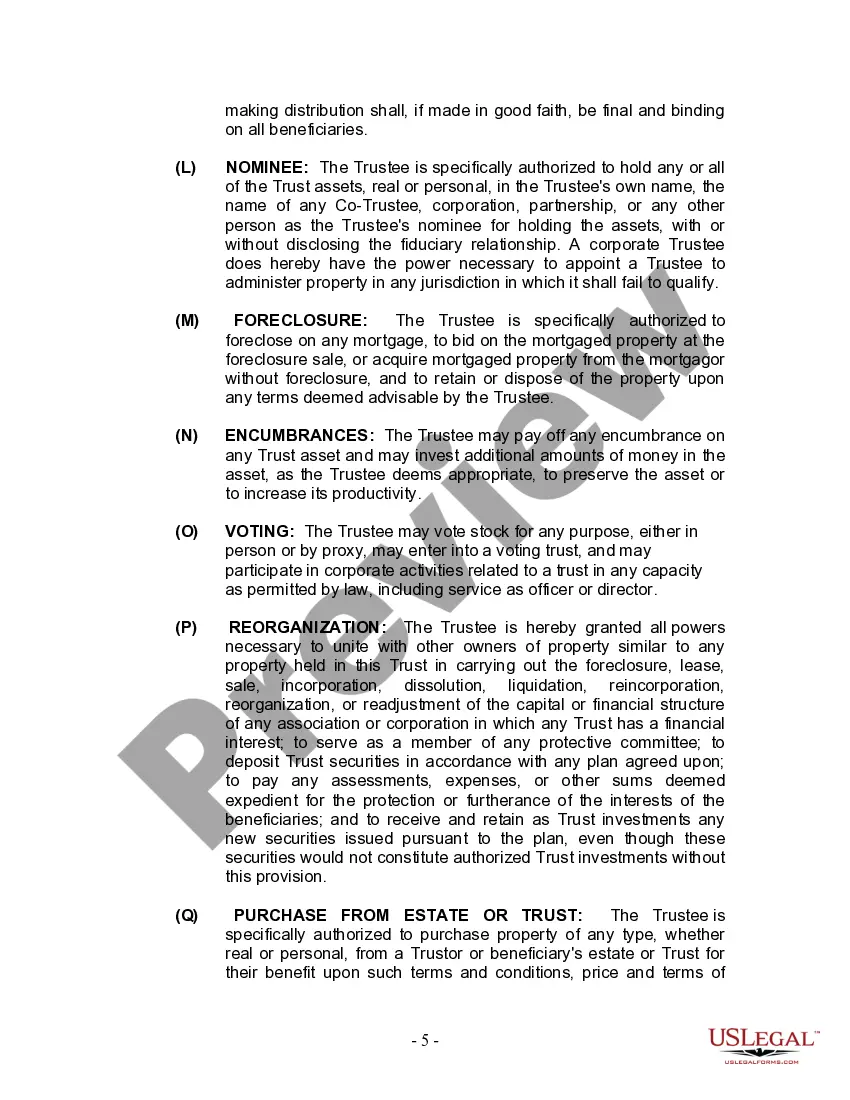
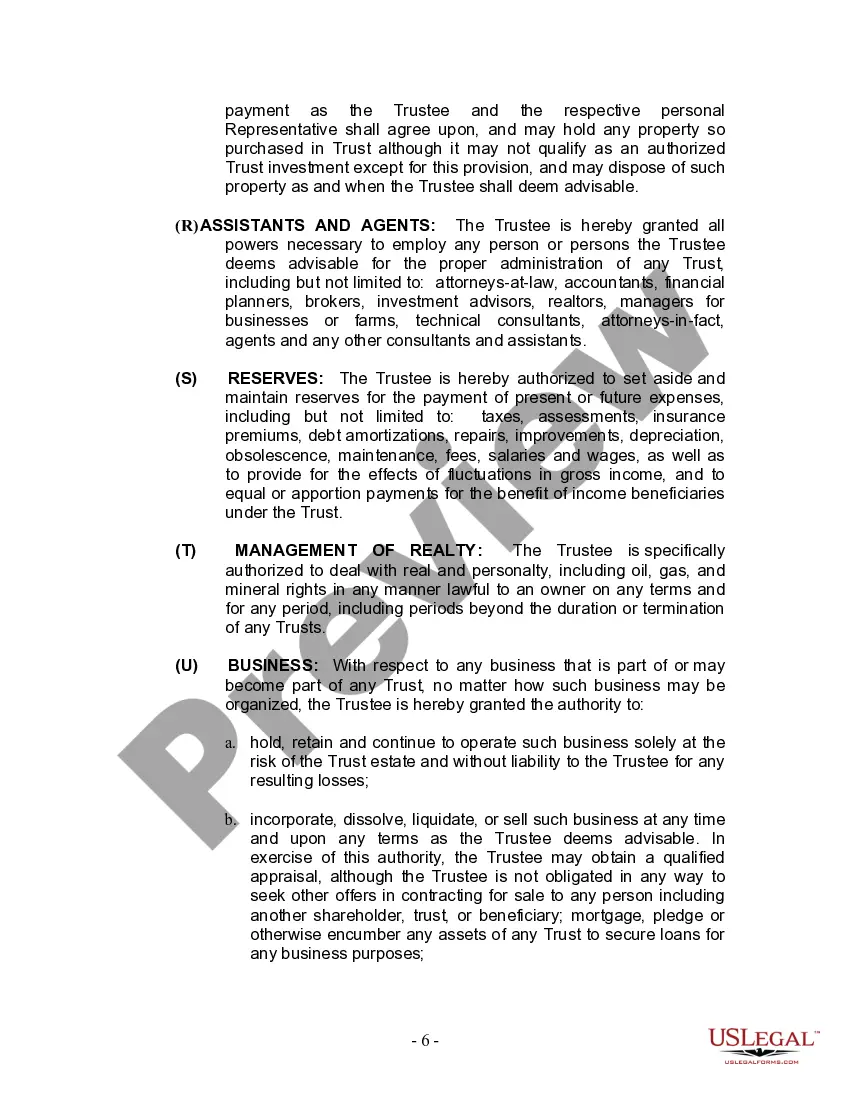
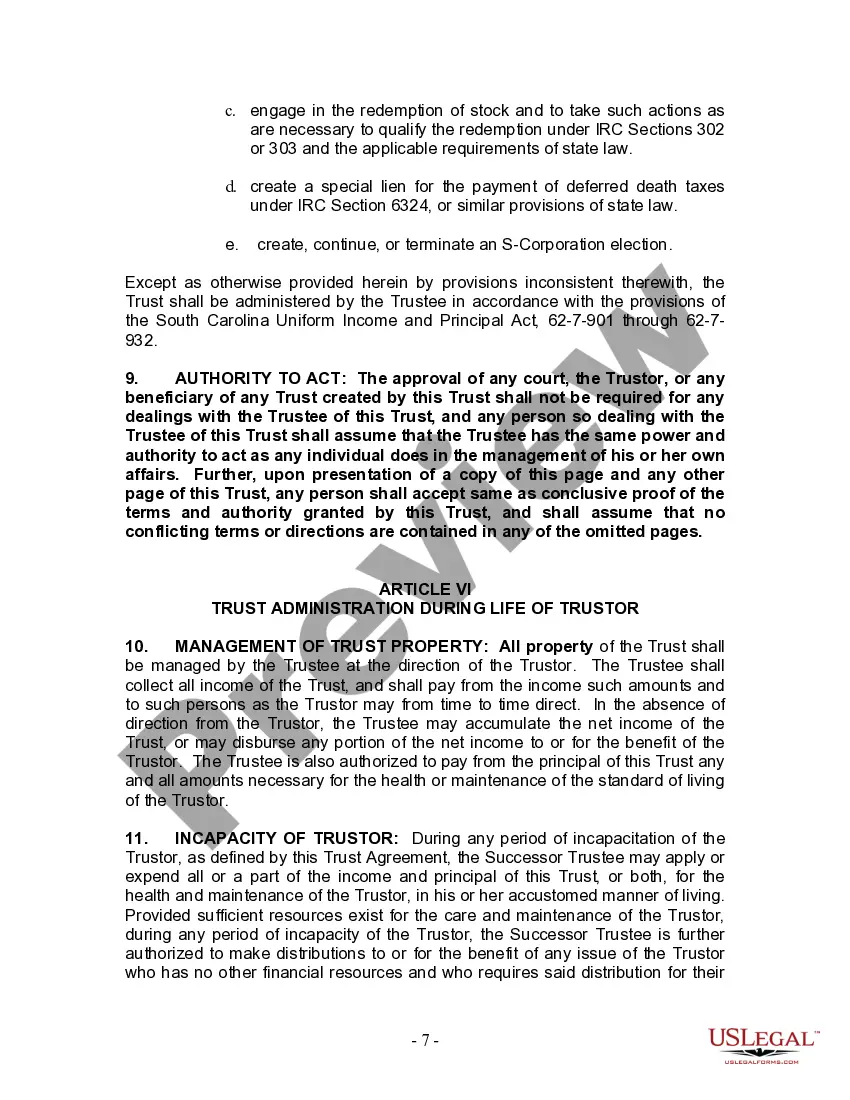
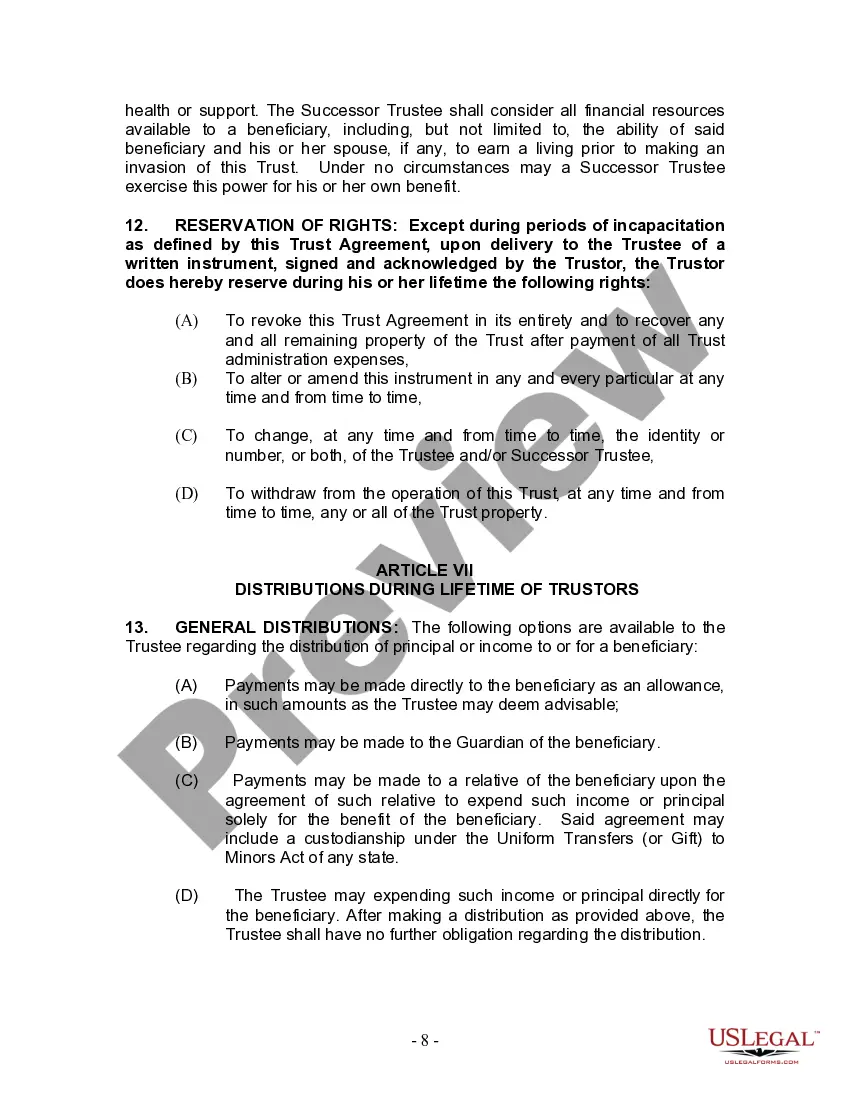
Review the template using the Preview feature or through the text outline to confirm it satisfies your needs. Search for another sample using the search bar at the top of the page if necessary. Click Buy Now when you’ve found the correct form and choose a subscription plan. Create an account or sign in and complete the payment using PayPal or a credit card. Select the format for your South Carolina Living Trust Without An Attorney and download it. All templates you find through US Legal Forms are reusable. To re-download and complete forms previously acquired, access the My documents section in your account. Take advantage of the most comprehensive and user-friendly legal document service!
- They are simple to navigate with all documents categorized by state and intended use.
- Our experts stay updated with legal changes, so you can always be confident your documents are current and compliant when obtaining a South Carolina Living Trust Without An Attorney from our platform.
- Acquiring a South Carolina Living Trust Without An Attorney is quick and easy for both existing and new users.
- If you already hold an account with an active subscription, Log In and download the document sample you require in the desired format.
- If you are new to our site, follow the steps below.
Form popularity
FAQ
To make a living trust in South Carolina, you: Choose whether to make an individual or shared trust. Decide what property to include in the trust. Choose a successor trustee. Decide who will be the trust's beneficiaries?that is, who will get the trust property. Create the trust document.
Creating a living trust in South Carolina involves creating a written trust document and signing it in front of a notary. The trust is not final until you transfer assets into it. A living trust might offer benefits that are valuable for you. Compare it with other estate planning options before deciding.
Generally, a Living Trust, produced by an attorney, ranges in price from $2,000 to $4,000. The Trust includes all documents required to establish the Trust, powers of attorney, both financial and healthcare-related. In California, a Will typically ranges from $400 to $700.
The certificate must be acknowledged by the acting trustees and witnesses in the presence of a Notary Public before it is recorded in the county where the subject real property is situated. Consult a lawyer with questions regarding certifications of trust in South Carolina.
The cost of setting up a trust in South Carolina varies depending on the complexity of the trust and the attorney's fees. A basic Revocable Living Trust generally ranges from $1,000 to $3,000. More complex trusts can cost several thousand dollars more.