Rhode Island Legal Ri For Adults
Description
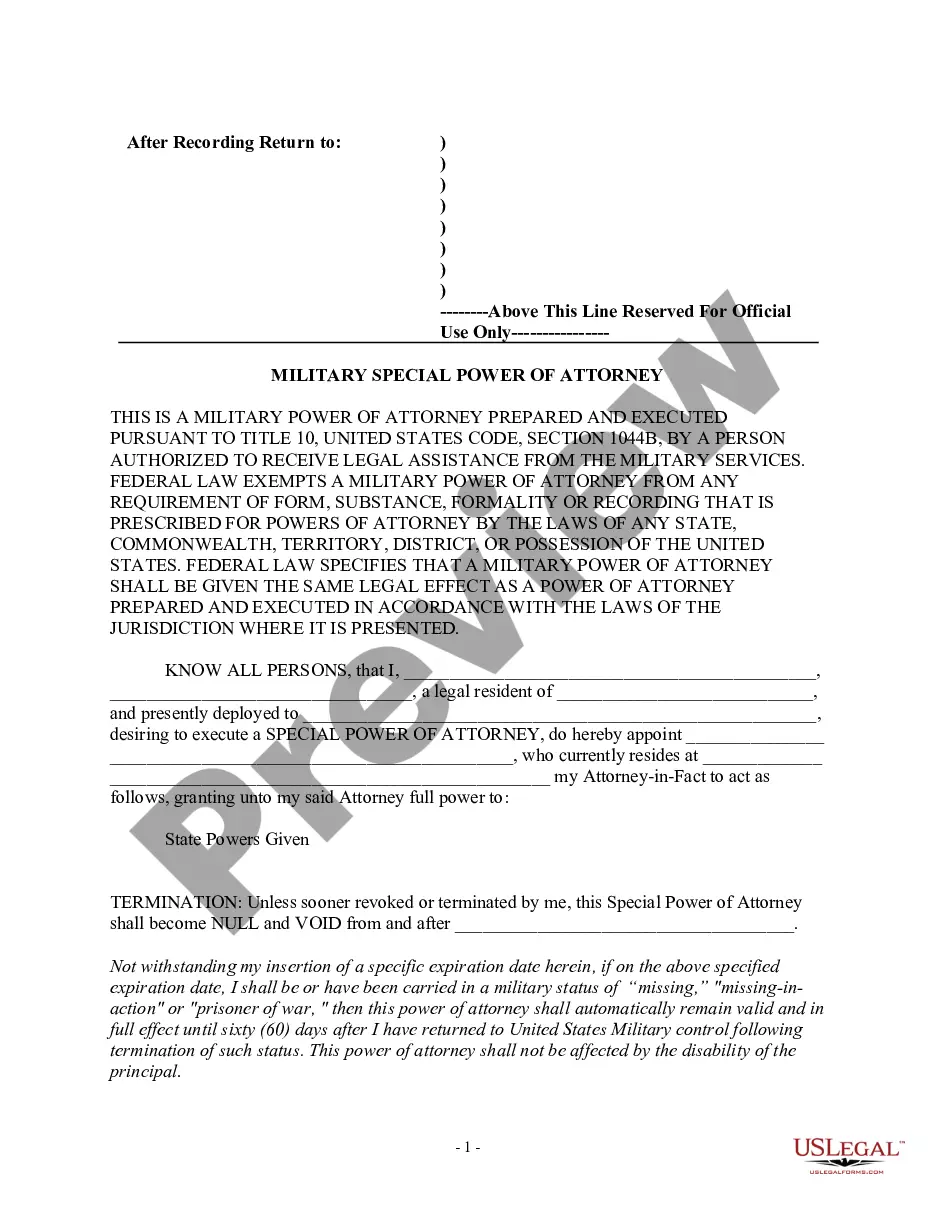
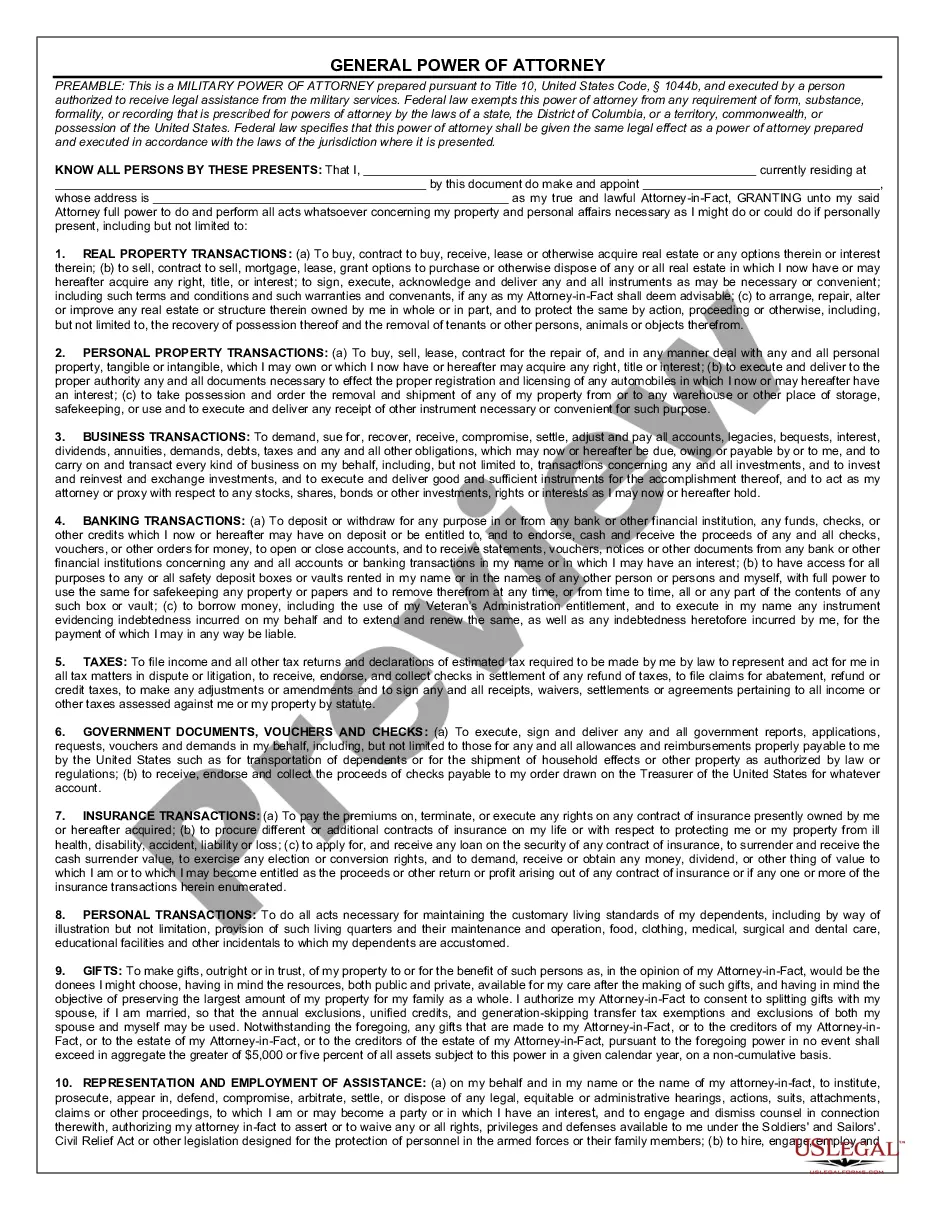
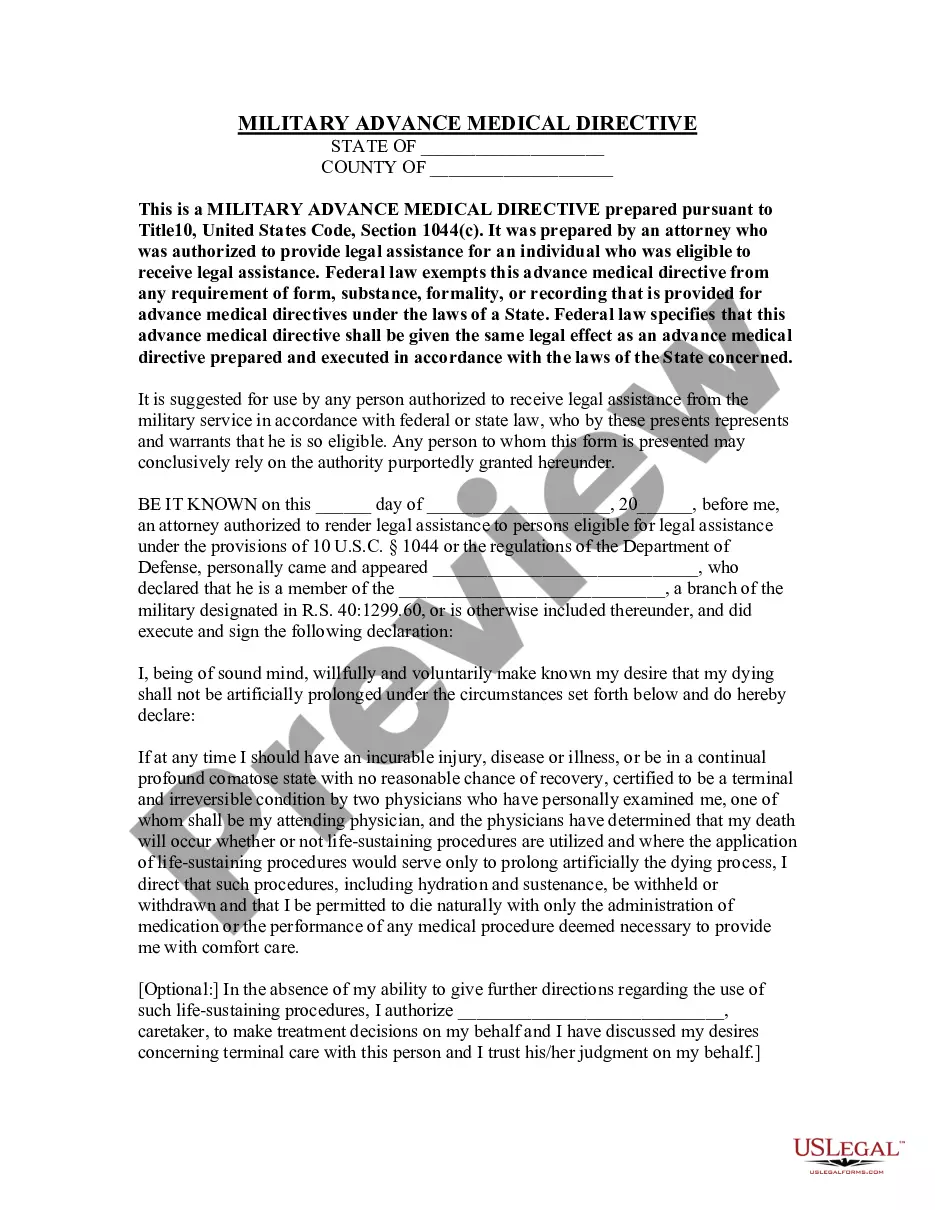
Get your form ready online
Our built-in tools help you complete, sign, share, and store your documents in one place.
Make edits, fill in missing information, and update formatting in US Legal Forms—just like you would in MS Word.
Download a copy, print it, send it by email, or mail it via USPS—whatever works best for your next step.
Sign and collect signatures with our SignNow integration. Send to multiple recipients, set reminders, and more. Go Premium to unlock E-Sign.
If this form requires notarization, complete it online through a secure video call—no need to meet a notary in person or wait for an appointment.
We protect your documents and personal data by following strict security and privacy standards.

Make edits, fill in missing information, and update formatting in US Legal Forms—just like you would in MS Word.

Download a copy, print it, send it by email, or mail it via USPS—whatever works best for your next step.

Sign and collect signatures with our SignNow integration. Send to multiple recipients, set reminders, and more. Go Premium to unlock E-Sign.

If this form requires notarization, complete it online through a secure video call—no need to meet a notary in person or wait for an appointment.

We protect your documents and personal data by following strict security and privacy standards.
Looking for another form?
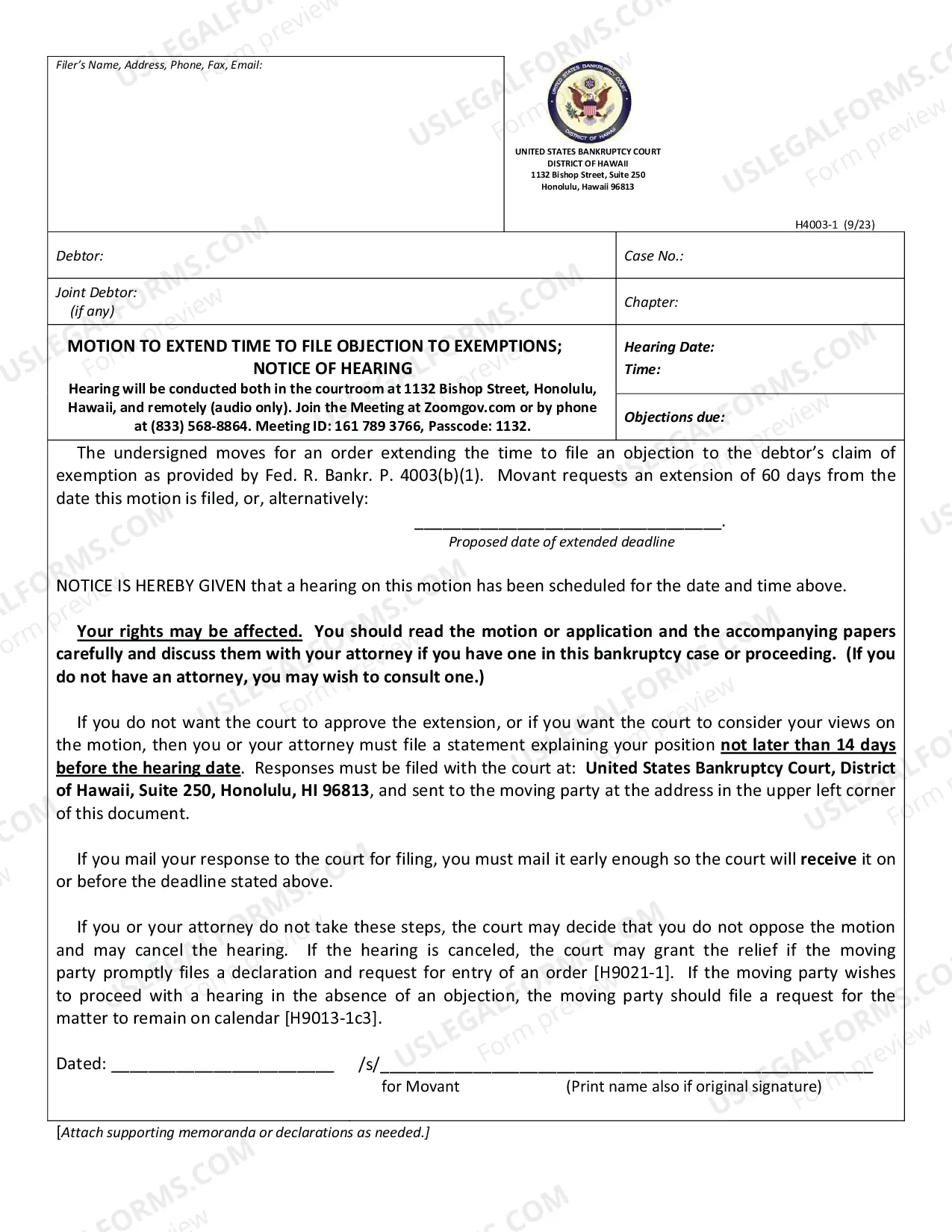





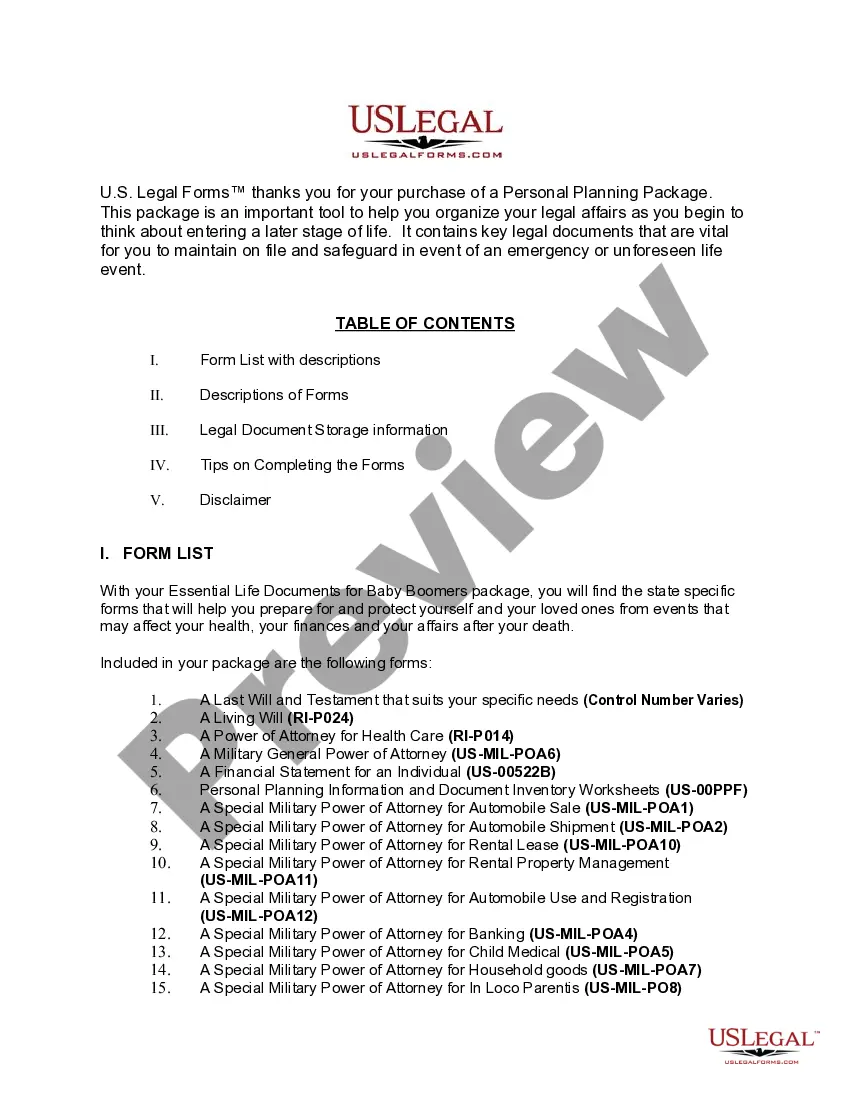
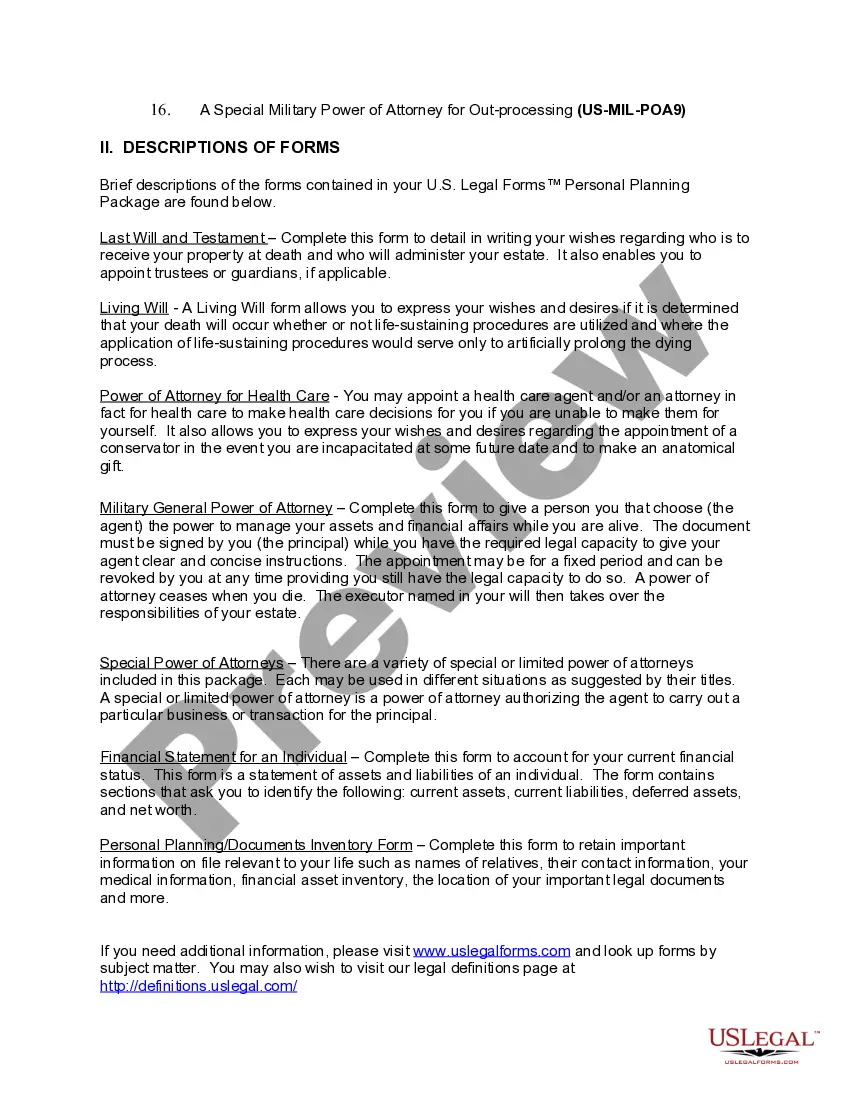
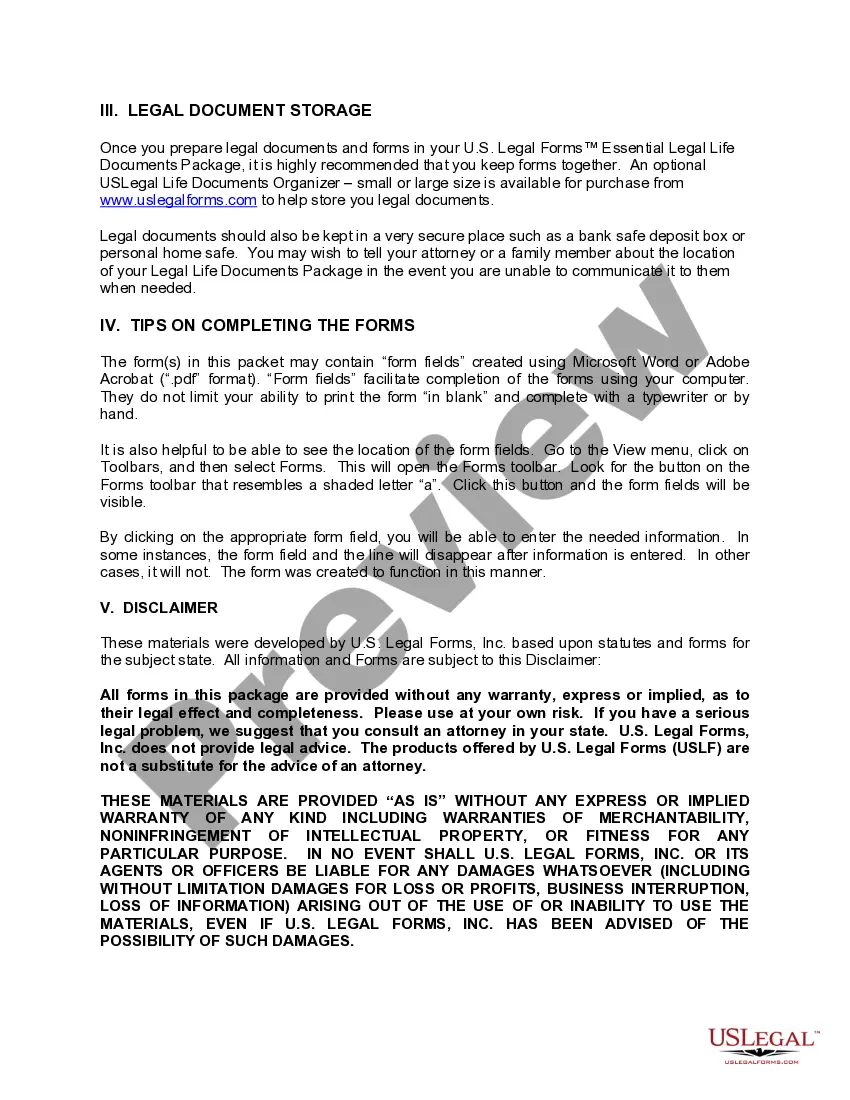
How to fill out Rhode Island Essential Legal Life Documents For Military Personnel?
Managing legal documents can be exasperating, even for the most adept professionals.
When you are looking for a Rhode Island Legal Ri For Adults and lack the time to search for the correct and updated version, the process can be overwhelming.
Access state- or county-specific legal and business documents. US Legal Forms caters to all your requirements, from personal to organizational paperwork, all in one location.
Employ cutting-edge tools to complete and manage your Rhode Island Legal Ri For Adults.
Here are the steps to follow after downloading the form you desire: Verify it is the correct form by previewing it and reading its description. Ensure that the template is valid in your state or county. Click Buy Now when you are ready. Select a subscription plan. Choose the format you prefer, and Download, complete, sign, print, and send your document. Enjoy the US Legal Forms online library, backed by 25 years of experience and reliability. Transform your daily document management into a seamless and user-friendly experience today.
- Access a resource library of articles, tutorials, and guides related to your circumstances and requirements.
- Save time and effort searching for the documents you need, and utilize US Legal Forms’ advanced search and Preview feature to find Rhode Island Legal Ri For Adults.
- If you hold a membership, Log In to your US Legal Forms account, search for the form, and obtain it.
- Check your My documents section to review the documents you have previously downloaded and manage your folders as needed.
- If this is your first experience with US Legal Forms, establish a free account and gain unlimited access to all benefits of the library.
- A robust online form repository can be transformative for anyone aiming to handle these matters effectively.
- US Legal Forms is a frontrunner in online legal forms, offering over 85,000 state-specific legal documents accessible whenever needed.
- With US Legal Forms, you can.
Form popularity
FAQ
Someone must step forward to petition the probate court to become the Guardian for the individual. The individual and their family must be notified of the petition by the court. A guardian-ad-litum will meet with the individual to assess what the individual may want and what may be in the persons best interest.
The DR-6 (a-b) ?Statement of Assets Liabilities Income Expenses? is a form that all family court parties are required to fill out and file when filing complaints about divorce. separation, miscellaneous complaints, or when an answer or modification request is filed.
Motions may be filed in paper, or alternatively, may be sent electronically via email to our Helpdesk at: rib_helpdesk@rib.uscourts.gov. The subject line of the email must state, "Motion For Excusal".
A physician must complete documentation that the individual is unable to make decisions for themselves. Someone must step forward to petition the probate court to become the Guardian for the individual. The individual and their family must be notified of the petition by the court.
Form RI-2848 State of Rhode Island Division of Taxation Power of Attorney Name, identifying number, and address including zip code of taxpayer (s): hereby appoints (Name, address including zip code, and telephone number of appointee(s));