New York Corporation New York For Map
Description


Get your form ready online
Our built-in tools help you complete, sign, share, and store your documents in one place.
Make edits, fill in missing information, and update formatting in US Legal Forms—just like you would in MS Word.
Download a copy, print it, send it by email, or mail it via USPS—whatever works best for your next step.
Sign and collect signatures with our SignNow integration. Send to multiple recipients, set reminders, and more. Go Premium to unlock E-Sign.
If this form requires notarization, complete it online through a secure video call—no need to meet a notary in person or wait for an appointment.
We protect your documents and personal data by following strict security and privacy standards.

Make edits, fill in missing information, and update formatting in US Legal Forms—just like you would in MS Word.

Download a copy, print it, send it by email, or mail it via USPS—whatever works best for your next step.

Sign and collect signatures with our SignNow integration. Send to multiple recipients, set reminders, and more. Go Premium to unlock E-Sign.

If this form requires notarization, complete it online through a secure video call—no need to meet a notary in person or wait for an appointment.

We protect your documents and personal data by following strict security and privacy standards.
Looking for another form?
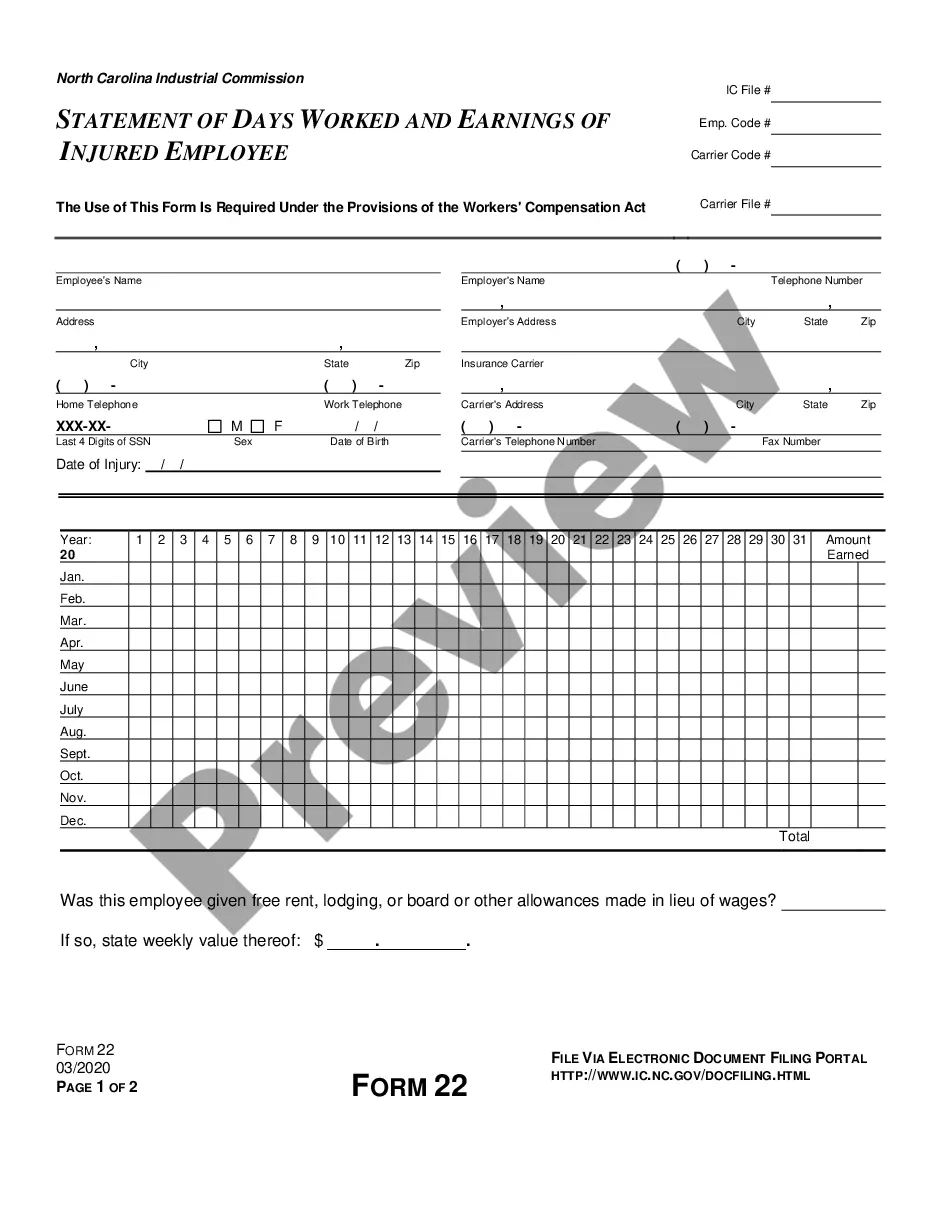
How to fill out Sample Bylaws For A New York Professional Service Corporation?
The New York Corporation New York For Map displayed on this page is a reusable legal template prepared by expert attorneys in compliance with federal and local statutes and regulations.
For over 25 years, US Legal Forms has supplied individuals, businesses, and legal experts with more than 85,000 confirmed, state-specific documents for any commercial and personal circumstance. It’s the fastest, most straightforward, and most reliable method to acquire the forms you require, as the service assures the utmost level of data security and anti-malware safeguards.
Select the format you prefer for your New York Corporation New York For Map (PDF, DOCX, RTF) and download the document onto your device. Fill in and sign the documents. Print the template to complete it by hand. Alternatively, use an online multifunctional PDF editor to swiftly and accurately complete and sign your form with an eSignature. Download your documents again. Use the same form again whenever necessary. Access the My documents tab in your profile to redownload any previously purchased documents. Subscribe to US Legal Forms to have verified legal templates for all of life's situations at your fingertips.
- Search for the document you require and review it.
- Browse through the sample you looked for and preview it or inspect the form description to confirm it meets your requirements. If it does not, utilize the search feature to locate the correct one. Click Buy Now when you have found the template you need.
- Select and Log In.
- Choose the pricing plan that fits you and create an account. Use PayPal or a credit card to make an immediate payment. If you already have an account, Log In and check your subscription to continue.
- Acquire the editable template.
Form popularity
FAQ
FINDING YOUR TAX MAP NUMBER Don't know your tax map number? Your property tax bill has it listed, or call your local Assessor's office for the information. Below is a list of town assessor and village clerk phone numbers to help you determine your tax map number.
The exact name of the entity and its DOS ID number may be found by searching the name of the entity on the Department of State's Corporation & Business Entity Database.
How to Form a Corporation in New York Choose a Corporate Name. ... File Certificate of Incorporation. ... Appoint a Registered Agent. ... Prepare Corporate Bylaws. ... Appoint Directors and Hold First Board Meeting. ... Issue Stock. ... File New York Biennial Statement. ... Comply With Other Tax and Regulatory Requirements.
A business can register as an "S corporation" for filing New York State taxes. The filing allows individual shareholders to report corporate income on their own tax returns. All shareholders must agree to file. Businesses must also be registered as a S corporation with the federal government.
This confirms your LLC is now a legally formed business in the State of New York. Your Filing Receipt will contain your LLC's name, the date filed, and your Department of State ID Number (also known as your DOS ID Number). Your DOS ID Number is unique to your LLC and you will use it when dealing with the State.