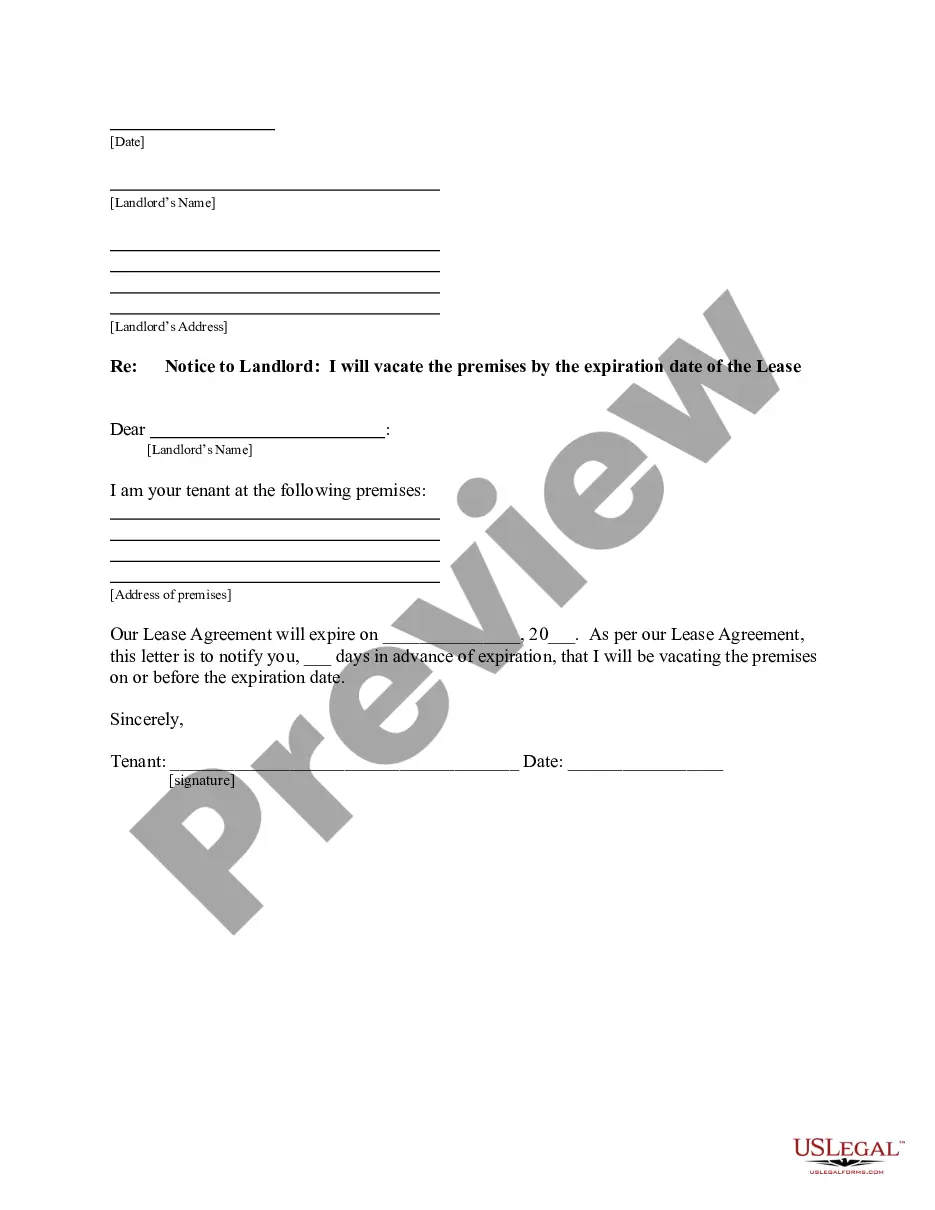
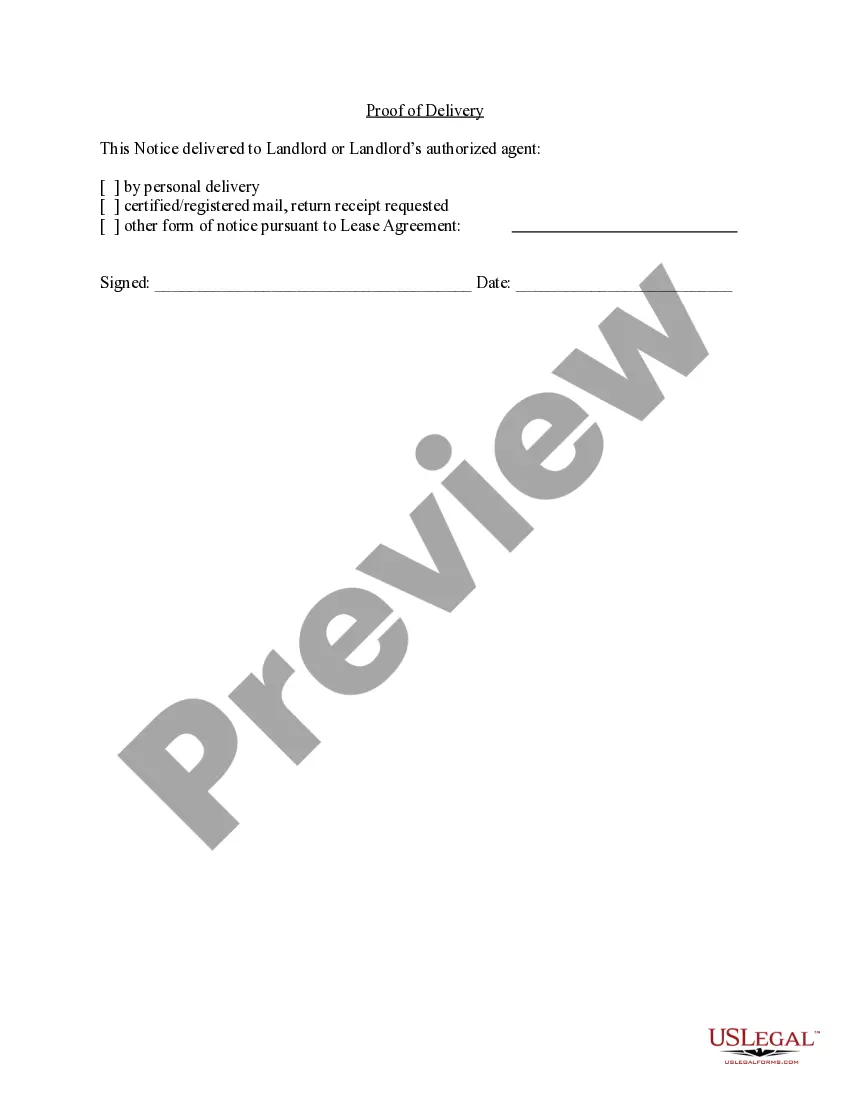
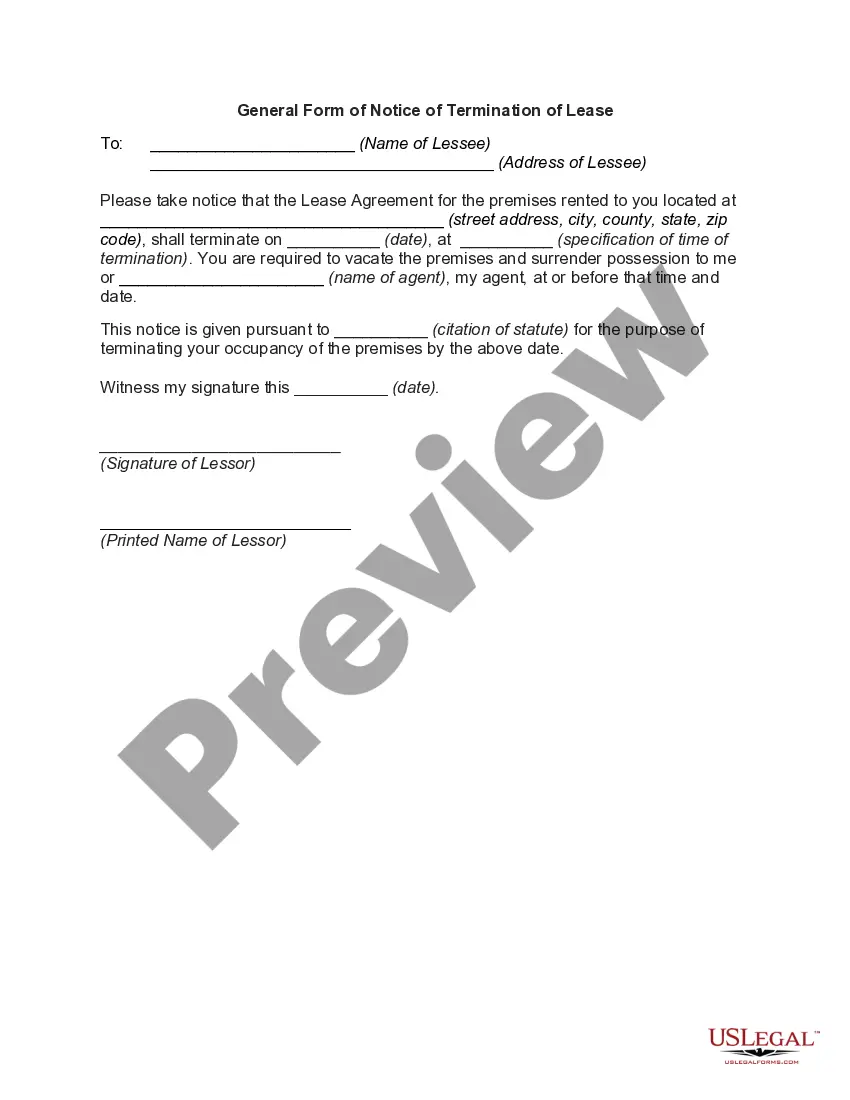
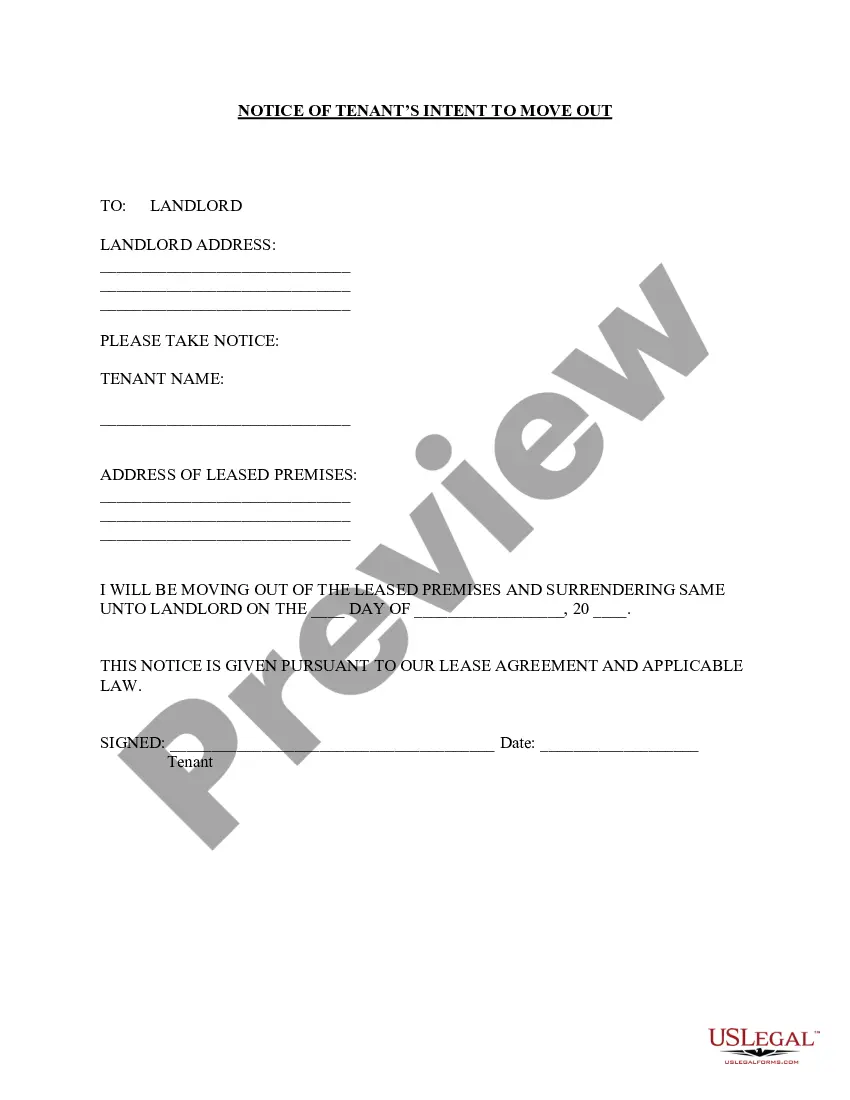
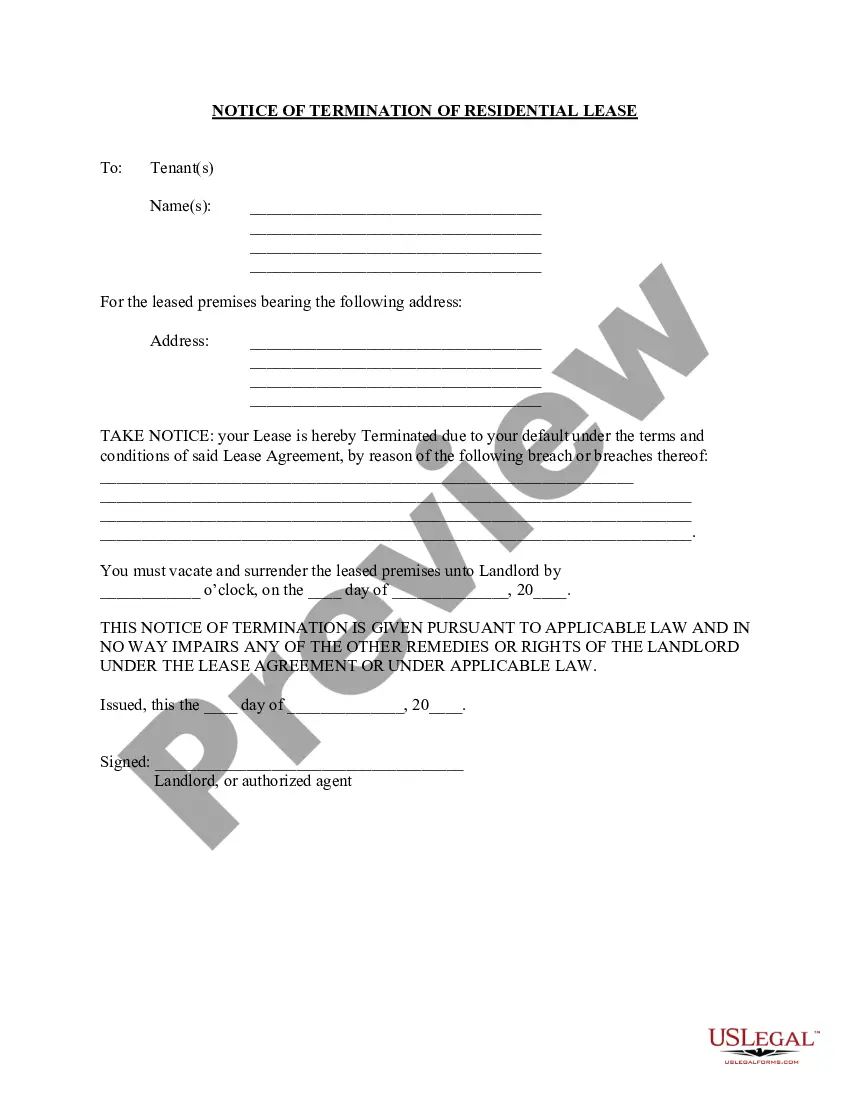
30 Day Notice To Vacate For Roommate
Description
Get your form ready online
Our built-in tools help you complete, sign, share, and store your documents in one place.
Make edits, fill in missing information, and update formatting in US Legal Forms—just like you would in MS Word.
Download a copy, print it, send it by email, or mail it via USPS—whatever works best for your next step.
Sign and collect signatures with our SignNow integration. Send to multiple recipients, set reminders, and more. Go Premium to unlock E-Sign.
If this form requires notarization, complete it online through a secure video call—no need to meet a notary in person or wait for an appointment.
We protect your documents and personal data by following strict security and privacy standards.

Make edits, fill in missing information, and update formatting in US Legal Forms—just like you would in MS Word.

Download a copy, print it, send it by email, or mail it via USPS—whatever works best for your next step.

Sign and collect signatures with our SignNow integration. Send to multiple recipients, set reminders, and more. Go Premium to unlock E-Sign.

If this form requires notarization, complete it online through a secure video call—no need to meet a notary in person or wait for an appointment.

We protect your documents and personal data by following strict security and privacy standards.
Looking for another form?
How to fill out North Carolina Letter From Tenant To Landlord For 30 Day Notice To Landlord That Tenant Will Vacate Premises On Or Prior To Expiration Of Lease?
The 30 Day Notice To Vacate For Roommate displayed on this website is a versatile official template created by qualified attorneys adhering to federal and local laws.
For over 25 years, US Legal Forms has been supplying individuals, organizations, and legal professionals with over 85,000 authenticated, state-specific documents for any business and personal situation. It’s the fastest, easiest, and most dependable method to acquire the forms you need, as the service ensures bank-grade data security and anti-virus safeguards.
Pick the format you desire for your 30 Day Notice To Vacate For Roommate (PDF, DOCX, RTF) and save the document on your device.
- Search for the document you require and assess it.
- Browse the file you requested and review it or check the description of the form to confirm it meets your requirements. If it doesn’t, use the search option to find the appropriate one. Hit 'Buy Now' once you have found the template you want.
- Choose a subscription plan and Log In.
- Select the payment option that works best for you and set up an account. Use PayPal or a credit card for a quick transaction. If you already possess an account, Log In and verify your subscription to continue.
- Obtain the editable template.
Form popularity
FAQ
I understand that my image may be edited, copied, exhibited, published or distributed and waive the right to inspect or approve the finished product wherein my likeness appears. Additionally, I waive any right to royalties or other compensation arising or related to the use of my image or recording.
Some of the most common types of release forms include photo, model, property, and copyright release forms. They're all designed to protect a photographer's work and outline publishing rules for the photos.
Photo release forms are typically needed any time a photographer or company wants to use an individual's likeness or property for promotional purposes. They need to agree on a set of terms and conditions with the photo subject to avoid potential legal issues that could arise with image use.
Because a photo copyright release form isn't standardized, photographers create their own document, then have it notarized or approved by an attorney. Use business letterhead paper to create the document. ... State who owns the copyright. ... Describe and name the images(s) to be released. ... Explain the release usage.
How Do You Write a Release Form? The first step in writing is identifying all parties involved, including the releaser and the release. Specify the activity or event in detail, such as a photo shoot, a video production, or a performance. Clearly specify what is being released, whether liability, claims, or damages.
However, photo releases should contain the following components: Names. Names of both parties should be included in a photo release to properly identify who is either granting or receiving permission to use the photos. Terms. ... Description of the shoot. ... Agreement statement. ... Dated signature.
It is generally accepted to snap a photo of a person in a public place without a release form. However, if you use that photo for specific commercial purposes, like promoting a product, it's better to be safe and get the release form.