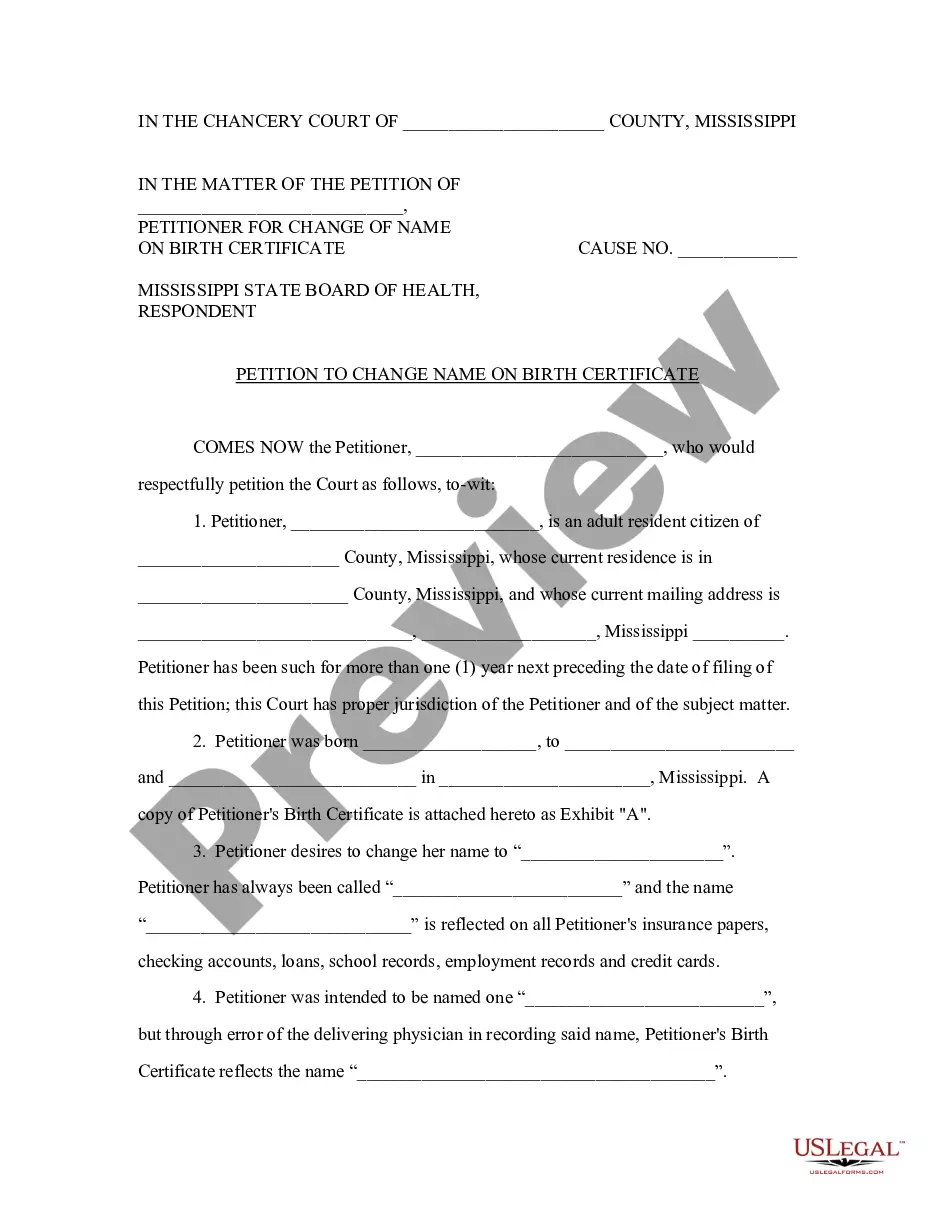
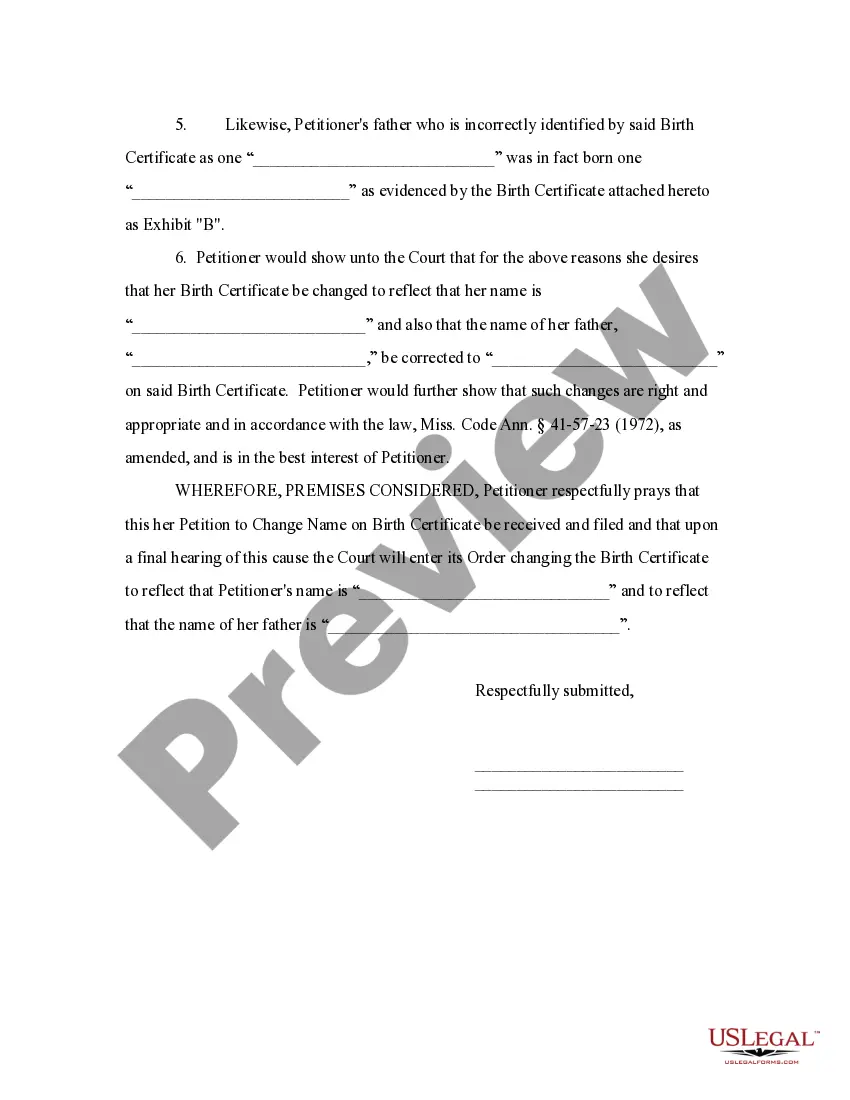
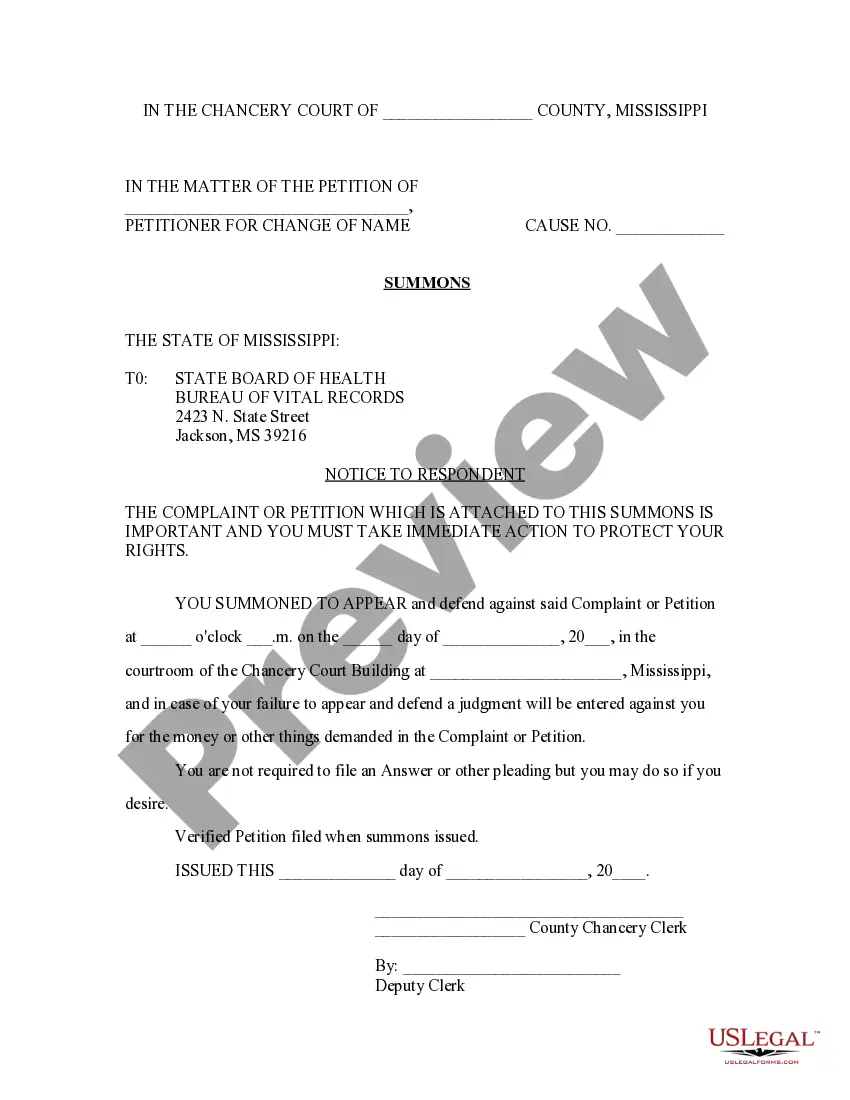
Mississippi Birth Certificate Name Change Without Parental Consent
Description
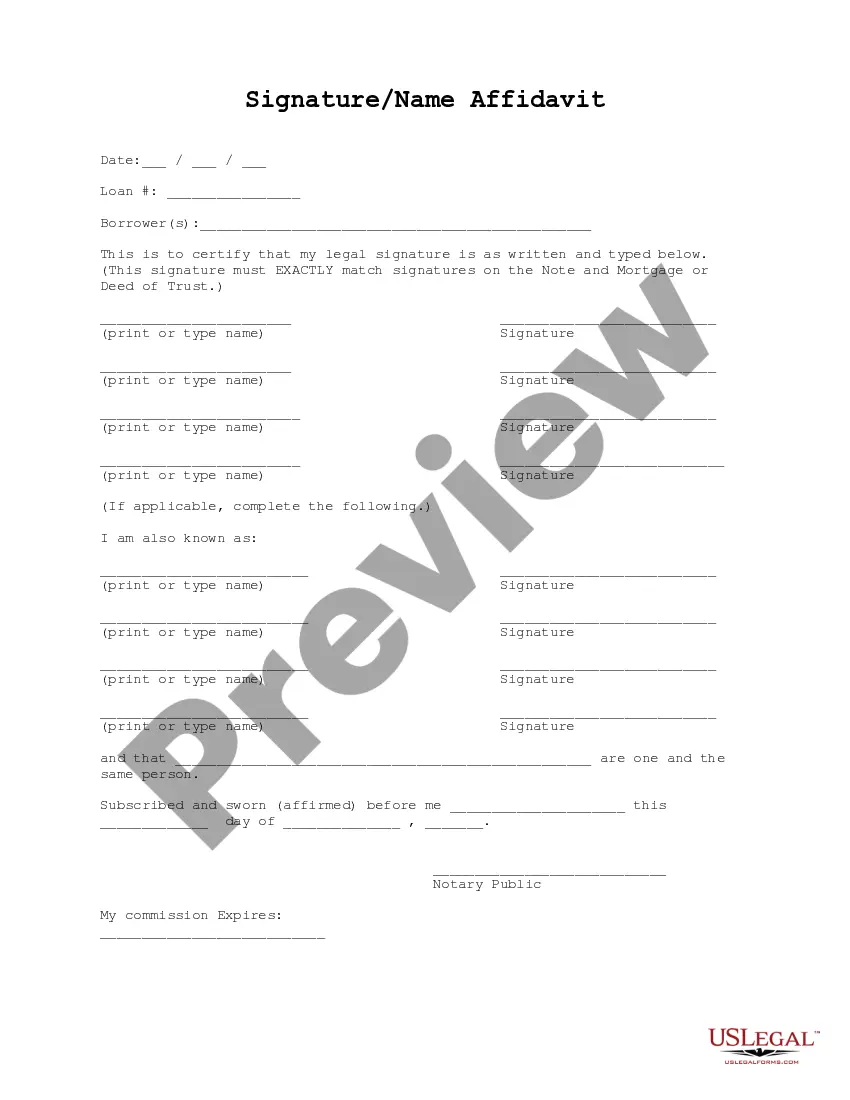
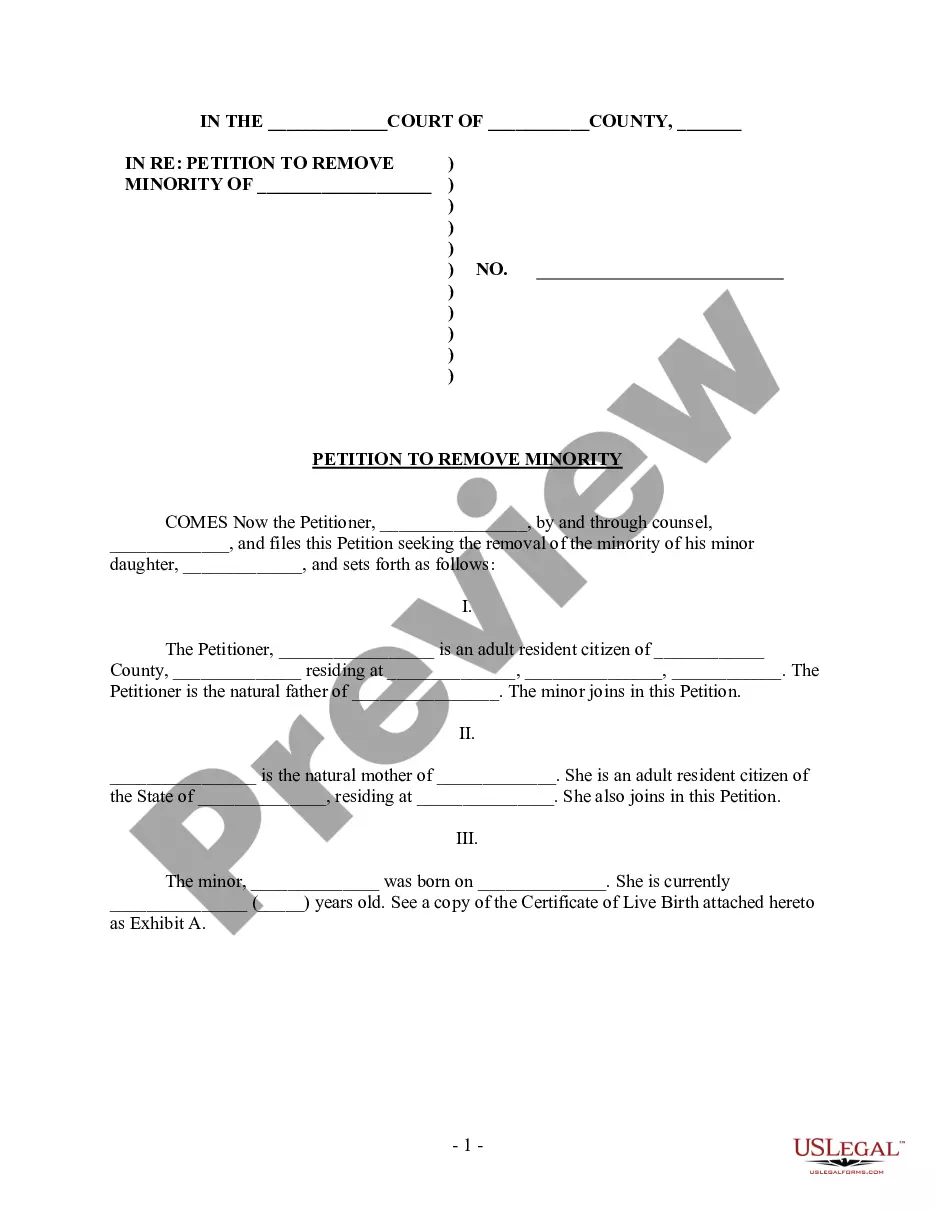

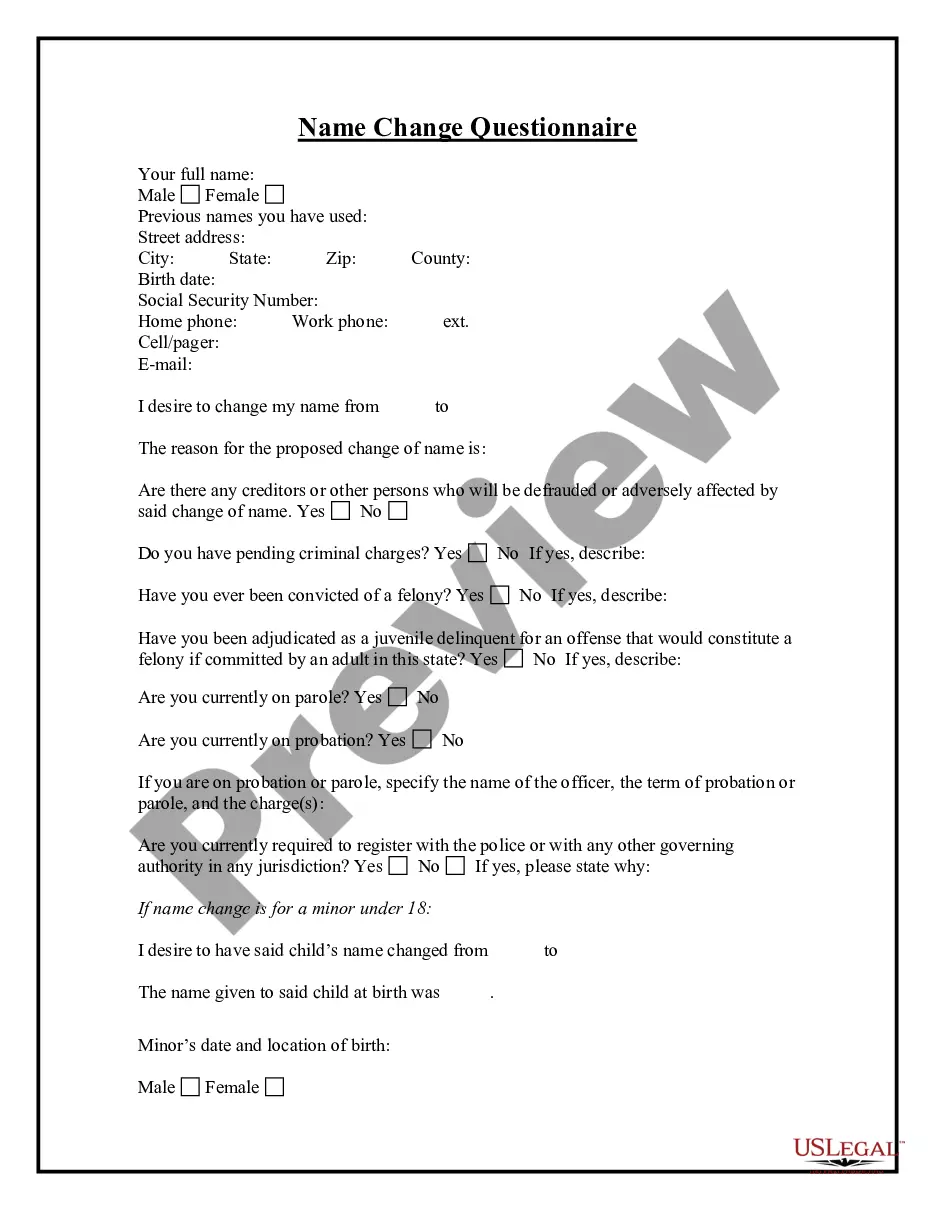
Get your form ready online
Our built-in tools help you complete, sign, share, and store your documents in one place.
Make edits, fill in missing information, and update formatting in US Legal Forms—just like you would in MS Word.
Download a copy, print it, send it by email, or mail it via USPS—whatever works best for your next step.
Sign and collect signatures with our SignNow integration. Send to multiple recipients, set reminders, and more. Go Premium to unlock E-Sign.
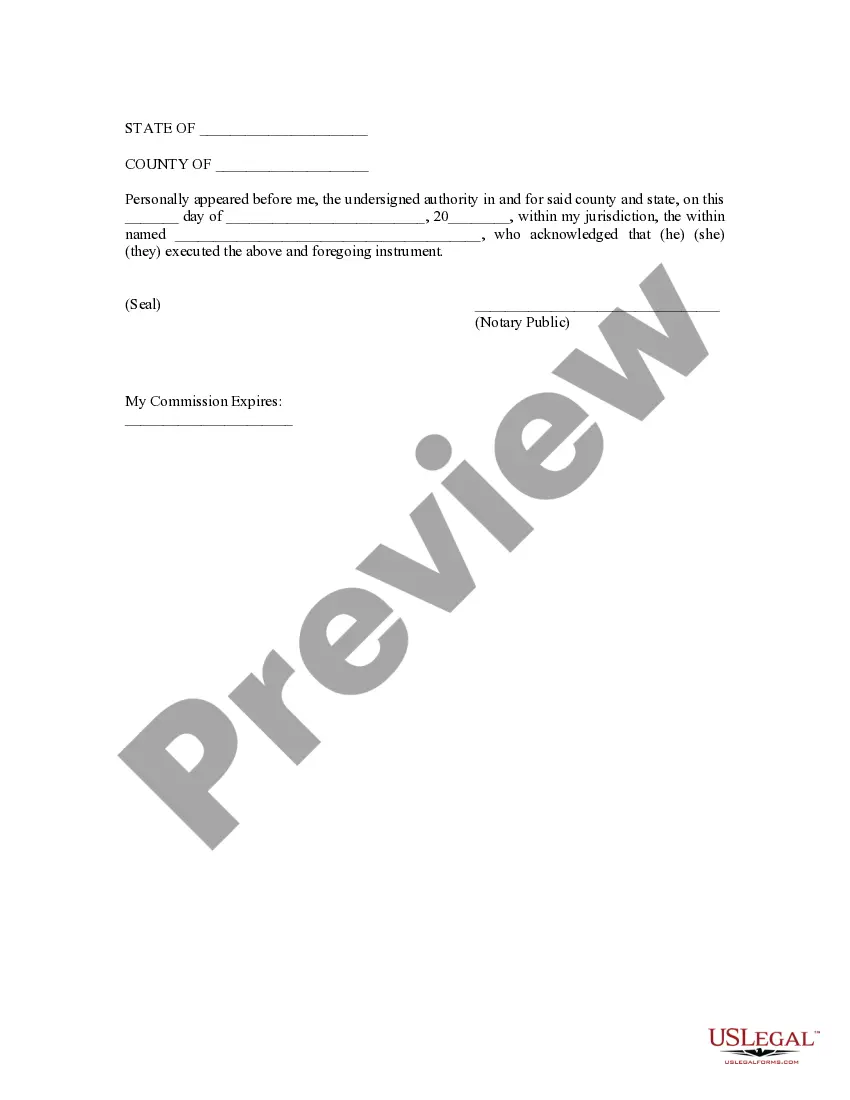
If this form requires notarization, complete it online through a secure video call—no need to meet a notary in person or wait for an appointment.
We protect your documents and personal data by following strict security and privacy standards.

Make edits, fill in missing information, and update formatting in US Legal Forms—just like you would in MS Word.

Download a copy, print it, send it by email, or mail it via USPS—whatever works best for your next step.

Sign and collect signatures with our SignNow integration. Send to multiple recipients, set reminders, and more. Go Premium to unlock E-Sign.

If this form requires notarization, complete it online through a secure video call—no need to meet a notary in person or wait for an appointment.

We protect your documents and personal data by following strict security and privacy standards.
Looking for another form?




How to fill out Mississippi Petition To Change Name On Birth Certificate?
Dealing with legal documents and processes can be a lengthy addition to your daily tasks.
Mississippi Birth Certificate Name Change Without Parental Consent and similar forms often necessitate you to search for them and figure out how to fill them out correctly.
Therefore, whether you are managing financial, legal, or personal issues, having a comprehensive and useful online directory of forms readily available will significantly help.
US Legal Forms is the leading online platform for legal templates, boasting over 85,000 state-specific forms and various resources to help you complete your documents effortlessly.
Is this your first time using US Legal Forms? Sign up and create an account in a few minutes, and you will gain entry to the form directory and Mississippi Birth Certificate Name Change Without Parental Consent. Then, follow the steps below to complete your document: Ensure you have located the correct form using the Review option and examining the form description. Select Buy Now when ready, and choose the subscription plan that suits your needs. Click Download and then fill out, eSign, and print the document. US Legal Forms has twenty-five years of experience aiding clients in managing their legal documents. Find the form you need today and simplify any process without exerting much effort.
- Explore the collection of pertinent documents available with just one click.
- US Legal Forms provides you with state- and county-specific forms accessible anytime for download.
- Safeguard your document management processes with a premium service that enables you to prepare any form in minutes without any extra or hidden fees.
- Simply Log In to your account, locate Mississippi Birth Certificate Name Change Without Parental Consent, and download it immediately from the My documents section.
- You can also access previously saved documents.
Form popularity
FAQ
If the mother was not married at the time between conception and birth, the father can be removed from the birth certificate by the ?Rescission of Acknowledgement of Paternity.? This form is used to rescind (cancel) the legal claim of paternity created by a previously completed Acknowledgement of Paternity.
The fee of $28.00 check, bank, or postal money order. ACKNOWLEDGEMENT OF PATERNITY THE BIRTH CERTIFICATE WILL REFLECT THE LAST NAME OF THE CHILD TO BE THE SAME AS THAT OF THE ACKNOWLEDGED FATHER.
The fee for an amendment or correction to a Mississippi Vital Record is $28.00.
If the mother was not married at any time between conception and birth and there is no father listed on the birth certificate, the addition can be made with an Acknowledge of Paternity. The form can be downloaded at this website, or you can obtain one by calling our Amendments Department at 601-206-8200.
Changes or Corrections: Call our Vital Records office at 601-206-8200 or send e-mail to VRInfo@msdh.ms.gov.