Employee Sql
Description


Get your form ready online
Our built-in tools help you complete, sign, share, and store your documents in one place.
Make edits, fill in missing information, and update formatting in US Legal Forms—just like you would in MS Word.
Download a copy, print it, send it by email, or mail it via USPS—whatever works best for your next step.
Sign and collect signatures with our SignNow integration. Send to multiple recipients, set reminders, and more. Go Premium to unlock E-Sign.
If this form requires notarization, complete it online through a secure video call—no need to meet a notary in person or wait for an appointment.
We protect your documents and personal data by following strict security and privacy standards.

Make edits, fill in missing information, and update formatting in US Legal Forms—just like you would in MS Word.

Download a copy, print it, send it by email, or mail it via USPS—whatever works best for your next step.

Sign and collect signatures with our SignNow integration. Send to multiple recipients, set reminders, and more. Go Premium to unlock E-Sign.

If this form requires notarization, complete it online through a secure video call—no need to meet a notary in person or wait for an appointment.

We protect your documents and personal data by following strict security and privacy standards.
Looking for another form?
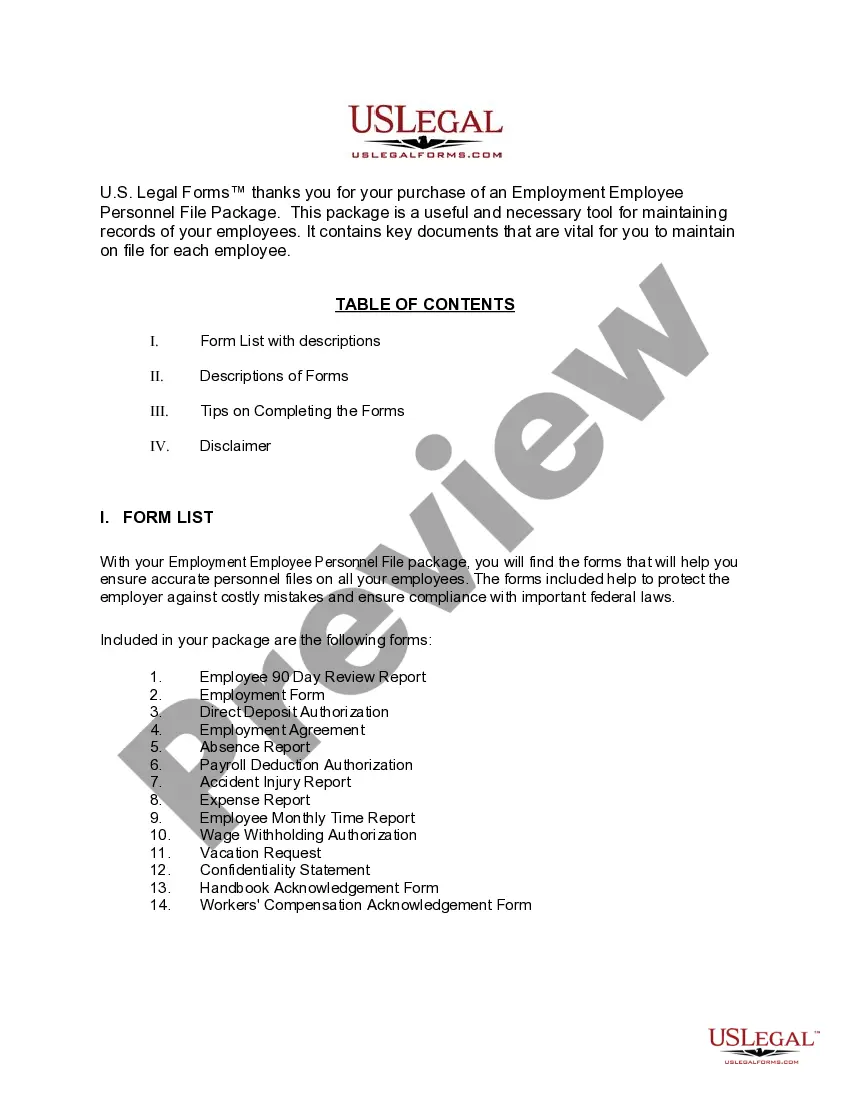
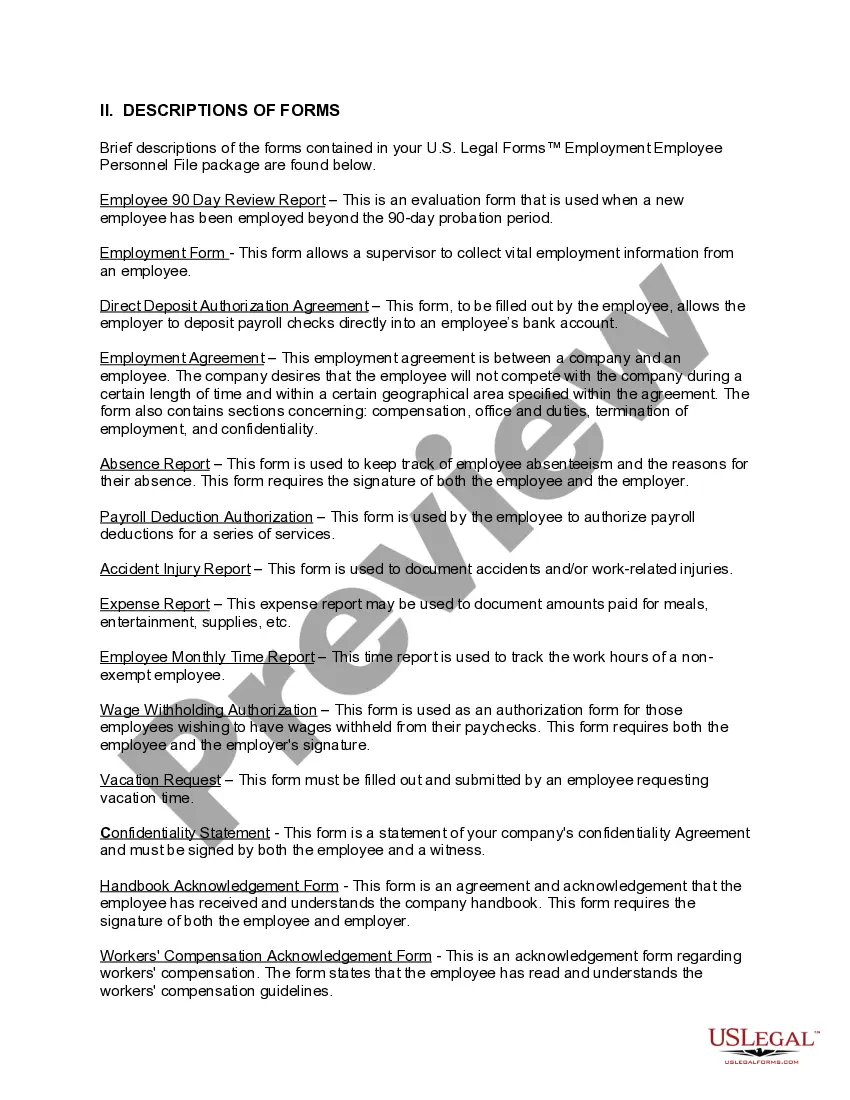
How to fill out Iowa Employment Employee Personnel File Package?
- Log in to your existing account at US Legal Forms. Ensure your subscription is active, or renew it if necessary.
- Review the form's preview and description. Verify that it aligns with your legal requirements and local jurisdiction.
- If the form isn’t suitable, use the Search feature to find another template that fits your criteria.
- Purchase the desired document by selecting your preferred subscription plan. Create an account if you don’t have one.
- Complete your purchase by entering your payment details, either via credit card or PayPal.
- Download the form to your device, and access it anytime through the 'My Forms' section of your profile.
With US Legal Forms, you gain access to an extensive collection of over 85,000 legal forms that are easy to fill and edit. You can also rely on premium experts for guidance, ensuring your documents are precise and legally sound.
Don't miss out on the convenience and reliability offered by US Legal Forms—start browsing today to find the perfect legal template for your needs!
Form popularity
FAQ
Inserting details in SQL involves using the INSERT INTO command specified for your target table. You will need to provide the column names and the corresponding values in a VALUES statement. This process is vital for updating and maintaining accurate data in Employee SQL.
The data type for an employee ID in SQL is typically an integer or a varchar, depending on how you plan to use it. While integers are more common for numeric IDs, varchar can accommodate alphanumeric values. Selecting the right type optimizes your Employee SQL database.
To insert data into the employee table in SQL, use the INSERT INTO statement along with the respective column names. Follow this with a VALUES clause to enter the actual data you want to store. This method is fundamental for maintaining accurate records in Employee SQL.
Displaying the number of employees in SQL can be achieved using the COUNT function. You can create a query that selects the count from the employee table, which provides immediate insights into your workforce. This is essential for any organization using Employee SQL.
To show the employee table in SQL, utilize the SELECT statement. By selecting all columns or specific ones, you can retrieve and view the information stored in the employee table. This is a crucial part of managing your data via Employee SQL.
In SQL Server, to create a temporary table, you use the CREATE TABLE statement with a prefix of '#'. Define your columns much like you would for a regular table. Temporary tables are useful for managing employee data during a session in your database with Employee SQL.
Creating the employee table in SQL is straightforward. You’ll use the CREATE TABLE statement followed by the table name and define the required columns along with their data types. This structure serves as a blueprint for storing essential employee data using Employee SQL.
To insert employee details in SQL, you can use the INSERT INTO statement. Start by specifying the table name and the columns for the data you want to enter. Then, provide the values for those columns in a VALUES clause. This allows you to effectively manage employee data using Employee SQL.
To insert an employee table in SQL, execute the INSERT statement, designating the table name and initiating the values for each column. Ensure the data types align with your employee table's definitions, which will prevent errors during insertion. Properly leveraging employee SQL can facilitate a smooth workflow in managing personnel data. Streamlined data entry enhances your organization's efficiency.
Inserting into an employee table in SQL can be done using the INSERT INTO command. Specify the table name followed by the columns you want to populate and the corresponding values. This operation allows you to add new employee records to your SQL database effortlessly. Utilizing employee SQL methods correctly ensures that your data remains organized and accessible.