Employee File Folders With Dividers
Description
Get your form ready online
Our built-in tools help you complete, sign, share, and store your documents in one place.
Make edits, fill in missing information, and update formatting in US Legal Forms—just like you would in MS Word.
Download a copy, print it, send it by email, or mail it via USPS—whatever works best for your next step.
Sign and collect signatures with our SignNow integration. Send to multiple recipients, set reminders, and more. Go Premium to unlock E-Sign.
If this form requires notarization, complete it online through a secure video call—no need to meet a notary in person or wait for an appointment.
We protect your documents and personal data by following strict security and privacy standards.

Make edits, fill in missing information, and update formatting in US Legal Forms—just like you would in MS Word.

Download a copy, print it, send it by email, or mail it via USPS—whatever works best for your next step.

Sign and collect signatures with our SignNow integration. Send to multiple recipients, set reminders, and more. Go Premium to unlock E-Sign.

If this form requires notarization, complete it online through a secure video call—no need to meet a notary in person or wait for an appointment.

We protect your documents and personal data by following strict security and privacy standards.
Looking for another form?
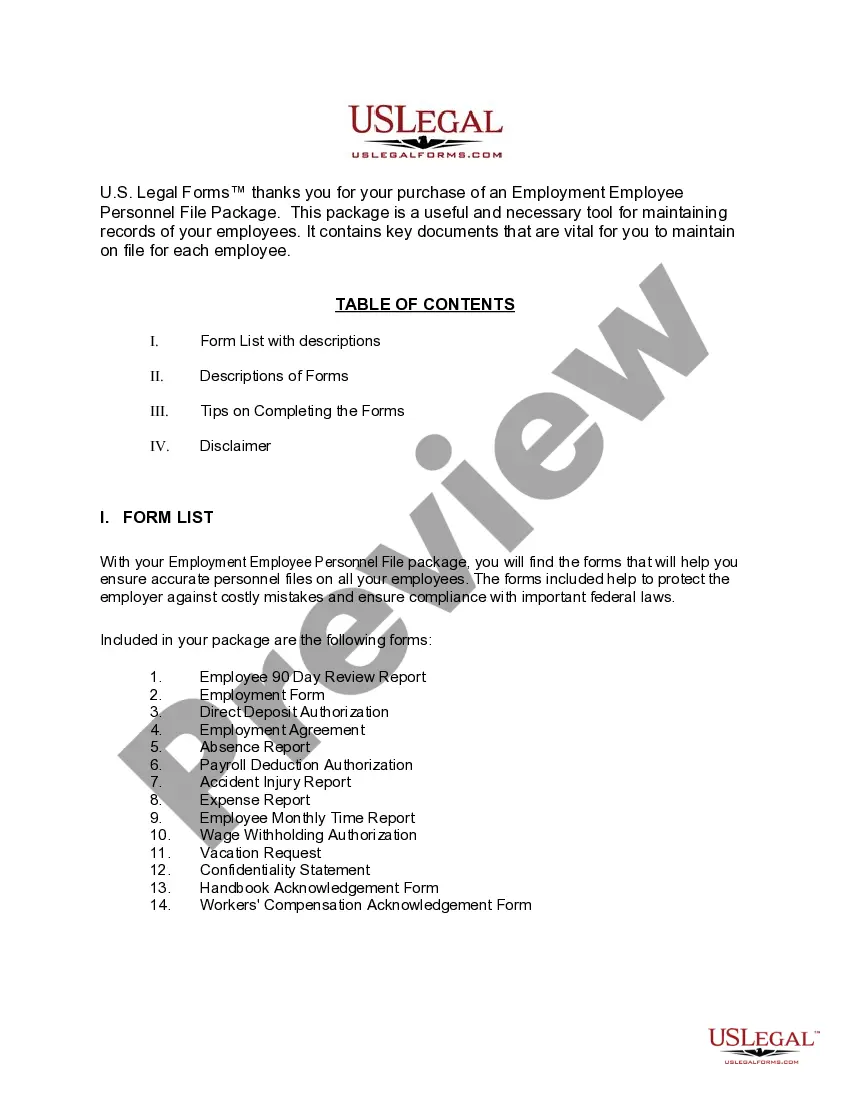
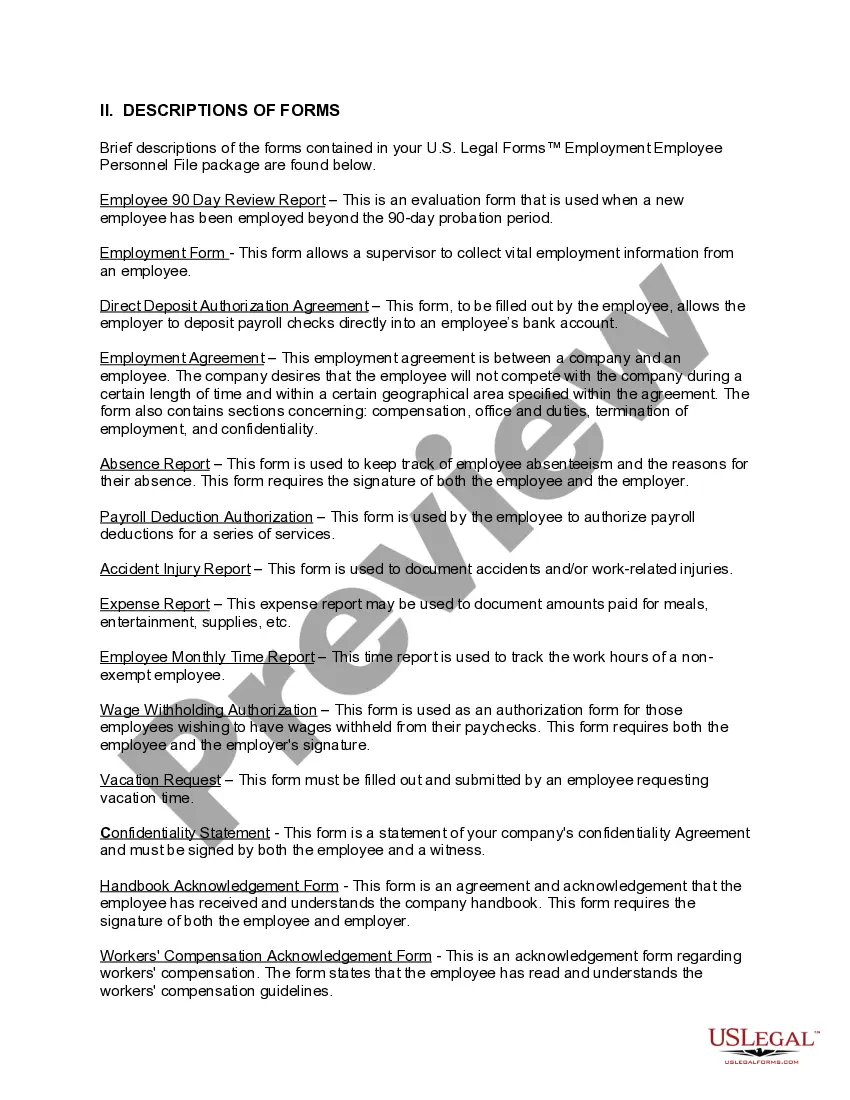
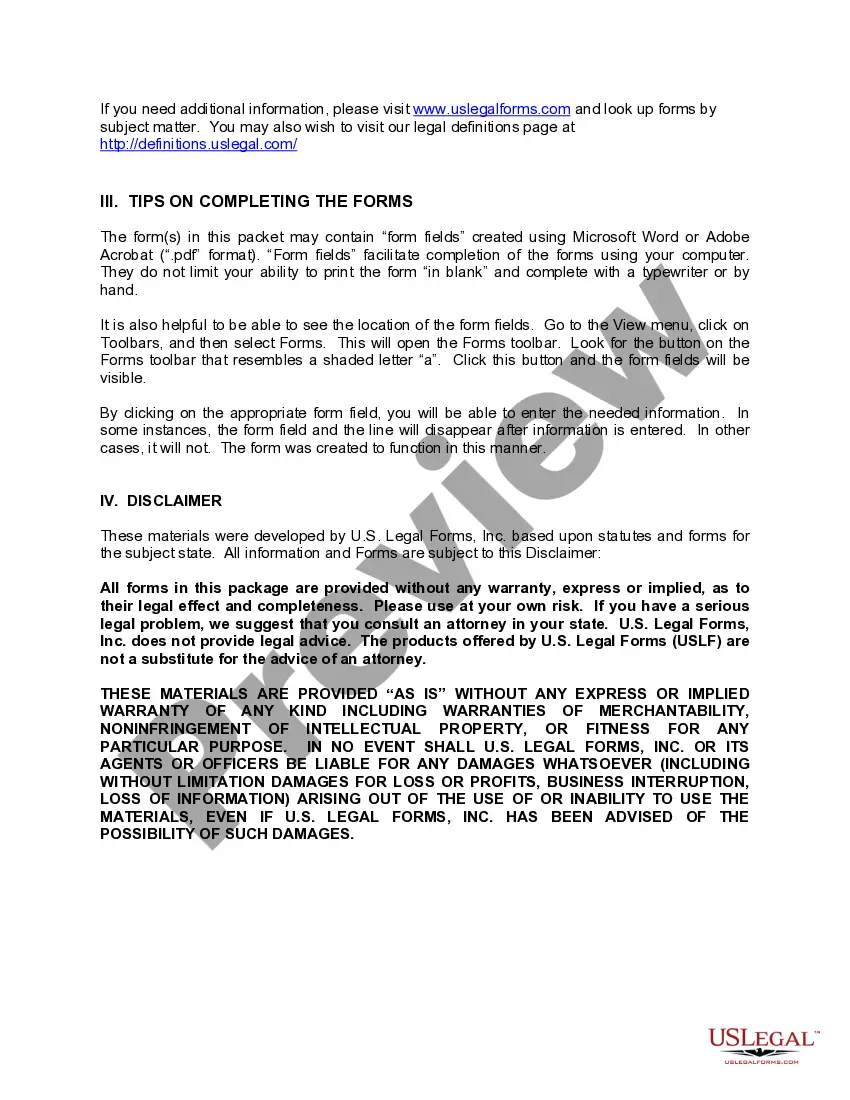
How to fill out Iowa Employment Employee Personnel File Package?
- If you're a returning user, log into your account to download your required template. Ensure your subscription is active; if it's expired, renew according to your payment plan.
- For first-time users, start by reviewing the Preview mode and form descriptions. Confirm you select the form that aligns perfectly with your needs and complies with local jurisdiction requirements.
- If adjustments are necessary, utilize the Search tab to explore additional templates. Find one that meets your criteria to proceed.
- Purchase the document by clicking the Buy Now button. Choose your preferred subscription plan, and create an account for access to an extensive library.
- Complete your purchase by entering your credit card information or using your PayPal account to finalize your subscription.
- Finally, download your form and save it to your device. You can easily access it anytime through the My documents section of your profile.
US Legal Forms distinguishes itself with a vast collection of over 85,000 editable forms, ensuring you find what you need efficiently. Plus, access to legal experts can guide you through document completion, ensuring accuracy.
Start optimizing your document management today by utilizing US Legal Forms and their extensive library. Don't wait—empower your legal processes now!
Form popularity
FAQ
Employee folders should be organized by categories, such as personal information, performance reviews, and training records, using employee file folders with dividers. Start by designating clear sections for each category and utilize dividers to maintain separation. Regularly review and update the contents to keep the information relevant and accessible. An organized system not only improves efficiency but also demonstrates professionalism in handling employee records.
Folder dividers work by creating separate spaces within employee file folders with dividers, allowing you to categorize and organize documents effectively. Each divider acts as a visual and physical barrier, helping maintain order within your files. By using dividers, your team can find relevant information quickly, increasing productivity. This straightforward solution simplifies the management of workplace documentation.
Numbered dividers are a practical tool for sorting employee file folders with dividers. You can assign numbers to each divider, correlating them with a specific sequence of documents or categories. This method allows users to follow a predetermined order when accessing files, reducing time spent searching. Utilizing numbered dividers makes your filing system precise and easy to navigate.
To use a file divider, insert it into employee file folders with dividers to create distinct sections for various categories of documents. This can be done by placing the divider between related items or by labeling it to indicate its purpose—such as payroll, training, or evaluations. By using dividers, you can enhance your workflow and quickly locate necessary files. This simple method significantly improves organization within your file system.
A staff folder is a designated space for storing important documents related to employees within your organization. These folders often include essential HR documents, performance reviews, and training records. By utilizing employee file folders with dividers, you can categorize and manage this information effectively. This organization helps maintain clarity and fosters a professional approach to employee management.
File tabs should typically go at the top or on the side of the employee file folders with dividers, depending on the layout of your folders. Correct placement ensures easy visibility and access when flipping through files. Consider using colored tabs to distinguish different categories, which can further streamline your filing system. This method promotes a clear and organized environment.
You can use binder dividers to separate sections within employee file folders with dividers. This organization method allows for easy access to specific documents when needed. Simply label each divider to clarify the content of each section, providing structure to your employee files. A well-organized system enhances efficiency and ensures you can quickly find important information.
To prevent hanging file folders from falling, ensure that they are properly secured within the filing cabinet. You can also switch to employee file folders with dividers, which are generally more stable and offer better support for your documents. This transition not only reduces mess but also creates a neat filing system.
The best way to organize hanging file folders involves categorizing documents into clearly labeled sections. However, for a more organized approach, consider transitioning to employee file folders with dividers. This not only enhances clarity but also makes it easier to locate specific documents quickly.
An expandable folder with dividers is a storage solution that allows you to separate and categorize documents within a single folder. Its unique design lets you hold a large volume of papers while keeping them organized. Using employee file folders with dividers can also provide a similar benefit, facilitating easy access to related documents.