Notarized Petition Form For Correction Of Entries Data
Description
Get your form ready online
Our built-in tools help you complete, sign, share, and store your documents in one place.
Make edits, fill in missing information, and update formatting in US Legal Forms—just like you would in MS Word.
Download a copy, print it, send it by email, or mail it via USPS—whatever works best for your next step.
Sign and collect signatures with our SignNow integration. Send to multiple recipients, set reminders, and more. Go Premium to unlock E-Sign.
If this form requires notarization, complete it online through a secure video call—no need to meet a notary in person or wait for an appointment.
We protect your documents and personal data by following strict security and privacy standards.

Make edits, fill in missing information, and update formatting in US Legal Forms—just like you would in MS Word.

Download a copy, print it, send it by email, or mail it via USPS—whatever works best for your next step.

Sign and collect signatures with our SignNow integration. Send to multiple recipients, set reminders, and more. Go Premium to unlock E-Sign.

If this form requires notarization, complete it online through a secure video call—no need to meet a notary in person or wait for an appointment.

We protect your documents and personal data by following strict security and privacy standards.
Looking for another form?

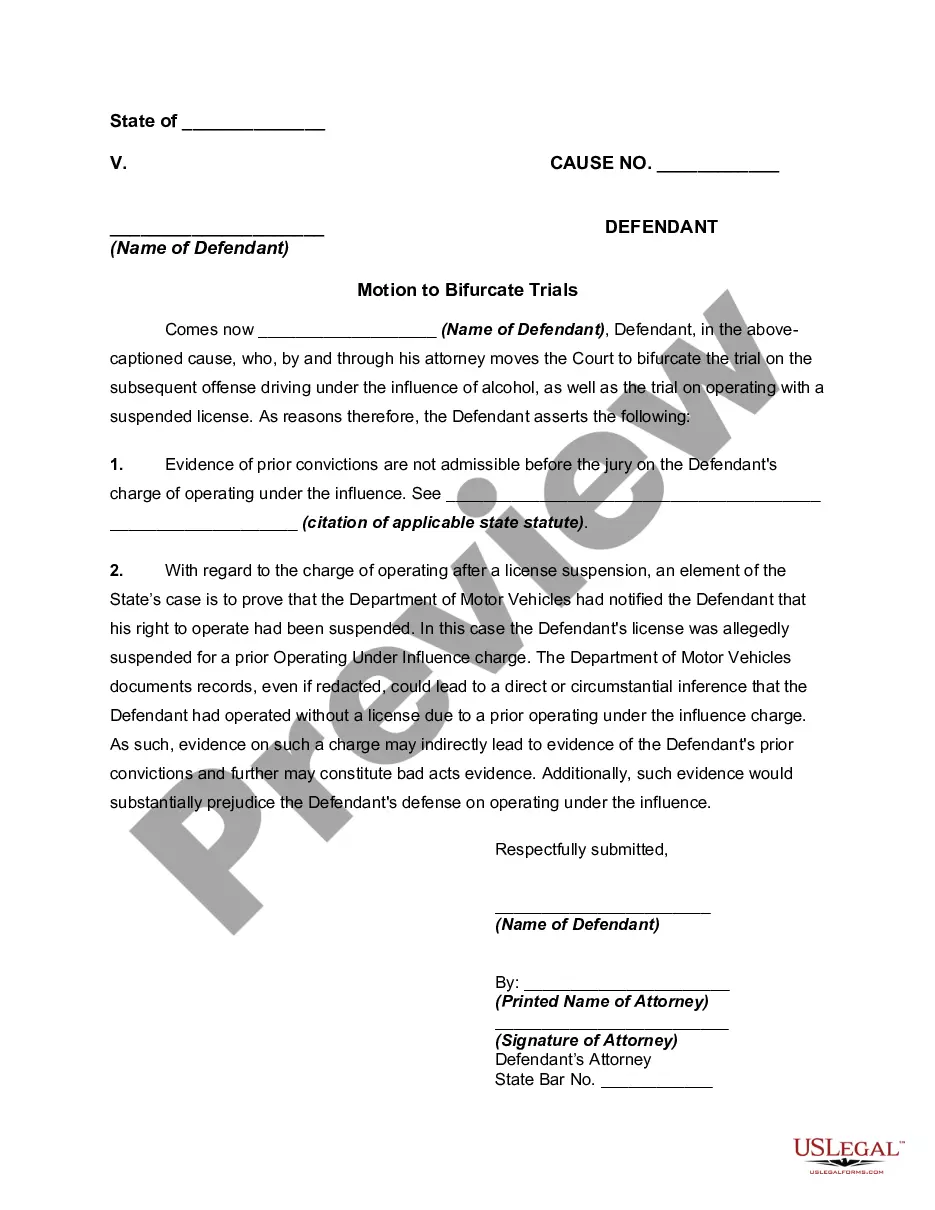
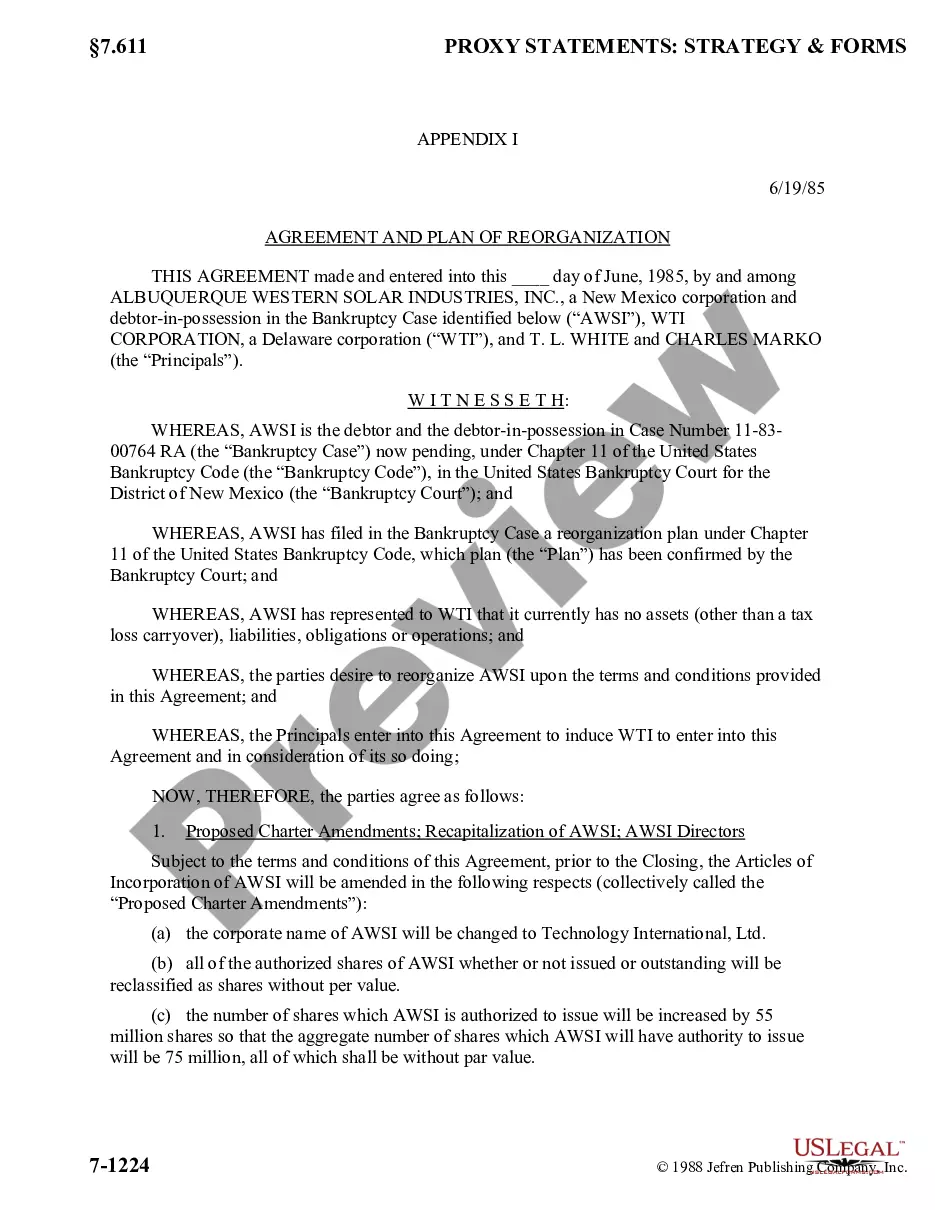
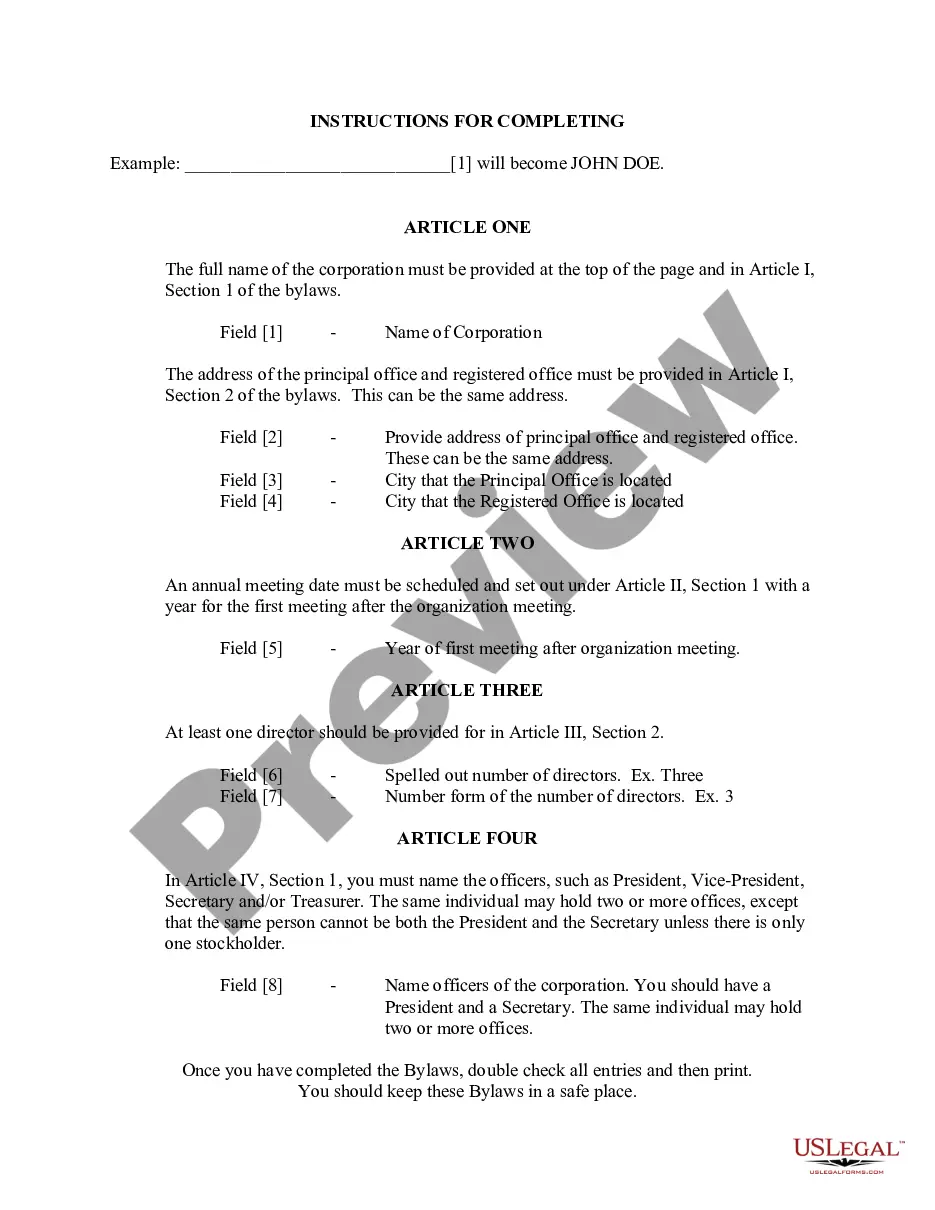
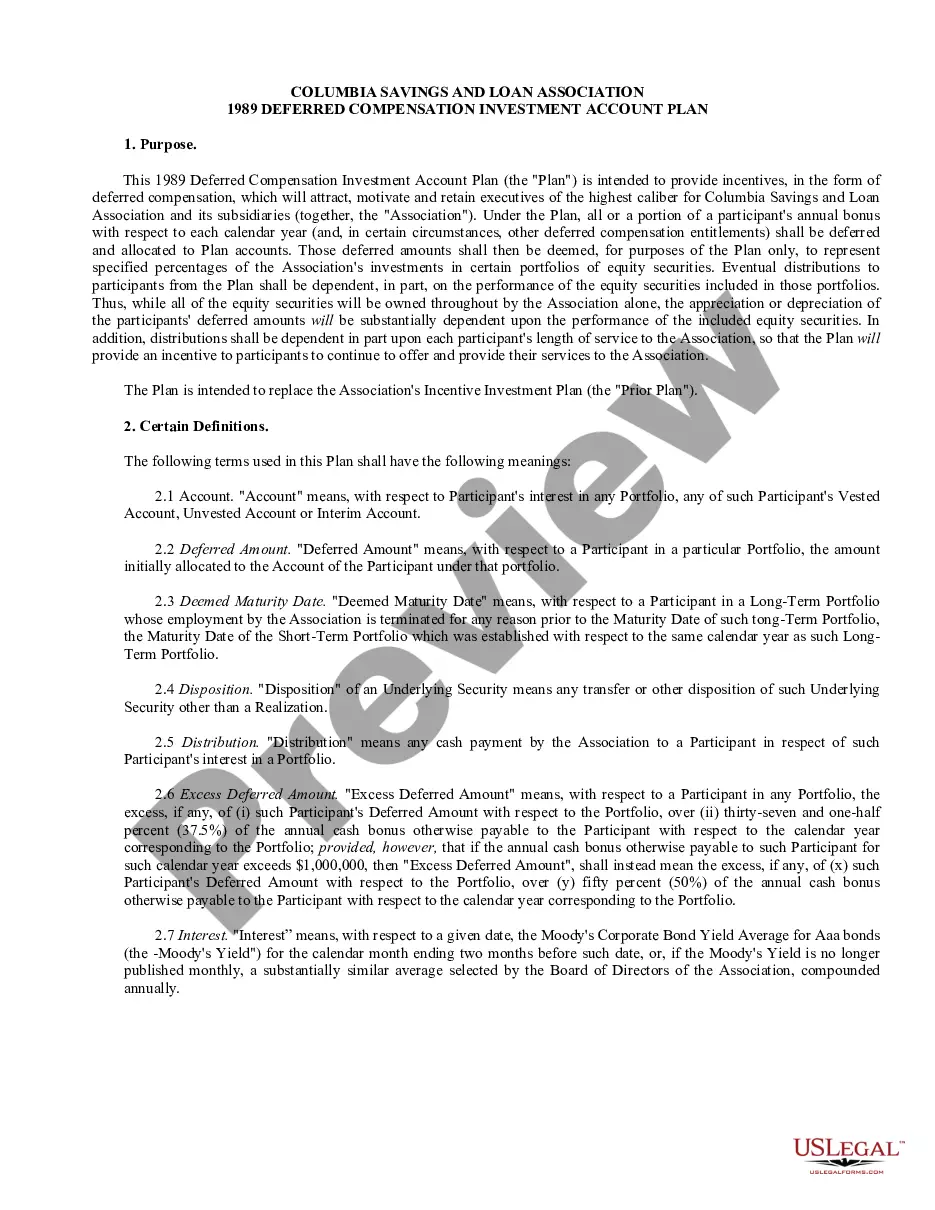
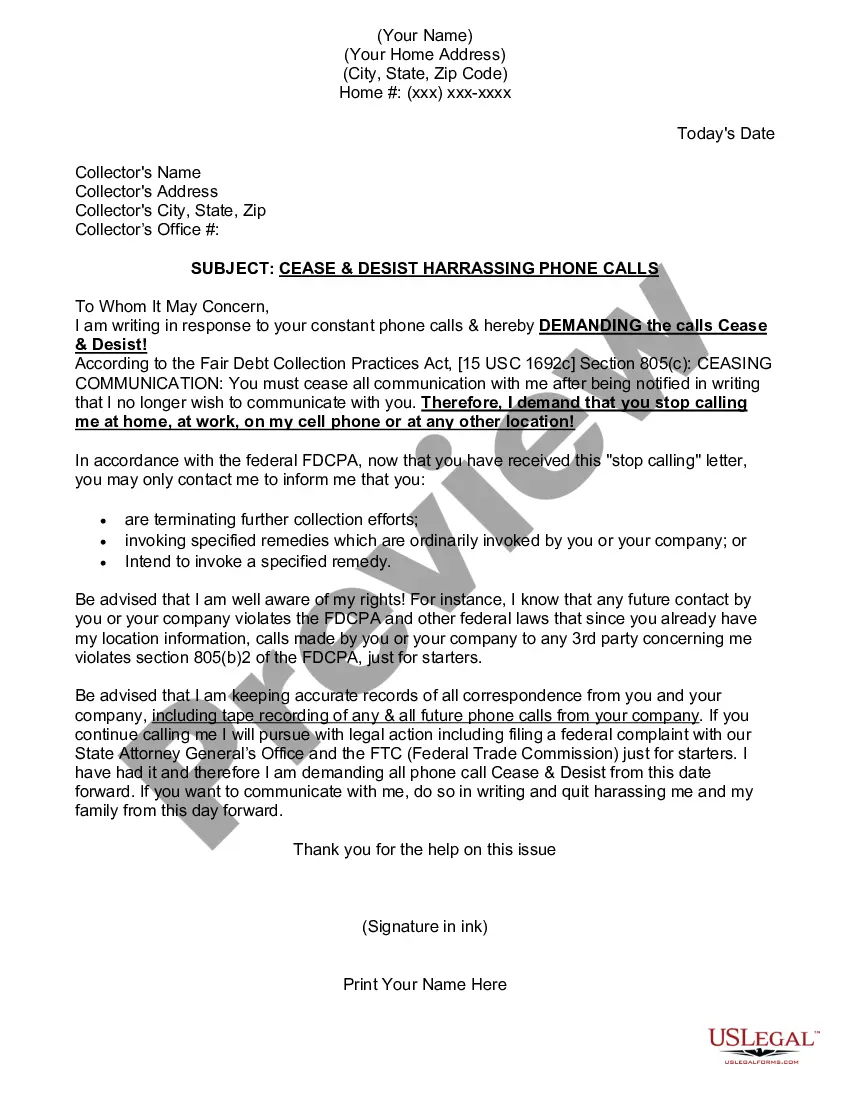
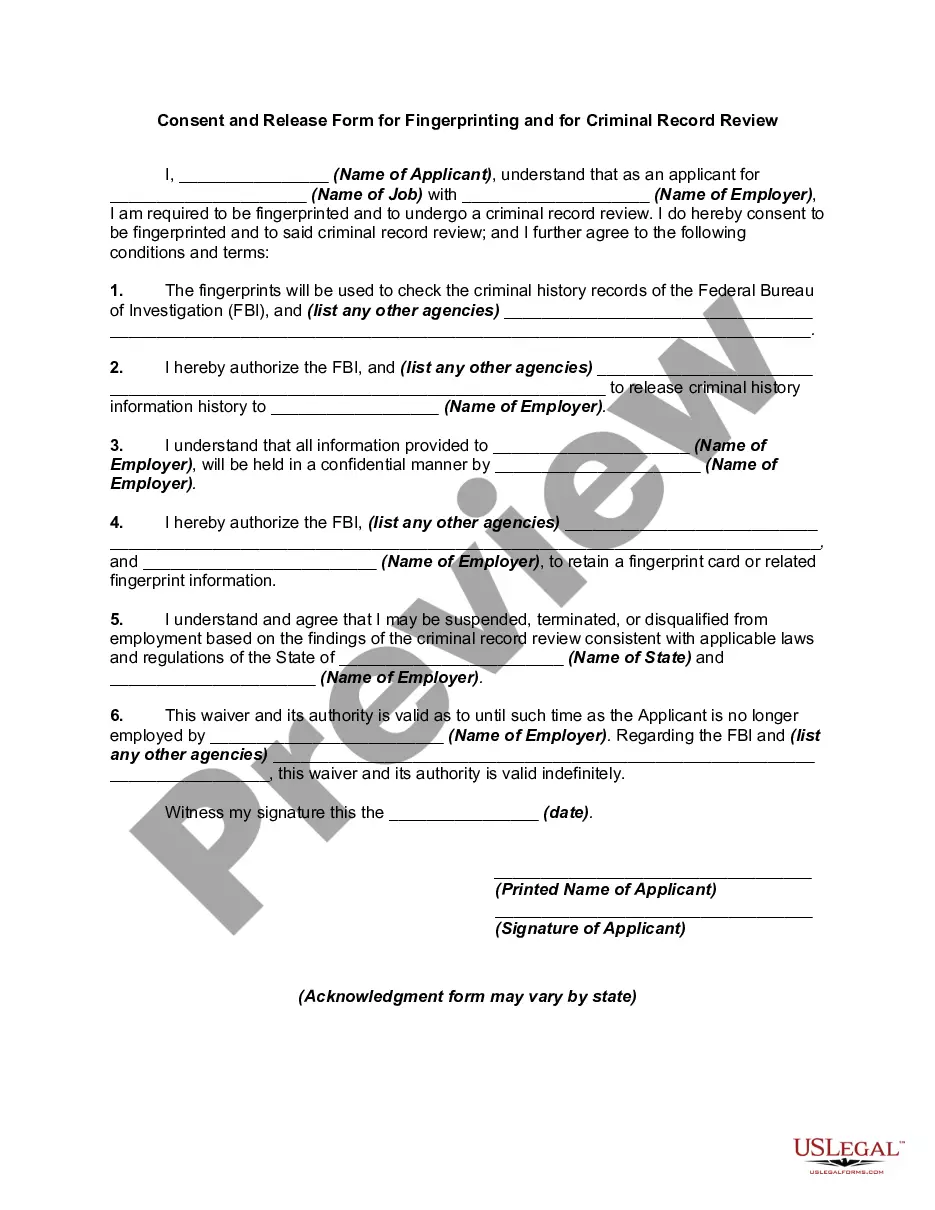
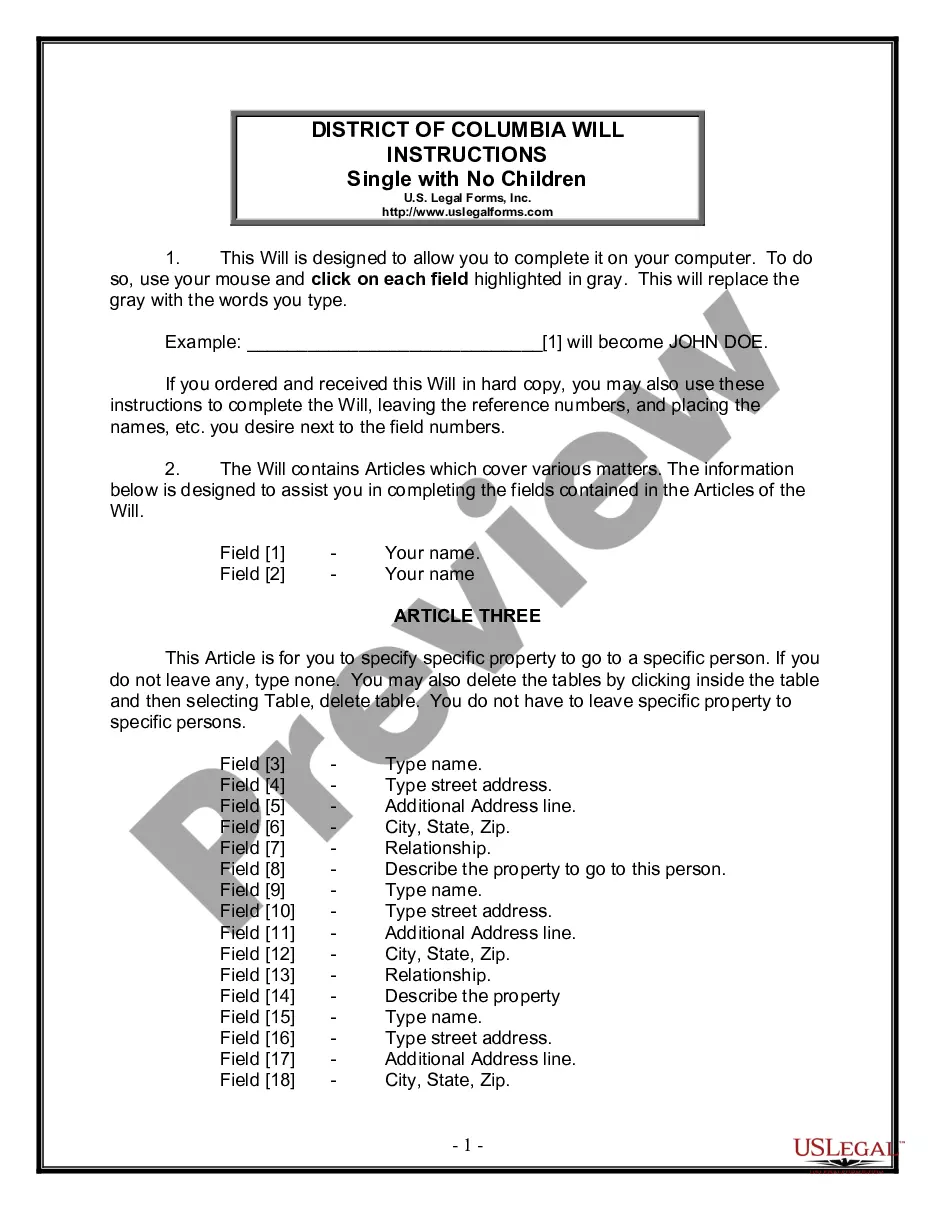
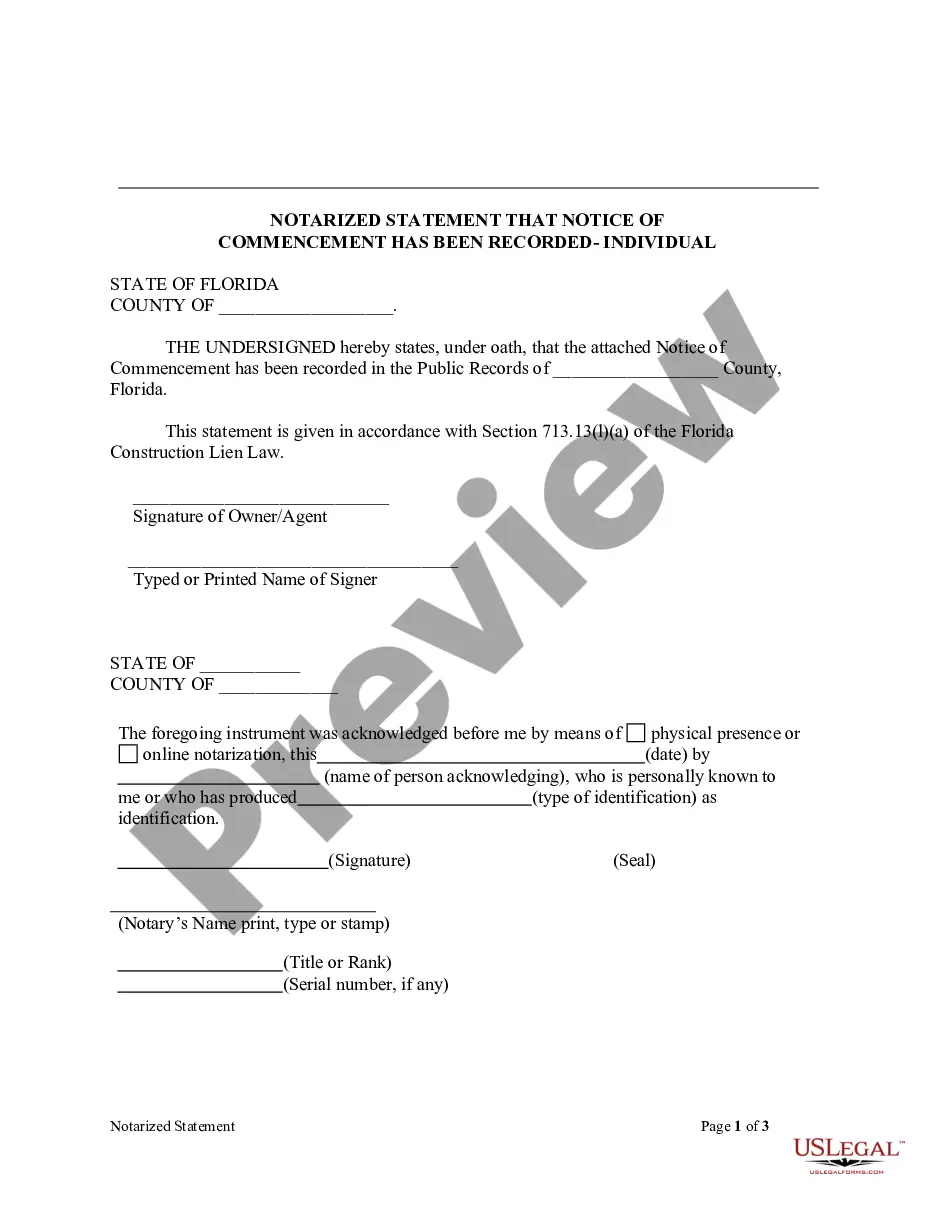
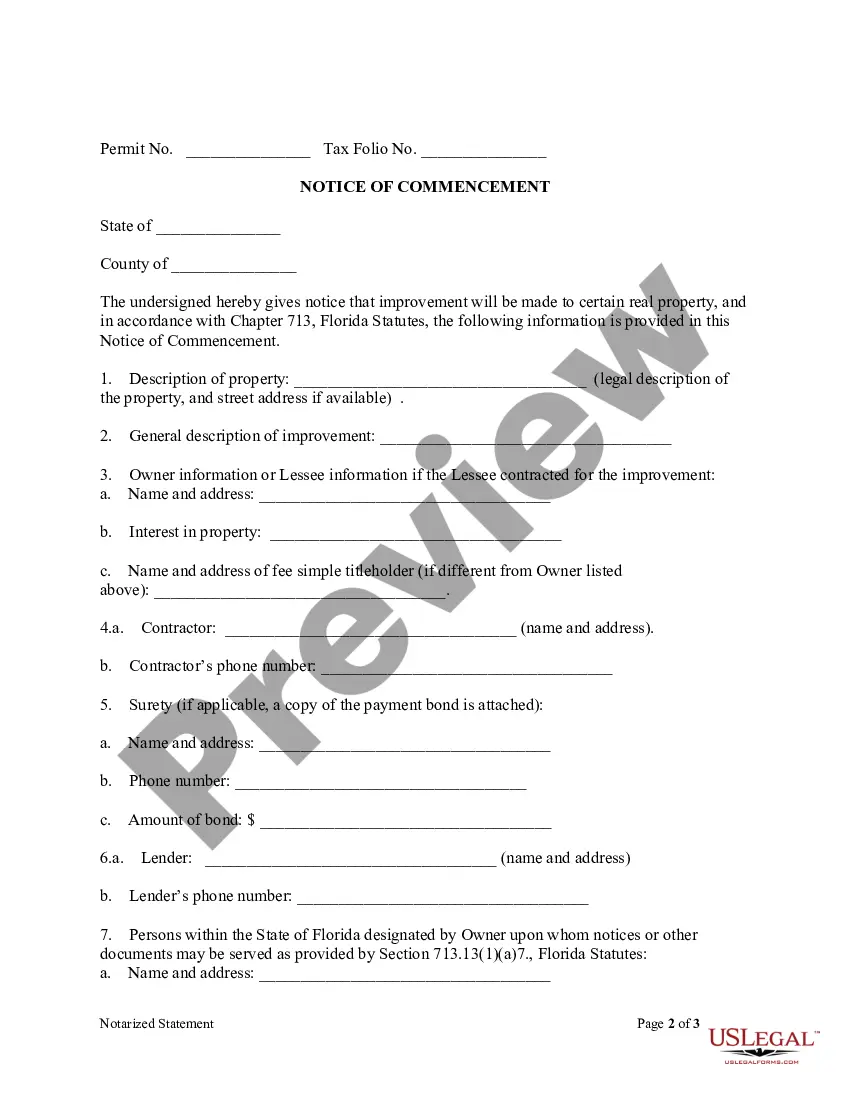
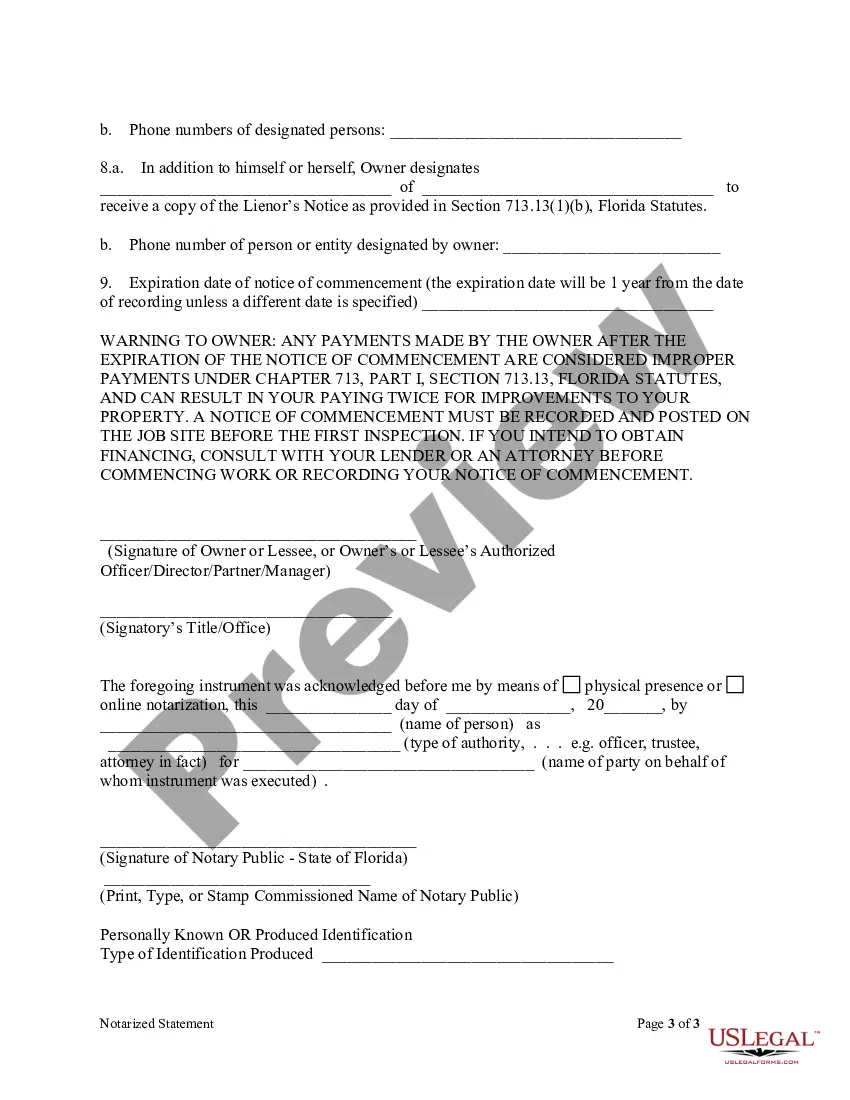
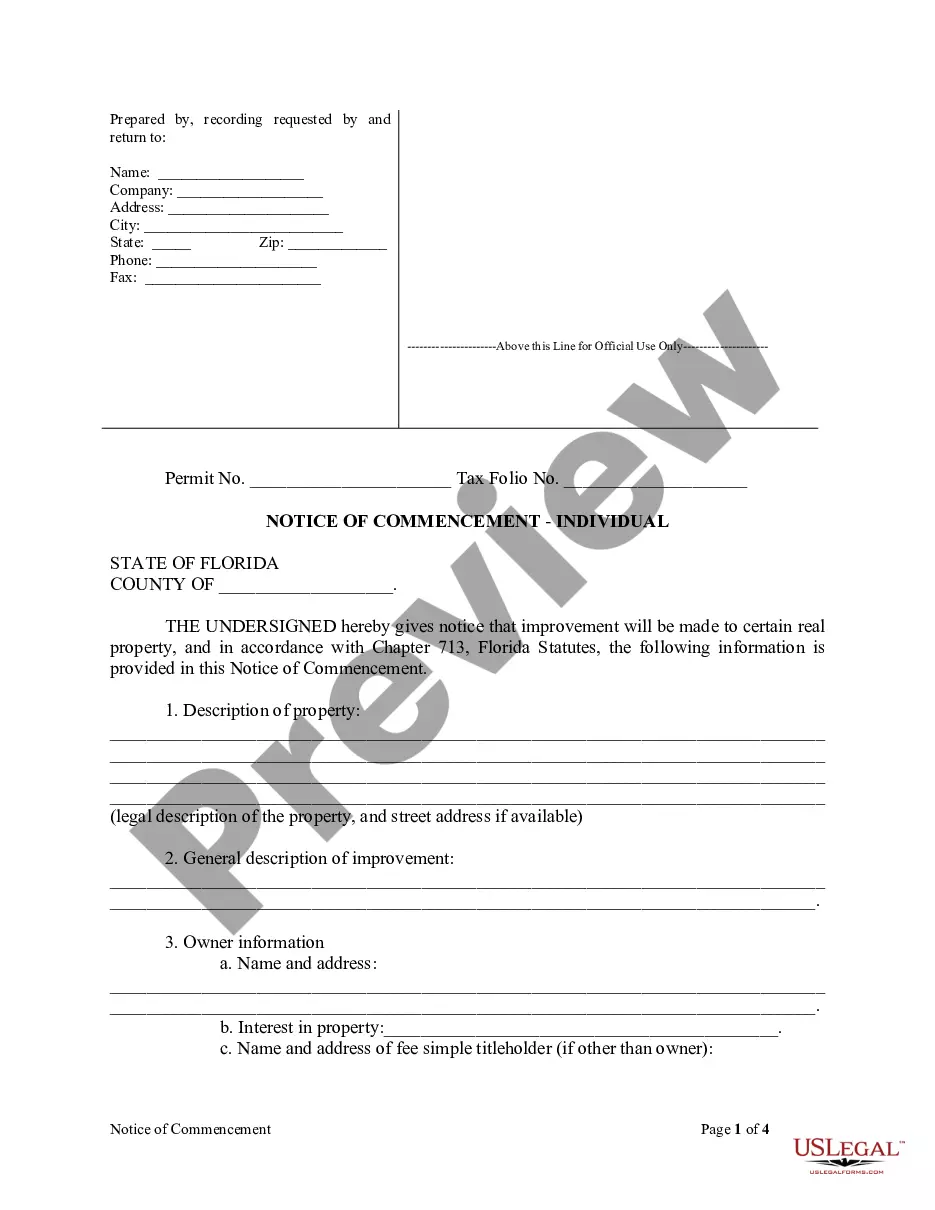
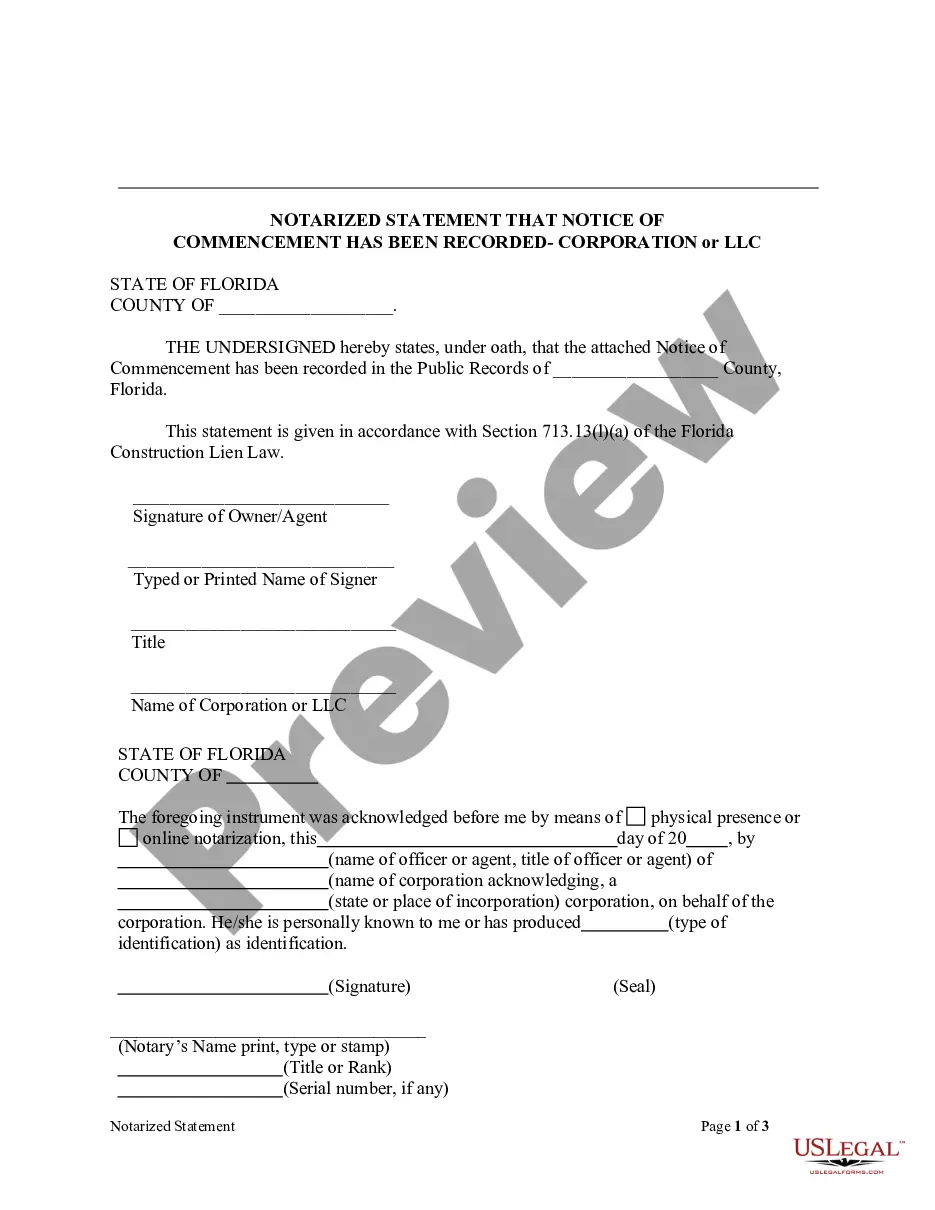
How to fill out Florida Notarized Statement Regarding Notice Of Commencement Form - Construction - Mechanic Liens - Individual?
- If you are a returning user, log in to your account and download the required form template. Ensure that your subscription is active; if not, renew it as per your payment plan.
- For first-time users, begin by browsing the Preview mode and reading the form description. Ensure you select the correct form that aligns with your needs and local jurisdiction.
- If necessary, search for alternative templates using the Search tab; find the right document before moving forward.
- Purchase the document by clicking the Buy Now button and choosing your preferred subscription plan; an account registration is essential for accessing the library.
- Complete your purchase with your credit card information or PayPal to finalize the subscription.
- Download the form and save it on your device, ensuring you can access it anytime from the My Forms section in your profile.
By using US Legal Forms, you can benefit from a robust collection of forms, an extensive online library of over 85,000 customizable legal documents, and access to premium experts for assistance. This ensures your documents are not only filled out correctly but also compliant with the legal standards.
Get started today and simplify your legal documentation process with US Legal Forms!
Form popularity
FAQ
While you cannot delete your PRC account directly online, you can request account deletion by contacting PRC customer service. They will guide you through the necessary steps. If there are specific entries that need correction before deletion, consider using the notarized petition form for correction of entries data to address those issues.
Yes, you can create a new account in the PRC online system. Visit the PRC website and follow the prompts to register. Before creating your account, ensure your personal information is accurate. If you have any issues or need to correct entries, the notarized petition form for correction of entries data can be your solution.
Renewing your PRC license involves a few key steps. First, complete the renewal application form through the PRC's official website. Then, gather any necessary documents, along with the required fees. If there are discrepancies in your records, consider submitting a notarized petition form for correction of entries data to ensure smooth processing.
Editing your PRC profile is a straightforward process. You can log into your PRC online account and navigate to the profile settings. Here, you can update personal information as needed. If you encounter discrepancies in your entries, you may need a notarized petition form for correction of entries data to make official changes.
To correct your name in the Professional Regulation Commission (PRC), you must submit a notarized petition form for correction of entries data. This form allows you to actively request for the necessary changes to be made. Ensure you provide all required documentation to support your petition. Once submitted, follow up with PRC for any updates on your application.
Removing a father's name from a birth certificate in New York involves submitting a formal request to the state's vital records office. This typically requires a notarized petition form for correction of entries data to process the change officially. Proper guidance and documentation, which you can find on the USLegalForms platform, can greatly assist you in navigating this procedure.
To remove a biological father from a birth certificate in New York, you will need to file a request for correction with the appropriate office. This process often requires a notarized petition form for correction of entries data, along with supporting evidence. Engaging with USLegalForms can help you create and submit the necessary documents efficiently.
Article 78 itself does not relate directly to birth certificates, but it governs the judicial review process of administrative actions in New York. If you are contesting a decision about your birth certificate or seeking to correct details, you may need to consider an Article 78 petition, particularly if standard correction methods fail. A notarized petition form for correction of entries data can help facilitate needed changes.
Legally, a birth certificate is an official record issued by the state, and while it represents the individual’s identity, ownership can be interpreted differently. Generally, the parents or guardians are entitled to request changes or copies. If you need to make corrections, using a notarized petition form for correction of entries data is essential to streamline the process.
The statute of limitations for an Article 78 petition in New York is typically four months from the date of the challenged agency decision. It's crucial to be aware of this timeframe to ensure you do not lose your right to seek judicial review. If you are dealing with a birth certificate issue that requires a notarized petition form for correction of entries data, act promptly.