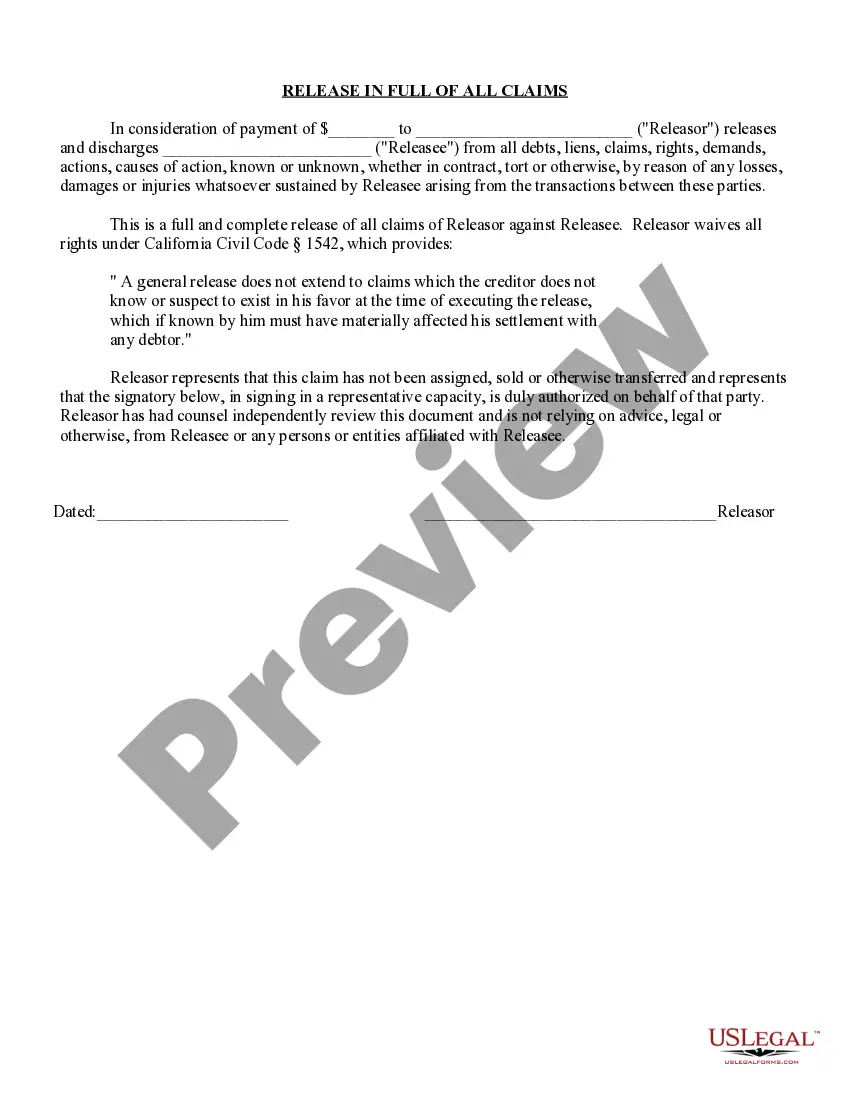
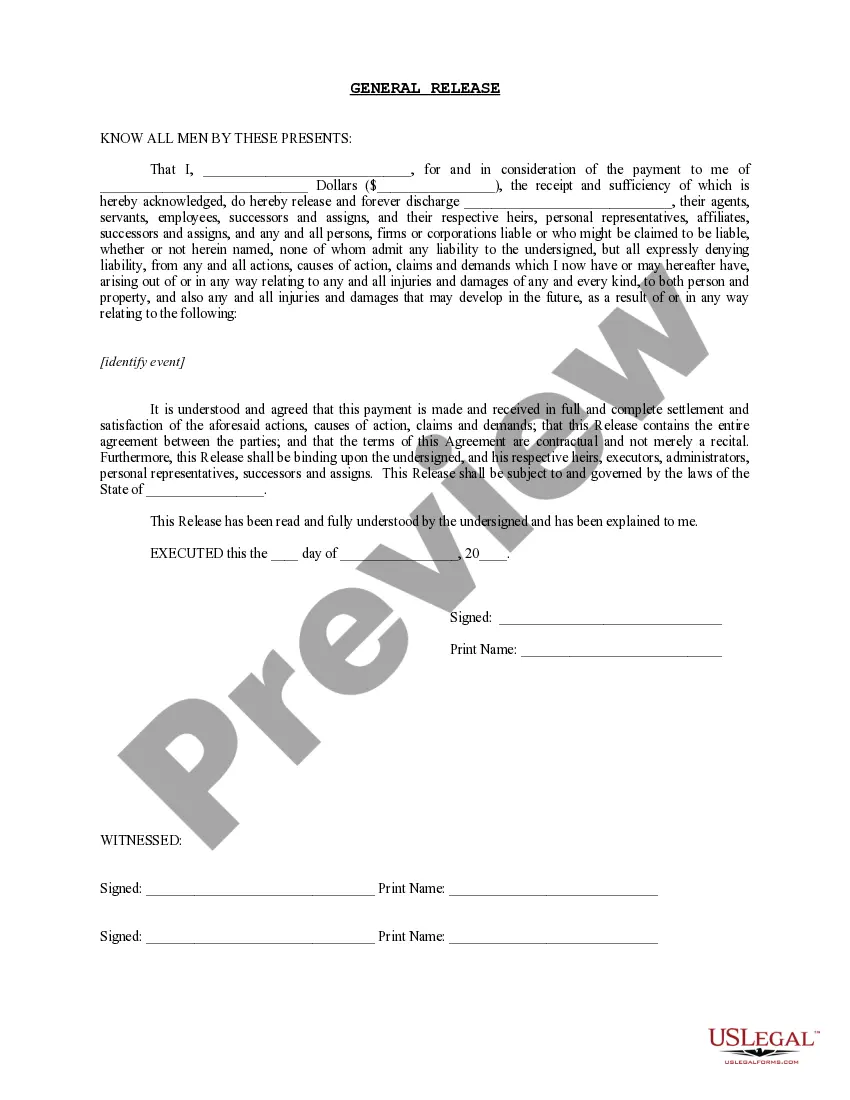
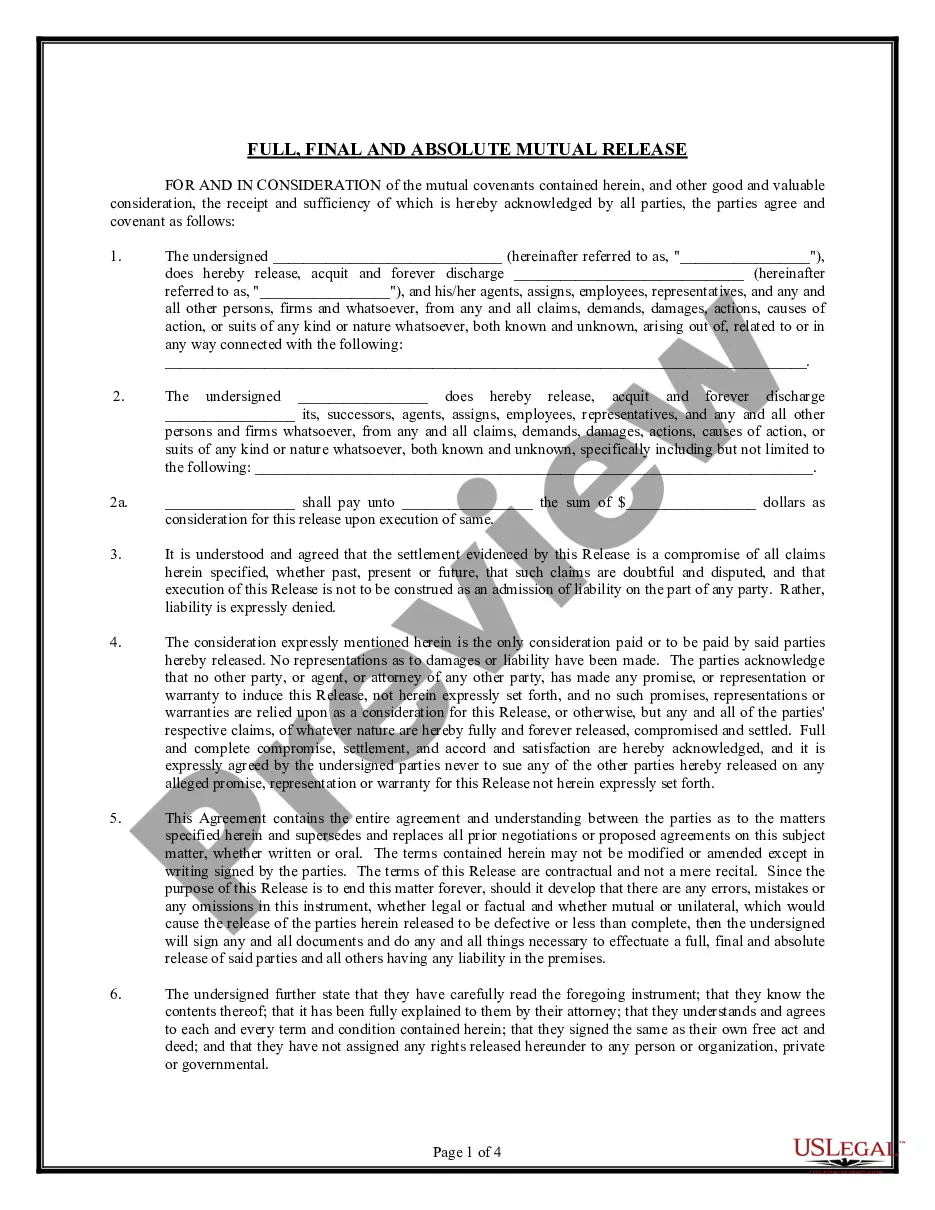
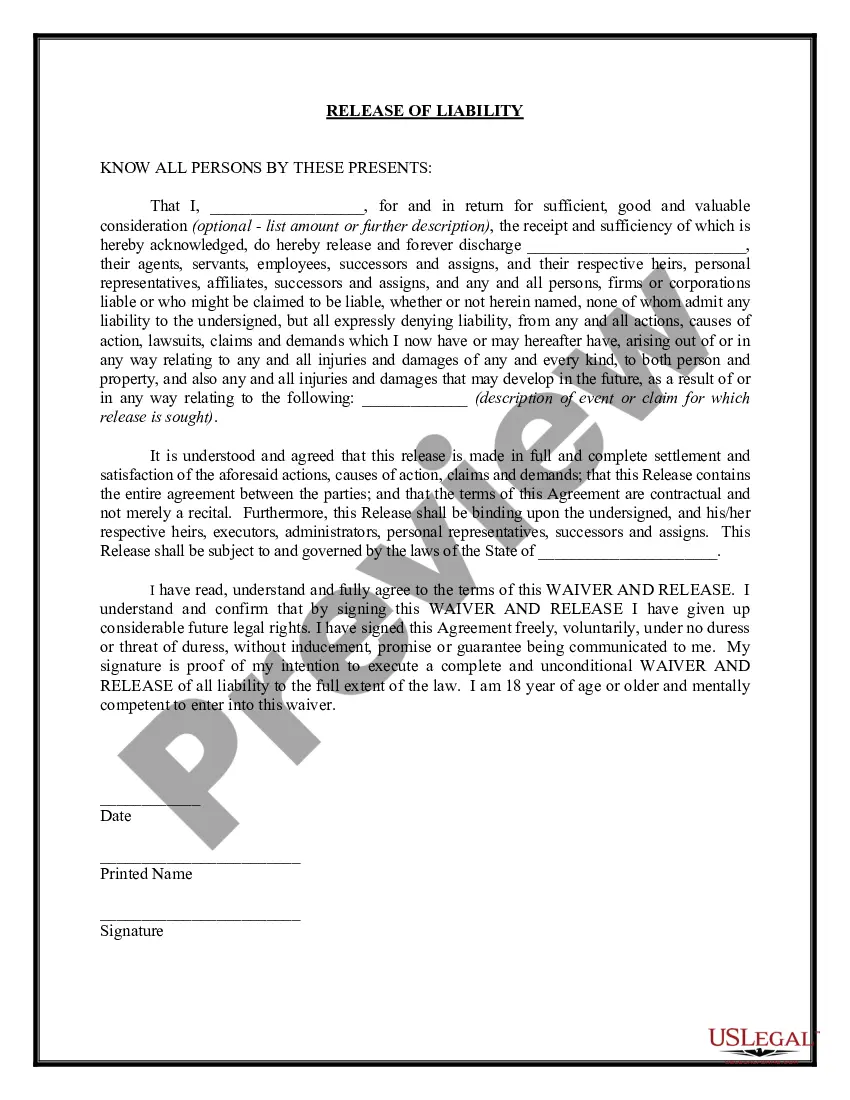
1542 Waiver Sample With Replacement
Description
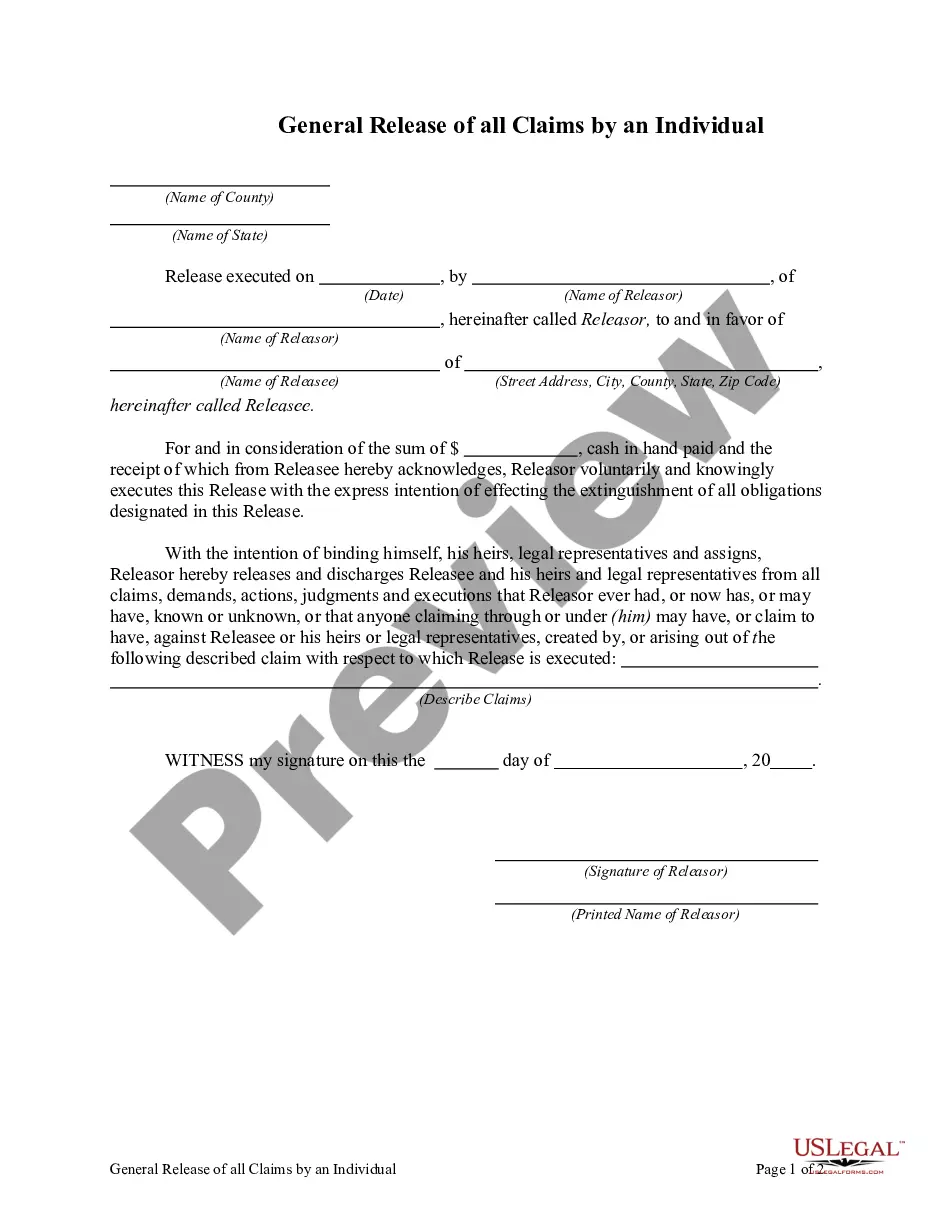
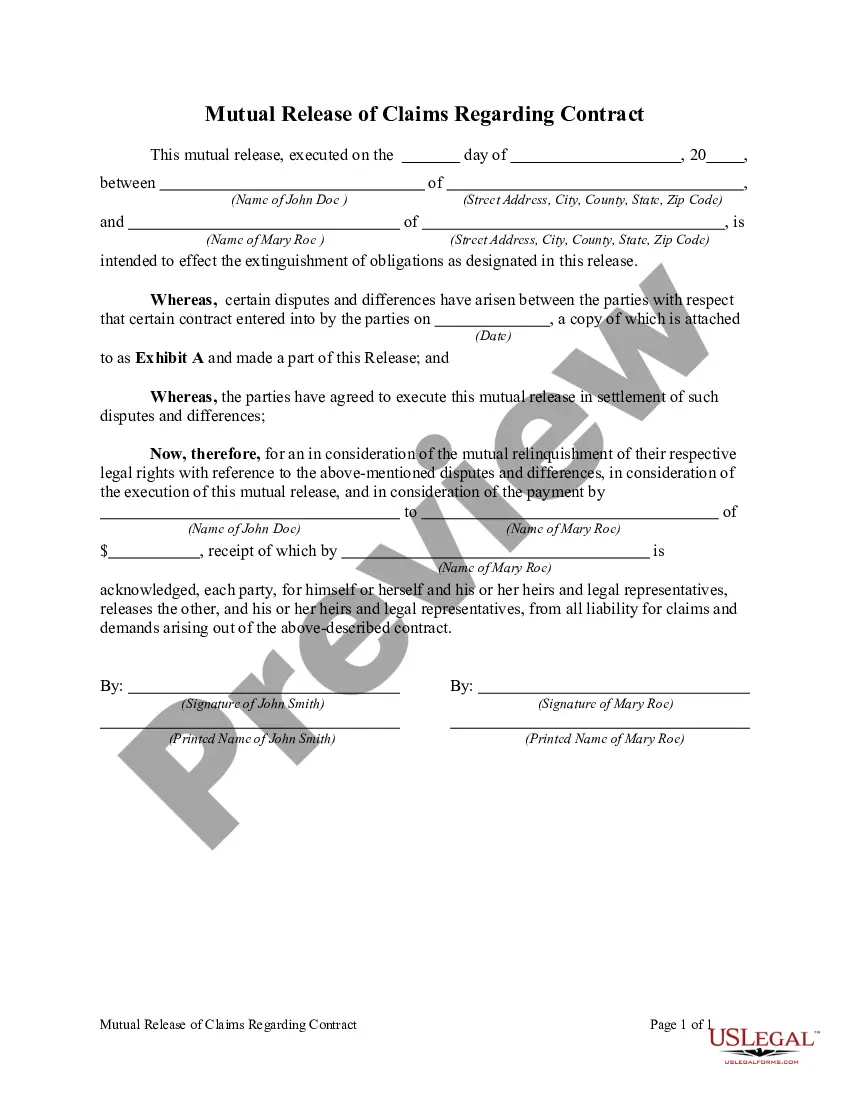
Get your form ready online
Our built-in tools help you complete, sign, share, and store your documents in one place.
Make edits, fill in missing information, and update formatting in US Legal Forms—just like you would in MS Word.
Download a copy, print it, send it by email, or mail it via USPS—whatever works best for your next step.
Sign and collect signatures with our SignNow integration. Send to multiple recipients, set reminders, and more. Go Premium to unlock E-Sign.
If this form requires notarization, complete it online through a secure video call—no need to meet a notary in person or wait for an appointment.
We protect your documents and personal data by following strict security and privacy standards.

Make edits, fill in missing information, and update formatting in US Legal Forms—just like you would in MS Word.

Download a copy, print it, send it by email, or mail it via USPS—whatever works best for your next step.

Sign and collect signatures with our SignNow integration. Send to multiple recipients, set reminders, and more. Go Premium to unlock E-Sign.

If this form requires notarization, complete it online through a secure video call—no need to meet a notary in person or wait for an appointment.

We protect your documents and personal data by following strict security and privacy standards.
Looking for another form?
How to fill out Unilateral Release - Release With Waiver Of California Civil Code Sect. 1542.?
Managing legal documents can be exasperating, even for the most seasoned professionals.
When looking for a 1542 Waiver Sample With Replacement and lacking the time to search for the correct and up-to-date version, the process can be overwhelming.
Tap into a repository of articles, guides, handbooks, and resources pertinent to your situation and requirements.
Conserve time and energy in seeking the documents you need, utilizing US Legal Forms’ sophisticated search and Review feature to locate 1542 Waiver Sample With Replacement and download it.
Transform your everyday document management into a seamless and user-friendly experience today, supported by 25 years of expertise and trustworthiness.
- If you possess a subscription, Log Into your US Legal Forms account, search for the document, and download it.
- Check the My documents tab to view the documents you have previously saved and manage your folders as desired.
- If it is your first visit to US Legal Forms, create a free account to gain unlimited access to all features of the platform.
- Follow these steps once you've found the document you need.
- Ensure it is the correct document by previewing it and reviewing its details.
- Utilize state- or county-specific legal and business documents.
- US Legal Forms encompasses all requirements you may have, ranging from personal to business papers, all in one location.
- Employ cutting-edge tools to complete and oversee your 1542 Waiver Sample With Replacement.
Form popularity
FAQ
Consolidated Court Automation Programs (CCAP) Steering Committee. CCAP is responsible for supporting the IT needs of the entire Wisconsin Court System.
Log in to your Wisconsin eCourts account ( ) by entering your User name and Password. Next, select My cases from the menu options. Note: To view closed cases, click the Click here to search link near the top of the page. Select the Case number radio button.
Wisconsin Court System Consolidated Court. Automation Programs (CCAP)
General information about the name change process is contained in Wisconsin Statutes 786.36 and 786.37. There is a $164.50 filing fee to file a Name Change action. The Clerk of Courts cannot give you legal advice. If you need further help, you may consult the Wisconsin Statutes, Sections 786.36 and 786.37.
Wisconsin CCAP is a system that allows the general public to look up civil and criminal records throughout the state. Although other states have programs similar to CCAP, this system only covers cases that occur within Wisconsin.
Changes to Wisconsin CCAP Records In other words, two years from the date the case was closed in court, the Wisconsin Circuit Court Access website should remove the record from CCAP. These changes not only modify the misdemeanor CCAP and WI felony CCAP rules but also a handful of non-criminal case types as well.
Access to criminal history information can be obtained on the Wisconsin Online Record Check System at . Adult criminal history information is public record in the State of Wisconsin. Anyone may obtain this information provided they pay the fee established by the Wisconsin Legislature.
This website provides public access to the records of the Wisconsin circuit courts for counties using the Consolidated Court Automation Programs (CCAP) Case Management system. These records are open to public view under Wisconsin's Open Records law, sections 19.31-19.39, Wisconsin Statutes.