Loading
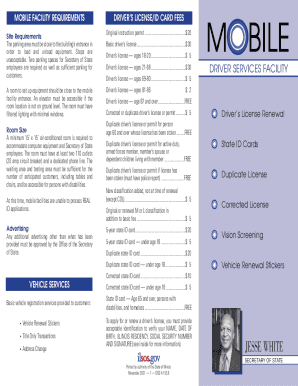
Get Illinois Secretary Of State Mobile Driver Services Facility
How it works
-

Open form follow the instructions
-

Easily sign the form with your finger
-

Send filled & signed form or save
How to fill out the Illinois Secretary Of State Mobile Driver Services Facility online
Filling out the Illinois Secretary Of State Mobile Driver Services Facility form online can streamline your experience in obtaining a driver's license or ID card. This guide provides clear instructions to help you navigate the form with ease.
Follow the steps to complete the form effectively.
- Click ‘Get Form’ button to obtain the form and open it in the editor.
- Fill in your personal identification details, including your full name, date of birth, and Illinois residency information. Ensure that all information is accurate and up to date.
- Provide your Social Security number. This must be a complete number; verification is essential for processing.
- Choose the type of application you are submitting, such as a first-time application, renewal, or duplicate license request. Make sure to check the appropriate box.
- Review the acceptable identification documents as listed in the form and ensure that you can provide the required documents corresponding to groups A, B, C, and D.
- If applicable, note any specific conditions for the application, such as age-related fees or requirements for persons with disabilities.
- After completing all fields and reviewing your entries, save your changes. You can then download, print, or share the form as needed.
Complete your application online today for a hassle-free experience!
Rick Kurnick - Director of Driver Services Metro - Illinois Secretary of State | LinkedIn.