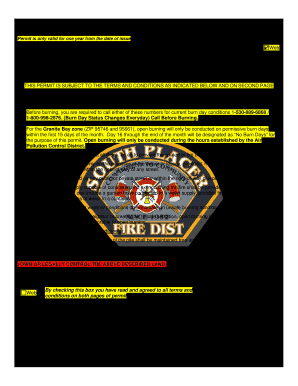
Get Ca South Placer Fire District Residential Burn Permit 2010-2026
How it works
-

Open form follow the instructions
-

Easily sign the form with your finger
-

Send filled & signed form or save
How to fill out the CA South Placer Fire District Residential Burn Permit online
Filling out the CA South Placer Fire District Residential Burn Permit online is a straightforward process that ensures compliance with local regulations for burning. This guide will provide you with a step-by-step approach to complete the permit with ease.
Follow the steps to successfully complete your burn permit online.
- Click ‘Get Form’ button to obtain the form and open it in your chosen editor.
- Enter the permit issue date in the designated field. This indicates when the permit was issued.
- Select the location where you will be conducting the burning by filling in the burning location and city fields.
- Provide your contact information by entering your phone number in the corresponding field.
- Read the terms and conditions of the permit carefully. Make sure you are aware of all regulations regarding burning.
- Affirm your understanding of the conditions by checking the box indicating you have read and agreed to all terms and conditions listed on both pages.
- Add today's date in the signature field to show the date of your agreement.
- Once all fields are completed, review your entries for accuracy.
- You can now save your changes, download a copy of the form, print it for your records, or share it as needed.
Complete your burn permit online today to ensure a safe and compliant burning experience.
Burning paper in your backyard in California is typically subject to local regulations, and may require a burn permit. It is important to understand the specific guidelines set by your local fire authority, as some items may be prohibited. The CA South Placer Fire District Residential Burn Permit can help clarify what is permissible in your area. Always prioritize safety and compliance to prevent any legal issues.