Loading
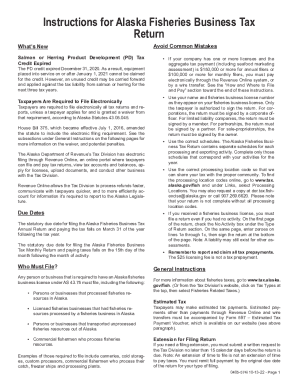
Get Ak 0405-574i 2022
How it works
-

Open form follow the instructions
-

Easily sign the form with your finger
-

Send filled & signed form or save
How to fill out the AK 0405-574I online
Filling out the AK 0405-574I form online can seem daunting, but with this guide, you will find clear instructions to help you through each step. This form is essential for submitting the Alaska Fisheries Business Tax Return.
Follow the steps to complete the AK 0405-574I form online effectively.
- Click the 'Get Form' button to obtain the AK 0405-574I and access it in an online editor.
- Begin by entering your name and fisheries business license number as they appear on your license.
- Indicate whether you have any activity by checking the appropriate box under the 'Type of Return' section. If there was no activity, enter zeroes on the relevant lines and sign.
- Fill out the specific schedules based on your processing activities. Ensure that you only complete those that correspond to your business operations.
- Locate and enter the correct processing location code for each line entry. This code assists in allocating tax revenue to the appropriate community.
- Review and report any tax prepayments that apply to your business activities, ensuring you do not confuse licensing fees with tax prepayments.
- After entering all necessary information, carefully review your form for completeness before final submission.
- At the end of the process, you will have options to save your changes, download, print, or share the completed form.
Complete your AK 0405-574I document online today to ensure timely filing and compliance.
Get form
Experience a faster way to fill out and sign forms on the web. Access the most extensive library of templates available.
Get This Form Now!
Use professional pre-built templates to fill in and sign documents online faster. Get access to thousands of forms.