Loading
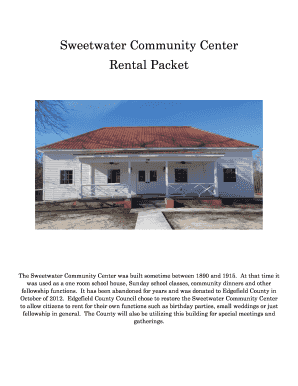
Get Sc Sweetwater Community Center Rental Packet
How it works
-

Open form follow the instructions
-

Easily sign the form with your finger
-

Send filled & signed form or save
How to fill out the SC Sweetwater Community Center Rental Packet online
This guide provides clear instructions on how to complete the SC Sweetwater Community Center Rental Packet online. By following these steps, users can ensure their application is filled out correctly, facilitating a smooth rental process.
Follow the steps to complete your rental packet efficiently.
- Select the ‘Get Form’ button to access the rental application and open it in your editing tool.
- Begin by filling out the 'Name of Responsible Person' field with your full name, as well as entering the 'Full Name of Organization' if applicable.
- Complete the 'Address' section with your current address, followed by your 'Telephone Number' and 'Email Address' for communication.
- Specify the 'Type of Event' you are planning, ensuring it aligns with the community guidelines.
- Indicate the 'Date of Event' and the 'Time of Event' by providing both the starting and ending times.
- Select the appropriate package for your rental period (
- Clearly indicate whether you will be serving alcohol at the event and if a deputy is required.
- If applicable, indicate if your event is a fundraiser and the organization it supports.
- Decide whether you would like to rent the projector and indicate your choice.
- Review the policies and agree by providing your signature, printed name, and the date.
- Calculate and fill in the 'Package Cost', 'Projector Fee', 'Deputy Pay', and 'Total Deposit' sections, ensuring accuracy.
- Once completed, save your changes, then download or print the filled rental packet for submission.
Complete your rental packet online today and secure your event at the SC Sweetwater Community Center.