Loading
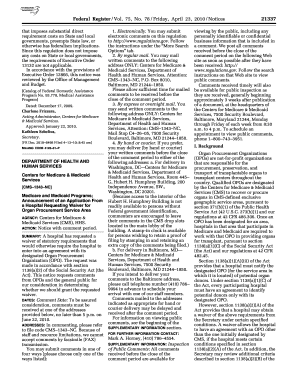
Get Federal Register/vol. 75 No. 78 2010-2026
How it works
-

Open form follow the instructions
-

Easily sign the form with your finger
-

Send filled & signed form or save
How to fill out the Federal Register/Vol. 75 No. 78 online
Filling out the Federal Register/Vol. 75 No. 78 is an essential process for users who wish to comment on important regulations. This guide provides a clear, step-by-step approach to assist users in completing the form online, ensuring a smooth and efficient submission experience.
Follow the steps to successfully complete the Federal Register/Vol. 75 No. 78 online.
- Click the ‘Get Form’ button to obtain the form and open it in your preferred online editor.
- Begin by reviewing the notice section for context, which includes details about the application from a hospital requesting a waiver for the organ procurement service area.
- Identify the required fields where you must input your comments. Pay attention to the comment period and ensure your feedback is relevant to the specific details outlined.
- Fill in your comments in the provided text fields. Be clear and concise, addressing key aspects such as the criteria for evaluating the waiver application.
- Ensure that you include specific references to the regulations as required in the announcement. This may involve specifics about organ procurement organizations, costs, quality improvements, and the timely reception of your comments.
- Review your filled form carefully for any errors or missing information before finalizing your submission.
- Once completed, save your changes, and choose whether to download, print, or share your completed form as needed.
Complete your comments online today to ensure your voice is heard regarding important regulations!
It is divided into 50 titles that represent broad areas subject to Federal regulation. Each volume of the CFR is updated once each calendar year and is issued on a quarterly basis.